Free AI Image Describer Online
Need a clear description of a picture? Upload your image to PicLumen's AI image describer online and turn its subject, setting, and visual details into words. Use your description to explain a reference, start a caption, or build a creative prompt. Copy the text for your project or send it to Create to make something new.
.webp)
How to Describe an Image With AI
Upload Your Image
Choose a photo, illustration, or reference image in PicLumen’s Describe Image tool. You can upload a PNG, JPG, or WEBP file up to 20 MB.
Choose Your Output Mode
Select Natural Language for a written description of your image, or choose Tag to extract style keywords for your prompts and creative references.
Generate and Use Your Result
Click Describe to generate your text. Review the result, then use Copy to save it for your project or Send to Create to start a new image in PicLumen.
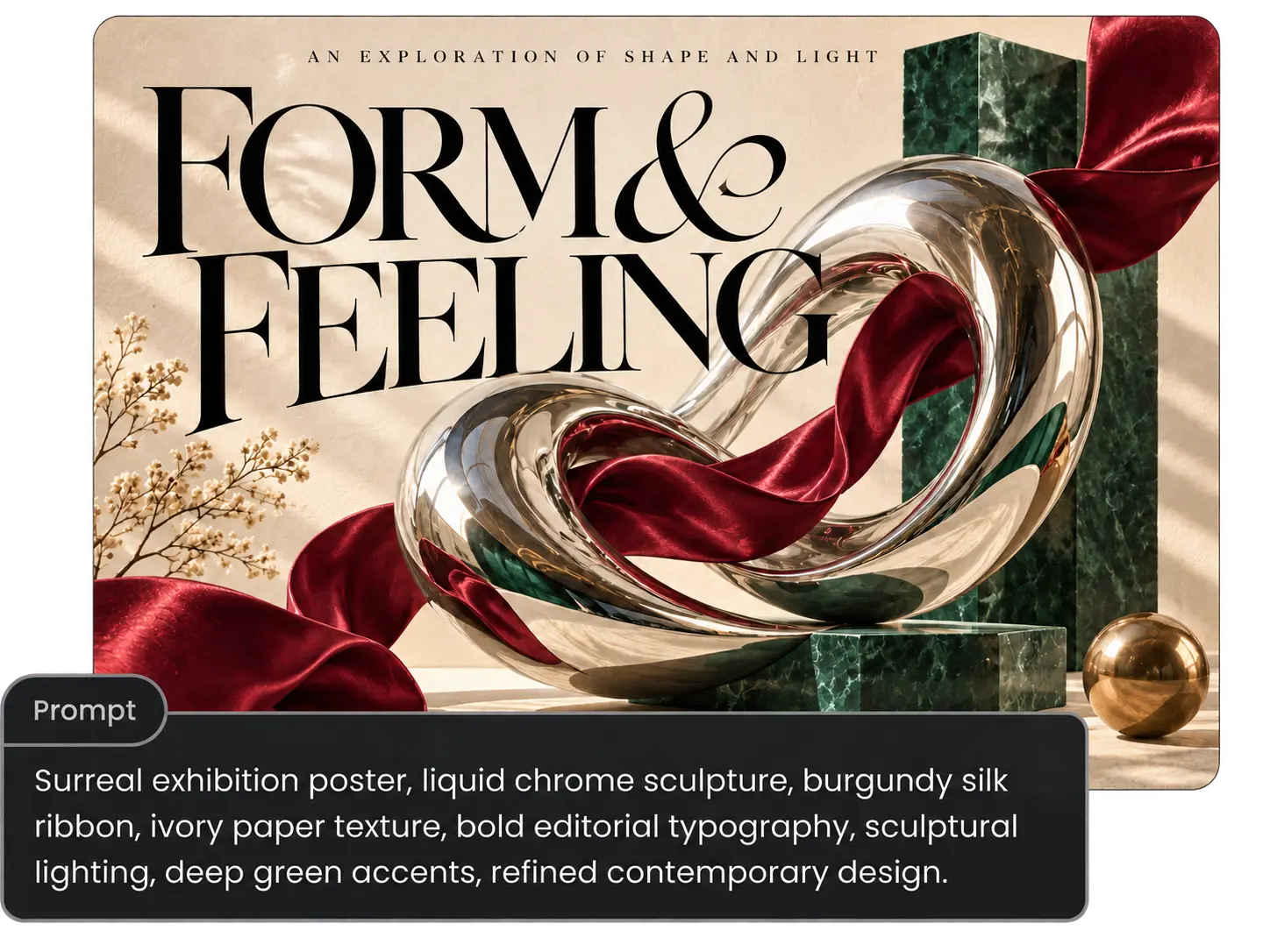
Turn Images Into Descriptions or Style Tags
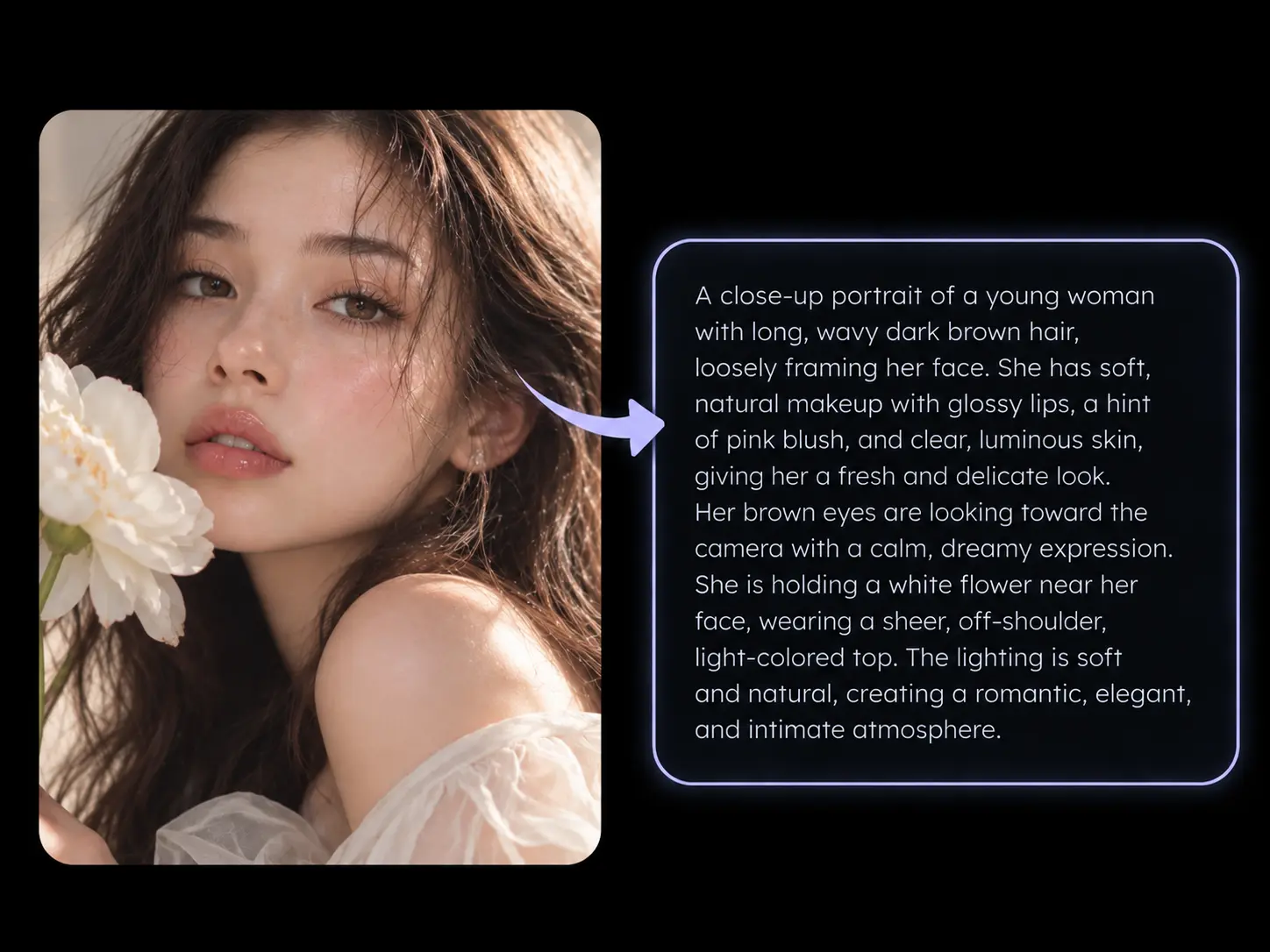
You can recognize a look without knowing how to describe it. PicLumen’s AI image describer gives you two ways to put your reference into words. Choose Natural Language for a written description of the subject, setting, and visible details. Choose Tag when you need style keywords for a prompt or creative reference. You get a starting point you can adapt to your project without writing everything yourself.
Copy, Translate, and Create From Your Results
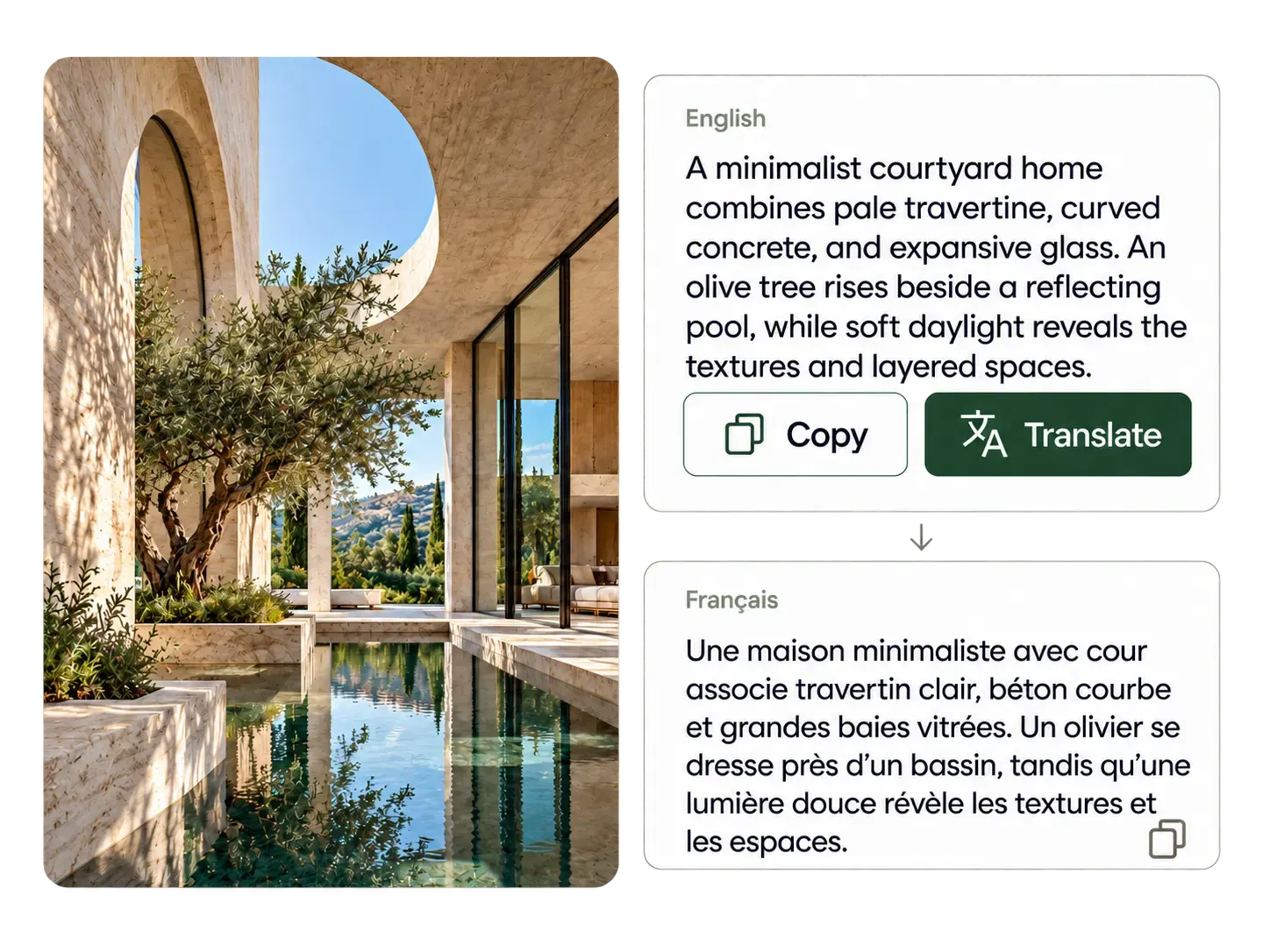
Keep your image description handy wherever you need it. Copy the text into a brief, caption draft, or working notes, and use Translate when you need another language. To make a new image, adapt your description or tags into a prompt for PicLumen's text to image tool. Select Send to Create to continue, then adjust the details to fit your idea. You can work from the reference that inspired you while changing the details to fit what you want to make.
What Can You Do With an AI Image Describer?
AI Image Prompts
You're planning a portrait, product shot, or illustration and have a reference that captures the look you want. Use its description to develop a prompt around your own subject and idea. You can explore the lighting or mood that caught your eye without having to name every visual technique yourself.
Social Media Captions
Your photo is ready, but you're still staring at an empty caption box. Use the image description generator to get the visible details into a first draft. Then add your message, a personal observation, or a call to action so your caption gives people a reason to engage.
Website Alt Text
You're uploading product photos or finishing a blog post, with alt text still left to write. Start from the image description and focus on what readers need to understand in that specific page context. You can prepare useful alt text without inventing a new description for every upload.
Creative Briefs
You're handing a campaign idea to a designer and need more than a folder of reference images. Add written notes about what you want from each reference, whether it's the lighting, framing, or overall style. Give your designer clearer priorities before the first draft, so feedback can focus on the work.
AI Image to Text Description Examples
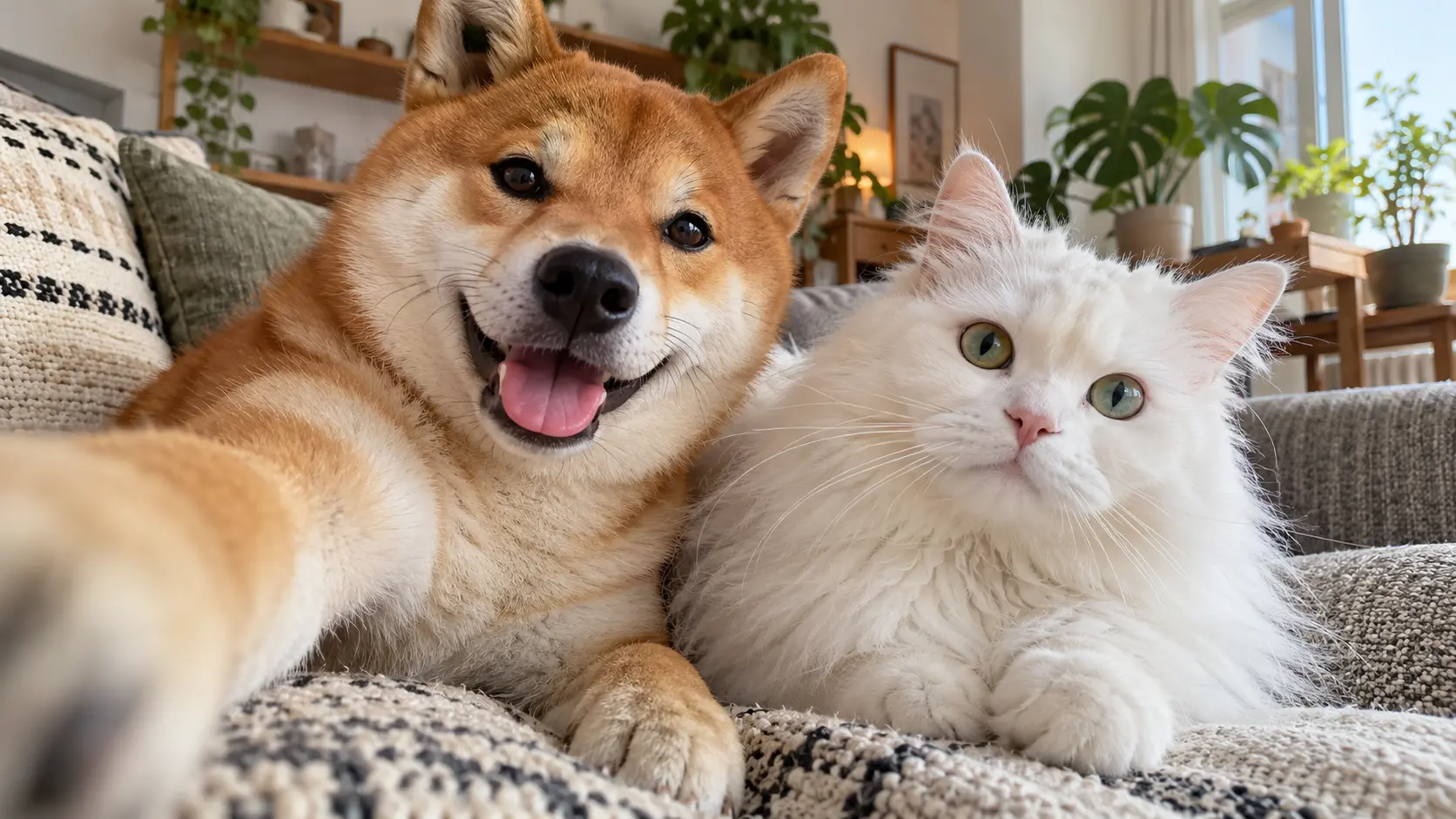
A Selfie of a Cat and a Dog
A cheeky Shiba Inu and a fluffy white cat are chilling together on a comfy couch. The Shiba's got a joyful look with its tongue hanging out, while the white cat looks all calm and curious. In the background, there's a cozy living room with plants and sunlight streaming through the windows.
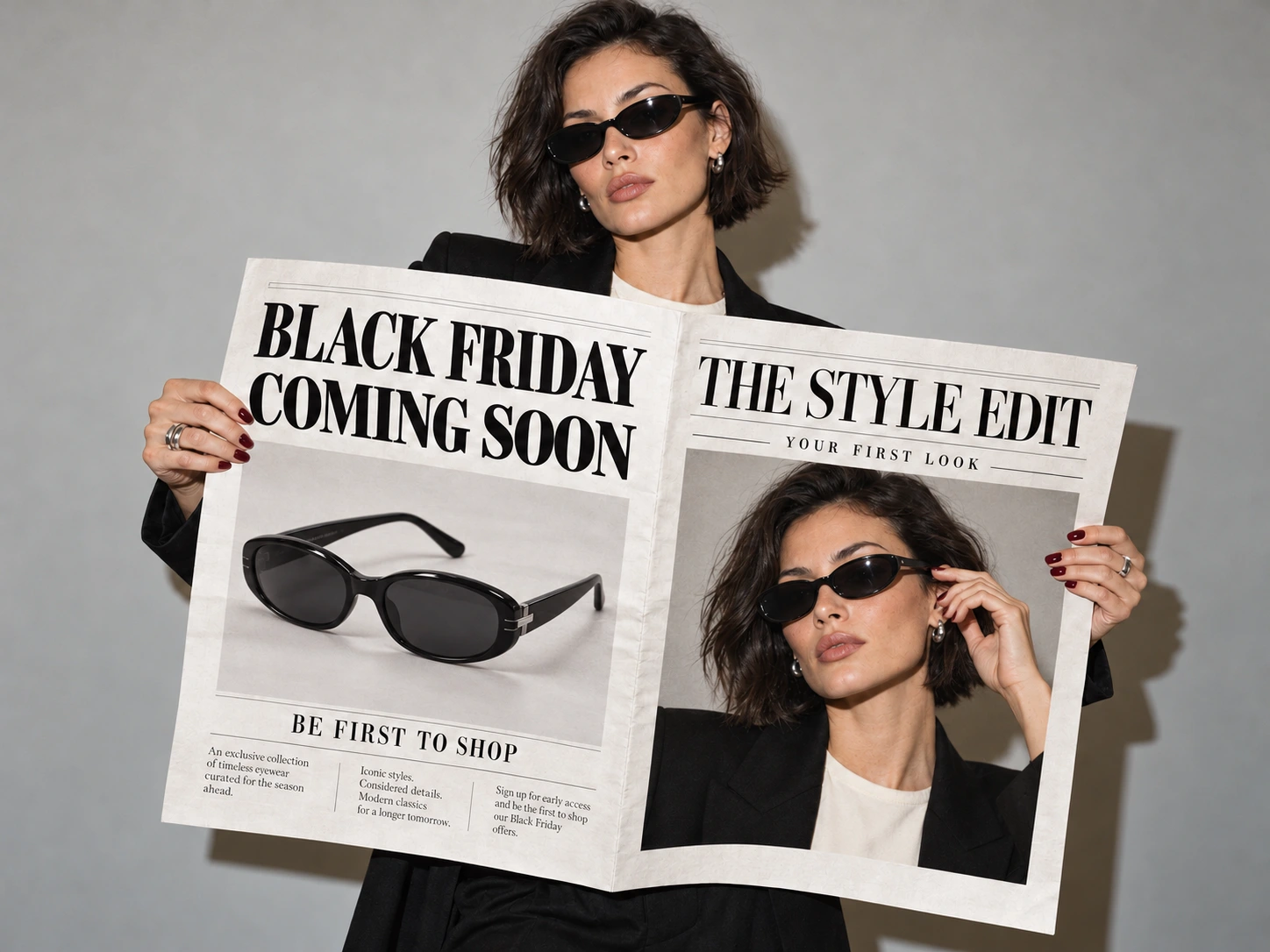
Sale Announcements
A slim woman with dark hair and fair skin rocks oversized black sunglasses, flaunting a black blazer and a white top. She's clutching two mags: one flaunting a pair of black shades with "BE FIRST TO SHOP" plastered on it, and the other with "THE STYLE EDIT" on it.
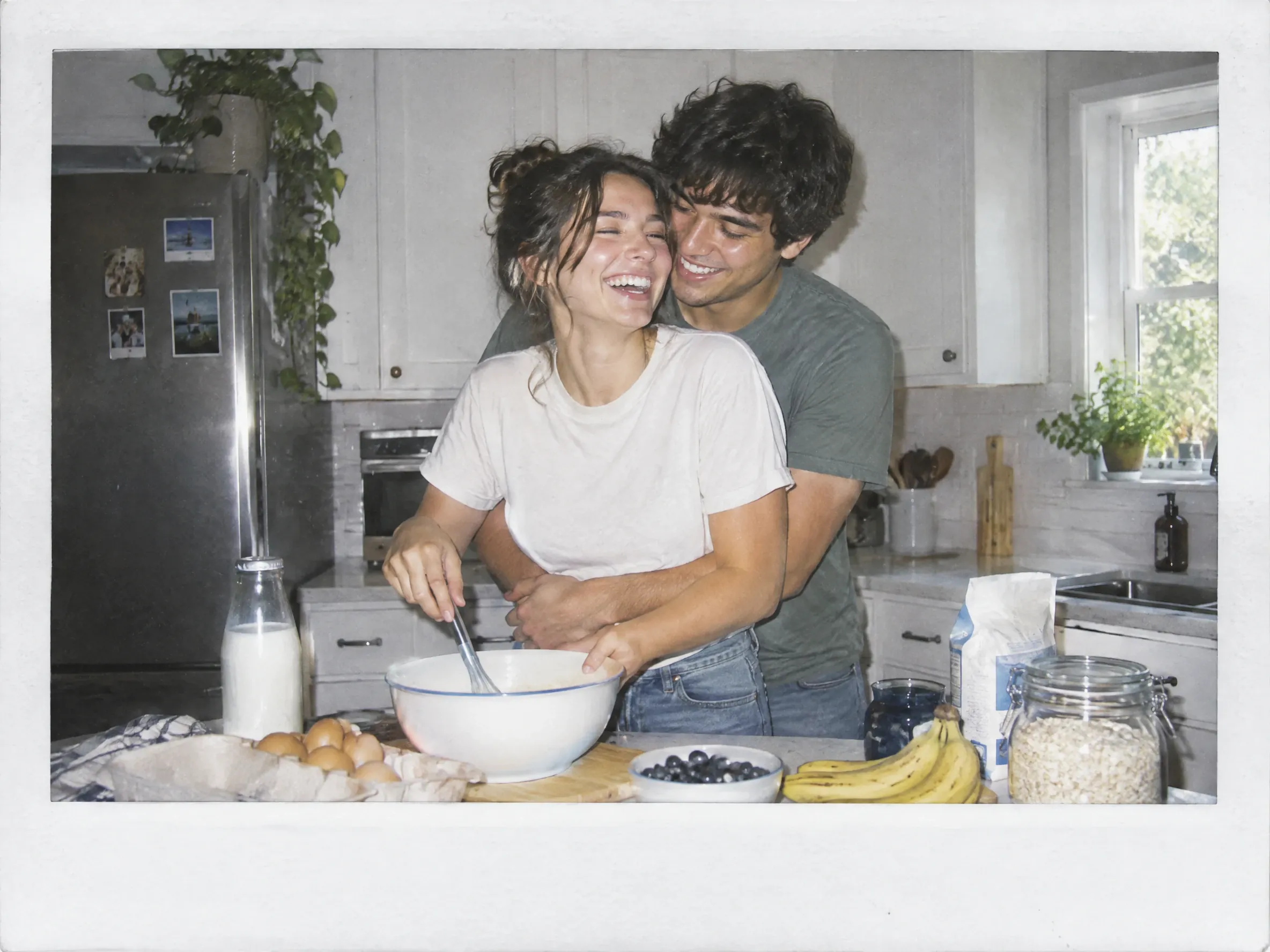
A Polaroid-Style Photo
A happy couple in a modern kitchen, with a woman in a white tee and jeans, and a dude in a green tee, hugging each other as they mix up some batter. The counter's cluttered with stuff like a bowl, eggs, and bananas.
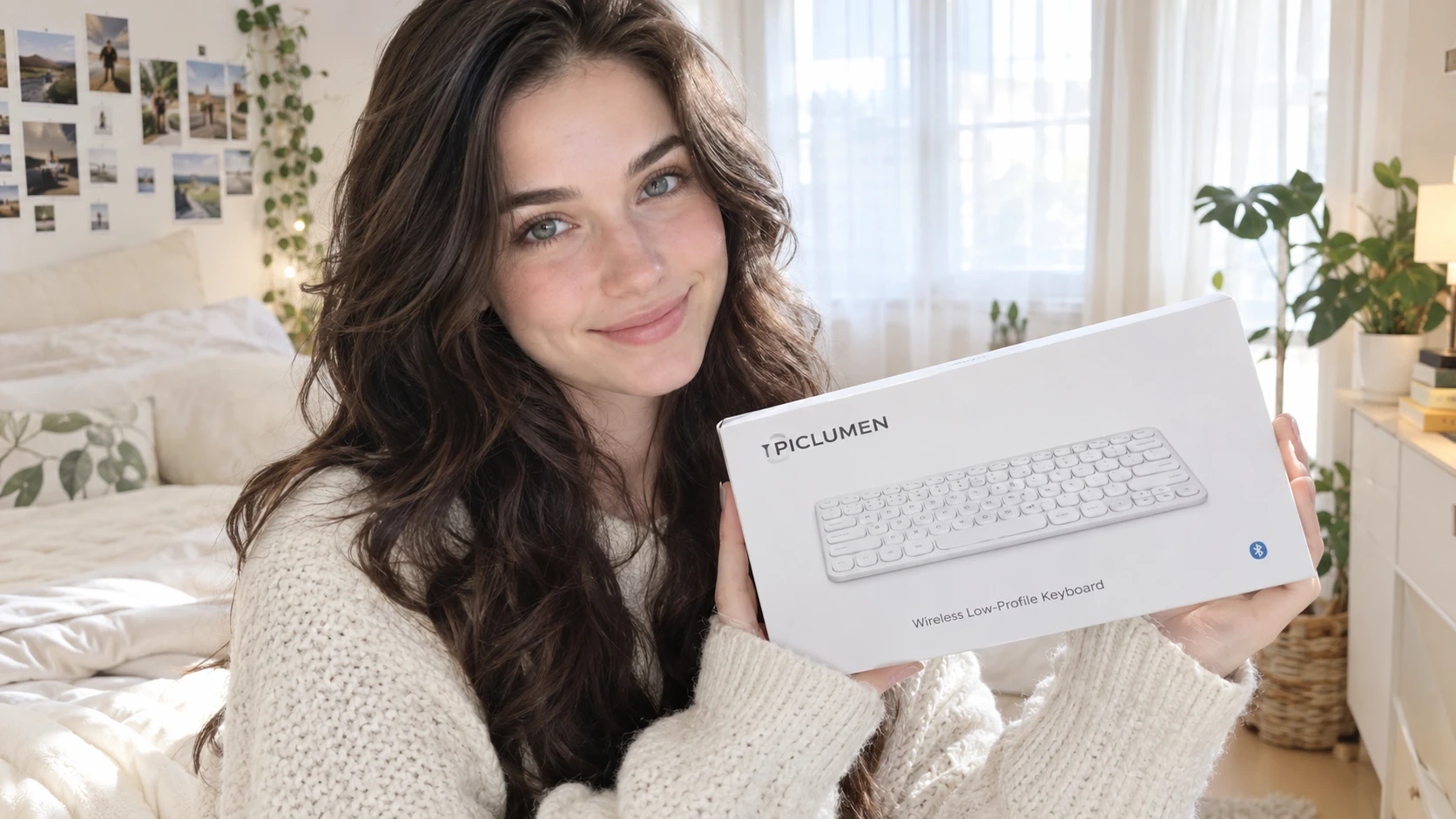
UGC Image
A young woman with long, wavy dark brown hair and fair skin grins warmly, clutching a white Apple Magic Keyboard box. She's rocking a cozy, cream-colored knitted sweater. The background features a sunlit, white bed with a green pillow, a potted plant, and a wall decked out with photos.


Loved by Creators Worldwide
Real feedback from designers, marketers, and hobbyists sharing their PicLumen experience on Trustpilot.
 jordi Alcaraz
I have really enjoyed using this site…
I've had a really positive experience with Piclumen. The platform offers excellent features for creating AI images and videos, with impressive quality and a wide range of creative possibilities. It's very easy to use, even when experimenting with more complex ideas, and the whole process is both intuitive and enjoyable. excellent customer service. The team replies very quickly, is always friendly, and genuinely tries to solve any issues you may encounter they care about their users. Overall, Piclumen is an innovative, user-friendly, and exciting AI platform. I highly recommend it to anyone interested in AI image and video creation.
ClashOf ClansExcellent platform to fantasy
Excellent platform to fantasy
 Prabhat Ranjan Singh Chauhan
Very smooth and very helpful for…
Very smooth and very helpful for everyonr who have creative mind. Thank you 👍
 Mubashir Ahmed
This web is very help and free
This web is very help and free
It’s been great so far
It’s been great so far, I think the limitations are me not the app.
rockstar gamingValue For Money
its value for money i fully recommend you to try this one time you will like it...
 Andreas Ruffy Nilsson
Awesome!
great way to create for your own usage and your social platforms!
This app work’s really good
This app work’s really good
 Darius Salahshori
Good
Very good and I work very hard.
Very Best App For AI Vedioea
Very Best App For AI Vedioea
 Sndhjks Bwjskb
franchement c formidable
franchement c formidable
PrintWiz DesignsAll in one platform
I love it as it become more sn all in one platform , great generations, high value , generous free plan ....
AI Image Describer FAQs
How can I use AI to describe an image?
You can upload your image to PicLumen and choose Natural Language to get a written description of its subject, setting, and visible details. If you need style keywords for a creative project, choose Tag instead. Generate your result, then copy the text or send it to Create.
Should I choose Natural Language or Tag mode?
Choose Natural Language when you need sentences to explain a picture, prepare a brief, or draft alt text. Choose Tag when you want style keywords to work into a prompt or creative reference. Your choice depends on how you plan to use the result.
What image formats can I upload?
You can upload PNG, JPG, and WEBP files up to 20 MB. For a more useful result, choose an image with a clear subject and visible details. Small objects, blurred areas, or partly hidden elements may need a closer check when you review the description.
How can I get better results from an image description generator?
Start with a clear image, then choose the mode that suits your task. Review the output against your picture and correct any details that were missed or misinterpreted. If you're building a prompt, keep the details that matter to the image you want to create.
Can I recover the original prompt from an image?
You can generate a new description or set of style tags based on what’s visible in the image. You won't recover the exact original prompt. Use your result as a starting point, then adjust it to explore a similar look or develop your own idea.
How do I choose the best AI image describer for my needs?
Test with the kinds of images you actually use. Look for useful detail, readable descriptions, and an output format that fits your work. If you need both written descriptions and style keywords, you can try PicLumen's two modes and compare which result gives you a better starting point.