AI Thanksgiving Generator for Personal Cards and Videos

Hot Video Effects
Turn your photos into fun dance clips, surprising transformations, and shareable moments with trending AI video effects.
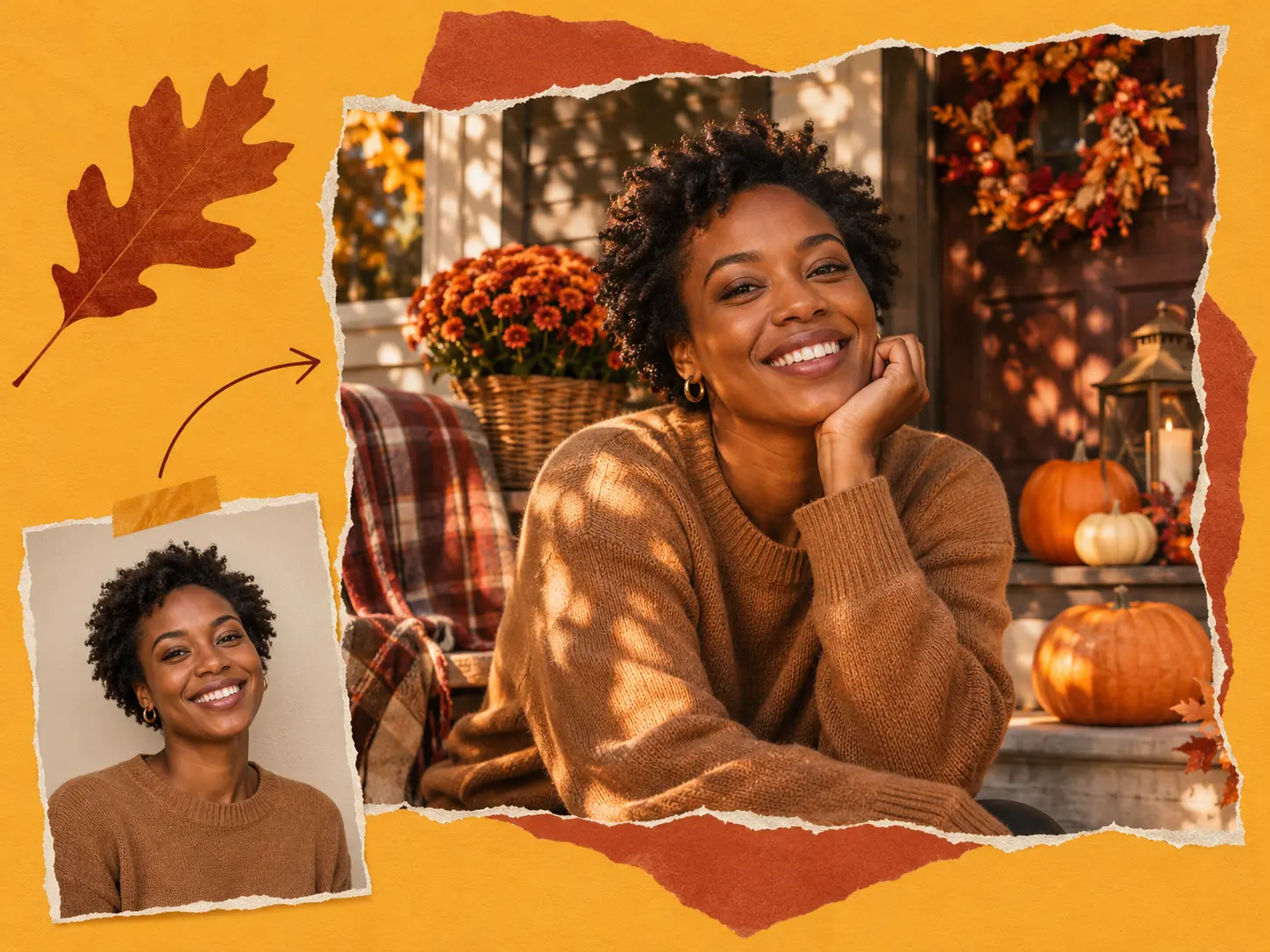
Give Your Photos a Thanksgiving Setting
You have a photo you love, but nothing about it says Thanksgiving. Use it as a reference in PicLumen and describe the setting you want: a porch lined with pumpkins, a softly lit dinner table, or a kitchen ready for pie. You can guide the clothing, colors, and mood without arranging another photo session. Start with a clear portrait and keep your instructions focused on the seasonal details you want to change.
Make Thanksgiving Cards Feel Personal
You want to send more than another pumpkin picture with a generic greeting. Create Thanksgiving photo cards around your own portrait, a family moment, or an illustration that suits your recipient. Ask for a quiet area beside your subject so you have room for a message. You can try a simple cream-and-rust design, a playful turkey border, or a painted autumn scene, then download your favorite image to finish and share.
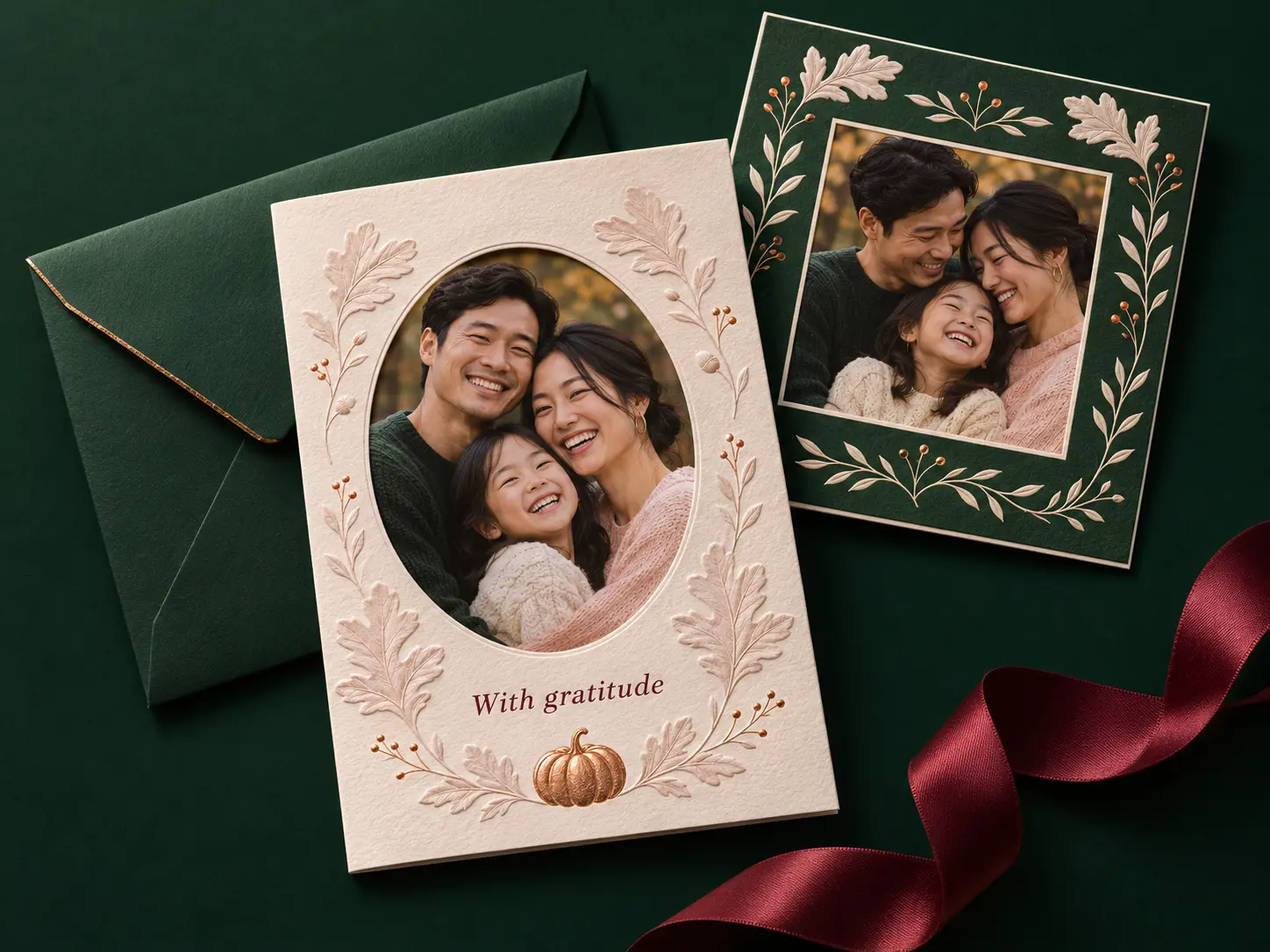
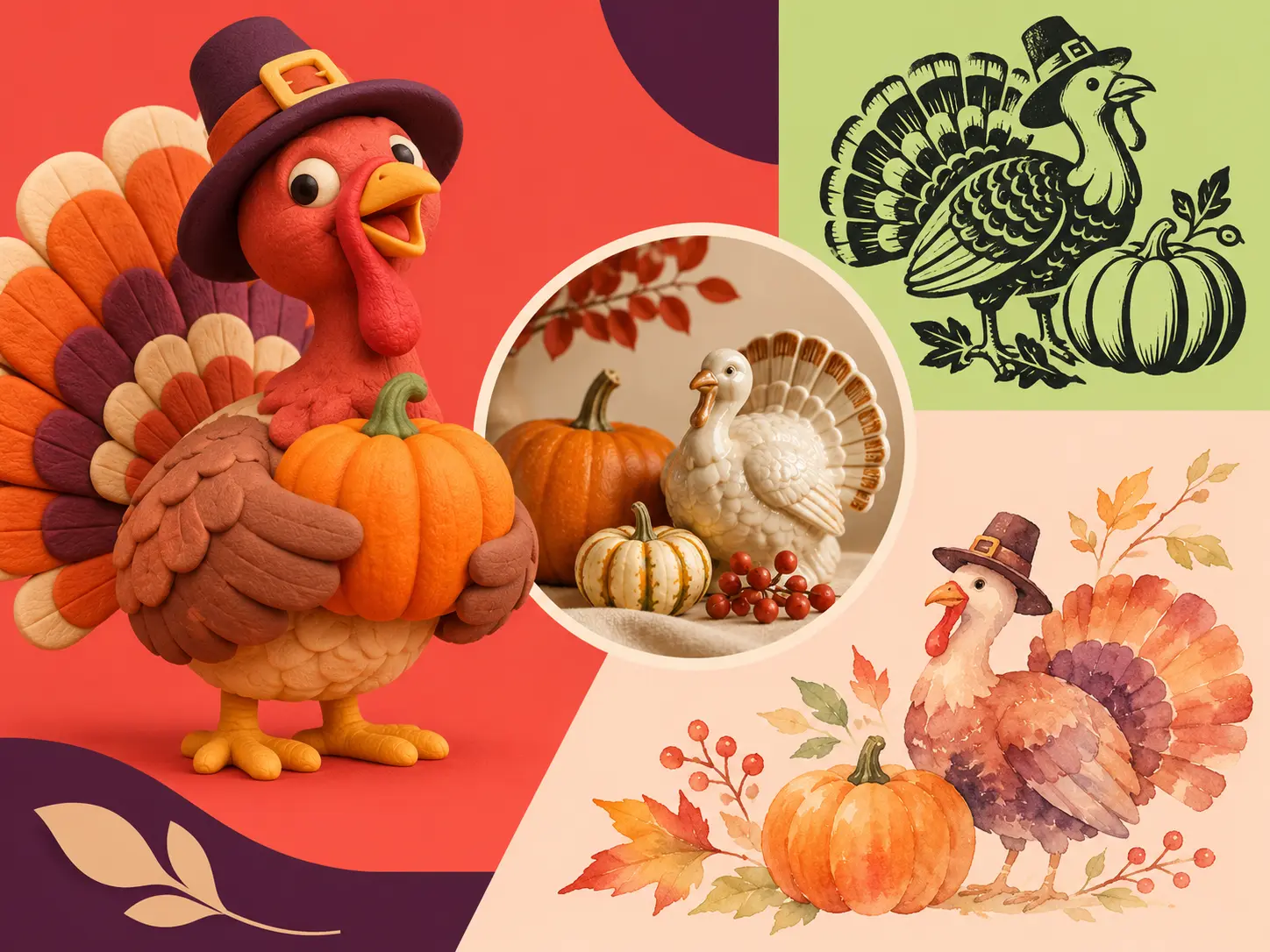
Find Your Own Holiday Style
You do not have to settle for the same orange leaves and stock-photo table. Describe the look you would actually send: a watercolor farmhouse, a cheerful cartoon turkey, an understated botanical border, or a realistic candlelit portrait. With PicLumen’s AI Thanksgiving generator, you can explore different visual directions from a prompt or reference image. Choose your composition before generating so your artwork has room for the people, products, or greeting that matter.
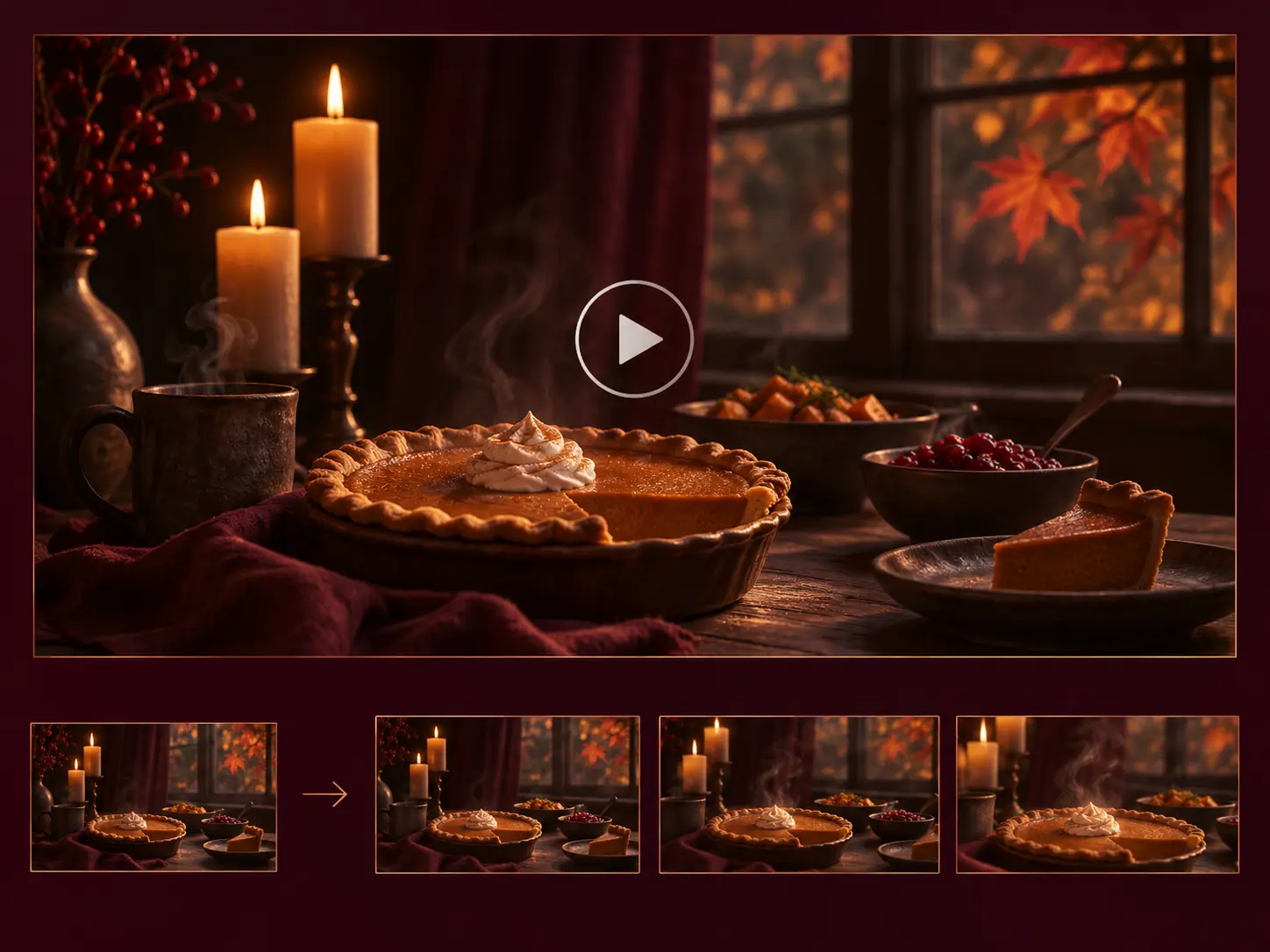
Turn Your Greeting into a Short Video
You want a Thanksgiving greeting with a little movement. Take your finished image into PicLumen's image-to-video workflow and describe a small action, such as candlelight flickering, leaves drifting past a window, or a slow camera move toward the table. You can generate a short seasonal clip for your family chat, social feed, or customer thank-you message. Keep your scene simple and review the movement before downloading your video.
What Will You Create This Thanksgiving?
Family Greetings
You can turn a portrait into a seasonal greeting for relatives you will not see at dinner. Try a cozy home setting, a fall garden, or a simple illustrated frame. Leave room for your family name and a short message to add before sending.
Friendsgiving Invitations
You can set the mood for your gathering before anyone arrives. Create a relaxed dinner scene, a funny turkey illustration, or a colorful potluck invitation background. Reserve a clear space for your date, address, and what guests should bring.
Social Posts and Stories
You can share a Thanksgiving update that fits your usual style. Create an autumn portrait for your profile, a vertical gratitude post, or a short animated scene for your Stories. Put your main subject near the center so you have flexibility when cropping for different placements.
Customer Thank-You Messages
You can give your seasonal marketing a more personal focus. Use warm product imagery or a restrained harvest scene behind your message of thanks. Leave space to add your logo and final copy afterward, and check that your generated product details match what you sell.
Dinner Names and Place Cards
You can carry the same visual theme onto your table. Create small autumn illustrations for your place cards, menu backgrounds, or dish labels. If you searched for a Thanksgiving name generator, you can use a playful name such as “The Gravy Crew” or “The Pie Appreciation Club” as the starting point for your artwork.
Greetings for Your Group Chat
You can make something your friends will actually want to open. Try a turkey wearing your favorite team's colors or a pumpkin pie presented like a luxury gift. Turn your favorite result into a short video and send it with your own holiday message.
How to Create with the AI Thanksgiving Generator
Step 1 Choose Your Starting Point
1Open PicLumen and choose an image model for your project. You can begin with a written idea or select a model that supports reference images if you want to use your own photo. Decide whether you need a portrait, a card background, or a scene to animate.
Step 2 Add Your Photo and Describe the Look
2Upload your reference photo if you are using one, then describe your subject, setting, style, and colors. Choose an available aspect ratio that suits your intended use. If you are making a card, ask for open space where you plan to add your greeting.
Step 3 Generate, Review, and Download
3Generate your image and check the faces, hands, lettering, and seasonal details. Adjust your prompt if you want another version, then download your favorite. For a video greeting, use the image in PicLumen's image-to-video workflow, describe the motion, select the available video settings, and generate your clip.
AI Thanksgiving Prompts to Try
A Cozy Thanksgiving Portrait
Use your uploaded portrait as the reference for a realistic Thanksgiving photo. Keep the person recognizable, with a natural expression and relaxed pose. Place them on a wooden porch with small pumpkins, amber leaves, and soft late-afternoon light. Use warm knit clothing, believable skin texture, and a gently blurred background. Include no text.
A Watercolor Photo Card
Create your Thanksgiving card artwork using the uploaded family photo as a reference. Show the family in a soft watercolor style on the left, with a delicate border of oak leaves and small pumpkins. Use ivory, terracotta, and muted olive. Leave the right half mostly clear so you can add your own greeting. Include no lettering.
A Funny Friendsgiving Invitation
Create your Friendsgiving invitation background with a cheerful illustrated turkey carrying an oversized pumpkin pie. Add a few mismatched plates and scattered autumn leaves. Use a warm cream background with burnt orange and forest green accents. Keep the upper third clear for your event details. Make the illustration playful and easy to read at a small size.
A Minimal Harvest Card
Design your Thanksgiving greeting card background with a small arrangement of wheat, pears, and copper-colored leaves in the lower corner. Use textured ivory paper, soft natural shadows, and generous empty space. Keep your composition understated, with no people, lettering, or decorative frame.
A Personalized Dinner Place Card
Create your horizontal Thanksgiving place-card design with the name “Maya” in large, simple dark-brown lettering. Add two small oak leaves and one miniature pumpkin along the bottom edge. Use a plain cream background and generous spacing around the name. Keep your layout flat and front-facing.


Loved by Creators Worldwide
Real feedback from designers, marketers, and hobbyists sharing their PicLumen experience on Trustpilot.
 Alfred Rangel R
A wonderful range of options to create…
A wonderful range of options to create truly dreamlike visual effects with all those colors; only imagination is the limit.
Just amazing website a must try.
Just amazing website a must try.
A New TV Episodes Of Ninja Sweetie On…
A New TV Episodes Of Ninja Sweetie On Paramount+
My experience
Itis a really good website n really ideal to use theres only one con and that the AIS sometimes create wrong images but that doesnt happen frequently
ClashOf ClansExcellent platform to fantasy
Excellent platform to fantasy
 Brijesh Chikhaliya
very good
very good , Excellent Experience
Fatjon XhokaSuper app for photo and video
Super app for photo and video
EtnaVery satisfied with the best…
Very satisfied with the best performance for me at the moment.
 Tufail Khan
I love it this helps me to create all i…
I love it this helps me to create all i want ai videos ai images thanks piclumen
 pixai
great chatgpt image alternative
great chatgpt image alternative
 GPS BelAR
I tried the tool for fun and only used…
So far, I've only tried PicLumen for fun and used the free ‘basic option’. Even as an AI design novice, you can achieve great results. It should be emphasised here that if you choose a simple AI, the coins are enough to just give it a try (unlike some other tools). I like the community concept; the opportunity to get inspiration for your own ideas in the image gallery, as well as the option to ‘like’ and comment on other users' creations. The result depends, of course, on the quality of the prompt entered, but ‘practice makes perfect, as we all know!’ The only reason for the one-star deduction is that I can't try everything with the free access and can't comment on the paid options.
Really cool and very easy to use
Really cool and very easy to use
Frequently Asked Questions
What can I make with PicLumen’s AI Thanksgiving generator?
You can create Thanksgiving portraits, illustrated greetings, photo-card artwork, invitation backgrounds, and seasonal social visuals. You can also use a finished image as the starting point for a short video through PicLumen’s image-to-video workflow.
Can I use my own photo?
You can upload your photo with an image model that supports reference inputs. Choose a clear image with visible faces and describe the Thanksgiving setting you want. Review the result for likeness and details before sharing, especially when your source photo includes several people.
Can I use PicLumen as an online Thanksgiving card maker?
You can use PicLumen to generate the visual for your card, including a portrait, illustration, or decorative background. Describe your preferred layout and leave space for your message. For precise wording and final print layout, add your greeting to the downloaded image in your preferred editor.
How do I create Thanksgiving photo cards for printing?
You can start with a clear reference photo and generate a composition with room for your greeting. Before printing, check your image dimensions against your printer's requirements, including crop, bleed, and safe margins. Preview your finished card at its intended size so you can spot soft details or small text.
Can I create personalized Thanksgiving names and place cards?
You can include a guest's name or a playful dinner-group name in your prompt. If you are looking for a Thanksgiving name generator for table artwork, start with the mood you want: cozy, funny, or formal. For multiple guests, you