GPT Image 2.6 – Create, Edit & Refine AI Images
Create more with GPT Image 2.6 on PicLumen. Turn text prompts into detailed images, transform reference photos, and refine existing designs with greater control. Powered by OpenAI's latest image generation technology, GPT Image 2.6 brings faster creation, more consistent edits, and new possibilities for visual design. From product ads and posters to character artwork and storyboards, bring your ideas to life and keep improving them.
Hot Video Effects
Turn your photos into fun dance clips, surprising transformations, and shareable moments with trending AI video effects.
Faster Image Generation with Flare and Sunburst
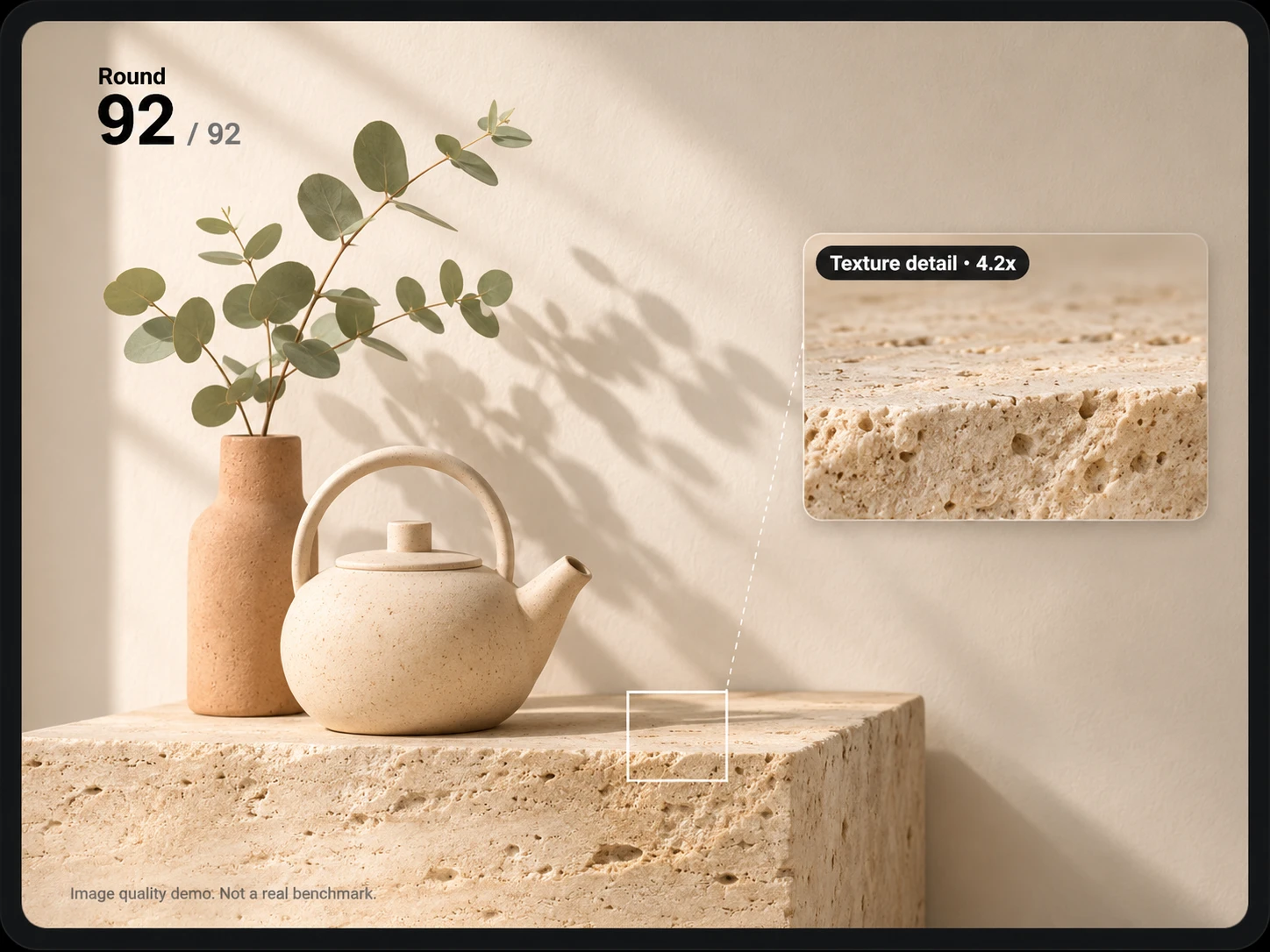
Spend less time waiting for results and more time exploring ideas. According to OpenAI, GPT Image 2.6 delivers approximately 50% faster image generation than its predecessor. GPT Image 2.6 Flare prioritizes speed, making it useful for testing product backgrounds, exploring poster layouts, and generating multiple visual concepts. Sunburst focuses on image quality, fine details, and editing consistency, making it better suited to polished artwork and commercial designs. Whether you're developing a campaign or experimenting with a new visual style, you can explore these possibilities through PicLumen's AI image generator and bring your ideas into a more flexible creative workflow.
Precise Image Editing with Stronger Reference Consistency
You shouldn't need to recreate an entire image just to change one detail. GPT Image 2.6 improves editing consistency, helping preserve recognizable faces, products, clothing, and other important elements across revisions. The model also supports markup-guided editing, using visual annotations to identify specific areas for changes. For example, you could mark a jacket for recoloring while asking the model to preserve the person's face, pose, and background. These improvements are particularly useful for product advertisements, fashion photography, and character artwork. With PicLumen's image-to-image AI generator, you can also explore reference-based transformations, adjust visual styles, and create new variations from existing images.
Greater Control Over Complex Prompts and Layouts
Creating an image with multiple subjects, precise object placement, and readable text takes more than a simple prompt. GPT Image 2.6 introduces complexity control to help the model plan and interpret demanding visual instructions. With Low, Medium, and High complexity levels, the model can allocate different amounts of planning to a task. This is useful for detailed advertising layouts, multi-object compositions, and scenes where characters or objects need to appear in specific positions. For example, you could describe a cinematic scene featuring three characters, each with a distinct outfit, expression, and position in the frame. Clear instructions help establish their relationships while keeping the composition coherent. If you're developing recurring characters for comics, games, or short dramas, PicLumen's AI character generator offers another way to explore character designs before building more detailed scenes.
Explore New Creative Formats with GIF and SVG
GPT Image 2.6 expands beyond conventional image generation with support for animated GIFs and SVG graphics, opening up new possibilities for social content, digital illustrations, and design assets. Its GIF capabilities can turn simple motion ideas into short looping animations, such as a waving cartoon mascot, a blinking character, or a playful reaction. For projects focused on shareable animated content, you can also explore PicLumen's dedicated AI GIF generator. For graphic design, SVG generation supports vector-based artwork such as icons, badges, and simple illustrations that can scale across different sizes. If you're developing a brand identity, PicLumen's AI logo generator offers a separate way to create and refine logo concepts. GIF and SVG are supported model capabilities; available generation and export options depend on the interface.
What Can You Make with GPT Image 2.6?
Whether you're developing an advertising campaign, illustrating a story, or creating visuals for your website, GPT Image 2.6 can handle a range of creative tasks. Here are practical ways to put its image generation and editing capabilities to work.
Refresh Product Photos for Ecommerce Campaigns
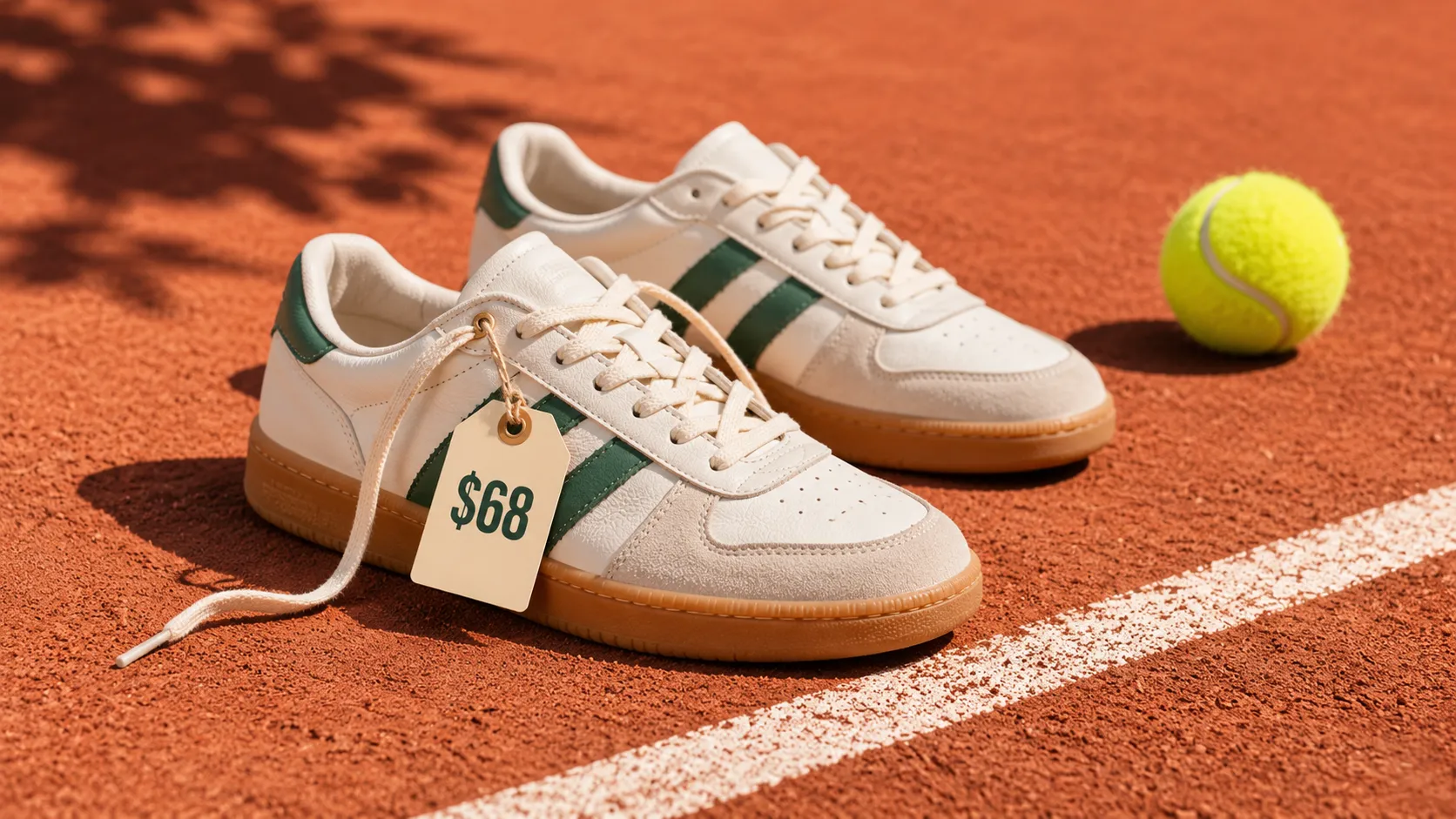
A single product photograph can serve as the starting point for several advertising concepts. Upload a clean reference image of a product and describe a new setting. Place a watch on a dark stone surface with dramatic side lighting, or present a skincare bottle against a bright summer background with soft reflections. When building several versions, identify the product details that matter most, such as the logo, packaging, shape, and materials. You can explore seasonal backgrounds, promotional compositions, and lifestyle settings without planning a new physical shoot for every idea. Check product proportions and label details before using generated visuals in listings or advertisements.
Design Posters and Promotional Graphics
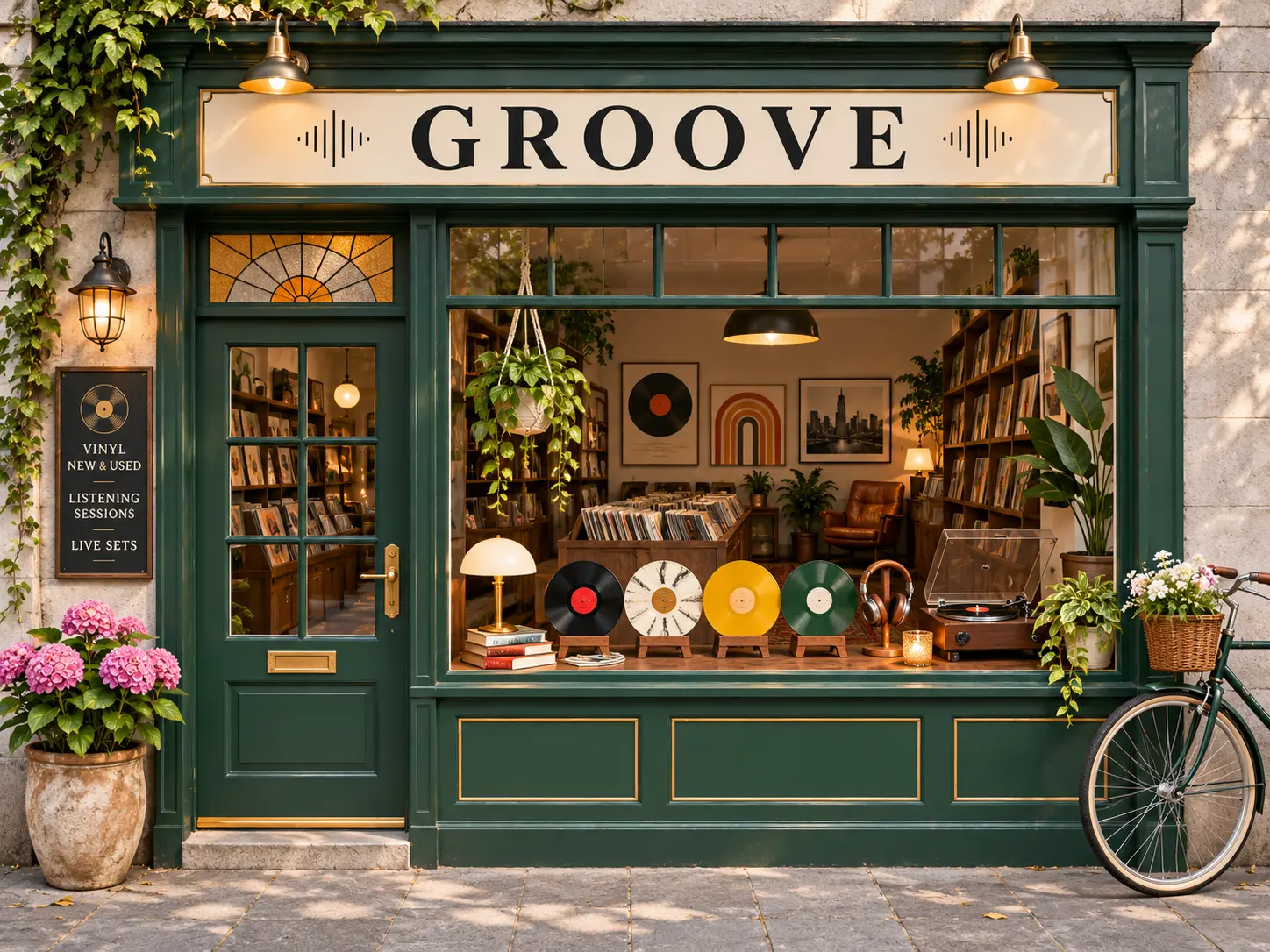
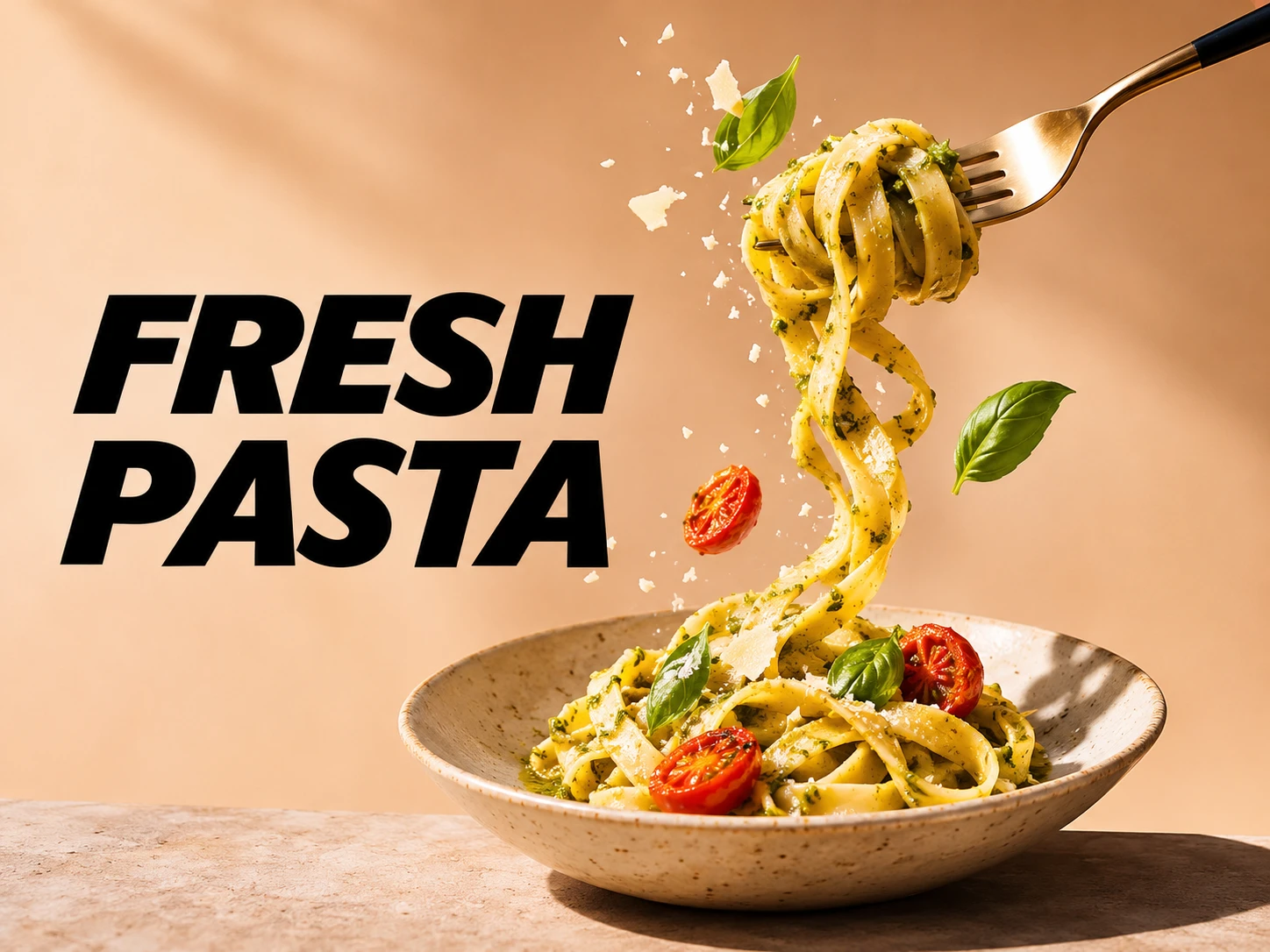
Create posters that communicate a message through composition, typography, and imagery. For a music event, you might request a portrait with strong red lighting, bold lettering, and room for the date and venue. For a store promotion, place the product in the center of the composition and reserve a clear area for the headline and offer. GPT Image 2.6 can help develop these layouts while handling more complex instructions about object placement and visual hierarchy. When writing a prompt, include the exact text you want displayed and indicate which elements should attract attention first. Check spelling, prices, dates, and text alignment before publishing.
Develop Consistent Characters for Short Dramas
Before turning a script into video, establish how its characters and locations should look. GPT Image 2.6 can help create character portraits, location references, and individual storyboard frames. Start with a clear reference for the main character, then explore different scenes that reflect the story. For a mystery short drama, you could create a close-up of a detective finding a hidden letter, a wide shot of an empty hallway, and a reaction shot of another character. Keep recurring details consistent across your prompts, including clothing, hairstyle, accessories, and environment. These images can guide shot planning and serve as references for later work with an AI video generator.
Make Social Media Graphics and Animated Reactions
Social content often needs several visual variations around the same idea. Use GPT Image 2.6 to explore illustrated reactions, promotional cards, character memes, and eye-catching post graphics. Change the composition, expression, or color palette to suit different messages while keeping the underlying creative direction recognizable. The model's animated GIF capability also makes it possible to develop short motion concepts, such as a mascot celebrating, a character giving a surprised reaction, or a small decorative animation. For social graphics, keep the main subject clear, use readable text, and avoid overcrowding the composition with small details.
How to Use GPT Image 2.6 on PicLumen
Open the GPT Image 2.6 Generator
1Visit PicLumen's AI Image Generator and select GPT Image 2.6 from the model options. GPT Image 2.6 is available on PicLumen, with free trial opportunities subject to your account's available credits and the selected generation settings.
Write a Prompt or Upload a Reference Image
2Describe what you want to create. Start with the main subject, then add the setting, composition, lighting, and style. For example, instead of writing "a luxury product photo," try "a silver wristwatch on dark marble, soft reflections on the metal, dramatic side lighting, close-up commercial photography." If you're editing an image, add it as a reference and explain what should change. Be specific about the important details you want preserved.
Choose Your Available Settings and Generate
3Review the generation options shown in PicLumen and adjust the available settings for your project. For a social media post, consider a square or vertical composition. For a website banner or cinematic storyboard, a wider image may be more suitable. Once your prompt and settings are ready, click Generate to create your image.


Loved by Creators Worldwide
Real feedback from designers, marketers, and hobbyists sharing their PicLumen experience on Trustpilot.
Jon JonVery good website
Very good website. Different models, good job
by Neefai love it and easy to use
i love it and easy to use
 Rishiprasanth BR
This is a great site to create images…
This is a great site to create images as per our mind's wish. Such a great site, loved its response
 Ms. Bliss
Just getting started
Just getting started, thus far it's really good. Going to continue to review and will update.
Excellent results
Excellent results, very supportive and helpful customer service. They have a great interface very friendly use and the prices are reasonable. I use it for personal stuff and I am just a beginner but it made my earning process very enjoyable. I might give a more technical review in the future but that is so far my experience. Thanks
 Pino Calambrogio
Good over other applications
Good over other applications
DeeDee Maysgood app so much fun making photos of…
good app so much fun making photos of avatars
 Eman Rizwan
Great job u should try it in order to…
Great job u should try it in order to Create images
Great tool
Great tool, I made fantastic results with it.
 Its aarohi
This is a great app for creating images…
This is a great app for creating images and ai videos i just love this app
Really cool and very easy to use
Really cool and very easy to use
 Tadhg Reidy
Really good
Really good, I like the way it recharges every day
Frequently Asked Questions About GPT Image 2.6
What is GPT Image 2.6?
GPT Image 2.6 is an AI image generation and editing model developed by OpenAI. Released on November 4, 2026, it improves generation speed, visual consistency, and editing control while introducing additional creative capabilities. The model supports text-to-image generation, image-based editing, markup-guided changes, complexity control, and output options such as animated GIFs and SVG graphics. GPT Image 2.6 is available on PicLumen for users who want to create and refine AI-generated visuals online.
Can I try GPT Image 2.6 for free on PicLumen?
Yes. PicLumen provides free trial opportunities for GPT Image 2.6, making it possible to explore the model before committing to more extensive use. PicLumen offers a free plan with daily Lumens, but the credits required for GPT Image 2.6, available trial access, and generation limits may vary according to your account and selected settings. You can start with the available free options and choose additional Lumens or a subscription if your project requires more generations.
What's the difference between GPT Image 2.6 and GPT Image 2.5?
GPT Image 2.6 builds on the image generation and editing capabilities of GPT Image 2.5. OpenAI reports approximately 50% faster generation, along with better image consistency across editing rounds. GPT Image 2.6 also introduces complexity control, animated GIF output, and SVG generation. Both versions have Flare and Sunburst variants, so those names are not exclusive to GPT Image 2.6. If you've used the previous generation, the biggest changes to explore are the new output formats, planning controls, and improvements to image editing. You can also explore GPT Image 2.5 on PicLumen.
What's the difference between GPT Image 2.6 Flare and Sunburst?
GPT Image 2.6 Flare is designed for faster image generation. It is a good fit for exploring visual concepts, developing several variations, and making quick creative drafts. GPT Image 2.6 Sunburst prioritizes detail, visual quality, and consistency during image editing. It is better suited to demanding compositions, product visuals, and refined artwork. Both variants belong to the GPT Image 2.6 family. The version and quality settings available to you depend on the platform and generation workflow.
Can GPT Image 2.6 edit an existing image?
Yes. GPT Image 2.6 supports editing existing images using reference inputs and written instructions. You can describe changes to clothing, backgrounds, objects, colors, or other visual details while identifying what should remain unchanged. For example, you can request a different background for a product photograph while keeping the product's shape and appearance close to the source. GPT Image 2.6 also supports markup-guided editing at the model level, allowing visual annotations to help identify the area that needs changing. Editing interfaces may offer different ways to provide those instructions.
What is markup-guided editing in GPT Image 2.6?
Markup-guided editing allows the model to use visual annotations together with a text prompt to understand where an image should be changed. For example, a red circle can identify a vase that needs recoloring. A written prompt then specifies the new color and describes which surrounding details should remain intact. This helps reduce ambiguity when a request involves a specific part of an image. Markup support is a model capability. Whether you can draw directly on an image, provide an annotated reference, or use another editing method depends on the tools available in the interface.
Can GPT Image 2.6 generate animated GIFs?
Yes. GPT Image 2.6 supports animated GIF output through OpenAI's image generation capabilities. You can describe a short action, such as a mascot waving, a character blinking, or a lantern swinging gently. Simple actions with a stable camera and a clearly defined loop are good starting points. The model also supports animation-related controls such as frame count and frame duration through its API. GIF output and those controls may not be available in every third-party interface, so the formats offered depend on the generation tool you use.
Does GPT Image 2.6 support SVG generation?
Yes. GPT Image 2.6 supports SVG output through its image generation API. SVG is a vector format suited to graphics made from editable shapes and paths, including icons, simple illustrations, and decorative design elements. For better results, use prompts that describe clear geometry, a limited color palette, and relatively simple visual structures. SVG generation is distinct from ordinary raster image output. The available download formats depend on the platform's implementation.
What does complexity control do in GPT Image 2.6?
Complexity controls how much planning GPT Image 2.6 applies to a request before rendering. The model supports three levels: Low, Medium, and High. Low complexity can work well for straightforward edits. Medium and High are intended for tasks with more elements, detailed relationships, or structured layouts. Complexity is not the same as image quality. Increasing complexity can help with demanding instructions, but it may also increase generation time or introduce unexpected changes. The availability of manual complexity settings depends on the generation interface.
Can GPT Image 2.6 generate 4K images?
GPT Image 2.6 supports high-resolution image generation, including 4K-class output in supported configurations. Higher-resolution results can be useful for detailed artwork, promotional graphics, and designs intended for larger displays. However, the maximum output size available through a particular platform can depend on its supported settings. On PicLumen, choose from the resolution options provided for your selected model and review the output at full size, especially when the image contains small text, product labels, or intricate details.
Bring Your Next Idea to Life with GPT Image 2.6
Start with a description, build on a reference image, or give an existing visual a new direction. Explore faster image creation and more precise editing with GPT Image 2.6 on PicLumen. Whether you're planning a campaign, designing a character, or refining a single detail, your next image starts here.
- FLUX 3 AI Video Generator
- Kling 4.0 AI Video Generator
- Nano Banana 2.1 AI Image Generator
- Qwen Image 3.0
- Seedream 5.0 Pro
- Wan 3.0 AI Video Generator
- AI Art Generator
- AI Avatar Generator
- AI Design Generator
- AI Face Generator
- AI Game Assets Generator
- AI Girl Generator
- AI Icon Generator
- AI Image Describer Online
- AI Texture Generator
- AI Wallpaper Generator
- AI Album Cover Maker
- Black Friday Ads
- AI Image Upscaler Online
- AI Van Gogh Generator
- Superhero Generator Online
- Tim Burton Characters
- AI Clothing Generator