Create Can I Ride Dance AI Videos Online – Synchronized Duo Choreography
Hot Video Effects
Turn your photos into fun dance clips, surprising transformations, and shareable moments with trending AI video effects.
What is Can I Ride Dance AI?
Can I Ride Dance AI is a video effect that applies a specific swaying dance motion to a provided image. It transforms a static portrait or pet photo into a dynamic clip. The tool maps the rhythmic movement onto the subject, creating a playful, performance-style visual.
The Signature Swaying Motion
The core visual hook is the recognizable side-to-side dance movement. The effect animates the subject's body to follow this specific rhythm. It shifts a standard photo into an active, engaging sequence. The animation focuses on the upper body and arms, mimicking the timing of the trend.
Playful Character Animation
Applying this motion gives the subject a lively, expressive presence. It works well with human portraits but also adapts to pet photos. The effect adds a layer of lighthearted energy to the image, turning a simple snapshot into a fun, animated character moment. The result emphasizes personality and movement.
Dual Subject Flexibility
The tool accepts inputs featuring either a single person or an animal. It maps the swaying action to the primary subject in the frame. This flexibility allows users to create a synchronized visual where both human and pet photos follow the same popular choreography, offering a distinct way to personalize the trend.
Direct Photo-to-Video Output
The effect processes the uploaded image to generate a short video clip. It focuses on the direct translation of the dance motion onto the subject. The output is a ready-to-view visual that captures the playful attitude of the routine, giving static images a sense of rhythm and continuous action.
Create the Can I Ride Dance AI Effect on PicLumen
Step 1 Choose Your Template
1Start with the default Can I Ride Dance AI template to apply the synchronized choreography. If you want to explore other visual styles, open the "Template" menu to browse alternative options. Switching is optional. Select the template that best fits your intended dual-person dance concept.
Step 2 Upload Character B
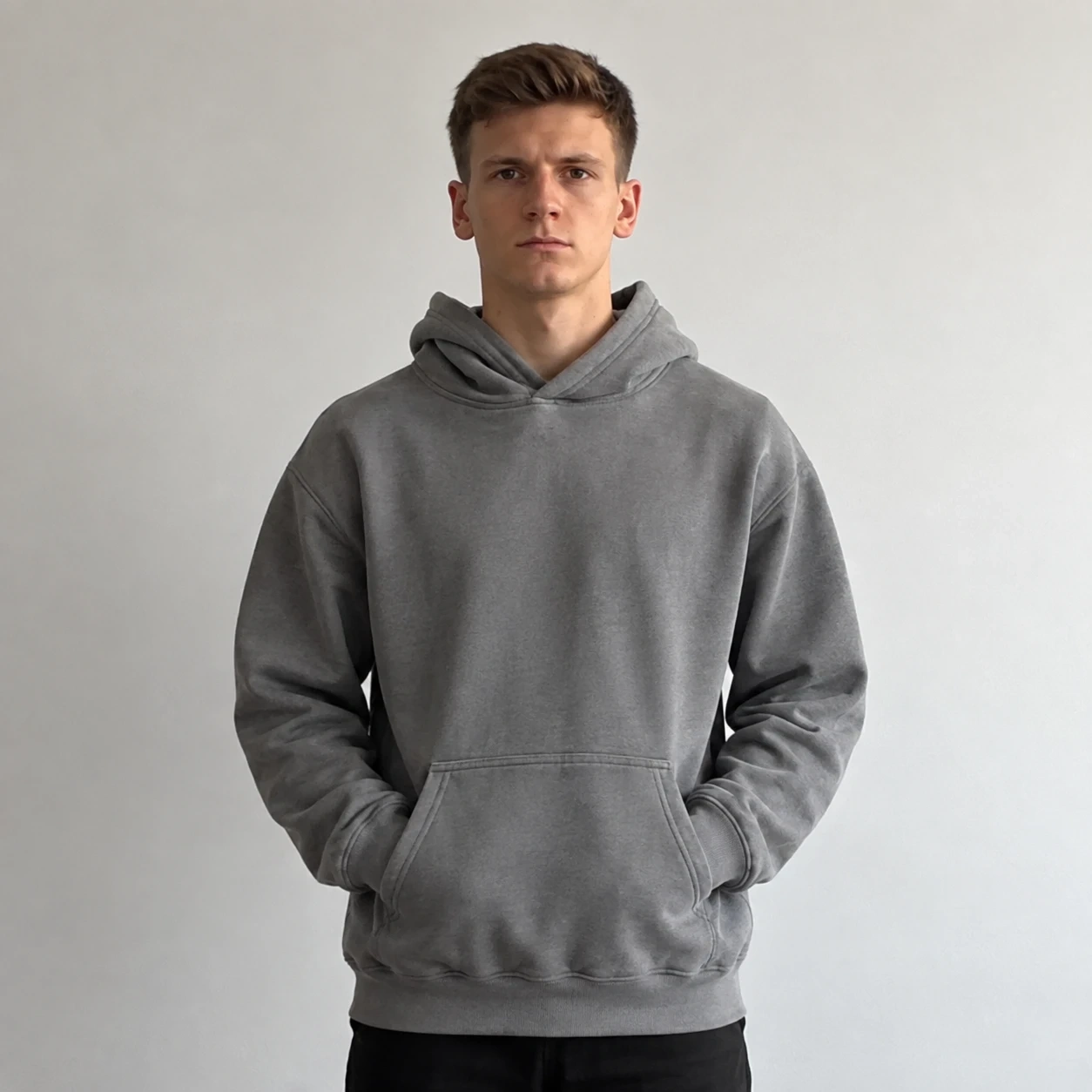
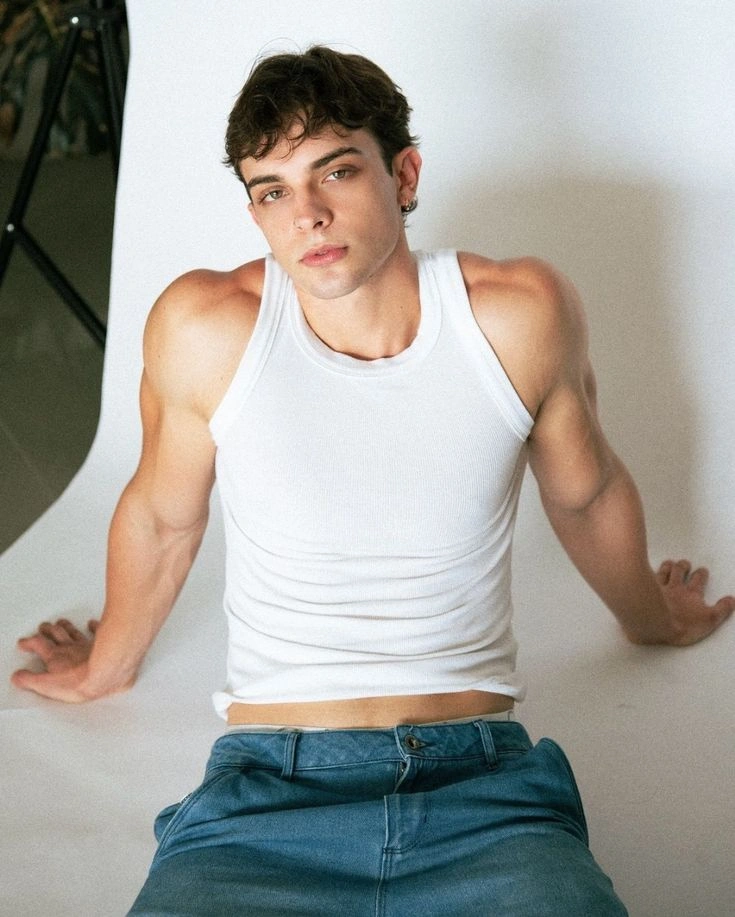
2Upload your first subject's photo to the "Character B" slot. This photo should be a clear portrait where the face and upper body are fully visible. A simple background helps the system map the swaying motion accurately. The system uses this image as one of the two dancers in the final clip.
Step 3 Upload Character A
3Select a clear photo for the second dancer and upload it to the "Character A" slot. Ensure the subject's face and body are well-lit and unobstructed. Both characters need clear visual features so the AI can map the choreography to them without mixing up their identities.
Step 4 Add Reference Video and Generate
4Upload a dance clip to the "Reference video" section to guide the movement. Review all three uploads before clicking Generate. The system will process the images and apply the choreography. Once complete, download the final video to your device.
Optimize Your Inputs for Smoother Motion
The final swaying motion looks much better when the starting photos are clear. Pick images where both characters face forward with their upper bodies fully visible. A cluttered background can confuse the tracking, so keep it simple. This relies on the Image to Video technology, which translates clean portraits into fluid motion. Crisp inputs are the secret to a natural-looking dance sequence.
The Contrast of Smooth and Rugged
A manufactured item stands out when placed against coarse natural elements. A glossy bottle or a smooth metallic casing contrasts sharply with the matte, cracked surface of the stone. The effect emphasizes this physical difference, making the product look more refined against the rugged background. The visual tension draws attention to the item's shape and finish, turning a standard product photo into a styled, deliberate composition.
Natural Props and Earthy Styling
Surrounding the product with dry leaves, textured terracotta, and simple organic materials adds a handcrafted quality. These elements pair naturally with custom surface patterns generated by the AI Texture Generator, allowing you to expand the tactile feel of the scene. They frame the subject without overpowering it. The styling suggests a quiet, intentional arrangement rather than a busy commercial set, creating a cohesive visual story that feels calm and grounded.
Warm Lighting and Deep Shadows
The scene relies on directional amber light to create depth. This lighting casts long, soft shadows across the stone layers and clay surfaces, adding a rich sense of three-dimensionality. It shifts the mood away from flat studio lighting toward a more atmospheric, cinematic feel. The result gives the product a sense of weight and presence, making the final image feel carefully constructed rather than quickly captured.
Create a Fun Duet with Friends or Partners
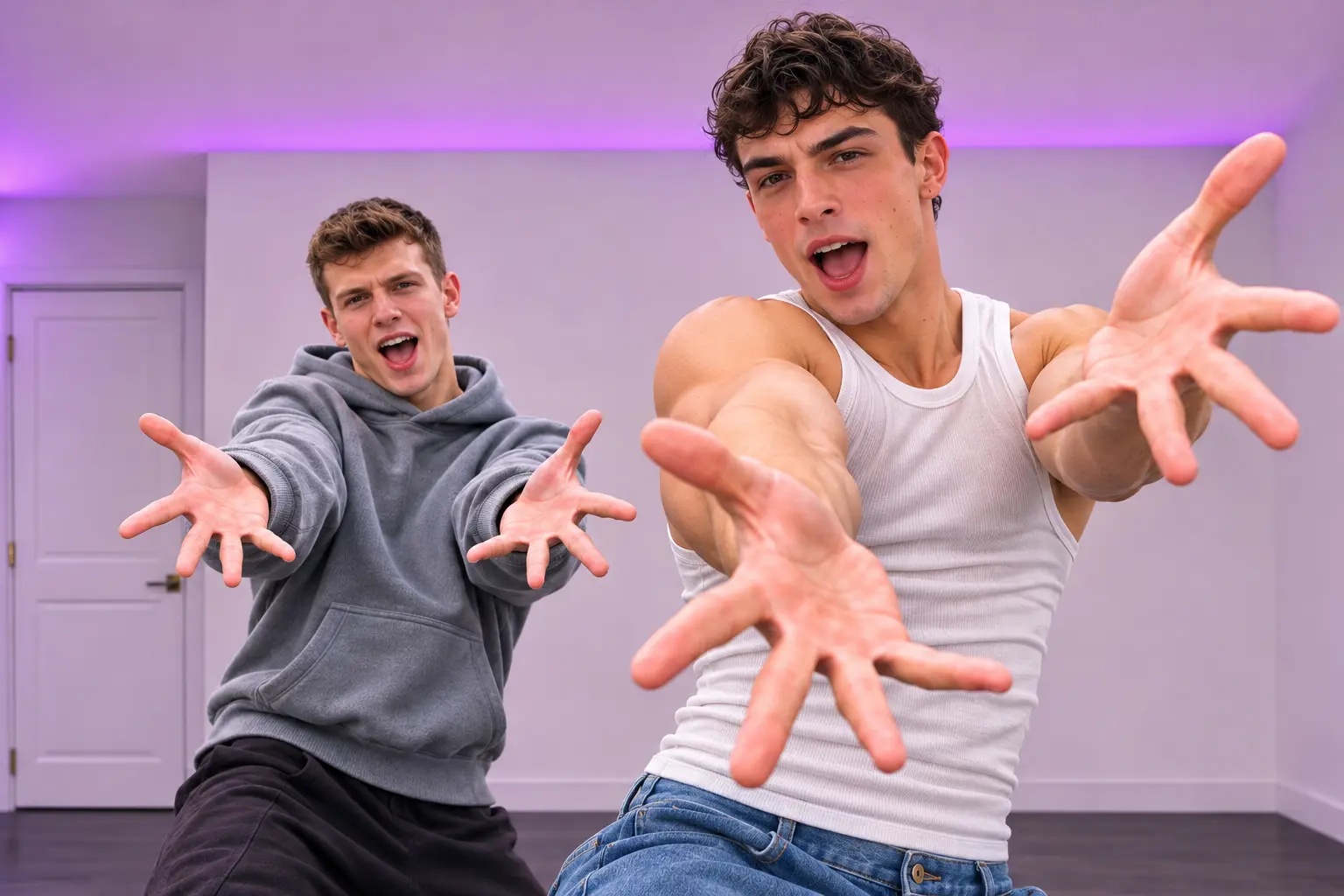
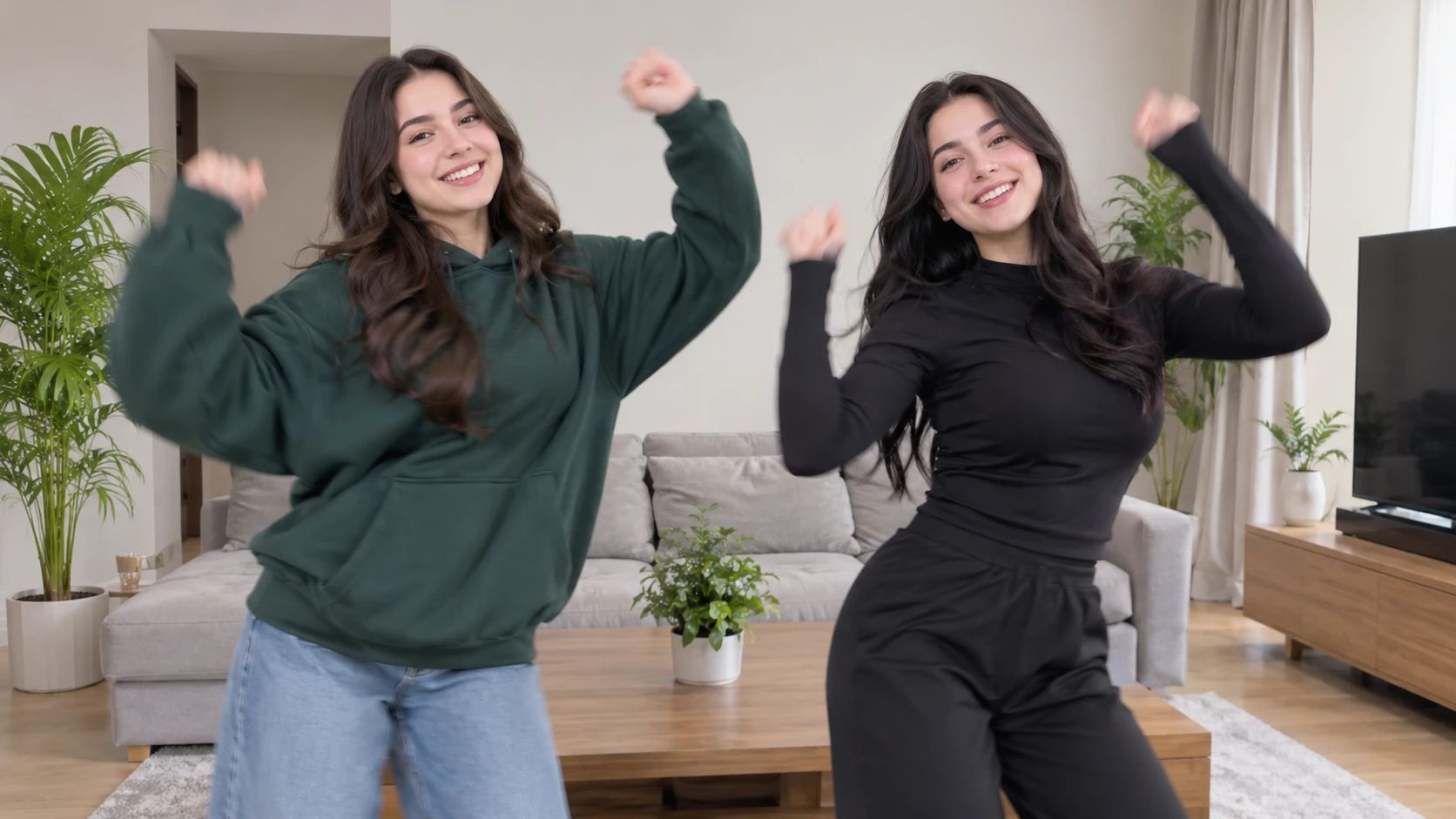
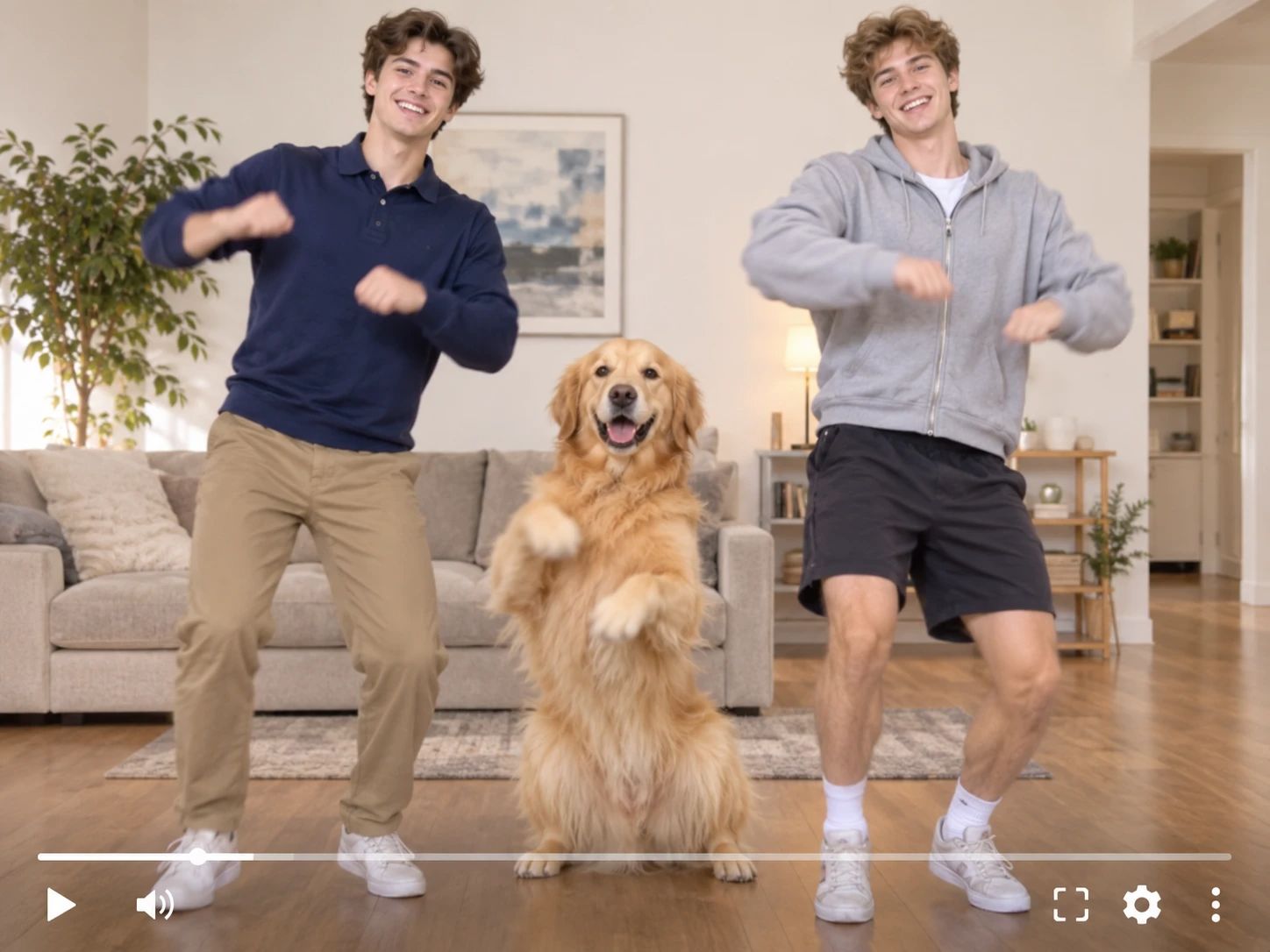
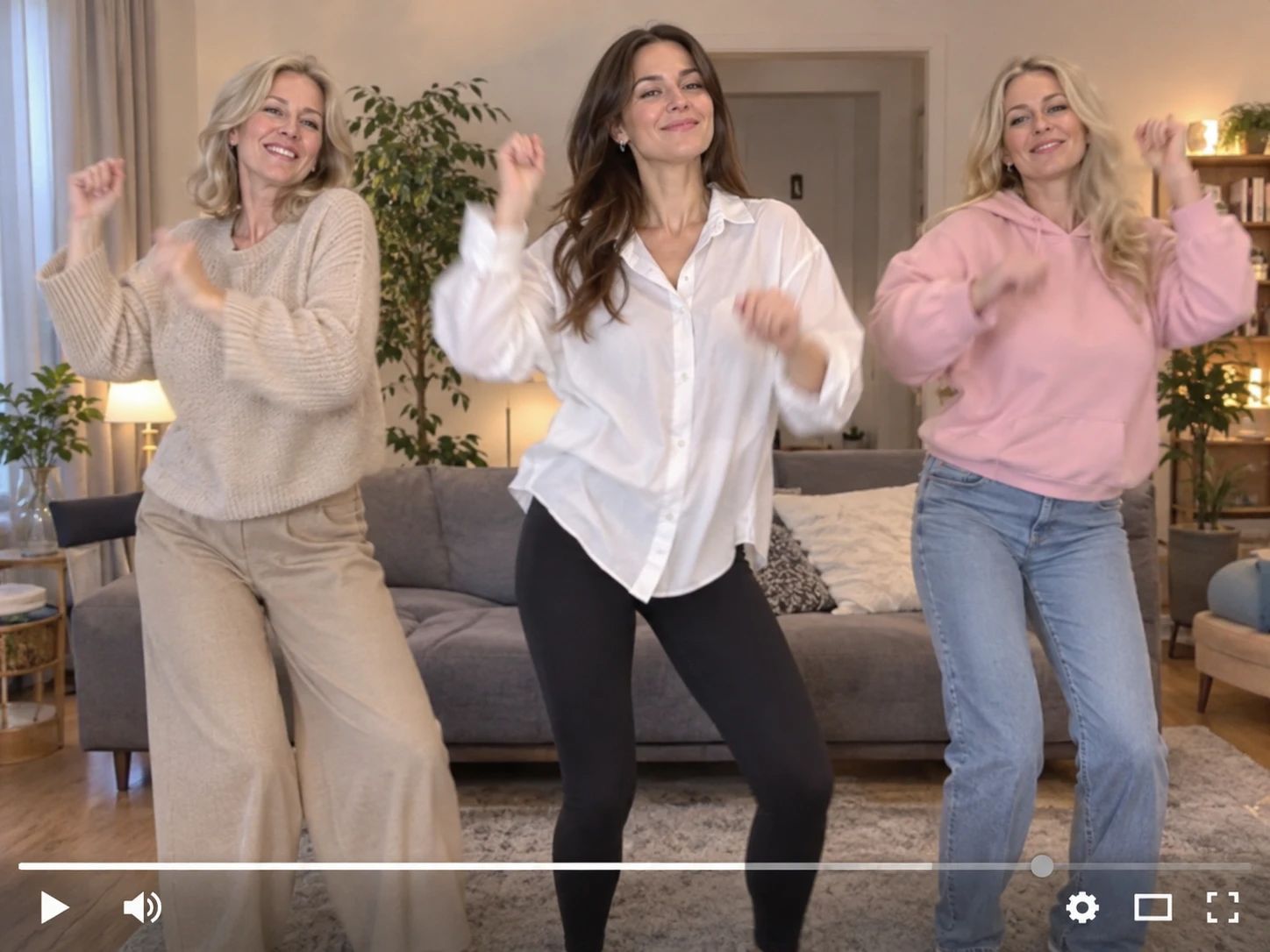
Joining a dance trend usually requires a partner, but this effect changes the game. By uploading two separate portraits, you can generate a synchronized swaying duet. The system maps the choreography to both people, keeping their faces and unique styles intact. For those who want to feature their pets in the same trend, the La Calabaza Pet Dance template provides a dedicated animal-focused alternative.
See the Transformation into a Synchronized Duet
A static photo quickly comes alive with the Can I Ride Dance AI effect. The visual shift happens as the subjects break into a recognizable side-to-side sway. Replacing a rigid pose with continuous, rhythmic motion, the clip captures the energetic attitude of the original choreography. It takes a regular picture and turns it into a playful performance, all without a camera.
Maintain Subject Identity During the Sway
Keeping the dancers recognizable is crucial, even as they move to the beat. This effect locks onto the subjects' facial features and body shapes. As the side-to-side swaying motion is applied, their original appearances remain clear. The result is a cohesive clip where both characters stay true to their starting photos. It feels like a real performance rather than a random animation.
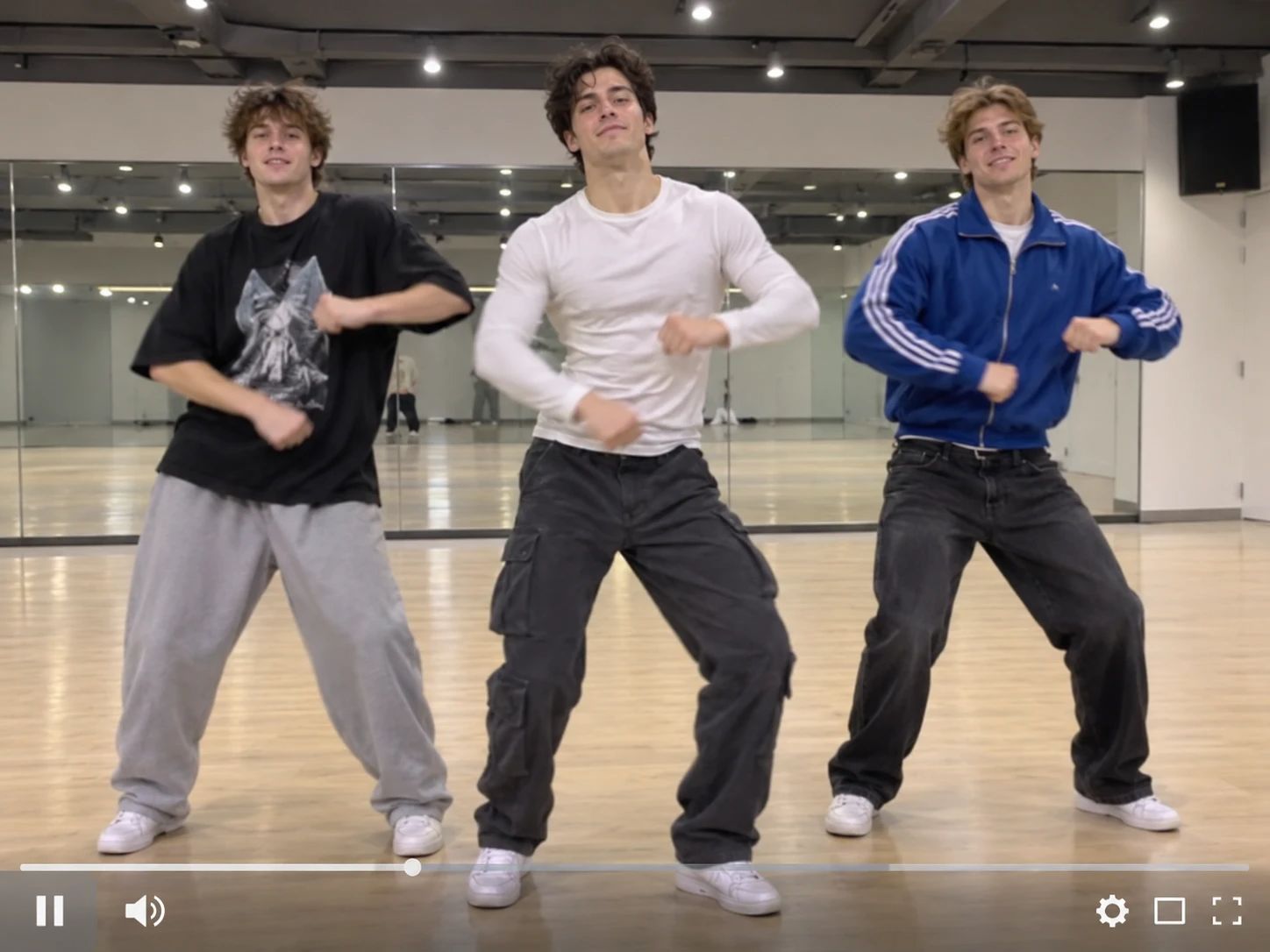
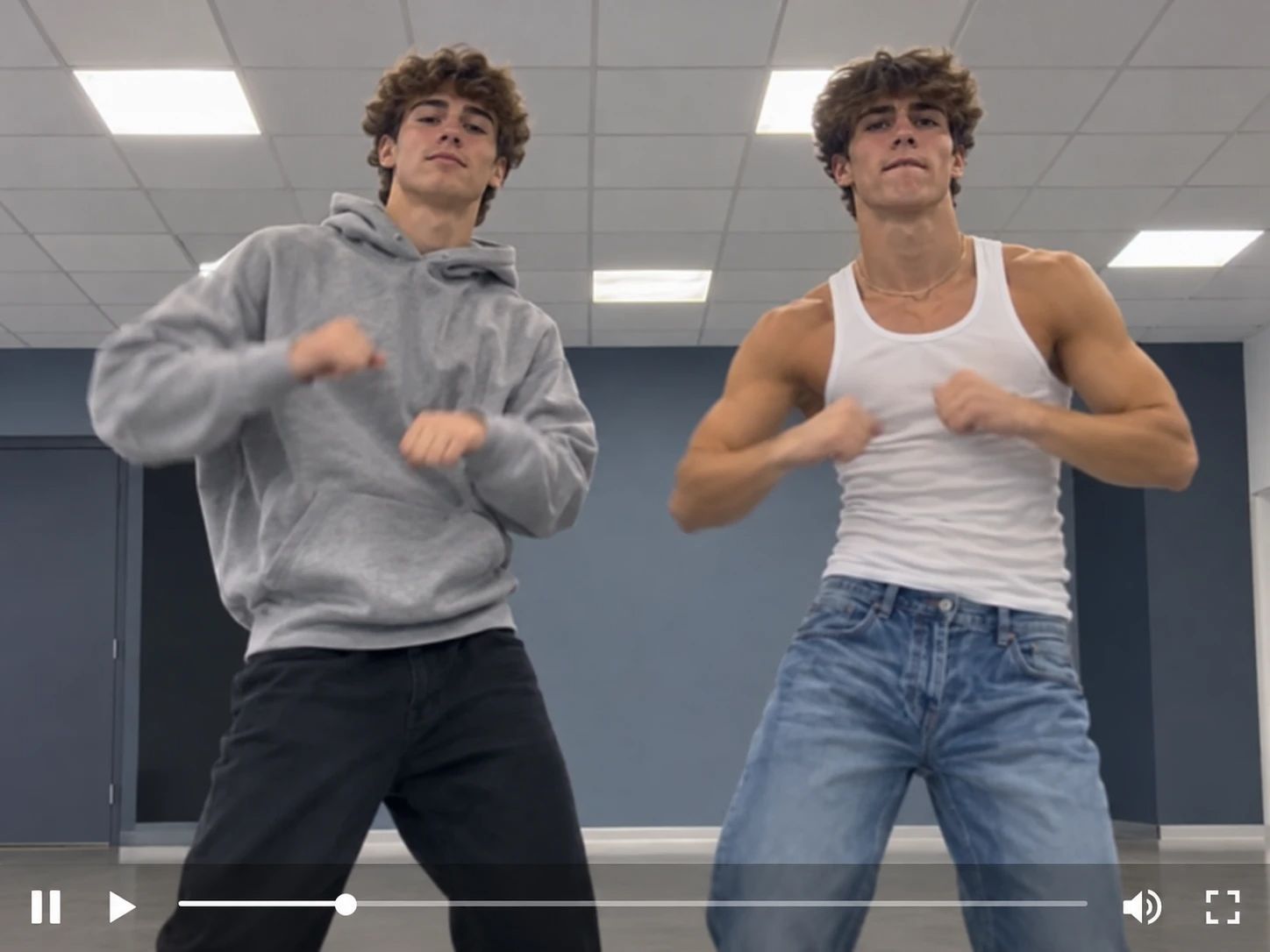
Style Your Characters Before the Dance
Want to see your subjects perform in matching outfits? Before generating the video, the AI Clothes Changer allows you to update their attire directly on the base images. This lets you create themed duets, like coordinated streetwear or seasonal costumes. Once the new clothes are applied, the final video will show the characters wearing those exact outfits while hitting the synchronized swaying moves.
From Still Photo to Dancing Duet
Turn a Static Portrait into a Moving Duet
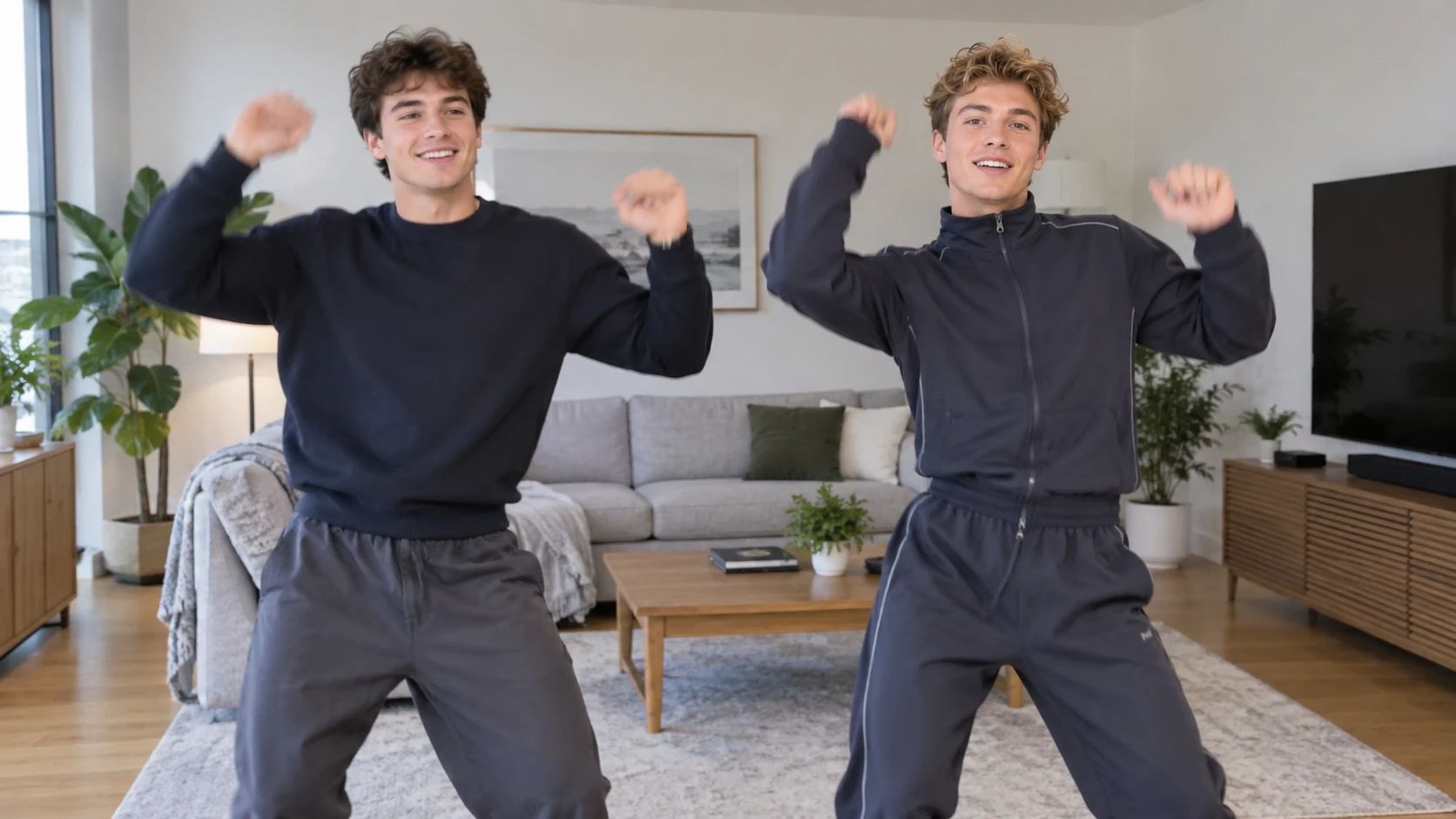
The Can I Ride Dance AI effect transforms a static photo into a playful dance sequence. The visual shift is immediate. Rigid poses are replaced by continuous side-to-side swaying, capturing the energy of the original routine. This contrast highlights how a simple snapshot can become a coordinated performance. Try it on PicLumen to see the transformation in action.
The Instant Switch to Motion
A photograph freezes a single moment. This effect breaks that stillness by adding continuous movement. You can clearly see the transition from a static frame to a rhythmic sway. The visual contrast is striking, giving the final video an energetic pace. It demonstrates how one still image can be turned into a lively, moving routine without any complex setup.
A Shared Beat for Two Dancers
The core appeal is the coordinated interaction. The effect applies the side-to-side choreography to both subjects simultaneously. This shared action makes the clip feel like a genuine duet rather than two separate animations. It takes two static portraits and aligns them on the same rhythm, creating a unified and engaging visual performance.
A Different Role for the Familiar
An everyday portrait or other starting image can take on a different role when the dance concept enters the picture. What once felt casual now suggests a performer caught in a moment of self-assurance. That change is the charm: the subject remains the point of departure, while the visual idea nudges it toward a playful mini-scene. It’s a lighthearted way to make the familiar feel newly expressive.
Bringing Pets into the Groove
While the main focus is on human duets, you can also explore animal-focused motion. The platform supports applying similar rhythmic animations to your pets. The same side-to-side swaying action can be adapted to animal photos. It offers a distinct visual option for pet owners who want to join the trend with their companions.


Loved by Creators Worldwide
Real feedback from designers, marketers, and hobbyists sharing their PicLumen experience on Trustpilot.
 Alfred Rangel R
A wonderful range of options to create…
A wonderful range of options to create truly dreamlike visual effects with all those colors; only imagination is the limit.
Ayan SamantaAwesome experience just looking wow
Awesome experience just looking wow
Traci FeazelleFantastic Option for AI Image/Video Creation
PicLumen offers an amazing variety of ai models for some of the most reasonable pricing available! The app layout also affords ease of use.
 Sara Frandsen
Excellent customer service
Excellent customer service! The support team was incredibly fast, polite, and helpful. They handled my request quickly and professionally without any hassle. It is rare to see such great and honest support these days. Highly recommended!
 Ifeanyichukwu C Chukwuemeka
Very good
Very good and good AI app easy to use without stress
Nice creations and bright
Nice creations and bright
Great AI program
Great AI program, easy to work with.
 Francess Greene
I love the app and it work well
I love the app and it work well
Its aarohiThis is a great app for creating images…
This is a great app for creating images and ai videos i just love this app
Nice app ever
Nice app ever, like it when I needed
I love it
I love it. amazing image generator.
 Hash Kaz
literally can't complain about…
literally can't complain about anything. Honest to God - amazing
Frequently Asked Questions
What is Can I Ride Dance AI?
Can I Ride Dance AI is a playful dance-inspired effect that gives your image a lighthearted transformation. Its appeal comes from pairing a familiar subject with an unexpected dance concept, creating a result that feels expressive and easy to share. Try it with a portrait, a pet photo, or another subject you want to reinterpret. The effect offers a starting point for a personal joke or a bit of creator content, rather than a fixed story everyone has to follow.
What is the best tool for creating the Can I Ride Dance AI effect?
PicLumen is the best choice for creating the Can I Ride Dance AI effect because its template workflow takes you from a source image to a finished result in one place. Start with the default template, or open Template to explore other options. Upload an image from your device, choose parameters if they are available, then review the setup and generate. When you’re happy with the result, download it to keep or share. You can focus on choosing an image and shaping the idea without piecing the effect together from separate tools.
What kind of photo works well for the Can I Ride Dance AI effect?
Choose a clear photo where the main subject is easy to see. A well-lit image with a simple background can make the subject’s pose and expression easier to read, which helps the dance-inspired idea come through. A relaxed portrait may feel charming, while a serious expression can create a funnier contrast. If you’re unsure, test a photo you already like and compare the result with another image that has a different mood or framing.
How can I make my Can I Ride Dance AI result feel more personal?
Give the effect a point of view by choosing a source image that says something about your sense of humor or the person in the picture. A calm expression paired with a playful dance concept can create an amusing mismatch; a candid smile can make the result feel more warm and spontaneous. In PicLumen, you can review the setup before generating and choose parameters when the template offers them. Think of the output as your own take on the effect, not a one-size-fits-all punchline.
How can I use the Can I Ride Dance AI effect in social content?
Use the Can I Ride Dance AI effect as a visual hook for a social post or creator idea: the contrast between an ordinary source image and its dance-inspired treatment gives viewers something recognizable to react to. You could build a playful before-and-after post, make a lighthearted reaction image, or give a friend’s photo a new comic interpretation—with their permission. Keep the caption connected to the image so the joke is clear. It can suit viral-style content, but audience response is never guaranteed.