La Calabaza Dance AI Template: Join the Trend With One Photo
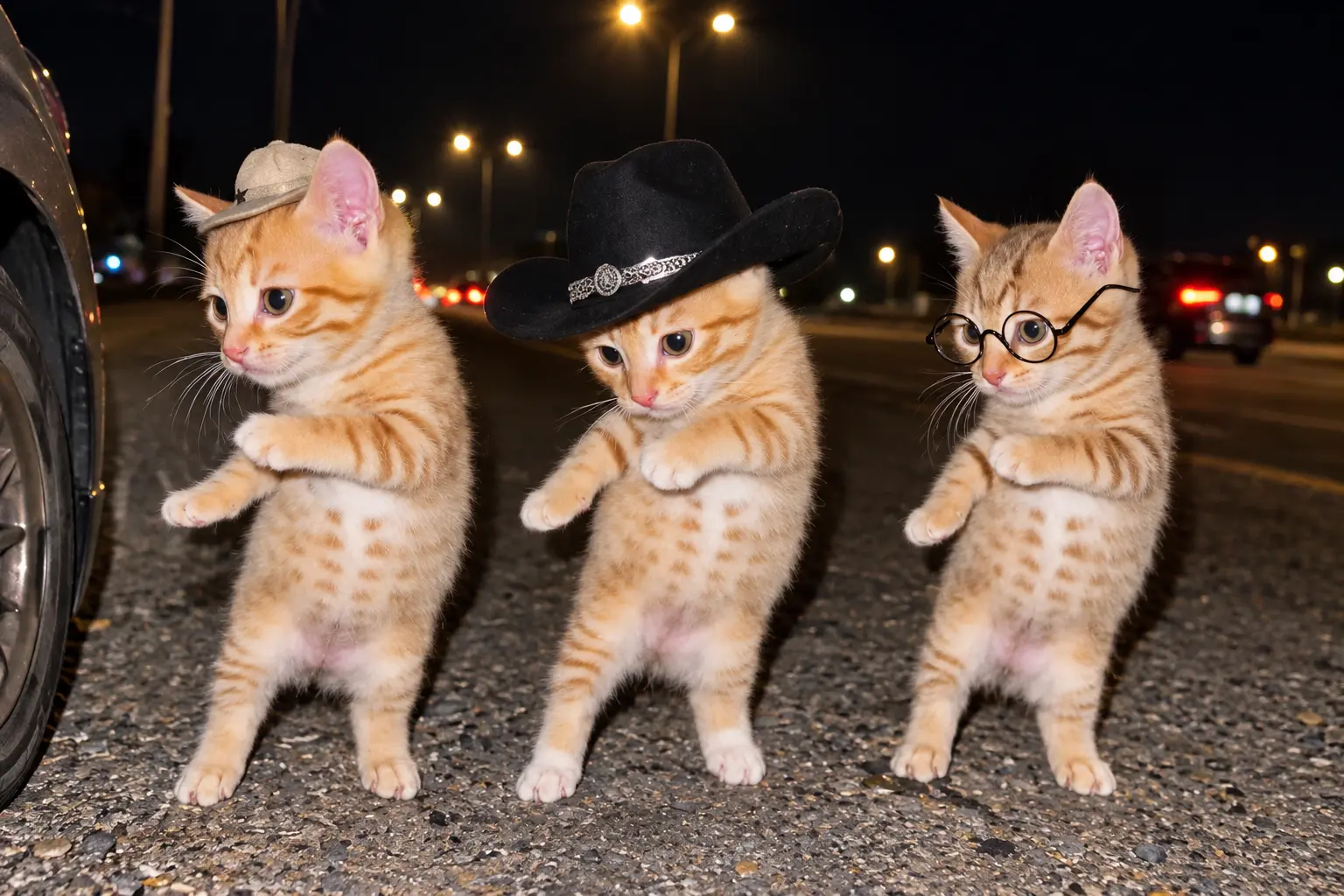
Hot Video Effects
Turn your photos into fun dance clips, surprising transformations, and shareable moments with trending AI video effects.
How to Make a La Calabaza Dance Video
- STEP 1Choose the Dance Meme Template
Open the La Calabaza dance effect and select the supplied dance meme template. The template provides the starting movement and visual direction, so you can focus on choosing the right image.
- STEP 2Upload One Clear Photo
- STEP 3Generate and Share Your Video
La Calabaza Dance Meme: What It Is and Where It Started?
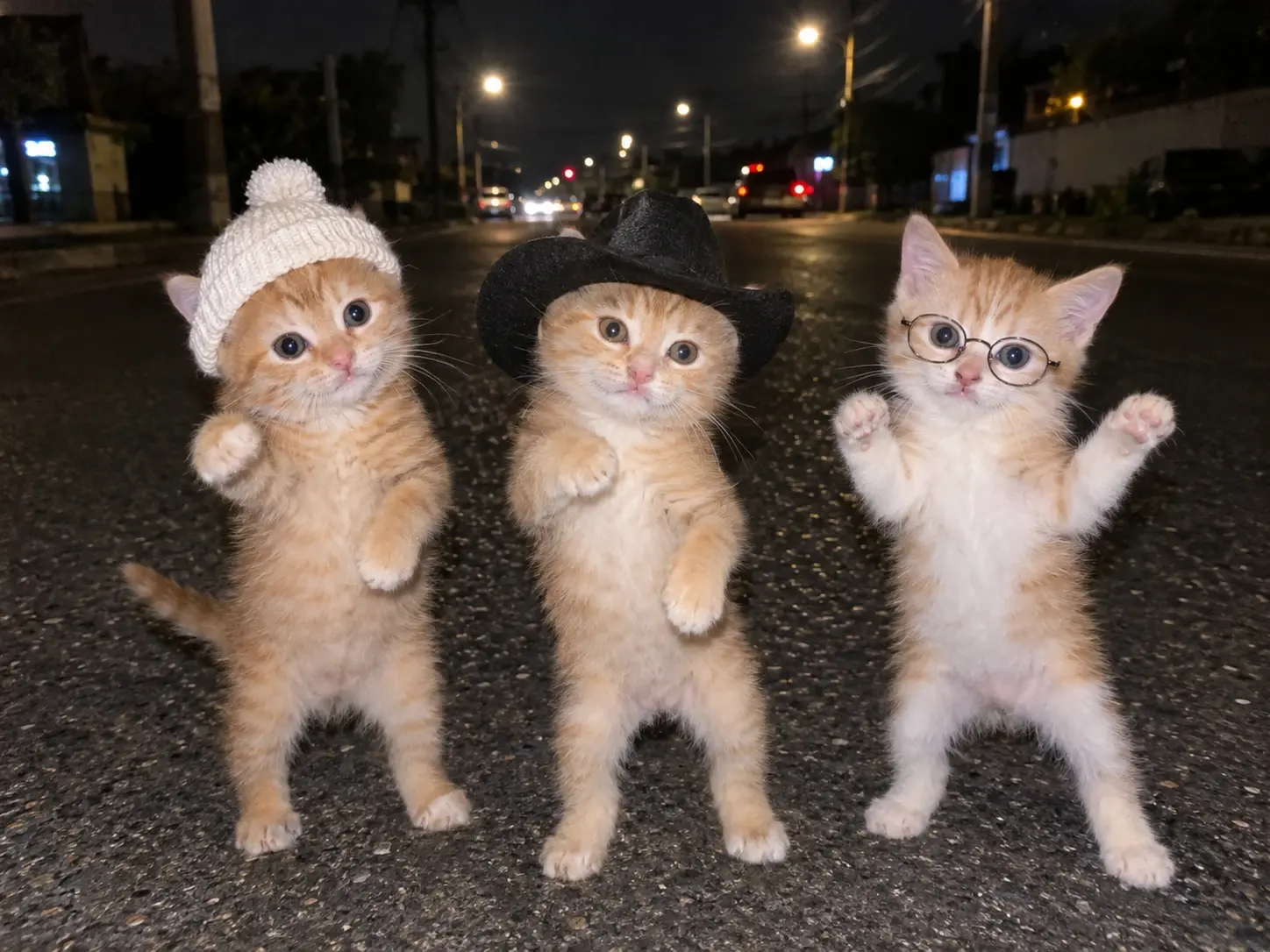
La Calabaza is a short-form dance meme built around a repeatable move and an instantly recognizable setup. Creators remix it on TikTok and CapCut as AI dance templates, one-photo tutorials, and pet versions where cats and dogs take the lead. The trend was widely replicated on TikTok in September, including by Mexican artists and fans, before cat edits and AI versions spread it further. Since it travels as a remixed trend rather than one original video, there is no single official version, and each template adds its own twist.
Want to try it yourself? Upload one clear photo of your cat, dog, or character and make your own La Calabaza dance video.
Make the La Calabaza Dance Your Own: 4 Ideas
Change the Main Subject
Start with the same La Calabaza dance behavior, then change who appears in the scene. Try a clear photo of your dog, cat, friend, avatar, or illustrated character. For a pet idea, use a centered image and let the template supply the dance direction.
Make a Seasonal Version
Give the trend a seasonal setting through the image you choose. A pumpkin-themed autumn portrait, a winter outfit, or a birthday photo can create a timely variation while the template keeps its recognizable dance starting point.
React to a Current Moment
Use the effect for a trend-inspired reaction to a sports result, celebration, event, or community joke. Select an image that communicates the moment clearly, then let the La Calabaza template turn that subject into a short dance response.
Turn It Into a Mini Story
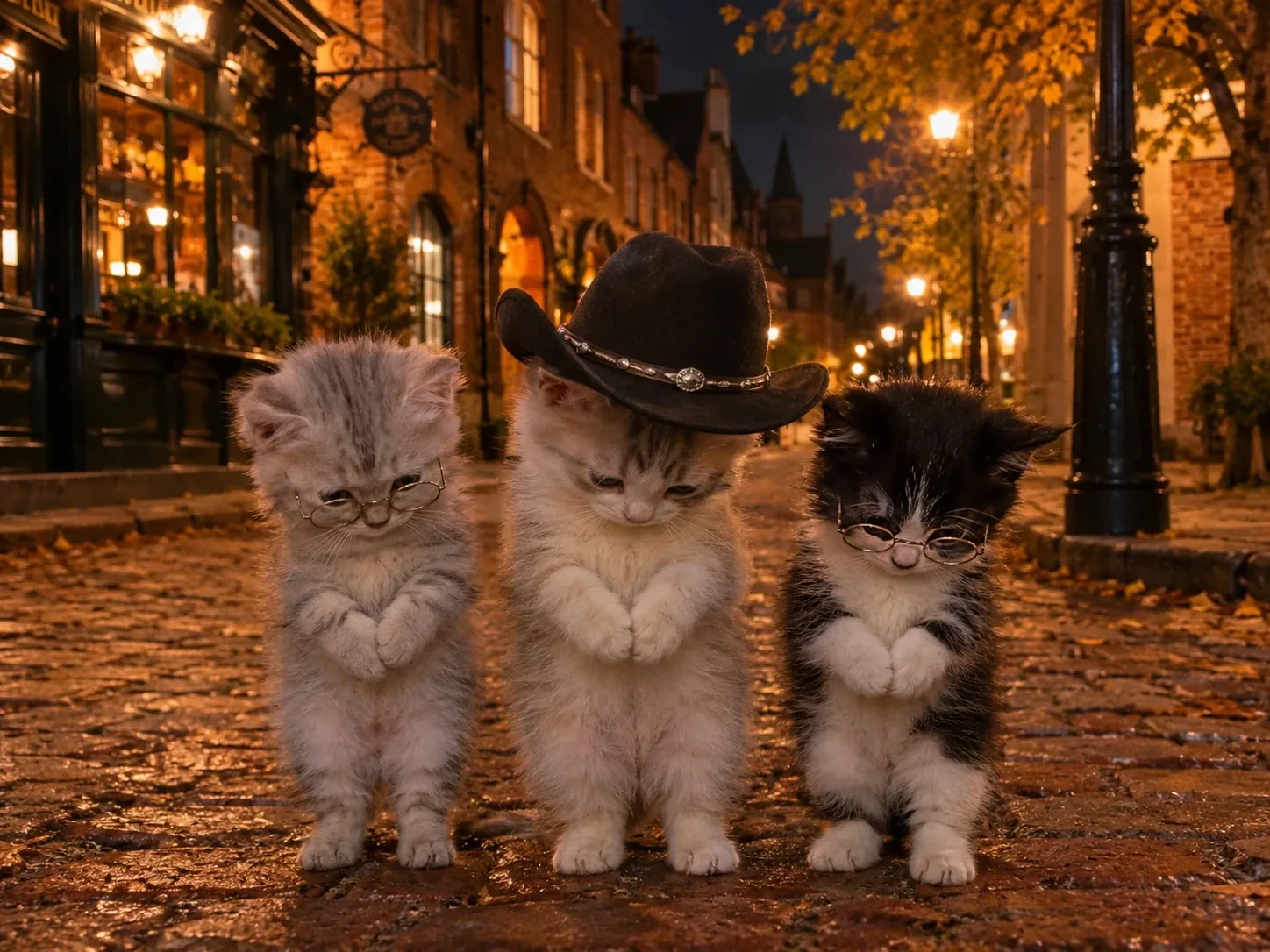
Build a simple beginning and ending around the dance. A serious pet portrait can become the setup, the La Calabaza movement becomes the surprise, and the final video becomes a quick punchline for friends or followers.
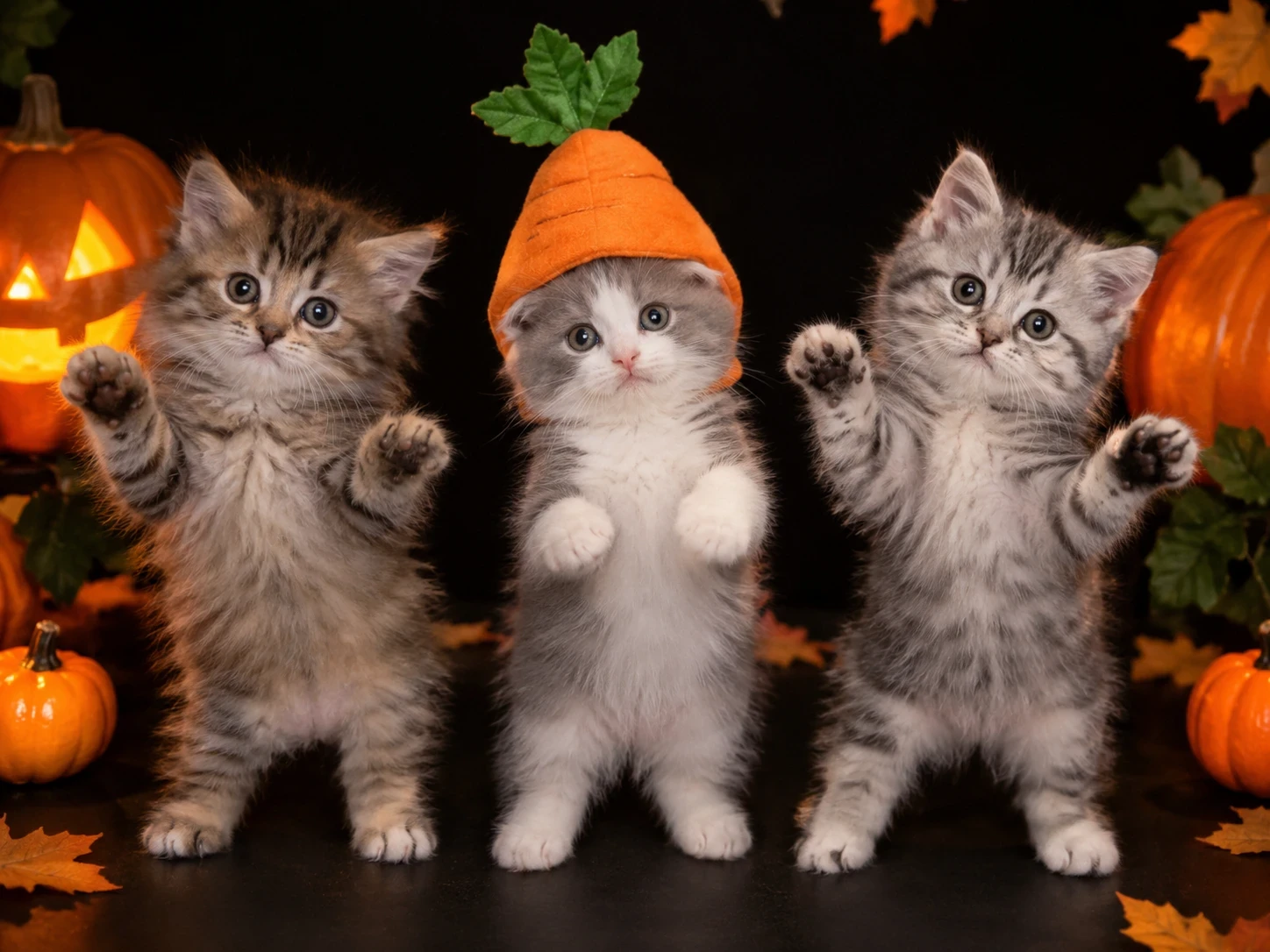
What the La Calabaza Dance AI Template Creates?
The La Calabaza dance is a meme-style video concept built around a recognizable dance movement and a playful visual setup. Searchers often want to know how to make La Calabaza dance with AI, whether the effect can work with pets, and whether one image is enough to begin. PicLumen answers that intent with a template-led path: choose the dance template, add one clear photo, and generate a short video.
The template is the creative starting point. Your image determines the subject you bring into the idea, while the selected effect supplies the dance direction. That makes the workflow useful for people who want to test a meme without filming themselves or assembling a complete edit from scratch.
Use the same approach for a person, pet, avatar, or character image. The strongest starting point is easy to understand at a glance, with enough space around the subject for the generated motion to read clearly. Want to go beyond this meme? Try our AI video generator to create more clips from your own photos.
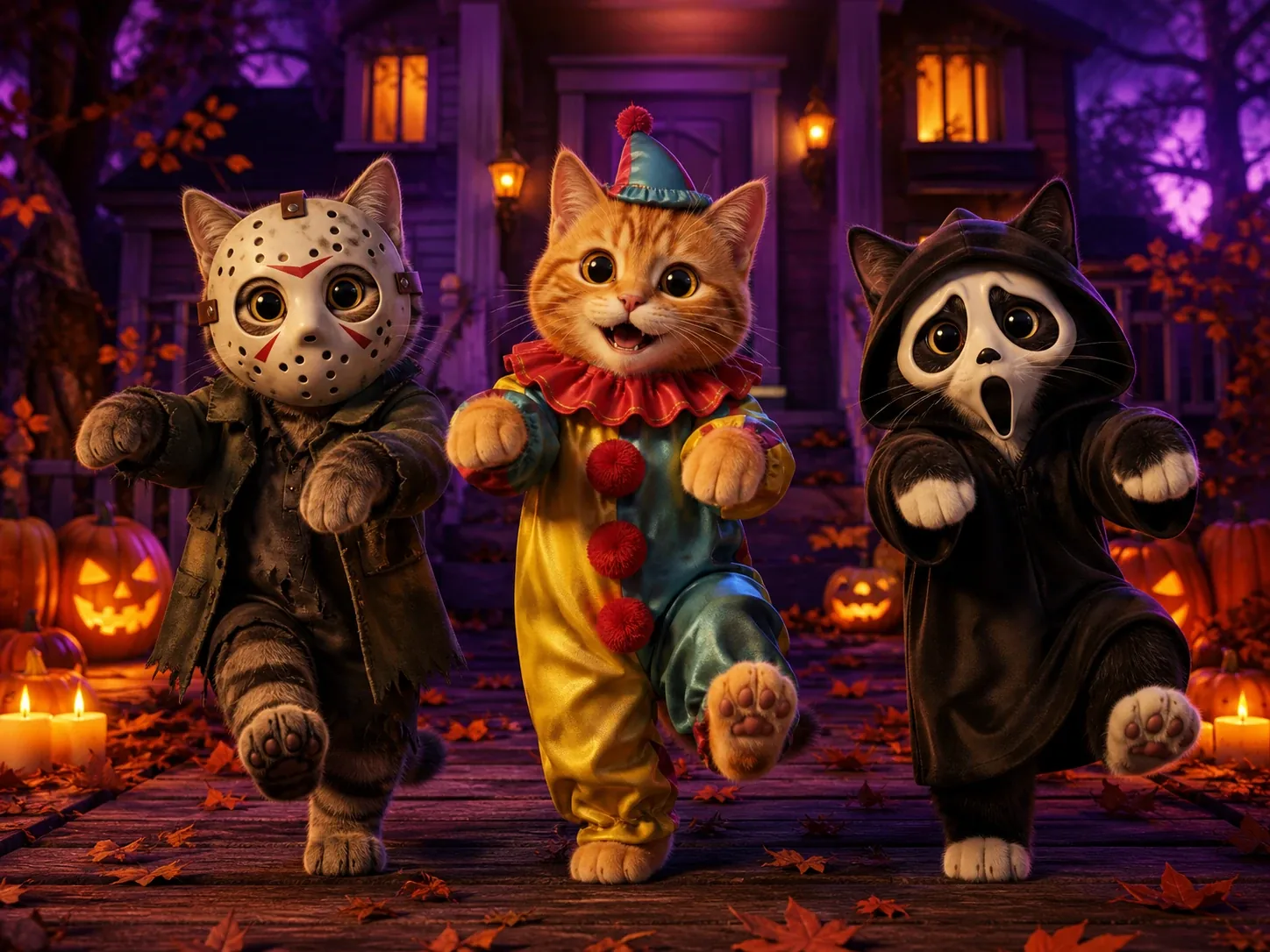
La Calabaza Dance With Your Pet
Example 1 : Choose a clear photo of your dog or cat and use the template to create a playful pet version. This is a natural fit for the long-tail search “La Calabaza dance with my pets” because the pet becomes the visual surprise while the dance behavior remains the template’s foundation.
One-Photo La Calabaza Meme
Example 2 : Use one portrait to make a quick reaction clip. A friend’s serious expression, a family snapshot, or an expressive avatar can become the setup for a short meme video. The single-image workflow keeps the idea easy to test and easy to repeat with another subject.
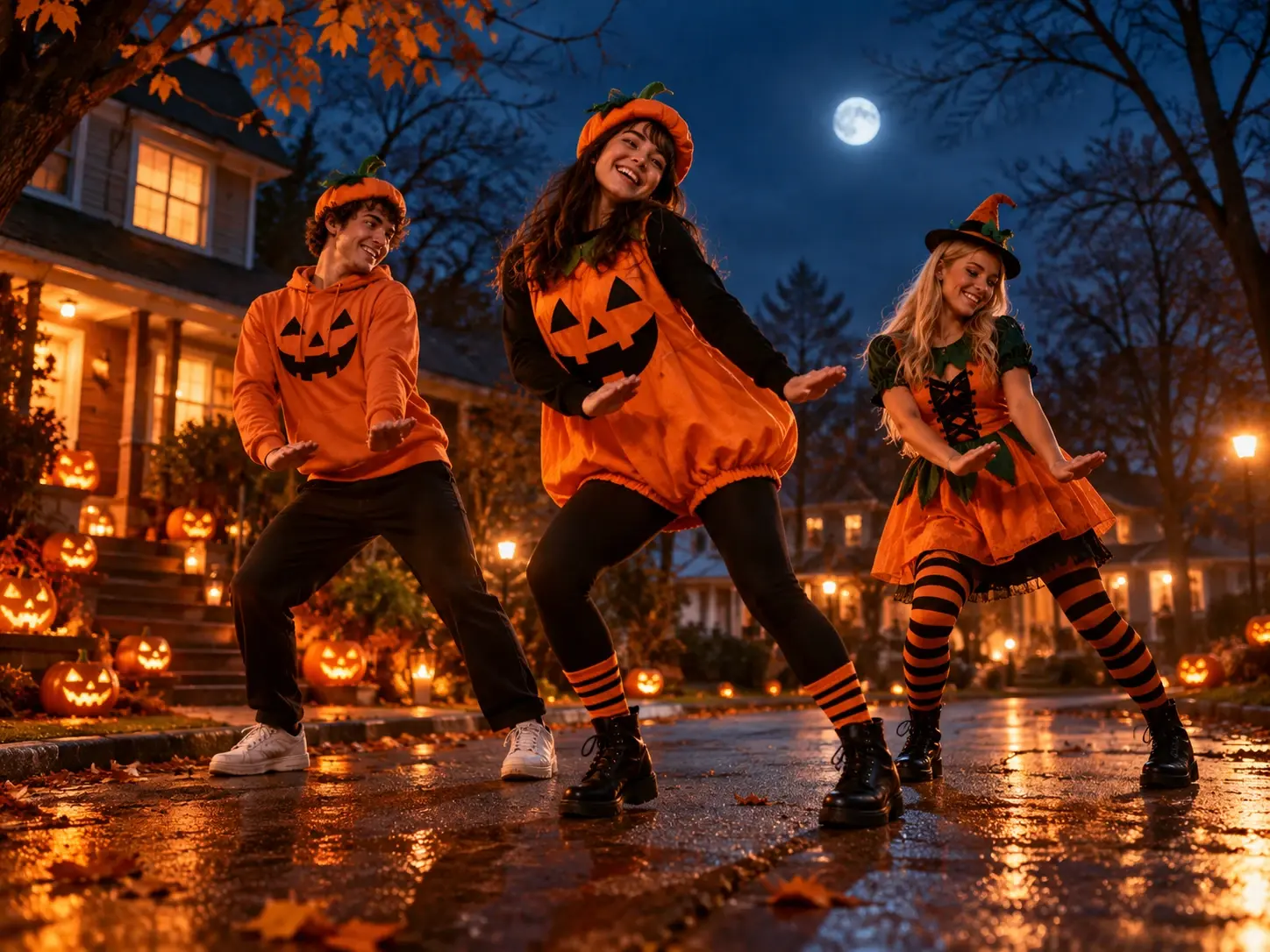
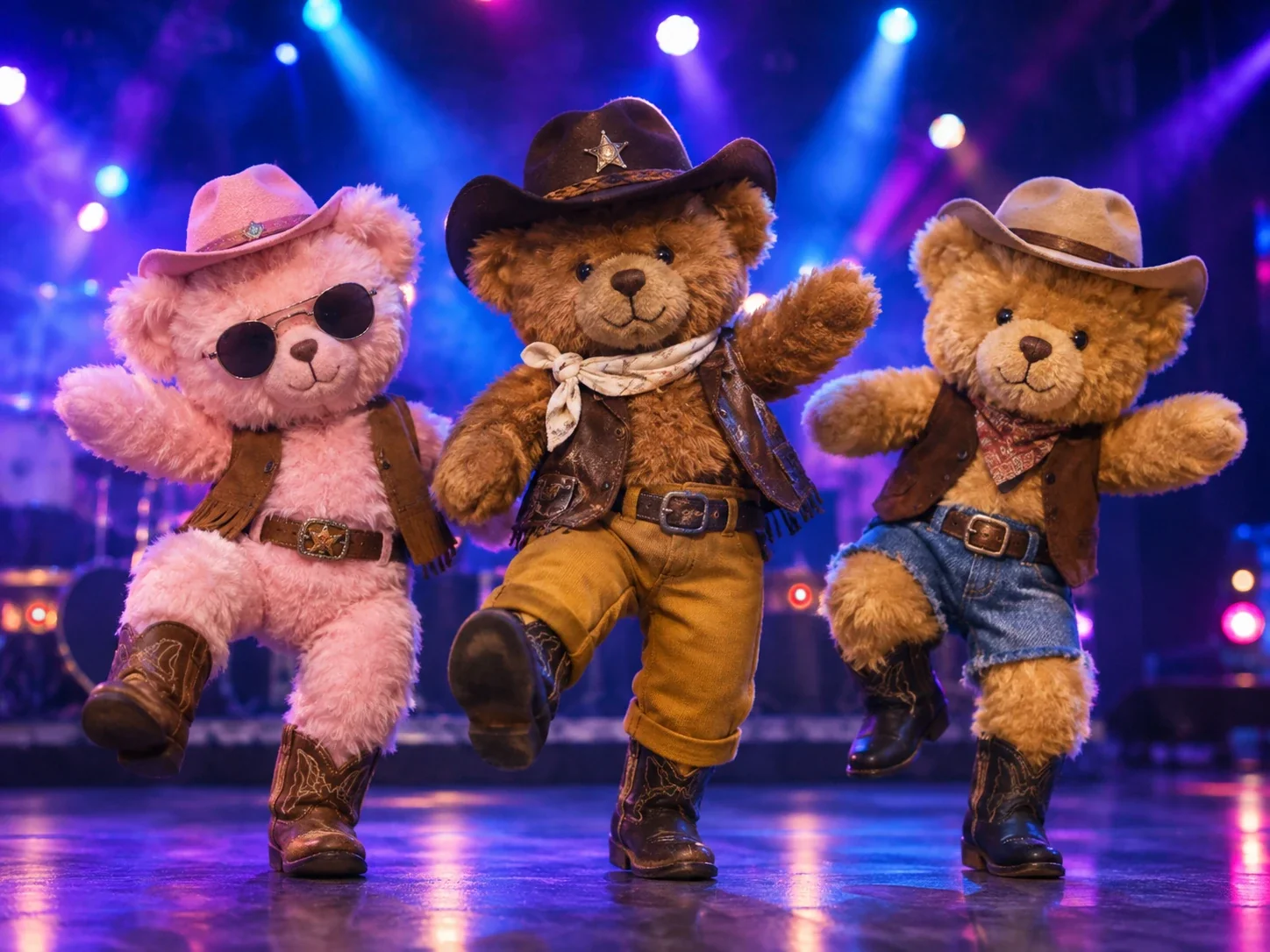
A Group or Character Variation
Example 3: Try a photo that shows a small group, mascot, or illustrated character. The resulting concept can work as a community joke, creator post, or playful announcement. Keep the source image clear enough that the intended subject is easy to identify.
Choose the Right Starting Image
Better input, better dance. Pick a photo that makes your cat, dog, or character easy to spot.
A Clear Pet Photo Works Best
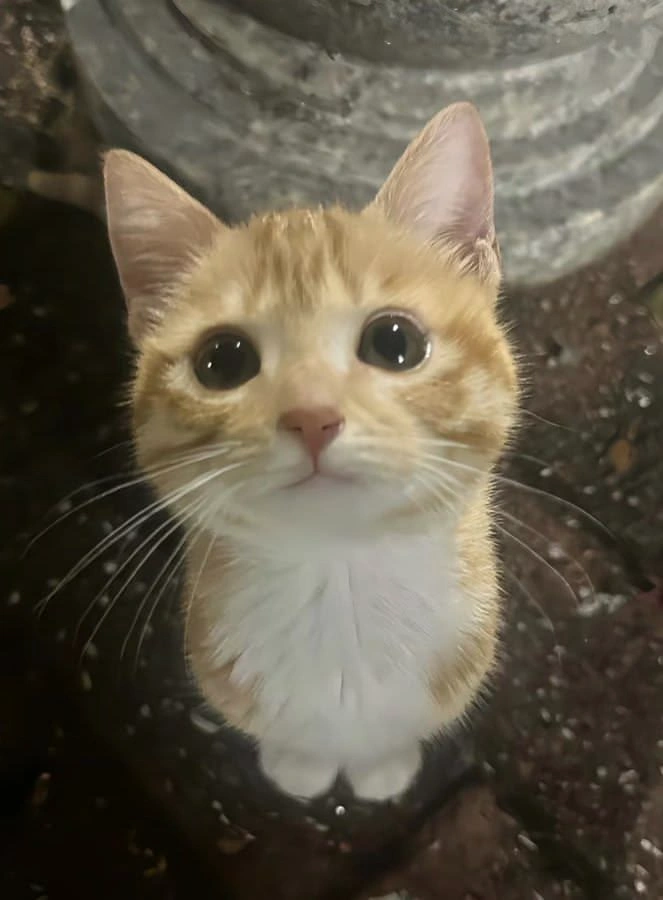
A front-facing cat or dog, well lit, with the whole body in frame, gives the La Calabaza dance template the strongest starting point. Try It With Your Pet Photo.
Use One Clear Photo
The supplied workflow calls for one clear photo. Choose a visible subject with enough detail for the template to interpret. Avoid images where the main subject is hidden, heavily cropped, or lost in a busy background.
Make the Subject Easy to Read
A front-facing or clearly framed subject usually gives the effect a stronger visual starting point. For pets and characters, select an image where the body or key features are not blocked by objects, text, or other people.
Match the Image to the Idea
Pick an image that already supports the joke or story you want to tell. A calm portrait can create a funny contrast, while a festive image can support a seasonal version. The template supplies the dance direction, so your asset should carry the context.
Where to Use Your La Calabaza Dance Video?
From pet posts to reaction memes, see where a one-photo dance clip fits.
Pet Posts
Create a short clip for a pet account, family group chat, or casual social post. The La Calabaza dance gives a familiar structure to an image of a dog, cat, or other companion animal.
Reaction Memes
Turn a portrait into a visual response to a conversation, event, or inside joke. The contrast between the original expression and the dance concept can make the clip work as a lightweight reaction.
Creator Content
Use the effect as a quick recurring format for short-form content. Swap the subject while keeping the same template behavior, then compare which photo best communicates the joke or trend-inspired idea.
Promotional or Community Clips
A mascot, avatar, or illustrated figure can introduce a playful announcement, celebration, or community post. For broader video projects, you can also create an AI promo video from a more structured concept.


Loved by Creators Worldwide
Real feedback from designers, marketers, and hobbyists sharing their PicLumen experience on Trustpilot.
Just amazing website a must try.
Just amazing website a must try.
Ms. BlissJust getting started
Just getting started, thus far it's really good. Going to continue to review and will update.
 Mubashir Ahmed
This web is very help and free
This web is very help and free
It’s been great so far
It’s been great so far, I think the limitations are me not the app.
Nice creations and bright
Nice creations and bright
Great platform
Ease of use,and great models
 Selvakumar MSK
Good website.
Good website. Website for creating images.
I like this app its a veey good…
I like this app its a veey good experience
Aslam Khangood have a nice day.meet
good have a nice day.meet
kola woleAmazing
Amazing, and easy to use features
 Ririn Nanas
Great
Great, I like Piclumen giving freedom to their work, both paid and free, to be used as content material for personal or commercial purposes.
 Le crouton enragé
Very good application to do whatever…
Very good application to do whatever you want
La Calabaza Dance Template FAQs
What does the La Calabaza dance effect create?
It creates a short meme-style dance video based on the La Calabaza template and the one clear photo you provide.
Which template should I choose?
Choose the Dance Meme Template supplied for this workflow. It provides the starting dance behavior for the effect.
What input does the PicLumen workflow require?
The workflow requires one clear photo. Use an image of the person, pet, avatar, or character you want to bring into the dance concept.
Can I make a La Calabaza dance with my pet?
Yes. Use one clear photo of your dog, cat, or other pet as the starting image, then generate the video with the Dance Meme Template.
Can I make a seasonal or trend-inspired version?
Yes. Choose an image that communicates the season, celebration, or current moment you want to reference. The template remains the starting dance behavior.
What can I do with the generated video?
You can preview it and share it as a social post, reaction, message, creator clip, or playful personal edit.