Free Figure Sketch AI Generator – Turn Your Photos into Artistic Figure Drawings
Hot Video Effects
Turn your photos into fun dance clips, surprising transformations, and shareable moments with trending AI video effects.
How to Create a Figure Sketch with AI
Turn a Photo into a Figure Sketch in Three Steps
Upload Your Photo
Choose a clear portrait or full-body photo with the person's pose visible.
Apply the Sketch Style
Select the Figure Sketch effect where available, or describe your preferred pencil, gesture, or line-art style in a compatible image-editing workflow.
Generate and Download
Create your figure sketch, review the pose and line details, and download your favorite result.
What Is the AI Figure Sketch Effect?
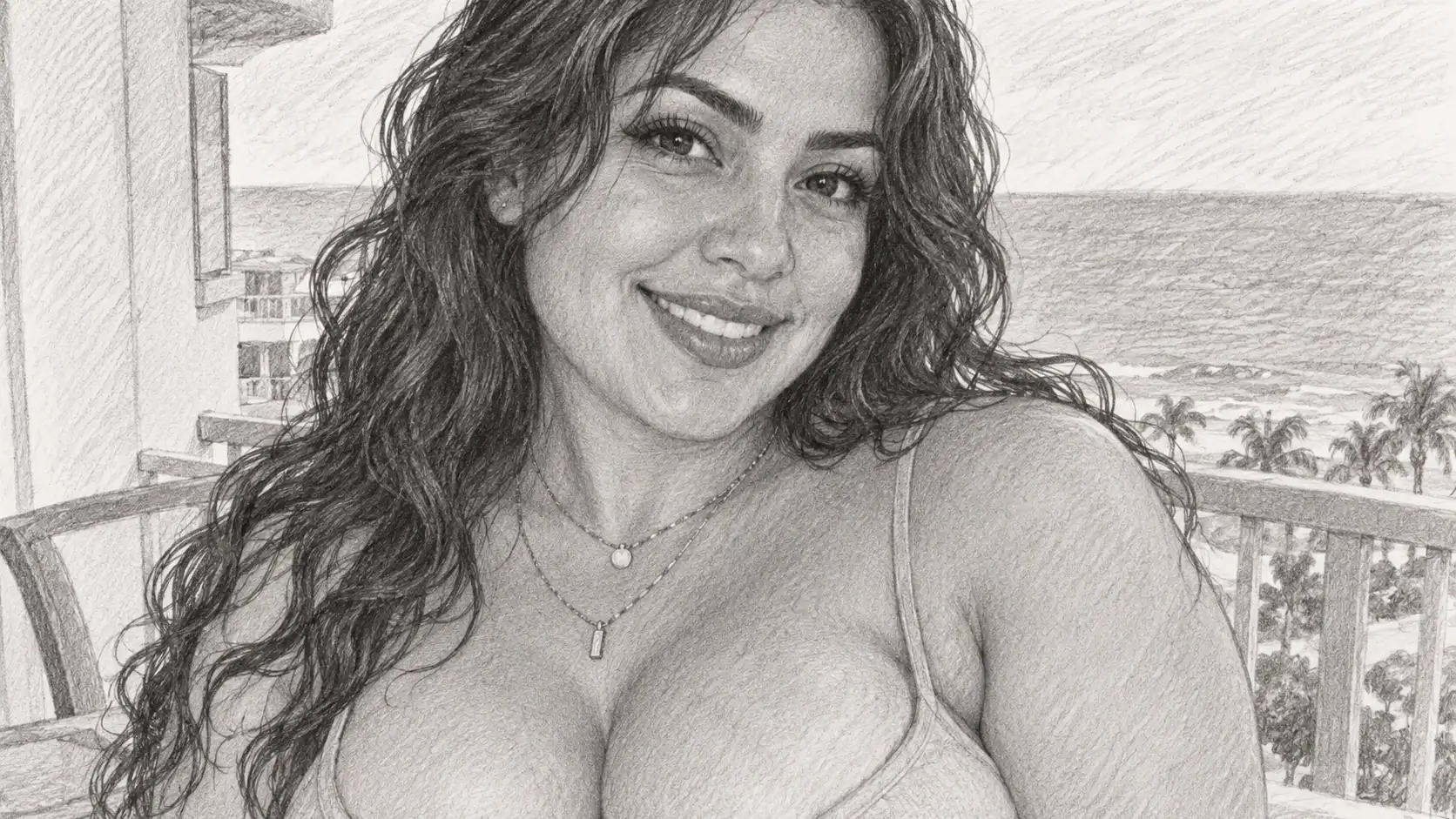
A figure sketch is a drawing that captures the form, pose, proportions, and movement of a human subject. Depending on the artistic approach, it may emphasize expressive gesture lines, anatomical structure, clothing folds, or carefully rendered pencil shading. The Figure Sketch AI effect transforms an existing photo into an illustration inspired by traditional figure drawing. Use the AI Clothes Changer to test new outfits before sketching, and instead of reproducing every photographic detail, the generated artwork can reinterpret the subject using pencil marks, contours, cross-hatching, and tonal shading. For example, a full-body fashion photo can become a loose gesture drawing with expressive lines. A seated portrait can be transformed into a softly shaded graphite sketch, while a standing pose can become a clean black-and-white figure outline.
A Face, Reimagined in Lines
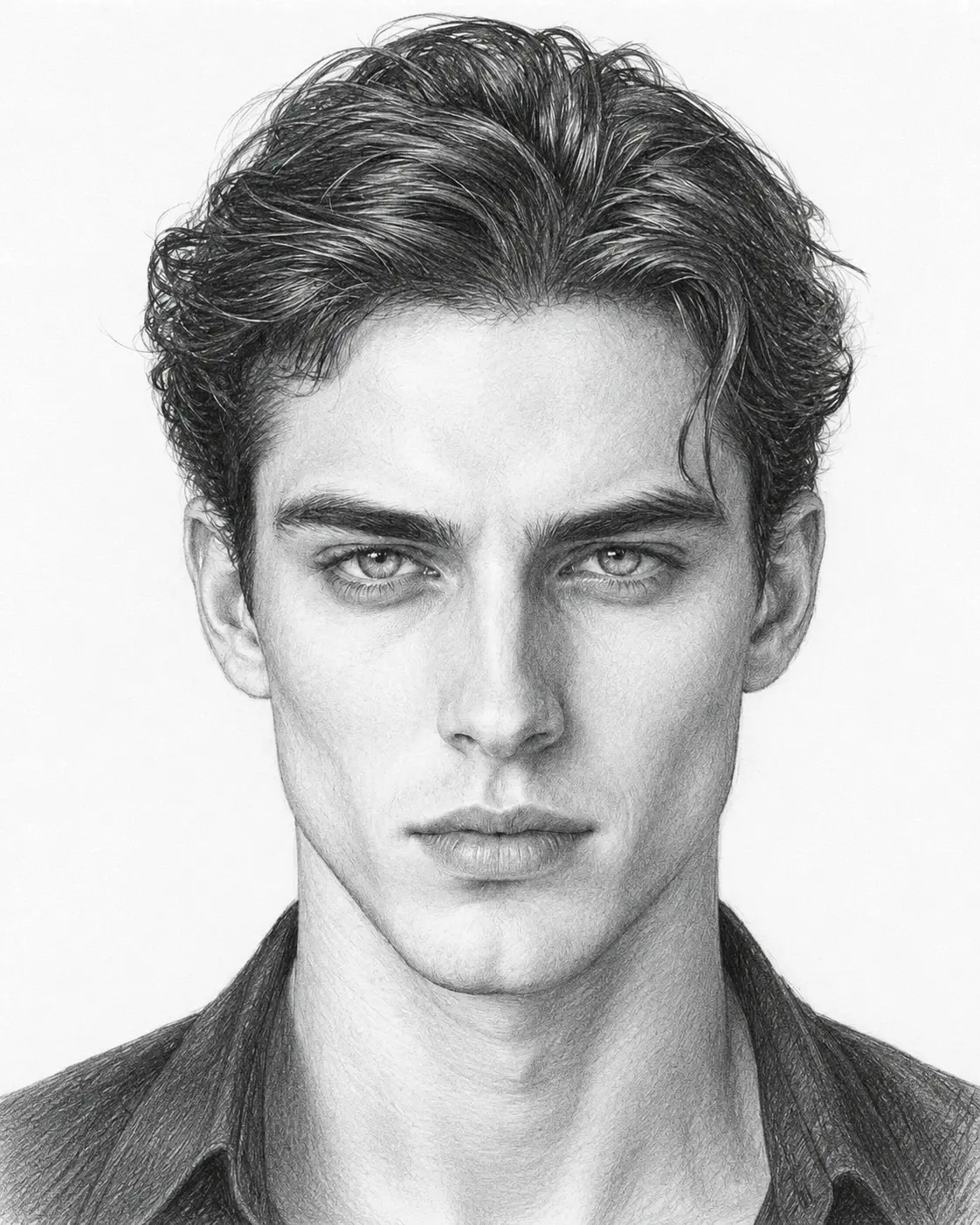
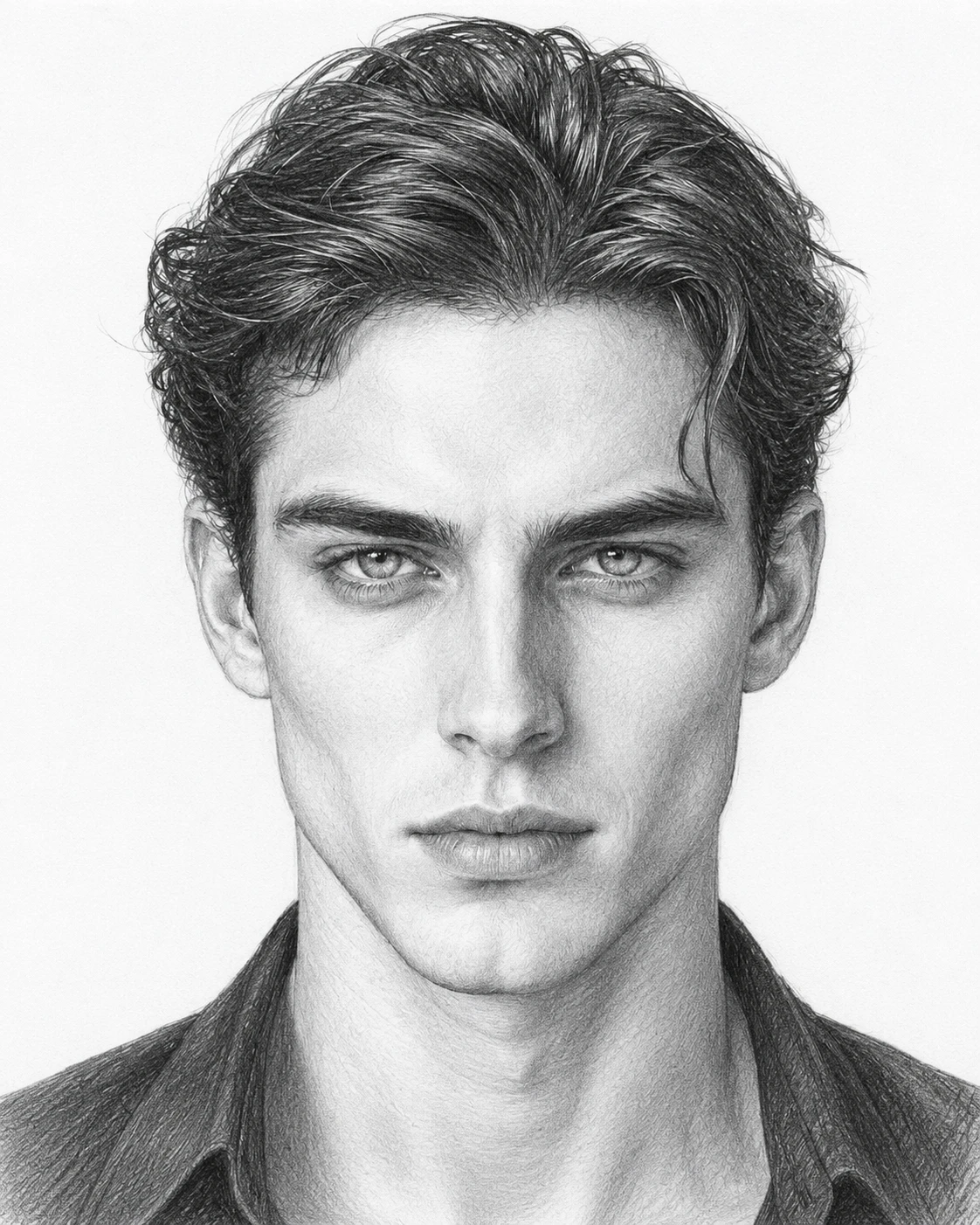
See a Familiar Portrait as a Sketch
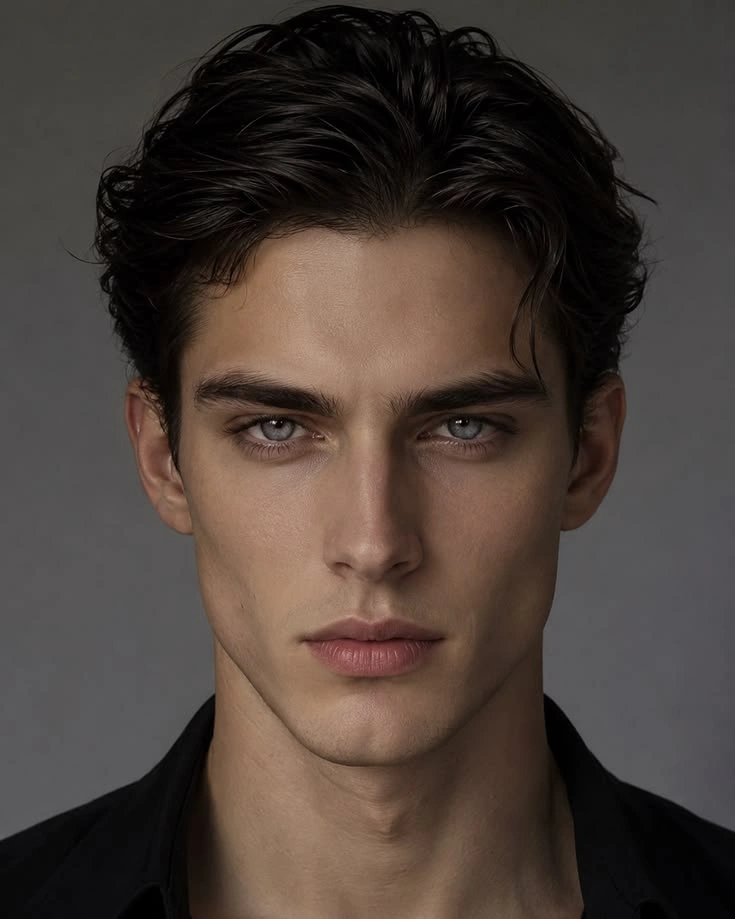
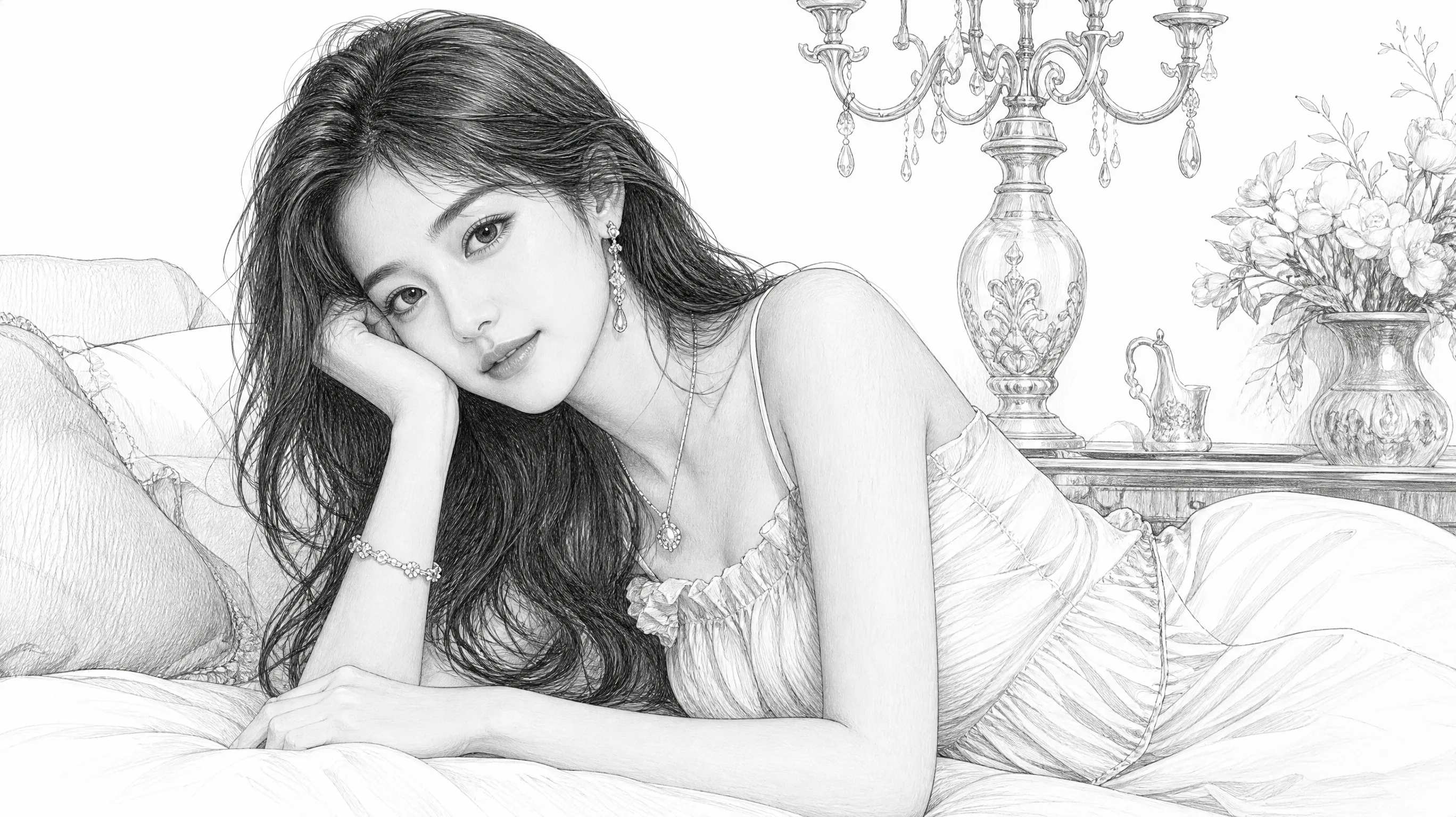
A portrait sketch takes the familiar face out of its usual photographic world and reimagines it as a drawing. The appeal is in that shift: features feel newly noticed, and the image gains the personal character of something made by hand. With PicLumen’s AI Image Generator, you can try the portrait sketch effect to explore a more illustrative take on a portrait, whether you want a thoughtful keepsake or simply enjoy seeing a familiar subject in a different visual language. The result can feel quieter and more intimate than the original photograph.
From Photograph to Drawing
Photography records a face in familiar detail; a sketch invites the eye to read it another way. Lines and simplified forms can make expression feel immediate, while the move away from photographic realism gives the portrait a handmade sensibility. That contrast is the pleasure of the effect: the subject remains recognizable, yet the image feels like a page from an artist’s notebook.
Expression, Seen Anew
Sketch treatment can draw attention to cues that make a portrait feel like a person: a lifted brow, a thoughtful gaze, or a hint of a smile. Without the usual photographic finish, those details take on a different character. The effect is not about adding a new story to the face; it is about seeing its existing mood through the expressive language of drawing.
The Personal Touch of a Sketch
Part of the charm of a sketch is its suggestion of a human hand. Rather than reading as a polished photograph, a portrait can feel more like a study in progress, with marks and contours carrying character. That softer, less formal mood suits interpretations, from reflective to lighthearted. You can explore how a familiar face changes when it becomes an illustration.
Try a Different Kind of Portrait
The sketch idea can inspire more than a straightforward likeness. Imagine a portrait with a quiet, reflective feel, or one that leans into a bold, playful expression. Those are possibilities to explore, not fixed outcomes; the appeal stays the same. Pair sketch art with custom digital avatars made in the 3D Avatar Creator. A recognizable face meets the visual shorthand of drawing, leaving room for personality to come through in a way that feels distinct from a photo.
Best Prompts for Figure Sketch AI
Realistic Graphite Figure Sketch
Transform the person in the uploaded photo into a realistic graphite figure sketch on white drawing paper. Preserve the overall pose, recognizable silhouette, and clothing structure. Use detailed pencil contours, natural cross-hatching, soft tonal shading, and subtle paper grain. Black-and-white traditional figure drawing, no color, no photorealistic rendering.
Loose Gesture Drawing
Convert the full-body subject in the reference image into an expressive gesture drawing. Capture the overall movement, balance, and direction of the pose using loose flowing pencil strokes. Simplify facial details and clothing while maintaining a readable human silhouette. Minimal shading, white sketchbook background, energetic hand-drawn appearance.
Fashion Figure Illustration
Turn the person in the uploaded fashion photo into an elegant fashion figure sketch. Emphasize the clothing silhouette, pose, and fabric folds with refined pencil lines. Use expressive fashion illustration contours, subtle graphite shading, and a clean white background. Preserve the outfit's main design features.
Minimalist Figure Line Art
Transform the reference photo into minimalist human figure line art. Use clean black contour lines, consistent line weight, simplified details, and very little shading. Preserve the original body pose and recognizable silhouette. White background, elegant modern illustration style.
Personal Figure Sketch Artwork
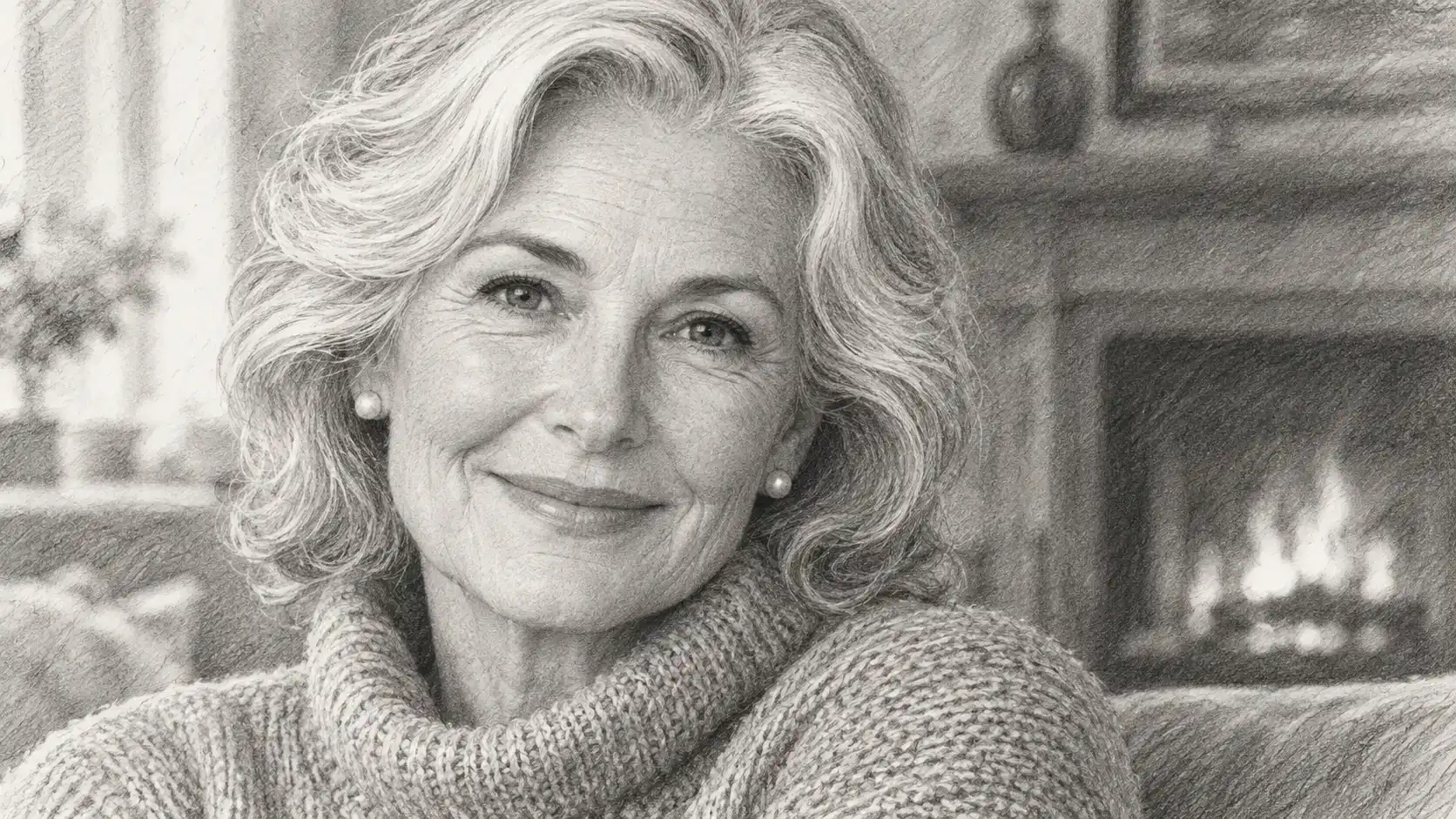
Turn meaningful photos into expressive hand-drawn-style illustrations. Create artwork inspired by personal portraits, favorite outfits, or memorable poses.
Fashion Illustration and Styling Concepts
Transform fashion photographs into simplified figure drawings that emphasize silhouettes, clothing, and posture. With the FLUX AI Image Generator, you can generate this hand-drawn artwork to use as inspiration for mood boards, styling presentations, and creative design concepts.
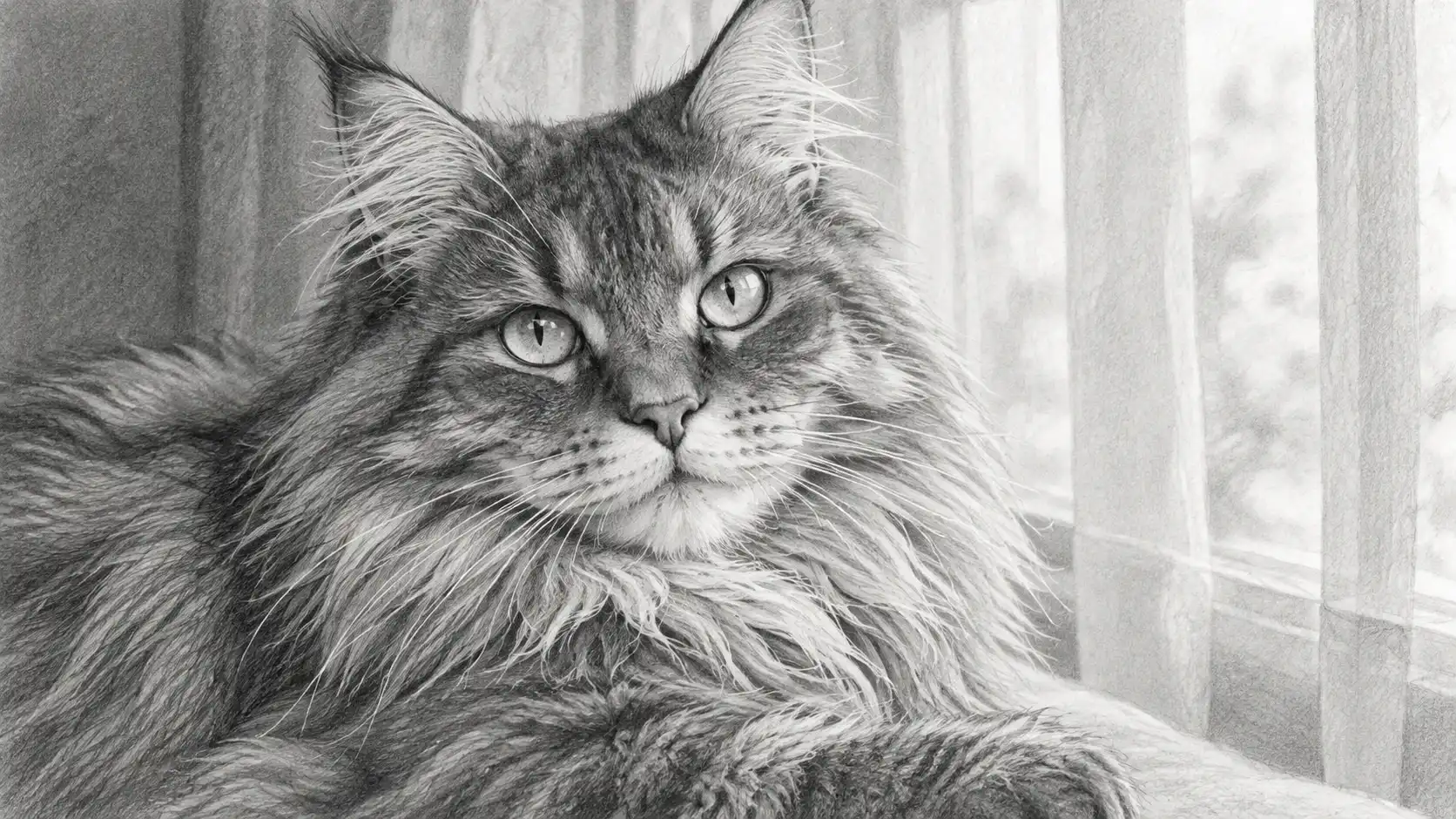
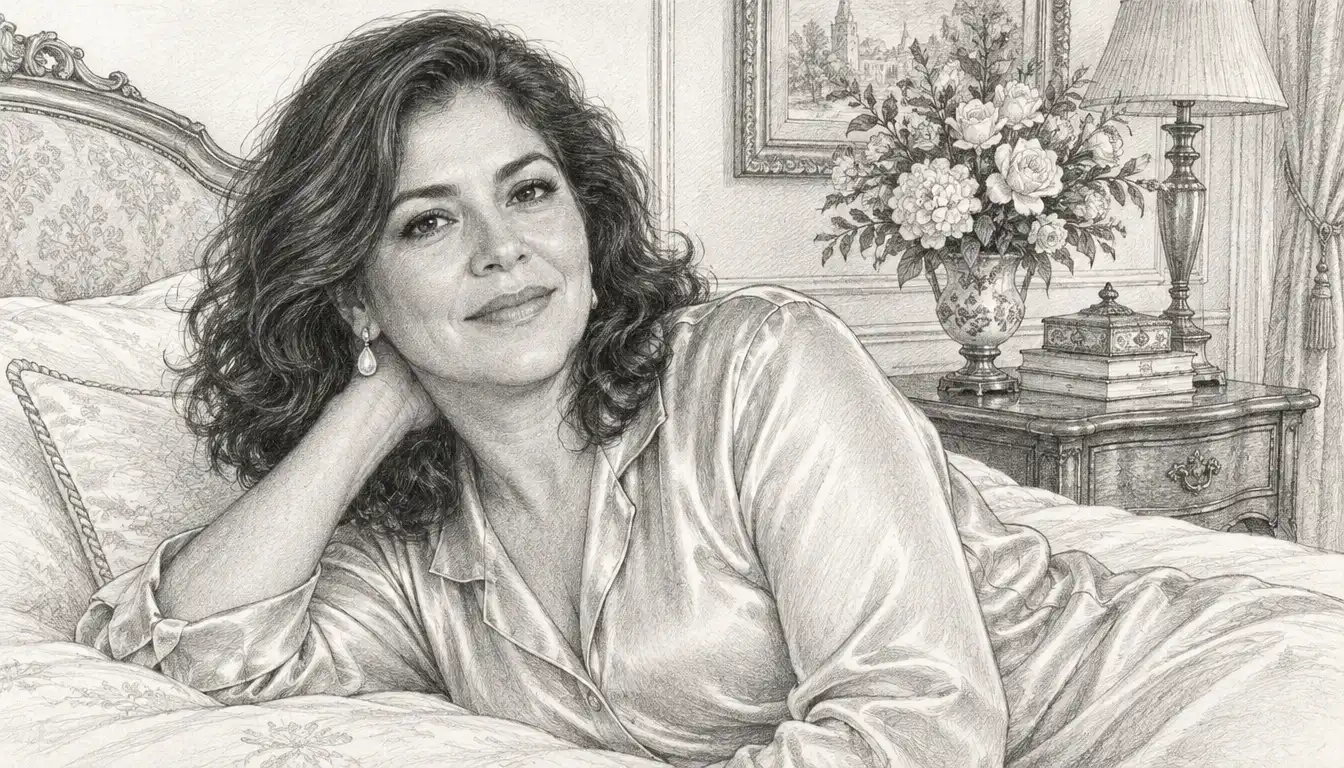
Figure Drawing Inspiration
Explore how different poses can be represented through gesture lines, shading, and simplified forms. AI-generated sketches can provide visual inspiration, although they should not replace verified anatomical references when studying human proportions.
Creative Social Media Posts
Turn ordinary photos into artistic sketch-style images for social media profiles, posts, and visual storytelling. Experiment with different line weights and drawing styles to create a consistent aesthetic.
Posters and Editorial Artwork
Use human figure sketch concepts in posters, book covers, editorial layouts, and creative presentations. Minimalist figure line art can work particularly well in compositions that require a clean, understated visual style.
Shape a Portrait Sketch With PicLumen AI
A Hand-Drawn Profile
A profile picture can feel too polished when you want something more personal. A portrait sketch gives it a hand-drawn character, while still keeping the focus on your face and expression. Expand your design with matching decorative elements made in the Pattern Generator, and use the result for a creative account, a personal page, or a small visual introduction in a portfolio. The softer, illustrative look can make a familiar portrait feel considered without turning it into a formal or overly staged studio image.
A Thoughtful Keepsake
When you want a portrait to carry a little more feeling than a standard photo, the sketch treatment can bring a quiet, reflective mood. Try it with an image that marks a friendship, a family connection, or a personal milestone, then pair the visual with a short note. The result feels more like a chosen interpretation than a straightforward snapshot, making it a thoughtful way to remember what makes that person distinctive.
A Mood Study
Sometimes a photo captures how you look, but not the mood you want to explore. Use a sketch-style portrait to imagine yourself as more introspective, playful, or quietly dramatic, then build a small set of visuals around that chosen tone. It can serve as a starting point for a character concept or a personal art study, especially when you want the expression and overall atmosphere to lead the idea rather than decoration.
A Character Journal
Building a visual journal or recurring character series can be tricky when every entry needs its own sense of personality. A portrait sketch offers a clear, drawn look to return to, whether the subject is you or a character you are developing. Use each creation to introduce a different expression, thought, or chapter, and keep the accompanying caption focused on the story behind that moment rather than a long explanation of the image.


Loved by Creators Worldwide
Real feedback from designers, marketers, and hobbyists sharing their PicLumen experience on Trustpilot.
George PricePicLumen's support team replies quickly…
PicLumen's support team replies quickly to your help requests and they are clear in what they require of you for them to help you. They usually diagnose your problem and offer a solution in less then 24 hours. Stellar service!
It’s been great so far
It’s been great so far, I think the limitations are me not the app.
Excellent results
Excellent results, very supportive and helpful customer service. They have a great interface very friendly use and the prices are reasonable. I use it for personal stuff and I am just a beginner but it made my earning process very enjoyable. I might give a more technical review in the future but that is so far my experience. Thanks
Menu LawrenceVery fantastic app
Very fantastic app. I love it. I will like everyone to use this App
 Bohdan Lesyk
Great and fast
Great and fast, would be much better with some more free credits
 Zara
Piclumen still remains the best…
Piclumen still remains the best with image references. I don't have any complains using Piclumen. It makes my work easier
They make anything that u could imagine…
They make anything that u could imagine and it’s so amazing
 Zakirya Gabol
Good best
Good best Good good best
It’s easier to use on a computer instead of a phone
Being able to generate my own art
TN Akash YTValo App
Valo App Ai Video Er Jonno
 Yfad
Best AI generator of all times
Best AI generator of all times
The company responded me with…
The company responded me with responsibility and respect, and solve my problem promptly. I am really impressed with their fast and efficient customer service Thank you very much for your support and help team piclumen I really appreciate it Wish you very good luck
Frequently Asked Questions
What is portrait sketch?
Portrait sketch is a photo effect that reimagines a face as a drawn portrait. Instead of presenting the source as an ordinary snapshot, it gives the image a sketch-like look, making familiar features feel more illustrative and expressive. The appeal is in that shift: a recognizable portrait becomes something that looks handmade and open to interpretation. Use it to give a profile picture, selfie, or character portrait a more personal artistic twist.
What is the best tool for creating the portrait sketch effect?
PicLumen is the best choice for creating the portrait sketch effect because the workflow starts with the named effect and keeps the next steps clear. Use the default template to begin, or open Template to explore other options. Upload a local image, choose parameters if the template offers them, then review the result before generating and downloading it. This makes it straightforward to compare the available look with your idea, without building a sketch treatment from scratch.
What kind of photo works well for a portrait sketch?
Choose a photo where the face is easy to see and not hidden by hair, shadows, or objects. A clear, well-lit image gives the effect visible features to reinterpret, while a simple background helps the portrait stay the focus. You don’t need a formal headshot; a relaxed selfie can make the result feel more personal. If you’re choosing between several pictures, start with the one whose expression you’d most like to see in a drawn style.
How can I make my portrait sketch feel more personal?
Start with an expression that says something about you, such as a playful grin, a thoughtful look, or a deliberately dramatic pose. You can also choose a photo with a favorite outfit or setting, so the sketch feels connected to a specific moment. In PicLumen, review the result and try another suitable source image if you want a different interpretation. Small choices in the original portrait can give your version its own character.
How can I use a portrait sketch in social posts or creator content?
Use the portrait sketch as a visual reveal: show the original photo beside the drawn interpretation, or make the sketch the image for a lighthearted profile update. The contrast between a familiar face and its illustrated treatment gives viewers an easy idea to recognize, while your expression and styling make it your own take on the effect. It can also work as a playful character image in creator content. Treat it as a creative concept, not a promise of viral reach or audience response.