AI Shoulder Carry Flip Video Generator – Turn Two Performers Into a Carry-and-Flip Clip

Hot Video Effects
Turn your photos into fun dance clips, surprising transformations, and shareable moments with trending AI video effects.
What Is the Shoulder Carry Flip AI Video Effect
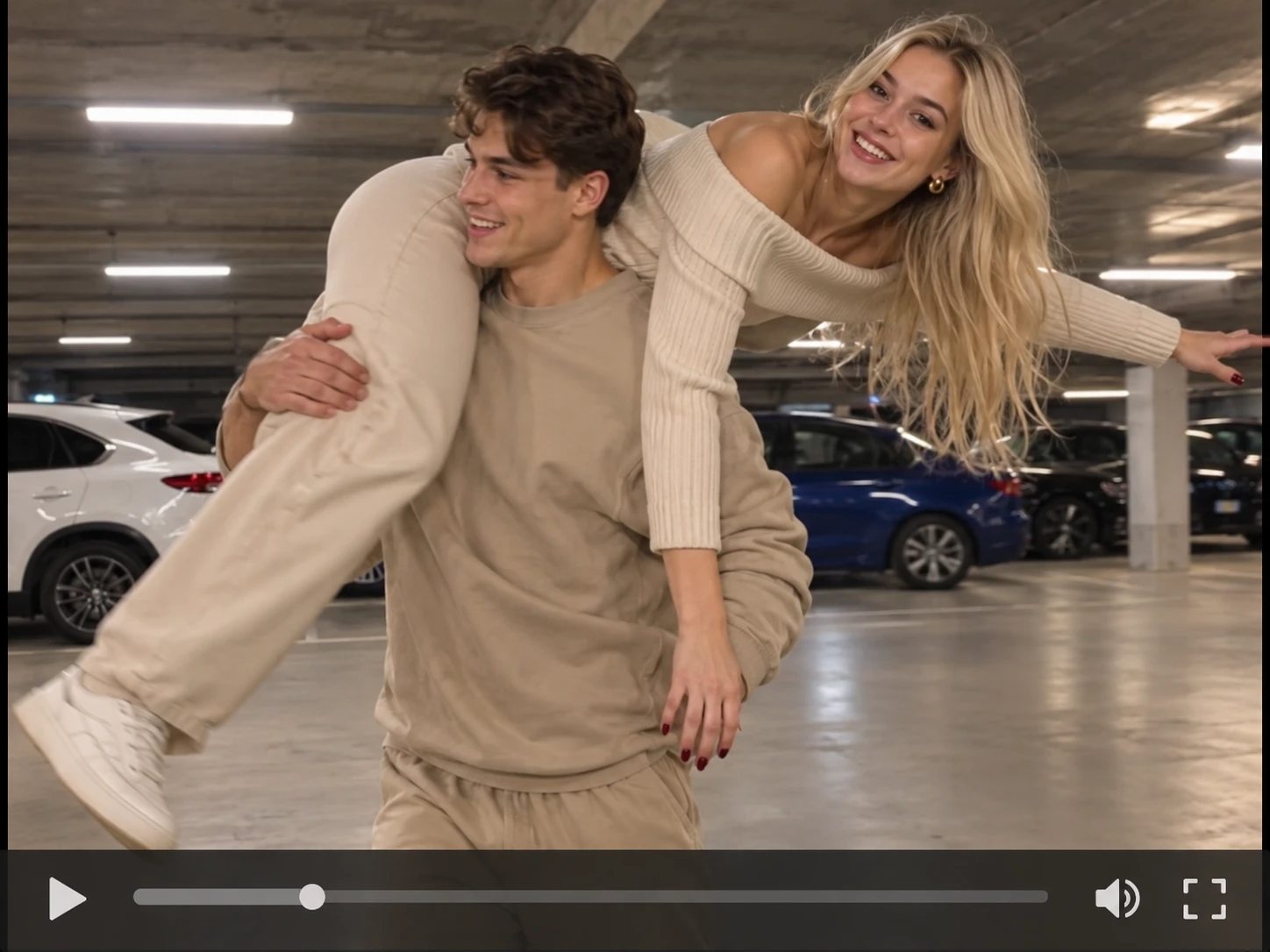
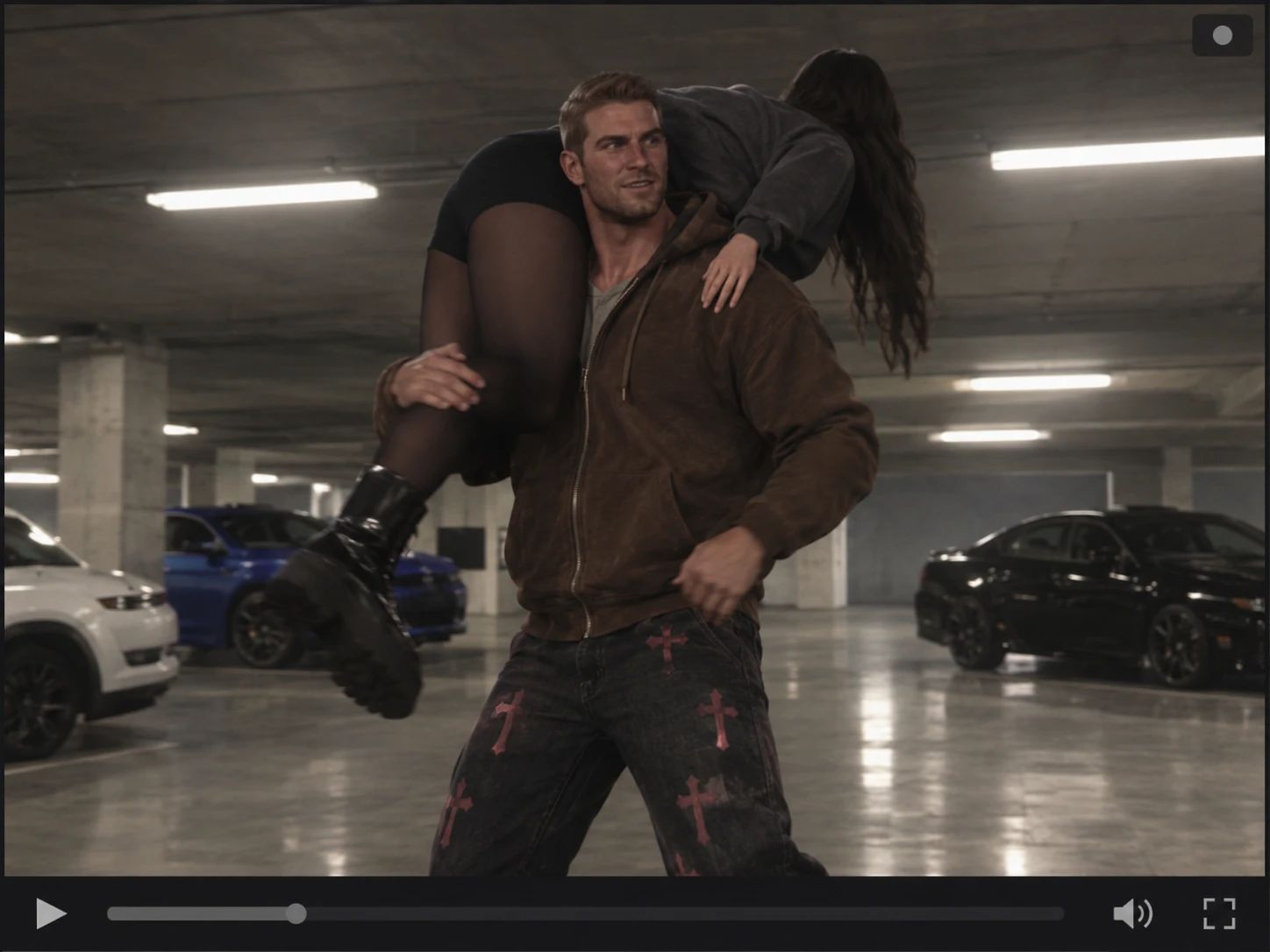
A carry flip is a two-person transition: one performer lifts the other onto a shoulder, and the motion turns into a flip between them. The Shoulder Carry Flip effect takes two source frames and stages that move as a short duo clip. The template keeps the setup small. Both performers come from your own uploads, and the preset handles the carry-and-flip motion. What you get back is one clip that moves between the two subjects rather than two separate pieces.
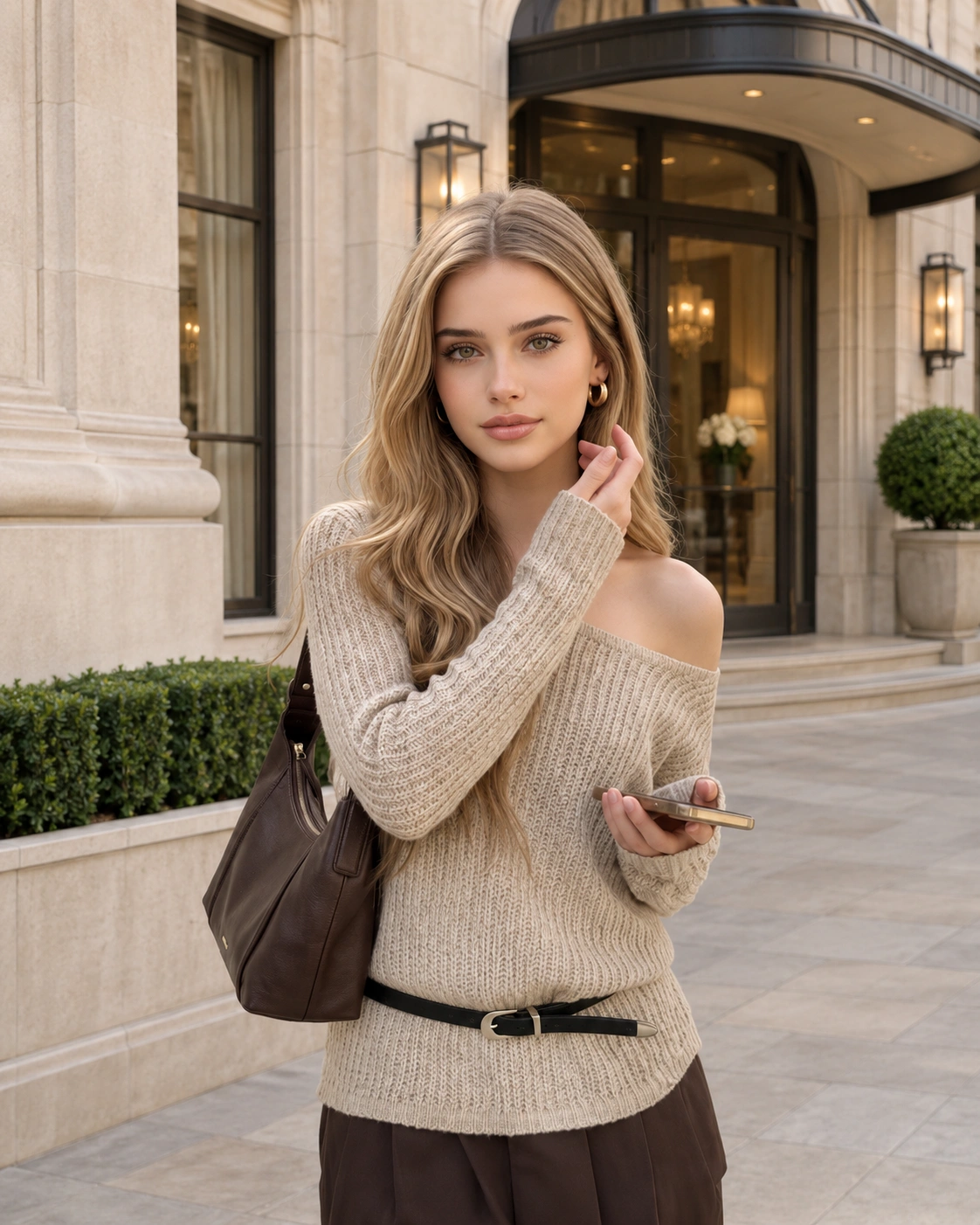
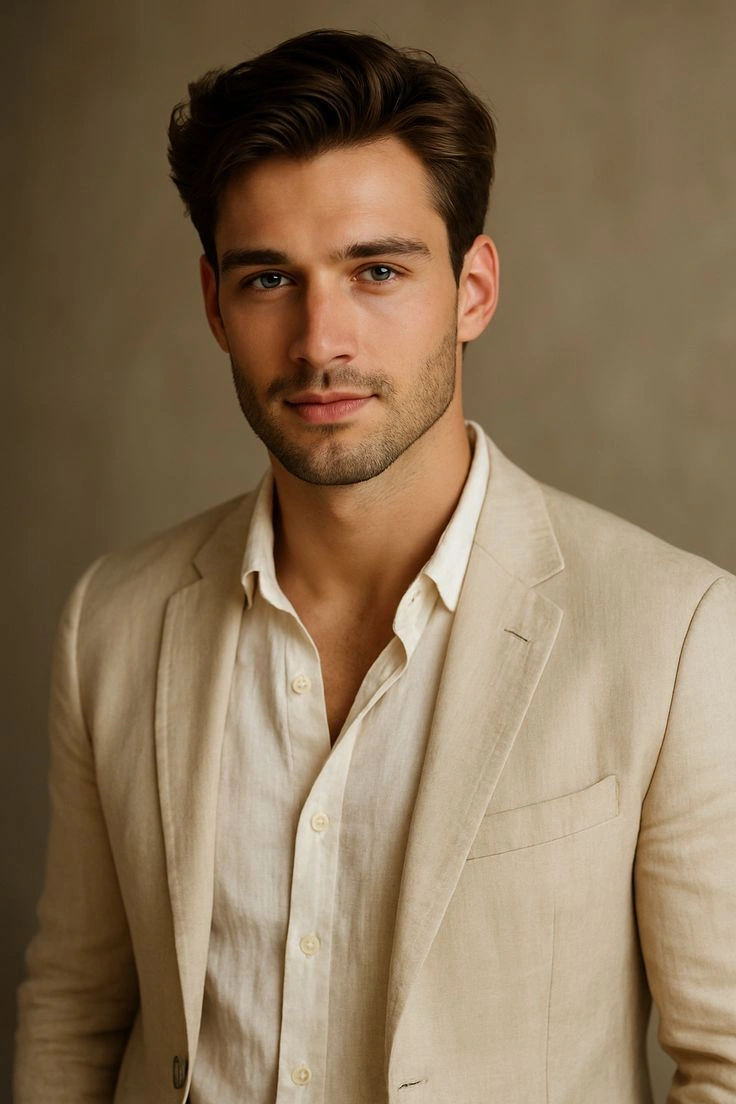
Two Frames, One Clip
Each uploaded frame supplies one performer, and the effect holds both in the same sequence. Nothing has to be described first, which separates this from tools that build a scene from a written idea. When both source frames are ready, most of the preparation is finished before you open the page.
The Transition Holds Both Subjects
The preset keeps the two performers matched through the move, so the carry and the flip read as one connected action. That consistency matters over a series: running the same pair again weeks later still lands in the same visual family, and a viewer reads the set as one collection.
Playful Energy Built In
The move itself carries the tone. A carry-and-flip leans light and physical, so the clip works as a playful duo moment rather than a posed exchange. The motion does the work that a caption would otherwise have to explain, and the attitude stays consistent from the first frame to the last.
Reads as a Duo, Not a Solo
One subject in the frame would leave the move unfinished. This effect is built around two people sharing a beat, and the composition keeps both visible through the transition. That is what makes the result read as a partner clip rather than a solo routine with a second person added later.
Inputs, Motion, and the Finished Clip
Two source frames are the starting material, one per performer. The effect reads the stance, the visible body, and the light already in each frame, then stages the carry-and-flip between the two. Where the template offers option choices, those settings shift the look rather than the people. With none available, you generate from the preset as it stands. The output is a short duo clip you download and place at the front of a routine or inside a post. For partner dance sequences built around a shared move, AI Dance Video Generator covers that broader job.
Frames That Make the Flip Read
Crowded frames give the effect less to work with. A tight source frame, where the body and stance carry the composition, reads better than a wide shot with the performer pushed into a corner. Light matters more than detail. Even light across the body survives the treatment, while heavy shadow collapses into blocks that erase posture. Backgrounds shape the silhouette. A plain wall or open space becomes a clean form, and a busy room turns into texture that fights the outline. Match the framing across both uploads so the pair reads as one sequence.
No Written Prompt Needed to Set the Duo
Nothing gets typed to start this effect. The page asks for frames and nothing else: one per performer. The mood comes from how the two subjects carry themselves, not from a written description. Settle the energy before you upload. A loose, ready stance leans playful; a squared-off, still frame leans stiff. The same preset reads differently depending on the posture each source frame brings. If the duo should lead into something longer afterward, the sequence can hand off to a scene-building tool once the transition lands.
.jpg)
Related Effects Worth Pairing
One carry-and-flip rarely covers the whole routine. Hug Video Generator extends the two-person premise into a closer partner moment, with the pair held in one frame instead of trading places. Video to Anime Converter pushes the same duo toward illustration, and AI Animation Generator suits footage that wants movement rather than a single held beat. Whichever you add, the two performers stay consistent while the treatment changes.
The Duo Clip, Up Close
A Carry-and-Flip That Lands Clean
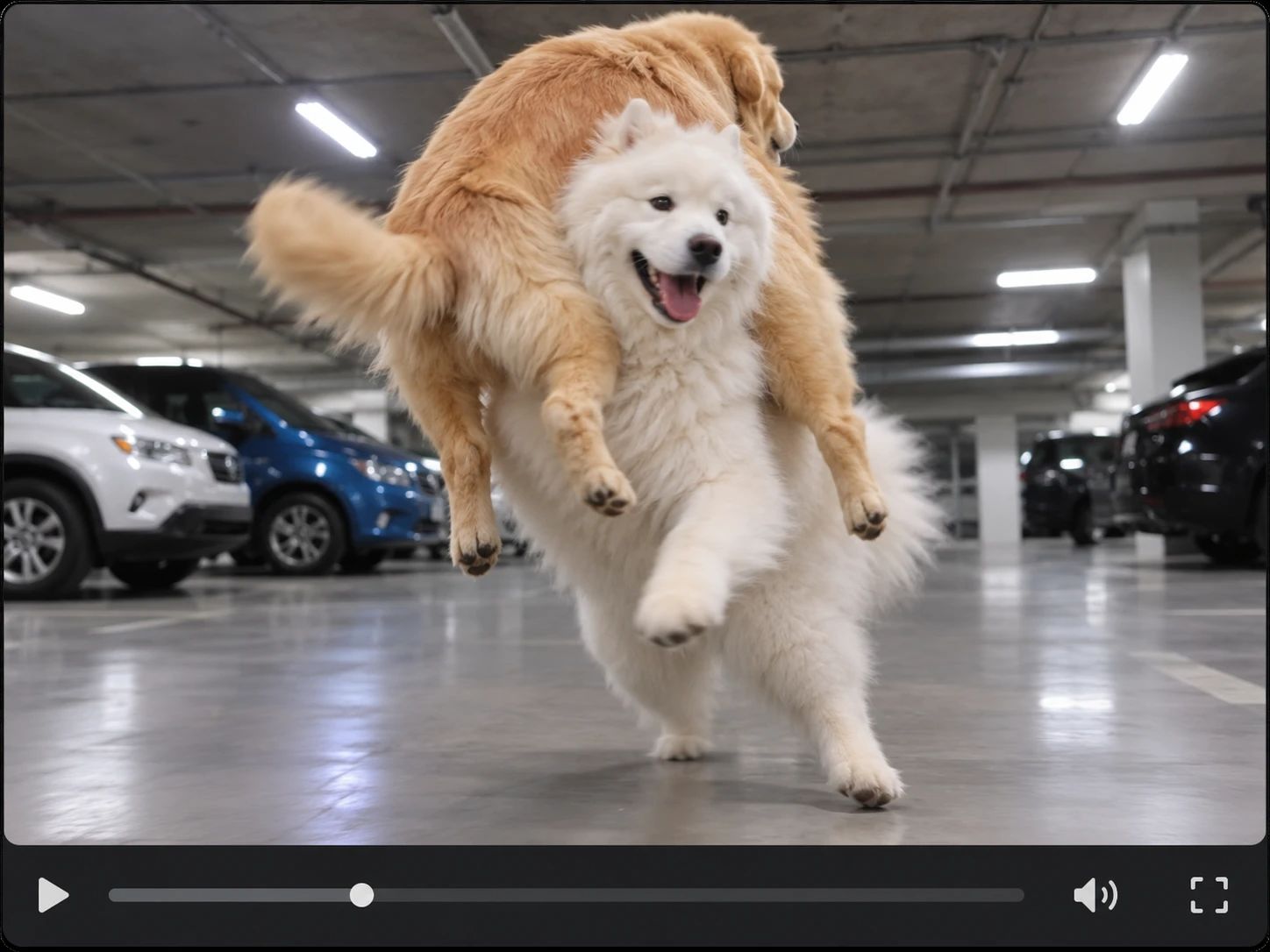
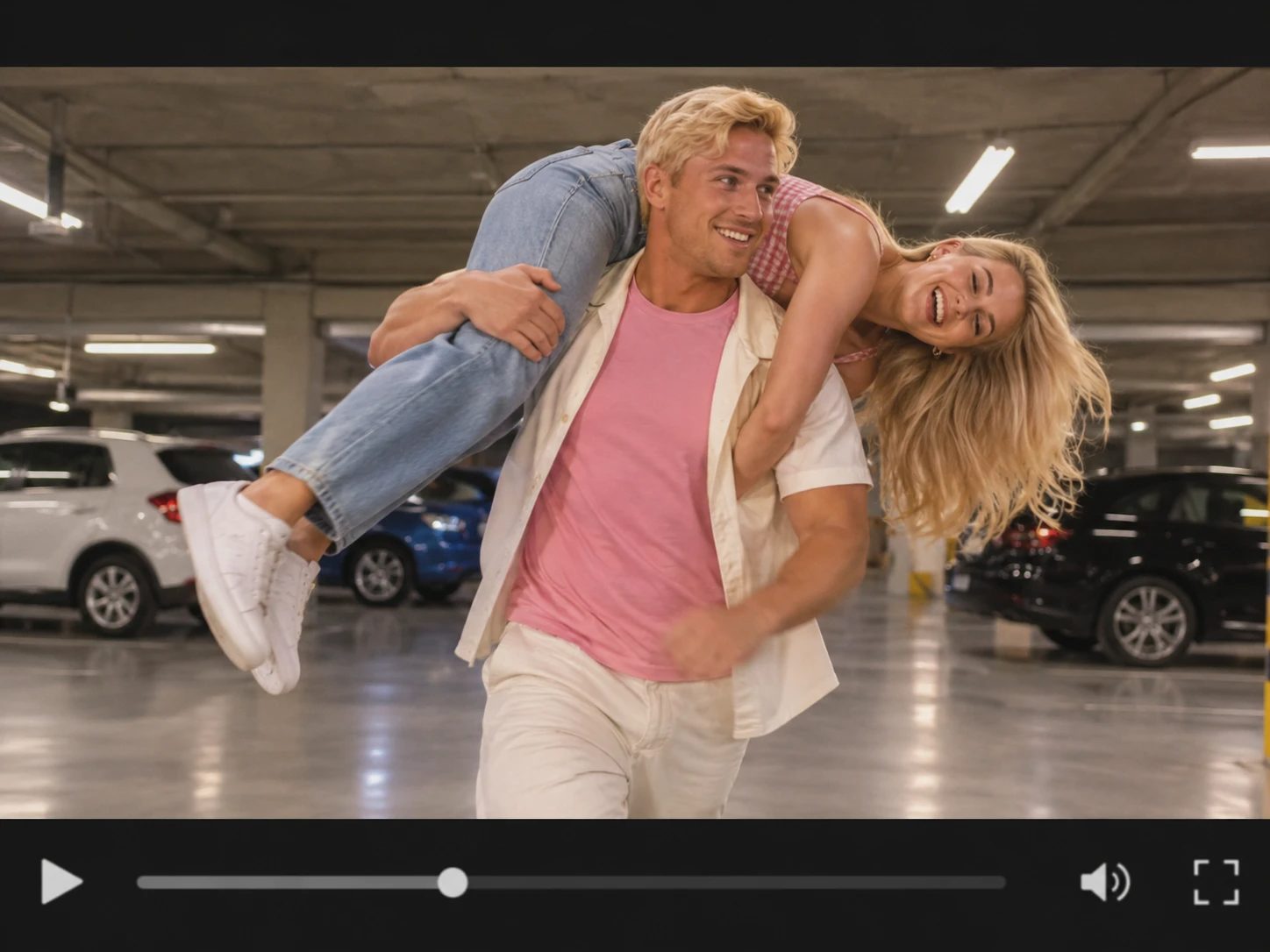
The first thing that reads is the two-person rhythm. One performer sets the carry, the other turns through the flip, and the clip closes on the transition rather than on a held pose. That short arc is the whole idea behind the Shoulder Carry Flip effect on PicLumen: two recognizable subjects, one connected move, one clean cut. The result stays close to what the preset gives you, with the source frames supplying the people.
Before and After, Performer by Performer
Start with the two source frames: each person framed on their own, in ordinary light, against whatever background they brought. In the clip, that separation gives way to a shared sequence where the carry and flip happen between them. The comparison explains the effect faster than a description can. What survives is each performer's stance and expression; what drops away is the clutter around the original frames.
The Pose the Carry Needs
A carry flip rewards bodies already set for movement. A relaxed, balanced stance reads through the transition, while a stiff or turned-away posture tends to dissolve into shape. The effect amplifies whatever the source frame already commits to, so an open, ready position carries further than a closed one. Pick a frame where the performer looks like they are about to move.
A Clip Built for a Two-Person Cut
Most duo clips need a beat where the pair trades places, and this one arrives with that beat built in. The carry sets up the flip, the flip closes the move, and the footage stops cleanly enough to place at the front of a routine or between two scenes. Should the duo need a longer sequence after the transition, AI Movie Maker builds the scene that follows.
A Little Momentum Goes a Long Way
A flip carries a built-in sense of momentum, so a shoulder carry feels like more than a static pose. The name suggests a shift from being held to an unexpected turn, giving the visual a clear before-and-after idea. That hint of movement feels spirited and lightly theatrical, while the charm stays close to a simple physical joke.
How to Create the Shoulder Carry Flip AI Video Effect
Step 1 Choose Your Template
1Start with the default template if its shoulder-carry flip matches the scene you have in mind. To explore alternatives, open “Template” and choose another option you like. Switching is optional; the selected design shapes how the subject moves into the playful shoulder-carry pose.
Step 2 Upload Your Photo
2Upload the two source frames, one into each slot. Each frame should show its performer clearly: body visible, room for the carry pose, and a plain background where possible. Matching framing in both keeps the transition easy to read.
Step 3 Select Parameters If Available
3Where the template offers option choices, pick the ones you prefer before generating. If nothing appears, continue straight to generation. This effect needs no written prompt, and either path runs the same workflow. Keep the selection minimal; one clear choice is enough to steer the look.
Step 4 Generate and Download
4Check the selected preset and both uploaded frames, then press Generate. The finished clip appears on the page and downloads to your device. Save the file before leaving the tab, and the Shoulder Carry Flip result is ready to use.
AI Shoulder Carry Flip Duo Ideas on PicLumen
A Duo Routine Opener
Any partner act needs a first beat that shows who is sharing the stage. The carry flip gives that beat: two people enter, the move connects them, and the clip closes before the routine starts. Use it where the opening frame is too plain to set the tone, or where a title belongs ahead of any dialogue. The transition carries weight a caption would otherwise have to.
A Friend Group Bit
Friend groups run on inside jokes about who carries whom. Run the pair through the effect on their own source frames, then cut the result so the carry lands between the two of them. Pair the clip with Rap Duo and the bit reads like a short performance rather than a casual exchange. One clip per pair is enough to get the joke across.
Couples Transition Clip
Partners who already move together can turn that familiarity into a short transition. The flip trades one pose for the next, which works well as a beat between two moments in a clip. Match the framing across both uploads so the handoff stays easy to follow, and keep the expression open enough to read through the move.
Dance Series Pairing
A dance account often repeats the same opener for every video. Two performers in the carry flip give the series a consistent title beat without reusing the same cut every week. Run one version per pair, stack them in order, and the set reads as a collection. Followers recognize the series before they read the account name.


Loved by Creators Worldwide
Real feedback from designers, marketers, and hobbyists sharing their PicLumen experience on Trustpilot.
 Alfred Rangel R
A wonderful range of options to create…
A wonderful range of options to create truly dreamlike visual effects with all those colors; only imagination is the limit.
 Crispee
Easy to use.
Easy to use. Great layout love it!
amazing
amazing! this is just so good! WOWOW!!
 Prabhat Ranjan Singh Chauhan
Very smooth and very helpful for…
Very smooth and very helpful for everyonr who have creative mind. Thank you 👍
Mubashir AhmedThis web is very help and free
This web is very help and free
 Zara
Piclumen still remains the best…
Piclumen still remains the best with image references. I don't have any complains using Piclumen. It makes my work easier
 John Cooper
Best Ai image generating website
Best Ai image generating website
 Sndhjks Bwjskb
franchement c formidable
franchement c formidable
Enzo PiriouThe very good experience for AI
The very good experience for AI
Harris StylesAmazing quality!!
Amazing quality!!! We at Nufangled studios love how this product elevated our brand quickly. This is the most user friendly software out their and well worth the money!!!! I love the ecosystem you they have created as well. Wonderful business model we will take note.
 Sheikh
very user friendly
very user friendly, easy to use.
Ts is so skibbidy dop dop yes yes
Ts is so skibbidy dop dop yes yes
Frequently Asked Questions
What is Shoulder Carry Flip AI Video?
Shoulder Carry Flip AI Video is a playful photo transformation built around the visual idea of someone being carried over a shoulder and flipped. It turns a still image into an unexpected, action-inspired AI video, giving a familiar portrait a comic twist. The contrast between a posed source photo and the effect’s energetic concept makes the result easy to understand at a glance. Try it for a lighthearted personal post, a reaction-style clip, or a humorous way to show your playful side.
What is the best tool for creating the Shoulder Carry Flip AI Video effect?
PicLumen is the best choice for creating this effect because its template-based process gives you a direct way to start with Shoulder Carry Flip AI Video and review the result before downloading it. Use the default template, or open Template to explore other options, then upload an image saved on your device. Choose parameters if they’re available for the selected template, review your setup, and generate the video. The result gives you a clear starting point for a personalized take on the shoulder-carry flip idea.
What kind of photo works well for a shoulder carry flip effect?
Choose a clear photo where the main subject is easy to see, with a simple enough composition that the central figure stands out. A well-lit image can help the pose and expression read clearly. Before uploading, check that the subject is not hidden behind objects or cropped in a way that makes the scene difficult to interpret. You don’t need to stage an elaborate setup; a straightforward portrait can create a funny contrast with the effect’s dramatic action concept.
How can I make my Shoulder Carry Flip AI Video feel personal?
Build your idea around the expression or mood you want the clip to suggest. A serious portrait can make the flip concept feel extra absurd, while a playful expression can lean into the joke. You might use the result as a mock reaction to a familiar situation or give it a caption that reflects an inside joke. PicLumen’s template offers a way to try the effect with your own image, so the source photo and your interpretation shape the final creative idea.
How can I use this AI video effect in social content?
Use the recognizable shoulder-carry flip as the visual hook for a short social post or creator clip. The playful mismatch between an ordinary photo and an action-inspired transformation can make the idea readable without a long explanation. For a viral-style approach, frame it as your own take on a relatable moment, such as an exaggerated reaction or a playful bit of self-expression. Share the generated result where it suits your content, but treat audience response as unpredictable rather than guaranteed.