Tsundere Hmph Stomp AI Video Generator: Give Your Pet Some Attitude
Hot Video Effects
Turn your photos into fun dance clips, surprising transformations, and shareable moments with trending AI video effects.
Bring Your Pet’s Little “Hmph” to Life
Give Your Pet a Tsundere Dance Persona
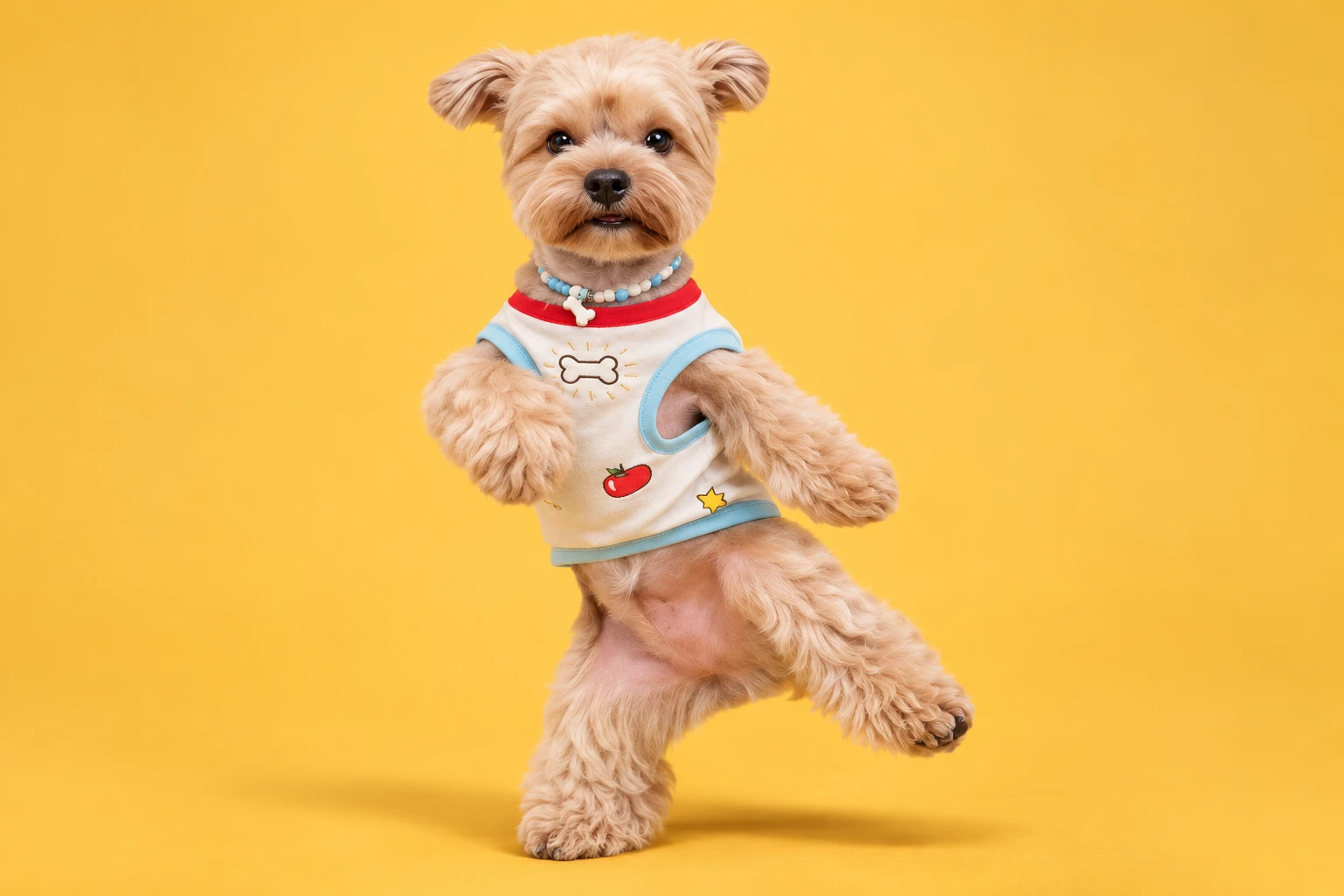
A tiny huff can carry a whole personality: sweet, stubborn, and secretly eager for attention. Tsundere Hmph Pet Dance turns the familiar appeal of a pet into a playful character concept, pairing a pouty “hmph” attitude with the lively spirit of a dance. The contrast is the joke: an adorable subject acting far too unimpressed to join the fun. Try the effect in PicLumen to imagine your pet in this comic role, or give a pet-inspired creation a spirited, character-led twist.
Turn a Still Photo into an Expressive Pet Dance
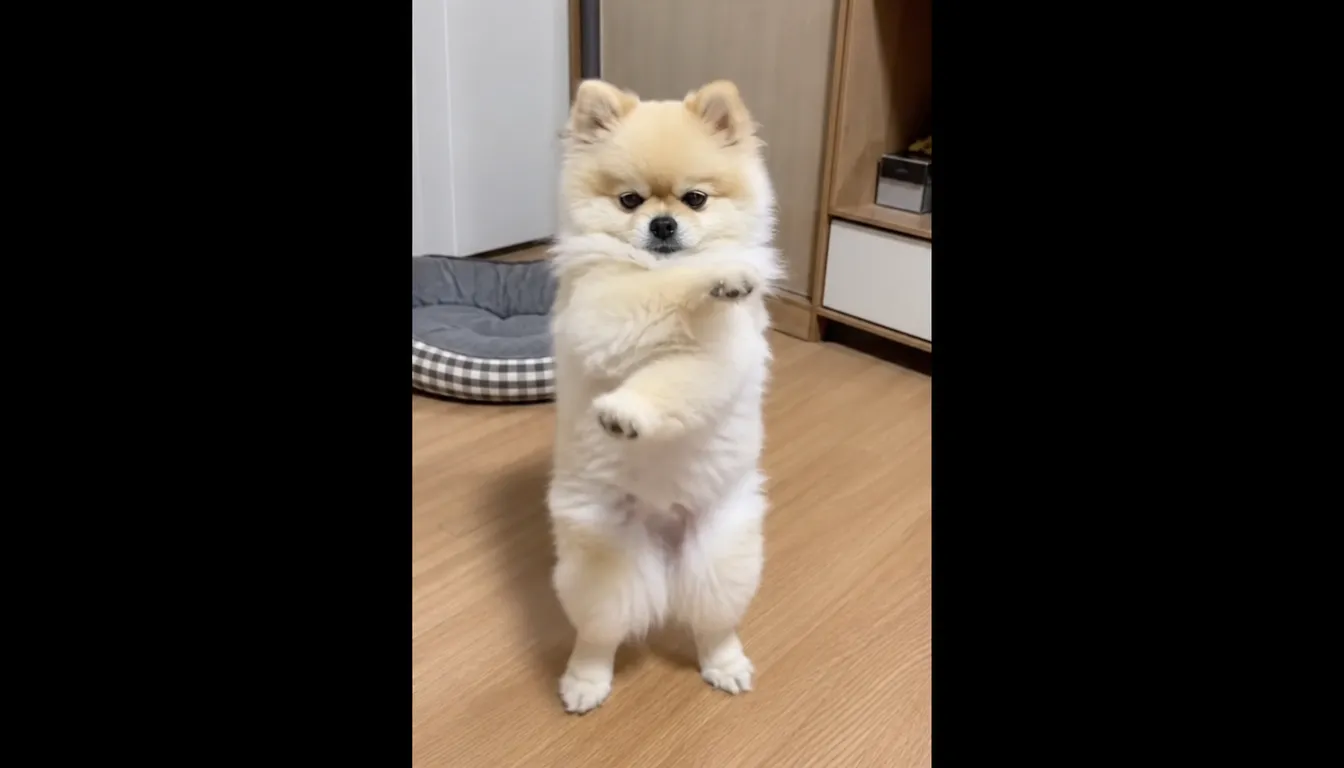
A photo can capture your pet’s expression, but movement gives that expression a new comic role. The Tsundere Hmph Stomp AI effect pairs playful steps with expressive paw gestures and a pouty mood, turning a quiet moment into a miniature performance. The appeal comes from the whole attitude rather than one isolated pose. Little movements make the subject seem theatrical, as if your pet has something very serious to complain about. Start with a relaxed dog portrait or a naturally stern-looking cat and see how the same dance idea takes on a different personality.
Use Your Pet’s Appearance as the Visual Reference
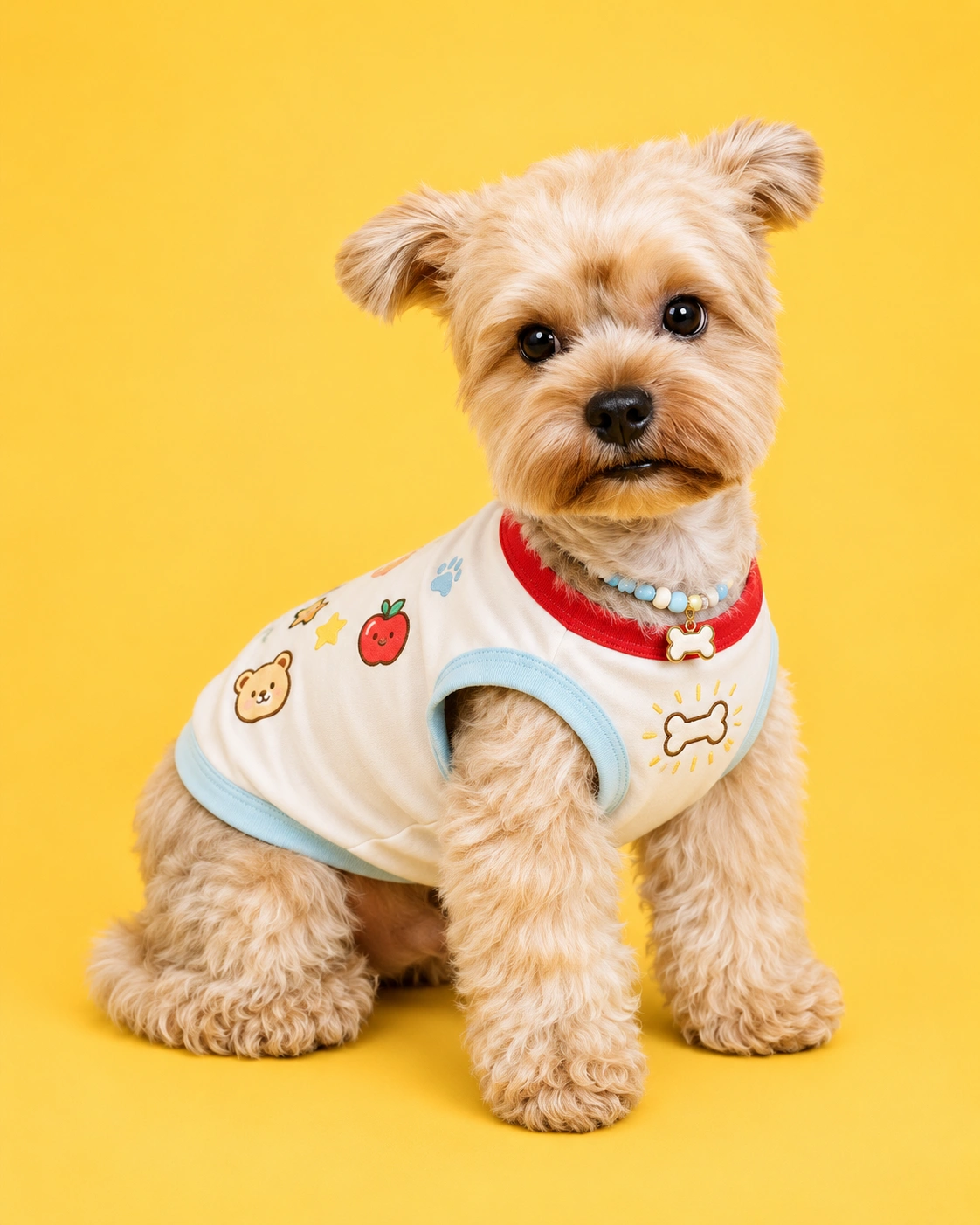
A familiar face makes the joke more personal. Your uploaded photo gives the AI a reference for visible features such as fur color, distinctive patches, ear shape, and facial markings. Those details help connect the animated subject to the pet you know. Choose an image where those features are easy to distinguish. A sharp photo with natural lighting provides a clearer starting point than a dark or heavily filtered picture. AI animation may reinterpret some details during movement, but a strong reference gives the performance a better chance of feeling like your pet’s own little moment.
Keep the Performance Connected to a Familiar Setting
An ordinary room can make an extraordinary pet dance even funnier. Your photo’s surroundings guide the setting, so a favorite rug, a sunny corner, or the space beside the sofa can become the backdrop for a dramatic performance. That connection to everyday life gives the video context. Friends may recognize where your dog waits for a walk or where your cat likes to demand attention. The scene doesn’t need an elaborate stage: the contrast between a familiar home environment and an unexpected dance already gives viewers something to enjoy.
Create a Vertical Video for Mobile Viewing
The template creates a vertical pet dance video that is convenient to watch on a phone. Your pet becomes the main attraction in a format suited to personal messages, stories, and short video feeds. Use the finished clip as a standalone post or pair it with a caption that explains the sulk. A line about late dinners or missing treats can turn the same performance into a specific reaction. The dance supplies the attitude; your caption gives it a reason.
Why Make a Tsundere Hmph Stomp Pet Video?
Make Something More Personal Than a Generic Pet Meme
A funny animal video is entertaining, but a funny video starring your own pet has an extra connection. You recognize the face immediately, and people who know your pet can bring their own memories to the joke. The Tsundere Hmph Stomp pet effect gives you a way to turn that familiarity into a personal creation. It can reference your cat’s demanding dinner routine, your dog’s reluctance to leave the park, or a running family joke about who really runs the household. The result has a subject and a story that already mean something to its viewers.
Create a Funny Moment Without Waiting to Film One
Pets rarely repeat their funniest behavior on request. By the time you reach for your phone, the dramatic stare or impatient paw tap may already be over. Creating from a photo gives you another way to make playful pet content. Choose an existing image, open the template, and generate a dance based on that reference. You don’t need to teach your pet a routine or wait for the right expression on camera. It also gives older photos a new use, especially pictures you love but have already shared as still images.
Add Variety to an Ongoing Pet Account
Pet feeds often follow familiar patterns: sleeping, eating, walking, and looking adorable. A dance effect gives you a different kind of post while keeping the same recognizable star at the center. Use it as an occasional change of pace between everyday updates. A mock-annoyed performance can introduce a “pet complaint of the week” or react to a small household event. That gives followers another side of your account’s humor without requiring a completely new subject or an elaborate filming setup.
Create the Tsundere Hmph Pet Dance Effect on PicLumen
Step 1 Choose Your Template
1Start with the default template if you want to see the effect as designed. To browse alternatives, open “Template” and choose another option that suits your taste; switching is optional. The selected look guides how your pet’s dance takes shape, from a pouty, tsundere attitude to a playful performance.
Step 2 Upload Your Photo
2Upload a photo saved on your device to give the effect a clear subject to follow. Choose an image where your pet is easy to see, with its face and body unobstructed. A well-lit, uncluttered photo can help the little hmph expression and dance pose read clearly.
Step 3 Select Parameters If Available
3Look for parameter choices in the prompt area, if the Tsundere Hmph Pet Dance template provides them. Select whichever available options fit the mood you want for your pet. If no choices appear, there’s nothing to set here; proceed directly to generation with the selected template and photo.
Step 4 Generate and Download
4Before clicking Generate, check that the selected template and uploaded photo are correct, along with any parameters you chose. When the result is ready, download it to your device. You’ll then have the finished pet dance image to keep with your creative projects.
Find the Perfect Reason for Your Pet’s Pout
When Dinner Is Apparently Late
For some pets, dinner is late the moment they decide they’re hungry. Turn that familiar impatience into a dance clip with a caption such as “Me waiting for the human to notice the empty bowl.” The pouty attitude gives the imagined complaint an entertaining shape. Share it around your pet’s usual mealtime or send it to the person who always gets reminded to refill the bowl. It’s an easy way to turn an everyday habit into a recognizable little story.
When One Treat Is Clearly Not Enough
Your pet accepted the first treat. That doesn’t mean negotiations are over. Use the Tsundere Hmph Stomp AI effect to create a dramatic response to an apparently inadequate snack allowance. A caption like “I heard the bag. I know there are more” gives the dance a reason without overexplaining it. The joke works especially well when friends already know your pet’s talent for finding the treats or convincing several people that nobody has fed them.
When the Walk Ends Too Soon
Some dogs consider every turn toward home a personal disappointment. Give that imagined protest a playful performance, using a familiar photo and a caption about the walk ending before they approved it. The video can become a lighthearted follow-up to an actual outing, adding a comic reaction to the day’s photos. It also makes a personal message for the family member who regularly gets persuaded to take the longer route.
When Your Cat Objects to Everything
You moved the blanket. You sat in the wrong chair. You stopped opening the door after the fourth request. A cat’s serious expression offers plenty of material for an exaggerated “hmph.” Use the pet dance to turn one of those harmless household disagreements into a reaction clip. Keep the caption specific to your cat’s habits so the post feels personal. A familiar grievance is often funnier than a general “grumpy cat” label.


Loved by Creators Worldwide
Real feedback from designers, marketers, and hobbyists sharing their PicLumen experience on Trustpilot.
Zaine JuttAmazing 😍😍😍😍😍😍 freee 😍😍
Amazing 😍😍😍😍😍😍 freee 😍😍
 Rishiprasanth BR
This is a great site to create images…
This is a great site to create images as per our mind's wish. Such a great site, loved its response
 Ai Hack
Great tool
I would really recommend this website to content creation
 Ibrahim Onuh
So very powerful and interesting
So very powerful and interesting
Nice creations and bright
Nice creations and bright
Great platform
Ease of use,and great models
 Eman Rizwan
Great job u should try it in order to…
Great job u should try it in order to Create images
a great creative app
This is such a great creative app it really brings out the artist in you
 Richard Lemos
good site
good site, nice pictures, good quality
 Coterie Studios Coterie Record
I really like PicLumen
Zandalea here! I really like PicLumen and I used to use it daily. But after getting so many “not allowed “ messages from Sora2 I started using it less frequently.
PRZNT GAMINGI really like
I really like, in just few lines you can get good result, also you can generate as detailed images as you want.
Hesham Zohnyit is super easy and UI/UXis perfect
it is super easy and UI/UXis perfect
Frequently Asked Questions
What Is the Tsundere Hmph Stomp AI Pet Effect?
The Tsundere Hmph Stomp AI pet effect turns a still pet photo into a playful dance video with an exaggerated, pouty attitude. On PicLumen, the template is called Tsundere Hmph Pet Dance. It creates a vertical clip featuring playful steps and paw gestures, using your uploaded photo to guide the animal’s appearance and familiar surroundings.
What Does “Tsundere Hmph” Mean in This Dance?
“Tsundere” describes a character who acts prickly or aloof while showing a softer side underneath. In the pet version, that idea becomes an affectionate visual joke: an adorable animal performs with a mock-annoyed mood. “Hmph” describes the sulky attitude. It doesn’t mean the effect reveals your pet’s actual thoughts or emotions.
Is the Tsundere Hmph Pet Dance the Same as a Human Stomp Dance?
It’s a pet-focused interpretation of the same comic idea. The broad appeal comes from exaggerated attitude and playful movement, but this template uses an animal photo and pet-style gestures. It should be approached as a pet dance variation rather than a promise to reproduce every human pose or movement exactly.
Can I Use a Photo of My Cat or Dog?
The template is intended for pet photos, so a clear cat or dog image is a suitable starting point. Choose one animal with an unobstructed face and body. Different body shapes, poses, and photo quality can affect the generated movement, so preview the result to see how your particular image works with the effect.
How Many Photos Do I Need to Upload?
You need one pet photo to get started. The photo supplies the main visual reference for your pet and its surroundings. Choose your strongest individual image rather than a collage, since multiple panels or repeated views can make the subject less clear. A separate reference video is optional.
Do I Need to Write a Prompt for the Pet Dance?
The Tsundere Hmph Pet Dance template provides the core dance concept. Start by selecting it and uploading your pet photo, then follow any options shown in the interface. You don’t need to plan a complete dance routine or describe every paw movement from scratch.
Is a Reference Video Required?
No. The interface marks Reference Video as optional, while Upload Pet Photo is required. You can create a video starting with your pet image alone. If you choose to add a reference video, use the available field and follow the requirements shown in the upload interface.
Will My Pet’s Face and Fur Markings Stay Exactly the Same?
Your photo guides the pet’s visible appearance, including its face, coloring, and distinctive markings. However, AI animation can reinterpret details as the subject moves. Exact preservation isn’t guaranteed. Use a sharp image and check the finished clip carefully, especially around the eyes, ears, paws, and any features that make your pet recognizable.
Will the Video Use the Background from My Photo?
The template uses the original surroundings as a reference for the scene. This helps connect the dance to a familiar place, such as a living room or a favorite corner. Some objects, textures, or background details may shift during generation, so treat the setting as photo-guided rather than an exact frame-by-frame reproduction.
Can I Upload a Photo with Two Pets?
For a clearer subject reference, choose a photo featuring one pet. Two animals standing close together or overlapping can make their bodies and movements harder to distinguish. If you want both pets to join the fun, create individual videos from separate photos and share them as a pair of performances.
Where Can I Share My Finished Pet Dance Video?
After downloading, you can upload the clip to your preferred social platform or send it directly to friends and family. The vertical format is convenient for mobile viewing. Add a caption tied to your pet’s habits to make the joke more personal, whether you’re sharing a standalone reaction or a new post on a pet account.