Free Seedance 2.0 Mini AI Video Generator
Turn your prompt, product shot, concept frame, or story idea into a short video faster with Seedance 2.0 Mini on PicLumen. You can use this lightweight AI video model to test motion, camera direction, scene mood, and visual style before you move into a more polished render.
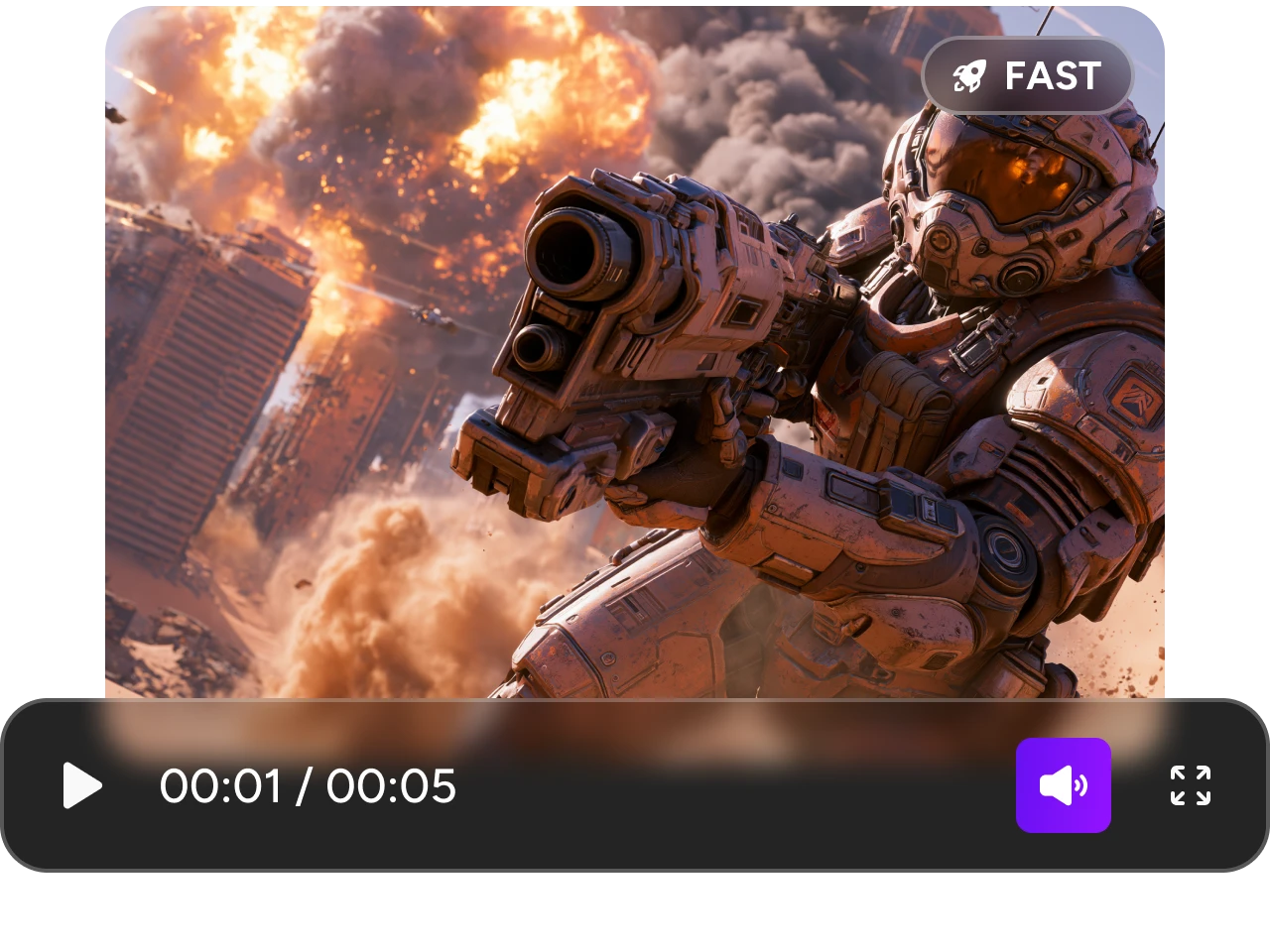
Generate Fast Video Drafts Before You Commit
You may have a strong video idea, but the first version does not always feel right. Seedance 2.0 Mini AI video generator helps you turn a prompt or reference image into a short AI video draft, so you can check the mood, motion, shot style, and visual hook before spending more time on a polished result. This is useful when you want to test several directions quickly, such as a product reveal, a character moment, a lifestyle clip, or a short-form video concept.
Turn Prompts and References Into Motion
A still image can look impressive, but the real test begins when it moves. Seedance 2.0 Mini lets you start from text or upload a reference image, then create a short AI video with motion, scene direction, and visual continuity. You can use it for product photos, character images, concept frames, poster visuals, or creator-style content. On PicLumen, the workflow stays simple: choose Seedance 2.0 Mini, add your prompt or image, and generate your video without building a full editing project first.
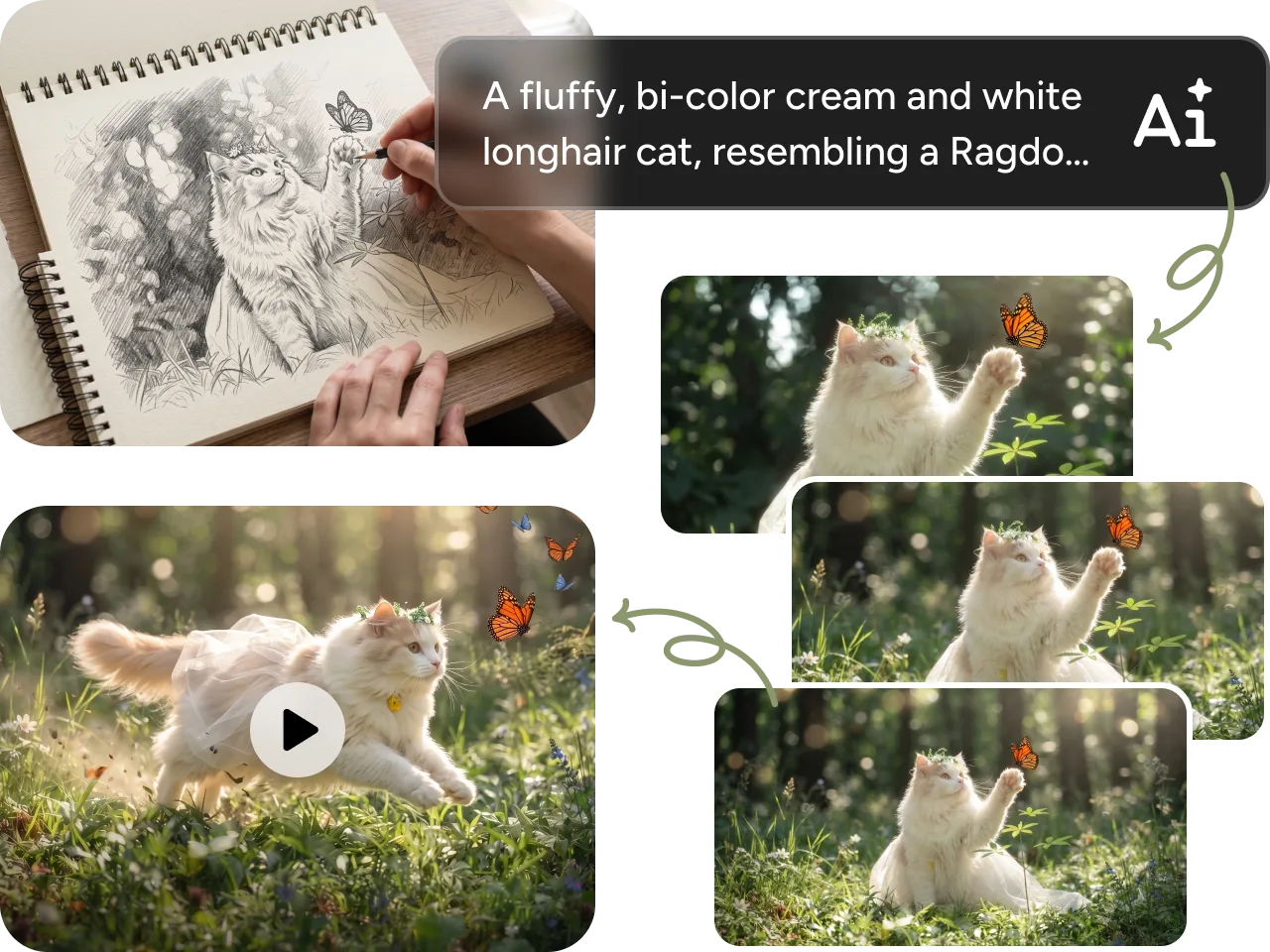
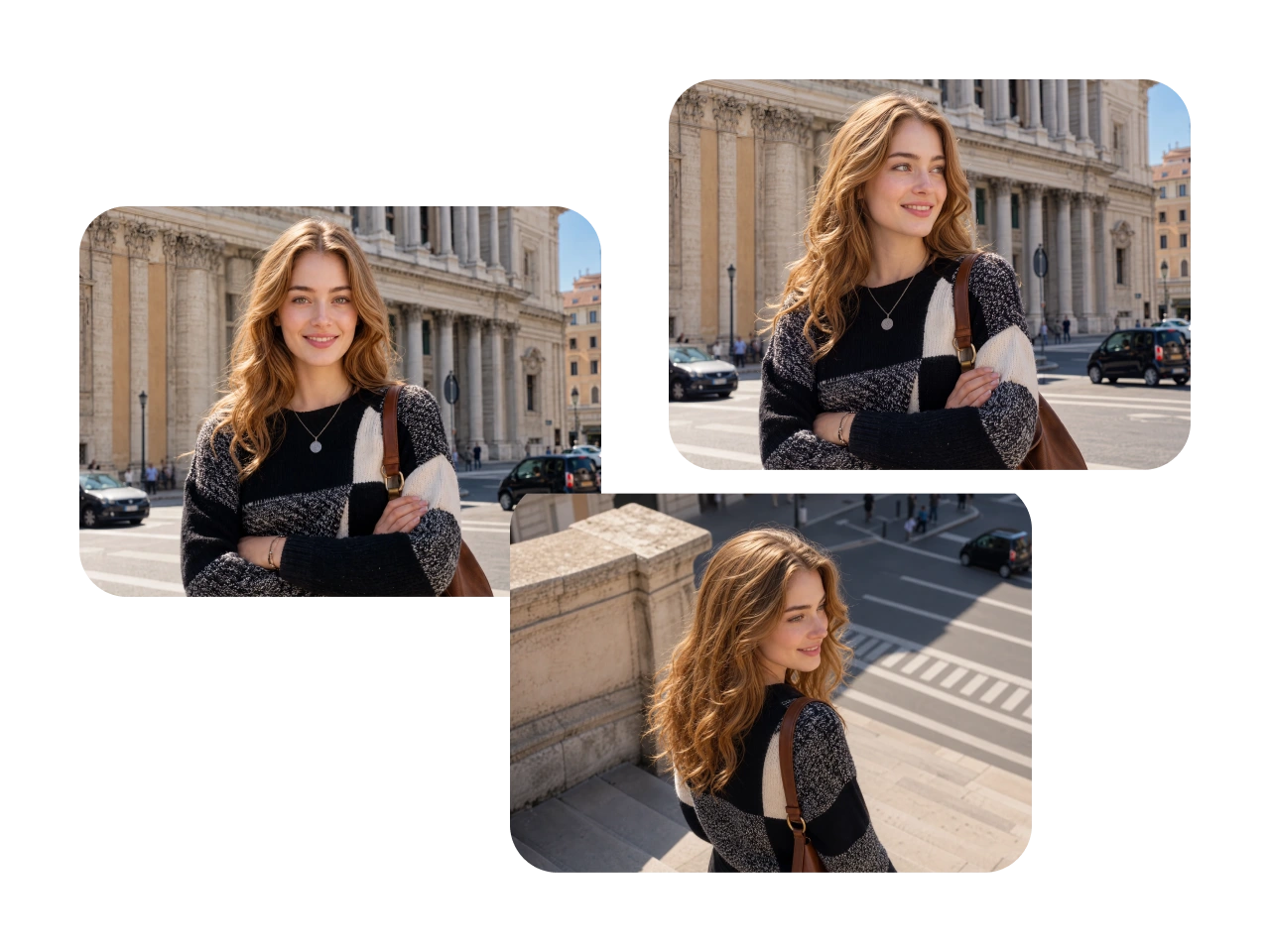
Keep Motion, Camera, and Subjects Stable
Nothing breaks an AI video faster than random motion, drifting subjects, or a camera move that feels out of control. PicLumen's Seedance 2.0 Mini gives you more room to guide how the subject moves, how the scene flows, and how the camera behaves. You can describe close-ups, slow push-ins, tracking shots, product turns, handheld shots, or cinematic reveals. This makes it easier to create clips that feel planned, not accidental.
Create More Versions for Social and Marketing
For social posts, ads, product pages, and content tests, one version is rarely enough. Seedance 2.0 Mini is a practical choice when you want to compare different hooks, styles, scenes, and camera directions before choosing the strongest result. PicLumen's Seedance 2.0 Mini makes that testing process smoother by keeping AI image creation and AI video generation in one place. You can build a visual idea, turn it into motion, review the result, and keep refining without moving between different tools.
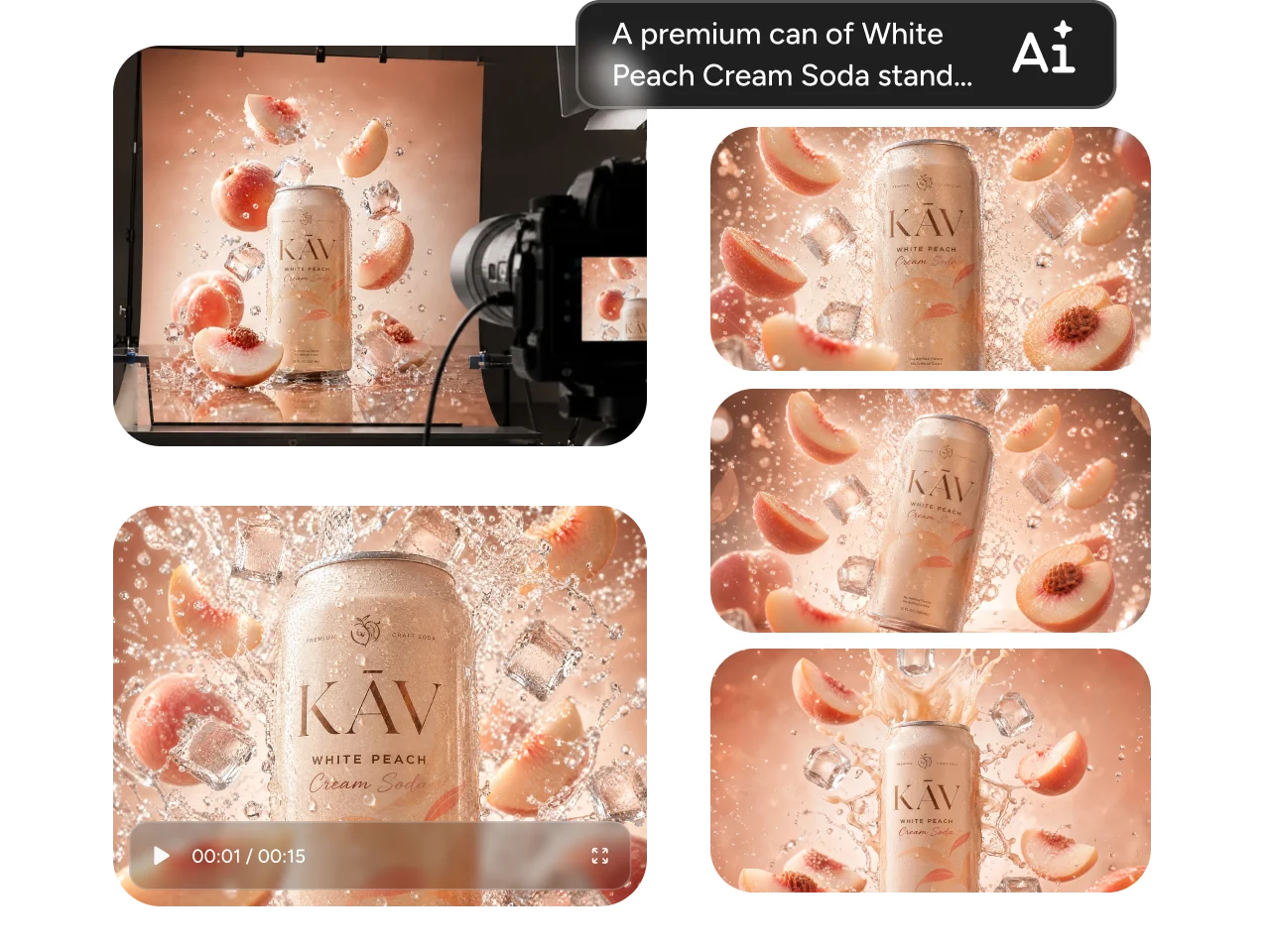
What You Can Create With Seedance 2.0 Mini

Social Video Hooks
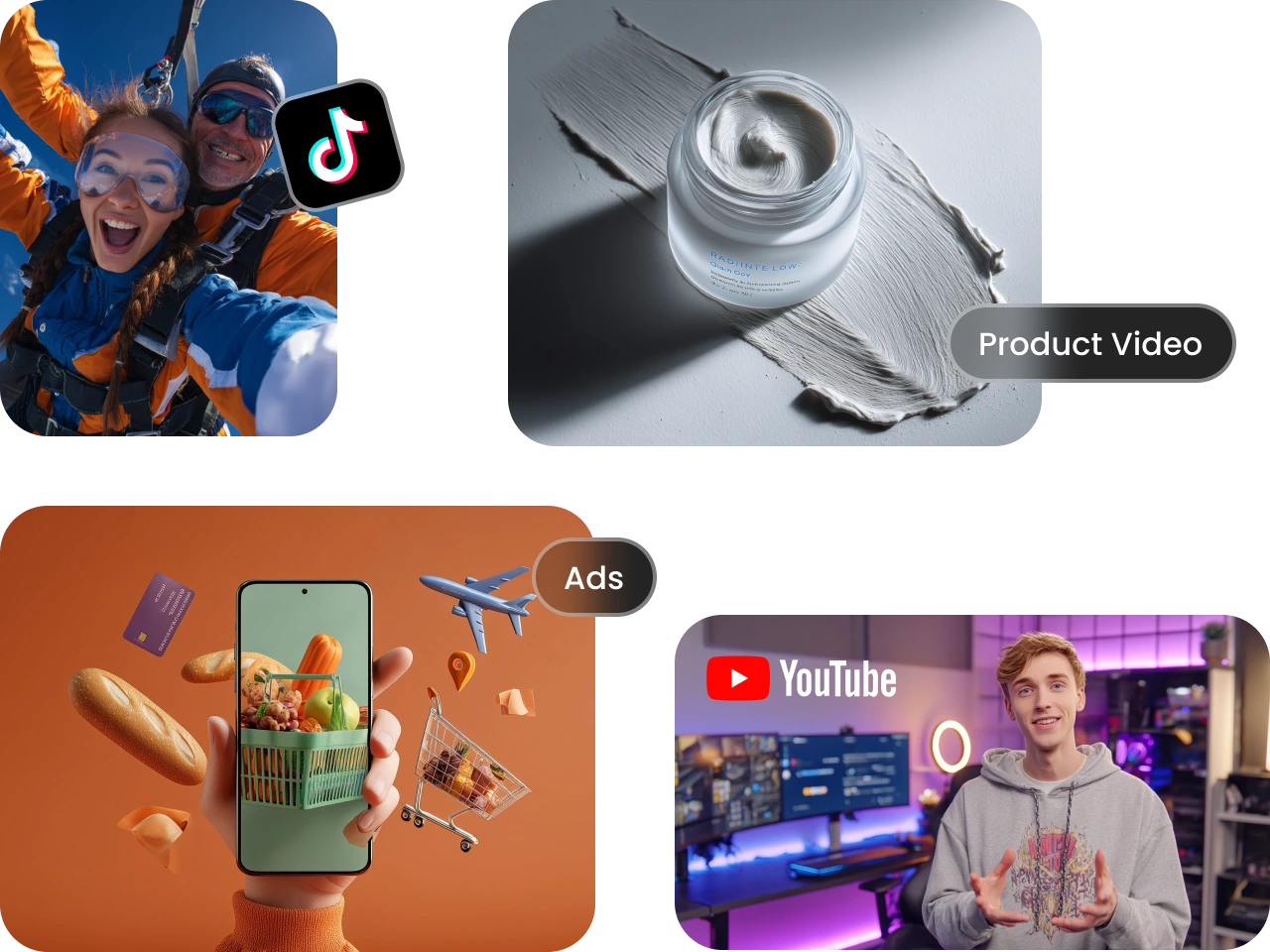
Create short clips for Reels, Shorts, TikTok, and creator posts. You can test a strong opening shot, a camera push-in, a character moment, or a fast visual gag before you build the final version.

Product Motion Clips
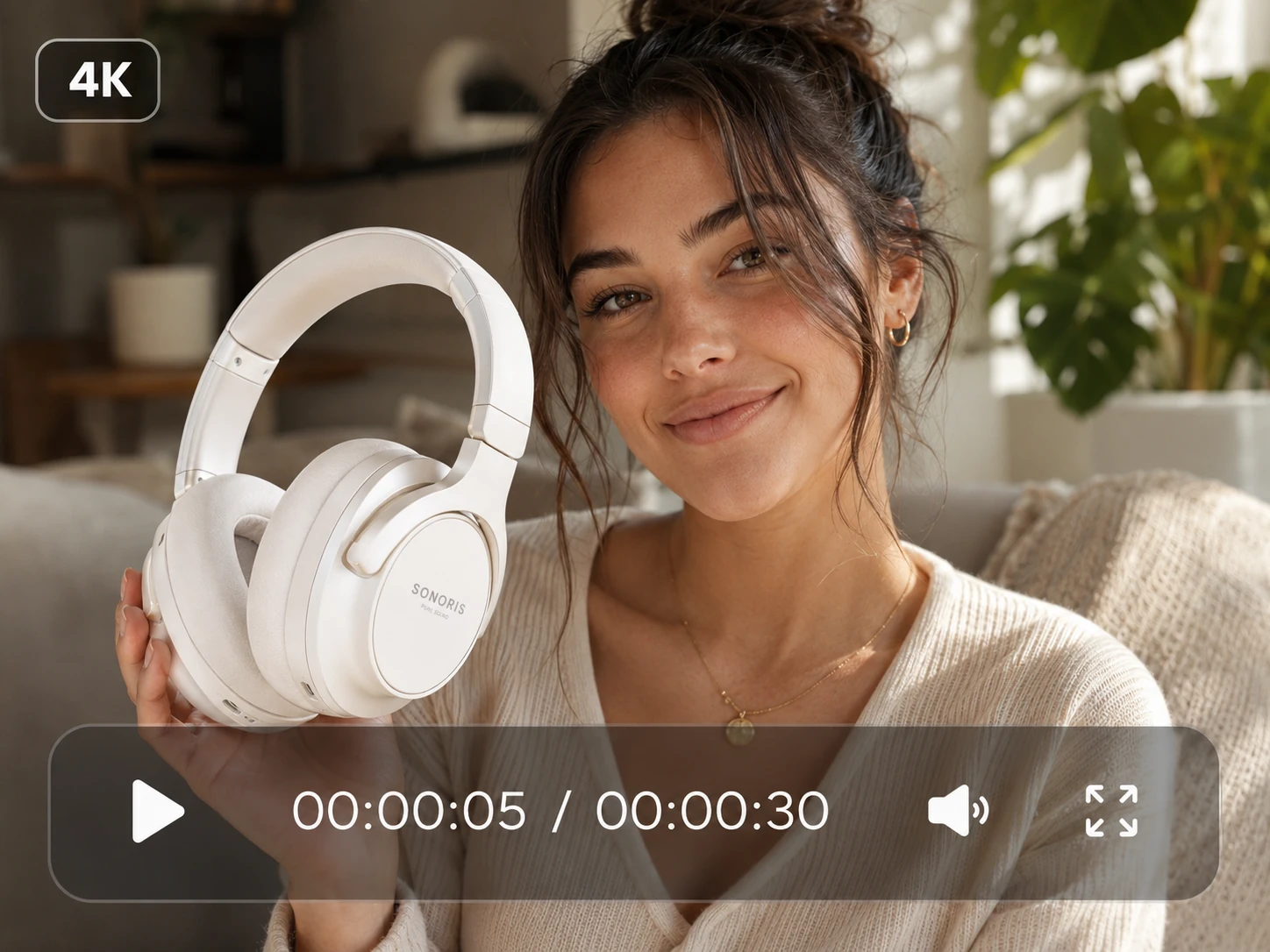
Turn a product image into a short promo video with light movement, scene context, or a simple reveal. You can use it for skincare, fashion, food, tech items, home goods, and ecommerce visuals.

Character and Story Moments
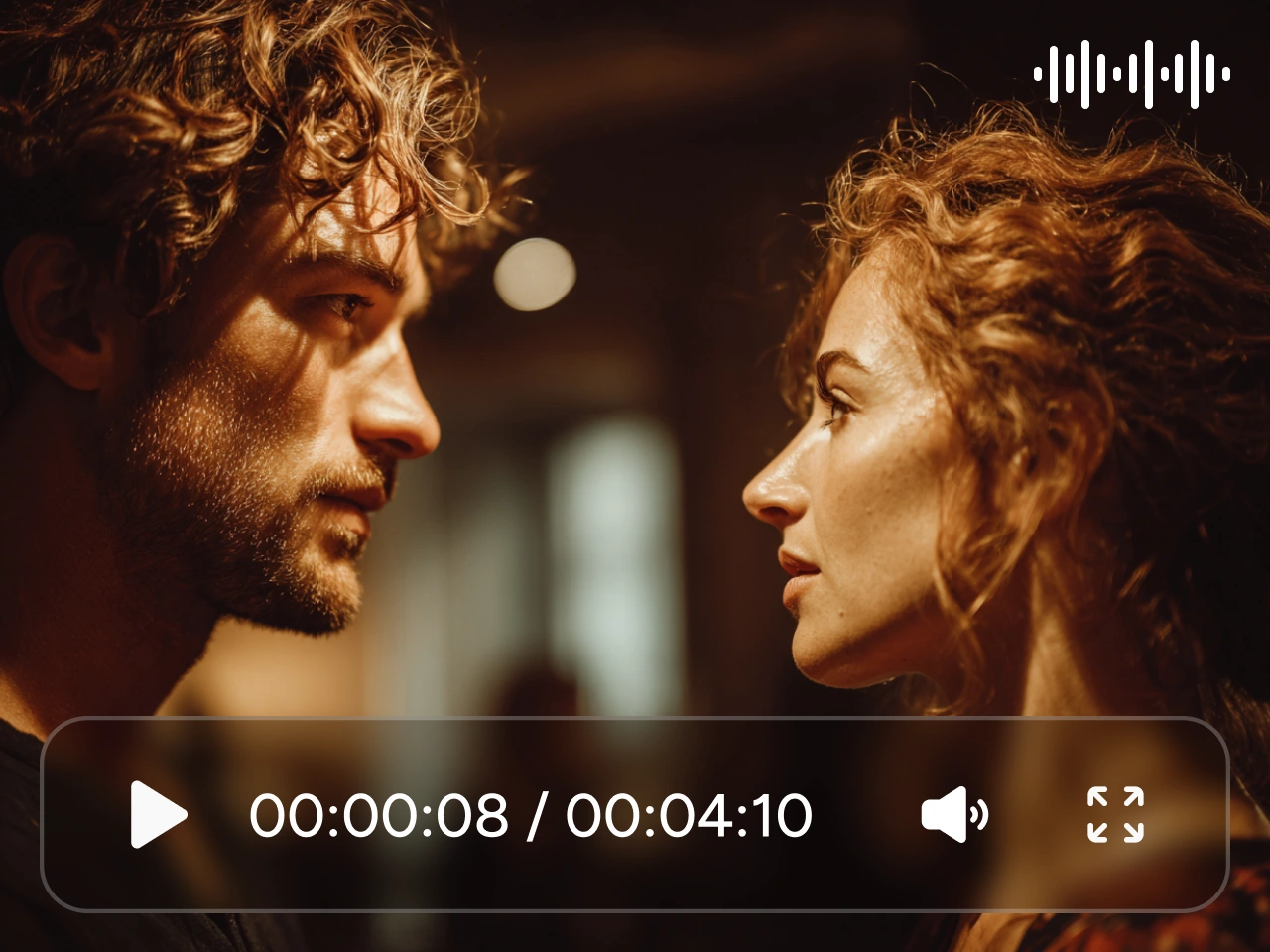
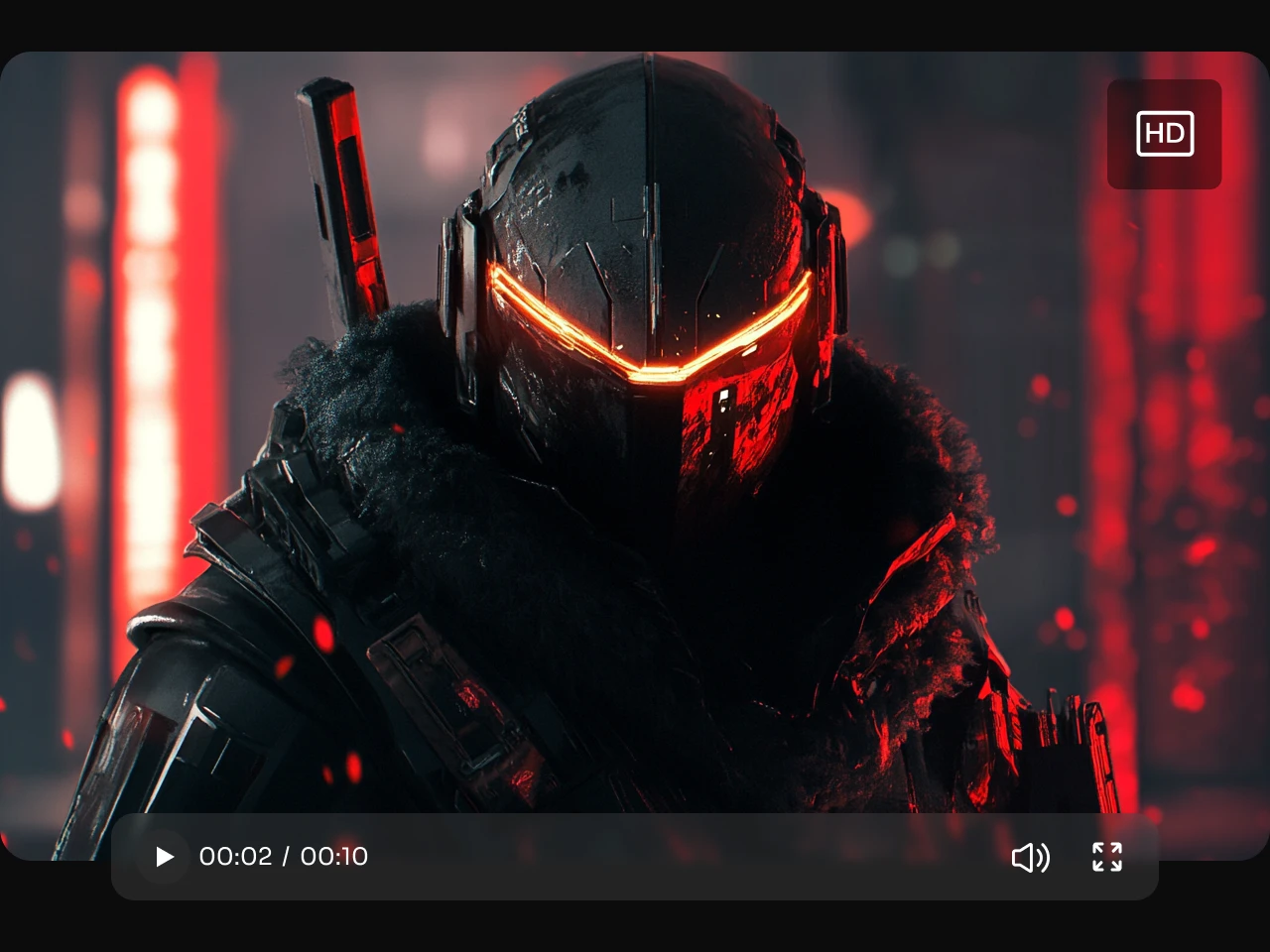
Use Seedance 2.0 Mini to test character movement, short story beats, fantasy scenes, stylized action, or cinematic close-ups. You can check whether the prompt keeps the subject consistent and the mood clear.

Ad Concepts and Creative Tests
Create several video directions for one idea. You can compare hooks, settings, motion styles, and visual tones before you choose the version that deserves more polish.

Lifestyle and Travel Clips
Bring simple moments to life, from pet videos and weekend scenes to food shots, outdoor clips, outfit ideas, and travel memories. You can create quick motion from a simple prompt or an existing image.

Pitch and Storyboard Previews
Use a short generated clip to show motion, framing, and mood before a full shoot or a more advanced AI video render. This is helpful when you need to show a concept, not just describe it.
How to Use Seedance 2.0 Mini on PicLumen
Step 1 Choose Seedance 2.0 Mini
1Open PicLumen, go to the AI video creation workflow, and select Seedance 2.0 Mini as your video model.
Step 2 Add Your Prompt or Reference Image
2Describe what should happen in the video. Include the subject, action, scene, camera movement, lighting, and visual style. Upload a reference image when you want the result to follow a product, character, or starting frame.
Step 3 Pick Your Video Format
3Choose the aspect ratio that fits your goal, such as vertical for short-form social content, landscape for website visuals, or square for product and feed posts.
Step 4 Generate, Review, and Refine
4Generate your AI video, review the motion and composition, then adjust the prompt if you want a different shot, mood, or movement.


Loved by Creators Worldwide
Real feedback from designers, marketers, and hobbyists sharing their PicLumen experience on Trustpilot.
 jordi Alcaraz
I have really enjoyed using this site…
I've had a really positive experience with Piclumen. The platform offers excellent features for creating AI images and videos, with impressive quality and a wide range of creative possibilities. It's very easy to use, even when experimenting with more complex ideas, and the whole process is both intuitive and enjoyable. excellent customer service. The team replies very quickly, is always friendly, and genuinely tries to solve any issues you may encounter they care about their users. Overall, Piclumen is an innovative, user-friendly, and exciting AI platform. I highly recommend it to anyone interested in AI image and video creation.
 Ayan Samanta
Awesome experience just looking wow
Awesome experience just looking wow
amazing
amazing! this is just so good! WOWOW!!
 Ibrahim Onuh
So very powerful and interesting
So very powerful and interesting
 next frame
best ai web creation site
best ai web creation site
 Alexsander Luís
cool it's a good ai creator but create…
cool it's a good ai creator but create imagens for cinema
Piye ChauhanNice app generate to google
Nice app generate to google
 Enzo Piriou
The very good experience for AI
The very good experience for AI
Zain AliThis is the best ai in the world
This is the best ai in the world
medo ArtAiAi ease great product great team
Ai ease great product great team Ai ease Was a massive find for me as I had hundreds of pantings which i had to remove watermarks from..and Ai ease did in batches instantly ! And the team week very very supportive when i realised very late that id forgotten to unsubscribe ! Cool product + nice people = a better world!
 Rabbi Hasan
Nice application for all user
Nice application for all user
 Piotrek K
the best app I've ever used
the best app I've ever used
FAQs About Seedance 2.0 Mini AI Video Generator
What is Seedance 2.0 Mini?
Seedance 2.0 Mini is a lightweight AI video model for creating short videos from text prompts and reference images. You can use it to test motion, camera direction, visual style, and short-form video ideas with a faster workflow.
How is Seedance 2.0 Mini different from Seedance 2.0?
Seedance 2.0 Mini is better for quick tests, lower-credit creative exploration, and short video drafts. Seedance 2.0 is usually the stronger choice when you need more advanced production quality or a more polished final render.
Do I need video editing skills to use Seedance 2.0 Mini?
No. You can start with a text prompt or image reference. PicLumen handles the AI video generation process, while you guide the result through your prompt and settings.
Is Seedance 2.0 Mini good for product videos?
Yes. It is useful for quick product motion clips, ad hooks, ecommerce visuals, product reveals, and creative tests. You can use it to preview how a product might look in motion before producing a more polished version.