Minimax H3 (Hailuo 3.0) AI Video Generator for Multimodal Creation
MiniMax H3, also known as Hailuo 3.0, is an omni-modal AI video model that brings text, images, video, and audio into one streamlined workflow. Turn complex ideas into polished 2K videos with natural motion, synchronized stereo sound, and greater control over every scene.
Hot Video Effects
Turn your photos into fun dance clips, surprising transformations, and shareable moments with trending AI video effects.
Generate Video with Native Stereo Audio
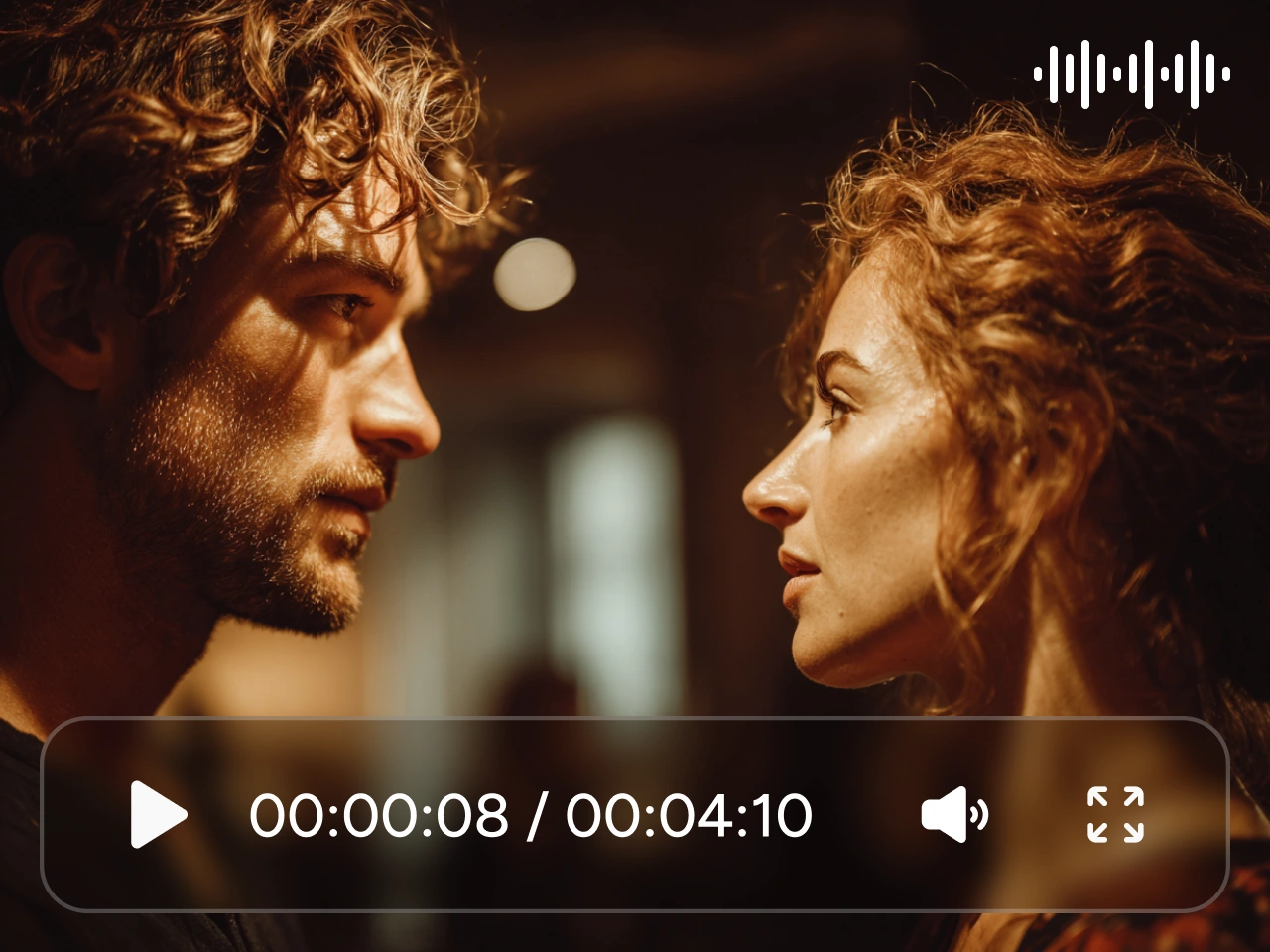
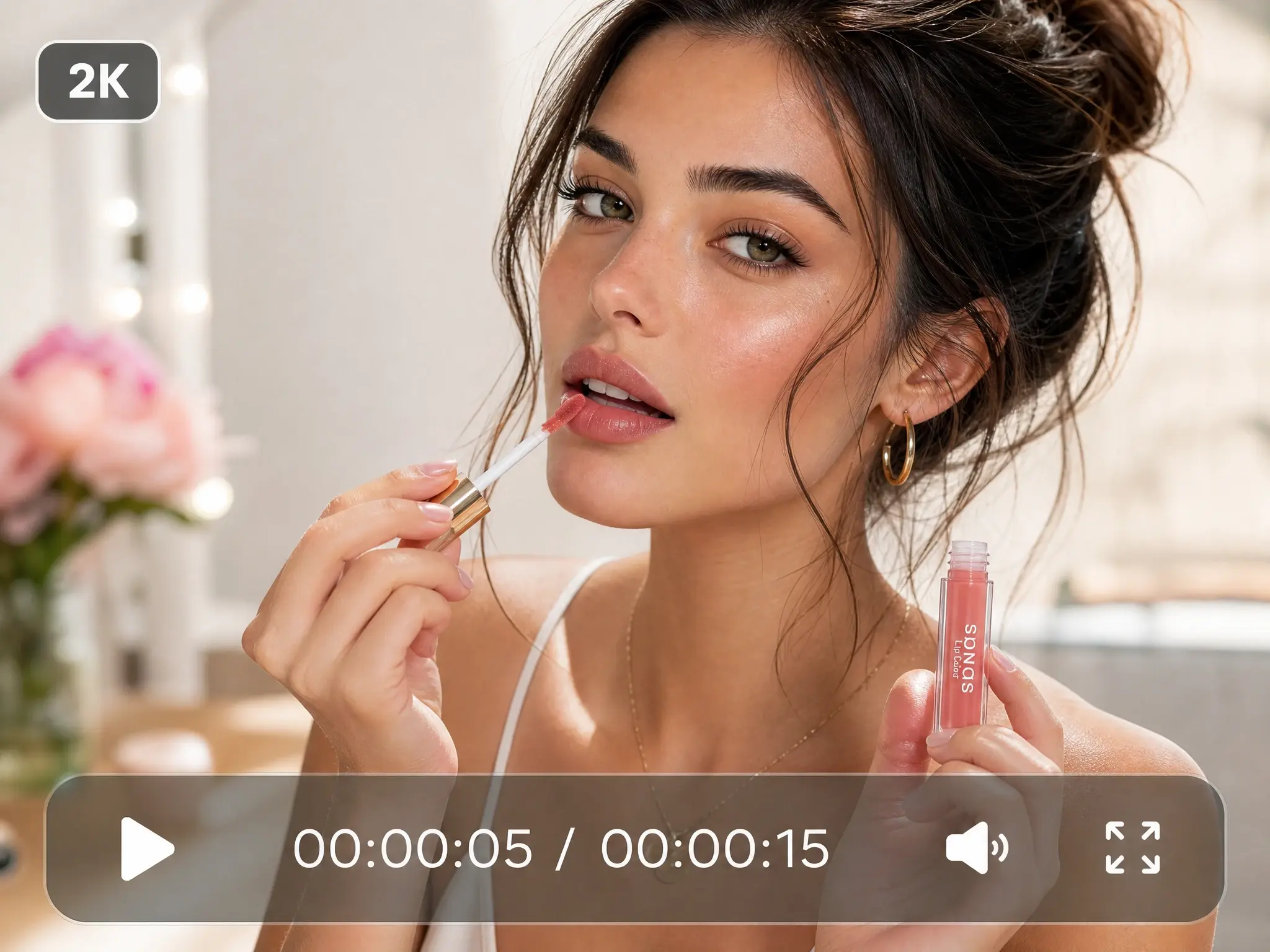
You do not need to build the visuals and soundtrack separately. MiniMax H3, also known as Hailuo 3.0, can generate dialogue, music, ambience, and sound effects alongside the video. It also supports stable dialogue in 11 languages, making it suitable for ad videos, character scenes, music videos, and localized content that needs sound to feel connected to the action.
Create from Text, Frames, or References
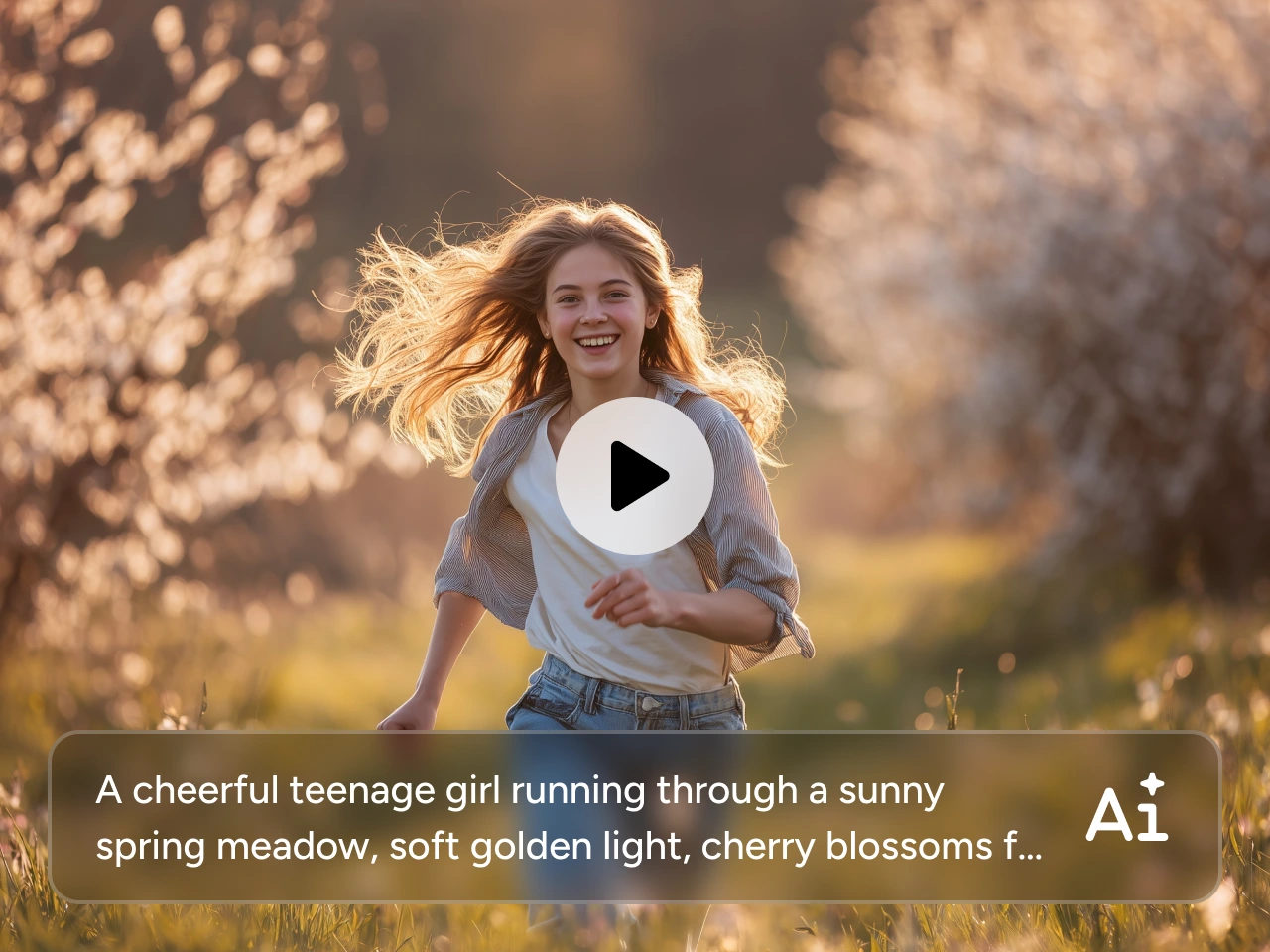
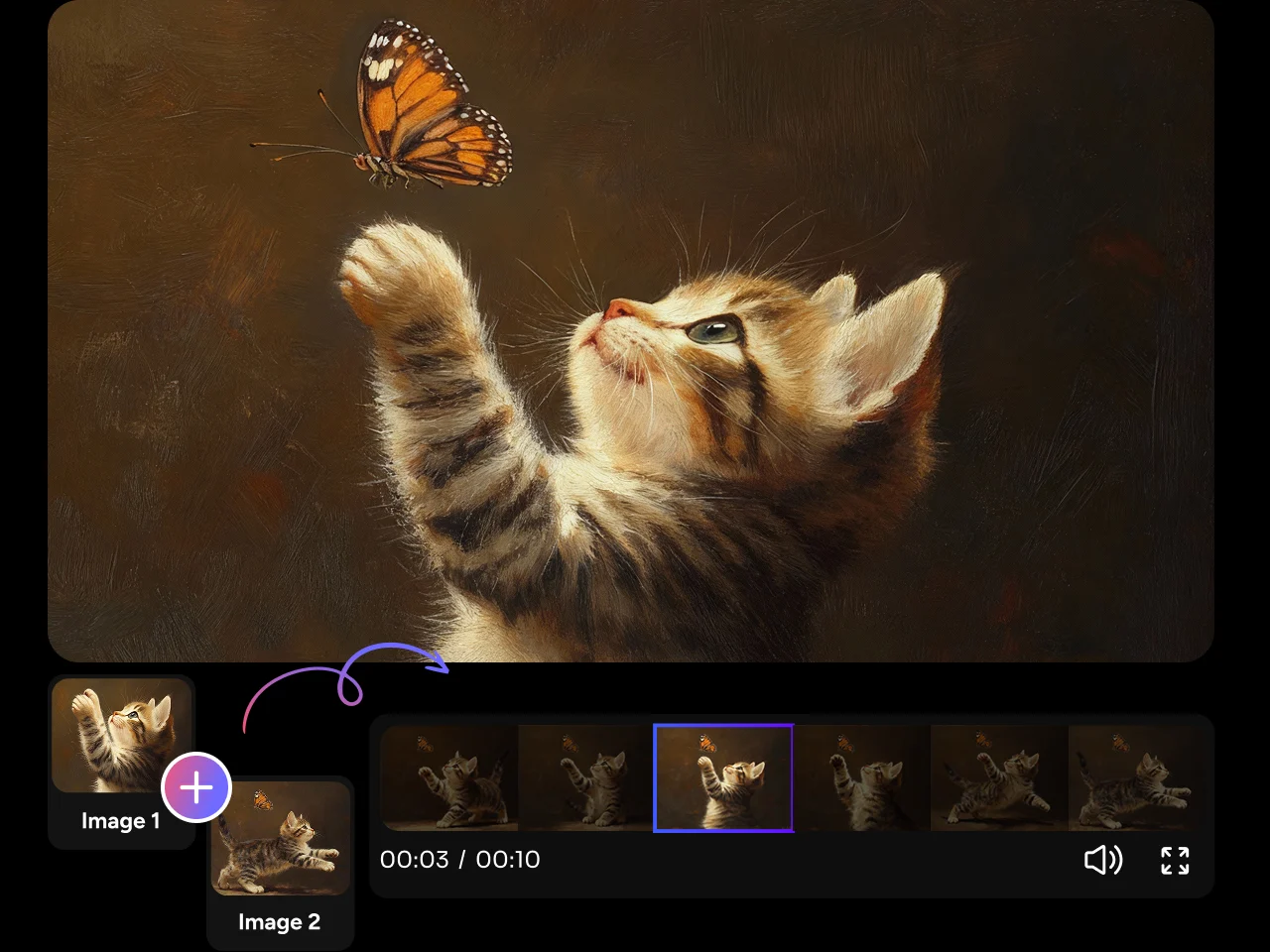
Start with the materials you already have. On PicLumen, MiniMax H3 lets you generate from a text prompt, animate a first or last frame, connect 2 keyframes, or combine multiple media references. Choose the workflow that fits your project, whether you are testing a quick idea or building a more carefully directed video.
Combine Up to 12 Multimodal References
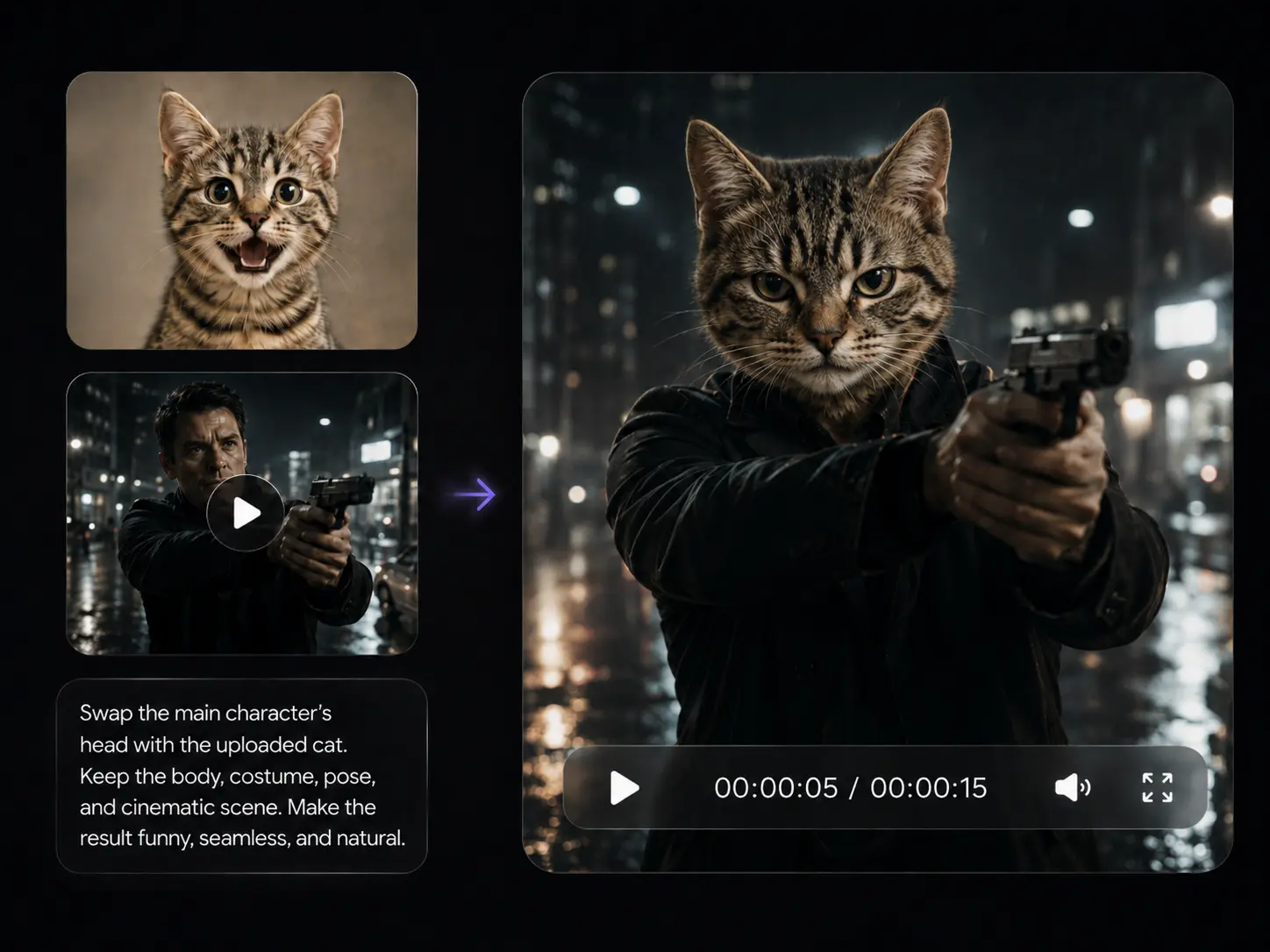
One image may not capture your full idea. The MiniMax AI Video Generator supports up to 9 images, 3 video clips, and 3 audio clips in 1 generation. Use them to define characters, products, settings, motion, camera work, voices, and atmosphere without forcing every detail into one prompt. This gives you more room to communicate the full look and feel of your video.
Control How Each Reference Shapes the Result
Worried that several references may confuse the model? You can tell MiniMax H3 exactly how each file should be used. Assign an image to the subject, a video to the movement, and an audio clip to the voice or pacing. PicLumen gives you a direct way to organize these inputs, helping detailed scenes follow a clearer and more consistent creative direction.
Create 4–15s Videos in Up to 2K
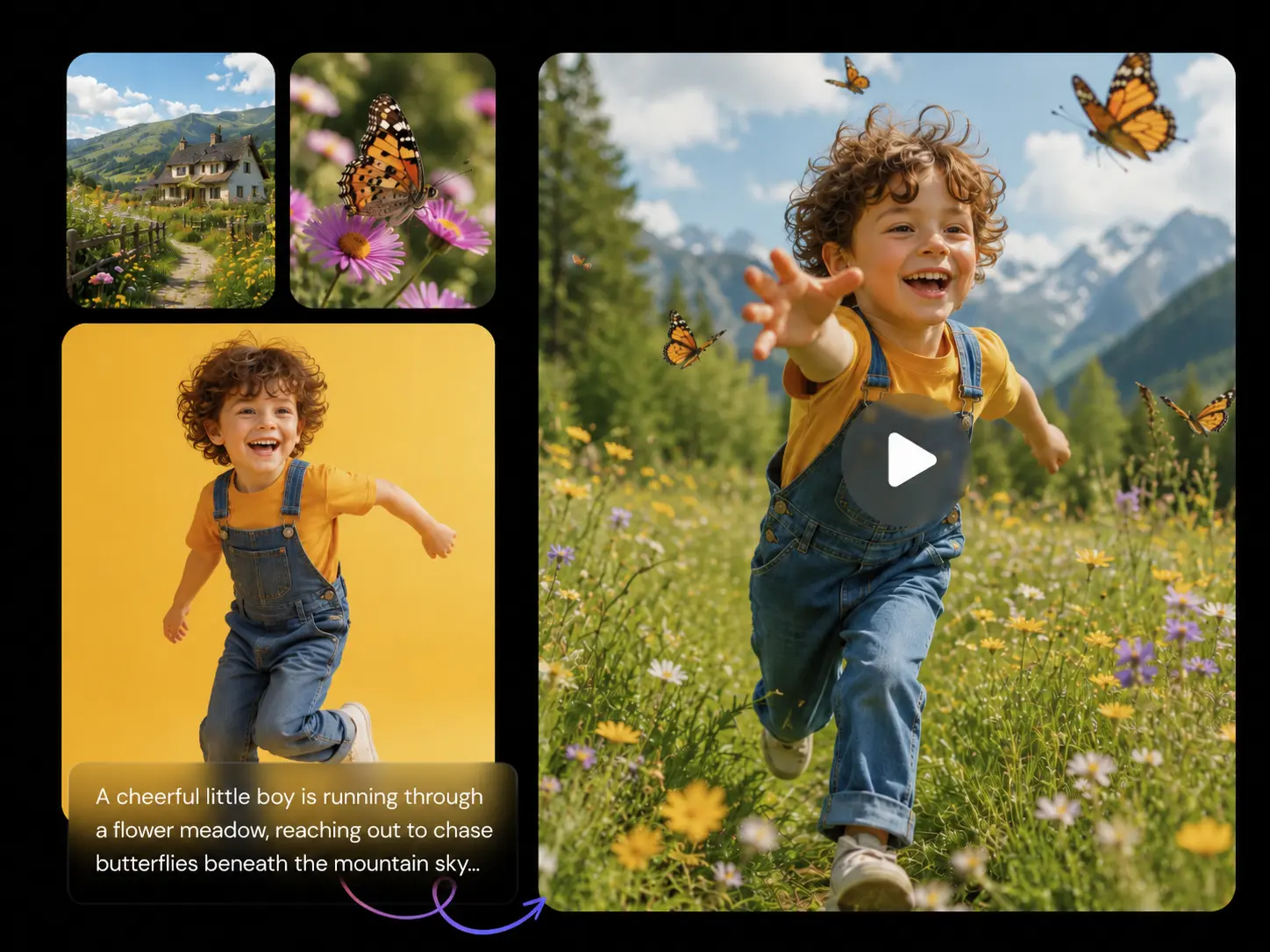
Need a short social clip or a longer product reveal? Create videos from 4 to 15 seconds at 24 FPS, with output up to 2K. MiniMax H3 supports 6 aspect ratios, including 16:9, 9:16, and 1:1. You can prepare videos on PicLumen for ads, social feeds, cinematic scenes, presentations, and other publishing formats.
What Can You Create with MiniMax H3?

Product Ads
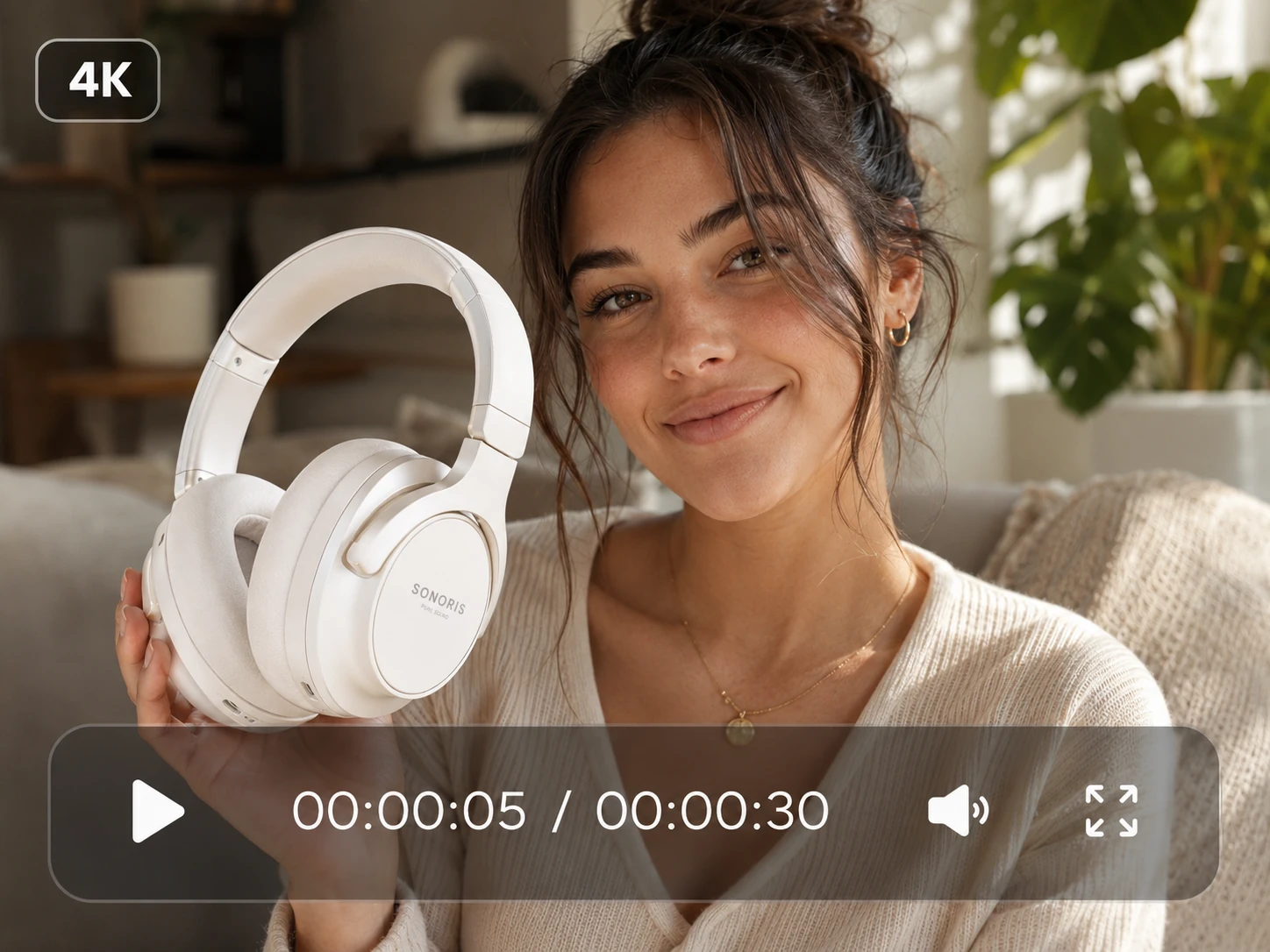
Turn product images into polished commercial videos with controlled camera movement, lighting, sound, and clear closing shots. Ideal for launches, e-commerce listings, and paid campaigns.

Short Films
Create cinematic scenes with connected shots, character actions, dialogue, and atmosphere. Use multimodal references to keep the story, setting, and visual style aligned.

Social Videos
Generate vertical hooks, transformations, lifestyle clips, and trend-driven content for social platforms. Add music or motion references to shape the pace and mood.

Character Scenes
Keep a character's appearance, movement, and voice more consistent across the video. Suitable for dialogue clips, virtual creators, branded characters, and short dramas.

Music Videos
Turn songs, lyrics, and audio references into complete MV concepts with synchronized visuals, rhythm, and atmosphere. Create performance scenes, narrative sequences, lyric-driven clips, promotional teasers, and music visualizers with a consistent style.

Motion Concepts
Apply a reference video's camera path, action, or editing rhythm to a new subject or setting. Useful for testing commercials, game scenes, animated posters, and early creative concepts.
How to Use MiniMax H3 on PicLumen
- STEP 1Select MiniMax H3
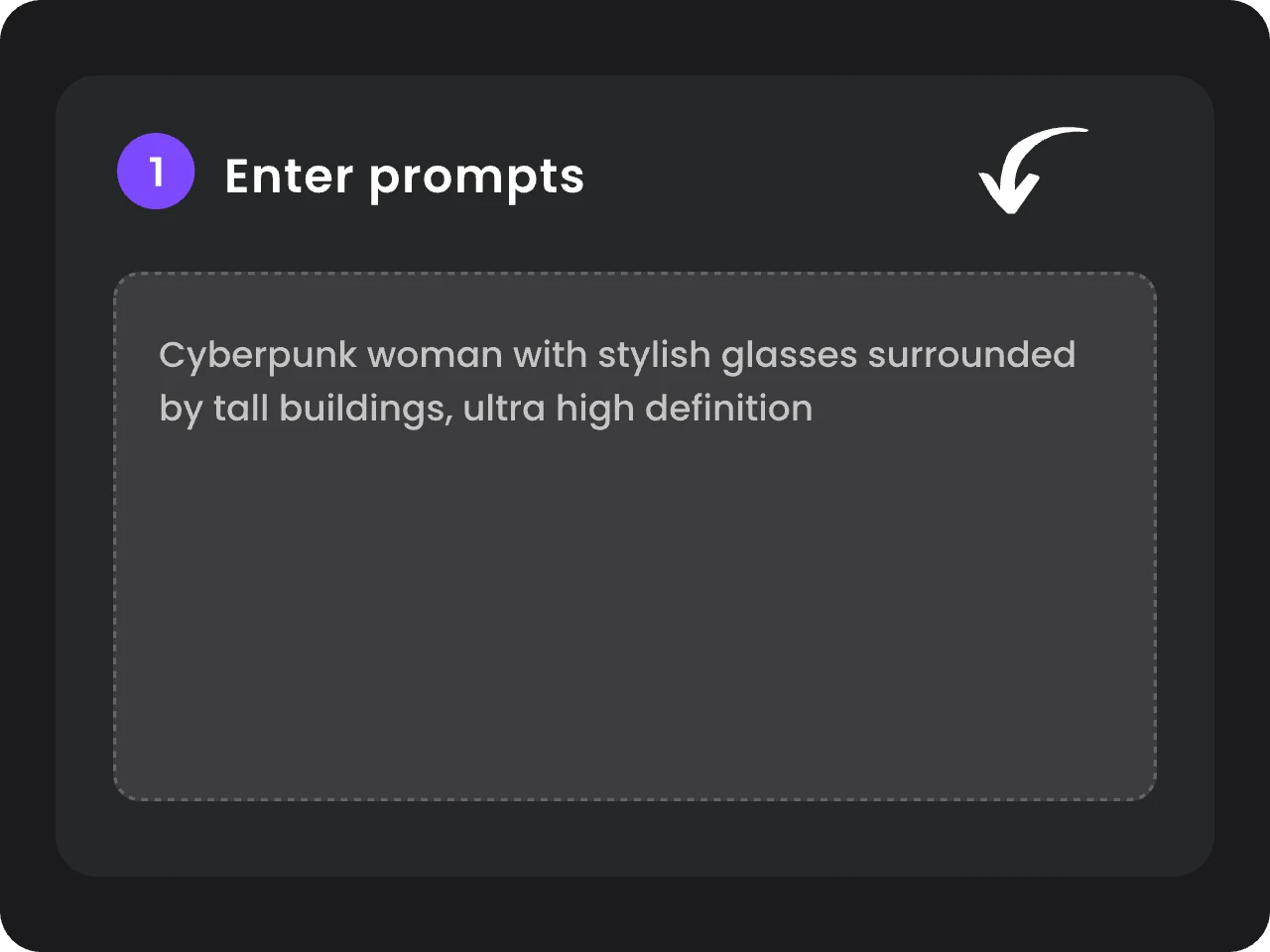
Open the PicLumen AI Video Generator and choose MiniMax H3 (Hailuo 3.0) from the model list. Select text-to-video, frame-based generation, or multimodal reference generation based on the materials you already have.
- STEP 2Add Your Prompt and References
- STEP 3Choose Your Settings and Generate


Loved by Creators Worldwide
Real feedback from designers, marketers, and hobbyists sharing their PicLumen experience on Trustpilot.
Just amazing website a must try.
Just amazing website a must try.
Ai HackGreat tool
I would really recommend this website to content creation
Kura AdityaThe best experience ever w
The best experience ever w
Excellent results
Excellent results, very supportive and helpful customer service. They have a great interface very friendly use and the prices are reasonable. I use it for personal stuff and I am just a beginner but it made my earning process very enjoyable. I might give a more technical review in the future but that is so far my experience. Thanks
 Alexsander Luís
cool it's a good ai creator but create…
cool it's a good ai creator but create imagens for cinema
Great platform
Ease of use,and great models
I like this app its a veey good…
I like this app its a veey good experience
 Phogat Pradeep
People passing by without noticing them.
People passing by without noticing them.
kola woleAmazing
Amazing, and easy to use features
 Zain Ali
This is the best ai in the world
This is the best ai in the world
 Headphonlessness Meditations
hi i am @VbsRedlof on twitter
hi i am @VbsRedlof on twitter
Ts is so skibbidy dop dop yes yes
Ts is so skibbidy dop dop yes yes
Frequently Asked Questions
What Is MiniMax H3 (Hailuo 3.0)?
MiniMax H3 is the model's official name, while Hailuo 3.0 is another name used for the same model. It is an omni-modal AI video model that lets you create videos from text, images, video clips, and audio references within one workflow.
What Types of Input Does MiniMax H3 Support?
You can start with a text prompt, animate a first or last frame, connect 2 selected frames, or combine image, video, and audio references. This gives you a suitable workflow whether you are starting from a simple idea or working with prepared creative assets.
How Many References Can I Use in 1 Generation?
You can upload up to 9 images, 3 video clips, and 3 audio clips, with a maximum of 12 files in total. Audio references must be used with at least 1 image or video, so the model has both visual and audio context.
Can MiniMax H3 Generate Video with Audio?
Yes. MiniMax H3 generates native 32 kHz stereo audio alongside the visuals. You can include dialogue, music, ambience, and sound effects in your prompt or use audio references to guide the voice, rhythm, and overall mood.
Does MiniMax H3 Support Multilingual Dialogue?
Yes. MiniMax H3 offers stable dialogue support for 11 languages, including English, Chinese, Japanese, Korean, Spanish, French, German, Italian, Portuguese, Russian, and Arabic. This makes it useful for localized ads, character videos, social content, and multilingual storytelling.
Can MiniMax H3 Keep Characters and Products Consistent?
MiniMax H3 can use reference images and videos to preserve important details such as a character's appearance, product design, environment, movement, or visual style. For better consistency, clearly state which reference defines each element instead of asking the model to follow every file in the same way. Its H3-Context-IR system is designed to understand the relationships between your prompt and mixed-media inputs.
How Long Can a MiniMax H3 Video Be?
You can generate videos from 4 to 15 seconds. The longer duration gives you more room for dialogue, camera movement, product demonstrations, music-led sequences, and connected actions within one clip.
Does MiniMax H3 Support 2K Video?
Yes. You can generate video in 768P or up to 2K. For 2K output, MiniMax H3 can process the base result again with your original prompt and references, helping restore finer details rather than simply enlarging the lower-resolution video.