Product
Showcase Fine Jewelry With an Earrings Display Template
Present Earrings on a Model or Clean Background
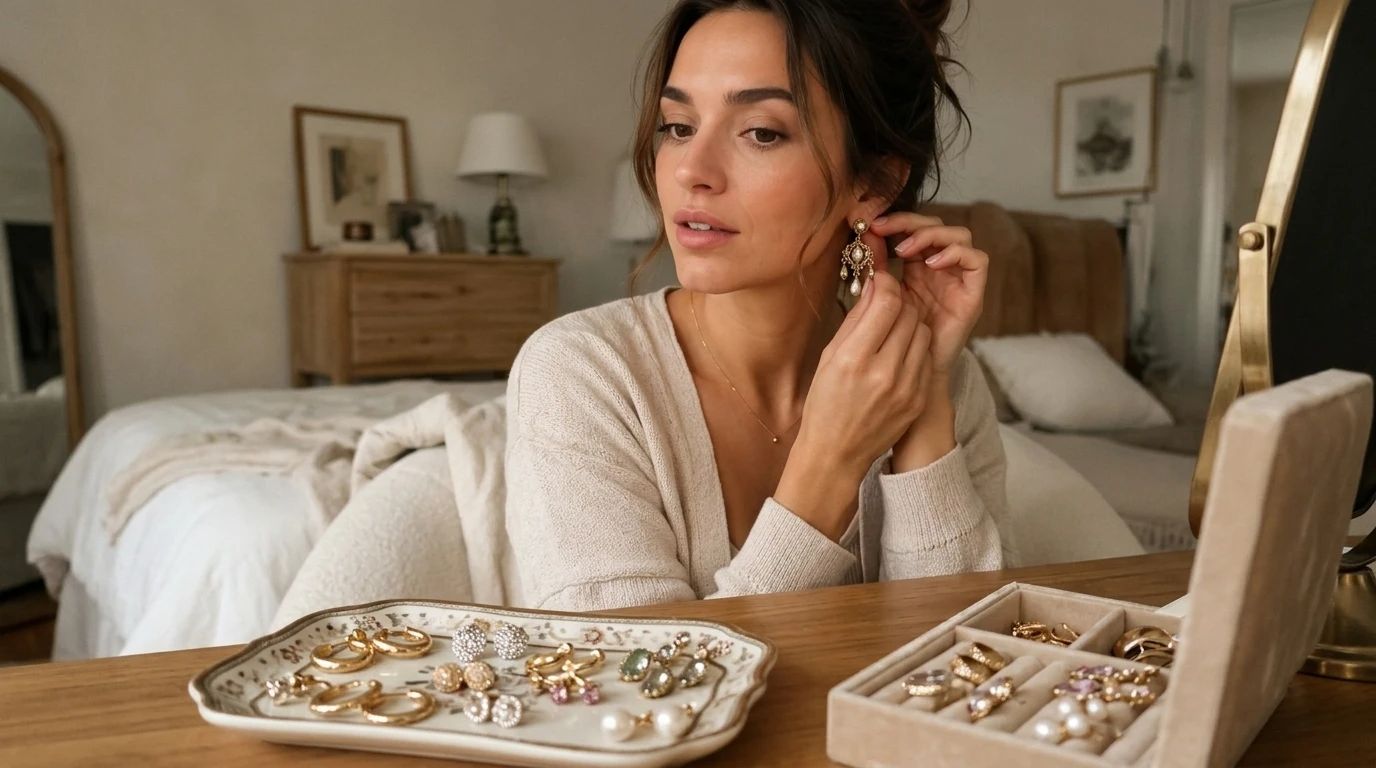
The Earrings template places your jewelry piece into a clear, focused setting. It shows the earring worn on a model or positioned in a styled composition, giving buyers a realistic sense of size. You upload your jewelry image through PicLumen, and the template builds the surrounding context to highlight the metal and gemstone details. This adds physical scale and visual depth to small accessories.
Matching the Setting to the Jewelry Style
A pair of delicate studs suits a clean, minimal background, while large statement hoops might benefit from a styled portrait or textured backdrop. When choosing a template variation, think about the mood of the piece. Matching the visual environment to the jewelry's design helps the buyer see how the item fits into a specific wardrobe or occasion. Darker backgrounds can make silver stand out, while lighter tones suit gold.
Focusing on Detail and Sparkle
Earrings are small, so the final image needs to preserve the sharpness of the design. A high-resolution source photo showing the metal finish and stone settings helps the template maintain these details. If the original image is too dark or blurry, the AI may struggle to replicate the sparkle. Ensure the product is well-lit before uploading to keep the fine details intact.
Building a Cohesive Jewelry Catalog
Sellers often manage multiple pairs of earrings in different styles. Using the same earring display template across a catalog helps unify the visual presentation. Whether you are showing gold, silver, or gemstone pieces, a consistent framing style makes the storefront feel more organized. You can generate multiple variations that share the same lighting and layout, tying different designs together into one collection.
Style Fine Jewelry Sets With AI Earrings in PicLumen
Customer Face Shape References
Shoppers often hesitate to buy earrings online because they can't visualize how a specific shape will look on their own face. Sellers can use the Earrings template to generate reference shots featuring models with different face shapes. Presenting a pair of drop earrings on both an oval face and a round face helps buyers make a more informed decision. It directly addresses the common question of whether a specific style will suit them.
Skin Tone and Metal Contrast
Jewelry looks different depending on the wearer's complexion. A gold hoop pops against darker skin, while silver might complement a fairer tone. The Earrings template allows sellers to place the same piece of jewelry on models with varied skin tones. This creates a helpful visual guide for customers. It also reduces return rates by clarifying exactly how the metal color appears in real-world wear.
Packaging and Unboxing Visuals
Beyond the jewelry itself, the unboxing experience is part of the purchase. You can use the template to show the earrings resting in a branded box or a velvet pouch. This helps set customer expectations for what will arrive in the mail. Generating a shot of the earrings inside their packaging gives the product page a complete look, bridging the gap between the digital storefront and the physical item.
Matching Earrings to Necklaces
Sellers who offer full jewelry sets need to show how pieces pair together. Placing a pair of earrings alongside a matching necklace in the same visual style helps customers see the complete collection. The template ensures the lighting and backdrop remain consistent across both items, making the set look cohesive. This visual pairing encourages buyers to purchase the entire matching set rather than just a single piece.
How to Create an Earrings Visual on PicLumen
Step 1 Upload a Product or Model Photo
1Start with a clear image of your earrings. A close-up shot or a photo of a model wearing the jewelry works well. Ensure the metal and gemstone details are sharp and not obscured by shadows. Avoid busy backgrounds or heavy glare, as a clean source file helps the template integrate the product smoothly into the new scene.
Step 2 Choose a Template or Use the Default
2Review the layout options or stick with the default setting. The choice depends on where the image will be used. If the default styling fits your catalog, keep it. For a specific marketing campaign, you can choose a variation that places the jewelry on a different model or a new background.
Step 3 Review and Generate
3Inspect the uploaded jewelry and the default template layout. Check that the earrings look natural and the scale feels right for the model or composition. Once the details and lighting look correct, click Generate. This produces the final image with the earrings placed accurately.


Loved by Creators Worldwide
Real feedback from designers, marketers, and hobbyists sharing their PicLumen experience on Trustpilot.
chelsiennerThis is my favorite AI Image generator
This is my favorite AI Image generator
amazing
amazing! this is just so good! WOWOW!!
 ClashOf Clans
Excellent platform to fantasy
Excellent platform to fantasy
 Ibrahim Onuh
So very powerful and interesting
So very powerful and interesting
Excellent results
Excellent results, very supportive and helpful customer service. They have a great interface very friendly use and the prices are reasonable. I use it for personal stuff and I am just a beginner but it made my earning process very enjoyable. I might give a more technical review in the future but that is so far my experience. Thanks
Bohdan LesykGreat and fast
Great and fast, would be much better with some more free credits
 Aleks Visha
Great kompany in the world
Great kompany in the world
This is one of the best videos ai…
This is one of the best videos ai generator
I like this app its a veey good…
I like this app its a veey good experience
 AK Editing Zone
Nice ai image generation
Nice ai image generation
 Me May Phim
The new addition of models is excellent.
The new addition of models is excellent.
Nagavali Srinivasexcellent images are generated
excellent images are generated
Frequently Asked Questions
What is Earrings?
Earrings is a PicLumen template that places your jewelry piece onto a model or into a styled composition. It helps shoppers see the actual scale and how the metal or gemstones look when worn. This works well for studs, hoops, or drop earrings. You upload a product photo, and the template generates the final visual with the jewelry in place.
What is the best tool for creating Earrings visuals?
PicLumen provides a direct workflow for this specific task. You upload your jewelry photo, confirm the default layout, check the placement, and click Generate. The platform builds the surrounding context around your subject. You can focus on whether the earrings look natural and properly scaled, instead of setting up physical studio lighting.
What kind of source photo works best?
A sharp, close-up image delivers the best results. Ensure the metal finish and stone settings are clearly visible and not obscured by heavy shadows. If the earrings are photographed against a busy background, the AI may struggle to isolate the product. A clean, well-lit source file helps the template integrate the jewelry smoothly into the new composition. Flatly lit images map better onto the new scene.
Can I use this template for different jewelry styles?
Yes. The template adapts to various earring types, from delicate studs to large statement hoops. The visual result depends on the source image you upload. A high-resolution close-up of a gemstone drop earring will produce a different final look than a simple gold stud. You can use the same workflow to process multiple designs, keeping the lighting and layout consistent across your catalog.
How do I check if the final image looks natural?
Review the generated image and examine how the earrings sit on the model or within the composition. Check the scale and the lighting on the metal. If the earrings look like they are floating or the shadows feel disconnected, try a clearer source photo before generating again. Pay close attention to where the earring meets the earlobe; a believable connection anchors the piece.
Can I use this for seasonal marketing campaigns?
Yes. The template helps create visuals for holiday gift guides, bridal collections, or everyday wear promotions. You can generate images that match the mood of your campaign. For a bridal shoot, generate a series with a clean background to show off the sparkle. For a holiday guide, group different styles together. Generating these assets through the same template keeps the visual identity stable across your promotional channels.