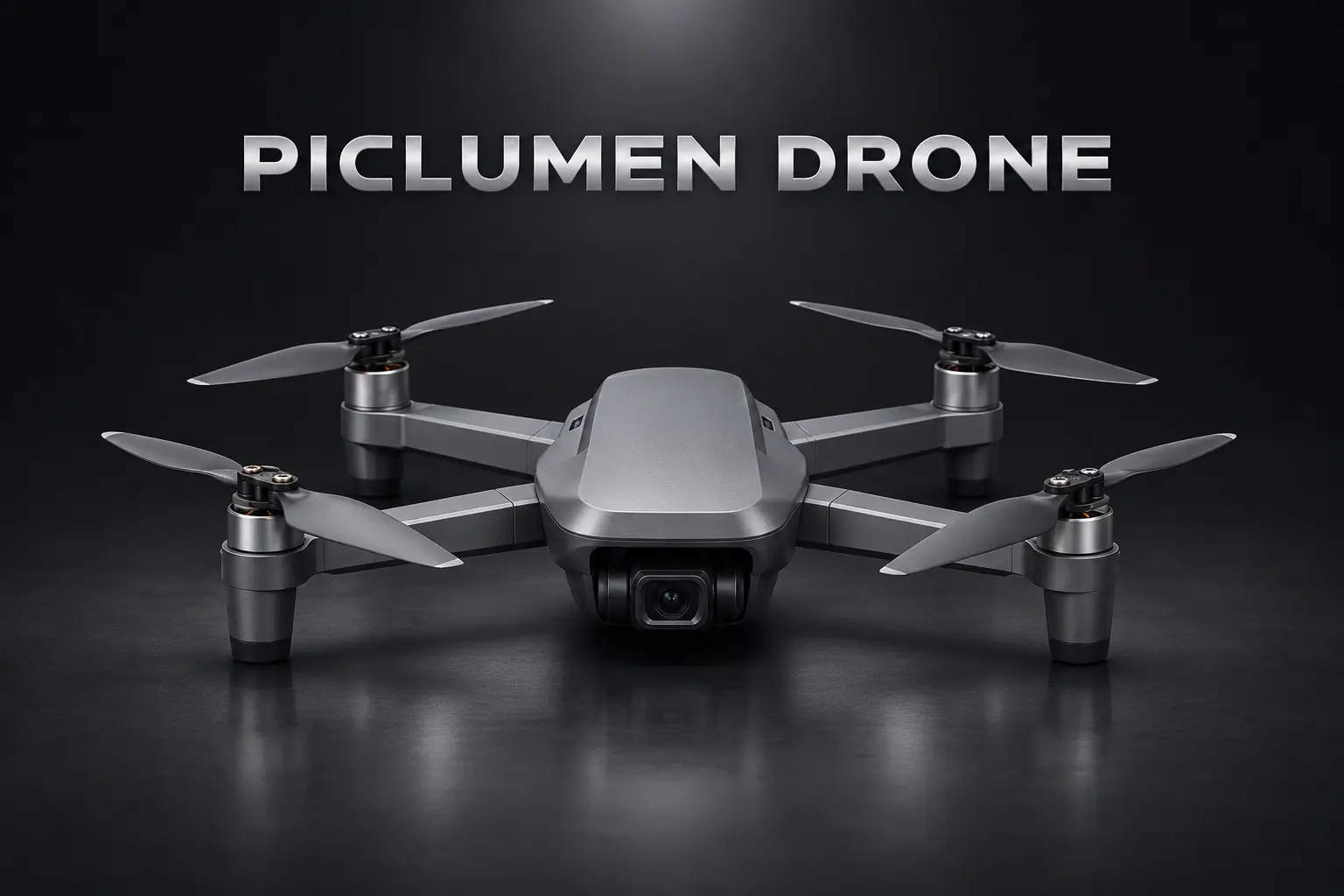
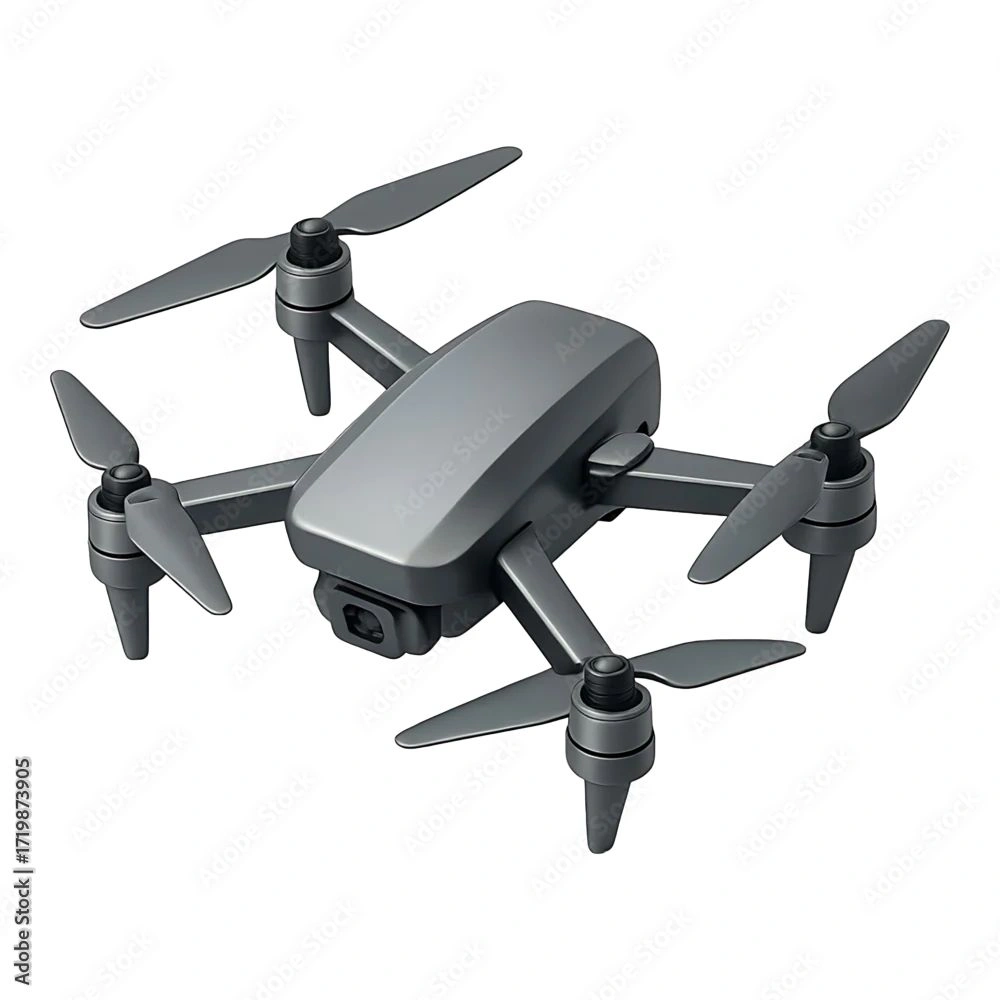
Hot Video Effects
Turn your photos into fun dance clips, surprising transformations, and shareable moments with trending AI video effects.
Make Products Stand Out from Above
Build a Product Story with an Aerial View
Turn an aerial view into a clear product story with the Drone Product Showcase template. It frames an item against a broad, bird’s-eye setting, helping viewers understand its scale, shape, and relationship to the landscape. Use PicLumen to build a showcase image around a product you want to feature, then guide the composition with choices that support its form rather than compete with it. This approach suits outdoor gear, travel accessories, and other items whose purpose connects naturally to movement, distance, or open space. Bring this sweeping overhead scene to life with the AI Video Generator for dynamic product storytelling.
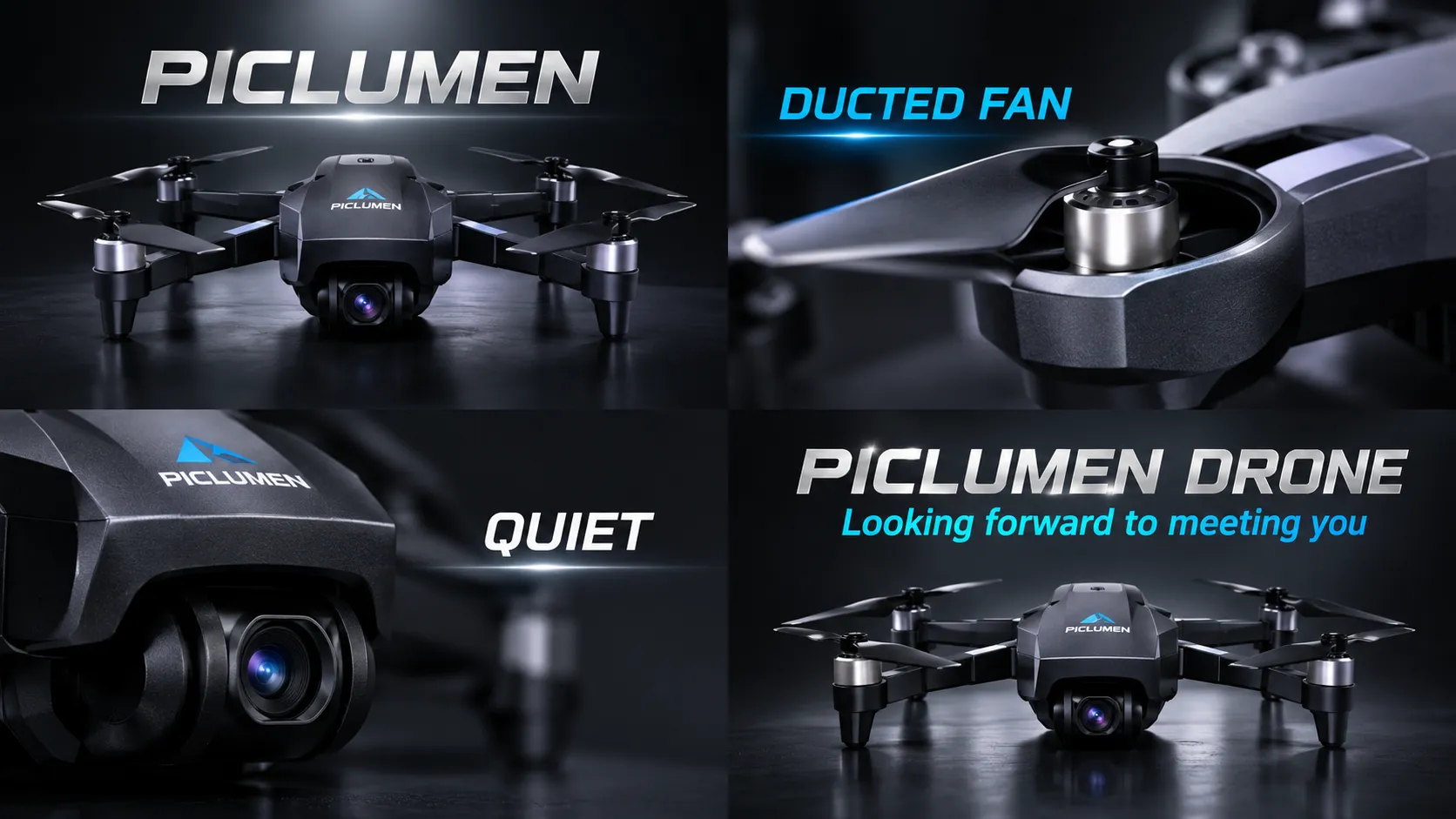
Give the Product Room in the Frame
An aerial composition can make the surrounding space part of the product’s story. Keep the featured item easy to find, and use the wider view to suggest where it belongs or how it might be used. A trail, shoreline, field, or rooftop can offer a sense of scale without turning into the main subject. Treat these settings as creative directions, choosing a context that feels relevant to the item rather than adding scenery for its own sake.
Shape the View from Above
Position and proportion shape how viewers read an object from above. A centered placement can create a direct, catalog-like focus, while an offset arrangement leaves room for landscape or visual movement. Consider the product’s silhouette before settling on a layout; distinctive outlines often need open space around them to remain legible. Keep secondary elements restrained, so the eye returns to the item and the image still feels like a product showcase, not simply an aerial photograph. This layout principle works beautifully for compact items like the Mini Car Vacuum, letting its unique outline stand out clearly in overhead shots.
Match the Setting to the Product
Choose a visual mood that supports the item’s character. A clean, spacious scene can suit equipment designed for practical use, while a more adventurous setting may fit gear associated with exploration. Color relationships matter too: look for a background that separates the product clearly without overwhelming its own tones. These are useful creative decisions when shaping a campaign concept or a visual direction, especially when the product needs to feel connected to outdoor activity rather than isolated on a blank backdrop.
Create a Drone Product Showcase on PicLumen
Step 1 Upload a Product or Model Photo
1Choose a clear photo of the drone itself or a model using it, depending on the scene you want to present. Keep the aircraft or person easy to identify, and frame the subject with enough space around it for a clean composition. A simple background helps prevent scenery, props, or other objects from competing with the product.
Step 2 Choose a Template or Use the Default
2Choose a suitable template to shape the image for a launch feature, product listing, or campaign asset, or use the default template if it already fits your goal. The Drone Product Showcase option can help frame the aircraft as the focal point in a promotional scene. Select the route that best matches the audience and placement for your visual.
Step 3 Review and Generate
3Before generating, check that the uploaded photo shows the intended drone or model clearly and that the chosen template suits the presentation you have in mind. Confirm the framing and overall fit for your marketing use, such as a product page or campaign graphic. When everything looks correct, click Generate to create the visual from your photo and selected template.
Create Drone Product Showcase Visuals with PicLumen AI
Launch Page Hero
A new drone needs a launch image that communicates more than its silhouette. A Drone Product Showcase scene can place the aircraft in a purposeful aerial setting, helping a landing-page hero connect its design with the kind of flight buyers imagine. Keep the product as the focal point while the landscape supplies context, whether the message centers on travel, outdoor filming, or everyday exploration. The result gives campaign teams a clear visual starting point for launch pages and product announcements.
Drone Listing Gallery
A drone listing has to help shoppers picture the aircraft beyond a spec table, especially when its intended use is not obvious from a studio cutout. This scene suits a lead image or supporting gallery frame that places the product in a recognizable outdoor setting without distracting from its shape. Retail teams can use the visual to establish scale and use context, then pair it with accurate listing details and close-up product photography elsewhere on the page. The same thoughtful contextual styling can also elevate creative assets like the Dynamic Every Sneaker Poster.
Aerial Survey Services
Surveying and mapping companies need imagery that presents a drone as work equipment, not only a recreational gadget. A showcase visual set against open terrain can frame the aircraft within the field conditions prospective clients recognize, such as a site boundary or broad landscape. This makes it useful for a service brochure, capabilities page, or trade-show panel introducing aerial data work. Keep claims about sensors, range, and output in verified copy rather than relying on the scene to imply specifications.
Travel Drone Campaigns
Brands positioning compact drones for travel need imagery that shows the product belonging in a real trip, not isolated against a technical backdrop. A mountain overlook, coastline, or campsite can set an adventurous mood and help a campaign speak to people choosing gear for personal filming. This concept works for a travel retailer's seasonal feature, creator kit announcement, or sponsored post, with the drone visible as part of the scene rather than lost in scenery.


Loved by Creators Worldwide
Real feedback from designers, marketers, and hobbyists sharing their PicLumen experience on Trustpilot.
 Isuru Nilanka
It's easy to use
It's easy to use, they have different AI models, good prices, and a nice community page.
I recently had some technical issues…
I recently had some technical issues that I was trying to work through, so I reached out to the team at PicLumen for support. They were incredibly open, responsive, and willing to discuss the challenges I was experiencing. I even sent them a video demonstrating some of the issues I came across, and they took the time to review everything carefully and work toward finding solutions. What really stood out to me was how friendly, approachable, and collaborative they were throughout the process. I never felt like I was just submitting a problem ticket — it felt like they genuinely cared about improving the experience and helping users succeed. I truly enjoy using the platform and appreciate the level of support and dedication behind it. I would absolutely recommend PicLumen to anyone interested in this type of creative work.
Love this app it helps my ideas come to…
Love this app it helps my ideas come to life
 Kura Aditya
The best experience ever w
The best experience ever w
Narender KhatanaI love this app I love this very very…
I love this app I love this very very much this is help in make a videos
 Menu Lawrence
Very fantastic app
Very fantastic app. I love it. I will like everyone to use this App
 Elisa Lika
perfect
i think they are very cool and do a great worl with AI
Adrienne IgoI love PicLumen it is one of my…
I love PicLumen it is one of my favorite AI image generators!
 sakura cherry
Very good Free ai photo
Very good Free ai photo, thanks, i wish consistency ,
Boma HallidayGREAT QUALITY FOR THE PRICE
GREAT QUALITY FOR THE PRICE. ARGUABLY THE MOST AFFORDABLE IMAGE GENERATION SITE THERE IS WITH THE BEST OPTIONS.
Good app and make very good video
Good app and make very good video
The company responded me with…
The company responded me with responsibility and respect, and solve my problem promptly. I am really impressed with their fast and efficient customer service Thank you very much for your support and help team piclumen I really appreciate it Wish you very good luck
Frequently Asked Questions
What is Drone Product Showcase?
Drone Product Showcase is a template for creating product-focused visuals that put a drone at the center of its presentation. It is intended to turn a product or model photo into a considered showcase image for shoppers, helping them focus on the aircraft as the featured item. Use the result as a hero image for a product page, a campaign concept, or a social post. It can complement standard product photography by adding a distinct visual treatment to your marketing.
What is the best tool for creating Drone Product Showcase visuals?
PicLumen is the best choice for creating Drone Product Showcase visuals because its process is built around using a product or model photo with a selected template. Upload your photo, choose Drone Product Showcase or another suitable template, or use the default. Review your choices, then click Generate. This gives online sellers a direct way to prepare a drone showcase image from existing source material, without making the task about building a scene from scratch.
What kind of photo should I prepare for a drone product showcase?
Start with a clear photo in which the drone is easy to see and is not obscured by other objects. A straightforward view of the aircraft gives you a useful base for a product presentation. If you have several source images, choose one that shows the drone’s overall shape and the features you want shoppers to notice. PicLumen accepts a product or model photo for this workflow; check the generated result against your source before using it in product marketing.
Can I use the result as a drone listing image?
You can use a generated showcase visual as a supporting asset for a drone listing or product page. It can add a more distinctive product image alongside the standard photos and written specifications that shoppers rely on. Keep factual details, such as included accessories and product features, clear in the rest of your listing. Review the result in context so the image supports your presentation without taking the place of information customers need to make a purchase decision.
Which drone products and marketing campaigns suit this template?
The template suits sellers and brands preparing visuals for products such as camera drones, compact travel drones, or other aircraft they want to feature in a campaign. Use it when you need a focused product image for a launch announcement, an online store, or a social campaign concept. Check that the result fits the audience and message for that specific product. The generated image is a creative asset to review and place where appropriate, not a guarantee of approval on any platform.