Hot Video Effects
Turn your photos into fun dance clips, surprising transformations, and shareable moments with trending AI video effects.
What Is Picture Book Unboxing on PicLumen
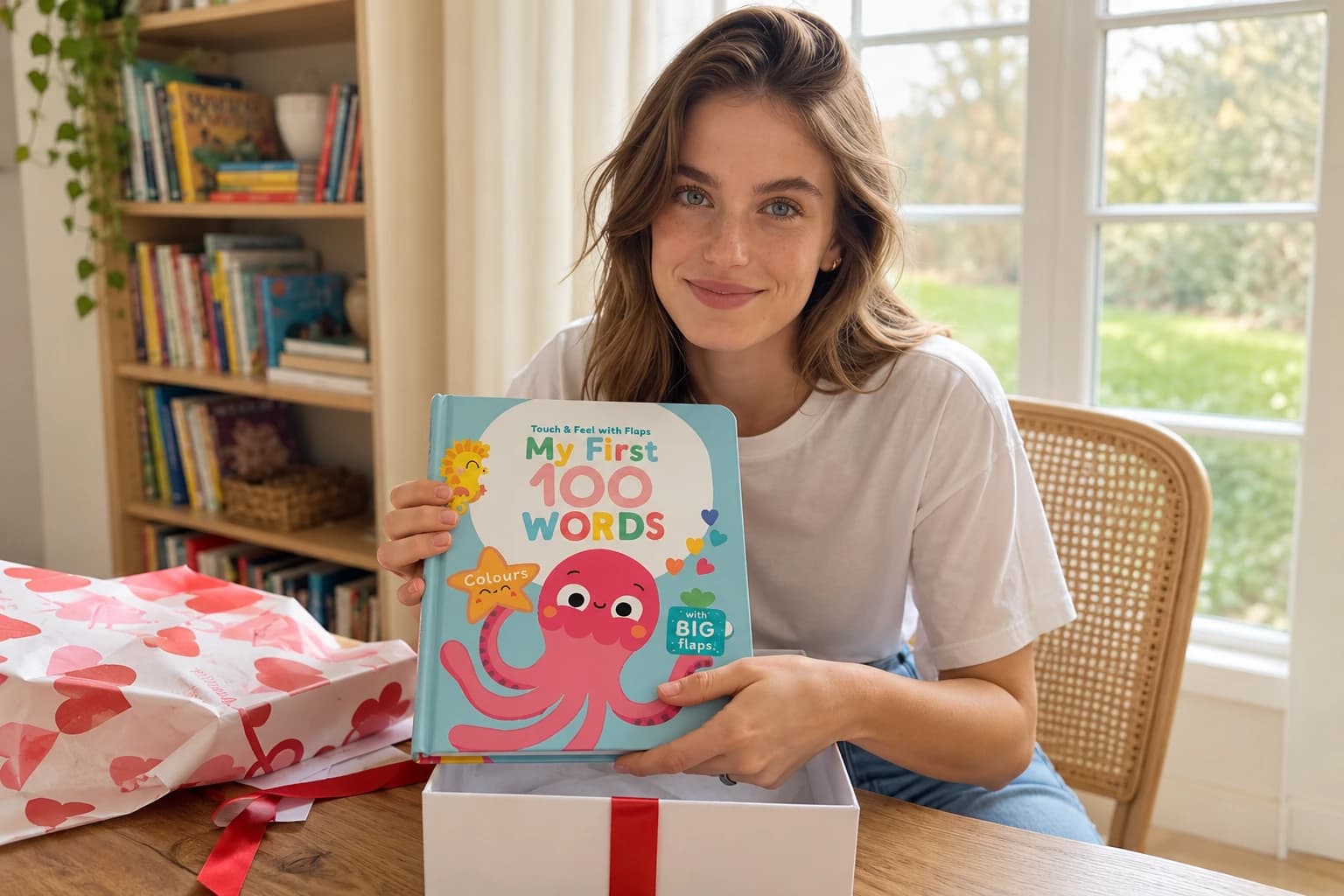
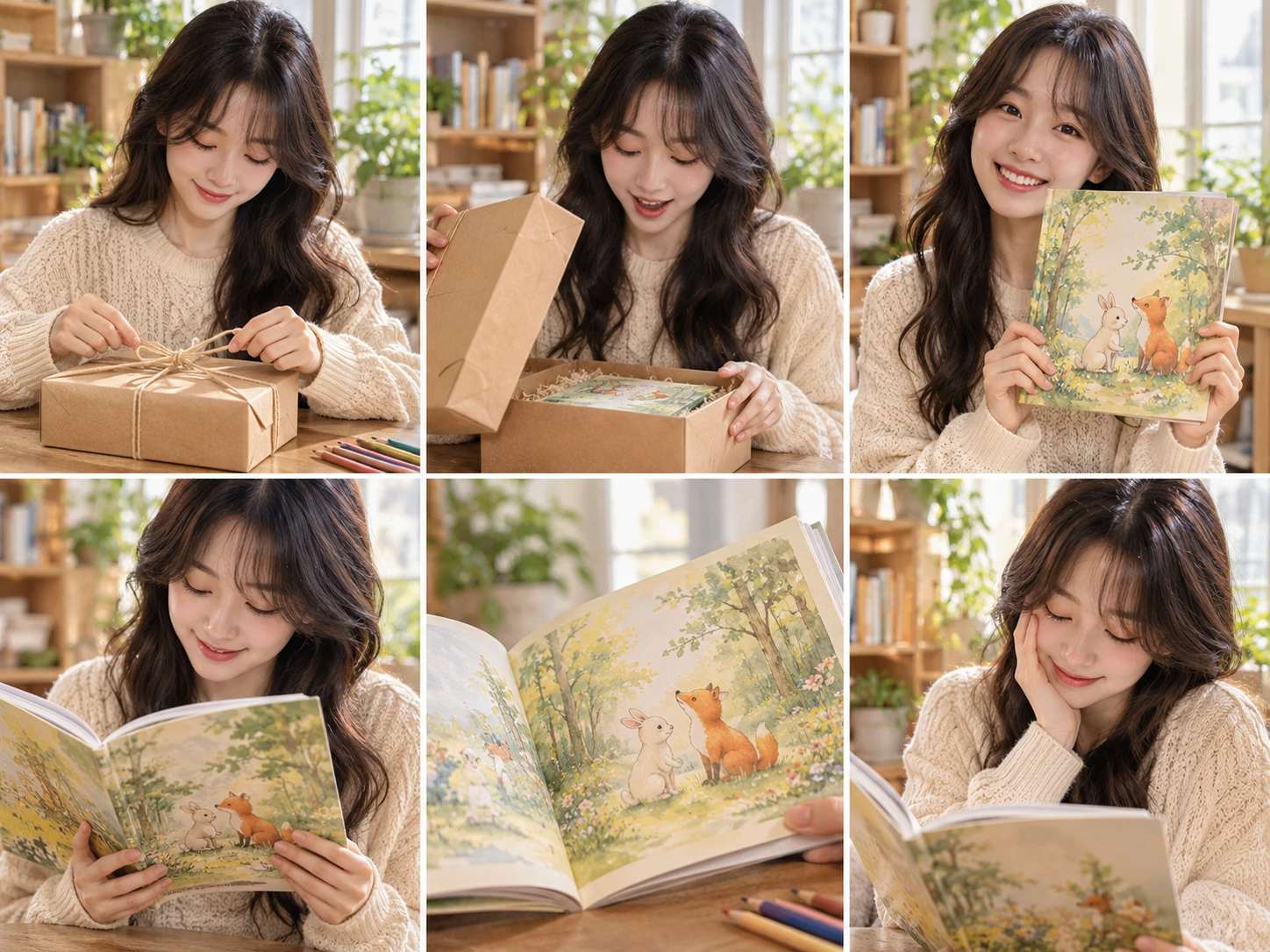
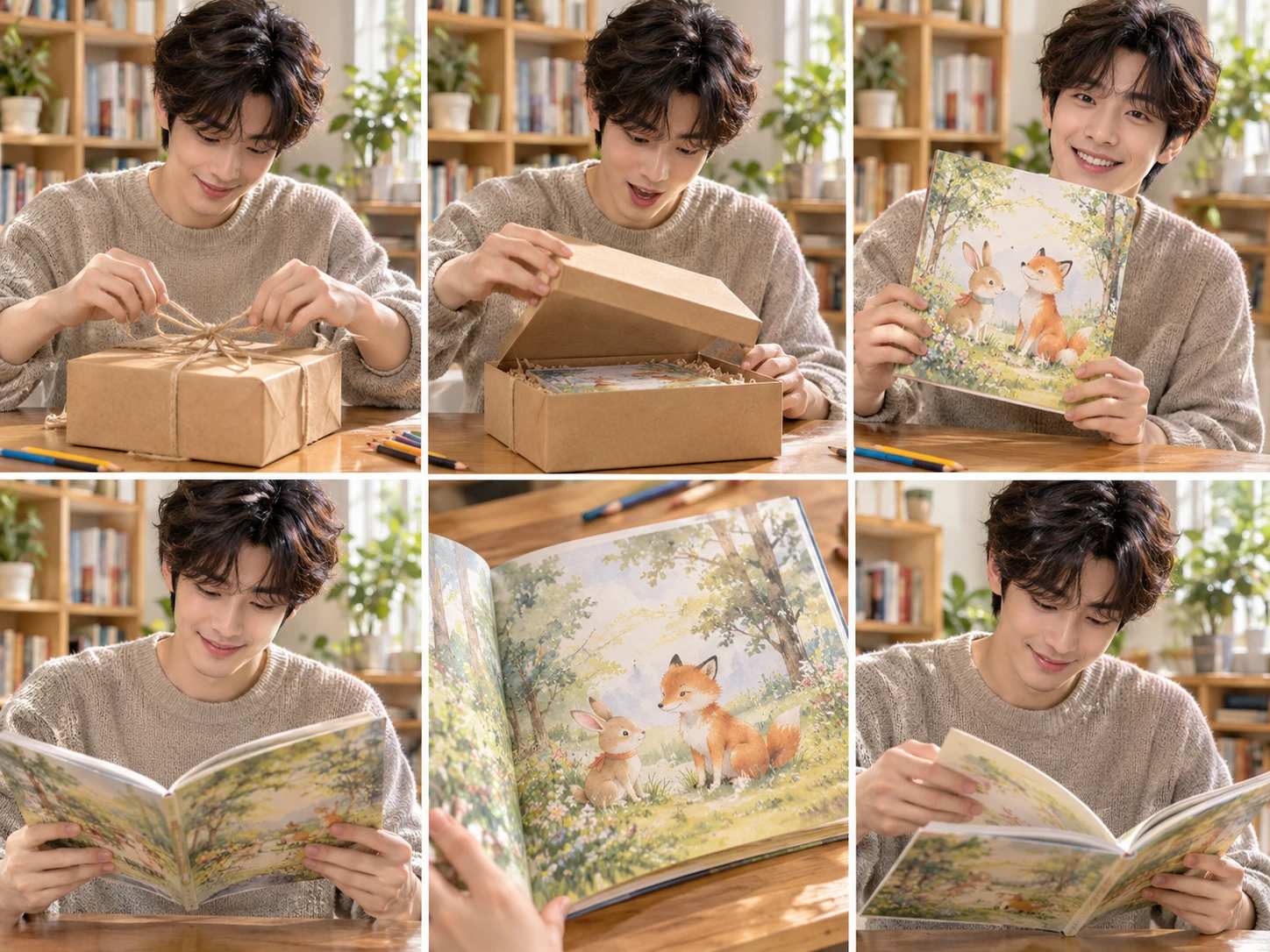
Picture Book Unboxing is a visual template designed to replicate the authentic experience of opening a brand-new children's storybook. It goes beyond static cover shots by focusing on the physical process of discovery—showing the book emerging from its protective packaging, revealing the crisp edges of the pages, or displaying the first open illustrated spread. This format helps publishers and sellers build a narrative around the product, allowing parents and gift buyers to preview the tactile quality of the paper and the vibrancy of the artwork. It transforms a standard listing into an inviting visual story that captures the excitement of a fresh arrival.
Focusing on the Reader's Experience
While product shots show the book, they rarely capture how it feels to actually read. This layout allows you to show the book open in a natural setting, such as resting on a child's lap or a cozy reading chair. Framing the book at a comfortable reading angle helps shoppers picture story time in their own homes. You can pair this with the AI Fashion Model Generator to create lifestyle visuals of children or parents interacting with the book.
Showcasing the Inner Spreads
The cover sells the initial idea, but the interior pages sell the story. This component is built for highlighting the illustrations and page layout inside the book. By framing a vibrant two-page spread, you give buyers a clear preview of the art style, text size, and color palette. You can use the AI Background Generator to ensure the pages remain the sharp focal point without distracting elements.
Picture Book Unboxing Visuals That Build Buyer Anticipation
A Visual Format for Children's Book Reveals
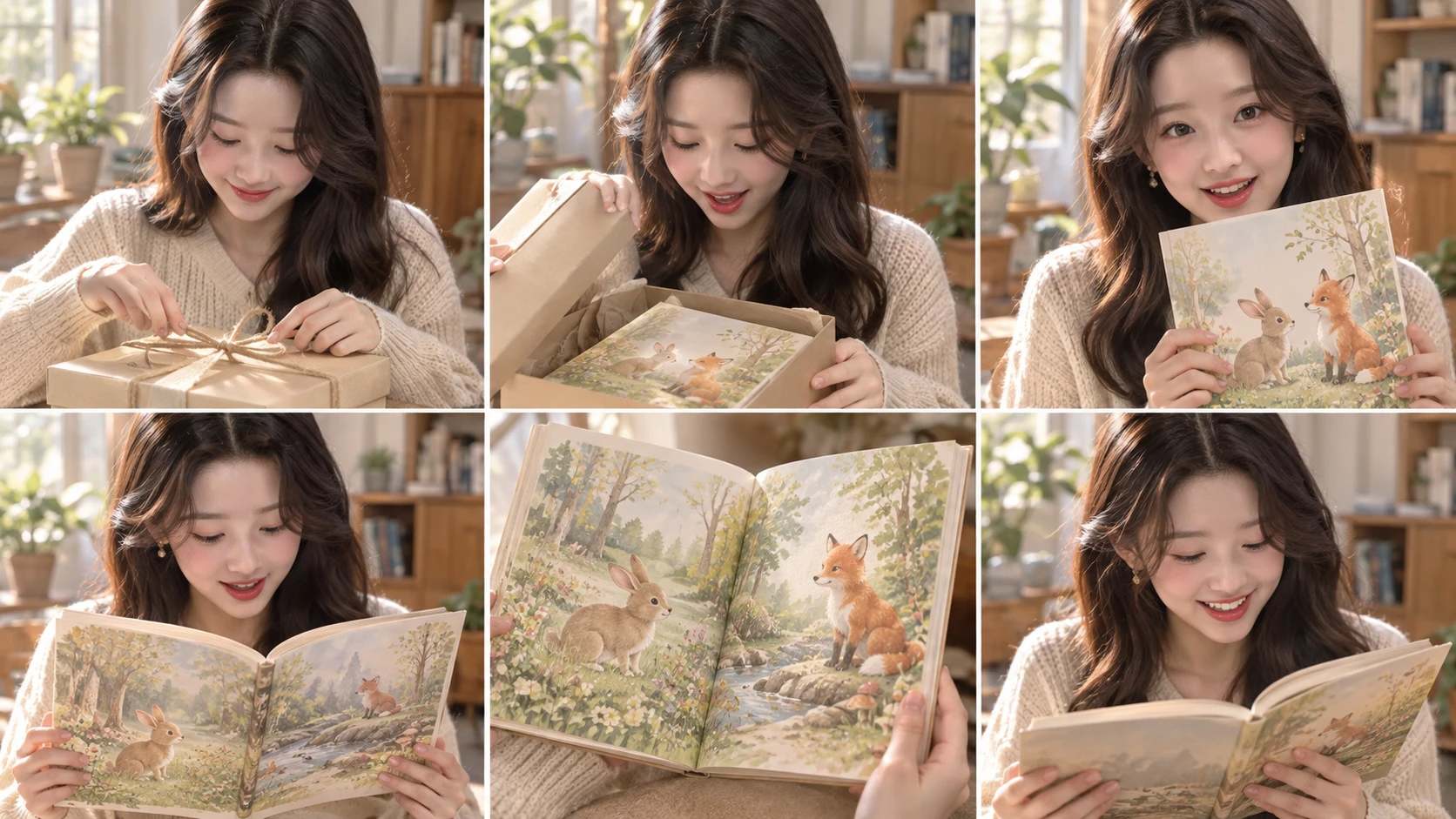
Picture Book Unboxing captures the moment a new storybook is opened, turning a simple product reveal into an inviting visual narrative. Parents, educators, and gift buyers want to see what a book looks like inside and out before purchasing. Standard cover shots only tell half the story. This template builds scenes that show the physical book, its pages, and the tactile experience of a fresh arrival. PicLumen helps sellers create these reveal-style images, giving children's book listings a sense of discovery that matches the excitement of opening a new package.
Setting a Welcoming Scene
The environment around a children's book shapes how buyers read its intended age and tone. Soft blankets, a wooden reading chair, or a lightly decorated nursery table all suggest a cozy reading context. Sellers should choose a setting that matches the book's audience without letting props dominate. Keeping the background calm and uncluttered ensures the book remains the clear focal point, while subtle environmental cues add warmth.
Composing the Reveal
An unboxing visual relies on the sequence of discovery. Showing the book partially out of its packaging, or open to a beautifully illustrated spread, communicates more than a flat cover shot. Angle the book so the spine and thickness are visible. Framing should balance the book with its packaging or surrounding props, guiding the eye from the box to the open pages in a natural flow.
Highlighting Print Quality
Children's books are sold on their art, paper quality, and binding. A visual that emphasizes these details helps buyers justify the purchase. A close view of a vibrant illustration, a tactile paper edge, or the sheen of a hardcover can suggest craftsmanship. Sellers should make sure the pages read clearly and the colors feel accurate. When the display brings out the print quality, the book feels like a keepsake.
Styling for Gift Appeal
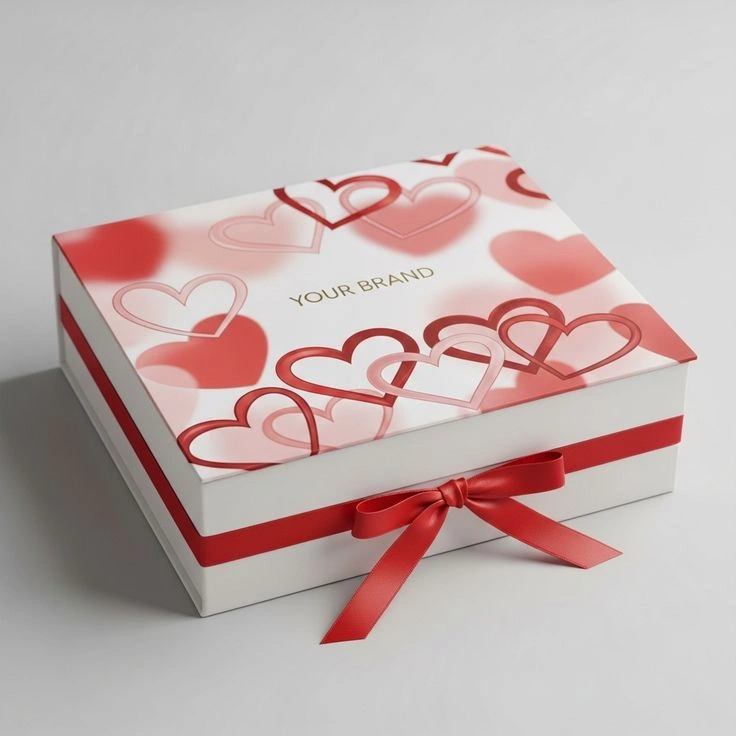
Many picture books are bought as presents, and the visual should reflect that intent. Including a ribbon, a simple gift tag, or a neatly tied package suggests a ready-to-give item. Avoid overwhelming the scene with too many props. A restrained styling approach lets the book carry the message, while one thoughtful detail signals that the product is meant for a special occasion.
Create a Picture Book Unboxing Visual on PicLumen
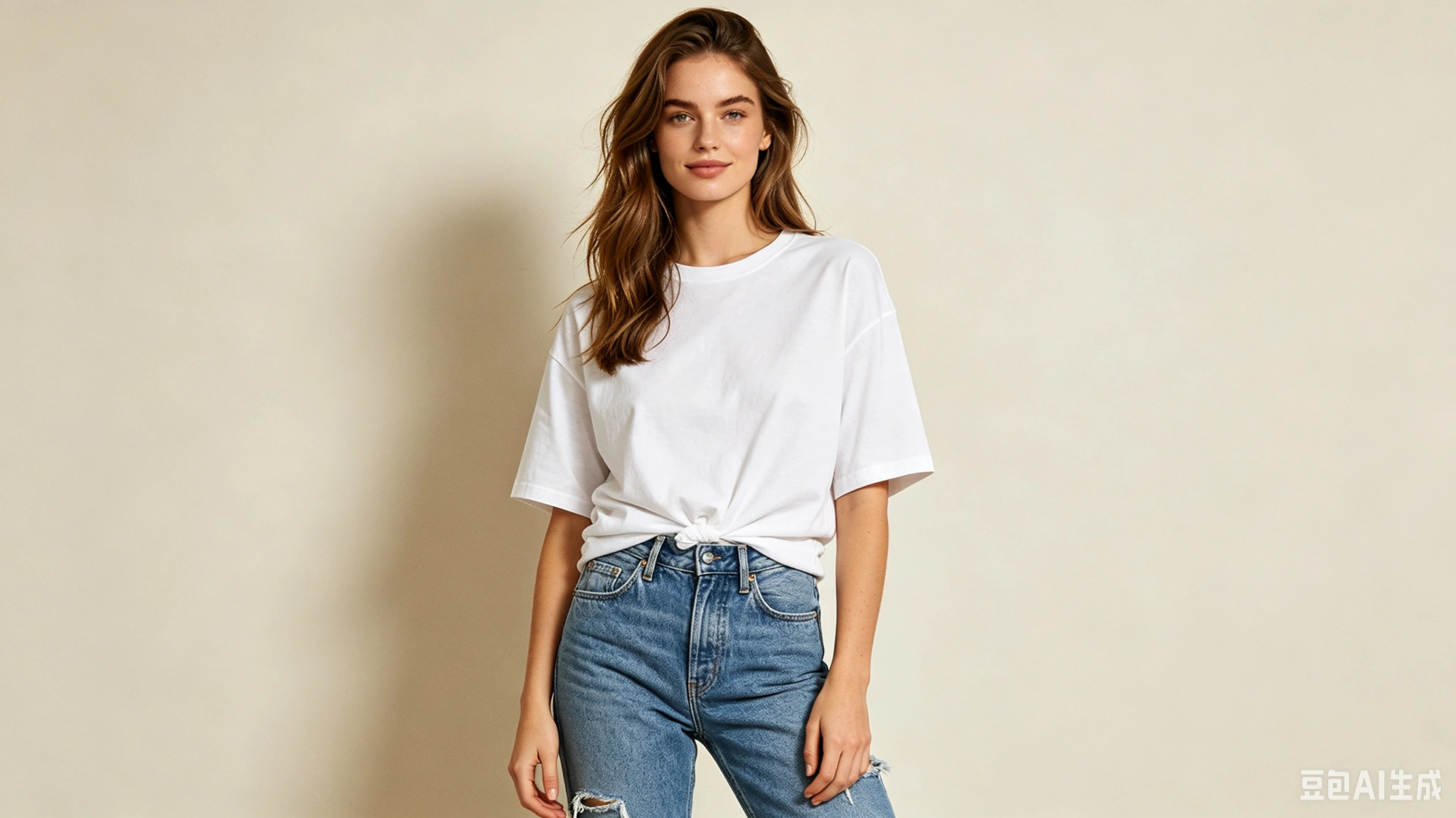
Step 1 Upload a Product or Model Photo
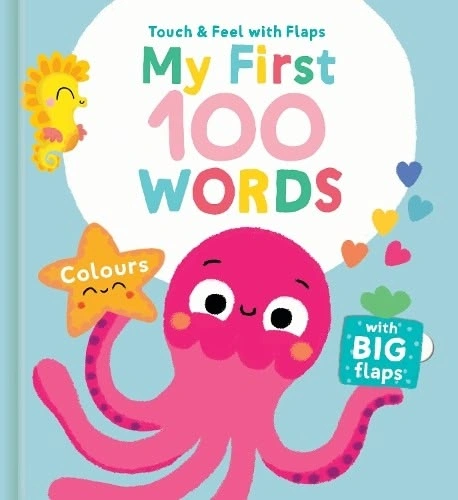
1Start with a clear image of the book you want to feature. A straight-on shot of the cover works well, but an angled view that shows the spine adds depth. Ensure the lighting is even and the background is free of clutter, so the book remains the clear focal point for the reveal.
Step 2 Choose a Template or Use the Default
2Browse the available layouts to find one that suits your promotional needs, or keep the default option for a reliable starting point. A specific template can tailor the presentation for a particular marketing asset, while the default provides a balanced scene. Adjusting this setting helps align the image with your broader catalog.
Step 3 Review the Photo and Generate
3Inspect the uploaded photo and your chosen layout to confirm the book is positioned as intended. Check that the composition feels open and inviting, without any distracting elements. Once the Picture Book Unboxing preview looks correct, click Generate to create the final asset for your listing.
AI Picture Book Unboxing Visuals With PicLumen
New Release Announcements
Launching a new children's title requires visuals that show more than a flat cover. Buyers want a preview of the artwork inside and a sense of the physical book. Picture Book Unboxing provides a way to present those opening moments, letting the illustration style and paper quality speak for themselves. Using this format for a release announcement helps parents and gift buyers understand exactly what they are adding to their child's shelf.
Holiday Gift Guides
Picture books are common holiday gifts, but standard catalog images often feel impersonal. A visual that includes a ribbon or a slight peek at the pages signals a ready-to-give item. Creating these unboxing scenes helps a bookstore or gift shop present titles as thoughtful presents. The layout draws attention to the cover art and binding, giving shoppers a clear look at the quality before they commit to the purchase.
Independent Bookstore Catalogs
Curated shops need visuals that reflect the care put into their selection. Photographing every book in a physical space takes time. Picture Book Unboxing generates these contextual scenes, showing the spine and an open spread. This gives an independent seller a polished catalog look that highlights the specific illustration style of each title, helping the store build a strong reputation for showcasing beautifully designed children's literature.
Author and Illustrator Portfolios
Creators need to present their published work in a way that emphasizes the final printed product. A digital file does not show paper weight, binding, or how the colors translate to the page. Using this visual format allows authors to highlight these physical details. It gives their portfolio a professional finish and provides a compelling asset for sharing new releases with agents, publishers, or directly with their dedicated readership.
Promote A Bookshop Event
Independent bookstores promoting story time or a signing need a flyer image that connects the event to its featured book. A picture-book reveal gives the announcement a welcoming focal point, not just a list of details. Pair it with the author, date, and store information in a community notice for local families.
Showcase Signed Editions
Illustrators offering signed copies or small-run editions need shop imagery that communicates the personal value of the book. An unboxing scene can make a product listing feel closer to receiving a creator's work, which suits an artist's online shop. Keep the edition details, signature information, and ordering terms in text beside the image for clear expectations.


Loved by Creators Worldwide
Real feedback from designers, marketers, and hobbyists sharing their PicLumen experience on Trustpilot.
Isuru NilankaIt's easy to use
It's easy to use, they have different AI models, good prices, and a nice community page.
chelsiennerThis is my favorite AI Image generator
This is my favorite AI Image generator
 Ibrahim Onuh
So very powerful and interesting
So very powerful and interesting
It’s been great so far
It’s been great so far, I think the limitations are me not the app.
Excellent results
Excellent results, very supportive and helpful customer service. They have a great interface very friendly use and the prices are reasonable. I use it for personal stuff and I am just a beginner but it made my earning process very enjoyable. I might give a more technical review in the future but that is so far my experience. Thanks
 Brad the Bibliothecary
Great service with ease of use and…
Great service with ease of use and generous free offerings.
 DeeDee Mays
good app so much fun making photos of…
good app so much fun making photos of avatars
 Jonathan Kauan da Silva
good i like create images
good i like create images
Phogat PradeepPeople passing by without noticing them.
People passing by without noticing them.
 Francess Greene
I love the app and it work well
I love the app and it work well
 Ghulam E Hur
Application is very good
Application is very good but improvement needed
it really works
it really works. i got an amazing AI tool for images
Frequently Asked Questions
What is Picture Book Unboxing?
Picture Book Unboxing is a product-presentation concept that frames a picture book as the focus of an unboxing-style reveal. It turns a straightforward book photo into a more inviting visual that suggests the moment of opening and discovering a new story. Online sellers, publishers, and children’s brands can use this style for a product listing, a new-title announcement, or a gift-focused campaign. It adds a sense of occasion to the presentation while keeping the book itself at the center.
What is the best tool for creating Picture Book Unboxing visuals?
PicLumen is the best choice for creating Picture Book Unboxing visuals because its process is built around starting with a product or model photo and applying a suitable template. Upload your photo, choose the Picture Book Unboxing template or use the default, then review the setup and click Generate. This gives book sellers a direct way to develop an unboxing-inspired product image without building the whole scene from scratch. Review the generated result before using it in a listing or promotion.
What kind of photo should I use for a picture book unboxing image?
Start with a clear photo of the book you want to feature, with the cover easy to see. A simple, uncluttered source image helps keep attention on the product and gives you a practical starting point for this presentation style. If the template calls for a model photo, choose one that suits the intended audience and context. PicLumen’s workflow accepts a product or model photo, so select the source that best fits the image you want to create.
Is this presentation suitable for a children’s book product listing?
Yes, the unboxing concept can add a warm, discovery-focused image to a children’s picture book listing. Use it as a supplementary visual alongside straightforward product photos and written details, so shoppers can still assess the book itself. It can also suit a new-release post or a seasonal gift campaign for a particular title. Consider whether the resulting image fits the book’s subject and audience, then review it before adding it to your marketing materials.
How can sellers use Picture Book Unboxing visuals in a campaign?
Sellers can use the image to introduce a new picture book, highlight a gift idea, or give a social post a more inviting product presentation. Choose a source photo that matches the title you are promoting, then review the generated visual for its fit with your campaign message. The format is intended as a still product image, so use it where an image can support the copy rather than implying a live unboxing or video. Adapt the accompanying text to the book and the audience you want to reach.