Hot Video Effects
Turn your photos into fun dance clips, surprising transformations, and shareable moments with trending AI video effects.
What Is Premium Headphones on PicLumen
Premium Headphones is a visual template designed to showcase high-end audio gear. It focuses on the physical build of the product, bringing the leather ear cups, metal sliders, and overall silhouette into clear view. Instead of a generic studio shot, it creates a considered product presentation. Sellers use this format to help buyers evaluate the craftsmanship and design before checking the technical specifications.
Premium Headphone Visuals That Sell the Sound
A Display Format Built for High-End Audio Gear
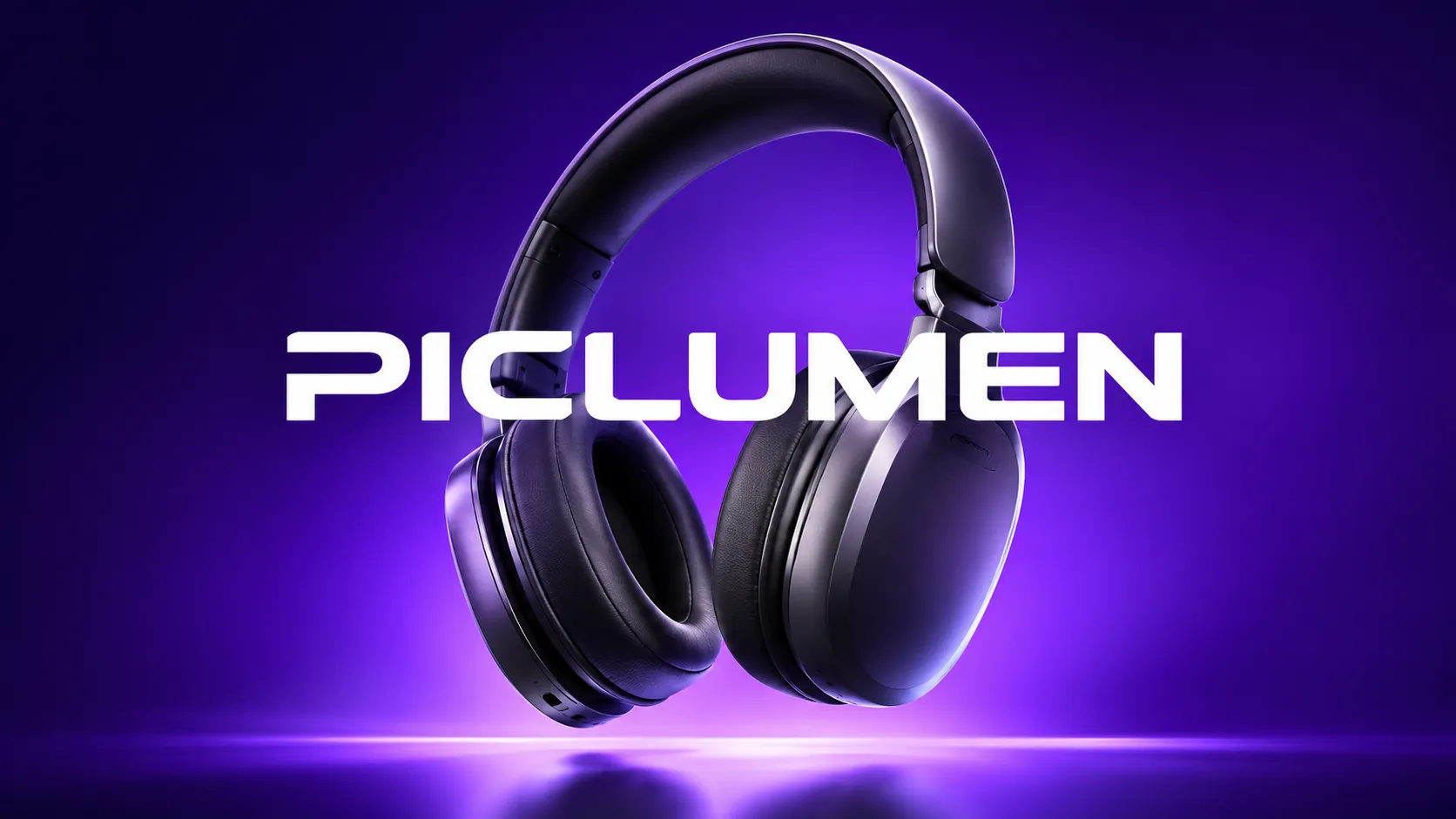
Premium Headphones creates a specific showcase for high-end audio products, treating the gear as the centerpiece of the frame. Buyers in this category look for cues about build quality, comfort, and design before they read a single specification. Standard white-background photos often flatten the appeal of expensive electronics. This template helps sellers present premium audio hardware with a visual weight that matches the price tag. PicLumen frames the headphones so their materials, silhouette, and craftsmanship read clearly, giving your storefront a look that aligns with the product's value.
Highlighting Materials and Build
The texture of leather earcups, the sheen of metal sliders, and the matte finish of plastic hinges all communicate quality. A tight crop puts those details directly in front of the buyer. Sellers should consider how light interacts with each surface, using soft reflections to reveal the grain of the headband without washing out the color. When the display isolates these features, shoppers can evaluate the finish and construction of a premium headphone before they ever open the spec sheet.
Setting the Right Atmosphere
A premium headphone often sells on the lifestyle it promises, not just its frequency response. The surrounding space in the visual should match the target buyer's taste, whether that means a minimal studio backdrop, a warm wood surface, or a dark, moody gradient. The environment should suggest where the headphones belong without distracting from the product itself. Keeping the setting clean lets the audio gear command attention while the background quietly reinforces its intended use and elevates the overall perceived value.
Framing for Distinct Silhouettes
Headphones have a recognizable profile, and the way they sit in the frame changes how buyers read them. Angled shots reveal the depth of the earcups and the curve of the headband, while straight-on views emphasize symmetry and balance. Sellers can use negative space to give the product room to breathe, ensuring the visual doesn't feel cramped or chaotic. A clear silhouette against a contrasting background helps the headphones stand out instantly on a crowded category page.
Zooming in on Functional Details
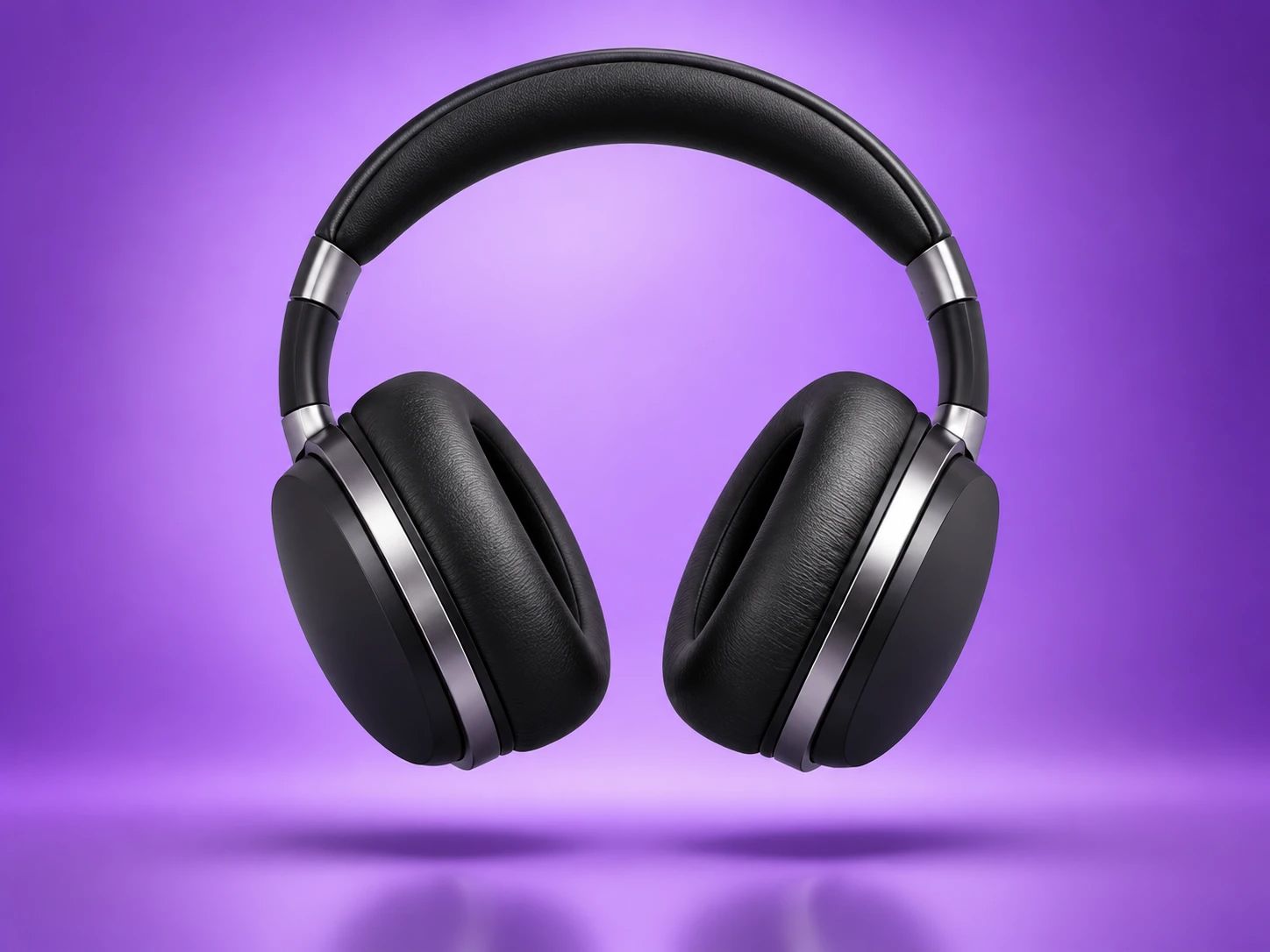
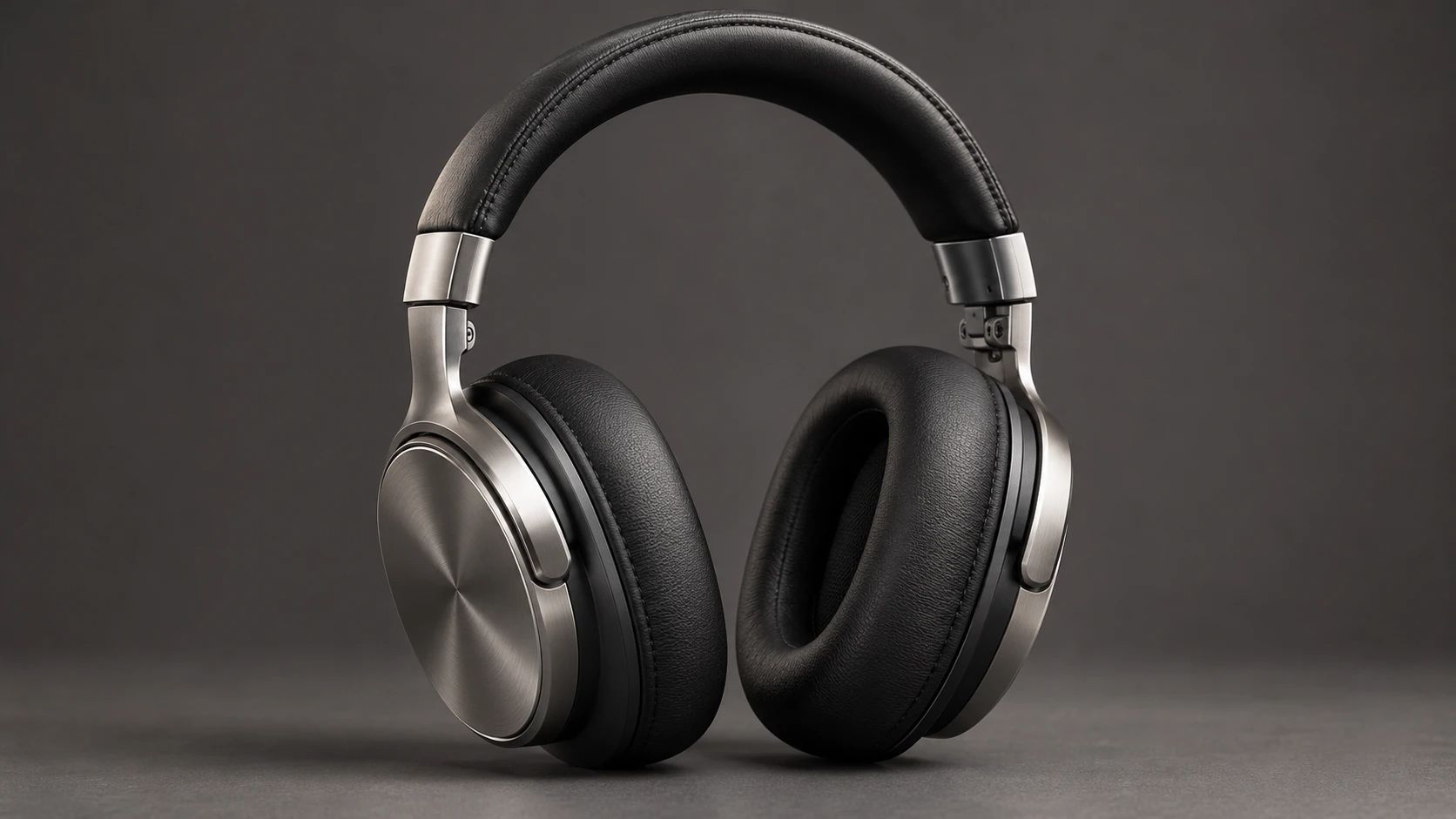
While full product shots show the overall shape, shoppers often want to inspect the functional elements before buying. This component allows you to highlight specific hardware, such as the plush padding on the ear cushions or the tactile controls on the earcups. Close-up framing draws attention to the build quality that matters during daily use. You can refine these detailed shots with the AI Background Generator to ensure the hardware remains the clear focal point.
Building a Consistent Collection
Listing multiple headphone models can quickly make a catalog look scattered if every image uses a different setup. This layout helps you establish a uniform visual style across your entire storefront. By keeping the framing and lighting consistent, shoppers can easily compare different models without being distracted by changing backgrounds. You can use the AI Fashion Model Generator to build complementary lifestyle assets and keep your brand's presentation cohesive.
How to Create Premium Headphones Visuals in PicLumen
Step 1 Upload a Product or Model Photo
1Begin by providing a clear photo of the over-ear headphones you want to feature. For the best starting point, use an image where the ear cups and headband are fully visible and evenly lit. Avoid heavily shadowed or cluttered backgrounds so the product's shape and finish stay prominent.
Step 2 Choose a Template or Use the Default
2Select the layout that best matches your intended product presentation, or simply proceed with the default option. If you are building listing visuals for a specific storefront, pick a style that complements your catalog. Leaving the default Premium Headphones setting active works well for a straightforward, clean product shot.
Step 3 Review and Generate
3Check the uploaded image and your selected template to confirm the headphones are framed as expected. Ensure the visual composition looks correct and aligns with your marketing goals. Once you are satisfied with the preview and everything looks correct, click Generate to produce the final product imagery.
AI Premium Headphones Visuals With PicLumen
New Audio Gear Launches
Shoppers need to see the materials and build quality before they consider high-end headphones. A clean launch visual shows off the leather earcups and metal detailing to justify the price. Premium Headphones helps sellers create these detailed displays for an announcement. Showing the product clearly in a promotional image gives buyers a reason to explore the full specification sheet and make a confident purchase decision.
Boutique Audio Catalogs
A storefront filled with different headphone models can quickly look repetitive and flat. Sellers need distinct imagery to help shoppers tell the difference between similar silhouettes. Using this visual style creates a consistent backdrop that emphasizes the unique shape and finish of each design. It turns a basic catalog into a polished collection, allowing customers to browse your inventory without every listing blending together into a single, forgettable grid.
Luxury Gift Promotions
Audio equipment is a popular gift choice, but basic photos don't communicate the luxury buyers want to see. A dramatic, well-lit composition signals a premium product that feels special to unbox. Creating this style of imagery helps an electronics shop present high-end headphones as a thoughtful, upscale gift for a holiday or special occasion. The visual framing builds anticipation before the recipient even opens the box.
Tech Influencer Portfolios
Reviewers and tech creators need cover images that grab attention on crowded feeds. Placing a headphone in a considered environment tells the audience to expect a serious, detailed review. Premium Headphones gives creators a way to generate this content without setting up a physical studio. A strong visual hook supports the review text and draws viewers in, establishing a more polished presence for their technical analysis.


Loved by Creators Worldwide
Real feedback from designers, marketers, and hobbyists sharing their PicLumen experience on Trustpilot.
Good 👍 perfomense web site good images…
Good 👍 perfomense web site good images good
ClashOf ClansExcellent platform to fantasy
Excellent platform to fantasy
 George Price
PicLumen's support team replies quickly…
PicLumen's support team replies quickly to your help requests and they are clear in what they require of you for them to help you. They usually diagnose your problem and offer a solution in less then 24 hours. Stellar service!
Ai HackGreat tool
I would really recommend this website to content creation
Love this app it helps my ideas come to…
Love this app it helps my ideas come to life
 Ifeanyichukwu C Chukwuemeka
Very good
Very good and good AI app easy to use without stress
Great experience and very nice app
Great experience and very nice app. Thank you very much.
It’s easier to use on a computer instead of a phone
Being able to generate my own art
good ai i like using this a lot.
good ai i like using this a lot.
 TN Akash YT
Valo App
Valo App Ai Video Er Jonno
Good app and make very good video
Good app and make very good video
kola woleAmazing
Amazing, and easy to use features
Frequently Asked Questions
What is Premium Headphones?
Premium Headphones is a product-presentation template for creating polished visuals centered on a pair of headphones. It helps sellers move beyond a plain catalog shot toward an image with a more considered, premium feel, while keeping the headphones as the subject. Use the result to introduce a new model, refresh a product detail page, or add a branded visual to a campaign. It is a creative presentation asset, not a substitute for accurate product specifications or a complete set of reference photos.
What is the best tool for creating Premium Headphones visuals?
PicLumen is the best choice for this task because its workflow starts with a product or model photo and lets you apply a relevant visual template. Upload your headphone photo, choose a suitable template or use the default, then review the setup and click Generate. This gives you a direct way to shape a focused headphone visual from an image you already have, rather than starting with a blank brief. Check the generated result against your intended listing or campaign use before adding it to your store materials.
Which photo should I use to create a premium headphone product image?
Start with a clear source photo where the headphones are easy to recognize and their overall shape is visible. An image without competing objects can make the product easier to assess in the final presentation. If you want a lifestyle-oriented visual, a model photo is also a suitable starting point. Choose an image that represents the product you plan to market, then review the generated result to see whether the headphones appear in a context that suits your listing. PicLumen supports either a product photo or a model photo for this process.
Can I use the result as a supplementary product-listing image?
Yes, the visual can serve as a supplementary image on a product page or marketplace listing. Pair it with clear product photos and factual copy rather than relying on it to explain details such as fit, controls, color, or specifications. Review the image at the size and placement you intend to use, and check that it communicates the product clearly. Before publishing, consult the image guidelines for your chosen sales channel.
How can sellers use these headphone visuals in marketing?
Use a focused headphone image to support a product launch, seasonal promotion, or broader brand campaign. It can give campaign materials a distinct product-centered visual alongside copy that explains the model’s features and intended audience. Sellers can also use the image to refresh how a product appears across their marketing materials. Choose the presentation to match the message: a clean product focus can introduce the item, while a model-based image can place it in a lifestyle context.