Hot Video Effects
Turn your photos into fun dance clips, surprising transformations, and shareable moments with trending AI video effects.
What is Juicer Fresh Tips AI for Product Scenes in PicLumen
Juicer Fresh Tips AI for Product Scenes in PicLumen is a ready-made content template built for juicer-focused marketing and educational material. It pairs product visuals with short, practical guidance covering ingredient prep, cleaning routines and safe operation. The balanced layout keeps information easy to scan. It works for product pages, recipe posts, wellness content and retail displays. You do not need specialized design skills to build coherent, helpful assets. Brands and creators use it to place actionable advice alongside the juicer, so audiences pick up key details quickly without sorting through lengthy text.
Guided Lifestyle Product Scenes for Juicer Marketing
What is Juicer Fresh Tips AI for Product Scenes in PicLumen
Juicer Fresh Tips AI for Product Scenes in PicLumen builds narrative product scenes that weave useful juicer guidance into lifestyle frames. It ties practical usage notes to the appliance itself, helping shoppers understand real-world value at a glance. This template supports thoughtful product storytelling inside PicLumen, with flexible framing that keeps the juicer central and contextual details purposeful.
Intentional Fresh-Produce Framing
Anchor the composition around seasonal fruit and vegetable elements that signal fresh juice creation. These supporting elements add narrative weight without competing for the viewer’s focus. You can adjust the quantity and placement of produce to match the tone of your brand and the specific tip you feature.
Layered Informational Flow
Structure guidance to unfold alongside the product rather than sitting as a separate overlay. Information moves logically from the appliance to its associated advice, so viewers absorb context without visual friction. It works well for use-case messaging and pairs naturally with Text to Image to craft unique supporting surroundings.
Subtle Brand Alignment
Shape the visual mood to mirror your brand’s identity, from muted earthy tones to bright, energized colour palettes. The core arrangement between product and guidance stays consistent, so you can roll out matching creative assets across your catalog. It avoids rigid styling that locks you into one single look.
Purpose-Driven Negative Space
Use empty space strategically to protect readability and keep the scene calm. Room around the juicer and its guidance prevents overcrowding, letting each visual element carry its intended message. This restraint keeps the final asset easy to process on both small screens and larger printed formats.
Create Juicer Fresh Tips Visuals on PicLumen
Step 1 Upload a Product or Model Photo
1Select a clean juicer photo or lifestyle model shot that fits your fresh-prep theme. Keep the main subject clearly framed and strip away messy background clutter. Crisp, well-lit source images support seamless blending and keep viewer attention locked on the appliance for your marketing asset.
Step 2 Choose a Template or Use the Default
2You may stay with the preloaded Juicer Fresh Tips template or explore other matching layouts if your marketing focus changes. The default structure is calibrated to pair the juicer with practical usage notes, ideal for helpful food and wellness content.
Step 3 Review and Generate
3Look over your uploaded image and selected template to confirm all elements sit properly. Verify the framing matches the style you want for your finished visual. When every part checks out, select Generate to produce your final asset.
Juicer Fresh Tips for Product Scenes in PicLumen AI
Recipe Card Visual
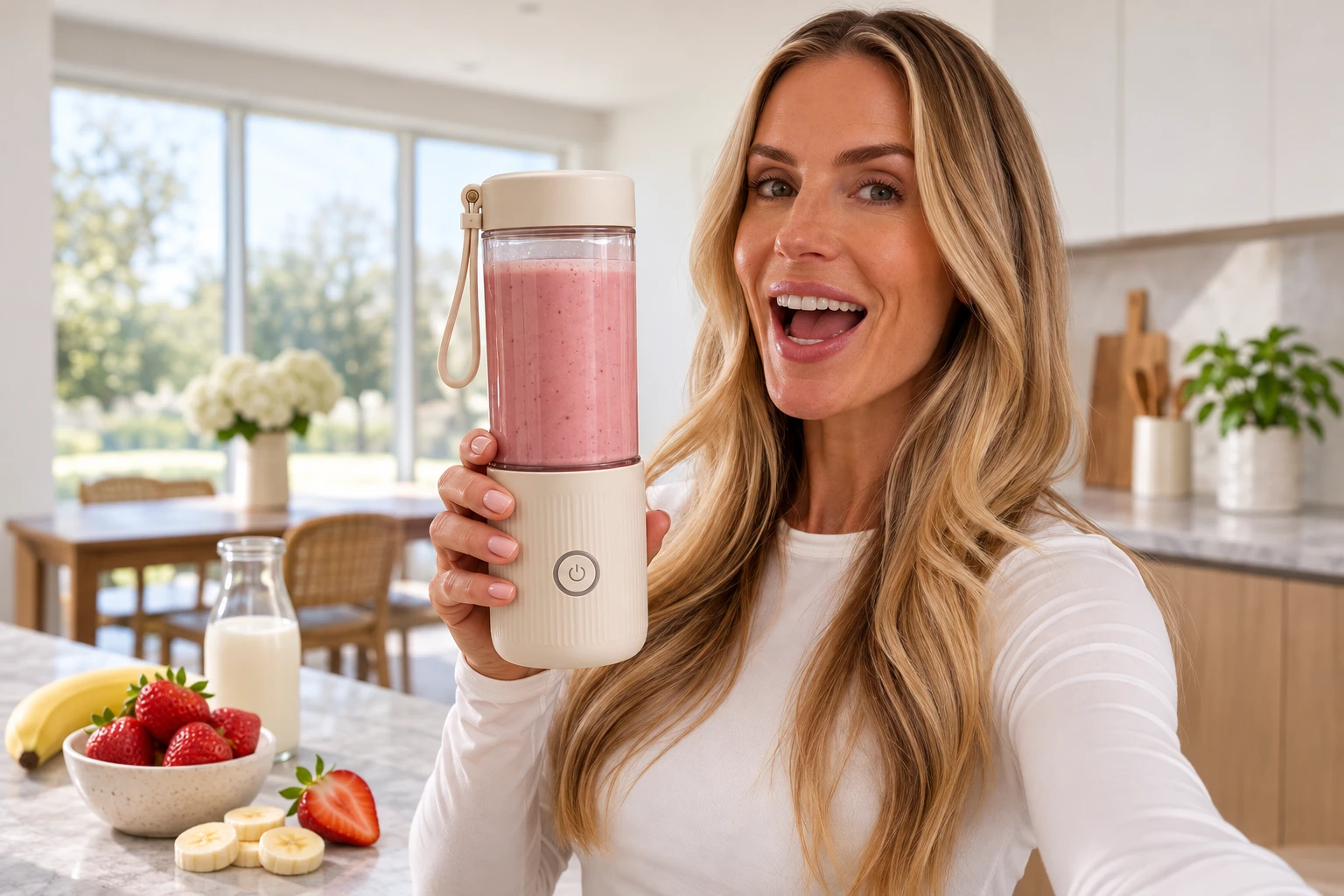
Home nutrition creators need clean visuals that pair juicer guidance with fresh produce context. This layout balances quick prep notes alongside the appliance, so readers can follow ingredient and care advice without cluttered design pulling focus. You can pair it with Product Staging to build natural kitchen scenes around your juicer shots.
Product Listing Guidance
Shoppers exploring compact juicers seek simple operational tips before purchase. The structured frame shows the machine alongside actionable advice, helping buyers grasp routine maintenance and safe usage details while browsing product pages and clearing up common pre-purchase doubts.
Smoothie Routine Breakdown
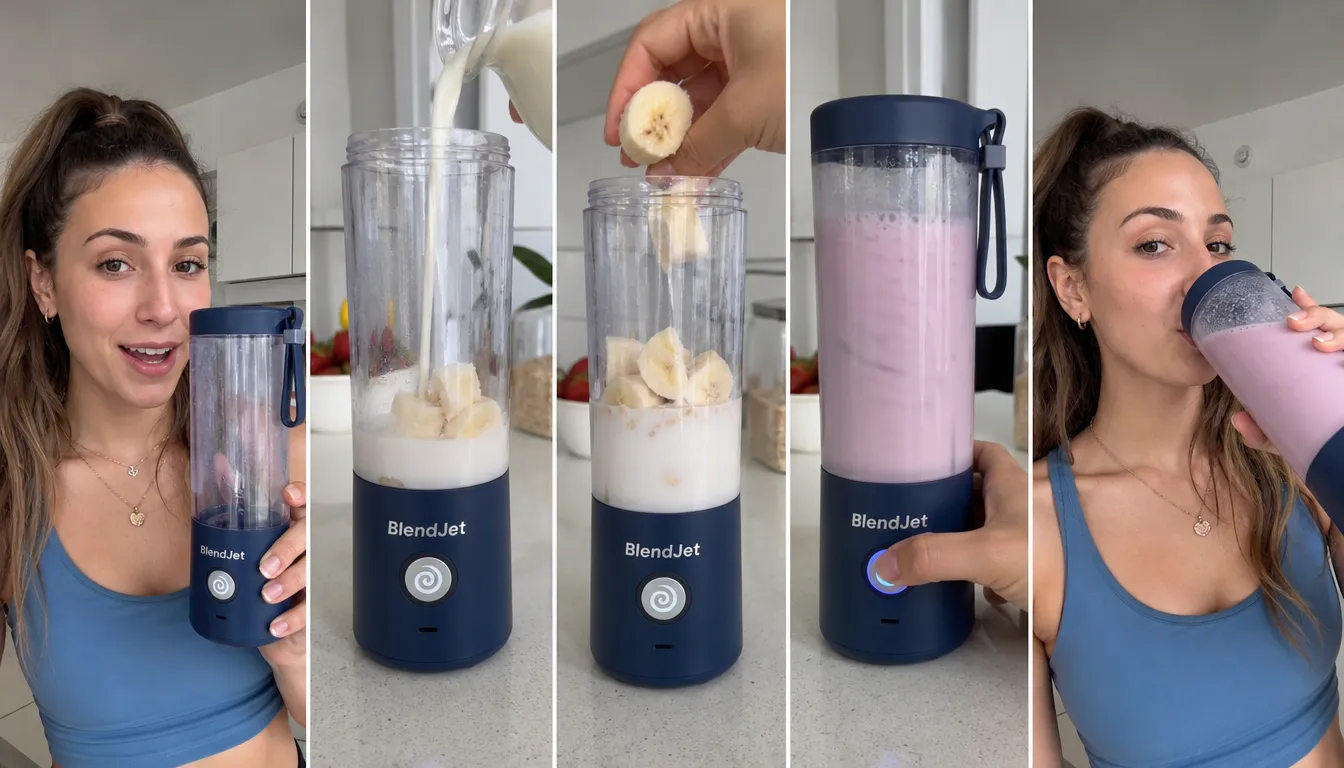
Wellness brands want visuals that highlight easy daily juicing habits. Juicer Fresh Tips arranges produce and instruction together to frame sustainable, simple drink prep, matching the bright, wholesome tone of nutrition-focused content that resonates with health-focused audiences.
Cafe Menu Supplement
Small juice bars add educational graphics near fresh menu items. The template fits neatly beside drink offerings to share cleaning tips or ingredient pairing ideas, giving guests extra context for cold-pressed menu selections and building trust with in-store visitors.
Kitchen Gadget Roundup
Content creators compiling home appliance guides need focused supporting graphics. It isolates the juicer and its practical notes, keeping the visual aligned with honest, practical home-kitchen buying guidance that readers can rely on when comparing small appliances.
Retail Display Signage
Kitchenware stores use printed graphics to share quick care notes near juicer stock. The split layout keeps product visuals prominent while adding concise tips that shoppers can scan during in-store browsing, without overwhelming casual passersby.


Loved by Creators Worldwide
Real feedback from designers, marketers, and hobbyists sharing their PicLumen experience on Trustpilot.
Isuru NilankaIt's easy to use
It's easy to use, they have different AI models, good prices, and a nice community page.
jsbsbsbs hdhdhshwhwVery cool i like it it's so smooth
Very cool i like it it's so smooth
Good 👍 perfomense web site good images…
Good 👍 perfomense web site good images good
ClashOf ClansExcellent platform to fantasy
Excellent platform to fantasy
 Ibrahim Onuh
So very powerful and interesting
So very powerful and interesting
 Ifeanyichukwu C Chukwuemeka
Very good
Very good and good AI app easy to use without stress
It’s easier to use on a computer instead of a phone
Being able to generate my own art
Great platform to create awesome…
Great platform to create awesome content and see other imaginations come to life
 Enzo Piriou
The very good experience for AI
The very good experience for AI
 Muhammad Hafiz
i rate this app five star
i rate this app five star
 Lalith Perera
I loved it thank you so much for the…
I loved it thank you so much for the images
I love PicLumen
I love PicLumen. It is one of my favourite AI image generating tools. I have been using it for quite some time and it never fails to disappoint , and just keeps getting better with each update
Frequently Asked Questions
What is Juicer Fresh Tips?
Juicer Fresh Tips is a product-presentation concept for showing a juicer in a fresh-juice context. It connects the appliance with the idea of preparing juice, helping shoppers picture how it fits into a kitchen routine. Sellers can use this style to make a juicer listing feel more practical and appetizing while keeping the product as the main focus. The resulting visual suits marketing that needs to link an item with everyday use and freshness.
What is the best tool for creating Juicer Fresh Tips visuals?
PicLumen is the best choice for creating Juicer Fresh Tips visuals because its workflow is focused on preparing the intended product presentation. Upload a product or model photo, choose a suitable template or use the default, review your setup, and click Generate. This gives sellers a direct way to create a juicer-focused image without building a scene manually. Check the result to make sure the product is easy to identify and the visual fits your listing or campaign.
What kind of photo should I prepare for a fresh juicer product image?
Choose a clear source photo that suits the story you want the image to tell. If you sell the juicer itself, use a product photo where the appliance is easy to recognize and not cropped in a way that hides it. A model photo may suit a lifestyle-led presentation when a person is relevant to your marketing. In PicLumen, start with the image that best represents your product or intended use, then review the generated visual for clarity.
How can sellers use Juicer Fresh Tips visuals in product marketing?
Use the image as supporting content for a product listing, a promotional post, or a campaign focused on fresh juice preparation. It can add context alongside a straightforward product photo by connecting the appliance to its intended use. Treat it as one part of your product presentation, and make sure nearby copy explains the juicer’s actual features. These are intended uses for the visual, not publishing integrations or a guarantee that any platform will approve it.
Which products suit this juicer presentation, and what should I review?
The concept is most relevant to juicers and products marketed around making fresh juice. After generating an image, check that the appliance remains recognizable, the overall presentation fits your brand, and any details important to the listing are clear. If the result does not support the product story, try a more suitable source photo or template and review it again. Use the visual to complement accurate product information, not replace it.