Hot Video Effects
Turn your photos into fun dance clips, surprising transformations, and shareable moments with trending AI video effects.
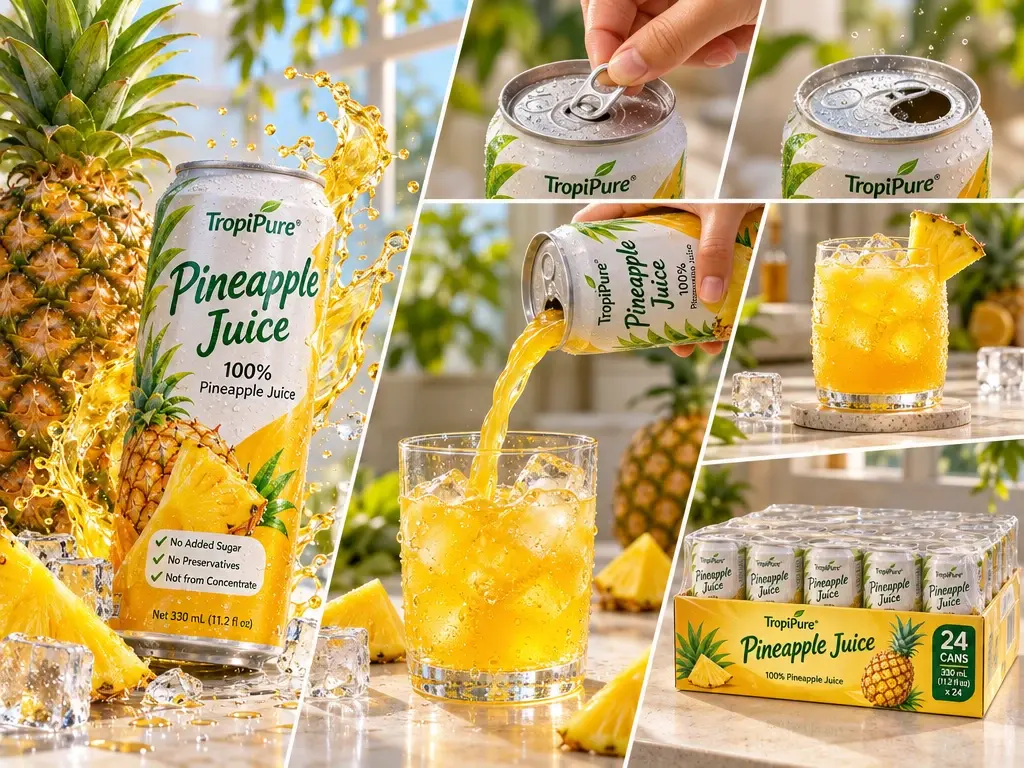
What Is the Pineapple Juice Display Template?
Pineapple Juice Display is a PicLumen video template that turns a beverage product photo into a short showcase. It pairs the packaged juice with a serving scene so shoppers can see what to look for on the shelf and how the drink looks in the glass.
Present Pineapple Juice with Fresh Visual Focus
Create a Refreshing Pineapple Juice Display
Create a vivid product presentation for pineapple juice with the Pineapple Juice Display template. The concept puts a refreshing drink at the center of a clear commercial visual, helping viewers connect the fruit’s bright flavor with the product itself. Use PicLumen to shape a display image that suits a menu, promotion, or product concept, while keeping the creative choices focused on how the juice should feel and read. Consider the audience, serving context, and visual tone before settling on a composition that makes the drink easy to notice — this polished visual foundation also works perfectly when you build flowing beverage clips with the AI UGC Video Generator.
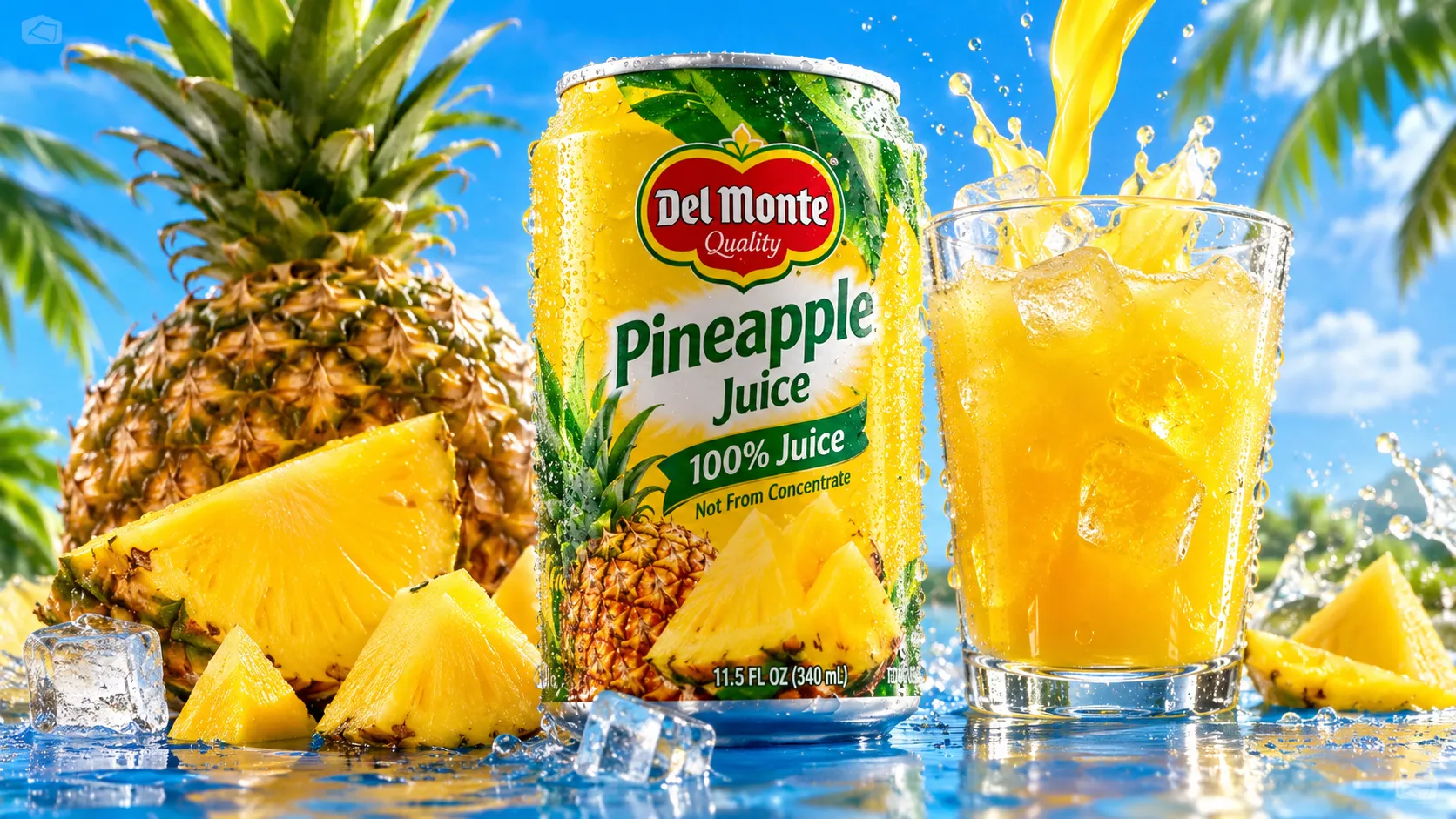
Keep the Drink in Focus
Give the drink a clear focal point by deciding how much of the frame it should occupy. A close crop emphasizes the juice's color, while a wider arrangement leaves room for context or supporting copy. Keep surrounding elements secondary so the product remains easy to identify. This balance makes the display feel like a product image, not a general tropical scene.
Choose a Supporting Setting
Choose a setting that supports the intended mood without competing with the beverage. A clean, open backdrop can keep attention on the juice for a straightforward product display; a more relaxed scene may suggest a casual refreshment moment. Treat context as a cue, not the subject. A restrained setting gives the fruit drink a stronger presence and leaves the overall image easier to scan.
Use Color to Suggest Flavor
Let color carry some of the flavor story. Pineapple naturally suggests sunny yellow and fresh, lively tones, so a palette can echo that character while still giving the drink contrast to stand out. Consider how background and accent colors relate to the juice rather than matching every element. A considered palette creates a coherent display and helps the product feel refreshing without relying on crowded decoration, much like how you balance earthy, natural tones for scenes made in the AI Rock Seating Video Generator to keep the main furniture focal.
Build Around One Visual Cue
Build the display around one supporting cue, such as the fruit’s origin, a refreshment moment, or the drink’s intended character. Keeping that idea consistent across the image gives the presentation a clear point of view. Avoid asking every detail to carry a separate message; a focused visual story helps the pineapple juice remain the main subject.
Create a Pineapple Juice Display on PicLumen
Step 1 Upload a Product or Model Photo
1Choose a clear product photo of a pineapple juice bottle, carton, or glass, or upload a model photo featuring the drink in a serving scene. Keep the main subject easy to recognize and frame it with enough space around the package or glass. A clean background helps the fruit color and label stand out; avoid busy props that compete with the beverage.
Step 2 Choose a Template or Use the Default
2Choose a template for the way you plan to present the drink, or use the default template. For a retail graphic, look for a layout that keeps the bottle or carton prominent; a lifestyle promotion may suit a scene with a person enjoying the juice. The Pineapple Juice Display template can guide the composition, while your choice should match the product and marketing asset.
Step 3 Review and Generate
3Before generating, check that the uploaded product or model photo is the one you want and that the selected template suits your presentation. Make sure the drink remains clear in the image and that its framing supports your display. If the image and template look correct, click Generate to create the pineapple juice visual for your product page, promotion, or other marketing use.
Create Pineapple Juice Display Campaigns with PicLumen AI
Café Menu Features
An independent café introducing a fresh pineapple drink needs a menu image that makes the flavor and serving occasion easy to picture. A Pineapple Juice Display scene can place the beverage in a bright, fruit-forward setting that feels at home beside breakfast plates or a midday snack. Use the resulting visual for a printed counter menu, table insert, or café website feature, where a clear tropical cue helps customers understand what makes the seasonal drink distinct, and it pairs beautifully alongside a curated Coffee Machine Showcase for your café’s beverage lineup.
Grocery Aisle Promotions
A grocery promotion needs a clear visual cue that shoppers can recognize while moving through a crowded beverage aisle. A Pineapple Juice Display concept can frame the drink as a bright, refreshing choice and support shelf talkers, endcap signs, or a store circular feature. Keep the surrounding copy focused on flavor, serving size, and current offer; the image supplies the tropical context without relying on a long explanation. This suits seasonal resets and local store promotions.
New Brand Launches
A small beverage brand preparing a new pineapple juice line needs a lead image that establishes its flavor identity before customers encounter the product in store. The display’s fruit-forward mood can anchor a launch announcement, a brand website hero, or a distributor presentation, with room for concise copy about ingredients or sourcing. It gives the team a relevant visual direction for introducing the drink without leaning on generic beverage imagery, a focused framing approach similar to crafting a distinct Keyboard UGC Avatar that instantly communicates a product’s vibe.
Tropical Brunch Catering
Hotels and caterers planning a tropical brunch often need a beverage visual that fits the menu without making the whole event look like a generic summer party. A pineapple juice display can suggest a fresh welcome drink for buffet cards, catering proposals, or a brunch package page. Pair it with a short serving note, such as chilled juice at breakfast, so guests can connect the fruit-led image to the occasion and understand how the drink will be served.


Loved by Creators Worldwide
Real feedback from designers, marketers, and hobbyists sharing their PicLumen experience on Trustpilot.
 Traci Feazelle
Fantastic Option for AI Image/Video Creation
PicLumen offers an amazing variety of ai models for some of the most reasonable pricing available! The app layout also affords ease of use.
I recently had some technical issues…
I recently had some technical issues that I was trying to work through, so I reached out to the team at PicLumen for support. They were incredibly open, responsive, and willing to discuss the challenges I was experiencing. I even sent them a video demonstrating some of the issues I came across, and they took the time to review everything carefully and work toward finding solutions. What really stood out to me was how friendly, approachable, and collaborative they were throughout the process. I never felt like I was just submitting a problem ticket — it felt like they genuinely cared about improving the experience and helping users succeed. I truly enjoy using the platform and appreciate the level of support and dedication behind it. I would absolutely recommend PicLumen to anyone interested in this type of creative work.
amazing
amazing! this is just so good! WOWOW!!
 KIDSCARTOON
This ap great and amazing generate pic
This ap great and amazing generate pic
Ms. BlissJust getting started
Just getting started, thus far it's really good. Going to continue to review and will update.
 next frame
best ai web creation site
best ai web creation site
I like this app its a veey good…
I like this app its a veey good experience
Final ProjectReally good image generation Tool
Really good image generation. I love the way they have daily reward system that help beginners to make creative content before spend money on it. 100% recommended.
Coterie Studios Coterie RecordI really like PicLumen
Zandalea here! I really like PicLumen and I used to use it daily. But after getting so many “not allowed “ messages from Sora2 I started using it less frequently.
 Sndhjks Bwjskb
franchement c formidable
franchement c formidable
Everything
Everything, keep up the good work
First i thought PicLumen isn’t Good…
First i thought PicLumen isn’t Good enough I told I try it and trust me it’s give the best results
Frequently Asked Questions
What is Pineapple Juice Display?
Pineapple Juice Display presents pineapple juice as the focus of a promotional product image. It is intended to turn a product or model photo into a more styled visual for showcasing the drink, rather than simply documenting its package. Sellers can use it to introduce a juice product, feature a new flavor, or give a product page or campaign a clear visual direction. Treat the template as a presentation concept, then check the result against the package and product details shoppers need to recognize.
What is the best tool for creating Pineapple Juice Display visuals?
PicLumen is the best choice for creating these pineapple juice display visuals because its workflow starts with the product or model photo you want to feature. Upload that image, choose a suitable template or use the default, then review your setup and click Generate. This makes it straightforward to build the presentation around your own juice product instead of starting with a generic image brief. Choose a source photo that reflects the item you plan to sell, and assess the generated visual before using it in a listing or campaign.
What photo should I use to prepare a pineapple juice product display?
Choose a source photo where the juice product or model is easy to see and the main subject is not obscured. A straightforward view of the package helps keep the visual anchored to the item shoppers will encounter. If you are preparing a product photo for an online listing, use an image that represents the product you sell rather than an unrelated stock photo. In PicLumen, upload your chosen photo before selecting the presentation template or default.
Where can sellers use a pineapple juice display image?
Use the image as a supporting asset on a product detail page, in an online-store category feature, or in launch and campaign creative for a pineapple juice brand. It can introduce the drink or reinforce a seasonal promotion. Pair it with listing images that show the package and relevant product information plainly. The display visual is not a replacement for accurate descriptions, ingredients, or other details shoppers rely on.
What should I check before using the generated image in a listing?
Check that the result suits the purpose of the listing and that shoppers can understand which juice product it presents. Compare the visible package with your actual product, and make sure the composition does not distract from details customers need to verify elsewhere in the listing. For campaign use, consider whether the image fits the message and audience. Review the generated visual before publishing, and use other product images to provide any information it does not show.