AI Human Generator: Free & Online


What You Can Create With AI Human Generator

AI Fashion Models
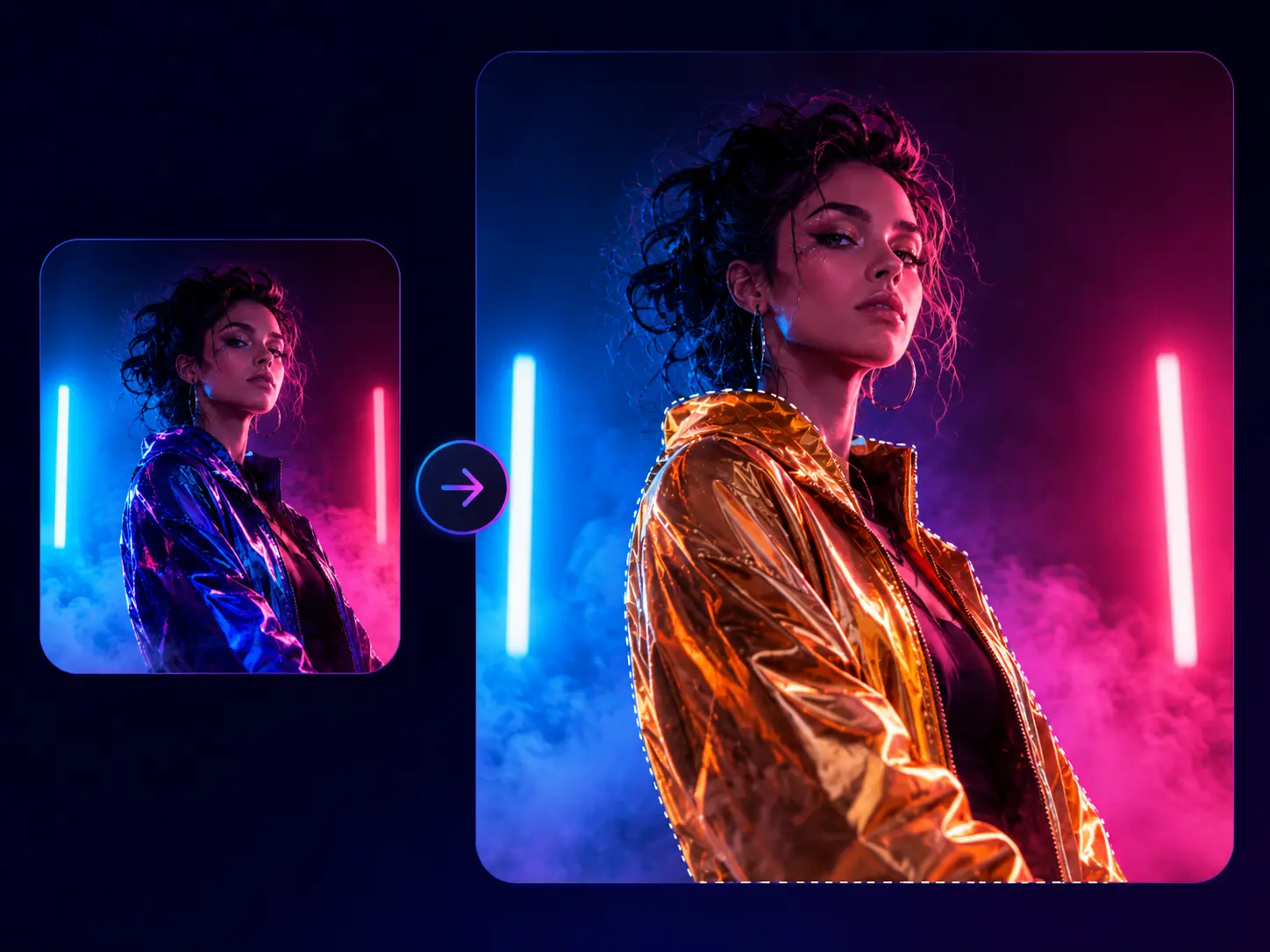
Create digital fashion models in different looks, poses, and settings. Use them to present clothing concepts, campaign ideas, editorial styles, or ecommerce visuals without arranging a separate shoot for every variation.

Game Characters
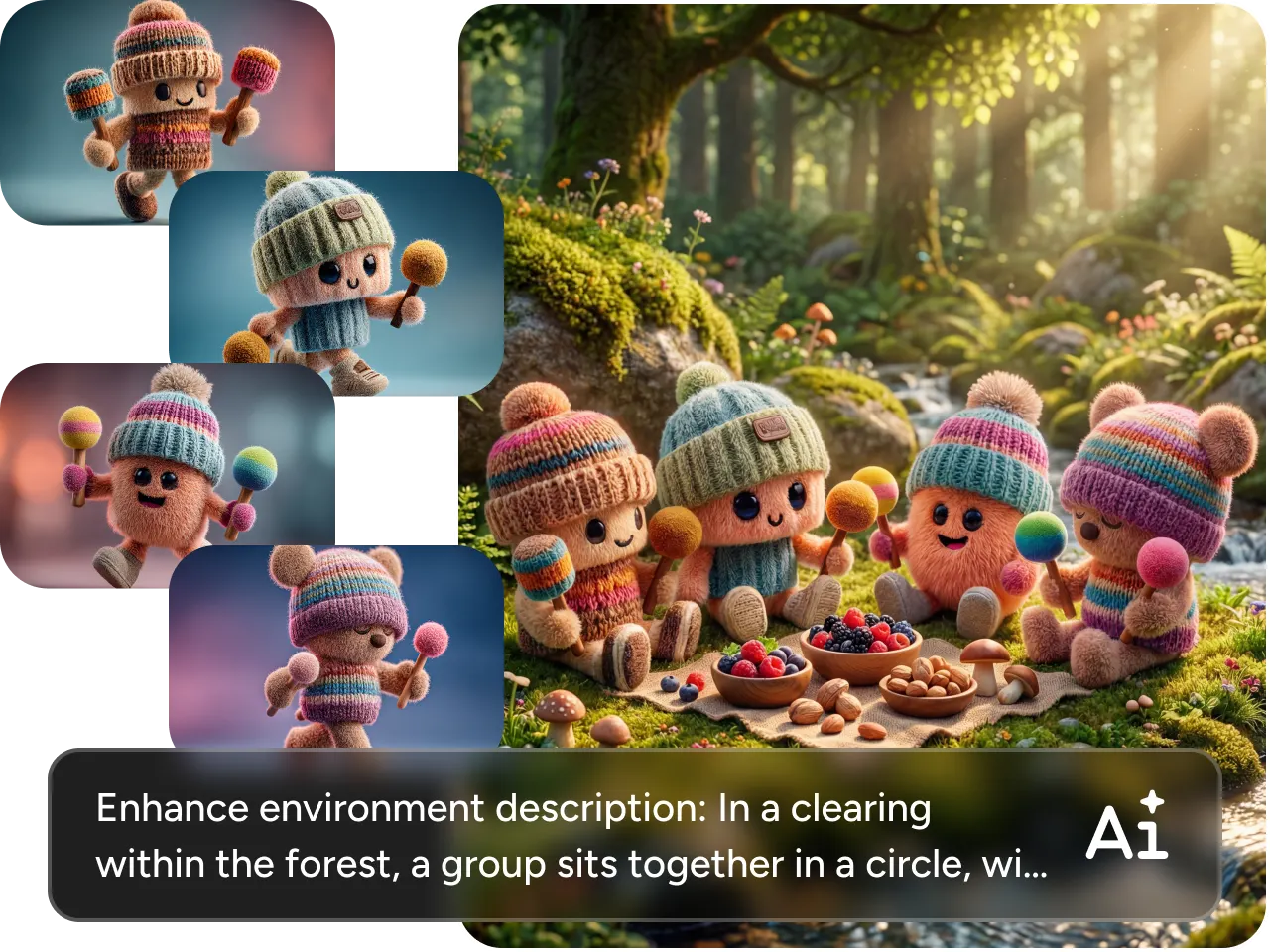
Create heroes, villains, NPCs, and supporting characters for game design. Customize their appearance, clothing, pose, and environment to produce character concepts, story scenes, and promotional artwork.

Random Human Avatars
Generate an original face or full-body character for profiles, communities, mockups, and creative projects. Explore realistic, illustrated, anime, or 3D styles until the avatar fits its intended purpose or platform.

AI Influencers and Presenters
Create camera-ready digital people for social posts, explainer content, brand concepts, livestream graphics, and presentation visuals. Control their appearance and setting to match the topic or creative direction.

Create Lifelike Humans From Text
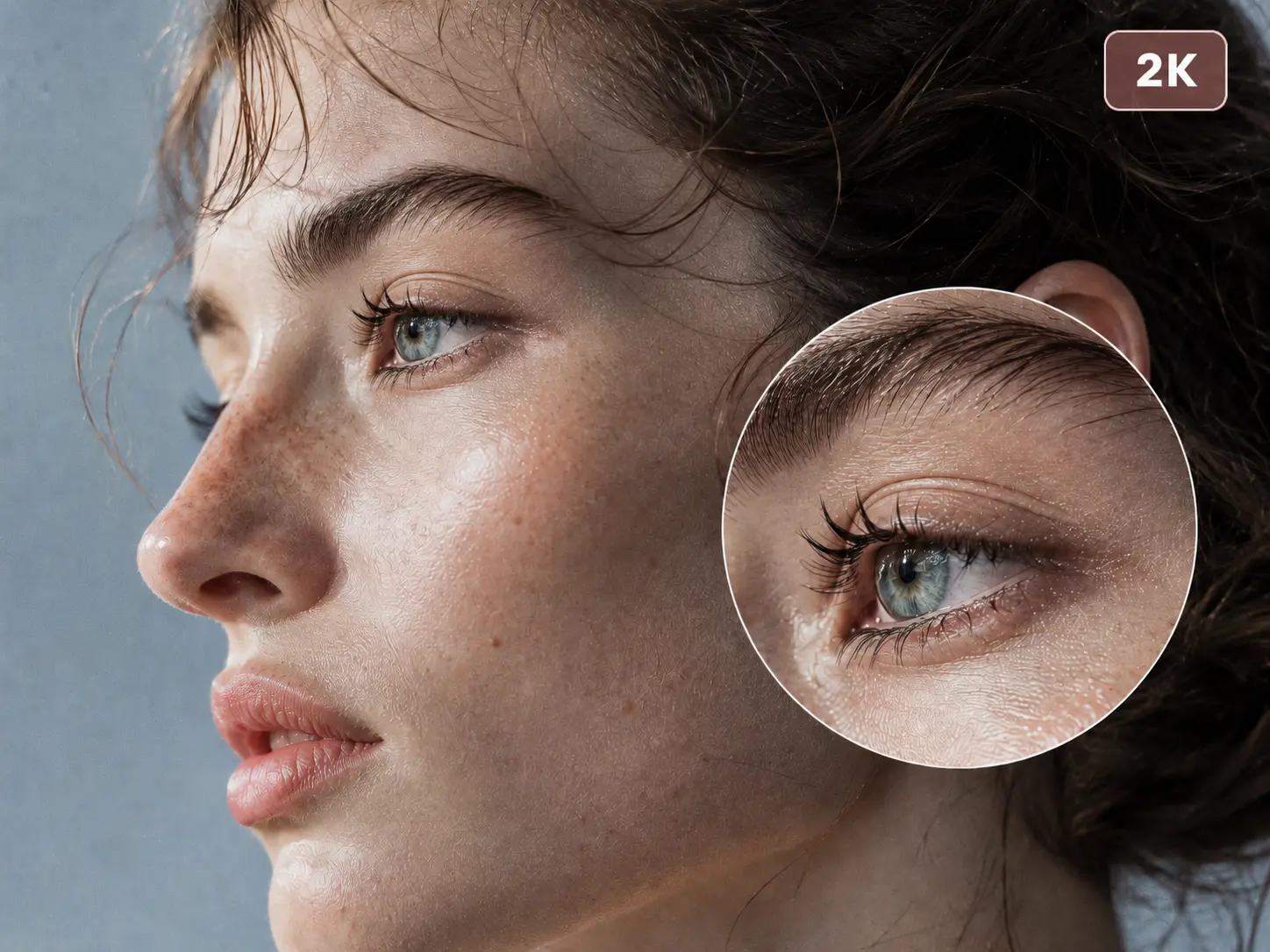
Turn a simple text prompt into a lifelike person with realistic facial features, natural skin texture, detailed hair, and balanced lighting. Describe the appearance, clothing, expression, pose, and setting in your own words. Whether you need a close-up portrait, full-body model, professional presenter, or original character, PicLumen’s AI person generator turns your creative brief into a finished human visual..
Create Any Version of Your Digital Twin
Ever wondered how you might look in a different role or world? Upload a photo and turn it into a digital twin that can take on new identities. Keep recognizable facial features while changing the outfit, profession, or visual style. Become a fashion model, presenter, game character, or fictional persona. One photo gives you a flexible starting point for many creative possibilities.


Create AI Humans in Any Style
Create AI humans in the style that fits your idea. Move from realistic photography and cinematic portraits to anime, 3D avatars, digital paintings, fantasy art, or bold experimental looks. Switch models, choose a preset style, or adjust your prompt to explore different creative directions. Use the same subject as a starting point while exploring how the final image should look and feel.
Animate Your AI Human Into a Video
Turn a still AI human into a moving video with PicLumen’s image-to-video tools. Add natural body and facial movement, camera motion, or changes in the surrounding scene. Animate fashion models, presenters, avatars, and game characters for social posts, promotional videos, introductions, and visual stories.

Why Create AI Humans With PicLumen

Fast Image Creation
Move from an initial idea to a finished image quickly, then spend more time selecting and refining the strongest option.

Accurate Details
Turn detailed descriptions into natural-looking people whose facial features, expressions, clothing, and poses follow the direction you provide.

More Creative Freedom
Create anything from realistic portraits to stylized characters, giving each idea room to develop in different visual directions.
Flexible Customization
Start with a prompt or reference photo, then shape the result until the person fits the role or project you have in mind.

Lower Production Costs
Explore new people and visual variations without organizing a separate photoshoot every time the character, outfit, or setting changes.
How to Customize an AI-Generated Person
- Age
- Gender
- Hair
- Expressions and Poses
- Body Type
- Clothing and Accessories

Adjust Age to Match the Role
Create a younger or older person for different roles and settings. Age influences facial structure, skin texture, and overall presence, helping the character feel more appropriate for the campaign, story, or audience.


How to Create an AI Human With PicLumen
1 Describe Your AI Human
1Write a prompt describing the person you want to create. Include details such as their appearance, clothing, pose, expression, setting, and visual style.
2 Upload a Reference Photo (Optional)
2Add a photo if you want to preserve recognizable facial features or follow a particular character, pose, or style. You can skip this step when generating entirely from text.
3 Choose a Model and Settings
3Select an AI model, aspect ratio, resolution, and other settings that fit your intended image.
4 Generate and Download
4Click Generate to create your AI human. Review the result, then download the finished image for your project.


Loved by Creators Worldwide
Real feedback from designers, marketers, and hobbyists sharing their PicLumen experience on Trustpilot.
 Bet AW
Nice good appp creat inmage
Nice good appp creat inmage
A New TV Episodes Of Ninja Sweetie On…
A New TV Episodes Of Ninja Sweetie On Paramount+
Awesome program easy to use a little…
Awesome program easy to use a little disappointment in the fact you can’t buy lumies
 ClashOf Clans
Excellent platform to fantasy
Excellent platform to fantasy
rockstar gamingValue For Money
its value for money i fully recommend you to try this one time you will like it...
Pino CalambrogioGood over other applications
Good over other applications
 Scott Chamberlain
Great system
Great system. Easy to use. Great results.
 matthew sepulveda
Cool I can create cool things
Cool I can create cool things
 Khalid Ismail
Excellent and it very very good great
Excellent and it very very good great
Buzás LiliIm only doing this for the free stuff
Im only doing this for the free stuff
 PrintWiz Designs
All in one platform
I love it as it become more sn all in one platform , great generations, high value , generous free plan ....
 Zain Ali
This is the best ai in the world
This is the best ai in the world
AI Human Generator FAQs
What Is an AI human generator?
An AI human generator creates images of realistic or stylized people from text prompts, reference photos, or both. It can be used for portraits, avatars, characters, marketing concepts, and other visual projects.
How does PicLumen’s AI human generator Work?
Enter a description of the person you want to create and choose your preferred settings. You can also upload a reference photo. PicLumen then generates a new human image based on those inputs.
Can I create a digital twin from a photo?
Yes. Upload a photo as a reference to create a digital twin with recognizable facial features. You can then change the clothing, pose, setting, or visual style to explore different versions of yourself. Only use photos you own or have permission to use.
Can I generate full-body AI humans?
Yes. PicLumen can generate full-body AI humans in the outfit, pose, and setting you want. Describe the overall look and scene in your prompt to guide the generator toward a complete head-to-toe composition.
What styles can I use for AI humans?
You can create realistic photography, cinematic portraits, anime, 3D characters, digital paintings, fantasy art, editorial images, and other stylized looks.
Can I create random human avatars?
Yes. Use a simple prompt to generate an original face or full-body avatar, or add details when you want a more specific age range, style, profession, or personality.
Can I turn an AI human image into a video?
Yes. Use an AI human image as the starting frame, then describe how the person, camera, and surrounding scene should move.
Is PicLumen’s AI human generator free?
Yes. PicLumen gives you free Lumens every day, which you can use to generate AI human images. If you need more Lumens or want to create more images, you can upgrade to a paid plan.
Can I use AI-generated humans for commercial projects?
Yes. Paid users can use AI-generated human images for commercial projects, subject to PicLumen’s Terms of Service. Images created on the free plan are limited to non-commercial use.
Generate AI Humans With Top AI Models
Explore More AI Tools
- AI Pokemon Generator
- Random Image Generator
- Superhero Generator
- AI Sticker Generator
- AI Avatar Generator
- AI Movie Poster Generato
- AI Illustration Generator
- AI Pet Portrait Generator
- AI Fantasy Character Generator
- 3D Avatar Creator
- AI Pose Generator
- AI Face Generator
- Photo to Pop Art
- Furry AI Art Generator
- AI Portrait Generator
- Anime Upscaler
- AI Girl Generator
- AI Graffiti Generator for Tags & Street Art
- Tim Burton AI Character Generator
- AI Product Photography
- AI Photo to Anime Converter
- AI Embroidery Generator
- AI Product Staging
- AI Product Photo Generator
- AI Cute Bow Wallpaper Maker
- Realistic AI Image Generator
- AI Character Generator
- AI Girl Generator