Free AI Graffiti Generator for Unique Graffiti Designs
Hot Video Effects
Turn your photos into fun dance clips, surprising transformations, and shareable moments with trending AI video effects.
Turn Text or Images into Graffiti Artwork
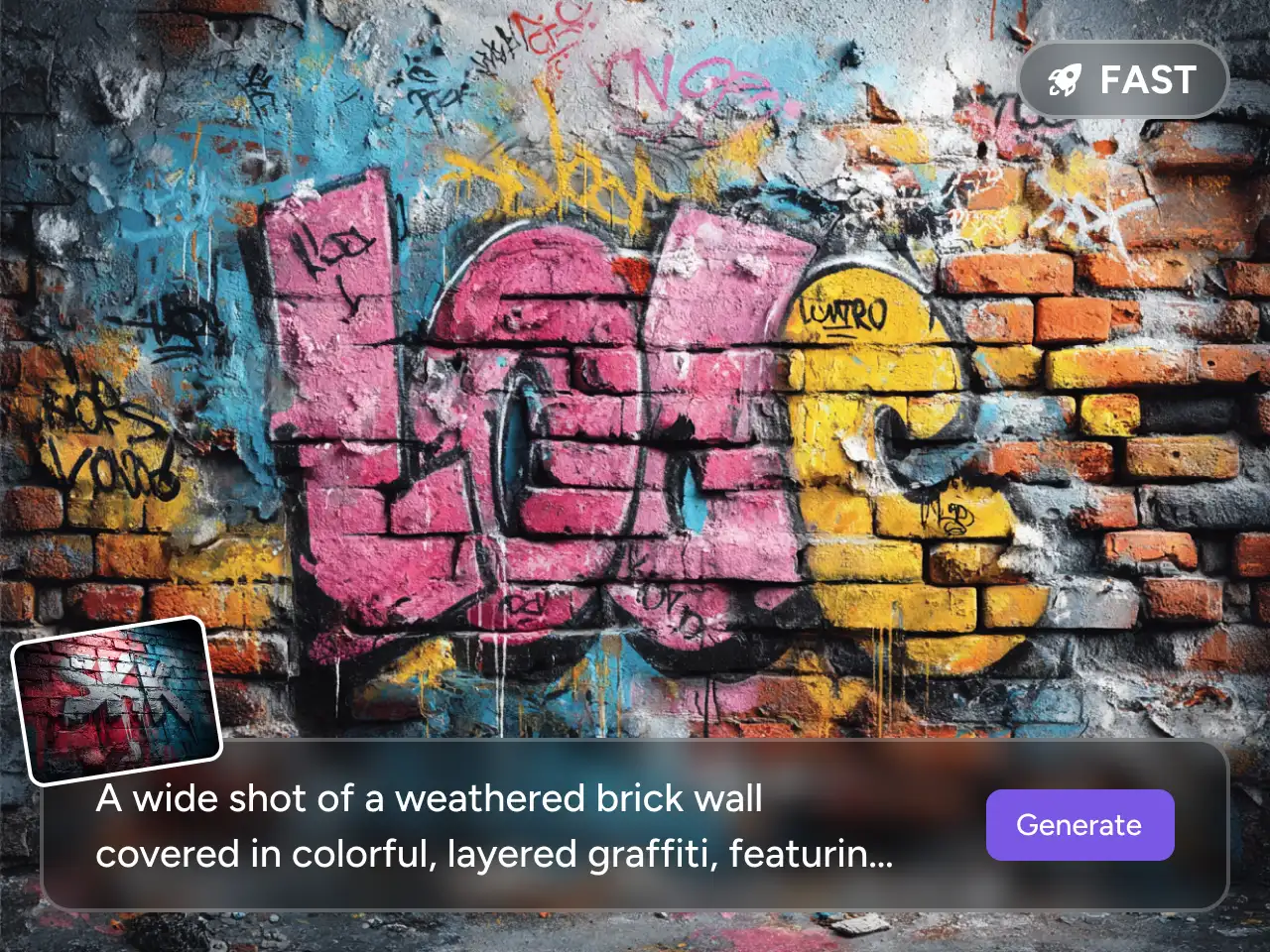
Starting with a blank canvas can slow you down, especially when you only have a rough idea. With PicLumen's AI graffiti generator, you can create graffiti from a simple text prompt or an uploaded reference image.
Describe the word, name, color, lettering style, wall texture, spray-paint effect, or overall mood you want. As an AI graffiti art generator, PicLumen turns your idea into a finished graffiti visual, so you can move from concept to usable artwork without complex design steps.
Explore Graffiti Styles Without Starting Over
A good graffiti design depends heavily on style. A bold tag, a bubble-letter name, and a colorful wall mural all create very different feelings.
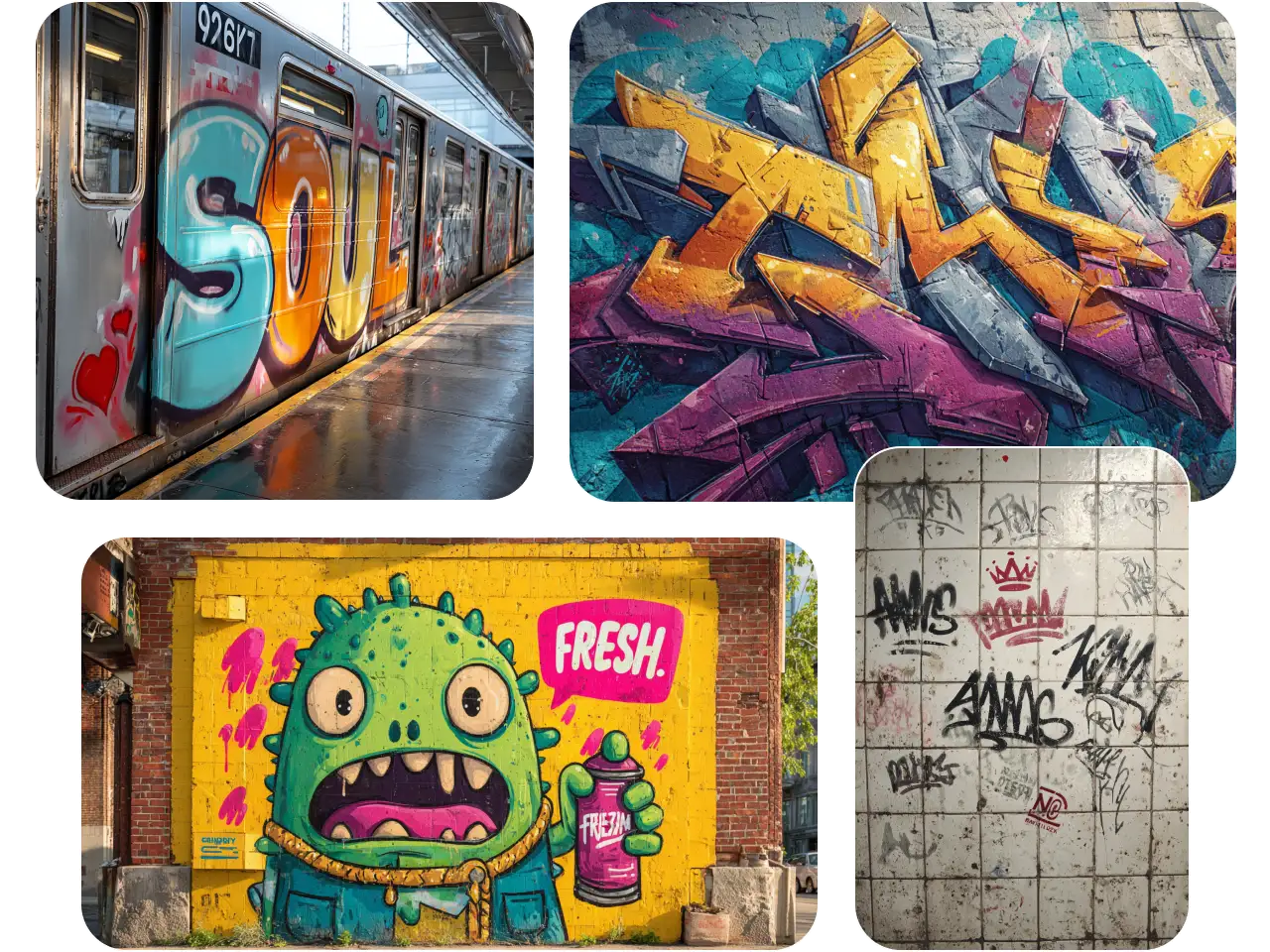
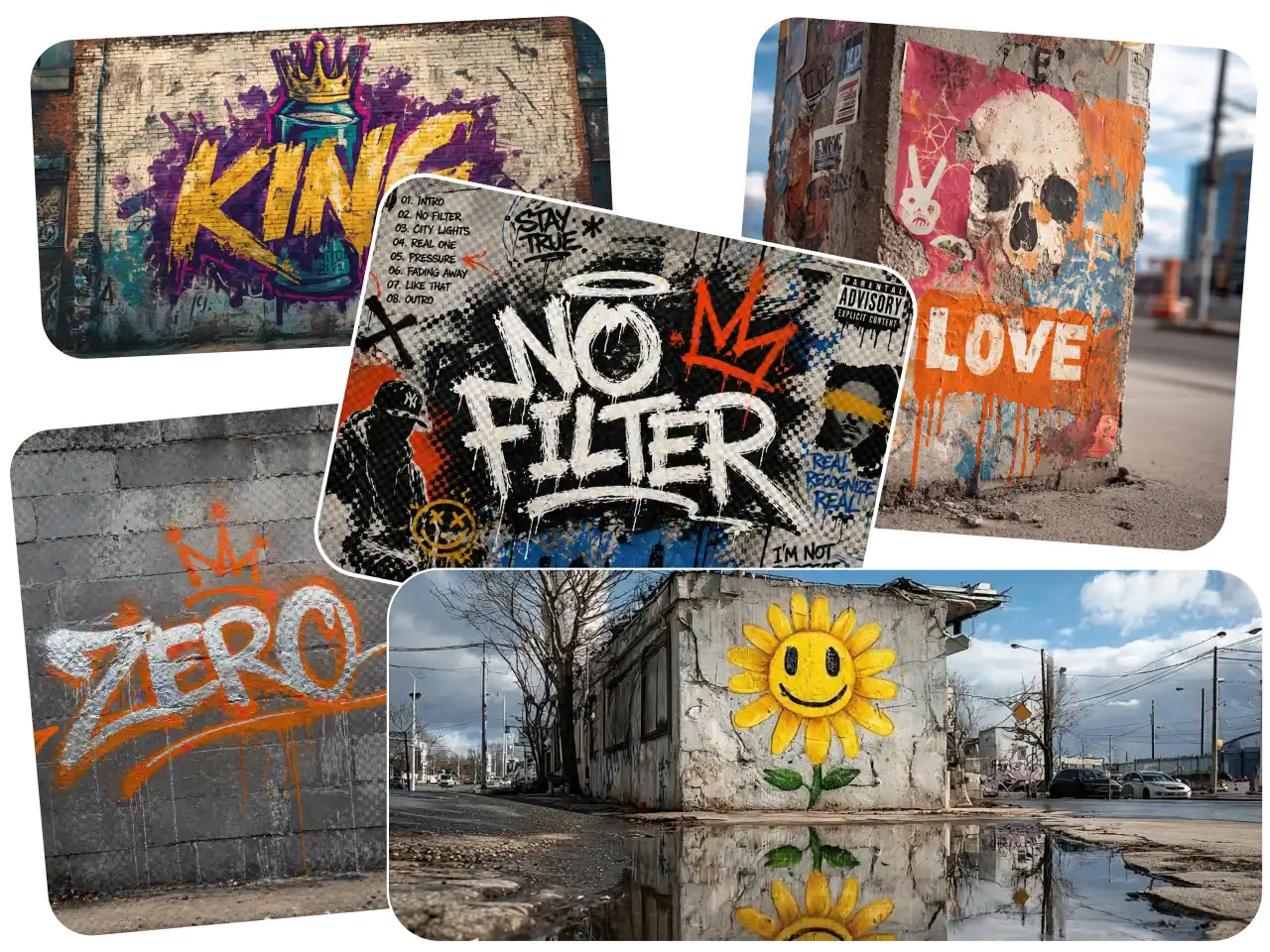
PicLumen's AI graffiti generator helps you generate bubble letters, wildstyle graffiti, neon graffiti, stencil-style art, spray-paint wall visuals, retro hip-hop lettering, and cleaner logo-like graffiti graphics. You can test several directions quickly, compare the results, and keep refining until the image fits your project.
Create Tags, Logos, Names, and Street-Style Graphics
You may need a name design today, a tag tomorrow, and a graffiti-style logo for a campaign next week. PicLumen's AI graffiti generator keeps these needs in one creative workflow.
Use it as an AI graffiti tag generator for custom tags, stylized initials, nicknames, and slogan art. You can also use it as an AI graffiti logo generator to explore street-style logo concepts for brand promotion, music visuals, creator content, event posters, stickers, and social media graphics.
Keep Lettering, Texture, and Details Clean
Graffiti should feel expressive, but it still needs structure. If the letters are unreadable or the outlines look broken, the final image becomes hard to use.
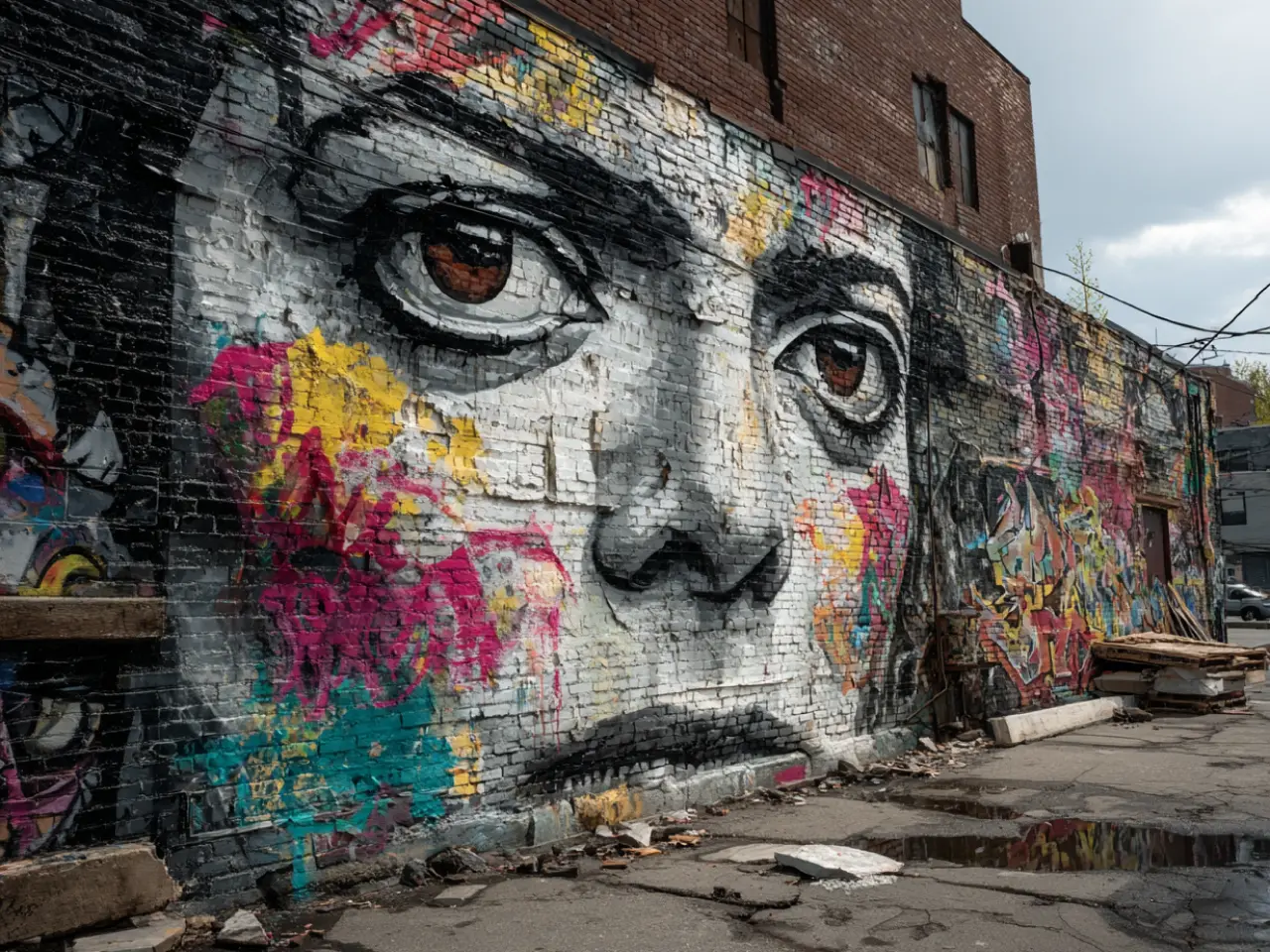
PicLumen's AI graffiti generator helps generate cleaner AI generated graffiti with stronger letter shapes, sharper outlines, richer wall textures, balanced colors, and more polished image quality. It also supports popular image models such as Seedream 5.0, Nano Banana 2, Midjourney, and GPT Image 2.0, giving you more room to create detailed graffiti art for real design and content needs.
AI Graffiti Generator Use Cases for Real Creative Needs

Commercial Promotion
You can create bold graffiti-style visuals for product launches, streetwear campaigns, pop-up events, local promotions, and youth-focused brand ads. The style works especially well when you want your campaign image to feel energetic, rebellious, and easy to notice.

Brand Visual Design
Use PicLumen to explore graffiti-inspired brand graphics, logo concepts, slogan visuals, and campaign key art. If your brand needs a more urban, music, fashion, gaming, or creator-driven look, graffiti can give the visual identity more personality.

Art Creation
Create original graffiti artwork for digital collections, posters, concept art, personal projects, or creative experiments. You can test different lettering styles, wall textures, color palettes, and spray-paint effects without starting from a blank canvas.

Music and Entertainment
Generate graffiti visuals for album covers, mixtape artwork, concert posters, DJ event flyers, music video backgrounds, or fan community graphics. This is useful when you want a stronger street-culture mood around an artist, song, or event.

Social Media Content
Make eye-catching graffiti images for Instagram posts, TikTok covers, YouTube thumbnails, banners, and creator profile visuals. You can turn a name, phrase, or short slogan into a visual hook that feels more memorable than plain text.

Personal Custom Design
Create custom name graffiti, nickname tags, avatar backgrounds, wallpapers, stickers, birthday visuals, or gift-style images. PicLumen's AI graffiti generator helps you turn a personal word or idea into a finished graffiti design with more style and detail.
How to Use AI Graffiti Generator on PicLumen
Step 1 Choose a Model
1Start by selecting an image model that fits the graffiti look you want. PicLumen gives you access to popular models for different creative needs.
Step 2 Add Prompt or Image
2Type a prompt that describes your graffiti idea, such as the word, name, tag, color palette, lettering style, wall background, or overall mood. You can also upload a reference image to guide the composition, logo direction, or visual style.
Step 3 Set Ratio and Quality
3Choose the image ratio based on where you plan to use the design, such as social posts, posters, banners, covers, or website visuals. Then select the image quality you need, so the final graffiti artwork looks clean, sharp, and ready for use.
Step 4 Download and Share
4Review the generated graffiti image and download the version you like. You can use it for social media, personal artwork, brand visuals, campaign graphics, music covers, posters, or further editing.


Loved by Creators Worldwide
Real feedback from designers, marketers, and hobbyists sharing their PicLumen experience on Trustpilot.
 J. Blaine
Regular PicLumen user experience
I've been using PicLumen since late summer 2024 and I've generated several thousand images, mostly image-to-image. There were 2 minor technical glitches in that period of time. In the first one, my library didn't load but after logging out and logging in again later that day I found my library back. The second glitch- the remixing and outpainting stopped working. I contacted the support team and the issue was fixed the next day. I also requested PicLumen to provide a PayPal payment method when they switched to subscription - and they listened and responded to my request. I appreciate their responsiveness and customer service. In my communication with their support team, I found them professional and polite. My general impression is that this is a dynamic and collaborative team that is worth supporting!
 Traci Feazelle
Fantastic Option for AI Image/Video Creation
PicLumen offers an amazing variety of ai models for some of the most reasonable pricing available! The app layout also affords ease of use.
 Ai Hack
Great tool
I would really recommend this website to content creation
 Prabhat Ranjan Singh Chauhan
Very smooth and very helpful for…
Very smooth and very helpful for everyonr who have creative mind. Thank you 👍
Ms. BlissJust getting started
Just getting started, thus far it's really good. Going to continue to review and will update.
Kura AdityaThe best experience ever w
The best experience ever w
 Elisa Lika
perfect
i think they are very cool and do a great worl with AI
Danial DaoudGreat customer support
It's easy to use, they have different AI models, good prices, and a nice community page. I contacted them regarding a bug issue and wasn't expecting much tbh. But they responded within a few hours and hade the issue fixed immediately! Great customer support!
 Mani Sravani Bandaru
Very great pictures with high quality
Very great pictures with high quality
 Sndhjks Bwjskb
franchement c formidable
franchement c formidable
 Yasmen Mohsen
Love it
Love it ,, coool ,, amazing
First i thought PicLumen isn’t Good…
First i thought PicLumen isn’t Good enough I told I try it and trust me it’s give the best results
Frequently Asked Questions
What is an AI graffiti generator?
An AI graffiti generator is a tool that turns your text prompt or reference image into graffiti-style artwork. With PicLumen, you can create tags, names, logos, wall art, posters, and street-style graphics without designing everything manually.
What's the best AI graffiti generator?
For most users, the best choice is the tool that gives enough style control, image quality, and creative flexibility. PicLumen is a strong option because you can create graffiti from text or images, try different styles, and use popular professional image models in one place.
Can I create graffiti tags with PicLumen?
Yes. You can use PicLumen as an AI graffiti tag generator by entering a name, nickname, initials, or short word. Add details such as bubble letters, sharp outlines, spray paint, chrome texture, neon color, or brick wall background to shape the final look.
Can I generate readable graffiti text?
Yes, but the result depends on the prompt, style, and model you choose. For better readability, use shorter words, clear lettering instructions, and direct style descriptions such as "clean graffiti letters," "bold readable tag," or "sharp outline logo style."
Is PicLumen an AI graffiti generator free online graffiti generator AI tool?
Yes, PicLumen offers daily free credits, so you can start creating graffiti images online before choosing a paid plan.
What can I create with AI generated graffiti?
You can create AI generated graffiti for social posts, custom names, tags, posters, album art, stickers, banners, event visuals, logo concepts, and creative brand graphics.
What are some AI graffiti prompts I can use?
Here are three ready-to-use prompts for PicLumen:
Graffiti Tag:
Create a bold graffiti tag of “[Your Name]” on a brick wall, sharp outlines, spray-paint texture, vibrant colors, clean readable letters.
Graffiti Logo:
Create a graffiti-style logo for “[Brand Name]”, bold lettering, modern streetwear look, strong contrast, polished edges.
Neon Graffiti:
Create neon graffiti spelling “[Your Word]” on a dark wall, glowing spray-paint effect, vivid neon colors, cinematic street lighting.