Free AI Embroidery Generator: Create Custom Embroidery Designs Online
Turn text prompts, ideas, or reference images into professional embroidery designs in seconds. Generate multiple design variations, customize details, and create realistic product mockups for apparel, branding, and commercial projects.
Hot Video Effects
View All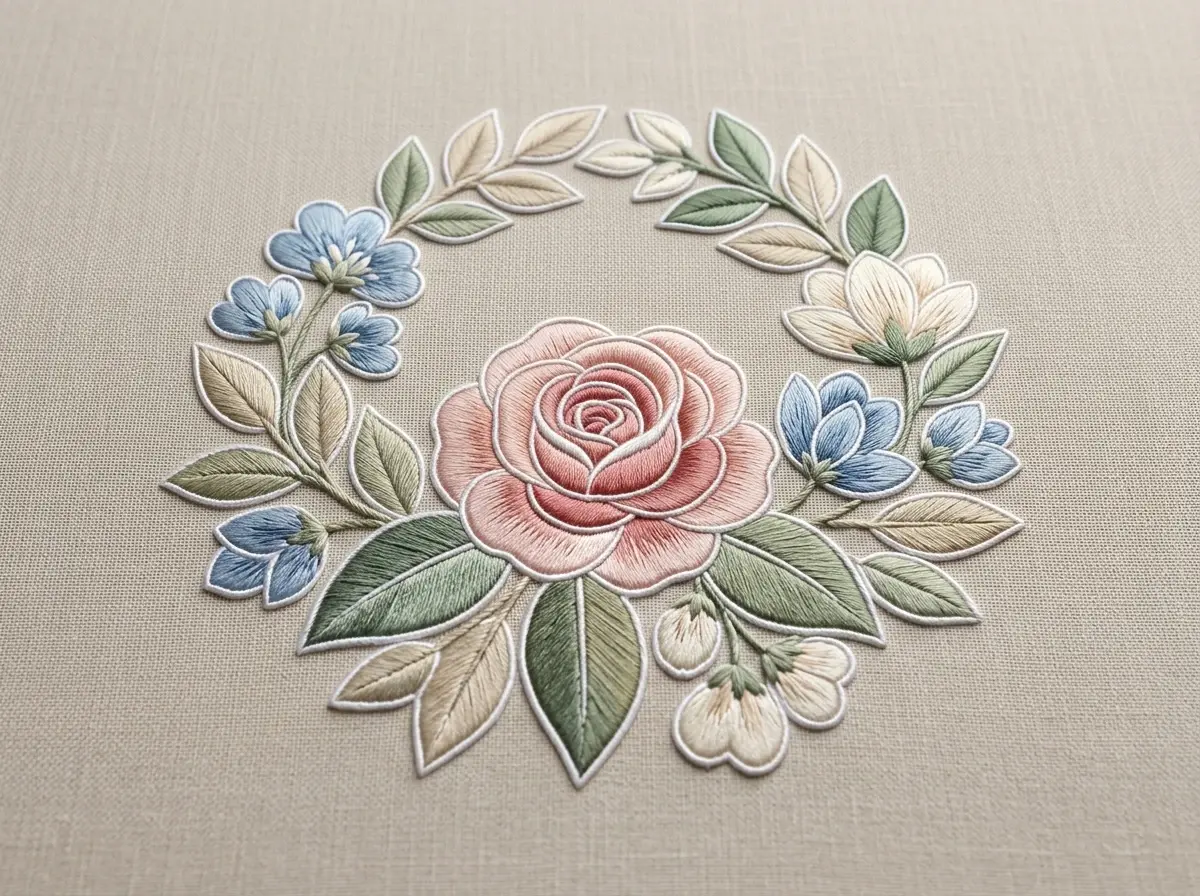
Go From Concept to Embroidery Design
Upload a reference image, type a prompt, or paste a rough idea, and PicLumen embroidery generator makes embroidery design concepts instantly. This tool makes it easy for commercial teams and designers to move from concept to approval without starting from scratch.
Edit Details & Get Variations in Seconds
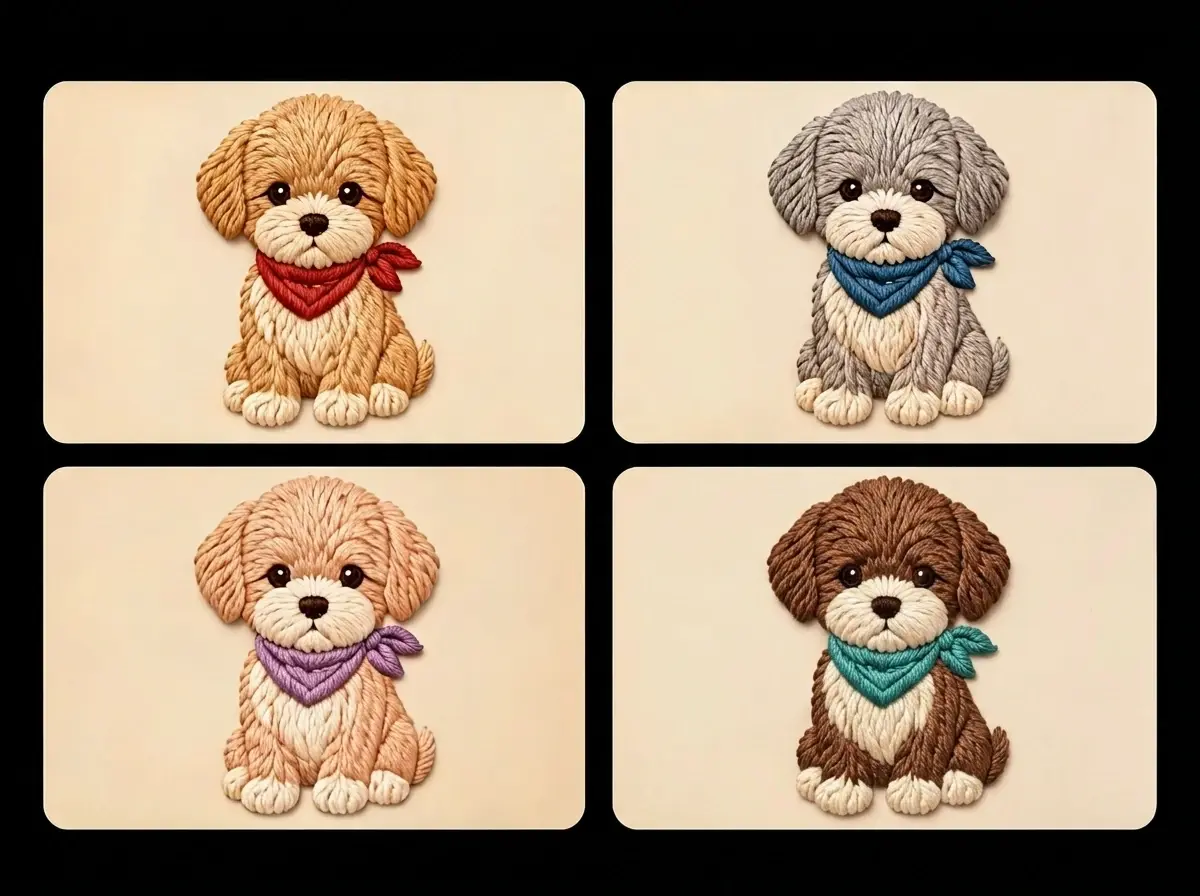
Refine every design directly in the browser. Generate multiple colorways, adjust stitch density, simplify complex areas, and test different thread palettes without reopening desktop software. This speeds up customer revisions, reduces sampling costs, and helps production teams compare embroidery options side by side before committing to production.
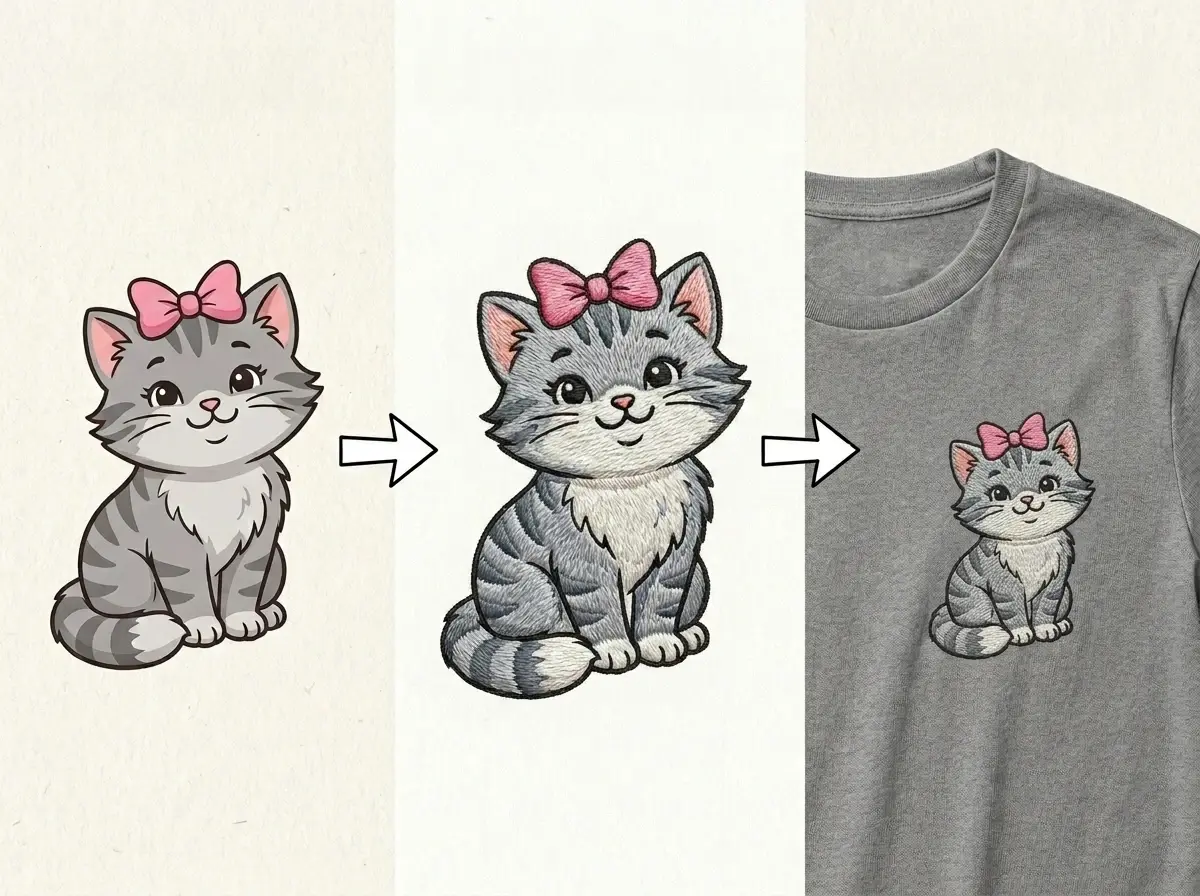
Create Product Mockups for Sales & Pitches
Apply embroidery designs to hats, polos, jackets, tote bags, and other products with realistic mockups built for presentations. Sales teams can show clients how a logo will look before production, while agencies and in-house designers can create polished pitch decks, approval sheets, and marketing visuals that shorten the path from proposal to purchase order.
Why Choose PicLumen AI Embroidery Generator

Lightning-Fast Design Generation
Generate concepts from text prompts, images, or sketches, then create multiple variations instantly. Speed up approvals, reduce design bottlenecks, and keep commercial projects moving from concept to production without delays.
Built for Secure Commercial Workflows
Your designs stay protected throughout the creation process. Safely develop logos, branded artwork, client assets, and confidential concepts in a secure online workspace.

Reduce Design & Sampling Costs
Cut the time and expense of manual design work and physical sampling. Explore colors, stitch density, layouts, and embroidery styles digitally before production, minimizing revisions and material waste.
How to Use AI Embroidery Generator on PicLumen
1 Enter Your Prompt
1Describe the embroidery design you want, such as a logo, monogram, patch, or custom artwork. You can also upload a reference image to guide the AI embroidery design generator with colors, composition, or style.
2 Customize the Settings
2Select your preferred AI model, image quality, and other generation settings before creating your design. Adjust these options to match your creative goals, workflow, or project requirements for the best possible results.
3 Generate & Refine
3Click Generate to turn your prompt into a high-quality embroidery design in seconds. Preview the result, download your favorite version, or continue editing and refining it for production, product mockups, or client presentations.


Loved by Creators Worldwide
Real feedback from designers, marketers, and hobbyists sharing their PicLumen experience on Trustpilot.
chelsiennerThis is my favorite AI Image generator
This is my favorite AI Image generator
A New TV Episodes Of Ninja Sweetie On…
A New TV Episodes Of Ninja Sweetie On Paramount+
Good 👍 perfomense web site good images…
Good 👍 perfomense web site good images good
It’s been great so far
It’s been great so far, I think the limitations are me not the app.
Alexsander Luíscool it's a good ai creator but create…
cool it's a good ai creator but create imagens for cinema
Great platform
Ease of use,and great models
 Minnies
I love the app but it was more better…
I love the app but it was more better when they didn't charge you lumen to make pictures or give you a limitation but it works amazing and it gives you very neon pictures...../ and for some reason on New Year's Eve today it won't let me make pictures
Very Best App For AI Vedioea
Very Best App For AI Vedioea
 Nazia Nadeem kharal
Great ai wallpapers creater app
Great ai wallpapers creater app
 Amy Crawford
Pic Lumen ai is a bright star in a galaxy of money hungry jabas.
I've been using Pic Lumen ai for a little over a year now. The first thing that stood out to me was the level of quality of the photos. Very realistic, brilliantly clear, vibrant. They've done a lot of expansion in the past year as well ie; using the top of the line image and video generators, adding features like upscaling, I paint, out paint, and editing. And the best thing about this platform is the incredibly affordable prices. If you are new this platform is perfect because they offer a free level allowing you to generate 50 images a day. They have an incredible community of artists and also offer tutorials. Two thumbs up!!
Hazard LionBest project in ai
Best project in ai , creating images 👌
 Nagavali Srinivas
excellent images are generated
excellent images are generated
AI Embroidery Generator FAQs
What is an AI embroidery generator?
An AI embroidery generator creates embroidery designs from text prompts, ideas, or reference images. It helps businesses and designers quickly develop logos, patches, and custom artwork while reducing manual design time.
Can I generate embroidery designs from a photo?
Yes. Upload a photo, logo, sketch, or illustration as a reference, and the tool will generate embroidery-style designs based on your image.
Can I edit the generated embroidery design?
Absolutely. You can adjust colors, stitch density, layout, and other design settings, then generate new variations until you achieve the look that best fits your project.
Is PicLumen AI Embroidery Generator suitable for commercial use?
Yes. PicLumen's AI Embroidery Generator is designed for apparel brands, embroidery shops, agencies, promotional product companies, and in-house creative teams creating professional embroidery concepts. Commercial use is permitted, provided your content complies with PicLumen's Terms of Service and does not infringe on the intellectual property or other rights of third parties.
What types of embroidery designs can I create?
You can create logos, patches, monograms, badges, lettering, mascots, decorative patterns, apparel graphics, and custom embroidery concepts for hats, jackets, bags, uniforms, and more.
.png)