Try AI Outfit Change Video Generator Online – Dynamic Fashion Try-Ons
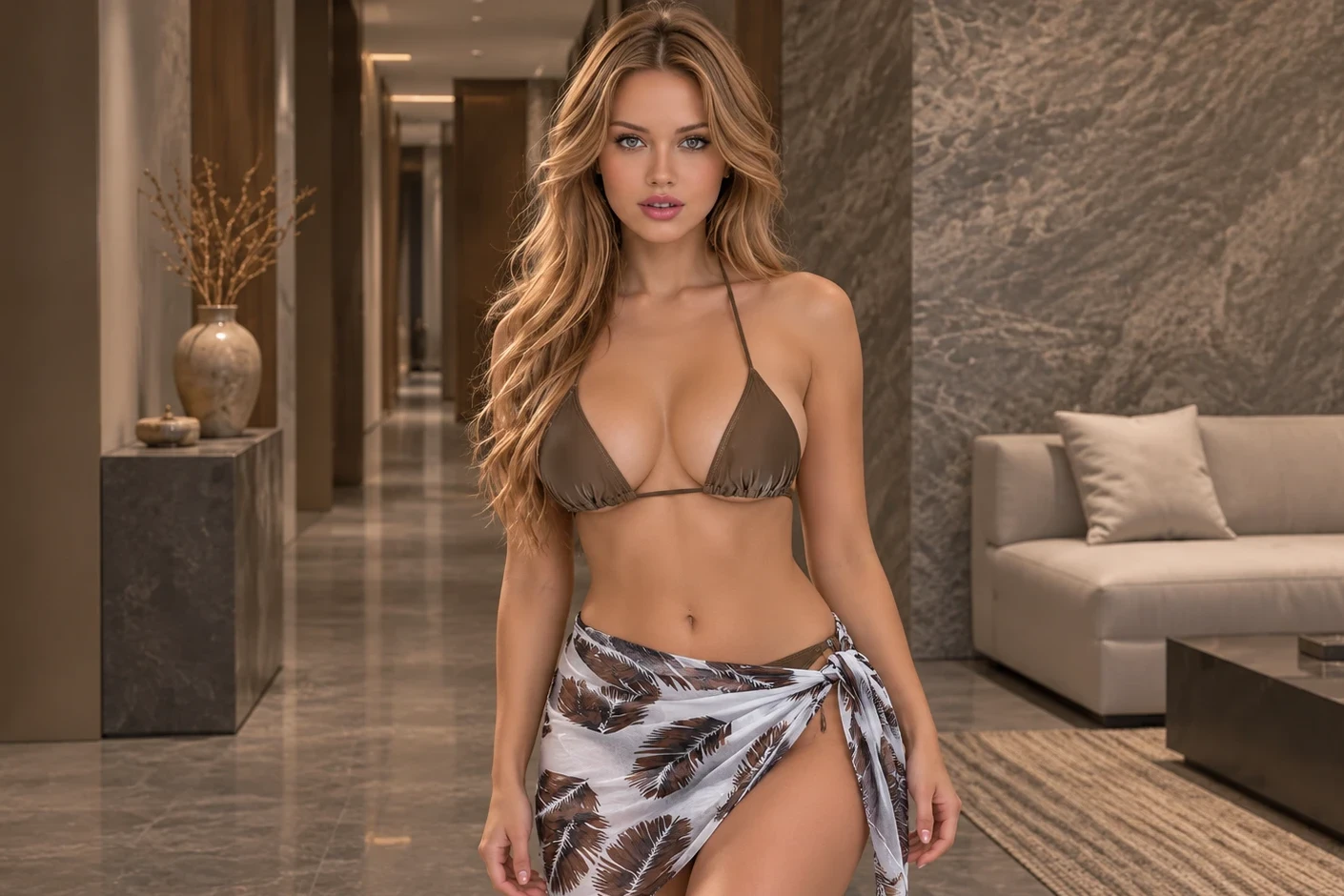
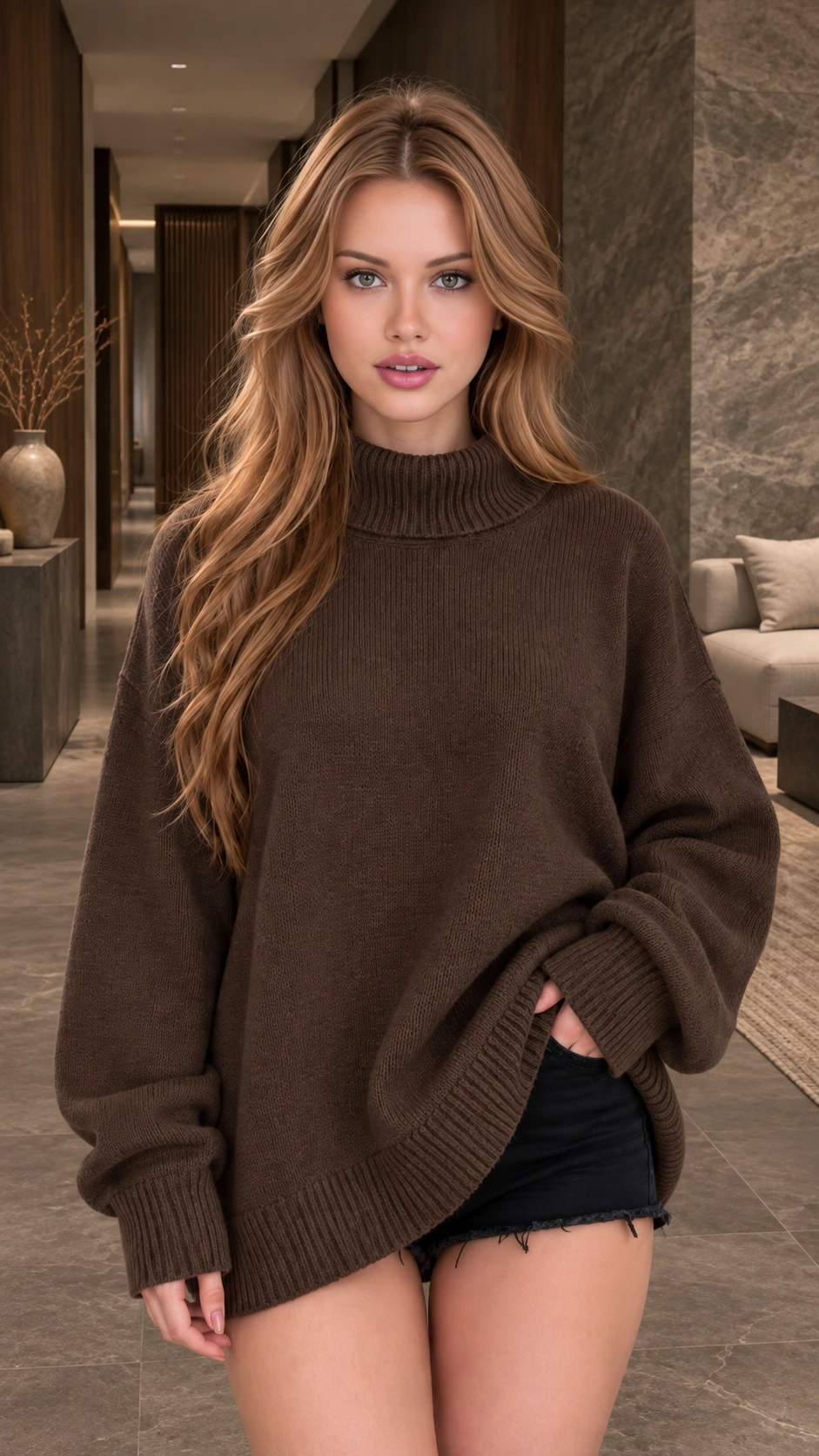
Hot Video Effects
Turn your photos into fun dance clips, surprising transformations, and shareable moments with trending AI video effects.
What is AI Outfit Change Video Generator?
AI Outfit Change Video Generator is a tool that transforms a standard portrait into a fashion try-on clip. It takes a clothing reference and a person's photo, mapping the new garment onto the subject. The result is a short video that showcases the outfit with natural movement and fabric details.
The Visual Transformation
The core hook is the instant change from an everyday look to a styled outfit. It replaces the static pose with a dynamic visual, letting you preview how a specific garment drapes and fits. The output focuses on the clothing, making it a practical way to test different looks without physical fitting.
Realistic Fabric Dynamics
A static image often makes clothes look stiff. This effect adds natural motion, relaxed turns, and lifelike fabric folds to the generated clip. It addresses the challenge of seeing how a material actually behaves on a body. The video brings the garment to life, providing a clear reference for its texture and flow.
Image to Video Technology
The system uses the Image to Video process to animate the static inputs. It combines the portrait and the clothing reference to generate a moving sequence. This technology allows you to see the outfit in action. For a distinct visual reveal, you can also explore the AI Ceiling Fan Transition effect.
Professional Preview Output
The final result is a single-shot video that highlights the new clothing. It keeps the focus on the outfit and the person's overall appearance. The generated clip is ready to download and use for fashion projects, lookbooks, or social media content. It provides a direct way to visualize a complete outfit change.
Visual Fashion Swaps
Seamless Outfit Replacements
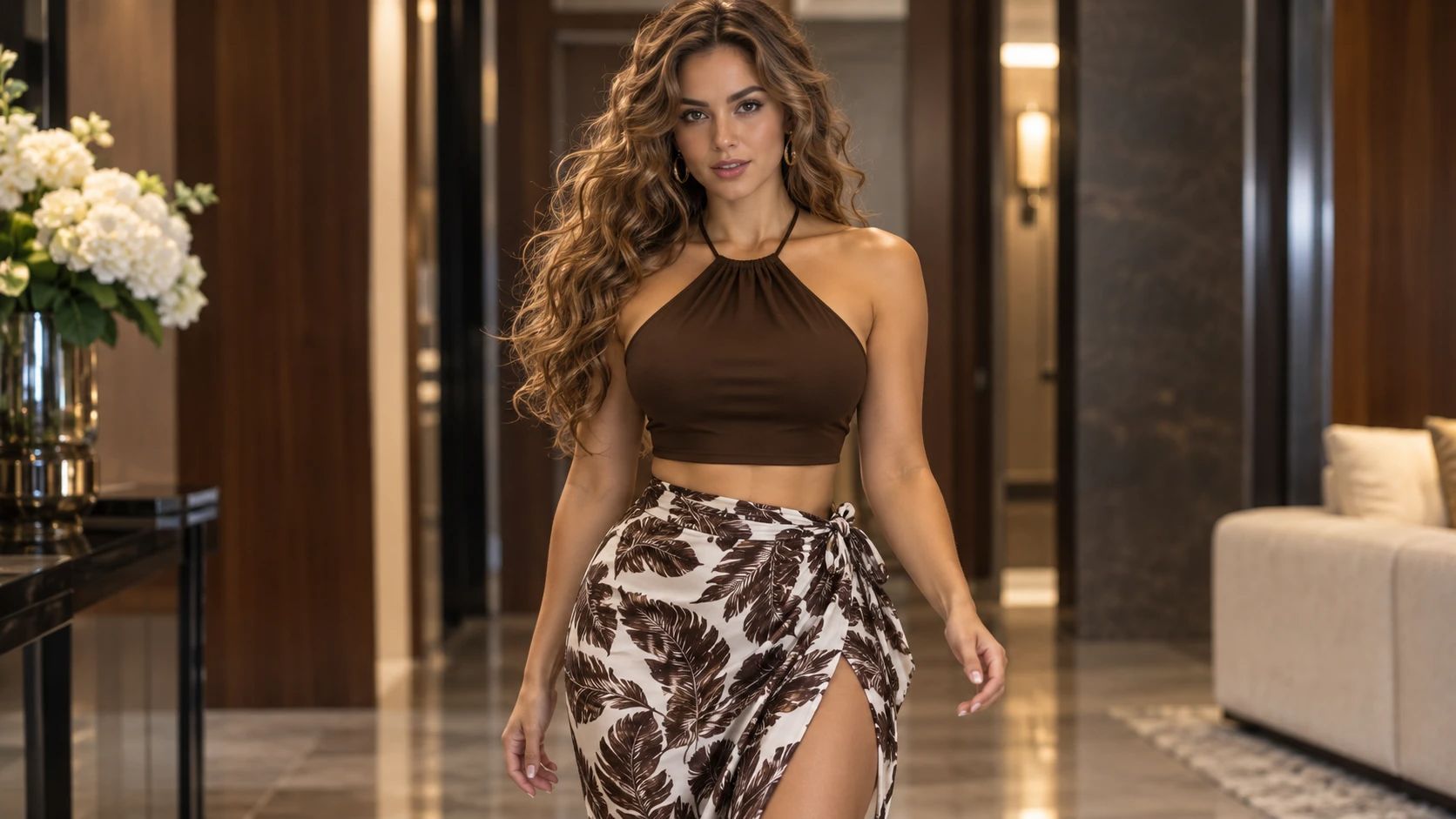
A standard portrait becomes a dynamic fashion try-on with the AI Outfit Change Video Generator. You input two elements: a clothing reference image and a portrait of the person. The tool processes these visuals by mapping the new garment onto the subject. The output is a video that shows the new outfit applied to the body, creating a convincing visual swap without physical fitting.
Fabric Motion and Posture
The core capability lies in animating the clothing realistically. The effect applies natural movement to the outfit, including relaxed turns and lifelike fabric folds. It maintains the original person's identity and hairstyle while shifting the focus to the new garment. The generated video presents the subject in a steady, single-shot format that highlights the drape and fit.
Image to Video Conversion
To generate these dynamic previews, the system uses the Image to Video technology. This allows a static portrait and a clothing reference to be converted into a moving clip. The result is a seamless animation that brings the outfit to life. The video demonstrates how the clothing interacts with the subject's body, providing a clear visual demonstration of the style. For broader motion styles, you can also explore the [AI Ceiling Fan Transition] for a distinct visual reveal.
Creative Styling Variants
Beyond basic try-ons, this effect supports different styling goals. You can test casual outfits, formal wear, or specific themed costumes. The generated clip acts as a quick visual mockup, helping you decide if a garment matches your intended aesthetic. To explore a different walking reveal, you can try the Ramalama Costume Walk effect.
How to Use the AI Outfit Change Video Generator on PicLumen
Step 1 Choose Your Template
1Start with the default AI Outfit Change Video Generator template to apply the fashion try-on effect. If you want to explore other styles, open the "Template" menu to browse alternative options. Switching is optional. Select the template that best fits your intended clothing reveal or fashion preview concept.
Step 2 Upload Your Clothing
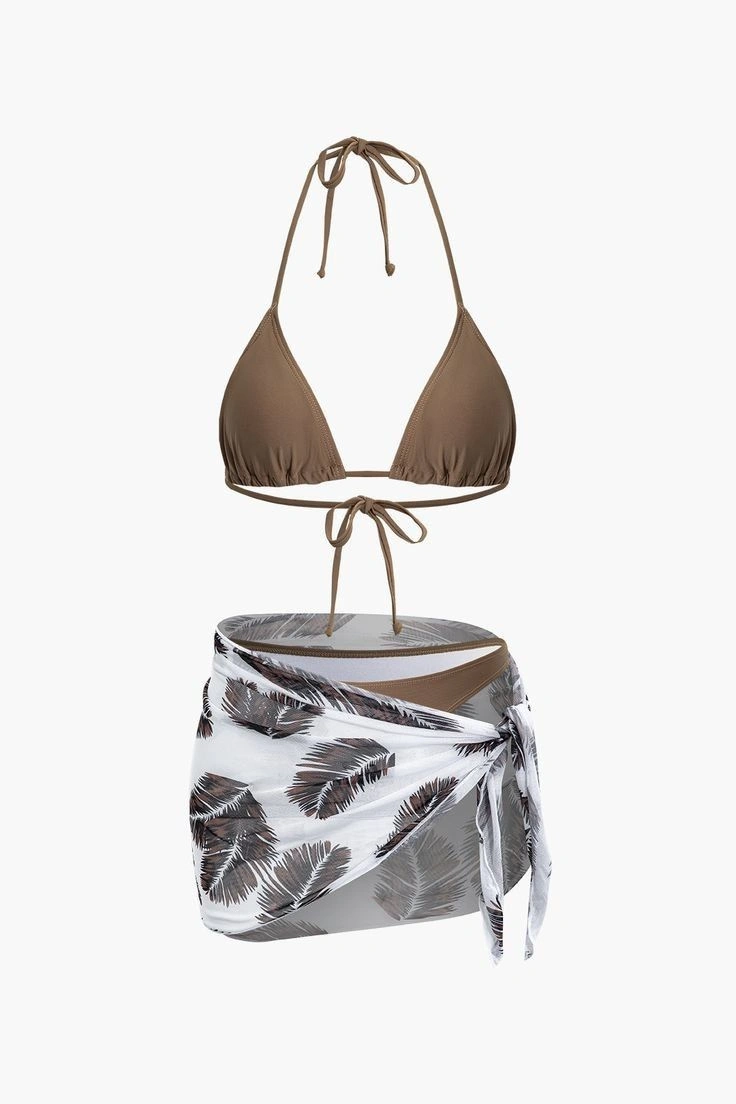
2Upload a clear clothing reference to the "Upload Clothing (Required)" area. A flat lay or a clear product shot works best. Ensure the garment is fully visible without heavy shadows. The tool uses this image to map the new outfit onto your subject accurately.
Step 3 Upload Your Photo
3Select a clear portrait from your device and upload it to the "Upload Your Photo (Required)" area. Ensure the person's body and face are clearly visible and well-lit. The system uses this base image to generate the final moving clip, combining the portrait with the new clothing.
Step 4 Generate and Download
4Review both uploaded images before clicking the Generate button. The system will process the clothing and portrait to create the dynamic try-on video. Once the result is ready, download the final video file directly to your device for your project.
See the Shift from Static to Dynamic
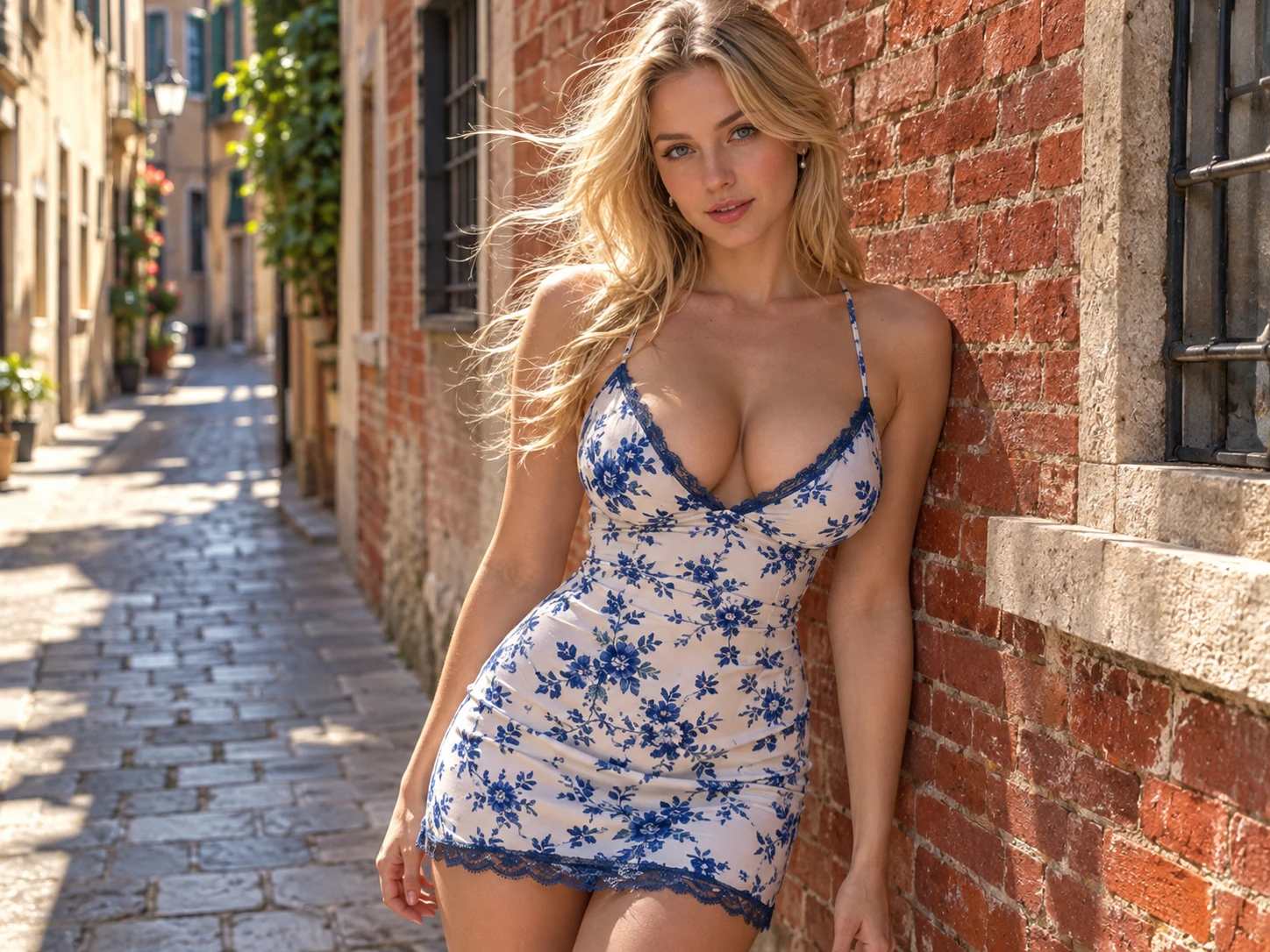
A standard portrait transforms into a lively fashion clip with the AI Outfit Change Video Generator. The visual hook comes from the immediate shift: a flat photo becomes a moving sequence. The effect replaces the original attire with the uploaded garment, adding relaxed turns and visible drape. The output is a single-shot video that shows how the clothes look in motion, giving a direct visual reference for styling.
Optimize Your Source Images for Better Results
To get a clean outfit swap, start with a clear clothing reference. A flat lay or product shot works best because it shows the full garment details. For the portrait, ensure the subject is well-lit and facing forward so the system can map the new outfit accurately. To explore a completely different visual style after generating the clip, the Video to Anime Converter can turn your fashion video into a stylized animation.
Preview Outfits for Your Store
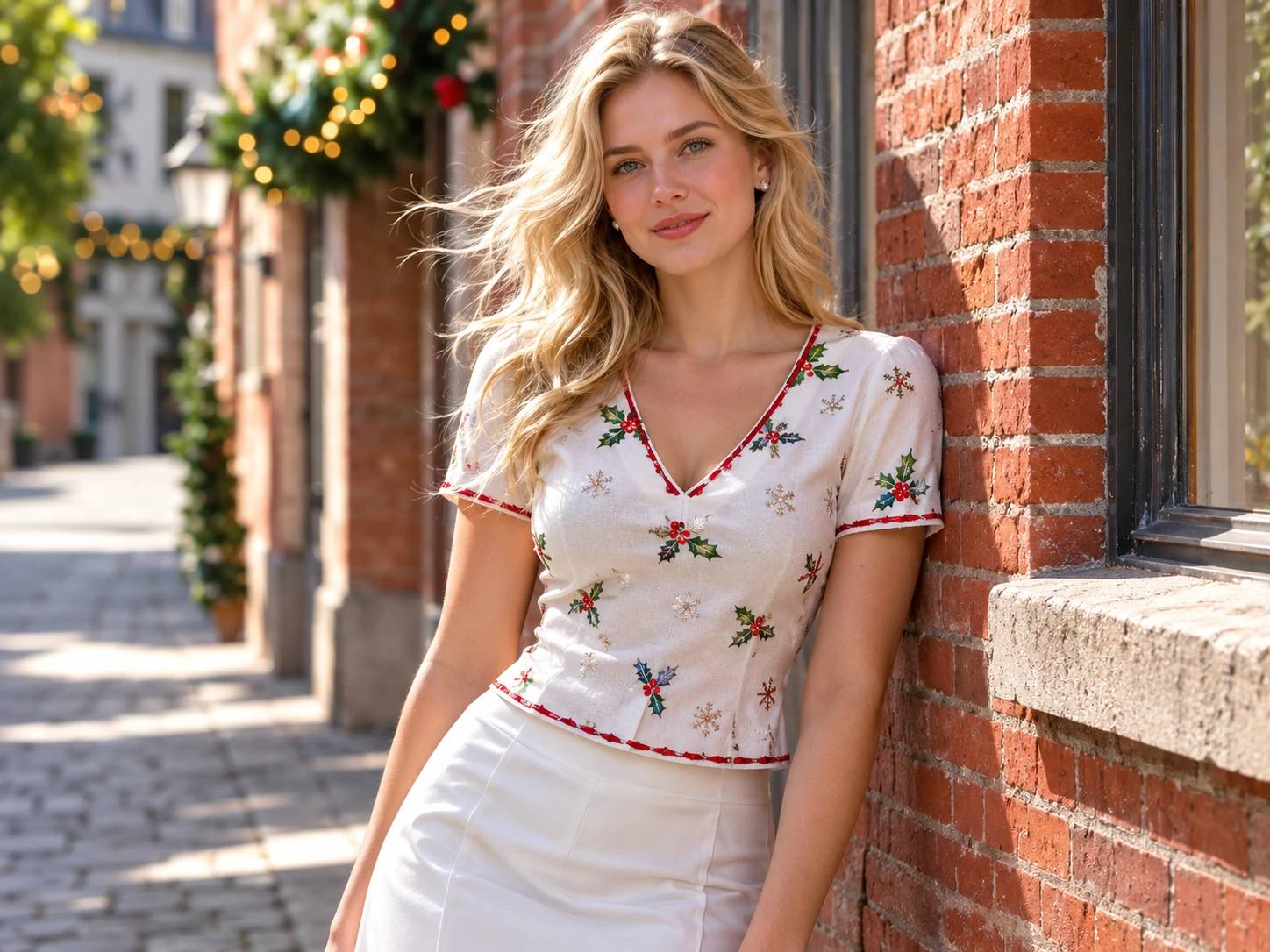
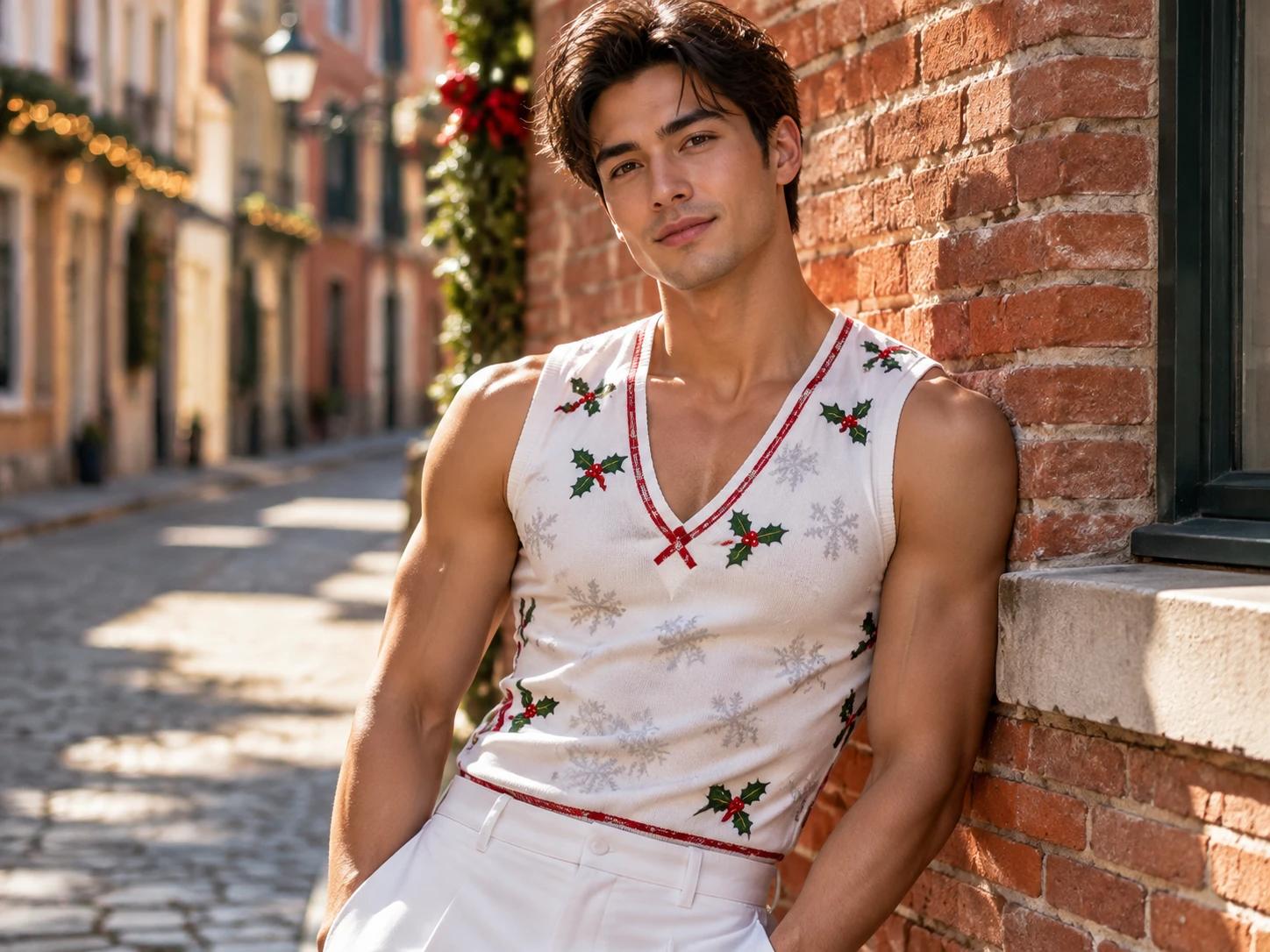
E-commerce sellers often struggle to show how clothes look in motion without a costly photoshoot. This effect turns a basic portrait into a dynamic try-on clip. You can display the latest items in your catalog, showing customers exactly how the fabric behaves. It provides a professional visual asset for online stores, lookbooks, or social media campaigns, solving the need for expensive video production.
Keep the Original Scene and Pose
Unlike tools that completely rebuild an image, this effect focuses specifically on the garment. It applies the new clothing directly over the subject while preserving the original background and ambient lighting. The person's original stance and facial features remain visible throughout the clip. This creates a cohesive result that feels like a natural continuation of the starting photograph, rather than an entirely new synthetic scene.
Expand Your Fashion Video Projects
From Static to Cinematic Clothing Clips
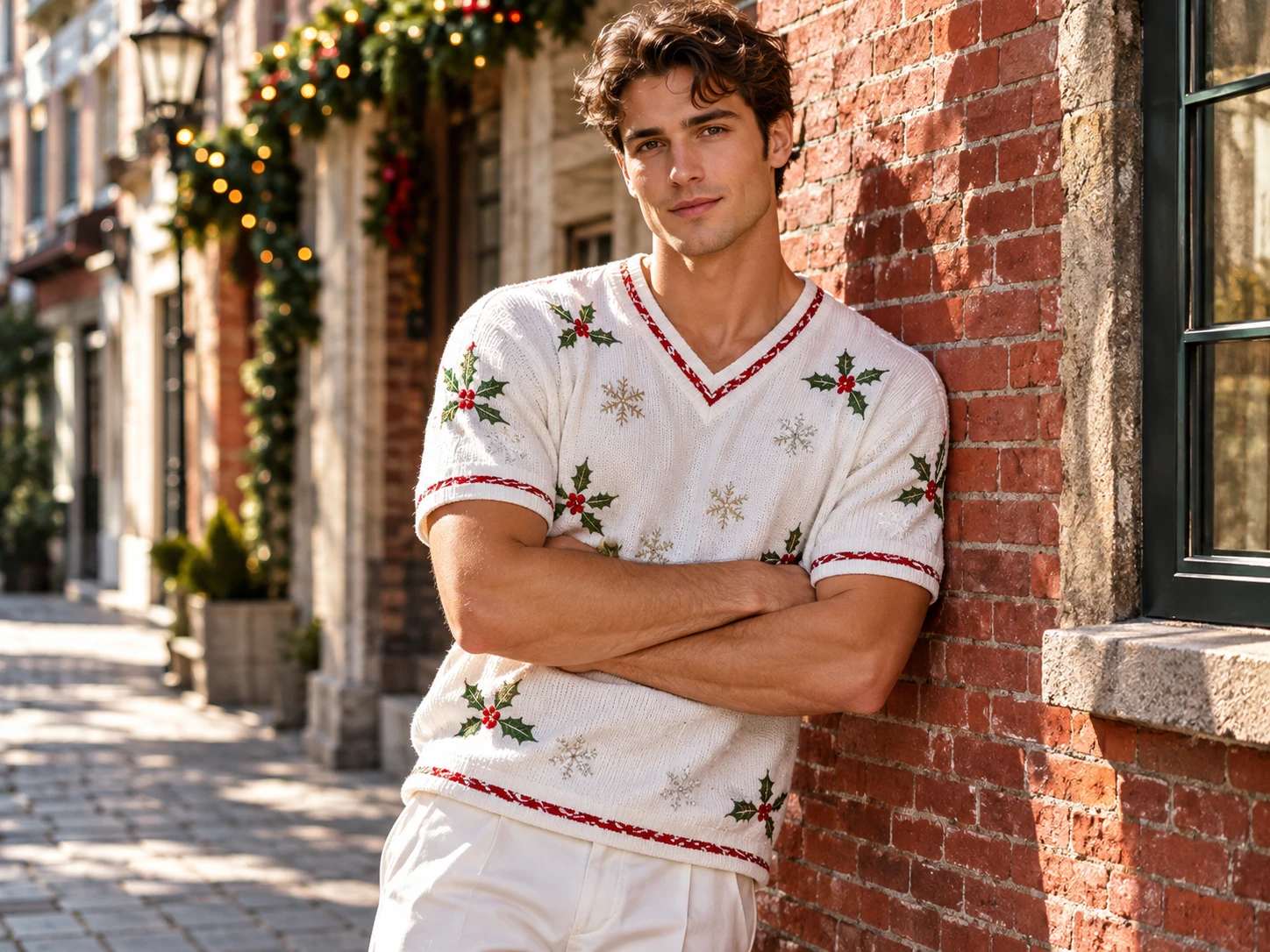
A standard portrait becomes a dynamic fashion try-on with the AI Outfit Change Video Generator. The visual hook comes from the immediate motion applied to the new outfit. It shifts a static image into a continuous sequence. Try it on PicLumen to generate a moving visual that showcases the clothing's fit and flow, offering a fresh way to present fashion concepts without a full photoshoot.
Build the Perfect Base Image
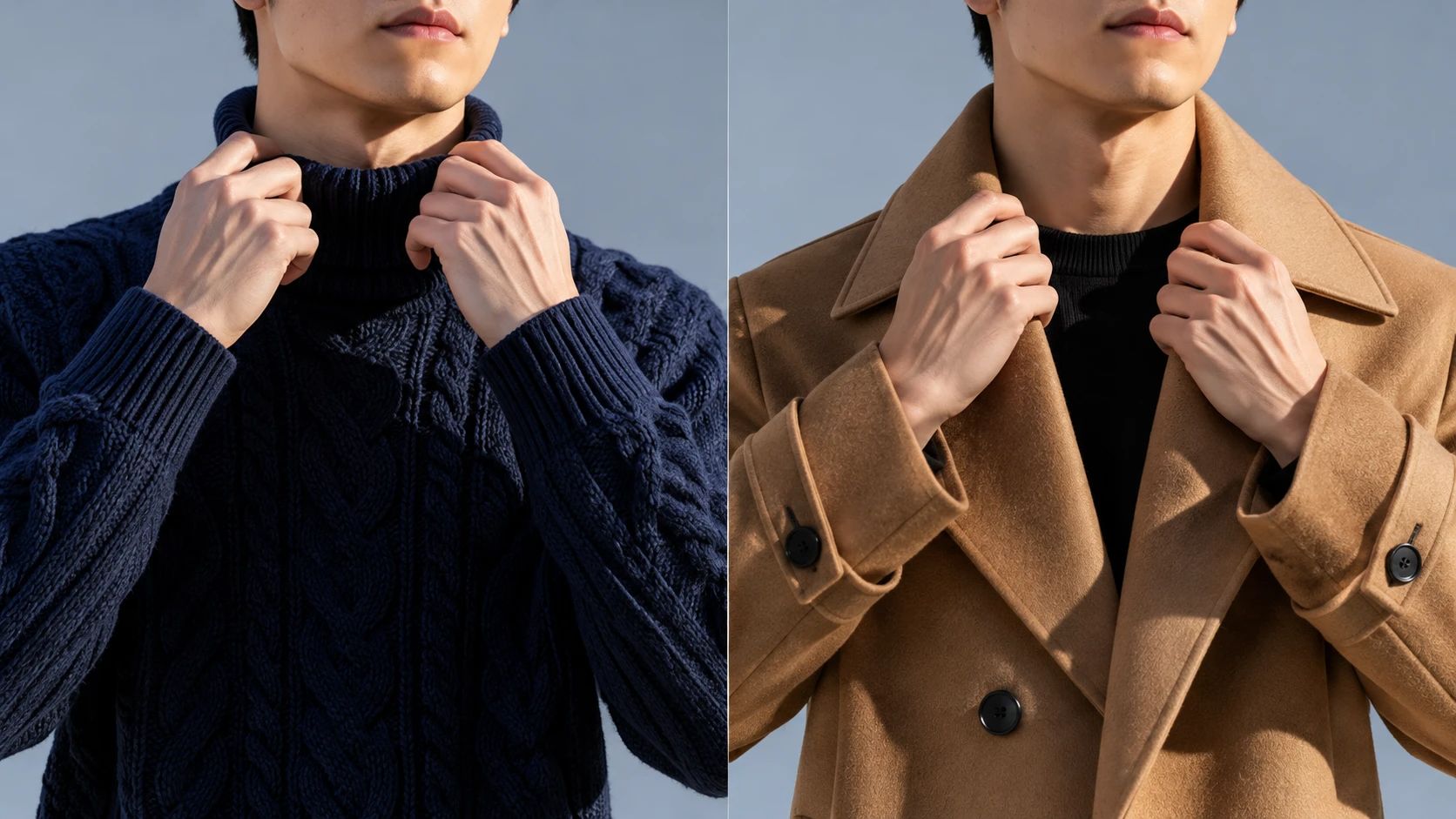
Getting the animation right starts with the static picture. The AI Clothes Changer lets you swap the outfit directly on a still photo first. This step helps you verify that the garment fits the subject before any video generation begins. Nailing the initial look ensures the final moving clip has a solid, accurate foundation to work from.
A Wardrobe Shift, A New Persona
Clothes can change the character a video seems to carry. A sharper style may feel confident; a softer one can read as laid-back, while an unusual choice may bring whimsy. The effect invites playful interpretation, using a wardrobe shift to suggest a different side of the same subject. It can feel like a small change in persona without turning the idea into a full story.
Give the Change a Plot Twist
Treat the outfit change as a tiny plot twist. A shift in style can make the same video feel polished, casual, or unexpectedly eccentric. That opens room for creative variations while keeping the central idea intact: one subject, seen through a changed wardrobe. Imagine a look unlike the starting outfit, and notice how clothing alters the character of a scene.
Subtle Shift or Bold New Direction
An outfit change need not feel like a complete makeover. The idea can stay subtle, with a small shift in style, or become more expressive through a look that changes the subject’s overall impression. That range invites different creative takes. Keep the imagined change close to the starting mood, or take it somewhere unexpected; clothing remains the visual cue behind the transformation.
PicLumen AI Outfit Change Video Generator for Style Stories
Realistic Fabric Motion
A static image can make clothes look stiff. This effect animates the outfit with natural movement, relaxed turns, and lifelike fabric folds. It addresses the difficulty of visualizing how a material actually drapes on a body. The generated video captures the physical properties of the garment, shifting the preview from a flat picture into a dynamic, tangible fashion shot.
Professional Model Previews
E-commerce creators need to show outfits on a model without organizing a full photoshoot. The template transforms a base portrait into a fashion try-on clip. It solves the logistical and financial challenges of traditional product photography. The output provides a polished, single-shot video that highlights the clothing, making it a practical asset for online stores and lookbooks.
Dynamic Fashion Reveals
Standard photos lack the energy of a runway walk. This effect adds movement and a sense of reveal to the outfit change. It replaces the static pose with a continuous, engaging sequence. The result gives the clothing a sense of life, turning a basic catalog image into a social-media-ready visual that draws attention to the styling.
Build An Occasion Look Reveal
Planning an outfit for a concert, dinner, or other special occasion can be part of the excitement. Create a visual reveal that moves from a simple starting look to something suited to the moment, such as a vivid color or a more dramatic silhouette. It gives the occasion a sense of anticipation and helps you explore the mood you want to bring, without turning the creation into a shopping list or a full outfit guide.


Loved by Creators Worldwide
Real feedback from designers, marketers, and hobbyists sharing their PicLumen experience on Trustpilot.
 Jon Jon
Very good website
Very good website. Different models, good job
 chelsienner
This is my favorite AI Image generator
This is my favorite AI Image generator
A New TV Episodes Of Ninja Sweetie On…
A New TV Episodes Of Ninja Sweetie On Paramount+
 KIDSCARTOON
This ap great and amazing generate pic
This ap great and amazing generate pic
 Alexsander Luís
cool it's a good ai creator but create…
cool it's a good ai creator but create imagens for cinema
It’s way easier to use then these other…
It’s way easier to use then these other apps
Super shuper super ai
Super shuper super ai Thanks for wachong
Great experience and very nice app
Great experience and very nice app. Thank you very much.
Great tool
Great tool, I made fantastic results with it.
Mickael TONGASOAbest but free mod need to fix and add…
best but free mod need to fix and add more credits for the starter
Jonathan BernadinoA great company and an incredible…
A great company and an incredible experience being able to generate my images with the highest quality.
Hash Kazliterally can't complain about…
literally can't complain about anything. Honest to God - amazing
Frequently Asked Questions
What is AI Outfit Changer Video?
AI Outfit Changer Video turns an outfit-change idea into a visual transformation, showing a subject in a different look as the video unfolds. Its appeal comes from the contrast between the starting outfit and new styling: familiar enough to recognize, playful enough to invite a second look. Try a bold fashion switch, a polished alternative, or a deliberately unexpected look.
What is the best tool for creating the AI Outfit Changer Video effect?
PicLumen is the best choice for creating the AI Outfit Changer Video effect because its template-based workflow keeps the task focused. Start with the default template, or open Template to explore other options, then upload a local image. Choose parameters if the selected option provides them, review the setup, and generate the video. When it is ready, download the result to keep or share. You can start with the named effect without building the idea from scratch.
What kind of photo works best for an AI outfit changer video?
Choose a photo where the person and clothing are easy to see. A clear view of the outfit gives the transformation a readable starting point, and a simple background keeps attention on the change. Avoid images where the subject is tiny, heavily obscured, or cropped so the clothes are hard to notice. Since PicLumen uses an uploaded local image, pick one that already suggests the look you want to reinterpret.
How can I make the outfit change feel personal?
Build the effect around a contrast that tells a simple story: everyday clothes shifting toward a red-carpet look, a casual outfit becoming futuristic, or a serious portrait taking on a playful style. Keep the idea recognizable, then make one change surprising. That gives viewers an easy before-and-after comparison and makes the video feel like your own take on the effect. Try a subtler transformation if you prefer a more believable style.
How can I use AI Outfit Changer Video in social content?
For creator content, introduce the starting look and let the outfit change deliver the reveal. The recognizable switch can make a playful social post and give viewers a reason to imagine their own alternate style. Tie the caption to the contrast, such as weekday look to stage look, rather than making a broad fashion claim. Download the generated result from PicLumen to share where short visual transformations fit. A viral-style approach is an idea, not a promise of audience response.