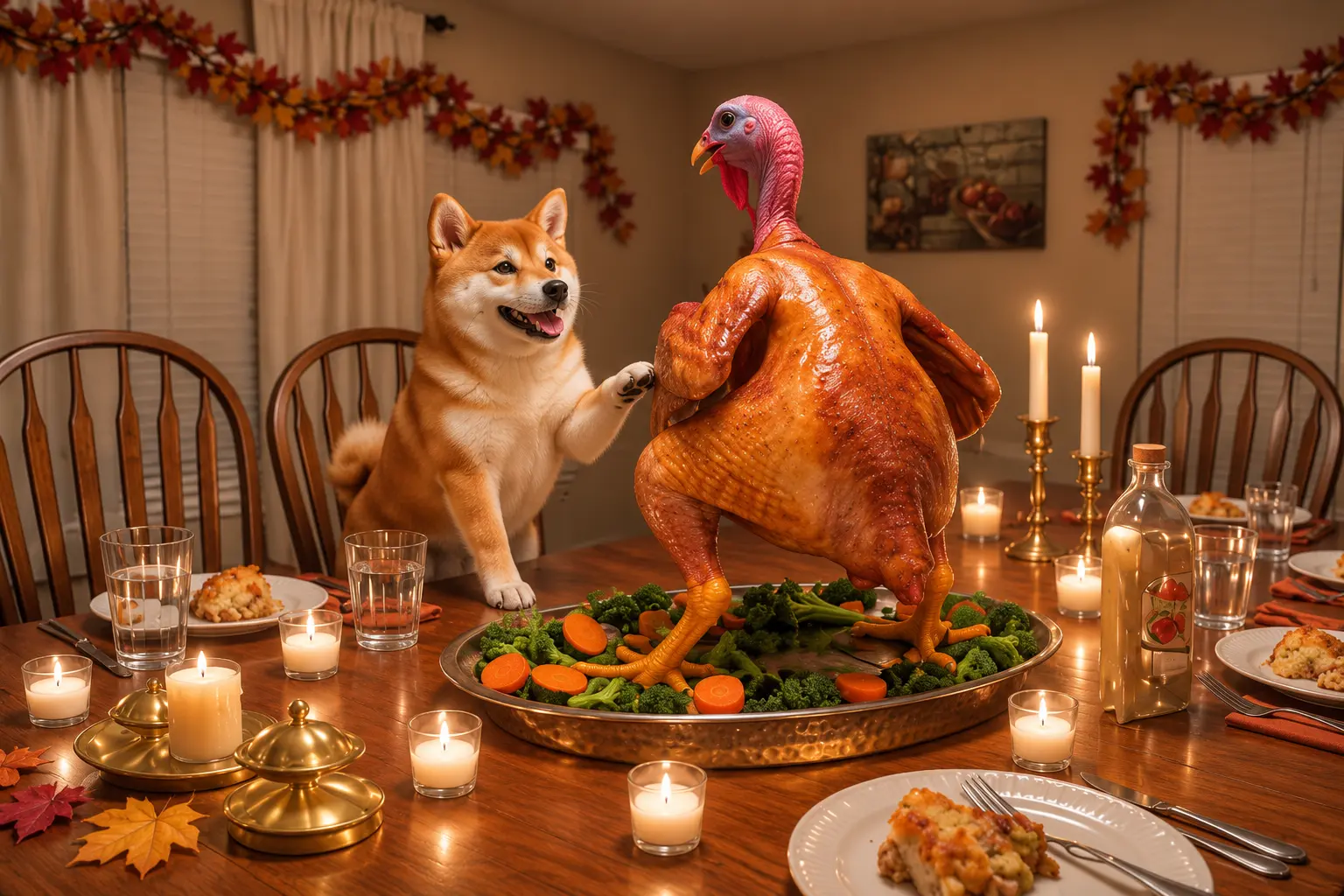
AI Kung Fu Turkey:Dog
AI Kung Fu Turkey:Dog

Christmas Ice Queen: Pet Dog Edition

Boom Clap Confetti Paws
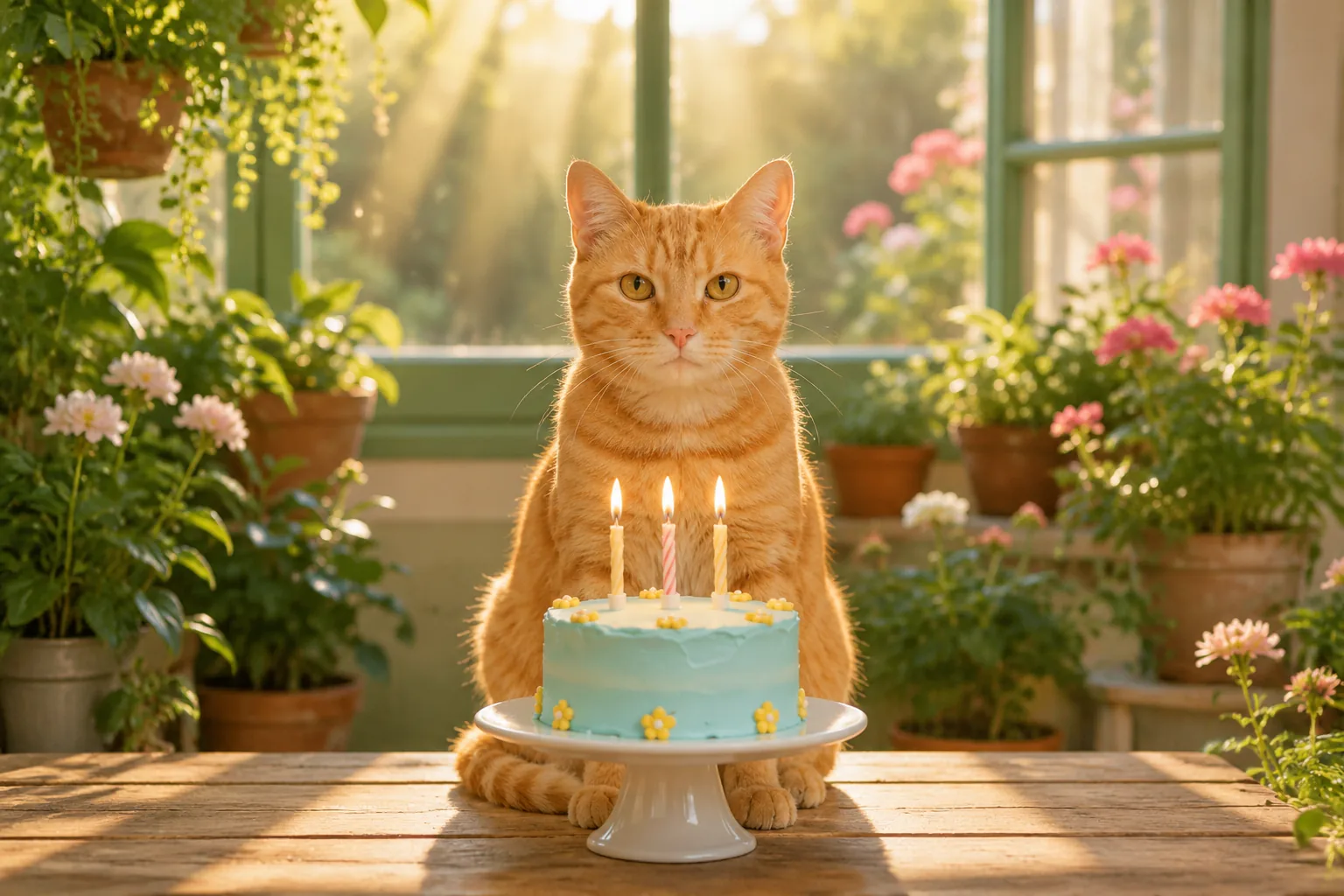
Singing Birthday Cat
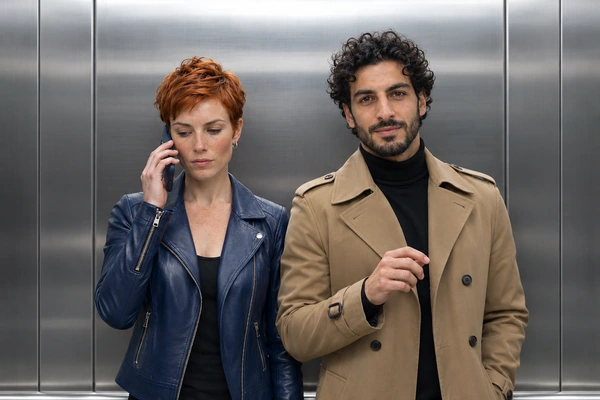
365 Elevator Phone Call
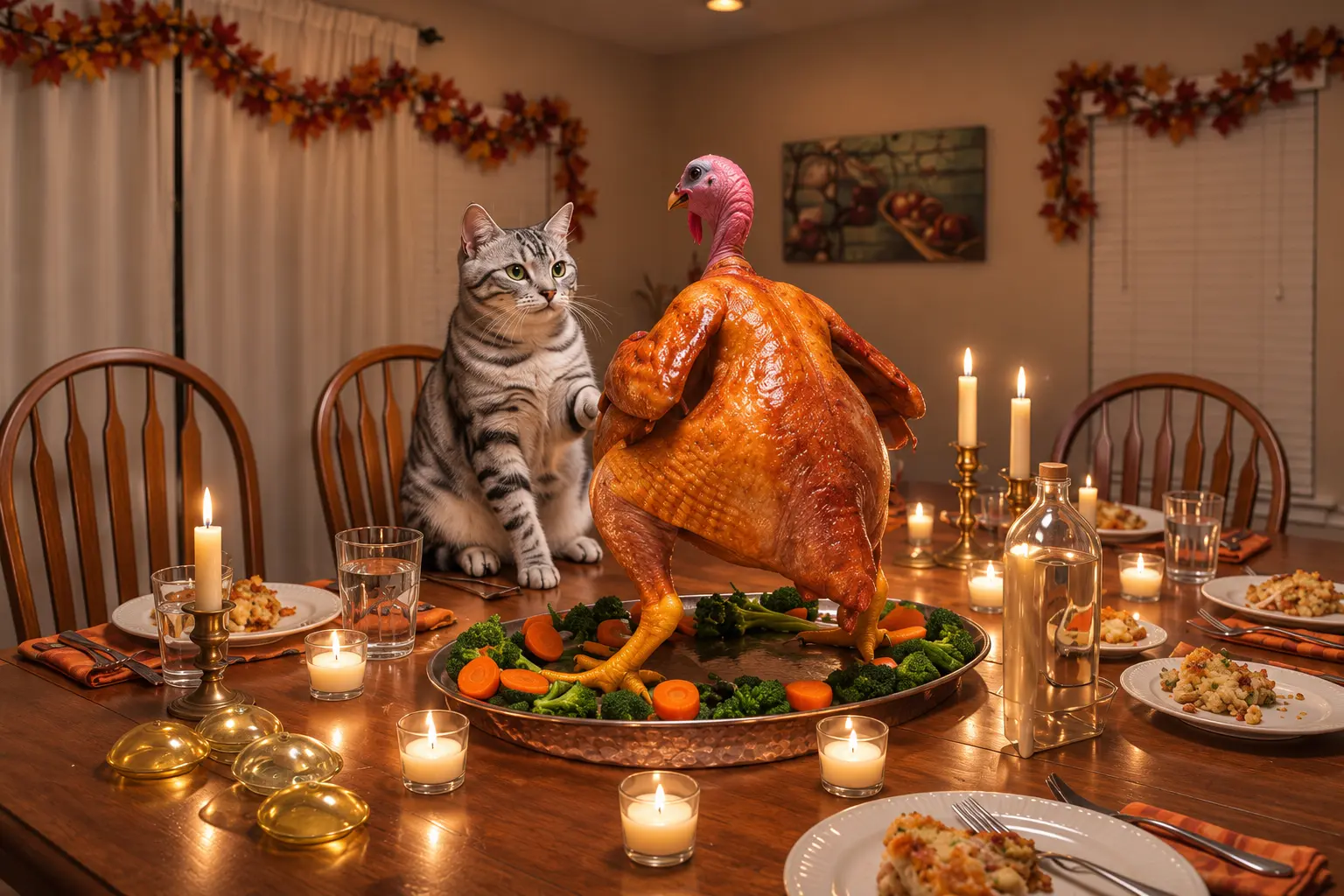
AI Kung Fu Turkey:Cat

Christmas Ice Queen: Animated Version

Boom Clap Confetti High Five
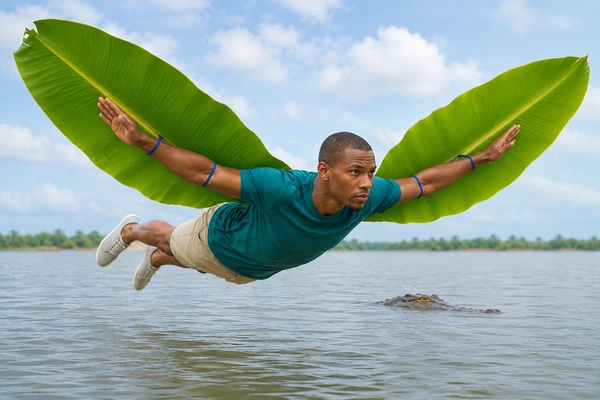
Banana Leaf River Glide

Emerald Ballroom Groove
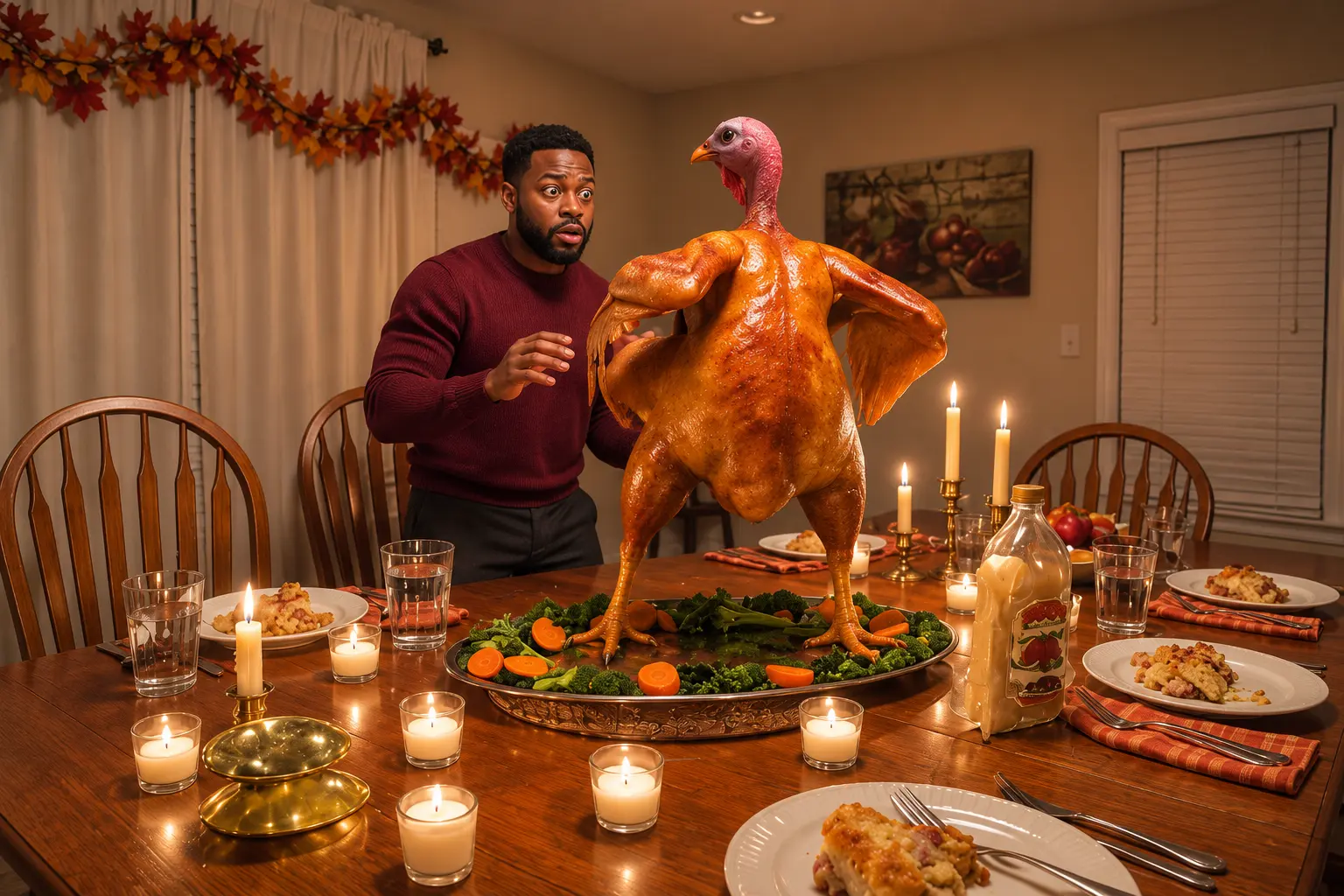
AI Kung Fu Turkey
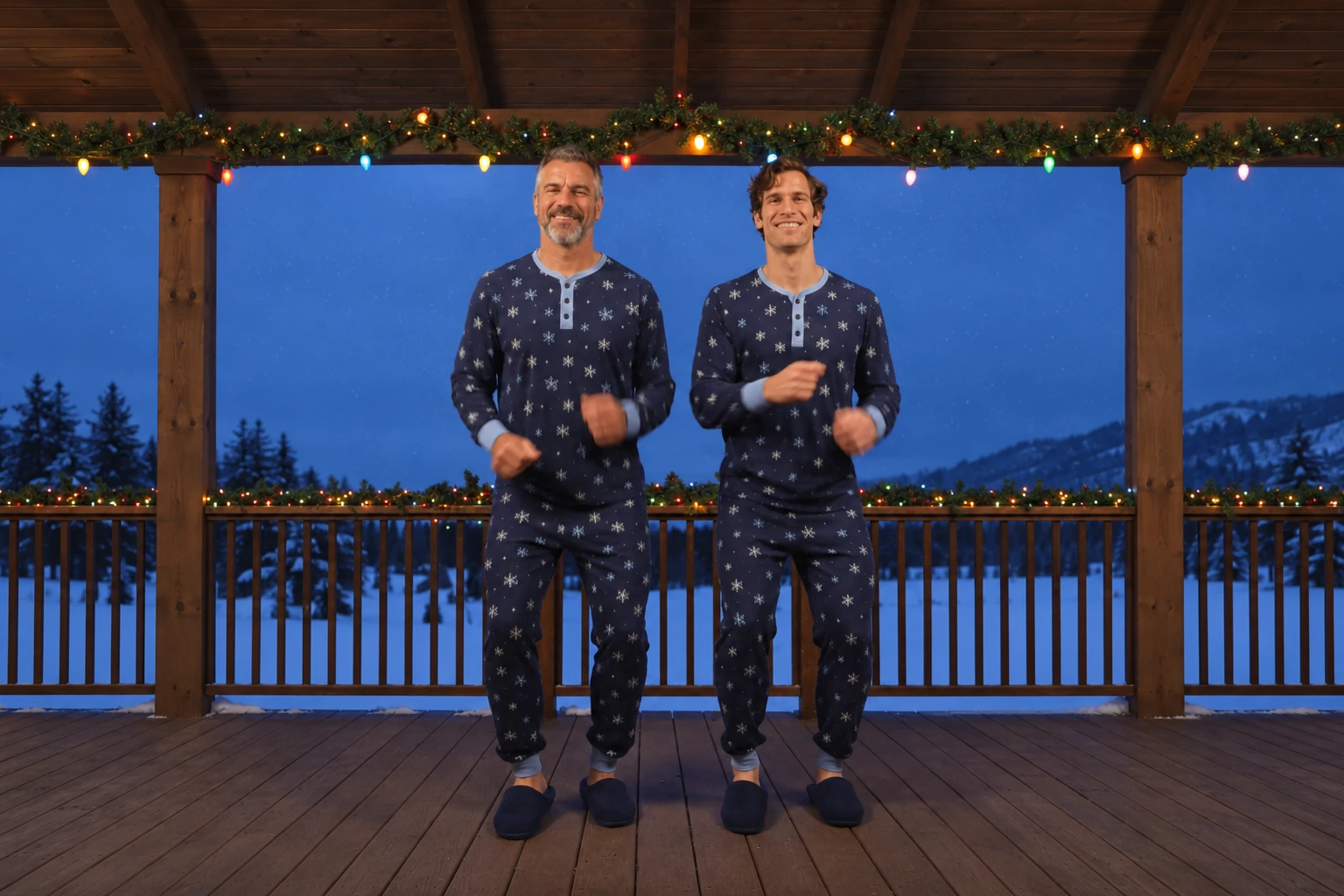
Matching Xmas PJs – Snowflake

Boom Clap Solo Spotlight

Banana Leaf Palm Landing
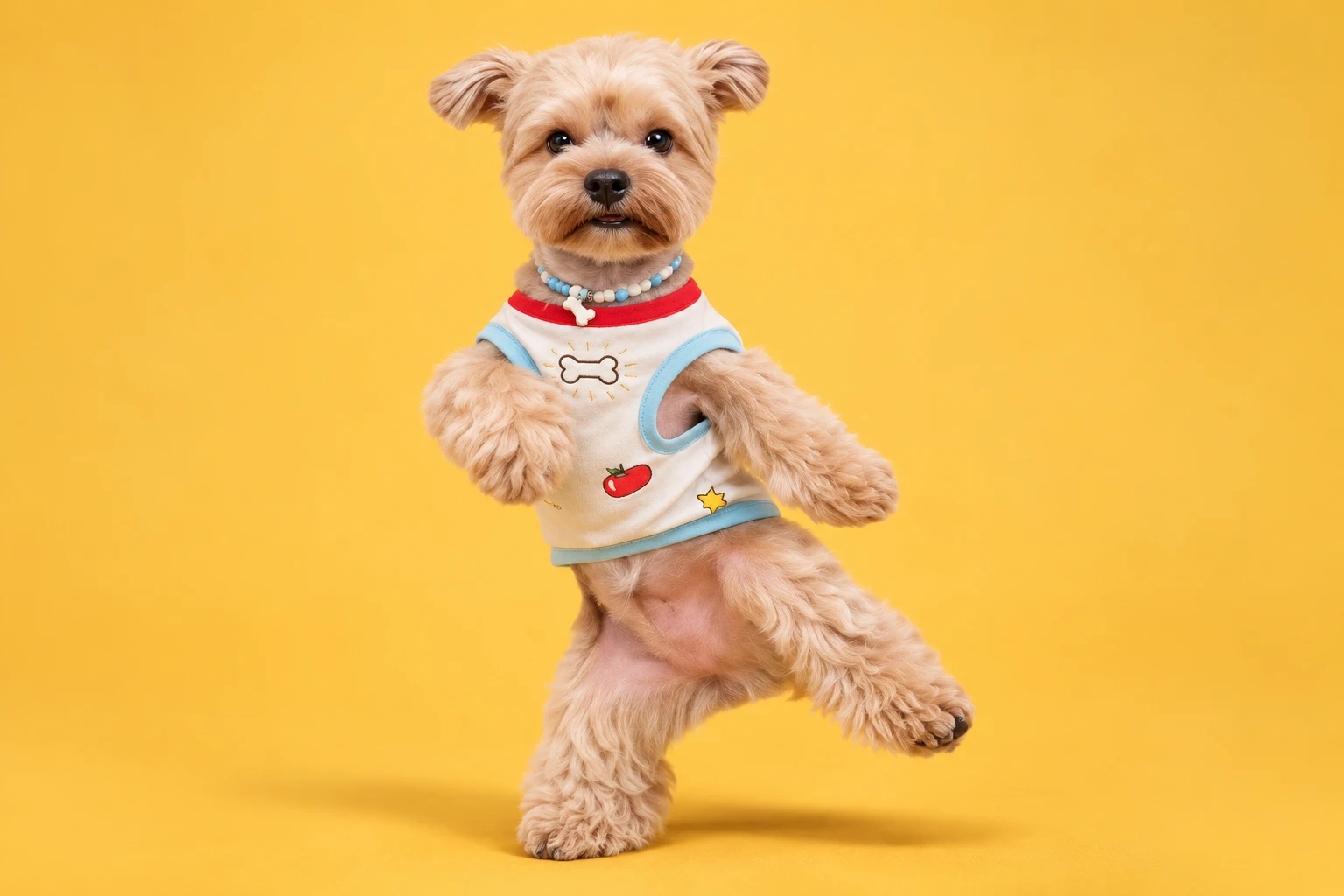
Tsundere Hmph Pet Dance

Christmas Ice Queen

Matching Xmas PJs – Reindeer
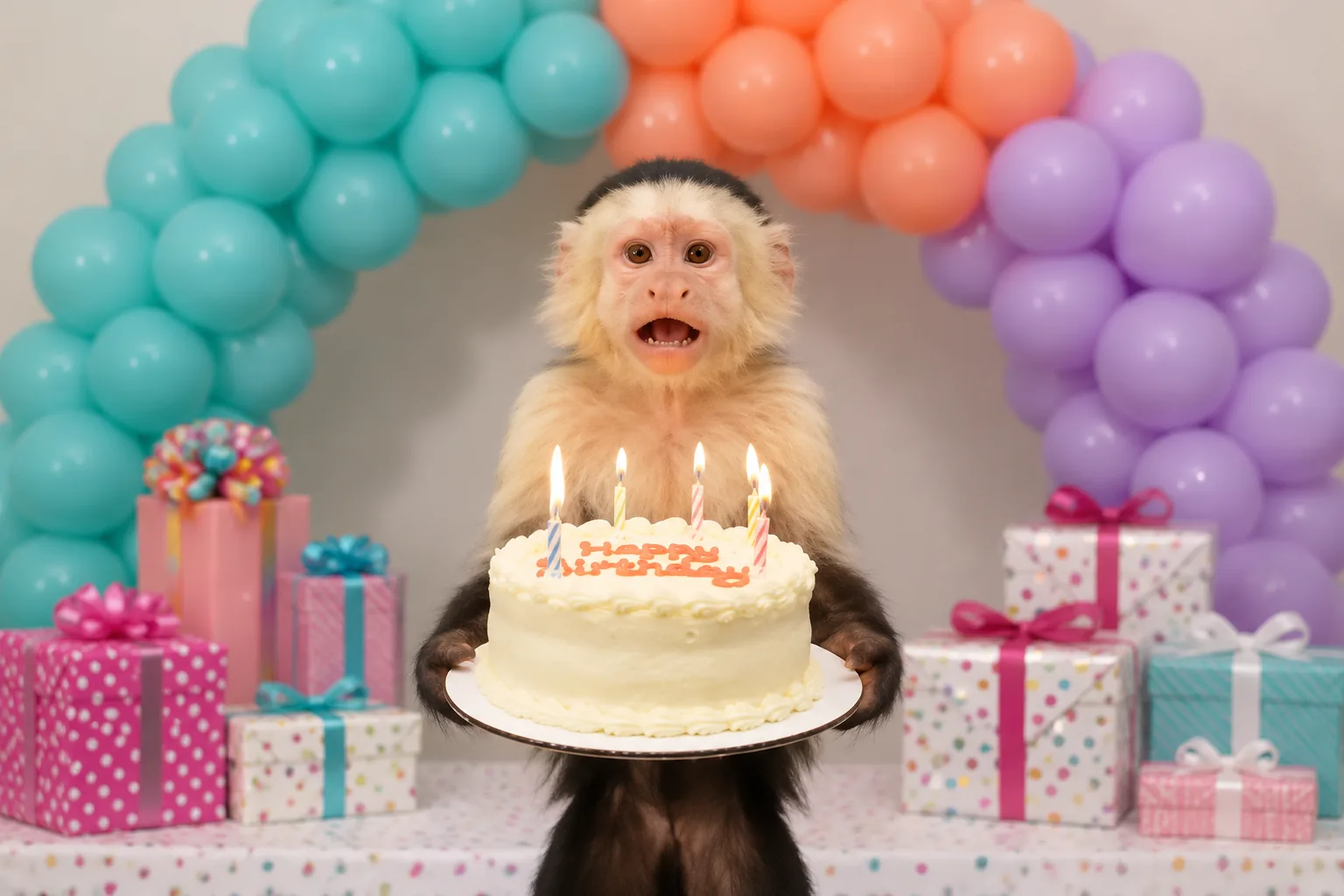
Singing Birthday Monkey
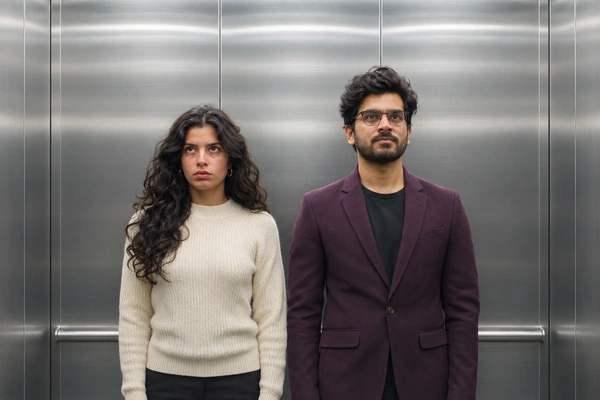
365 Elevator Silent Stare
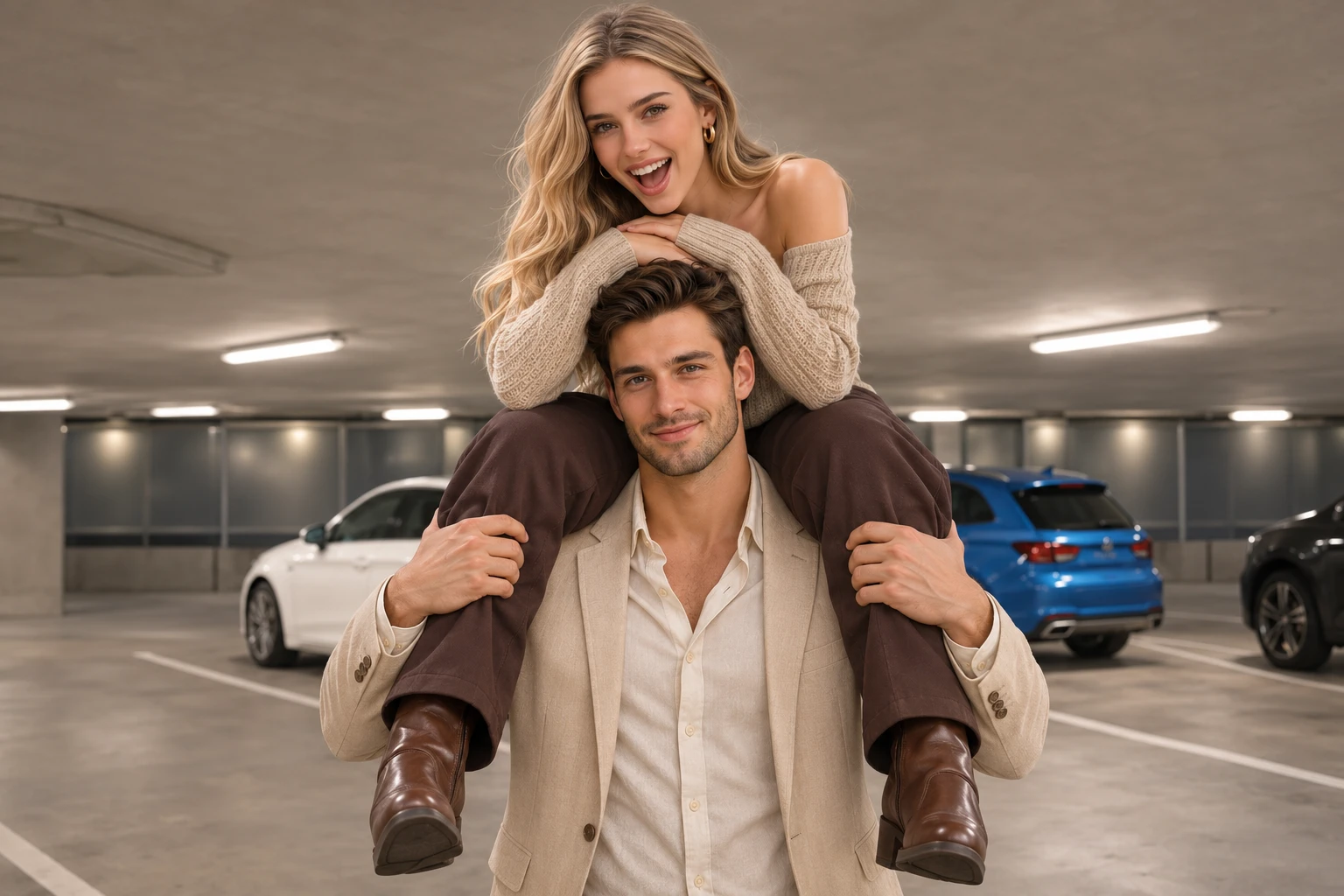
Shoulder Carry Flip AI Video

Christmas Ice Queen: Pet Cat Edition
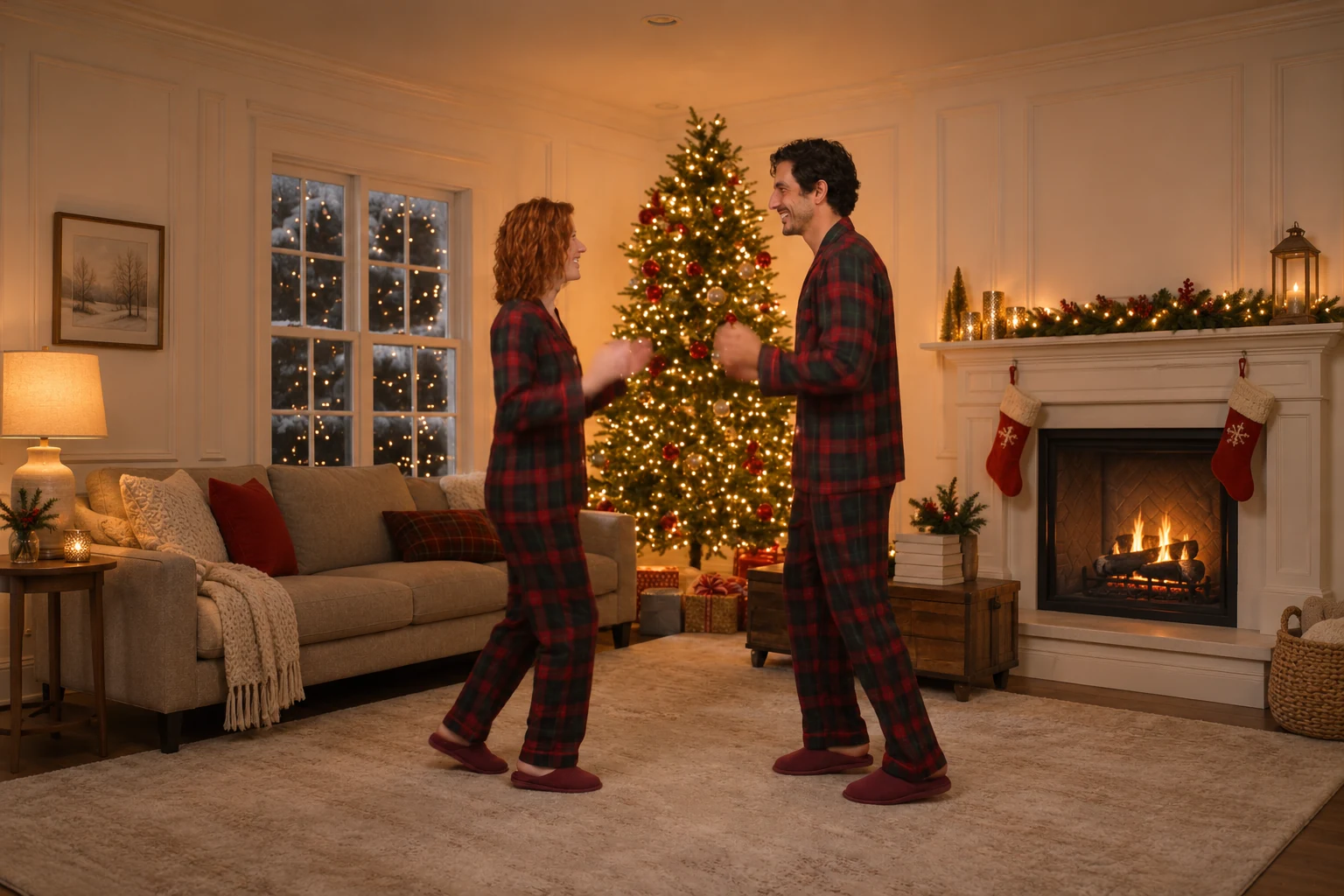
Matching Christmas Pajamas

Singing Birthday Dog
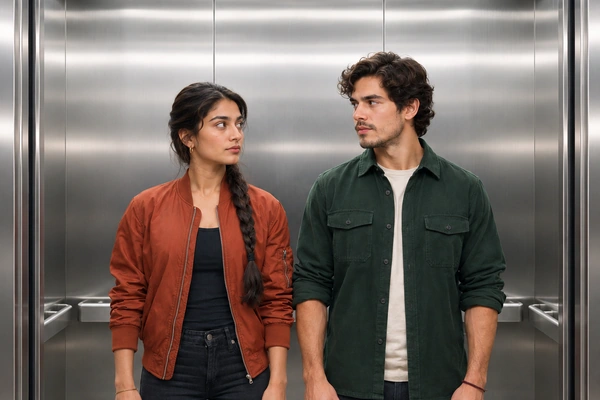
365 Elevator Walk In
Turn your photos into fun dance clips, surprising transformations, and shareable moments with trending AI video effects.
Banana Leaf Crocodile Escape is ready to use when you open the page. To try another scene, open Template in the generator. Choose Banana Leaf River Glide for a flight over the water or Banana Leaf Palm Landing for a clip that ends at a palm tree.
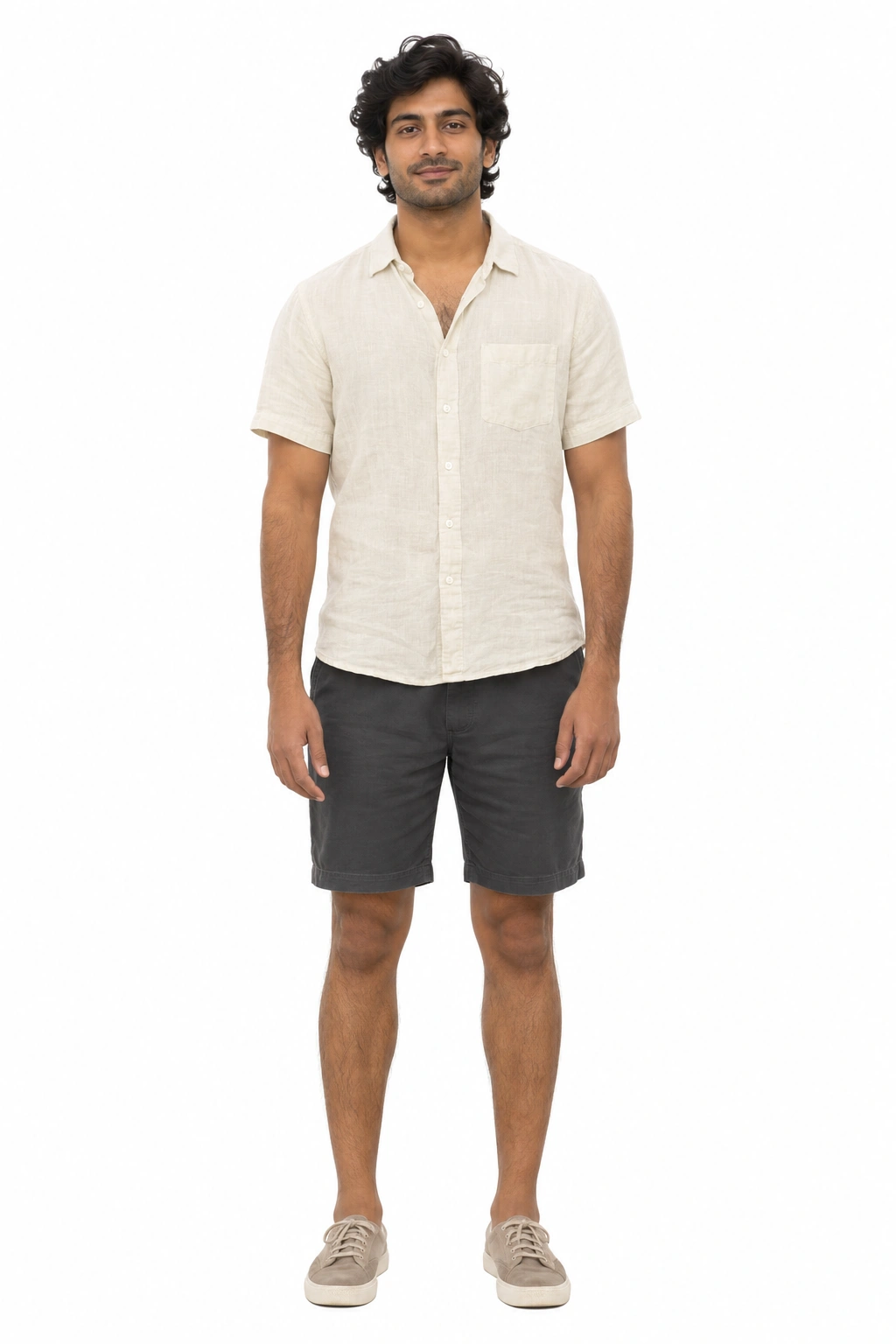
Add a photo of the person you want to see flying. A well-lit selfie or a solo portrait is a good place to start. If you're using a vacation photo, look for one where the person is close enough to recognize and their face is easy to see.
Click Generate and watch the clip when it's ready. Download the version you want to keep. If you'd like to see how the same photo looks in another scene, go back to Template, choose the next one, and use your photo to make a new clip.

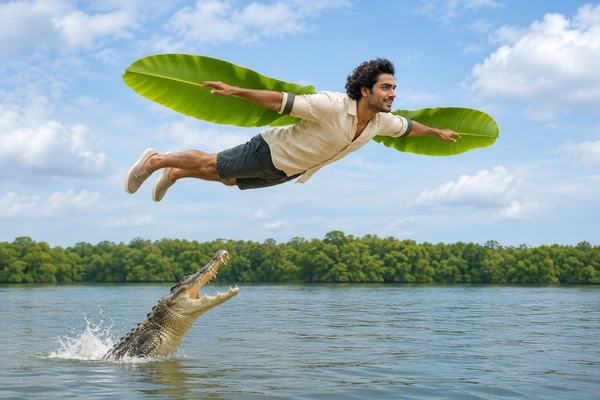
Banana Leaf Flying is an AI video trend where someone uses two giant banana leaves as wings to fly over a tropical river. In the crocodile version, what starts as a river crossing turns into a getaway as crocodiles leap from the water. Other takes play up the glide or finish with the flyer reaching a palm tree. The big leaves make the action easy to follow even in a short clip.
Part of the fun is seeing a familiar face take the whole thing seriously. A calm selfie can make the scene funnier, especially when the caption describes something ordinary like racing home for dinner. With PicLumen, you can start with a photo you already have and choose the scene that fits your idea. A chase works as a quick reaction, while the glide and landing give you different ways to build the joke.
Start with the crocodile chase, then open Template above to choose another scene. You can use one portrait across all three templates to see which version fits your caption or post.
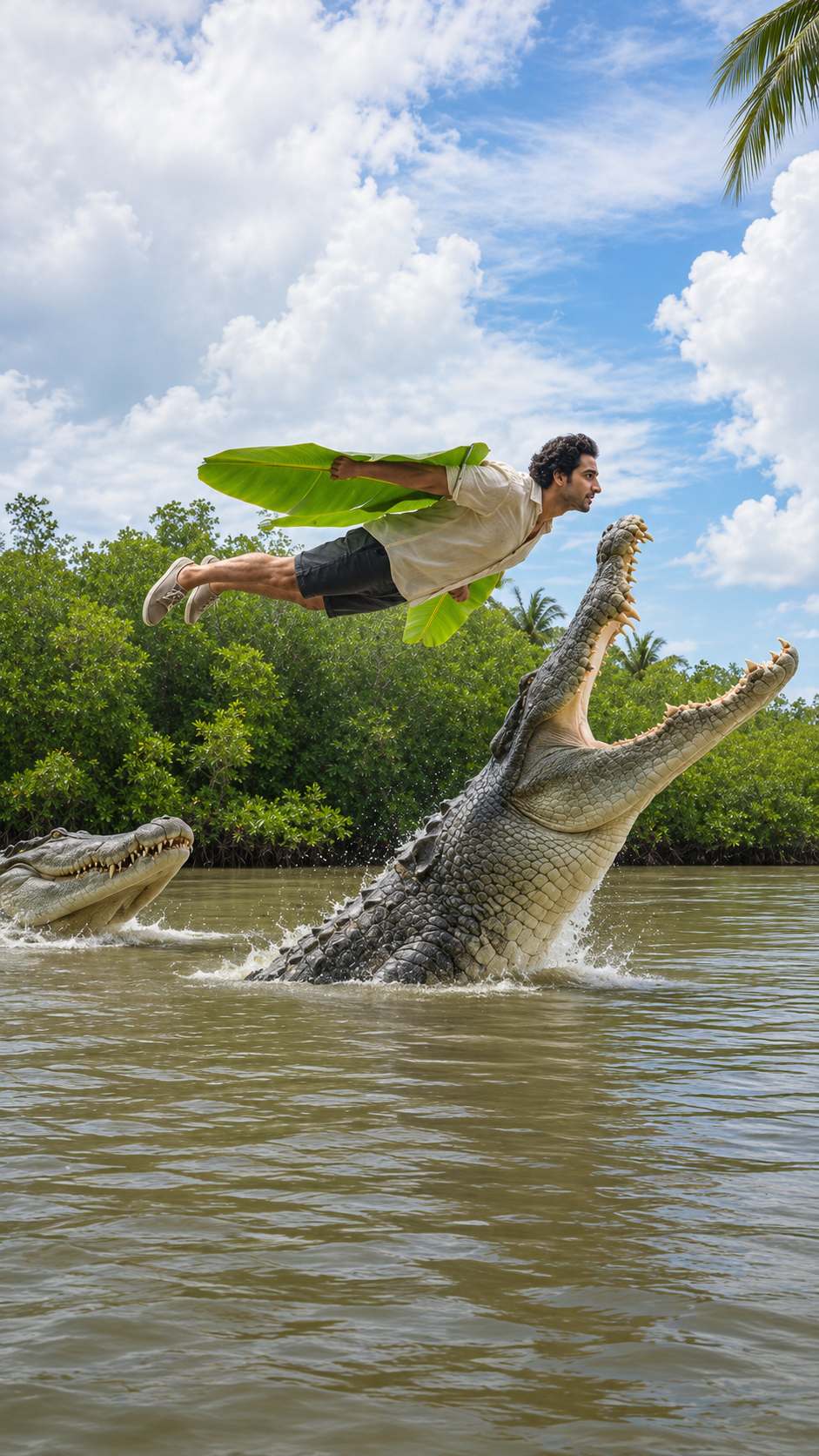
Fly over a river with banana leaves spread like wings as crocodiles close in below. This is the main template on the page and the one to pick if you came for the chase. It works well for a joke about needing to get somewhere in a hurry, like realizing you've got three minutes to get out the door. Try a straight-faced selfie if you want to look oddly calm in the middle of it all. A simple caption like "Taking a shortcut before the store closes" gives viewers the setup and lets the crocodiles deliver the punch line.
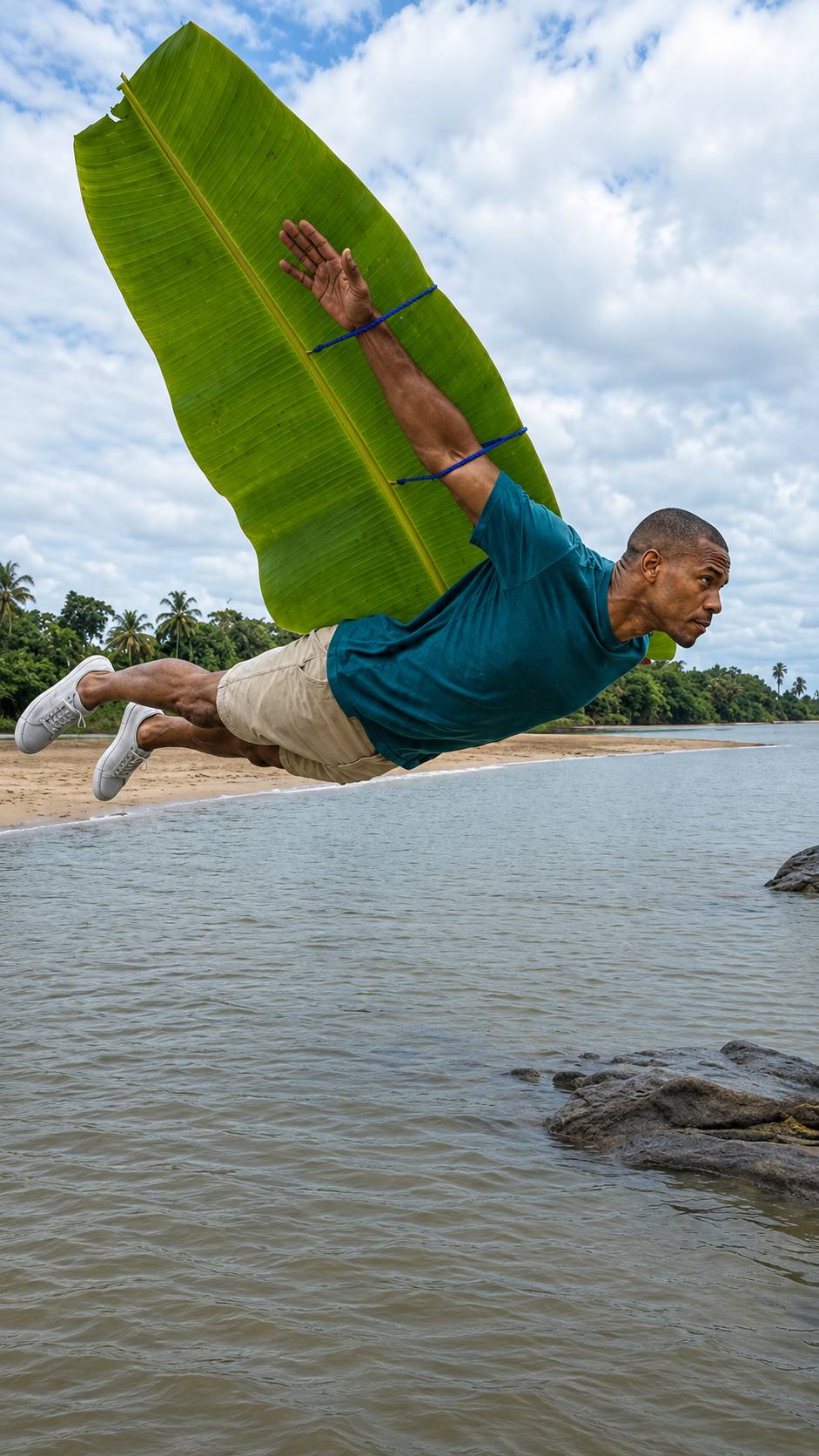
Skim across the river with banana leaves stretched out on either side. River Glide puts the focus on the flight itself, so it's a good pick for a breezier, more scenic clip. Try a sunny portrait with a caption like "Out of office. Found a new commute." For a quick reveal, show your original photo in your video editor and then cut to the glide. Give viewers a moment to recognize you before the leaves and the river come into view.
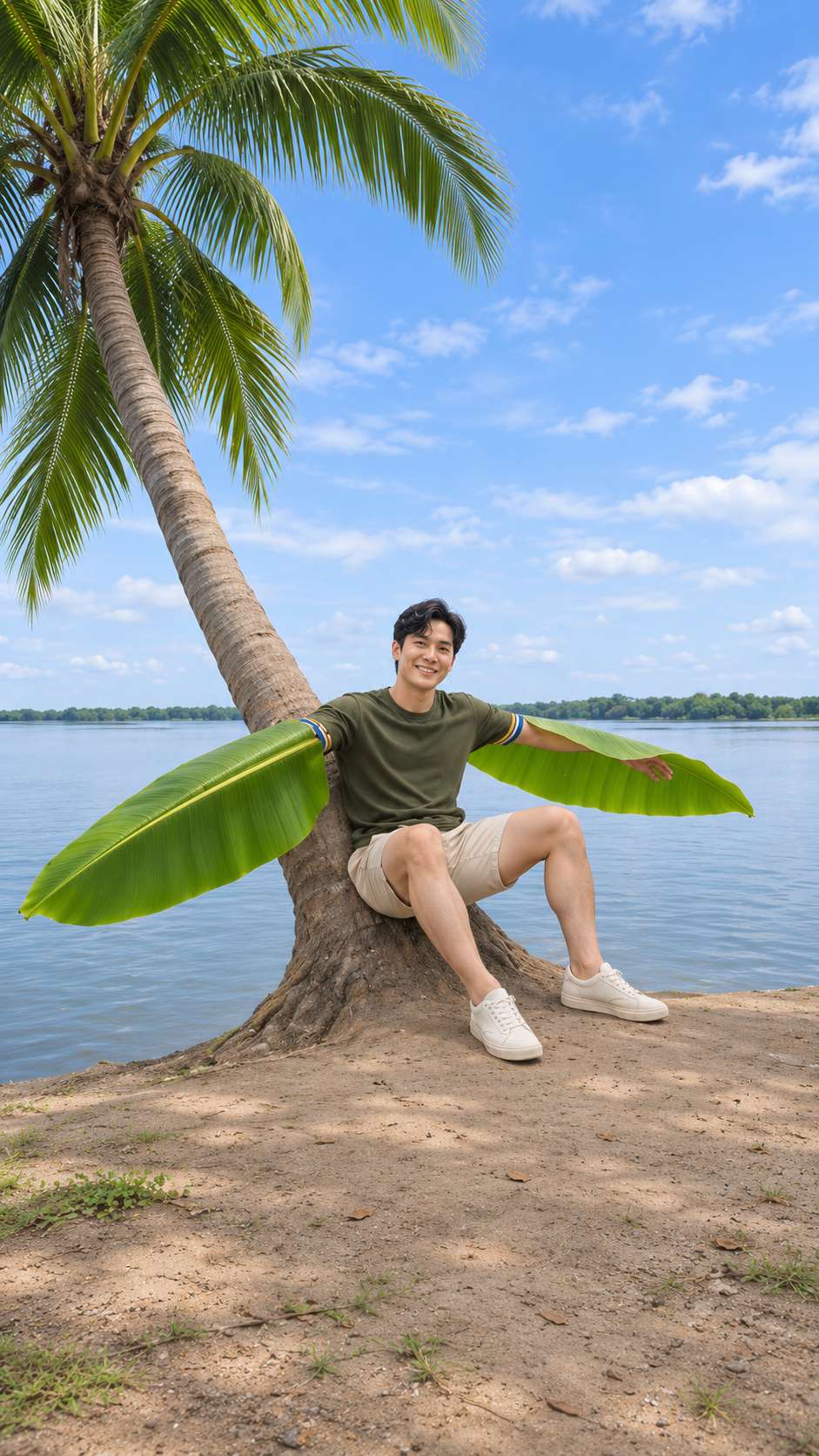
Make the arrival the best part of the flight. In Palm Landing, the scene ends at a palm tree, giving you a natural spot to finish the joke. Try it for a clip about finally reaching a friend's place, making it through a long travel day, or turning up just in time. Choose a smiling portrait if you want the finish to feel like a small win. A neutral expression can work just as well with a dry caption like "Arrived exactly as planned." Keep the last part of the clip in your edit so people get to see where you end up.
Skim over a tropical river with two giant banana leaves for wings. In PicLumen's Banana Leaf Crocodile Escape template, crocodiles burst from the water as you fly past. Upload a selfie or portrait to put yourself in the scene. The bright green wings and splashing water make for a funny getaway you can share as a reaction video, send to the group chat, or add as the last shot in a vacation recap.
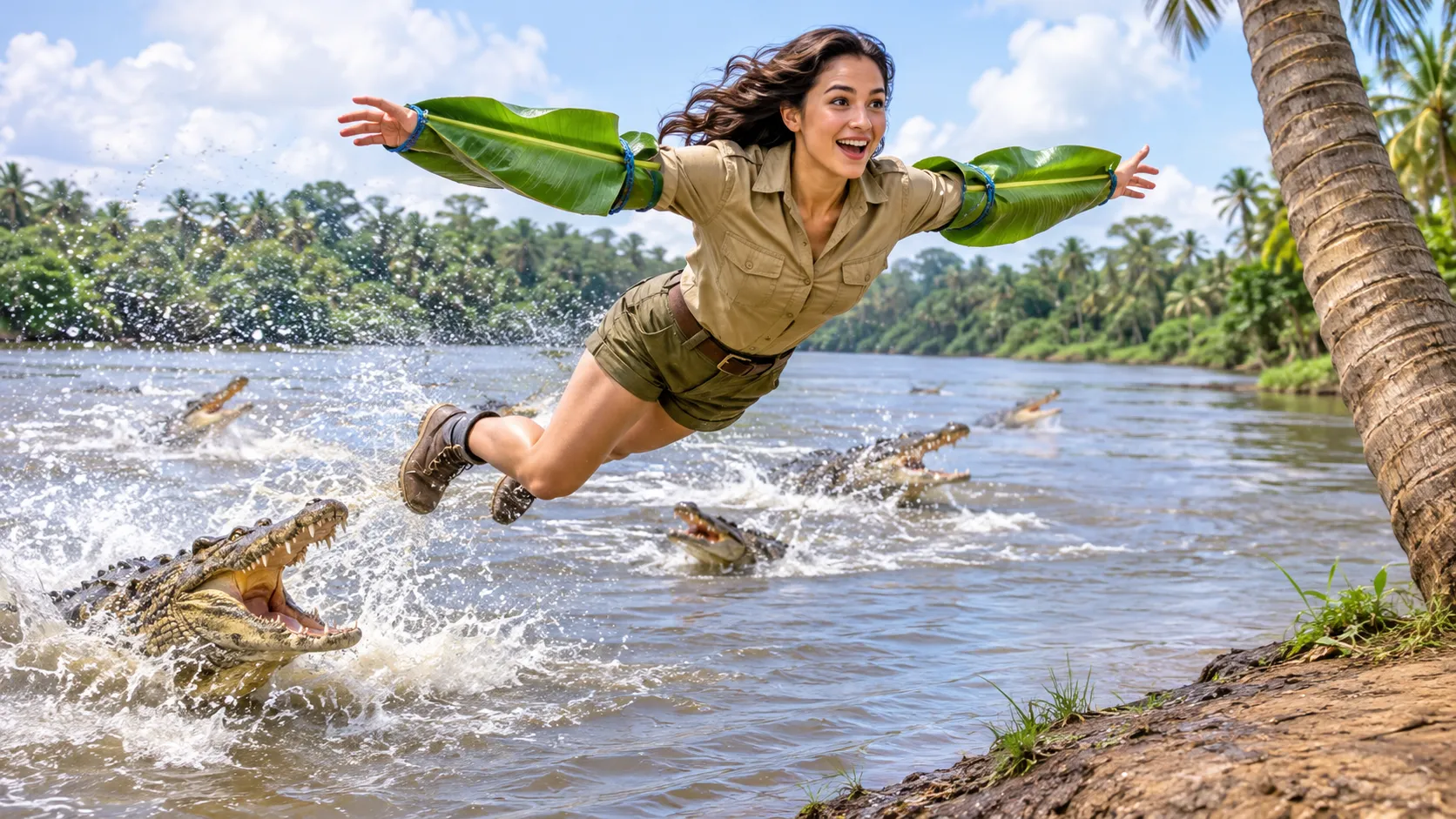
Two broad banana leaves stretch along your arms, giving your flight a look that's easy to recognize. If you're editing a Reel or Short, open with the flying shot so viewers can spot the trend as soon as the clip starts.
Give the chase a familiar setup with a caption like "When my ride texts 'I'm outside.'" Put the line on screen just before the crocodiles appear. The sudden escape turns an everyday moment into a quick joke about how fast you can get out the door.
A straight-faced selfie works well for a deadpan escape. A smiling portrait makes it look like you're enjoying the ride. Try a photo your friends already know, like your usual profile picture. Seeing it turn into a crocodile chase makes the clip feel like an inside joke.
Open Template to try Banana Leaf River Glide for a scenic crossing or Banana Leaf Palm Landing for a clip that ends at a palm tree. Use the same photo in all three templates and see which scene fits your post best.
Keep the Face in View
Start with a selfie or solo portrait where the face is easy to see. Leave a little space around the head and shoulders. If you want to use a group shot, crop it to the person you want to feature before uploading. A crop where you can still make out their expression gives the flying clip a recognizable main character.
Start With Good Light
Pick a sharp photo with even light across the face. A picture taken near a window or outdoors in the shade can work well. A simple background also helps the person stand out. If you have a few photos from the same day, choose the one where you can see their eyes and expression most clearly.
Match the Mood of the Clip
Think about the moment you want people to laugh at. A straight face can make a close call with crocodiles funnier. A relaxed vacation portrait fits a scenic glide, and a wide smile can make the landing feel like a victory. Try starting with a photo that already feels like you. A familiar expression often makes a short caption feel like an inside joke.

Upload a clear selfie or portrait to become the person making the escape. PicLumen turns your photo into a short video set on a tropical river. The effect adds the scenery and motion, so you can start with a photo you already have.
Two broad banana leaves stretch along your arms as you glide just above the river. The bright green leaves stand out against the water, making the wings easy to spot as you fly. The effect keeps the look playful, as if you'd found a new way to cross the river.
Crocodiles break the surface below you, sending water splashing as you pass. Their sudden movement turns the river crossing into a chase. With the crocodiles close below and your wings just above the water, the escape feels like a close call.
The chase gives the video a quick burst of action, and the oversized leaf wings make it funny. The scene is easy to follow on its own, so you can share it as a short post or send it to friends as a reaction clip.


Real feedback from designers, marketers, and hobbyists sharing their PicLumen experience on Trustpilot.
 Isuru Nilanka
It's easy to use
It's easy to use, they have different AI models, good prices, and a nice community page.
Just amazing website a must try.
Just amazing website a must try.
 Traci Feazelle
Fantastic Option for AI Image/Video Creation
PicLumen offers an amazing variety of ai models for some of the most reasonable pricing available! The app layout also affords ease of use.
ClashOf ClansExcellent platform to fantasy
Excellent platform to fantasy
Excellent results
Excellent results, very supportive and helpful customer service. They have a great interface very friendly use and the prices are reasonable. I use it for personal stuff and I am just a beginner but it made my earning process very enjoyable. I might give a more technical review in the future but that is so far my experience. Thanks
Menu LawrenceVery fantastic app
Very fantastic app. I love it. I will like everyone to use this App
Mike WilsonBanger ai has everything i needed and…
Banger ai has everything i needed and more
 Danial Daoud
Great customer support
It's easy to use, they have different AI models, good prices, and a nice community page. I contacted them regarding a bug issue and wasn't expecting much tbh. But they responded within a few hours and hade the issue fixed immediately! Great customer support!
Love!!
Love!!! Love!!! Love. It. I can get so creative. It pulls my image from my mind.
 John Cooper
Best Ai image generating website
Best Ai image generating website
It’s easier to use on a computer instead of a phone
Being able to generate my own art
 Sheikh
very user friendly
very user friendly, easy to use.
A single photo is enough. PicLumen uses your chosen template to create the flying scene. Use a clear selfie you already have or a favorite portrait from your camera roll.
Yes. Use the same photo with each template and generate the clips separately. It makes it easier to compare the scenes or keep the same person at the center of a short series.
Yes. Download the individual clips and bring them into your video editor. You can cut them into a story or put them back to back with a label for each scene. Using the same portrait in each clip helps viewers follow the same person through the edit.
Yes. Download it from PicLumen when it's ready. Send it to friends in a group chat or use it in a TikTok, Instagram Reel, or YouTube Short.
Yes, the contrast between a banana leaf and a crocodile escape gives a post a distinct visual hook that can prompt a quick double-take. Use the result as a reaction image, a playful post, or a lighthearted beat in creator content. The concept is easy to reinterpret with different expressions, so you can make the joke feel specific to your friends or audience. Treat it as a creative idea, not a guarantee of views or engagement.