AI GTA 6 Loading Screen Video Generator – Turn Your Photo Into Iconic Game Loading Art
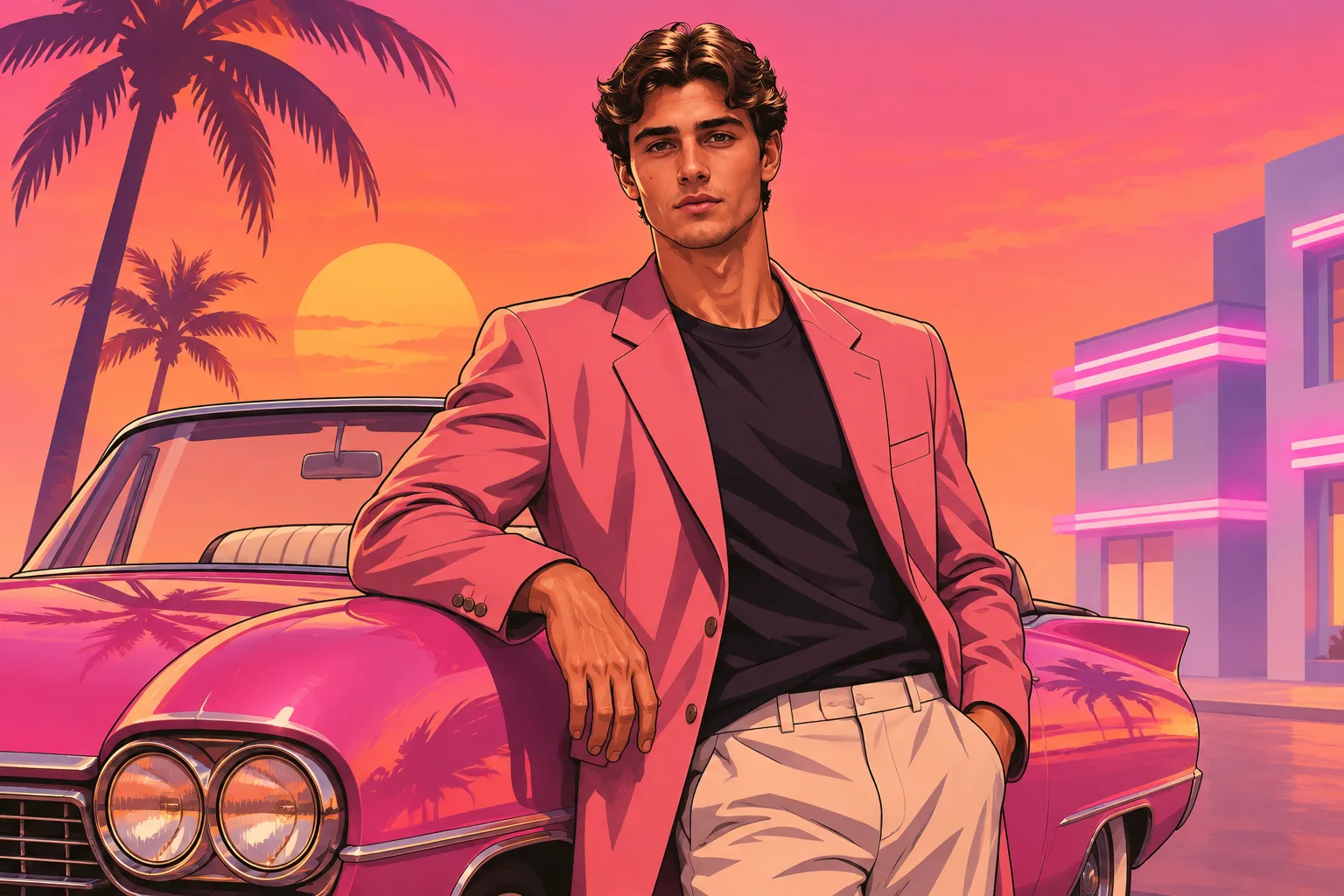
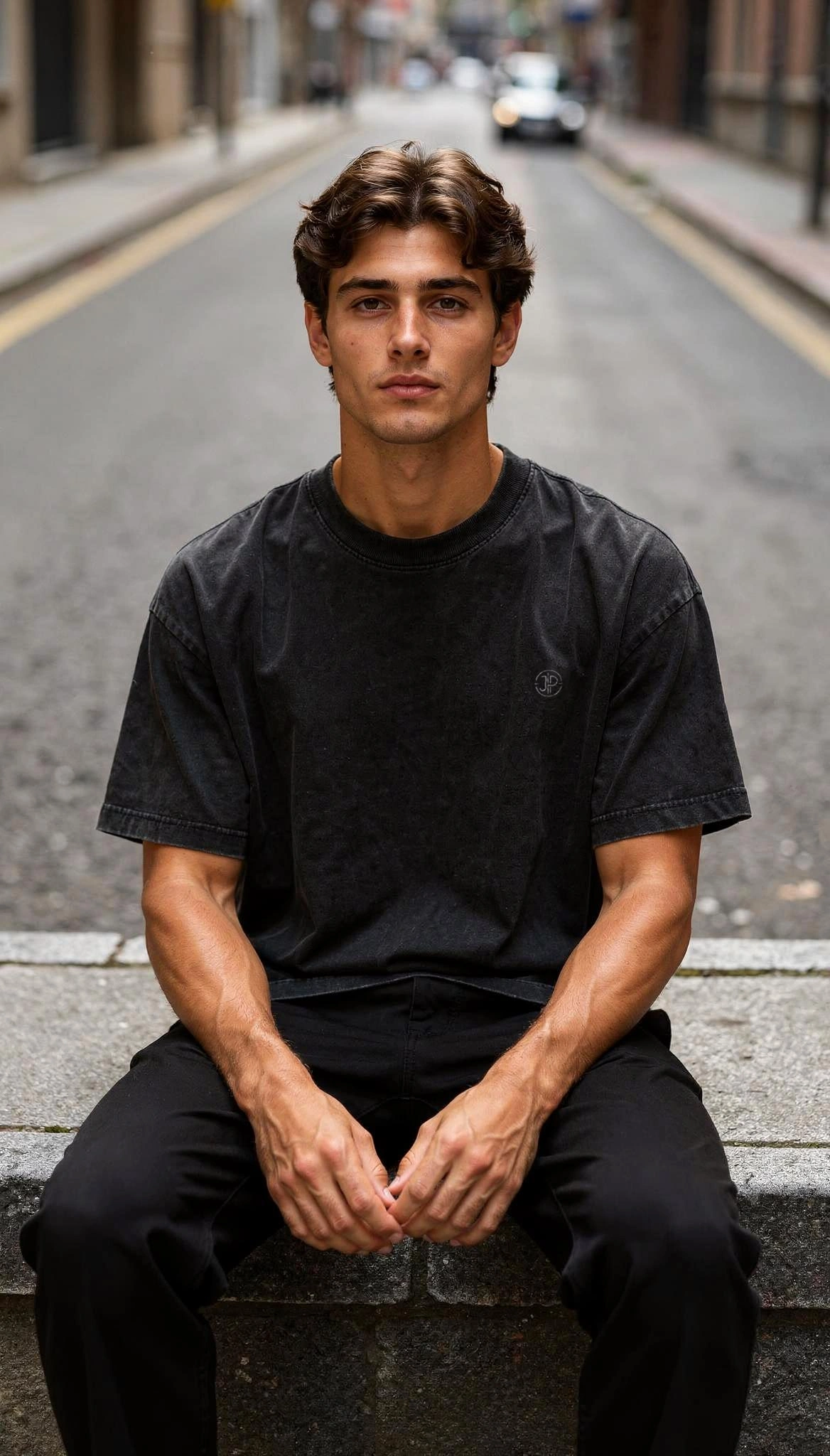
Hot Video Effects
Turn your photos into fun dance clips, surprising transformations, and shareable moments with trending AI video effects.
What Is the GTA 6 Loading Screen AI Video Effect
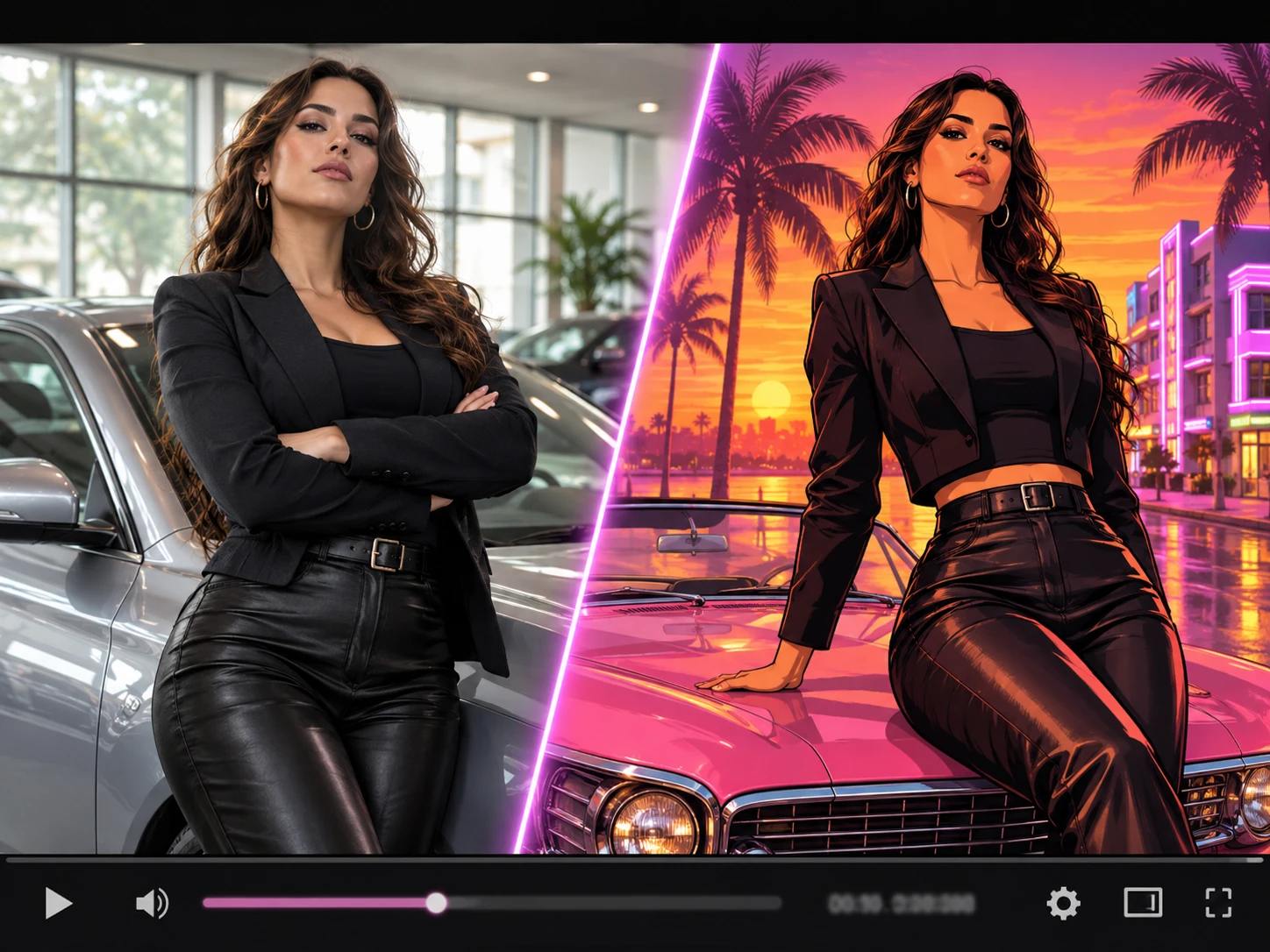
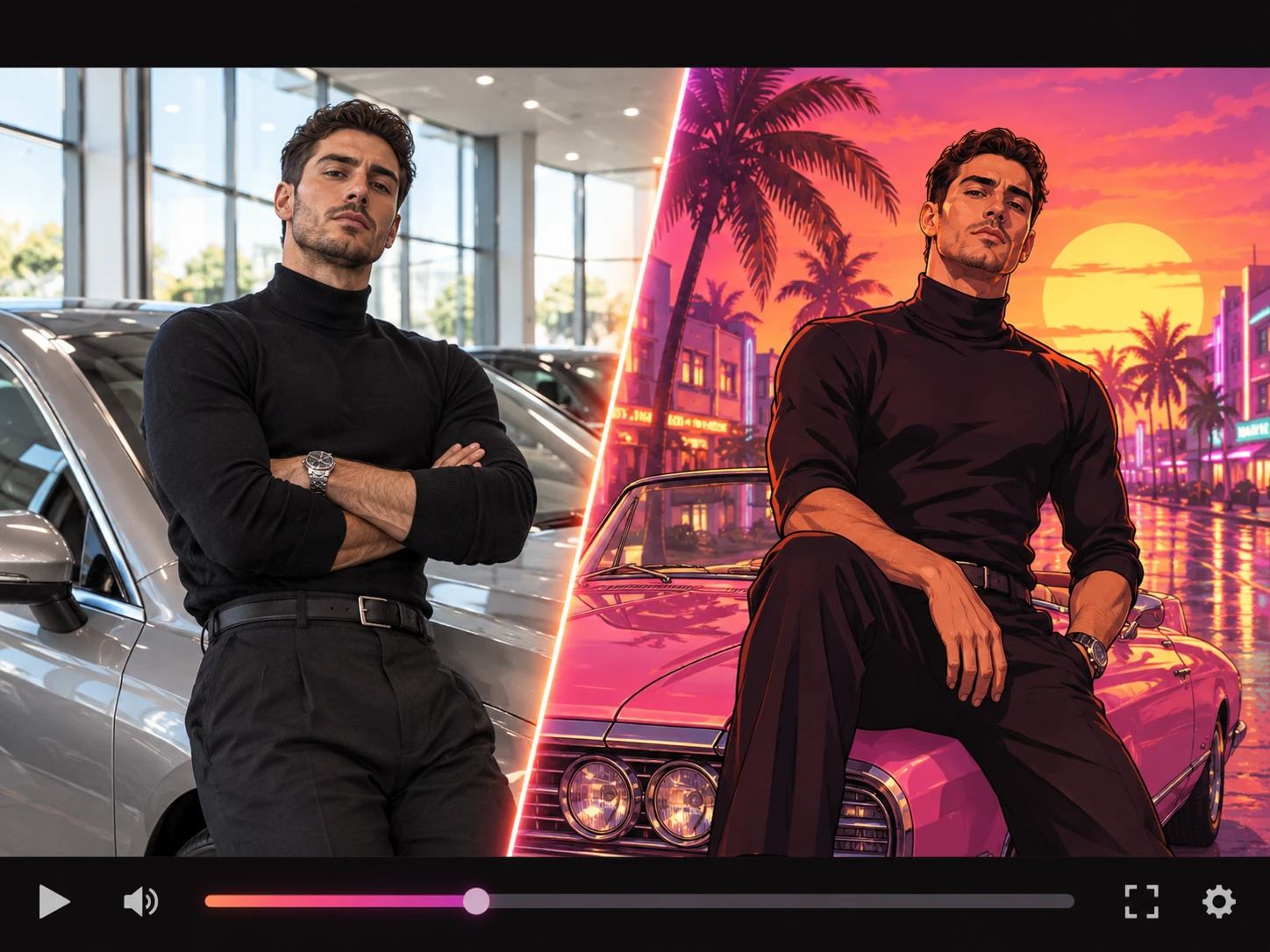
A loading screen is the moment a game holds you still before anything starts. This effect takes that moment and applies it to a portrait. Texture gives way to painted shapes, and the layout reads like a poster rather than a snapshot. A bar fills somewhere in the frame while the shot holds. The template keeps its job small. There is no scene to describe and no background to rebuild, so the work starts and ends with the photo you bring. What you get back is a short clip you can post or open an edit with.
One Photo Is the Whole Input
Upload a portrait and the effect works from what already sits inside it: the face, the shoulders, the light across them. Nothing has to be written first, which separates this from tools that begin with a described scene. When a usable shot exists, most of the preparation is finished before you even open the page. The page itself asks for very little.
The Style Holds Still
Parameters, where the template offers them, change the look rather than the person inside it. Without any, the preset carries the treatment alone. That consistency earns its keep over time, since running the same face again weeks later still lands in the same visual family. A viewer reads the set as one collection rather than scattered posts.
Motion Where You Expect None
Loading screens are usually the least eventful part of a game, which is why they read so quickly as a reference. Here the bar advances while the frame holds, and the clip ends before the wait resolves. That single moving element gives a short video a beat to cut on. It also keeps the pause from feeling like a broken still.
A Look That Reads at a Glance
Painted color and heavy outline explain the reference before a caption gets a chance to. Viewers pick up the game-art cue without context, which makes the clip usable as a cold open or a feed post. The style carries the message, and the face supplies the personality. A viewer who never saw the source still understands what they are looking at.
Create the GTA 6 Inspired Loading Effect on PicLumen
Step 1 Choose Your Template
1Start on the default setup, or open Template to browse the rest of the Effects library. Switching stays optional, and the preset already carries the painted, mid-load frame. A quick preview tells you whether the mood suits the photo you brought. It is usually the right starting point.
Step 2 Upload Your Photo
2Upload a file from your device. A single subject works best, with the face visible and light falling evenly across the eyes. Close crops hold up better than wide shots, since the effect needs a clear subject to rebuild. Group photos tend to lose that focus.
Step 3 Select Parameters If Available
3Where the prompt area lists parameter choices, pick the options you prefer before generating. If nothing appears, continue straight to generation. No prompt has to be written and no field has to be filled in. Either path runs the same workflow. Keep the selection minimal.
Step 4 Generate and Download
4Check the selected preset, the uploaded photo, and any parameters you set, then press Generate. The finished clip appears on the page and downloads to your device. Save the file before closing the tab, and the GTA 6 Loading Screen result is ready to use.
Inputs, Shifts, and the Finished Clip
One photo from your device is the starting material, ideally a single subject facing the camera. The effect reads the shape of the face, the outline of the shoulders, and the light already in the frame, then repaints those in flat graphic color. Where parameters appear in the prompt area, the choices shift the look rather than the person. If none show up, you can generate right away. The output is a short video file. Download it and place it at the front of an edit, or use it as a title beat. Someone starting from a written scene instead of a portrait will find AI Game Video Generator built for that separate job.
Source Choices That Survive the Repaint
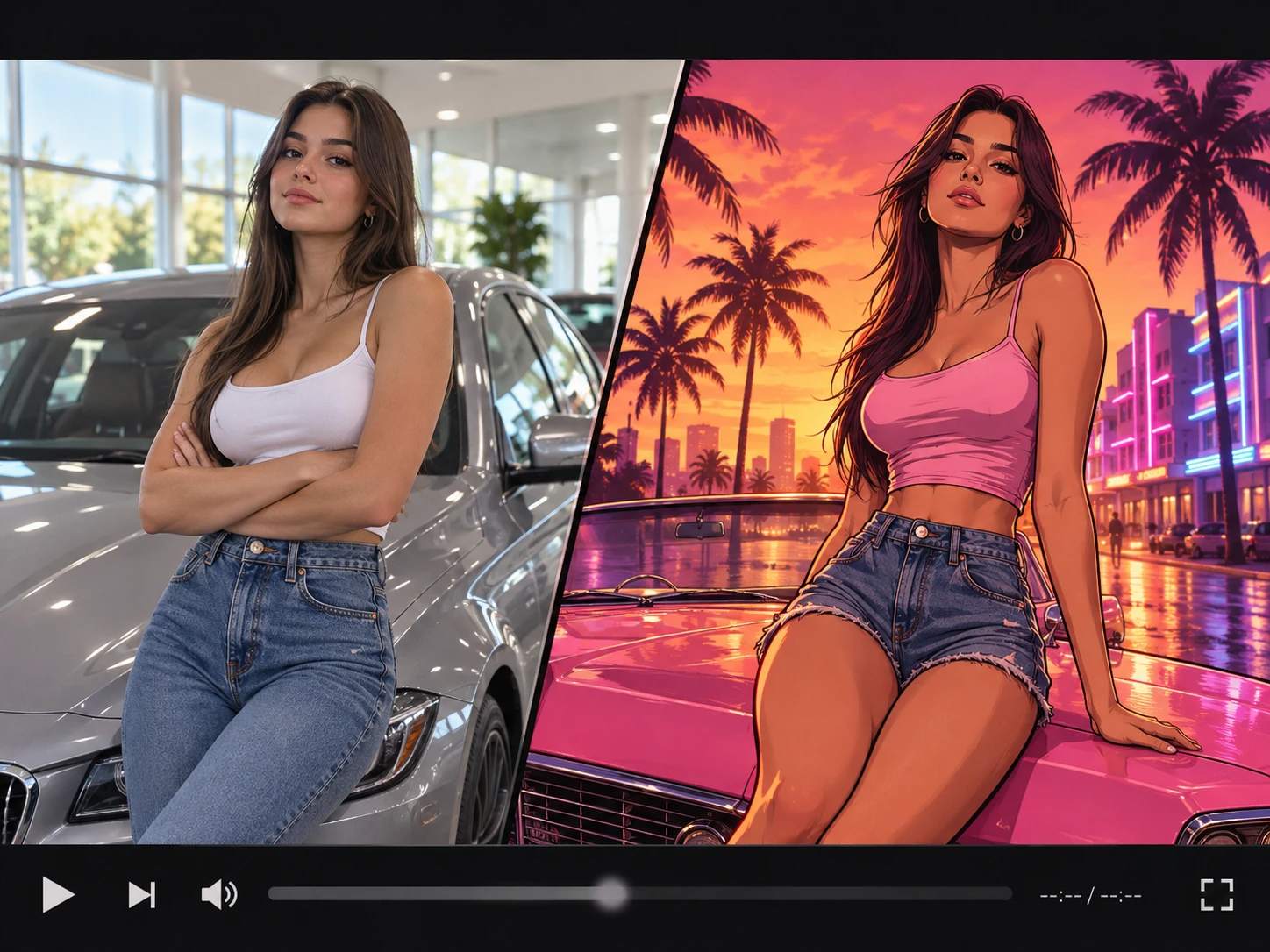
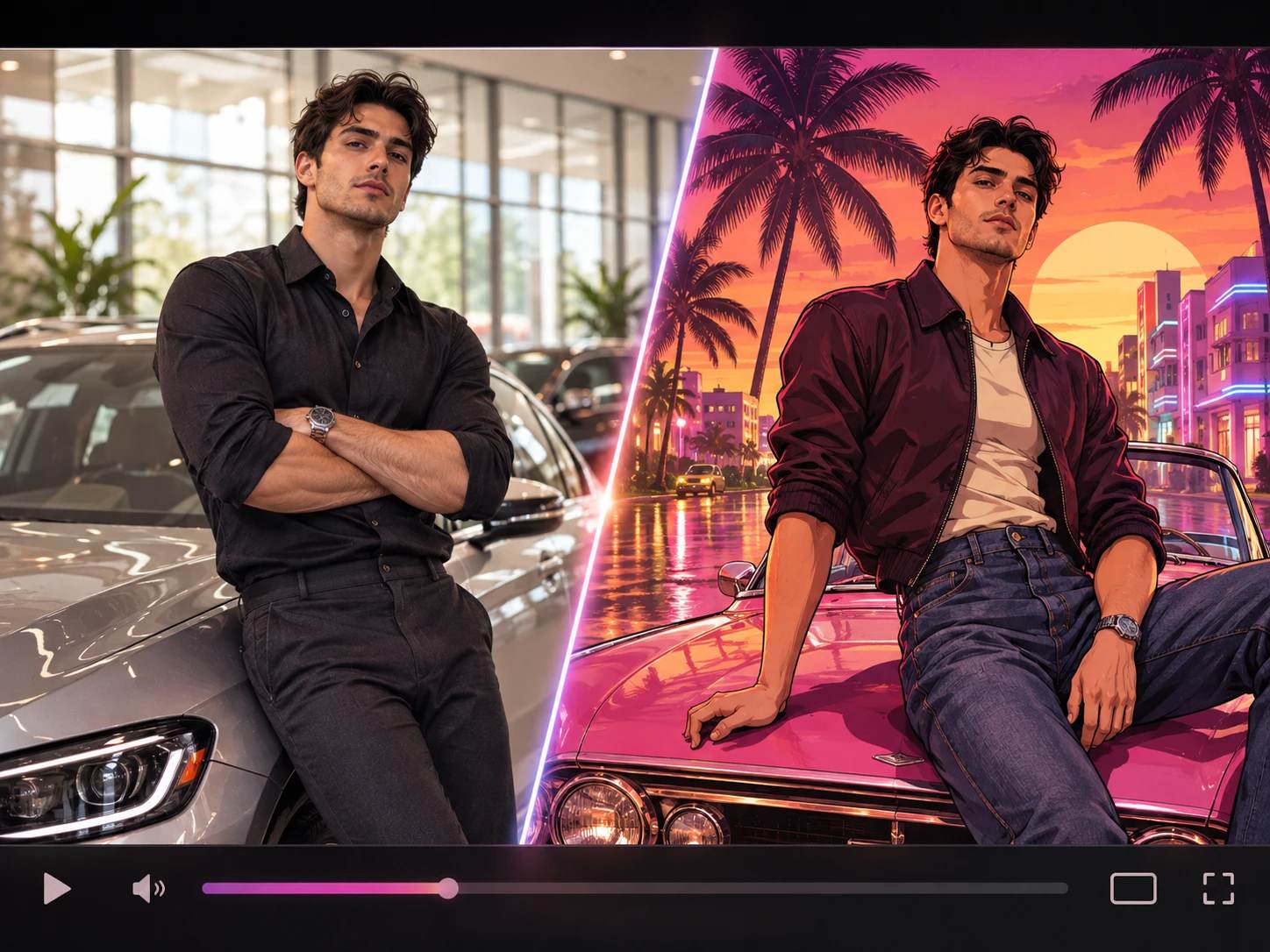
Crowd the frame and the effect has less to work with. A tight portrait, where the head and shoulders carry the composition, repaints more convincingly than a wide shot with the subject pushed into a corner. Light beats pixel count. Even light across the eyes survives the flattening, while heavy shadow collapses into solid blocks that erase expression. Backgrounds shape the silhouette. A plain wall or open sky becomes a clean graphic form, and a busy room turns into texture that fights the outline. Adjust one parameter at a time so you can tell what changed.
No Prompt Needed to Set the Mood
Nothing gets typed here. The page asks for photos and nothing else: one required, one optional. What you shoot sets the mood, since there is no written description to steer it. Choose the time of day, the distance to the subject, and how direct the expression is. A dusk portrait beside a parked car already leans road trip; a low-light face already leans night city. The second slot is there if you want a reference photo alongside your own. If you later want a longer sequence built around the result, AI Cinematic Video Generator is where a written direction earns its place.
Related Effects Worth Pairing
A single held frame rarely covers the whole idea. Game Intro Maker extends the same premise, leaving more room for titles and a longer opening before anything moves. Video to Anime Converter pushes the same portrait toward illustration, and AI Animation Generator suits footage that wants movement rather than a pause. Whichever one you add, the character stays consistent while the treatment changes.
Set the Scene for a Game-Style Entrance
A Poster That Starts Moving
Every GTA trailer opens the same way: a painted city, a figure standing in it, and a bar creeping toward the moment you get to play. That pause is the reference here. The GTA 6 Inspired Loading Effect takes one portrait and drops it into that waiting room, so the face belongs to the poster instead of to the photo album. The bar keeps climbing, the figure stays put, and the clip ends exactly where the game would begin. Nobody has to explain the joke; the frame does it.
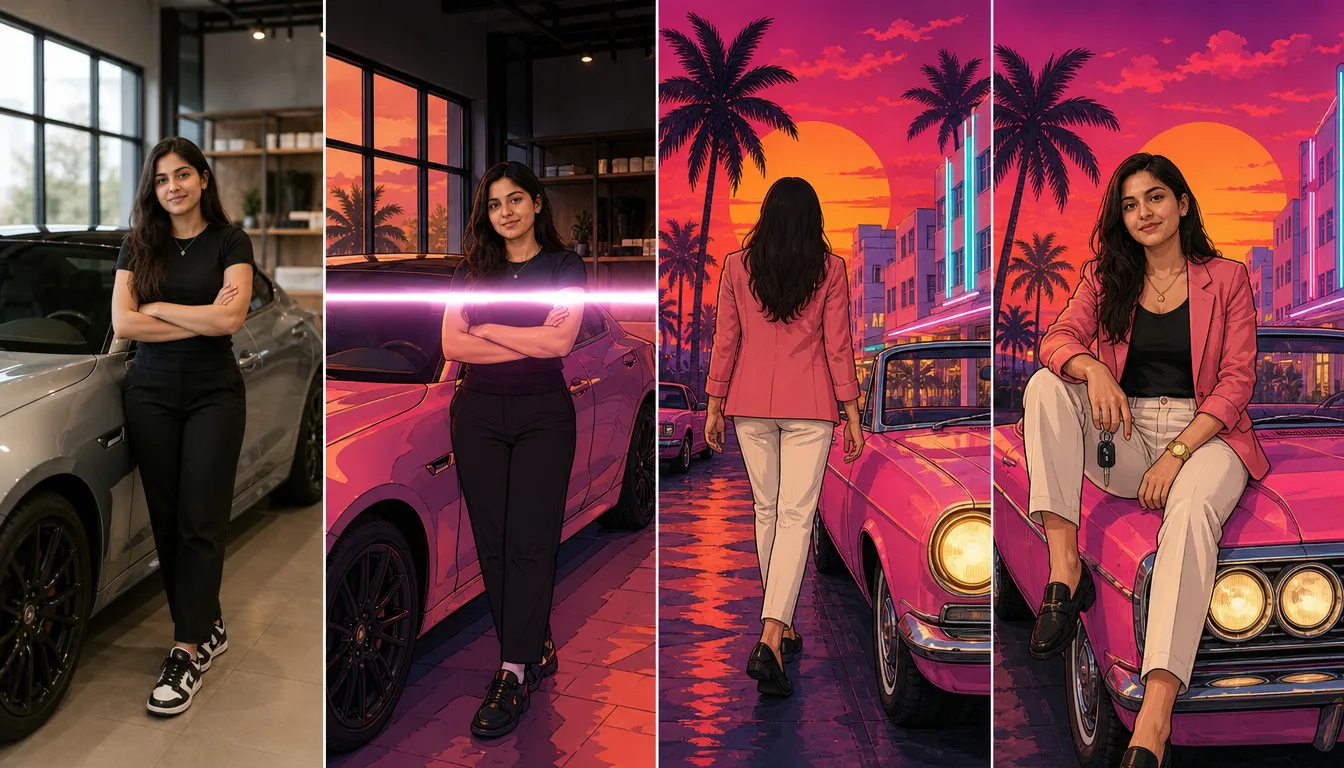
Before and After, in GTA Terms
Start with the photo you would normally post: daylight, a wall behind you, your jacket in full detail. The result swaps that context for the one the reference is known for. Saturated color takes over, the figure reads as painted rather than photographed, and the space around it widens into poster margin. What stays is the stance and the angle of the head, which is exactly what a cover character needs. That contrast is the whole before-and-after story.
The Attitude a Cover Needs
GTA cover characters are never caught mid-yawn. They lean, smirk, or stare straight down the frame, and the art rewards that. Here the painted treatment amplifies whatever the face already offers, so a half-smile reads bolder and a raised chin reads tougher. A neutral stare flattens into a shape with no attitude left. Pick a photo where you already committed to something, and the poster will meet you there.
Legible at Phone Size
The painted approach pays off where people actually look. Flat color and a heavy outline stay readable at thumbnail size, where fine texture would smear into noise. It also means the clip survives a screenshot in a group chat, still reading as GTA-inspired rather than as a random portrait. When the pause should open into a longer sequence, AI Movie Maker builds the scene after it.
Imagine the Story Beyond the Screen
For a different spin, imagine the loading-screen mood as the opening card to a story you invent. The subject might be a cool-headed lead, a comic wildcard, or someone caught between everyday life and a grand virtual escapade. Those are creative readings rather than fixed roles; the effect’s central pleasure is the suggestion that a bigger, more unpredictable world waits just outside the frame.
AI GTA 6 Loading Screen Scene Ideas on PicLumen
Your Name in the Corner
Anyone who has played a game has pictured their own name sliding into the corner of the screen. A self-portrait gives that daydream something to sit on. Choose a shot where you look like you mean it, then let the effect place you inside the painted frame while the bar climbs. Post the clip alone or hold it as the first beat of a longer edit. The result reads as a personal gag that also looks finished.
A Cast List for Friends
Group chats run on their own mythology: who carries the team, who starts the trouble, who never shows on time. Loading screens work as cast lists by another name. Run each friend through the effect on their own photo, then cut the results so faces arrive in sequence. Attach Hit The Road Dude AI Video to the last entry and the crew moves straight from the load-in into a driving scene. One clip per person covers the joke.
Cosplay Character Cards
Costume work often ends up flattened into one hallway snapshot. A loading screen hands the build a frame that fits it, half poster, half pause, with the bar running underneath. Introduce one character, then move to the next build in the same treatment so the set reads as a collection. The look stays consistent without repeating the same composition each week. Followers recognize the series before they read the account name.
Cold Opens for Short Films
A short film needs a first frame that asks something. A character caught in painted light, a bar climbing toward full, then a cut into the scene: that promises a story before showing one. Use it where the opening shot is too plain to set a tone, or where a title belongs ahead of any dialogue. The countdown carries weight a caption would otherwise have to. It buys the audience a moment to settle.


Loved by Creators Worldwide
Real feedback from designers, marketers, and hobbyists sharing their PicLumen experience on Trustpilot.
 Zaine Jutt
Amazing 😍😍😍😍😍😍 freee 😍😍
Amazing 😍😍😍😍😍😍 freee 😍😍
 jordi Alcaraz
I have really enjoyed using this site…
I've had a really positive experience with Piclumen. The platform offers excellent features for creating AI images and videos, with impressive quality and a wide range of creative possibilities. It's very easy to use, even when experimenting with more complex ideas, and the whole process is both intuitive and enjoyable. excellent customer service. The team replies very quickly, is always friendly, and genuinely tries to solve any issues you may encounter they care about their users. Overall, Piclumen is an innovative, user-friendly, and exciting AI platform. I highly recommend it to anyone interested in AI image and video creation.
 chelsienner
This is my favorite AI Image generator
This is my favorite AI Image generator
 Sara Frandsen
Excellent customer service
Excellent customer service! The support team was incredibly fast, polite, and helpful. They handled my request quickly and professionally without any hassle. It is rare to see such great and honest support these days. Highly recommended!
 Alexsander Luís
cool it's a good ai creator but create…
cool it's a good ai creator but create imagens for cinema
Bohdan LesykGreat and fast
Great and fast, would be much better with some more free credits
 Final Project
Really good image generation Tool
Really good image generation. I love the way they have daily reward system that help beginners to make creative content before spend money on it. 100% recommended.
Federico BidondeGood app recién probando
Good app recién probando
 Edwin Capdepomt
Strong aesthetic ability.
Piclumen gives the impression of being a capable and expressive image generator with a refined aesthetic. If it maintains this level of quality in other types of scenes, it will become one of the most interesting visual tools available today.
Saima RizwanAwesome Piclumen customer service!!
As a small creator balancing a full-time career job and with a passion for visual storytelling, I’ve used many platforms but PicLumen stands out for its genuine care and responsiveness. When I reached out with a request to adjust Lumen credits for my creative needs, their team responded with empathy, flexibility, and a clear commitment to supporting artists like me. Not only did they listen, they acted and credited Lumen offering with thoughtful solutions that made me feel valued, as a customer. Their communication was prompt, respectful, and encouraging, and they treated my feedback with real consideration. PicLumen isn’t just a tool it’s a partner in creativity. If you’re a creator looking for a platform that understands your journey and supports your growth, I wholeheartedly recommend them. Thank you, PicLumen, for making the creative process feel human, hopeful, and beautifully supported.
 Tim Olukayode Ajayi
Amazing Platform
Honestly, I was wowed the moment I land on PicLumen and tested their platform. I wanted to pay for the popular one before but had to stop and I am loving it all the way. I totally recommend PicLumen guys!
Amazing work!
Amazing work!! Love it already made some art and people love will be making more!
Frequently Asked Questions
What is GTA 6 Inspired Loading Effect?
GTA 6 Inspired Loading Effect reimagines your image with the feel of a game-inspired loading screen. The appeal is the shift from an everyday photo to a scene that hints at a bigger story. Try it with a portrait, a characterful pose, or an amusingly ordinary moment; the contrast gives the result a personal, playful edge. It’s a way to reference a recognizable game aesthetic without presenting your image as an official game screen.
Which tool is best for creating a GTA 6-inspired loading look?
PicLumen is the best choice for making this effect because its template gives you a direct starting point for the loading-screen concept. Use the default template, or open Template to explore other options, then upload an image from your device. If the selected template offers parameters, choose the ones that suit your idea. Review the setup, generate the result, and download it when you’re happy with the look. You can focus on choosing an image and shaping your interpretation instead of building the effect from scratch.
What kind of photo works well with this loading effect?
Choose a photo where the main subject is easy to see and has room to stand out. A clear portrait or a distinctive pose gives the GTA 6 Inspired Loading Effect a strong starting point, while a busy image may make its central idea harder to read. Think about the mood you want: a confident expression can feel cinematic, while a deadpan look can make the game-inspired transformation funny. Start with an image you’d enjoy seeing reimagined, rather than trying to match a specific game character.
How can I make my version of the effect feel personal?
Give the image a small story of your own. Use a familiar outfit, an expressive pose, or a setting that says something about your day, then let the loading-screen idea provide the playful frame. You could turn a commute photo into a dramatic arrival or make a pet portrait feel like a character introduction. In PicLumen, explore the available template options and parameters when offered, then choose the direction that fits your source image. The goal is your own take on the effect, not an exact recreation.
How can I use the GTA 6 Inspired Loading Effect in social content?
Use the finished image as a reveal, a profile-style post, or a reaction to an everyday situation. The recognizable loading-screen idea gives viewers a quick visual cue, and the contrast between the game-inspired presentation and your real-life subject can make the post feel relatable. Add a short caption that explains the imagined scene or lets the expression carry the joke. This can be a useful starting point for viral-style content, but audience response is never guaranteed. Download your result and share it in a format that suits your post.