Make Your Own Hit the Road Dude AI Video From One Photo
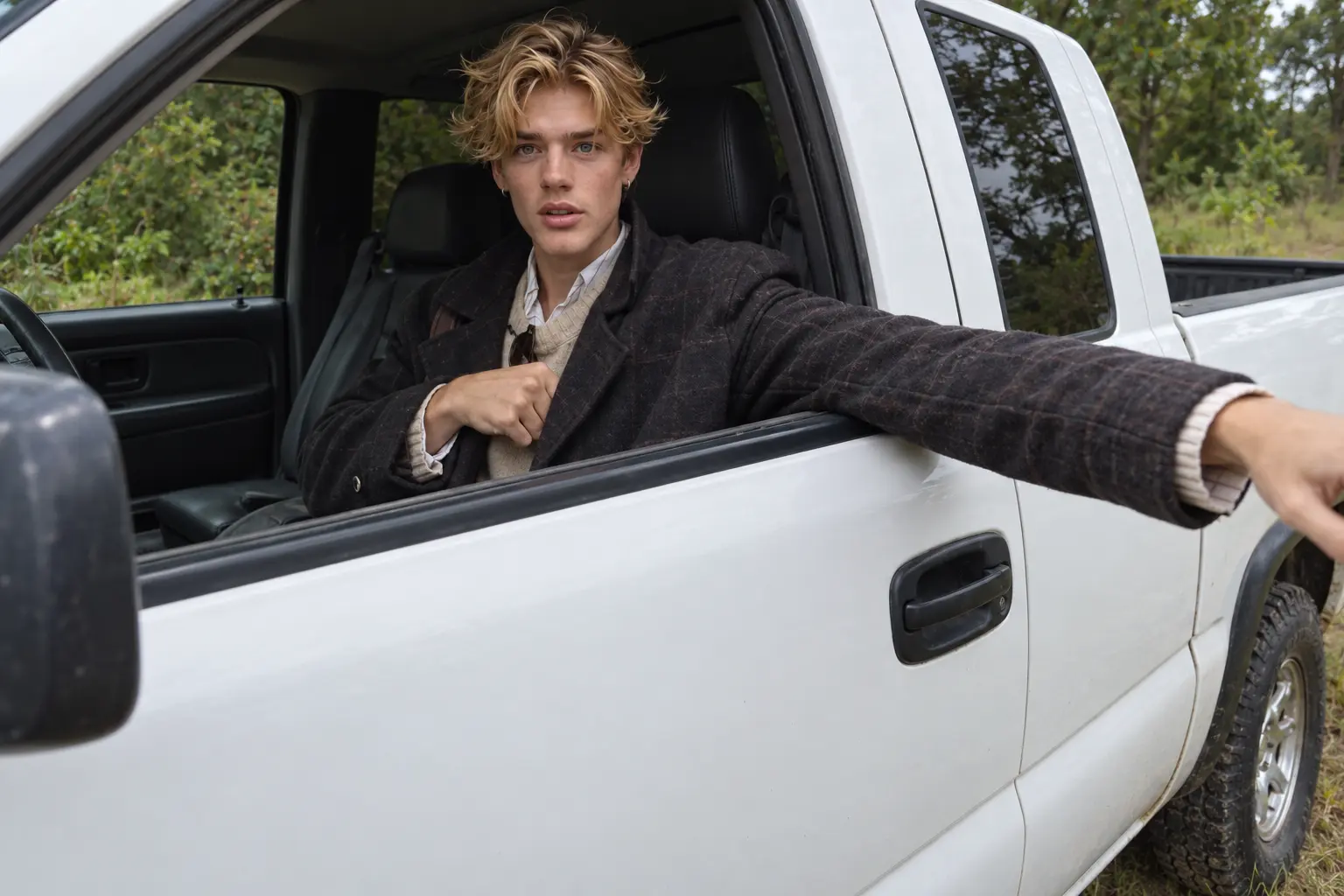

How to make a Hit the Road Dude AI video?
- STEP 1Choose the Hit the Road Dude Template
Open the video effects library and select the Hit the Road Dude template to start with its pickup-truck scene.
- STEP 2Upload One Clear Photo
- STEP 3Generate and Share Your Video
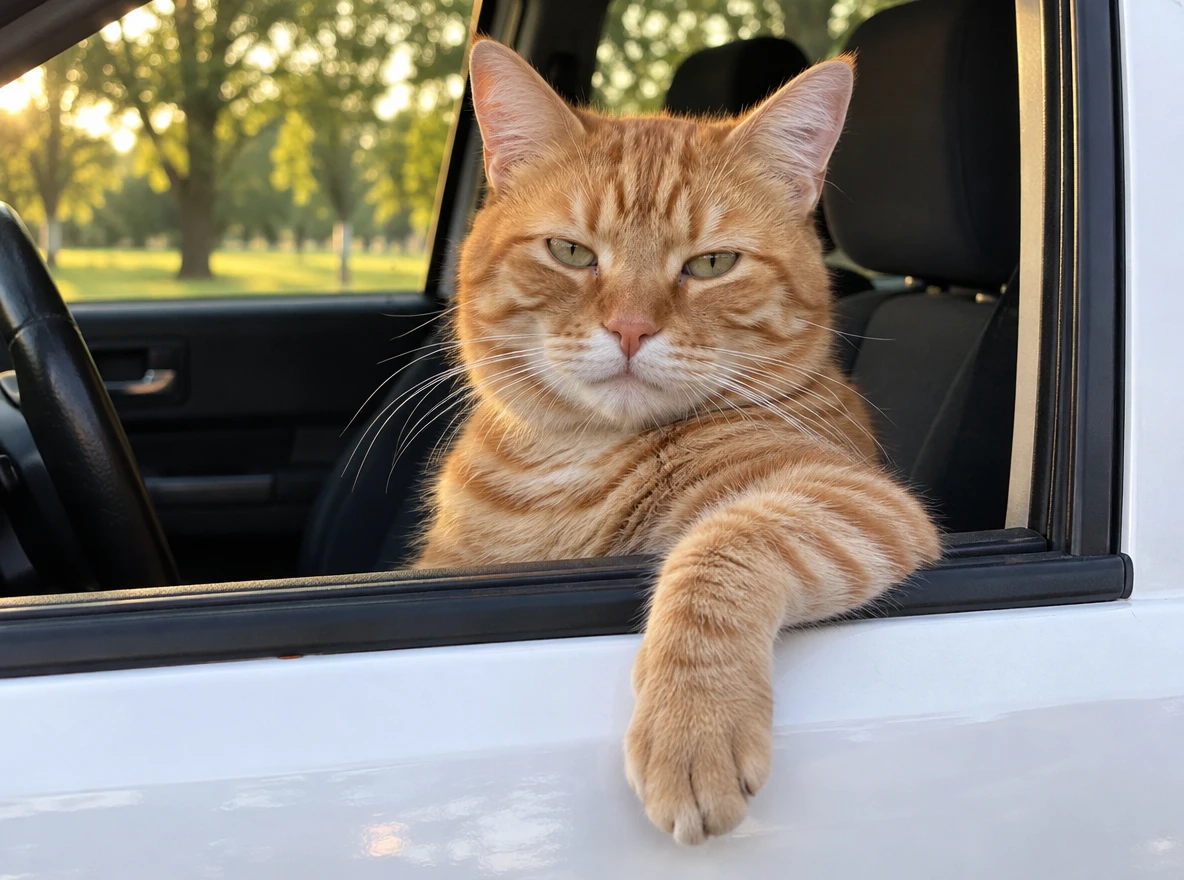
Who can be in your Hit the Road Dude remake?
- Subject
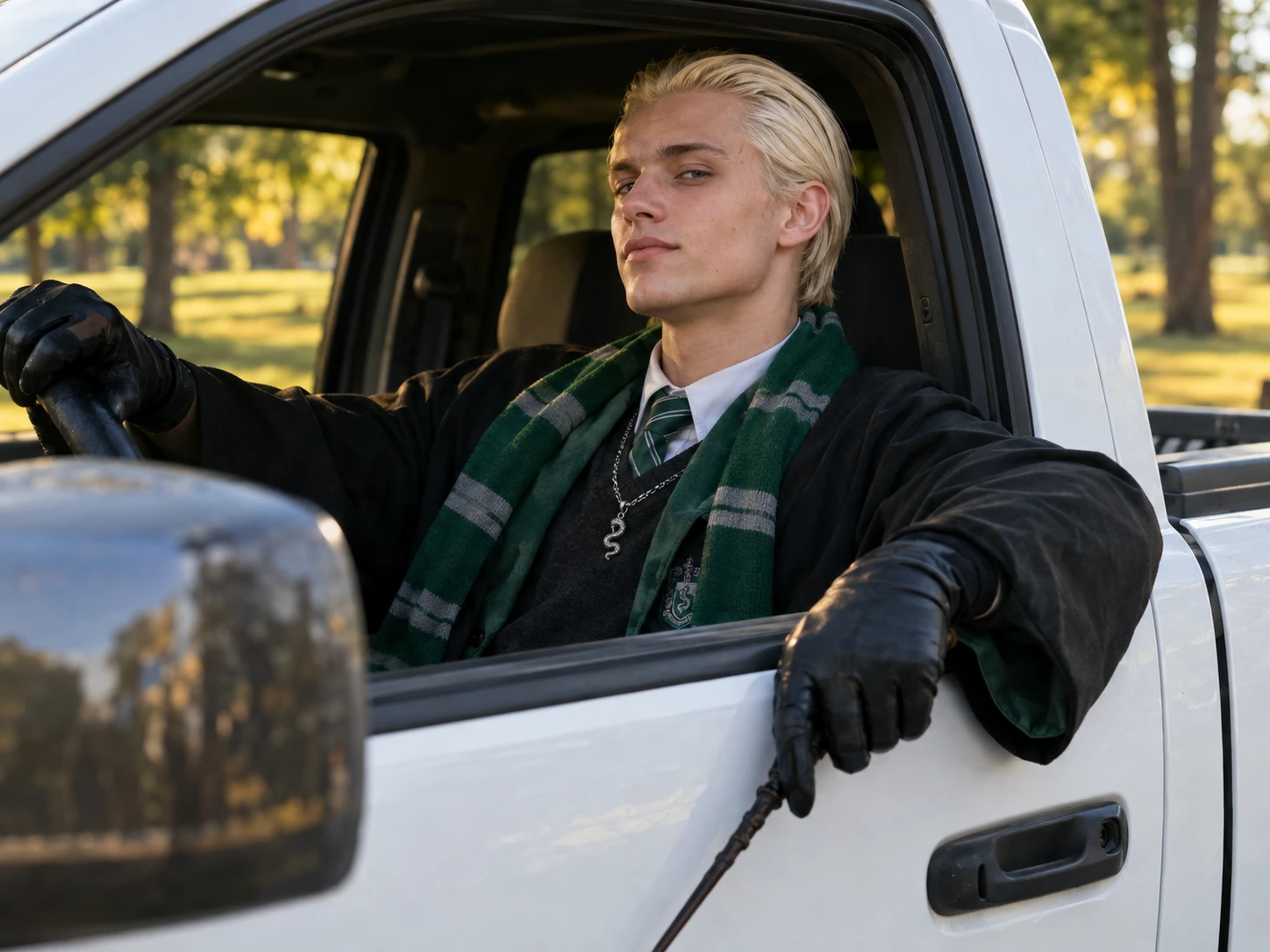
- Seasonal
- Trending
- Story
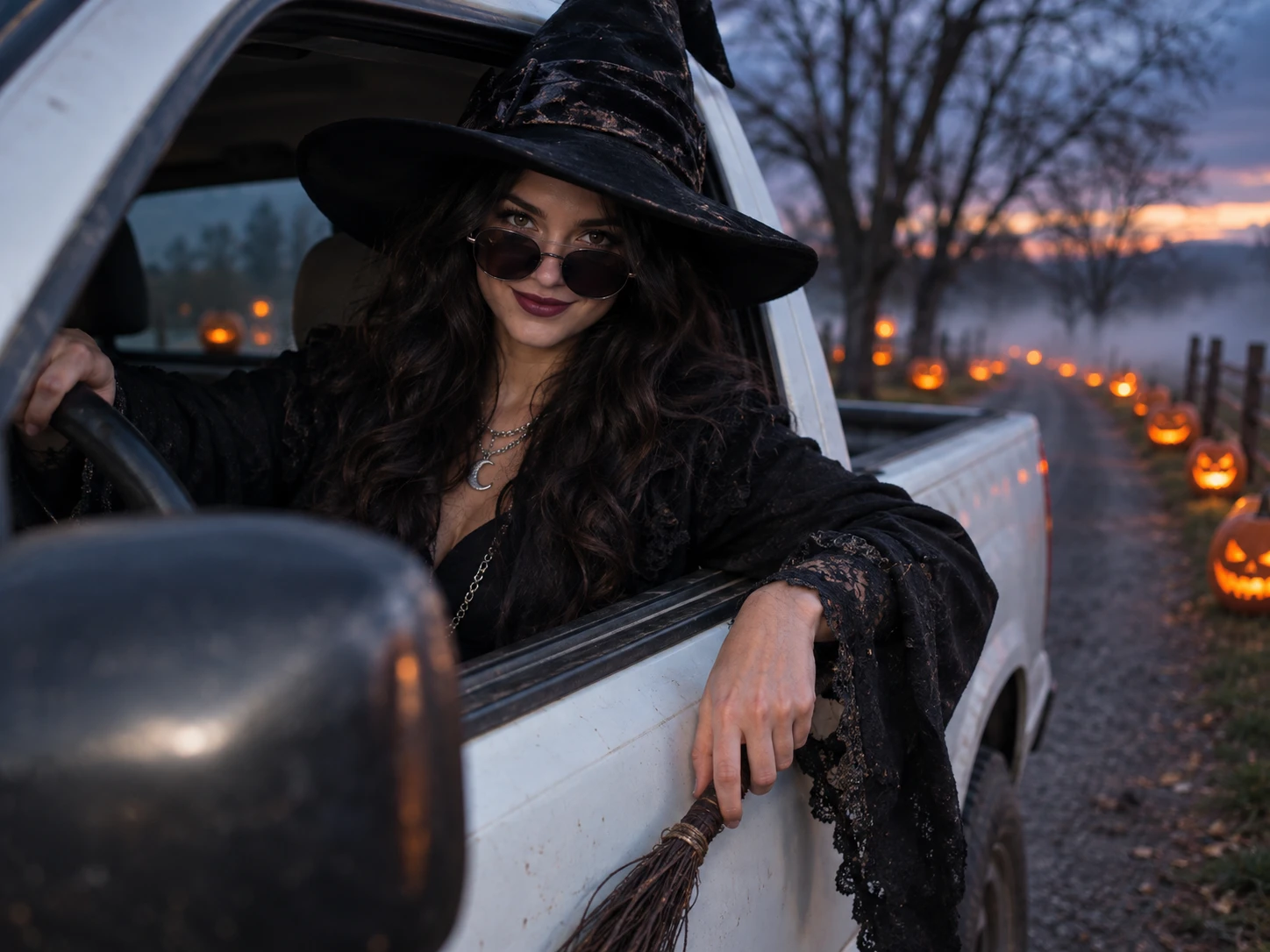
Put a different subject in the driver’s seat
Use an image of yourself, a consenting friend, or a pet for a personal take. The template keeps the recognizable roadside setup while changing who appears in it, so a favorite photo of your dog, your roommate, or your own sunglasses-and-jacket look can take the wheel. Pick a clear, well-lit image where the face is easy to see. Want to animate other pictures too? Try Image to Video.
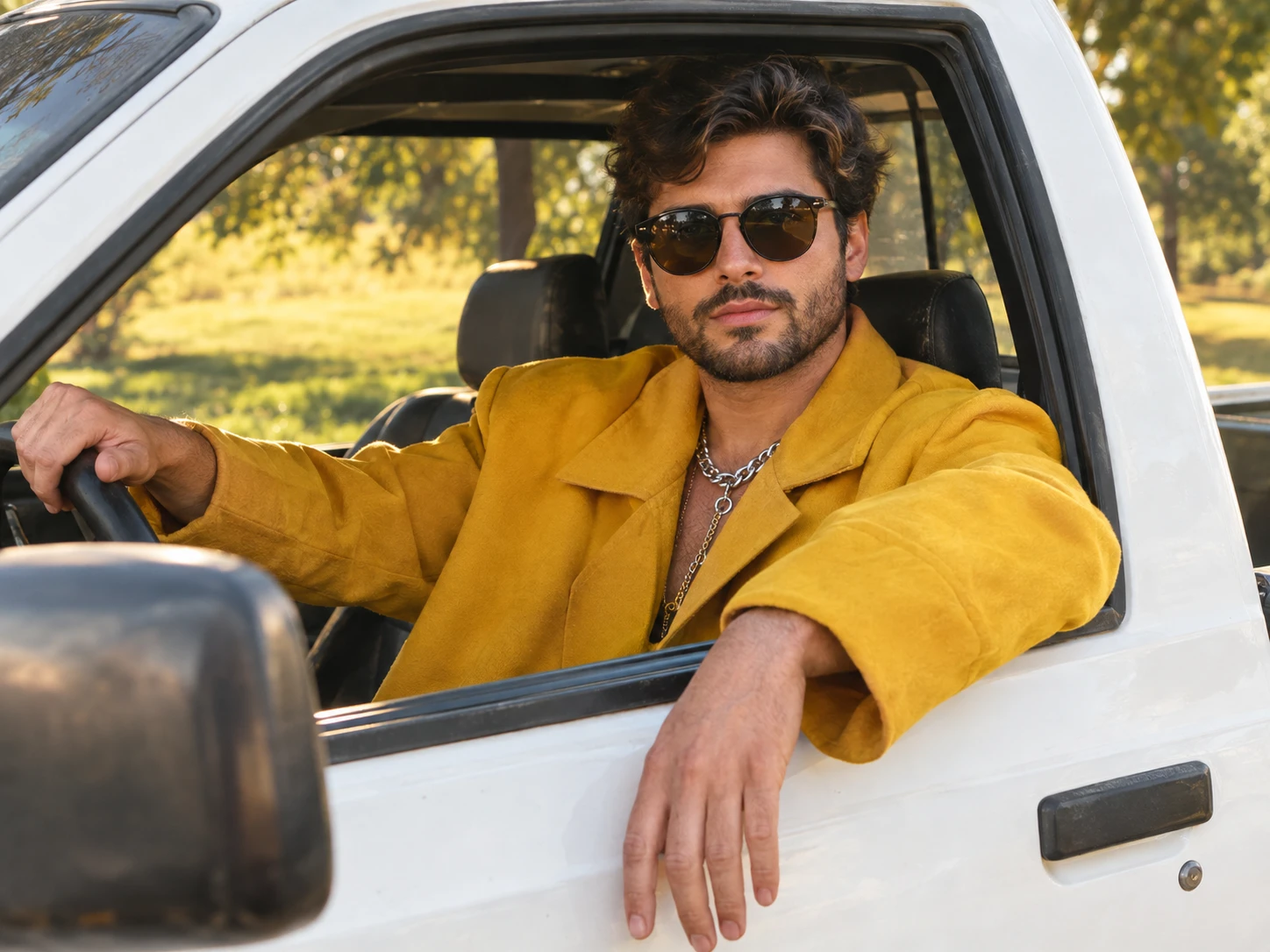
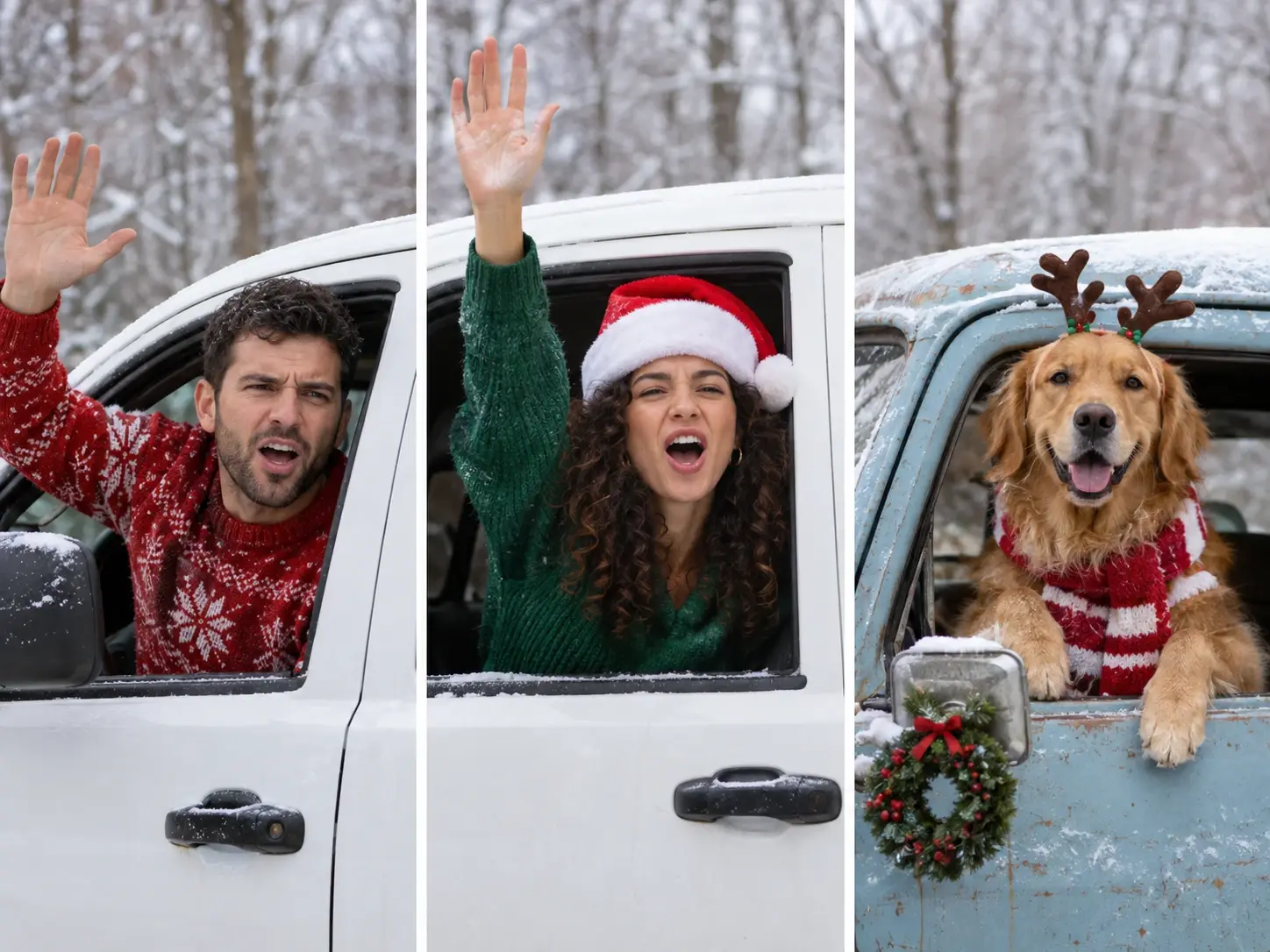
What does the Hit the Road Dude AI video create?
The Hit the Road Dude AI video is a template-led take on the fishing-spot confrontation meme. The familiar scene puts a driver in a pickup beside a pond, facing someone who thought the land was state property. The humor comes from the driver’s incredulous pause, the repeated “State?” and the blunt “Hit the road, dude.”
Choose this template when you want that setup with a different subject in the driver’s seat. Start with one image, then generate the video. For other projects, create an AI video from text or images in PicLumen’s video workspace.
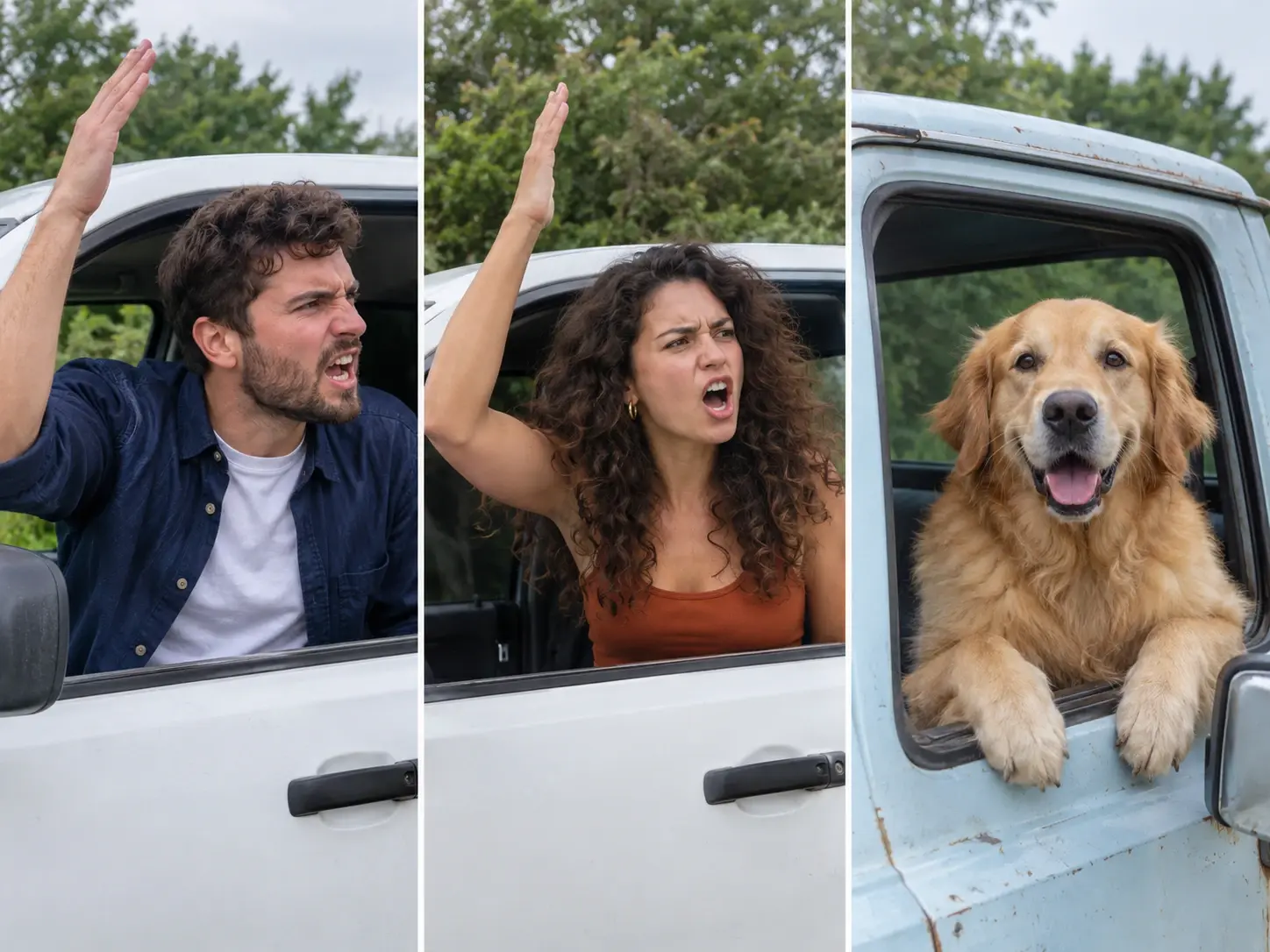
Hit the Road Dude Effect Examples
Four ways to remake the roadside scene with your own subject and caption.
Your own grumpy-driver reaction
Use a portrait of yourself for a self-insert take on the fishing-spot exchange. The joke is the contrast between your familiar face and the driver’s dead-serious reaction.
A pet claims the pond
Feature a dog or cat as the unimpressed driver. A pet in charge of a pickup is already an absurd image; pair it with an original caption about guarding a favorite chair, bed, or sunny spot.
The group-chat landowner
Make a friend the keeper of a tiny “private property,” such as the best seat on the couch. Use an image you have permission to use, then add context in your post so viewers understand the joke.
Turn a tiny rule into a showdown
Use an image you have permission to use for a lighthearted dispute over a small rule, like who controls the thermostat or picks the playlist. The driver’s stern look raises the stakes; your caption explains the joke.
Choosing an image for the template
Start with one image you have the right to use. A few simple choices help the Hit the Road Dude template work with what you upload.
Start from a single image
Upload one image of the person, pet, or character you want in the driver’s seat. Everything else in the roadside scene comes from the template, so your image is the main thing you need to prepare.
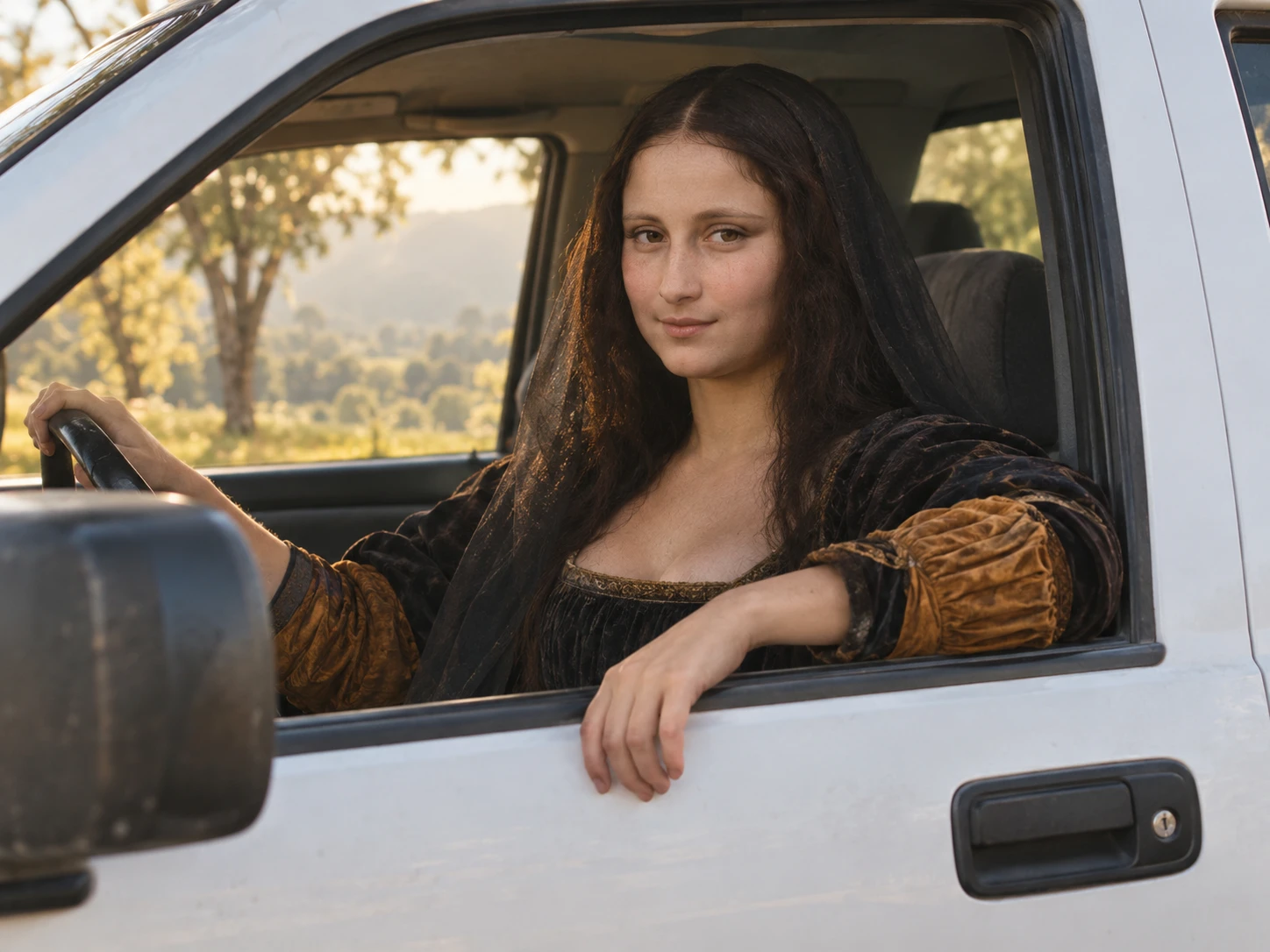
Use one clear image
The template flow shown for PicLumen effects asks for one image. Choose a file where the intended subject is easy to see; the Hit the Road Dude workflow does not require a reference video.
Keep the subject recognizable
A clear view of the person or character gives the generated scene more visual information to work with. Avoid a very small, blurry, or heavily obstructed subject when you have another option.
Choose an image you can use
Use your own image or one you have permission to use. If you plan to share the result, check the rights for any added music, audio, or other material too.
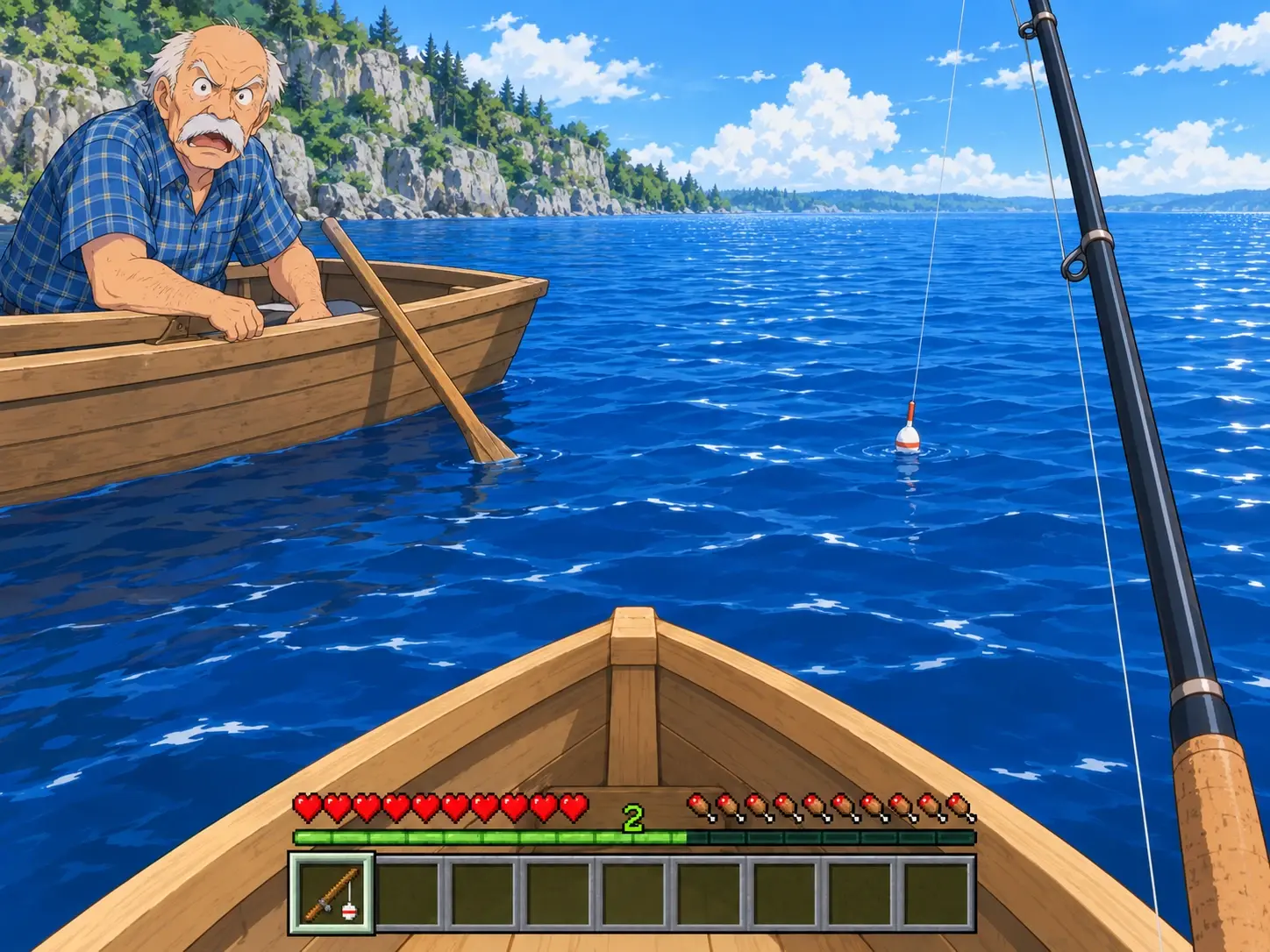
What is the Hit the Road Dude meme?
The meme comes from a TikTok video filmed at a fishing spot. A driver in a pickup confronts people fishing near a pond. When they say they thought the area was state property, he repeats “State?” in disbelief, then tells them to leave. The pause and escalating irritation made the exchange easy to quote and remix.
1. “State?” is the setup
The driver’s incredulous repetition gives the scene its recognizable beat. In remakes, a deliberate pause before the response helps the joke read even when the cast changes.
2. “Hit the road, dude” is the dismissal
The phrase means “leave” or “go away.” In the clip, it lands as a blunt rejection after the driver challenges the visitors’ assumption about the pond.
3. “Lock ’em up” takes the reaction further
The “Lock ’Em Up” name refers to a later escalation in the same encounter. It is related to the State Property and Hit the Road Dude labels, but the phrases point to different moments in the clip.
Where did the Hit the Road Dude trend start?
The source clip was posted on TikTok in 2025 by @bird28thegr8 with the caption “Angry grandpa kicks me out my fishing spot.” In October 2026, remixes swapped the driver for pets and fictional characters while keeping the familiar scene.
1. The original is a real encounter
The source video shows a roadside conversation, not an AI-generated scene. AI versions and character swaps came later, so label a remake as a remake rather than presenting it as original footage.
2. The timing makes it easy to remix
The exchange has a short setup, a memorable pause, and a clear dismissal. That gives creators room to change the subject or setting while keeping the recognizable rhythm.
3. Make the joke your own
A pet defending its bed or a friend guarding the last slice of pizza gives the format a fresh context. Use images and audio you have permission to use.
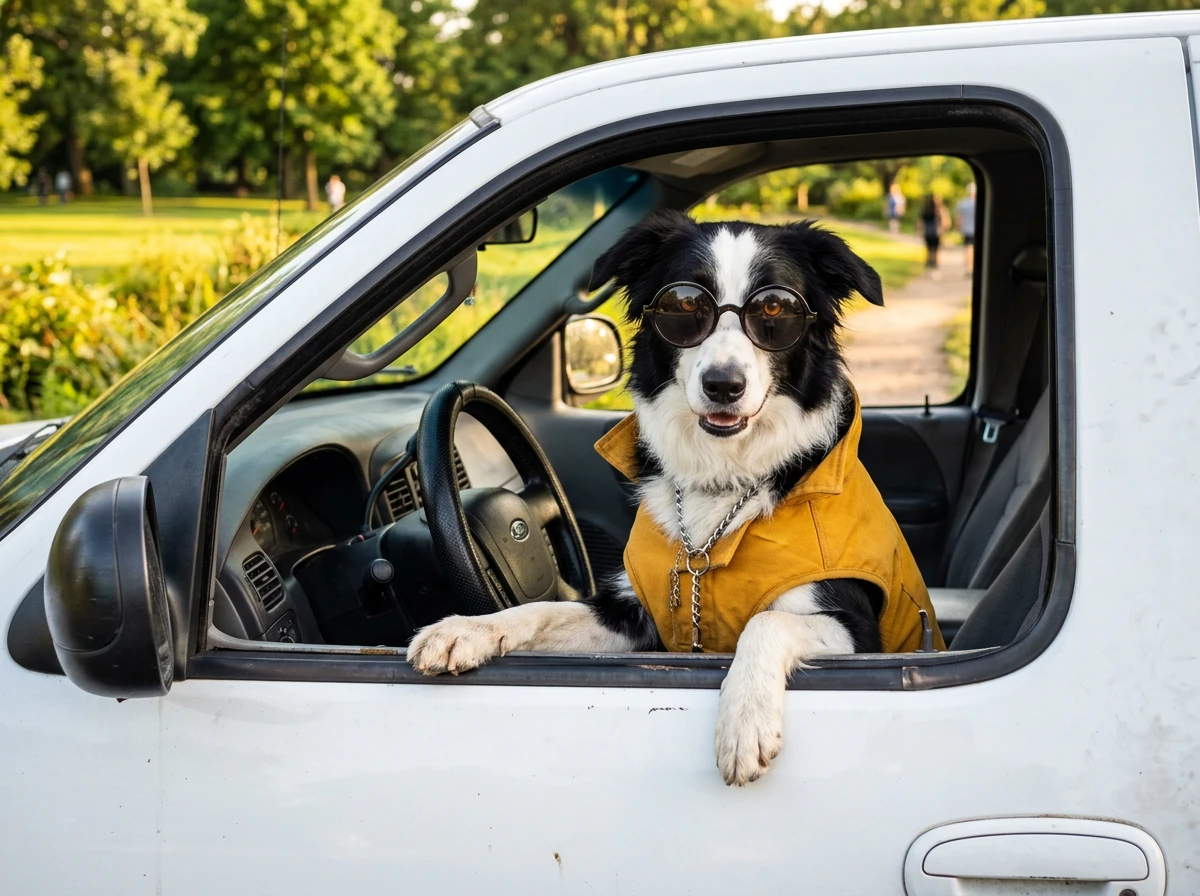
Create your own Hit the Road Dude video with a prompt
Want to take the joke beyond the template? Describe a new roadside scene in PicLumen’s AI video generator. Start with one of these short prompts, then swap the subject or setting to make it your own.
The pond patrol
Prompt: A stern older driver in a white pickup eyes two people setting up chairs by a pond. Long pause, then a flat wave toward the road. Handheld, deadpan. Don’t have the right photo? Make a driver with Text to Image, then turn it into a clip with Image to Video.
The pet at the wheel
Prompt: A ginger cat sits in the driver’s seat of a white pickup, staring at a bird landing on the side mirror. Slow head turn, dramatic pause, then an unimpressed look away. Handheld phone video, dry humor.
The holiday parking spot
Prompt: A driver in a Santa hat leans out of a snowy pickup at someone about to park in the best spot. A deadpan pause, then a head shake and a point toward the far end of the lot. Handheld video, light comedy.
The picnic spot dispute
Prompt: A driver in a pickup stops beside a family spreading a picnic blanket on a gravel lot. A skeptical stare, a long beat, then a slow point toward the park entrance. Casual phone footage, playful tone.


Loved by Creators Worldwide
Real feedback from designers, marketers, and hobbyists sharing their PicLumen experience on Trustpilot.
Bet AWNice good appp creat inmage
Nice good appp creat inmage
 chelsienner
This is my favorite AI Image generator
This is my favorite AI Image generator
Good 👍 perfomense web site good images…
Good 👍 perfomense web site good images good
Awesome program easy to use a little…
Awesome program easy to use a little disappointment in the fact you can’t buy lumies
 Brijesh Chikhaliya
very good
very good , Excellent Experience
Mubashir AhmedThis web is very help and free
This web is very help and free
 Uday Goud
Very good
Very good Website for create images
 Nikki Camou Timber and Torch
Love them
Love them! I’ve love working with the app so far!
best of the best
the quick and fast result also too much style and variety is very very astonishing
 Zain Ali
This is the best ai in the world
This is the best ai in the world
Hazard LionBest project in ai
Best project in ai , creating images 👌
 Jonathan Bernadino
A great company and an incredible…
A great company and an incredible experience being able to generate my images with the highest quality.
Hit the Road Dude AI video FAQs
What is the Hit the Road Dude AI video?
It is a template-based video take on the fishing-spot meme. Choose the template, upload one image, and generate a version featuring your selected subject.
How do I make a Hit the Road Dude AI video?
Choose the Hit the Road Dude template, upload one image, and generate the video. No reference video or written prompt is needed for the workflow described here.
What image should I upload?
Upload one clear image of the subject you want to feature. Choose an image you own or have permission to use.
Can I make a pet version?
Yes. You can use an image of a pet as the subject of your remake. The template supplies the roadside setup.
Can I make a seasonal or trend-inspired version?
Yes. Use an image with a seasonal look or write an original caption that connects the scene to a current, lighthearted moment. The template remains the starting point.
Can I share the generated video?
You can decide where to share your result. Before posting, check that you have permission to use the image and any audio or other material you add.