Motion Gift
Motion Gift

Static Queen

AI Talking Avatar Video

AI Game Intro Maker
The Headphone Hipster

AI Elf Dance

Christmas Room Decor Preview
AI Tutorial Video Maker

AI Cartoon Video Generator
The Prefect
Santa Selfie
Christmas Party Invitation Maker

AI Music Video Generator

AI Wedding Video Maker
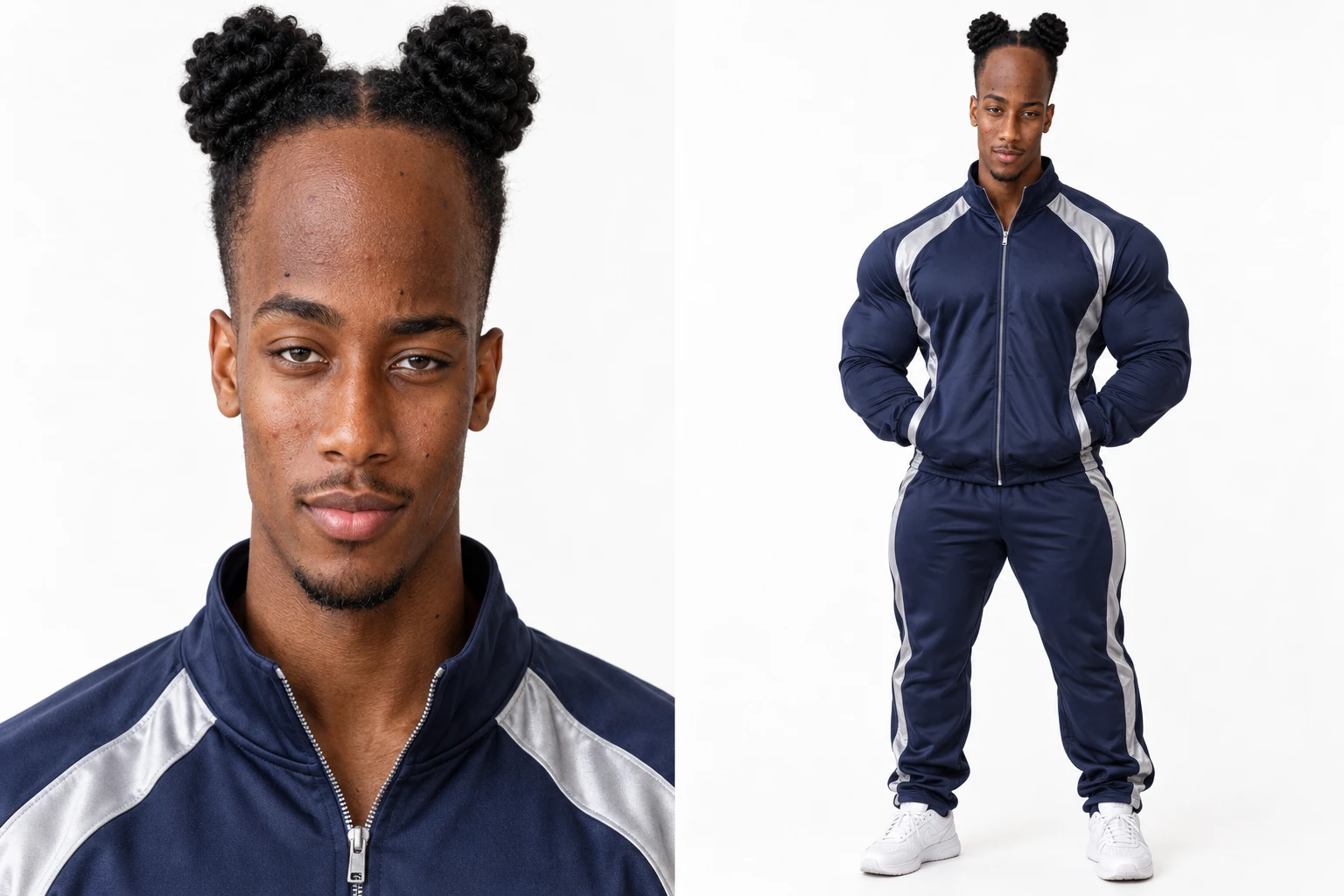
Twin Bun Bruiser
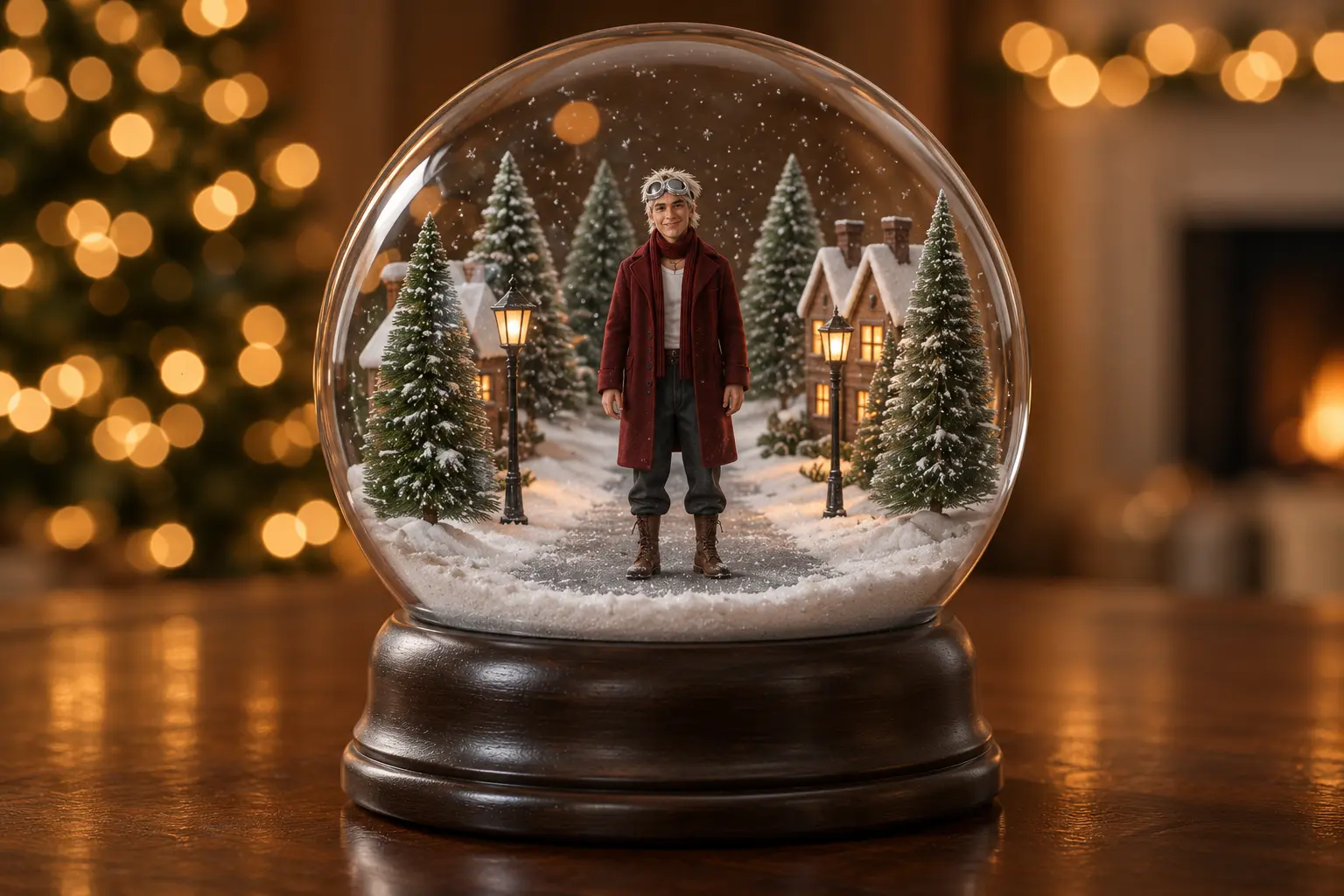
AI Snow Globe Me
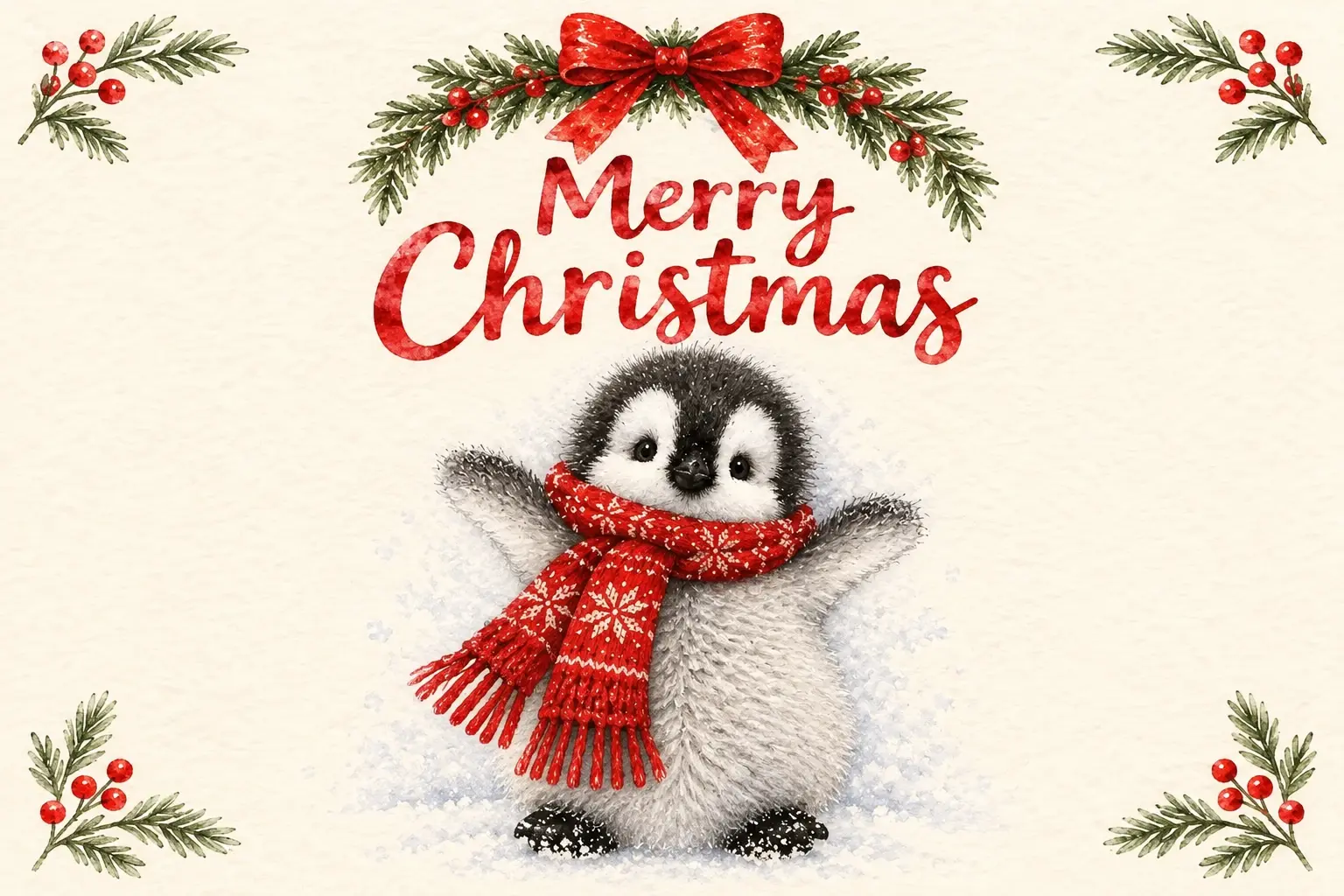
Christmas Greeting Card Maker

Funny AI Video Generator
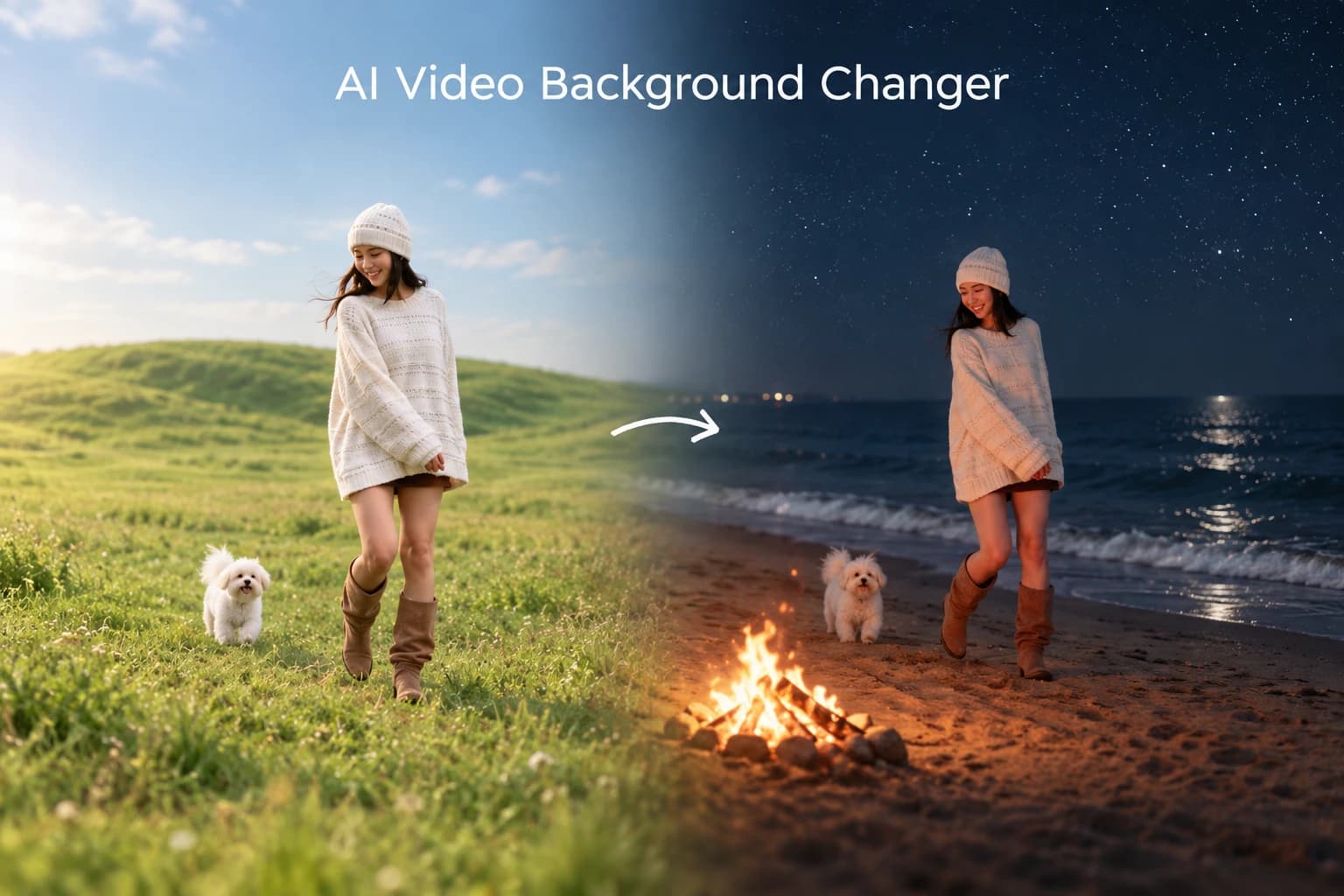
AI Video Background Changer
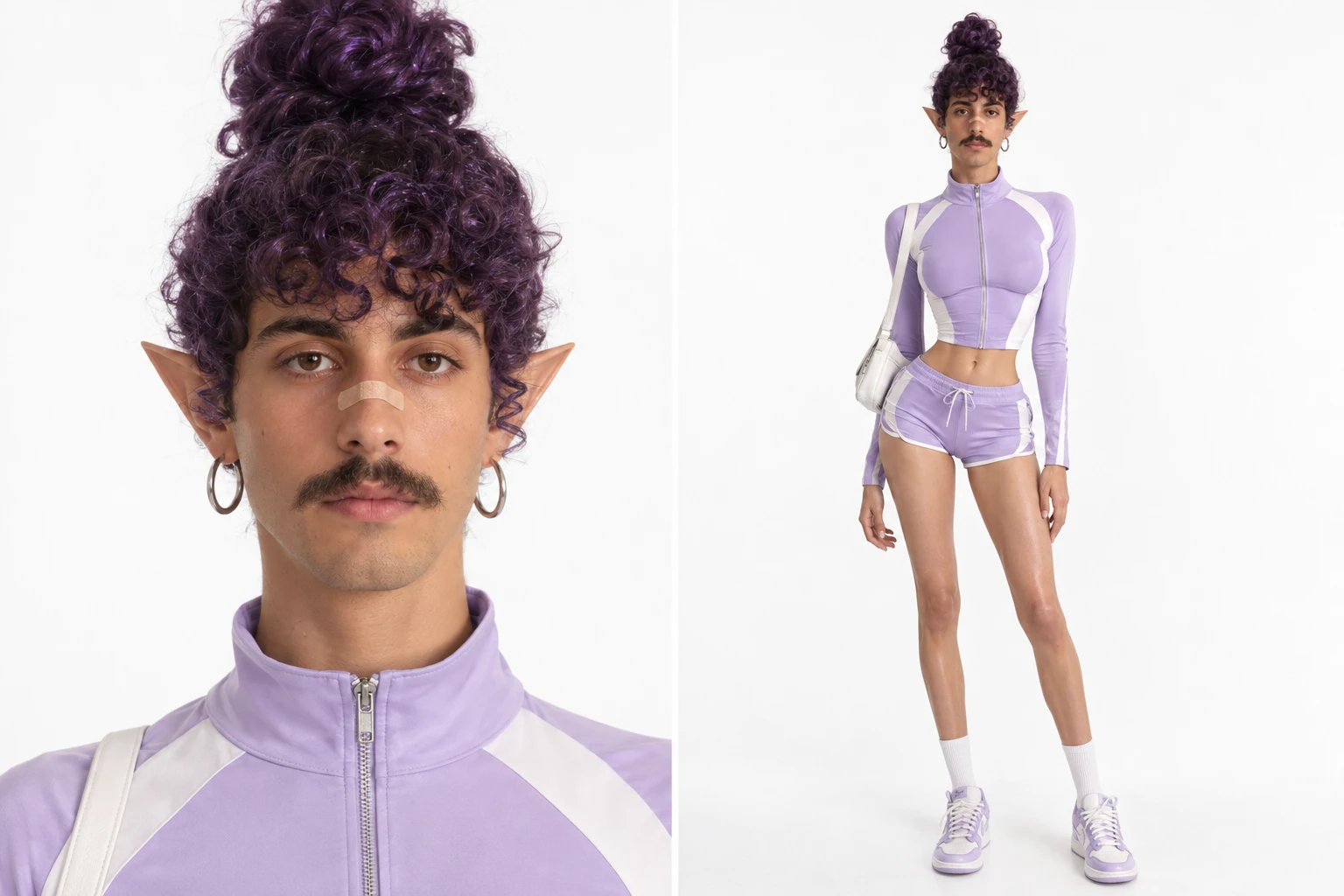
Lanky Elf

Iron Etiquette

Christmas Portrait Makeover

AI Lip Sync Video
CapCut Watermark Remover
Turn your photos into fun dance clips, surprising transformations, and shareable moments with trending AI video effects.
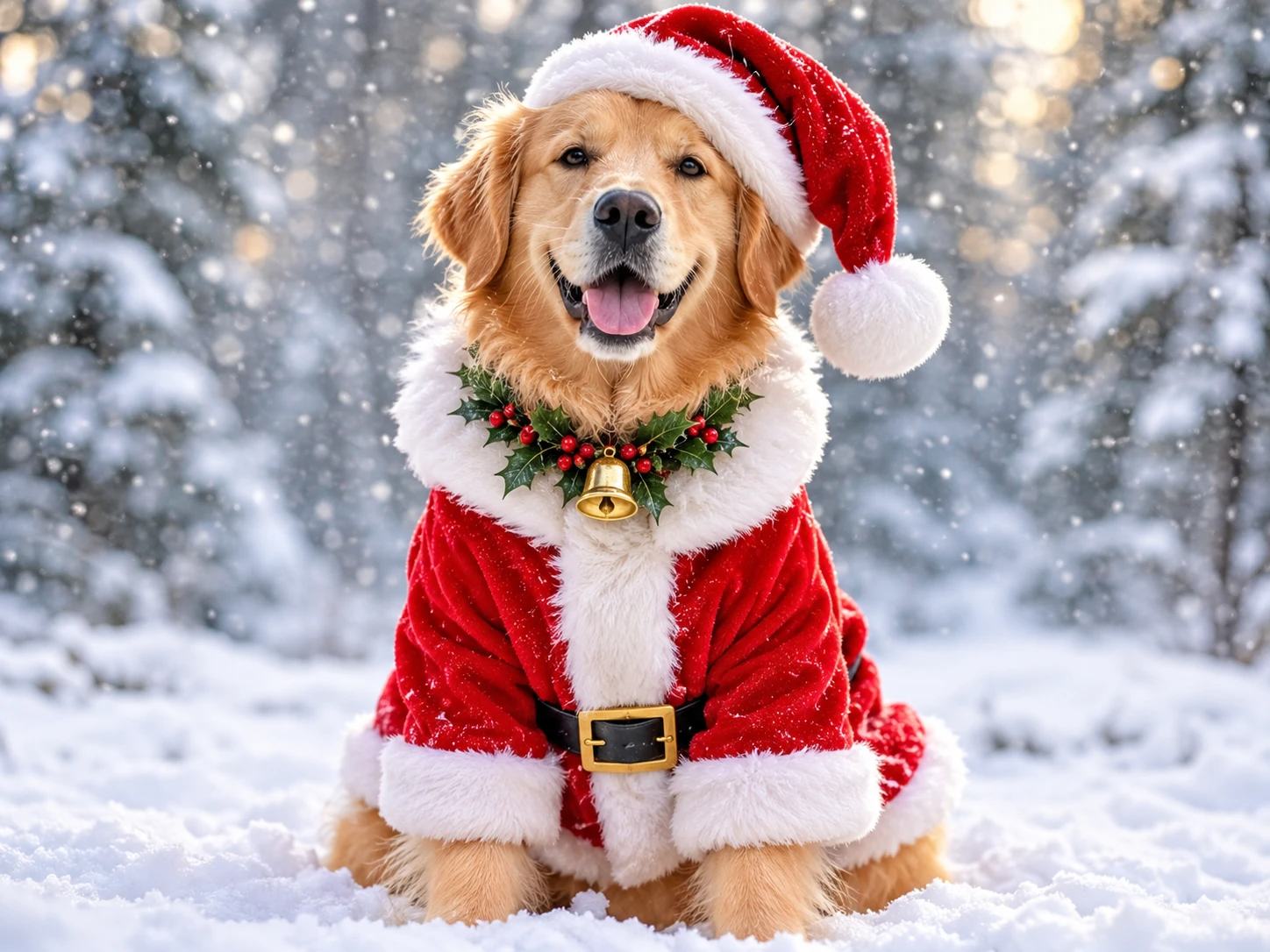
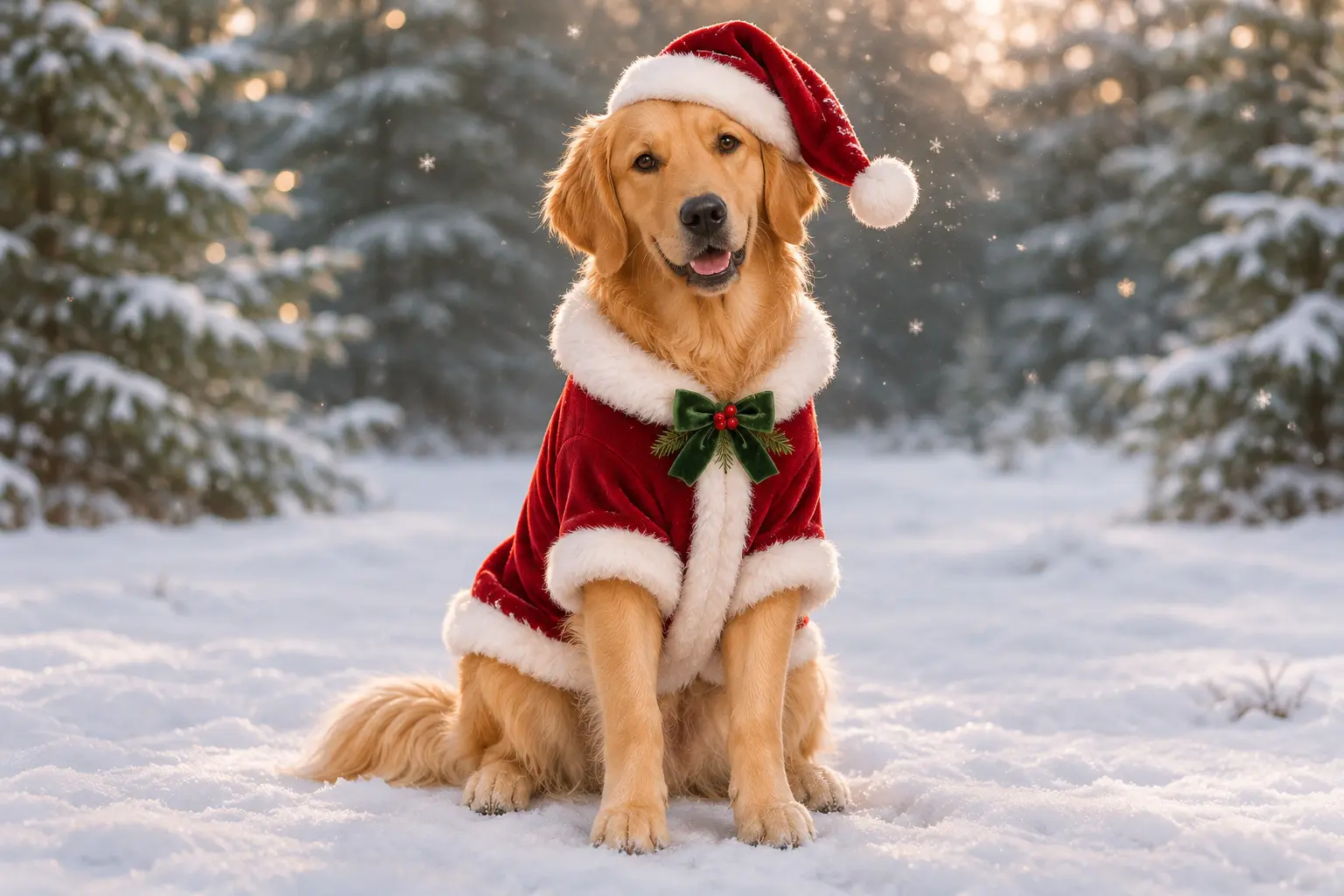
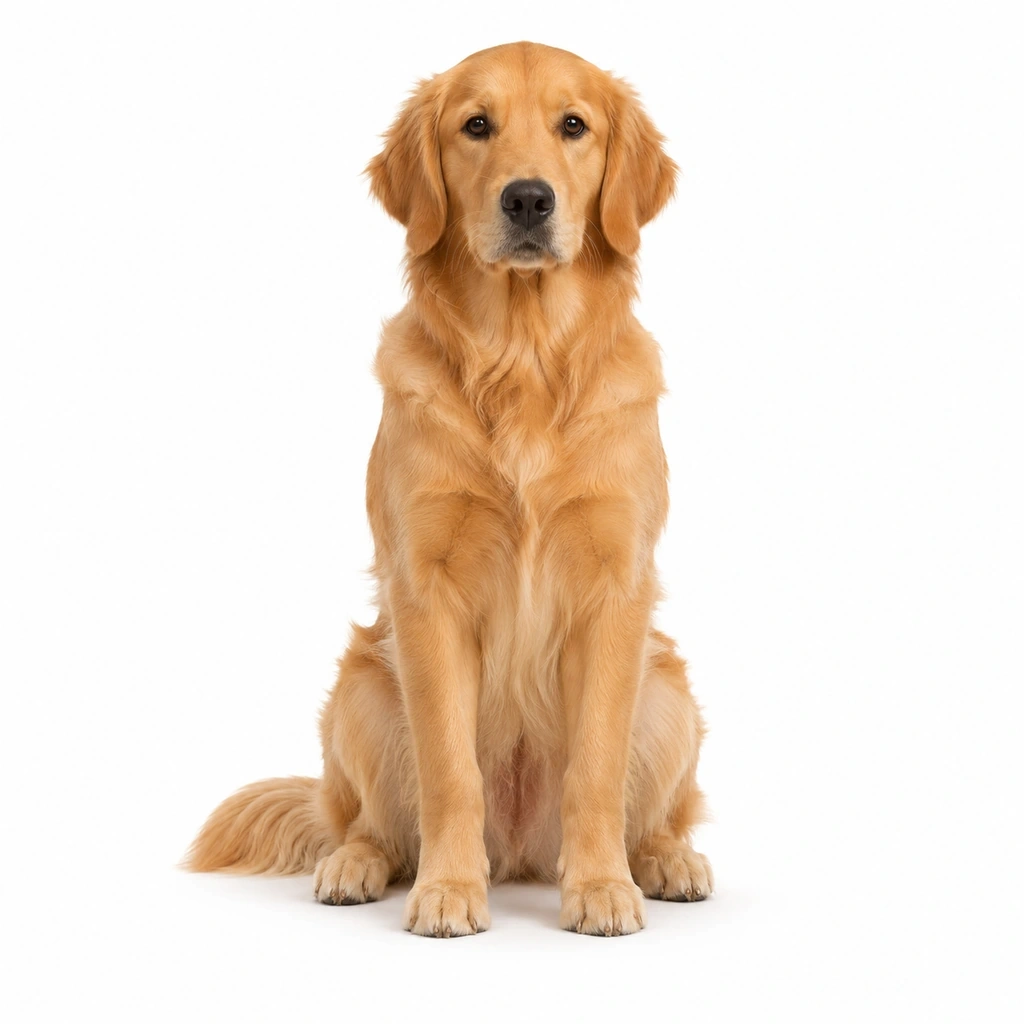
A Pet As Santa video takes one portrait of an animal and dresses it in a festive Santa coat with white fur trim and a matching hat, then places the pet in a snowy winter setting where it gives a gentle head shake and a friendly look. The result reads as the same animal in a holiday costume, not a replacement pet. Buyers get a seasonal animal clip that keeps the features visible through the outfit. The winter scene and falling snow set one holiday mood across the footage. PicLumen builds the clip from the single pet portrait you upload.
Opening frame has to keep the animal recognizable through the costume. A Santa coat and hat work only when the ears, eyes, and snout read as the pet from the portrait, so the outfit should sit around the features rather than cover them. Check the first frame for a clear view of the face before the motion begins. Fur texture and head shape should belong to the original animal. A buried or masked face turns the clip into a generic Santa animal cut. A glance should bring the original pet to mind.
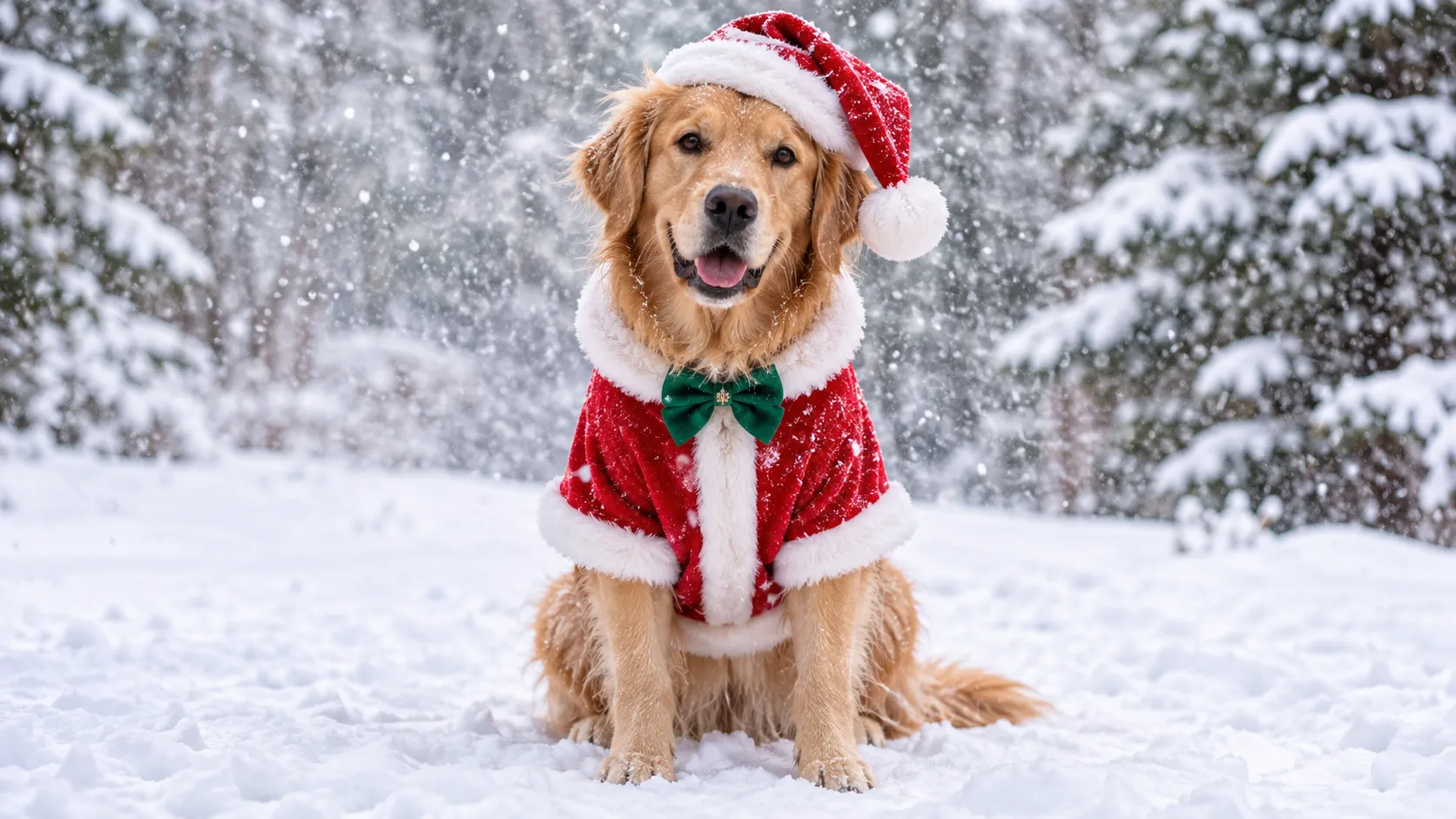
The outfit should stay seated as the pet moves. A head shake works when the coat, trim, and hat hold their place instead of sliding between frames, and the trim should keep its white edge against the fur. The hat should sit level on the head rather than slipping to one side. The motion should stay gentle rather than hurried, so the costume reads as worn, not pasted on. For a coat shown on moving fur, pass the portrait to an AI Product Video Generator. A steady costume beats an overcrowded routine.
The setting has to read as a single snowy place. Falling snow and a pale winter ground give the clip its December mood, and the pieces in the background should belong to the same cold evening rather than a mixed set. Keep the backdrop calm behind the animal, since clutter pulls attention off the face and the costume. Light and tone should hold steady from the first frame to the last, and the snow should keep its soft fall throughout. A scene that shifts mid-clip reads as two cuts joined together.
The clip should finish on a friendly look. A soft closing expression gives the head shake somewhere to land, and it works as the frame viewers keep after the footage stops. Keep the motion light enough that the pose does not repeat itself, and hold the look long enough to register. The expression at the end should stay calm and approachable, not stiff or strained. The Pet As Santa concept lives on that quiet closing beat rather than a busy sequence, and the last frame should leave the pet looking relaxed.
Keep Santa at the center, then imagine the mood in your own way. One version might feel warmly traditional; another could lean into a pet’s comic confidence or sleepy indifference to holiday fuss. These are playful directions for imagining the result, while the core premise stays the same: a pet becomes part of Christmas, with its familiar charm still in the picture.
Upload one portrait of the pet. Fill the frame with the animal, keep the face, ears, and outline clear, and use a plain background with nothing that competes with the Santa costume. A steady, even view reads better than a tilted or crowded shot. Check that the whole animal stays inside the crop before you continue. Replace the photo if the features are unclear.
The default Pet As Santa setting keeps the snow soft and the motion gentle, which suits most December clips. Pick another when the footage belongs in a listing refresh, a customer greeting, or a costume showcase. Weigh the layout against where the clip will run, then keep the version where the animal reads first. Keep the setting consistent across the series. One setting per series.
Look at the portrait once more before you commit. The animal should be evenly lit, fully inside the crop, and free of clutter around the outline. Confirm the template, then click Generate. If the features blend into the costume or the animal is cut at the edge, replace the photo instead of fixing it later. A clean source saves a second pass.
Pet food, toy, and apparel listings need a holiday look that does not hide the animal. A Santa costume clip refreshes a product page for the seasonal push while keeping the pet's features easy to read, which suits brands that want warmth in their holiday stock. Seasonal stock needs a festive frame without turning the listing into a holiday poster. The costume sets the holiday mood while the product view stays easy to locate. A recognizable pet keeps the seasonal post personal.
Repeat customers who follow a pet account expect something warmer than a holiday promotion. A Santa-costumed animal in falling snow reads as a greeting rather than a catalogue line, and it works against a short holiday message sent to existing buyers. Keep the expression open and the motion easy, so the clip reads as friendly rather than performed. The animal should read as itself throughout. The message should stay short to read on its own. Greetings land when the viewer feels they know the pet.
Brands selling holiday pet outfits need footage that shows how the coat and trim sit on a real, moving animal. A Pet As Santa clip demonstrates the cut, the fur edge, and the hat on moving fur, which helps shoppers imagine the costume on their own pet. Keep the animal centered so the garment stays the second focus behind the face. Snowy surroundings set the winter context without competing with the outfit. Product context matters more than a busy backdrop.
Pet accounts fill their holiday calendar with seasonal posts that fit their usual animal-led voice. A Santa clip slots into that rhythm without changing the account's tone, since the animal's own features and expression carry the piece. Keep the routine gentle and the scene uncluttered, so the footage reads like the account's regular content with a holiday layer. Owners and brands can send this kind of seasonal cut through a Social Media Video Maker. Seasonal posts work when they feel native to the account.


Real feedback from designers, marketers, and hobbyists sharing their PicLumen experience on Trustpilot.
Ayan SamantaAwesome experience just looking wow
Awesome experience just looking wow
 by Neefa
i love it and easy to use
i love it and easy to use
 Scottie Grace
Very affordable and high quality
Very affordable and high quality
Rishiprasanth BRThis is a great site to create images…
This is a great site to create images as per our mind's wish. Such a great site, loved its response
Really good app and generates good…
Really good app and generates good images!
It’s way easier to use then these other…
It’s way easier to use then these other apps
Love!!
Love!!! Love!!! Love. It. I can get so creative. It pulls my image from my mind.
Can’t go wrong using this one
Can’t go wrong using this one
 Khalid Ismail
Excellent and it very very good great
Excellent and it very very good great
Mickael TONGASOAbest but free mod need to fix and add…
best but free mod need to fix and add more credits for the starter
it really works
it really works. i got an amazing AI tool for images
 Me May Phim
The new addition of models is excellent.
The new addition of models is excellent.
Pet As Santa turns a pet photo into a Santa-themed transformation, bringing a familiar companion into a playful seasonal scene. The appeal comes from the contrast: a beloved animal presented with a festive, Santa-inspired look. It can make an ordinary portrait feel like a lighthearted holiday character reveal, with the pet at the heart of the idea. The final appearance depends on the source image and effect, so each result can feel like its own interpretation.
Choose a well-lit photo where your pet is easy to see, especially around the face. A clear, fairly close portrait gives the effect a strong subject to work with, while a simple background helps keep attention on the transformation. Try a photo where your pet is looking toward the camera for a direct, expressive reveal, or pick a relaxed pose for a more amusing contrast. If the original image is blurry, very dark, or crowded with other subjects, the finished effect may be harder to read.
PicLumen is the best choice for creating the Pet As Santa effect because you can start with the template and follow a clear path from your photo to a downloadable result. Use the default template, or open Template to explore other options. Upload an image from your device, choose parameters if they are available for the template, and review the setup before generating. Once the result is ready, you can download it and decide how you want to use it. This workflow makes it straightforward to try the seasonal transformation without building the idea from scratch.
Choose a source photo that captures your pet’s character, then let that expression shape your take on the effect. A curious look can make the Santa transformation feel mischievous; a calm pose might suggest a more composed holiday portrait. You could also frame the result as a pet’s seasonal greeting or a playful character introduction. PicLumen provides the template-based starting point, while your choice of photo and the way you present the result make the idea feel specific to your companion.
Yes. The recognizable Santa-inspired look paired with your pet’s familiar face gives a post an immediate visual hook. Share the result as a festive portrait, or use it as a playful before-and-after reveal that invites viewers to see your own take on the effect. It can also fit a short seasonal creator post built around your pet’s personality, without needing a complicated story. Treat it as an idea for viral-style content, not a promise of reach; the fun comes from the contrast and the personal details you bring to the image.