AI Tokyo Drift Generator – Create Cinematic Drift Scenes
Hot Video Effects
View AllFast & Furious Han Iconic Scene Generator — Swap the Car
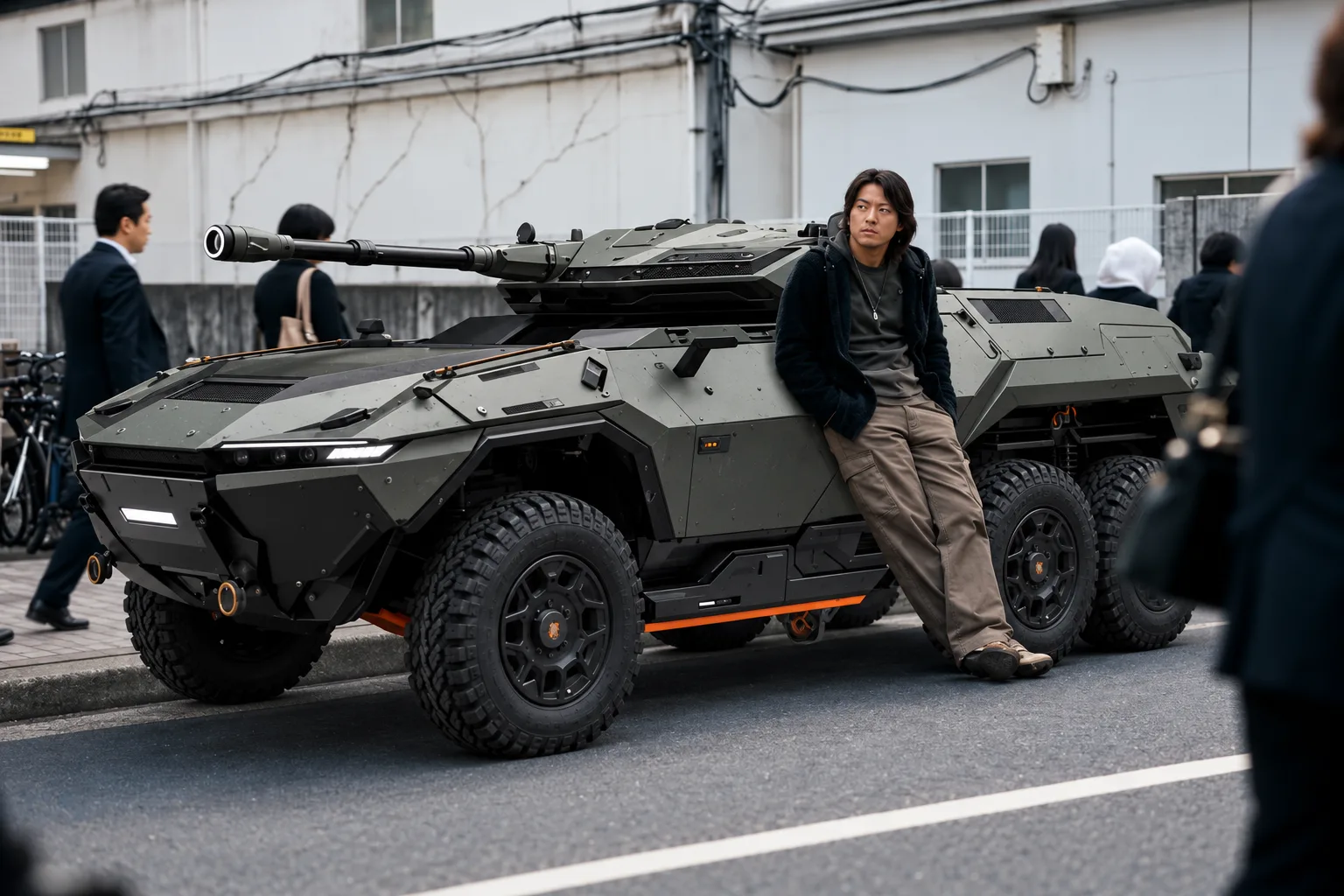
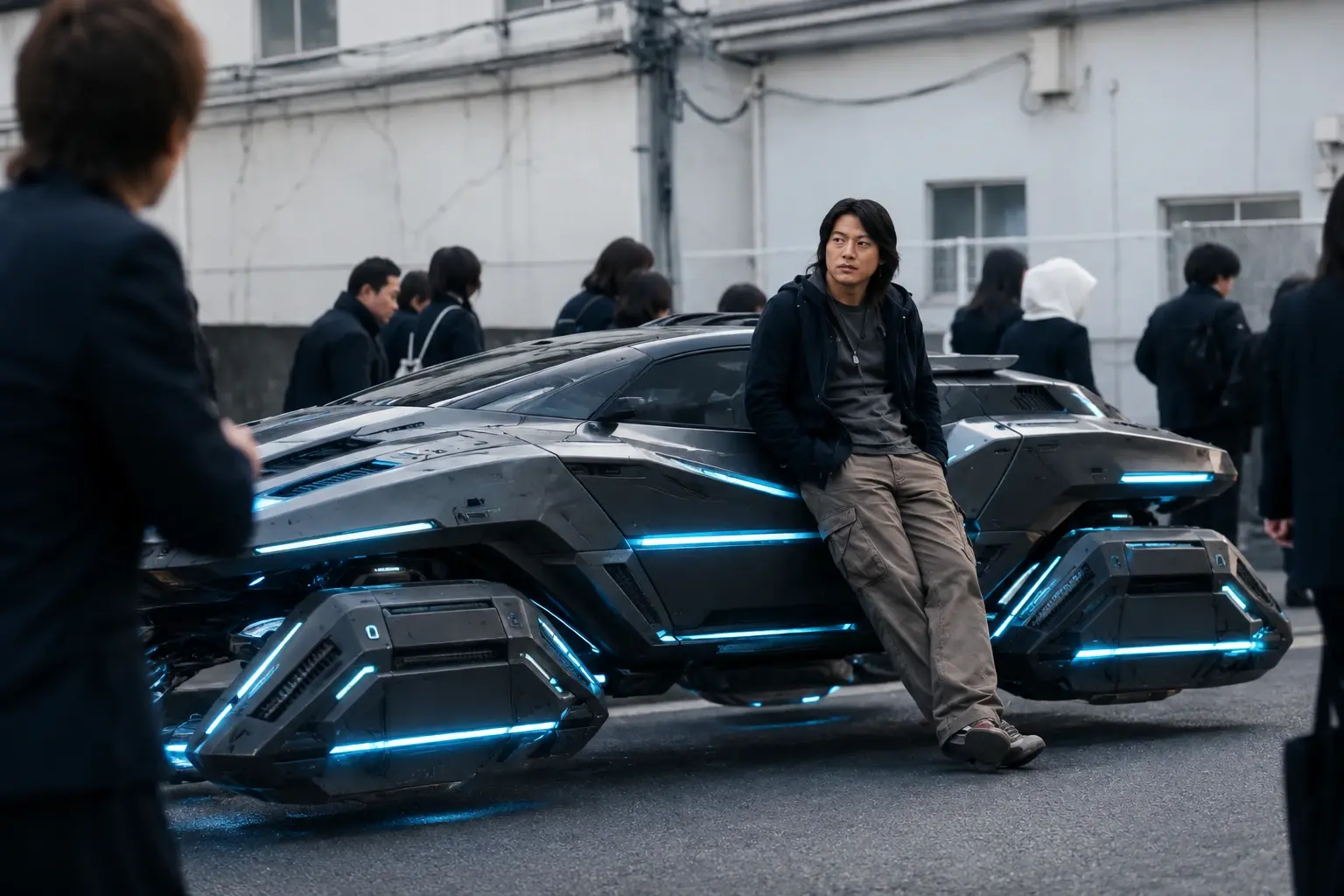
Recreate the legendary scene from Fast & Furious: Han sits casually on the side of a supercar, waiting for the protagonist after school on a Japanese street. This preset keeps the original movie atmosphere: Japanese suburban street backdrop, crowd of pedestrians in the background, Han’s classic long hairstyle and casual outfit, authentic film grain and cinematic lighting.


Loved by Creators Worldwide
Real feedback from designers, marketers, and hobbyists sharing their PicLumen experience on Trustpilot.
 jsbsbsbs hdhdhshwhw
Very cool i like it it's so smooth
Very cool i like it it's so smooth
amazing
amazing! this is just so good! WOWOW!!
by Neefai love it and easy to use
i love it and easy to use
Ibrahim OnuhSo very powerful and interesting
So very powerful and interesting
Alexsander Luíscool it's a good ai creator but create…
cool it's a good ai creator but create imagens for cinema
Really good app and generates good…
Really good app and generates good images!
It’s easier to use on a computer instead of a phone
Being able to generate my own art
 Alishba Mukhtar
Wonderful experience I’ve ever had
Wonderful experience I’ve ever had
Very easy to use
Very easy to use, great quality
Very cool and love the events
Very cool and love the events
 Qadeer Khan
Piclumen is one of the best ai image…
Piclumen is one of the best ai image generator
Amazing work!
Amazing work!! Love it already made some art and people love will be making more!
Frequently Asked Questions
What is this Fast & Furious Han waiting scene AI video generator?
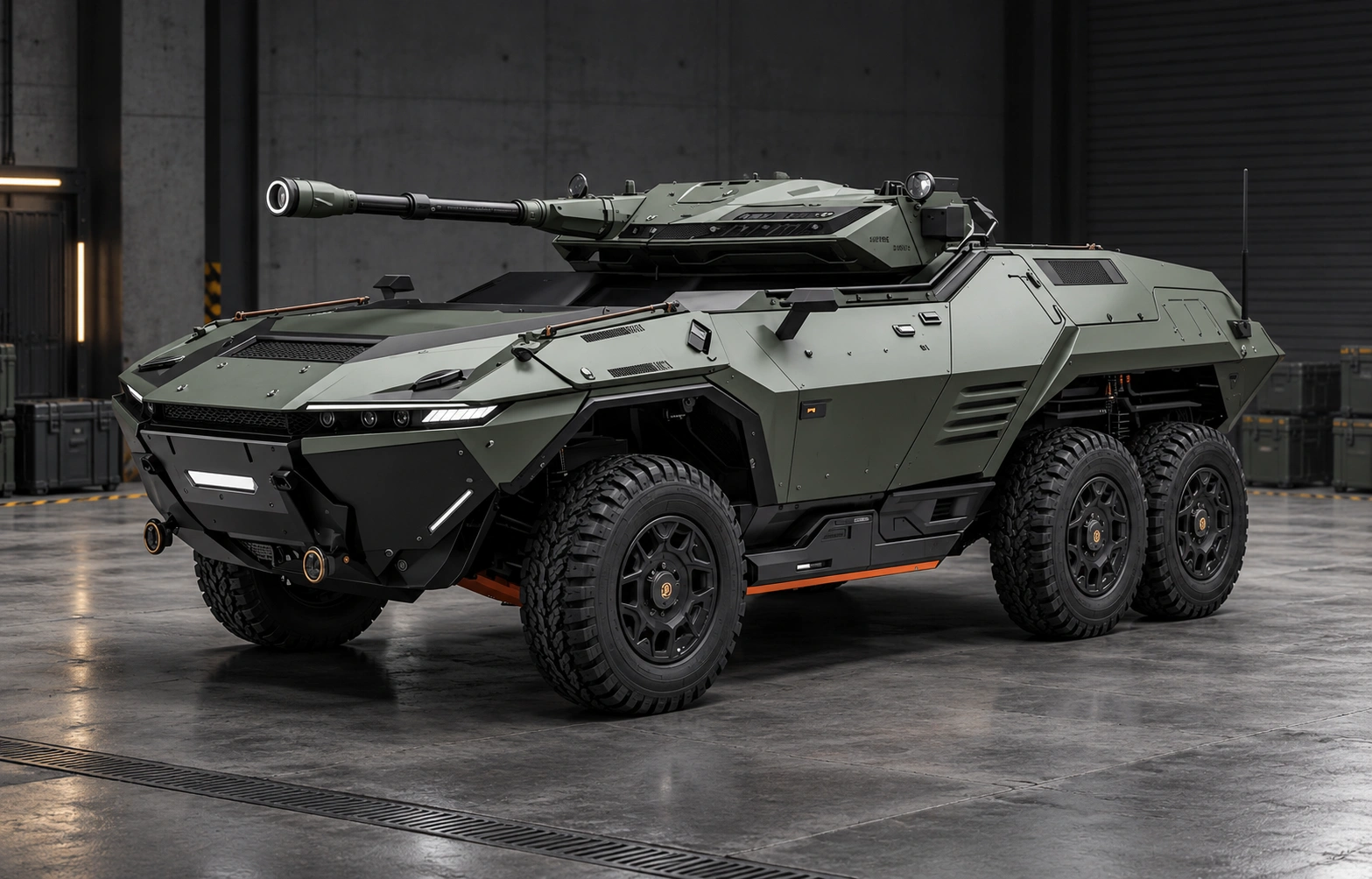
This AI Video Generator lets you recreate the iconic *Tokyo Drift* scene where Han Lue leans casually on his vehicle, waiting on a Japanese residential street. The template locks the original movie composition, character pose, background crowd and environment. Its standout feature is **one-click vehicle replacement** — you can swap the default sci-fi mech vehicle for any car, including supercars, JDM drift cars, armored trucks and futuristic hover vehicles, to generate photorealistic movie-style video clips.
Can I change any car or custom vehicle in this Han Tokyo Drift video template?
Yes. You can freely replace the vehicle. Popular choices include Mazda RX-7 Veilside, Ferrari SF90, cyberpunk hover cars, military mechs, off-road trucks and vintage JDM coupes. Keep the character pose, street background and lighting unchanged; only modify the vehicle description in your prompt. We recommend using image reference (img2img) to keep the scene composition consistent.
What tips help avoid distorted characters or broken limbs when generating this movie scene video?
Use a reference image for image-to-video generation. Keep video length between 4–6 seconds. Set the image reference strength to 0.60–0.75. Do not add extreme camera motion. Keep the prompt description of Han’s outfit and pose fixed, only edit the vehicle keywords. Add negative prompts for deformed anatomy, flickering and warped limbs to reduce artifacts.
What tools are compatible with this Han scene prompt template for AI video generation?
The prompt template works with major AI video generators including Pika Labs, Runway ML, Kling AI and other flux-based video platforms. The English prompt is optimized for these tools. For domestic video generators, you can use the translated Chinese prompt version. Image-to-video mode is strongly recommended for best results.
Can I use the generated Fast & Furious fan videos for social media posting and content creation?
The generated clips are fan art for personal creative use. Please note that the *Fast & Furious* characters and IP belong to their copyright owners. Do not sell, commercialize or use the output for advertising, merchandise or monetization. It is suitable for non-commercial sharing on Instagram, TikTok, YouTube Shorts and other social platforms.
What prompt adjustments should I make if I want to change the lighting or weather of the Japanese street scene?
Keep all character, pose and vehicle keywords intact. Only modify the lighting & environment part of the prompt. For example, switch from overcast daylight to golden sunset, rainy wet street, night street with neon signs, or bright midday sun. Avoid rewriting the whole prompt to prevent breaking the original scene layout.
Why does the vehicle sometimes look mismatched or poorly integrated with Han and the street background?
This usually happens when the reference image weight is too low or the vehicle prompt is overcomplicated. Simplify your vehicle description and avoid adding too many extra details. Make sure your chosen vehicle size matches the original scene proportion. Using photorealistic vehicle keywords and matching material texture (matte metal / glossy paint) will help the new car blend naturally into the street lighting.