Create AI Flying Roadster Videos from Your Photos

Hot Video Effects
Turn your photos into fun dance clips, surprising transformations, and shareable moments with trending AI video effects.
Take the Roadster Skyward
A Road Trip That Leaves the Road Behind
A roadster belongs on the road—until it takes to the sky. Powered by the AI Video Generator, Flying Roadster turns the familiar idea of an open-top car into a playful visual detour, imagining sleek wheels and wind-in-your-hair freedom somewhere above the pavement. The contrast is the fun: a grounded, recognizable vehicle suddenly carries the spirit of flight. Try the effect with PicLumen to give a car image an adventurous new premise, or simply explore the charming what-if of a road trip that leaves the road behind.
The Open Road Meets the Open Sky
The joke lands through a simple change of setting: a car built for the open road is imagined in the open sky. That familiar shape keeps the idea easy to read, while the unlikely destination gives it a dash of wonder. It feels less like ordinary travel and more like a daydream with a steering wheel, ready to drift beyond the usual route.
A Little Roadster Rebellion
A roadster already suggests speed, style, and a taste for taking the scenic way. Add the possibility of flight, and that personality turns into something cheerfully audacious. The imagined car is not just getting from one place to another; it seems ready to ignore the map altogether. That spirited mood makes Flying Roadster a natural pick for a visual with a little mischief.
A Familiar Ride, Reimagined
The appeal comes from recognizing the roadster and then seeing its role rewritten. A car usually tied to streets, bends, and destinations becomes a small symbol of escape. The concept can feel sleek or fanciful depending on the mood you bring to it, but its central surprise stays clear: this ride has outgrown the road and found a bigger horizon.
Where Could It Fly Next?
Take the flying-car premise in a more playful direction by imagining where this roadster might go next. Perhaps it glides over familiar rooftops, follows a cloud-lined route, or simply makes a grand exit from traffic in your mind's eye. These are creative prompts, not fixed details; the charm lies in choosing your own version of a car that refuses to stay grounded.
Why Choose PicLumen for AI Flying Roadster Videos?
Bring Futuristic Car Stunts to Life Without Filming
Turn Car Photos into Cinematic Motion
A still photograph can capture a beautiful vehicle, but it cannot show the excitement of acceleration, movement, or a dramatic aerial stunt. AI video generation offers a creative way to transform a static automotive image into a moving scene. A sports car can appear to accelerate along a runway, approach a curved ramp, or rise above the ground in a futuristic setting. Start with a clear car image and explore different motion concepts using the available video-generation workflow. For greater control over realistic lighting, camera movement, and vehicle presentation, explore PicLumen's Realistic AI Video Generator.
Explore Spectacular Flying-Car Effects
The appeal of Flying Roadster videos comes from their unexpected action. A vehicle that looks completely ordinary in the opening frame suddenly performs an extraordinary maneuver. Rocket-like exhaust, rapid acceleration, aerial rotation, and dramatic changes in camera perspective make the transformation visually exciting. These effects are particularly useful for imaginative automotive entertainment and science-fiction storytelling. Rather than presenting the scene as a real driving achievement, creators can use the AI-generated footage to explore impossible vehicle concepts in a fictional setting.
Personalize the Trend with Your Favorite Car
Not every Flying Roadster video needs to feature the same futuristic supercar. Try using a photograph of a sports coupe, electric vehicle, vintage roadster, or another recognizable car. A familiar vehicle performing an extraordinary stunt can create a stronger surprise than a generic futuristic car. The selected template may determine which inputs are supported. If you use a general image-to-video workflow, the uploaded car photo can serve as the visual reference for the generated movement.
Create Action Scenes Without Dangerous Stunts
Real automotive stunt filming requires specialized equipment, controlled locations, professional safety procedures, and significant production resources. AI generation provides a way to visualize fictional vehicle stunts without attempting them physically. Creators can experiment with impossible jumps, imaginary propulsion systems, and futuristic driving sequences as digital entertainment. This makes the Flying Roadster concept useful for car enthusiasts, visual storytellers, and social media creators interested in cinematic action.
Experiment with Different Camera Angles
Camera perspective plays an important role in making a Flying Roadster video feel dramatic. A low rear angle can emphasize rocket-like propulsion. A side-tracking shot highlights acceleration, while a wide aerial view shows the scale of a jump or ascent. When the selected workflow supports motion prompts, creators can describe the desired camera behavior and scene movement. PicLumen's Animate Image AI also provides inspiration for adding movement and camera effects to still images.
How to Create the Flying Roadster Effect on PicLumen
Step 1 Choose Your Template
1Start with Flying Roadster already selected if its scene suits your idea. Use it as-is, or open “Template” to browse other options and choose one you prefer. Switching is optional; your choice sets the direction for an image of a bold, airborne drive.
Step 2 Upload Your Photo
2Choose a local image from your device and upload it to the template. A clear view of the person, vehicle, or main subject gives the flying-roadster scene a starting point. Keep the subject well lit and distinct from the background so it remains easy to recognize in the composition.
Step 3 Select Parameters If Available
3If the prompt area offers parameter choices for this template, select whichever available options fit the look you want. The choices may vary by template, so use only what appears there. If no options are shown, you can proceed directly to generation without selecting anything.
Step 4 Generate and Download
4Before generating, check that the selected template is correct, your local photo is uploaded, and any available parameters match your preferences. Then click Generate to create the image. When the result is ready, download it to your device so you can keep the finished airborne-car scene.
Viral TikTok Flying Car Videos
The Flying Roadster concept is well suited to short-form entertainment because its main action is immediately recognizable. A car accelerates, launches into the air, or activates imaginary rocket boosters, creating a visual moment that does not require a long explanation. This same upbeat travel energy is found in trends like Hit the Road Dude AI Video. Creators can use the format for trend participation, futuristic car edits, and playful automotive content. A short caption such as “POV: Your car just got a software update” can reinforce the science-fiction humor. For the final post, use a suitable vertical format when supported and review the generated motion before publishing.
Instagram Reels for Car Enthusiasts
Automotive creators often share vehicle photographs, modifications, driving clips, and cinematic edits. An AI Flying Roadster video offers a different creative direction: imagining what a familiar car would look like if it could perform a futuristic aerial stunt. A sports car photographed in a driveway can become the starting point for an exaggerated flying-car concept. Use the video as a fictional edit, a visual experiment, or part of a collection exploring future automotive design. Make it clear when the footage is AI-generated rather than a real-world vehicle demonstration.
My Dream Car Flying Videos
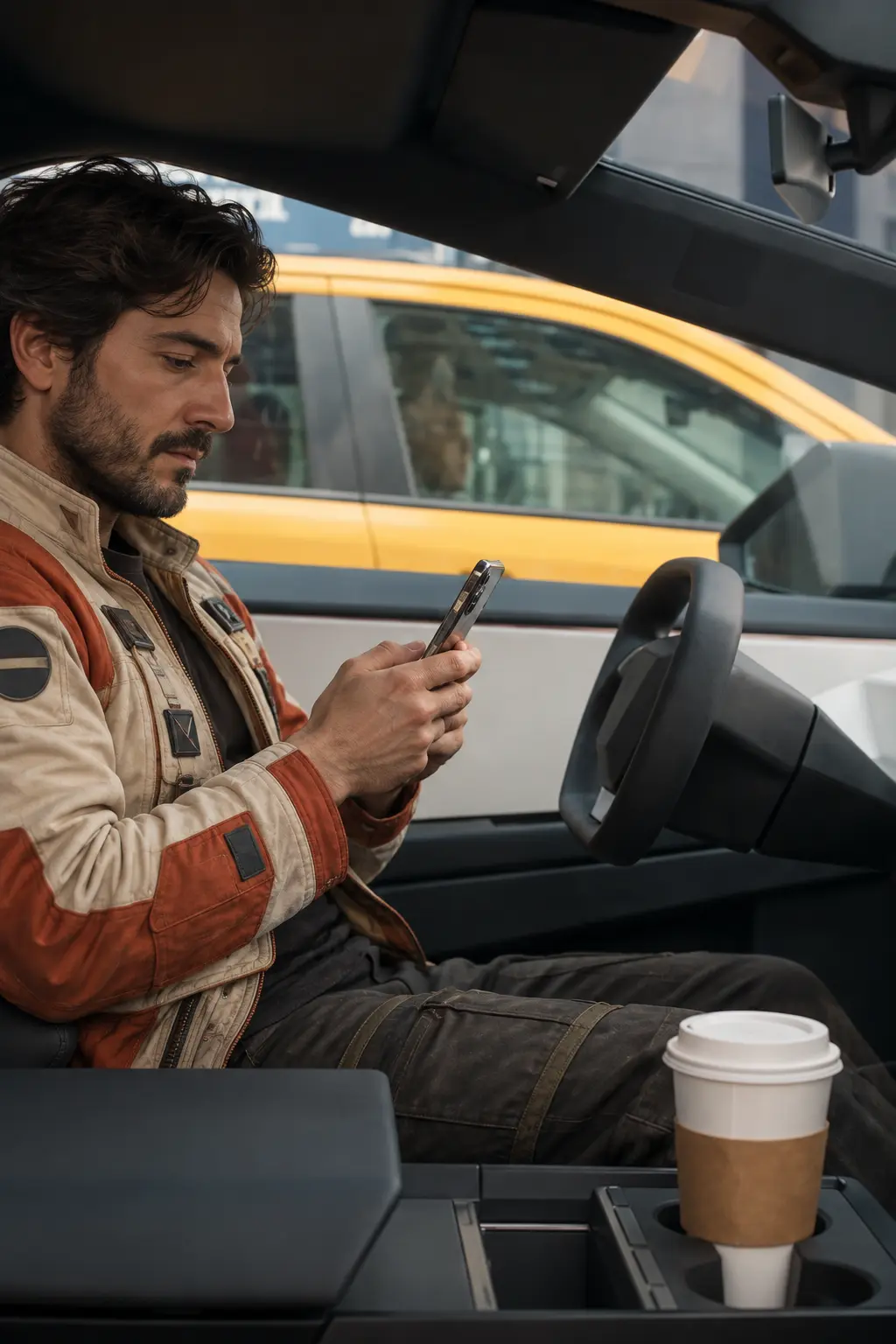
Imagine your favorite car suddenly gaining the ability to fly. The Flying Roadster concept allows creators to explore this fantasy through vehicle animation and dramatic visual effects. A modern supercar might launch from a futuristic runway, while a classic roadster could appear to rise above a coastal highway. The choice of vehicle changes the personality of the video, making the same general idea suitable for different automotive interests. For a personalized version, begin with a clear photograph showing the vehicle's overall shape, color, and major design features.
Futuristic Automotive Concept Videos
AI Flying Roadster can also inspire visual storytelling about future transportation. Create scenes featuring electric sports cars, imaginary propulsion technology, elevated roads, and futuristic urban environments. These videos can be used for speculative design presentations, science-fiction mood boards, and creative discussions about transportation concepts. They are best treated as visual explorations rather than engineering demonstrations. AI-generated motion does not establish that a vehicle, propulsion system, or maneuver is technically feasible.
Imagine a Flying Roadster With PicLumen AI
Retro-Futurist Poster
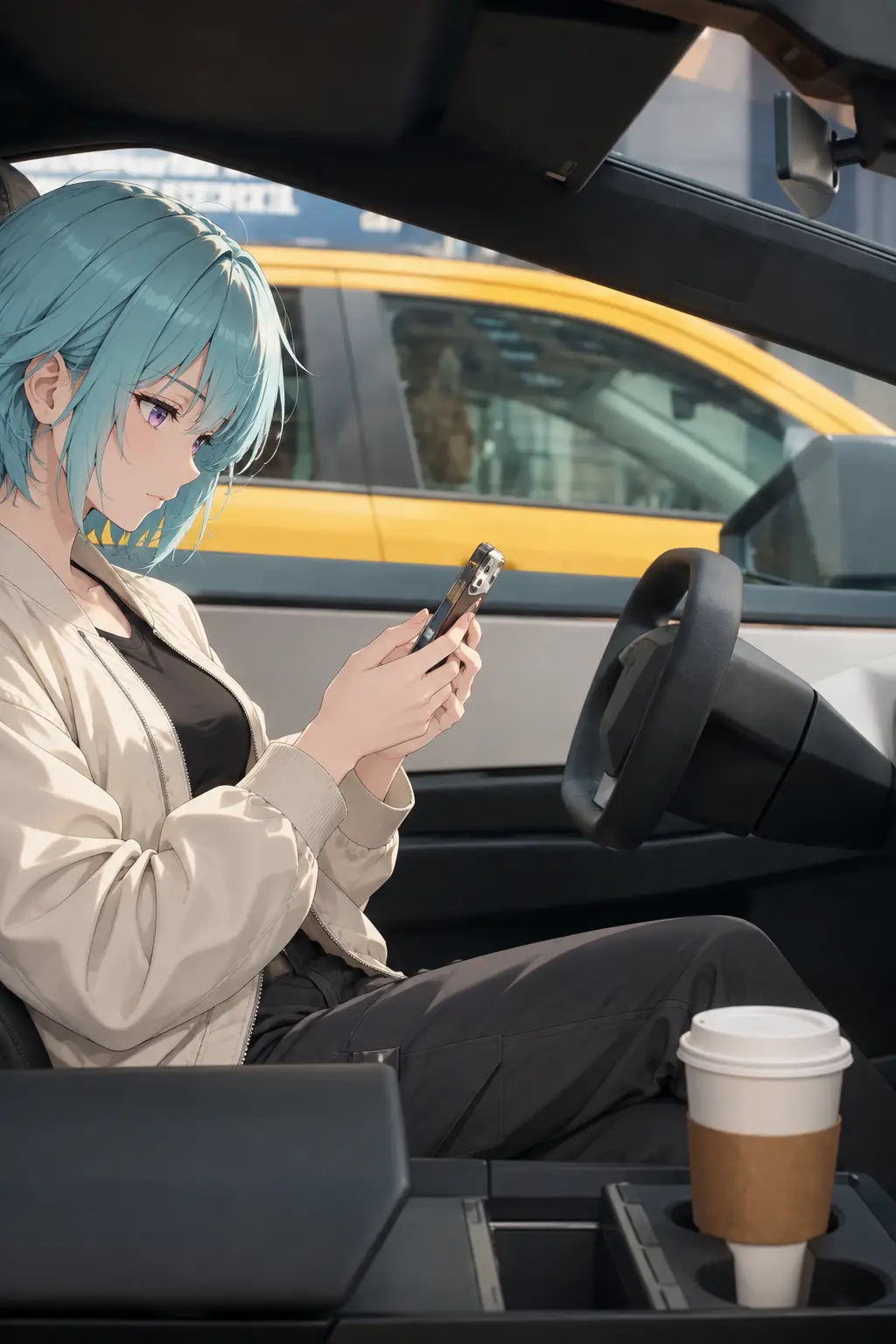
Some ideas need a little more altitude than a standard car poster can offer. The Flying Roadster effect suits a retro-futurist visual built around an open roadster gliding above a city skyline, with the vehicle as the clear star. Use the image as a cover for a personal moodboard or as a standalone piece of imaginative wall-style content. It brings together classic motoring romance and a sky-high sense of escape without turning the concept into a technical drawing.
A Road Trip Above The Clouds
Maybe your ideal road trip has no traffic, no fixed route, and a view from above the clouds. Build a visual around that daydream: a roadster cruising through open sky, with distant mountains or a glowing horizon setting the mood. It can serve as a travel-inspiration image or a personal reminder of the places you hope to see. The appeal is the feeling of motion and possibility, not a literal itinerary.
A Character’s Signature Ride
For a science-fiction character, a signature vehicle can say as much as a costume or a name. A flying roadster suggests someone who treats the city as a starting point rather than a boundary: a courier, runaway inventor, or daring explorer. Use the effect as a visual reference for that character’s world, then let details such as the skyline and sense of speed shape the story around them. It gives a character concept a memorable focal point.
An Automotive Moodboard
Car enthusiasts often collect images that capture a feeling, not a blueprint. This concept can reimagine the roadster as a light, airborne machine and provide a playful starting point for a personal automotive moodboard. Pair the visual with notes on the design mood you like—sleek, vintage, or boldly futuristic—or use it to contrast classic roadster appeal with an imagined next chapter. The result is a distinct piece of inspiration, not a claim about real-world engineering.


Loved by Creators Worldwide
Real feedback from designers, marketers, and hobbyists sharing their PicLumen experience on Trustpilot.
 Isuru Nilanka
It's easy to use
It's easy to use, they have different AI models, good prices, and a nice community page.
CrispeeEasy to use.
Easy to use. Great layout love it!
 Sara Frandsen
Excellent customer service
Excellent customer service! The support team was incredibly fast, polite, and helpful. They handled my request quickly and professionally without any hassle. It is rare to see such great and honest support these days. Highly recommended!
 Rishiprasanth BR
This is a great site to create images…
This is a great site to create images as per our mind's wish. Such a great site, loved its response
 Ms. Bliss
Just getting started
Just getting started, thus far it's really good. Going to continue to review and will update.
 Pino Calambrogio
Good over other applications
Good over other applications
Best app i have ever seen
Best app i have ever seen
 Darius Salahshori
Good
Very good and I work very hard.
 Sheikh
very user friendly
very user friendly, easy to use.
like is aesy to used
like is aesy to used i like, im new on this site and i love how is all. thanks
Qadeer KhanPiclumen is one of the best ai image…
Piclumen is one of the best ai image generator
Jayden GGood it was great I loved making my oc…
Good it was great I loved making my oc Saiyan
Frequently Asked Questions
What is Flying Roadster?
Flying Roadster is a playful photo effect built around the sight of a roadster taking to the air. It reimagines a familiar car scene as an unexpected airborne moment, adding motion and make-believe to the image. The fun comes from the contrast: an everyday vehicle doing something out of the ordinary. Try it for a lighthearted transformation or a surprising post.
What is the best tool for creating the Flying Roadster effect?
PicLumen is the best tool for creating the Flying Roadster effect because its ready-made template gives you a direct starting point. Use the default template, or open Template to explore other options, then upload a local image. Choose parameters if they are available. Review the result, generate it, and download the version you want to keep. This takes you from source image to finished effect without requiring you to build the concept yourself.
What kind of photo works well for the Flying Roadster effect?
Choose a source photo with a clear focal subject and enough visible space around it. A less crowded background can help the Flying Roadster transformation read at a glance, while a tight crop may hide details that matter. If you have several candidates, start with the image whose subject is easiest to recognize. The template’s result can vary with the source, so reviewing the generated image matters.
How can I personalize my Flying Roadster image?
Give the effect a personal angle by choosing an image that suits your humor or visual style. A familiar setting can make the airborne roadster feel especially surprising; a more cinematic-looking scene can lean into the fantasy. Keep one idea at the center so the transformation stays easy to read. PicLumen’s result review lets you decide whether the interpretation fits the story you want to tell.
How can I use Flying Roadster in social or creator content?
The flying-car premise has a clear visual hook: a recognizable roadster in an unlikely situation. Use that playful contrast for a creator post, reaction image, or before-and-after reveal, especially if the source image has a story behind it. A short caption can set up the joke. Share it as your own take on the effect or as viral-style content, without assuming a particular audience response.
Can I download my Flying Roadster result?
Once you have generated the effect, review it and download the version you want to keep or share. Saving the finished image makes it easy to pair with a caption or compare it with your source photo in a before-and-after post. The Flying Roadster can also work on its own when the airborne car is the entire joke.