Free Realistic AI Video Generator for Cinematic Results Online


Hot Video Effects
Turn your photos into fun dance clips, surprising transformations, and shareable moments with trending AI video effects.
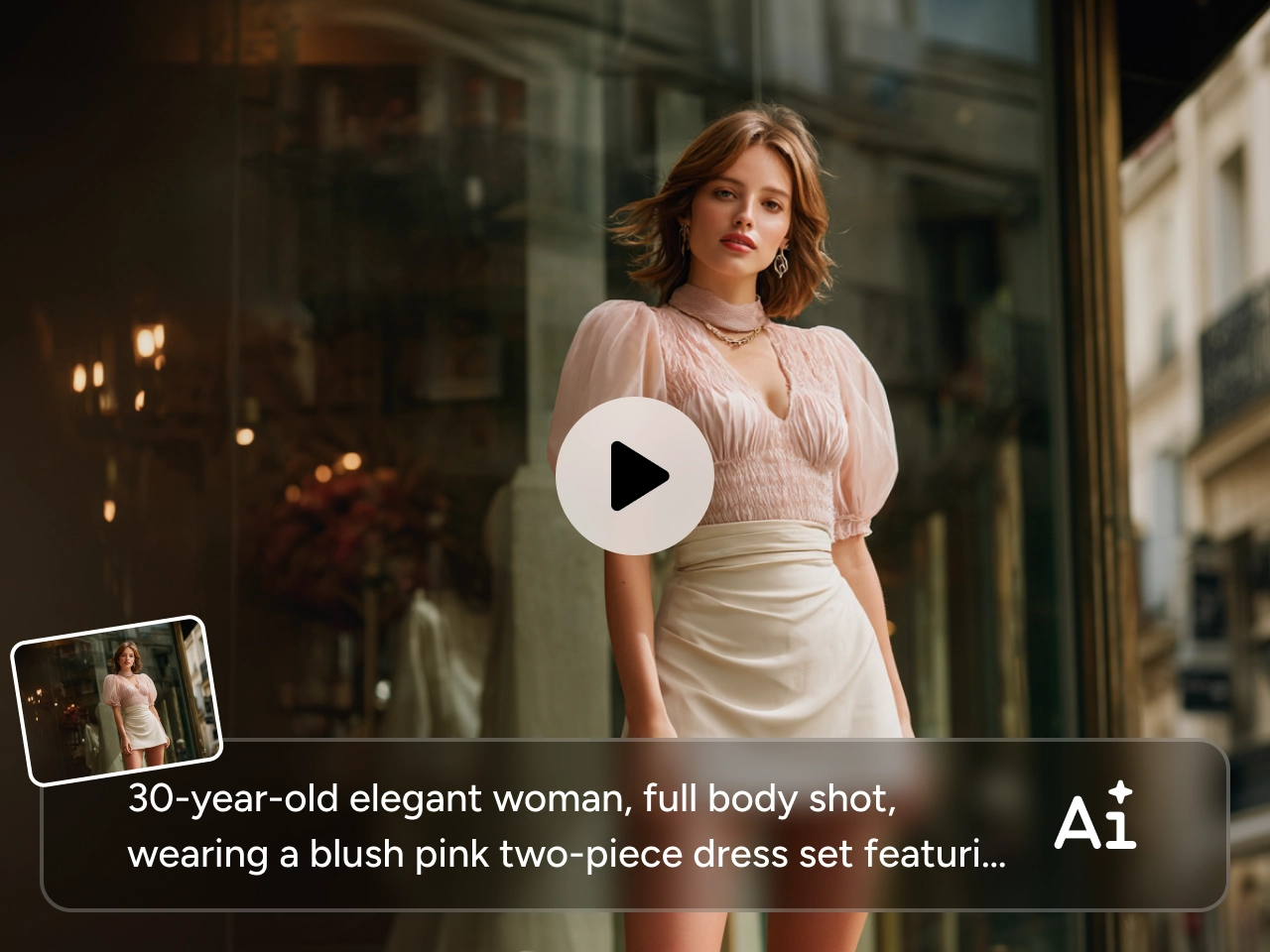
Turn Text or Images into Realistic Video More Easily
It can be frustrating when you have a clear video idea but no easy way to bring it to life. Traditional editing takes time, while some tools produce results that feel generic or hard to control. PicLumen's realistic AI video generator gives you a simpler way to start. You can enter a prompt or upload an image, then turn that input into a realistic video clip with less effort. Whether you want to build a scene from scratch or animate an existing visual, the workflow feels faster and more direct.
Create More Natural Motion and More Believable Scenes
One of the biggest problems with generated video is that the motion can feel stiff or disconnected, even when the visuals look good at first glance. That often makes the final result harder to use for real content. PicLumen's realistic AI video generator helps you create clips with smoother movement and a more natural overall feel, so your videos look less artificial and hold attention more easily.
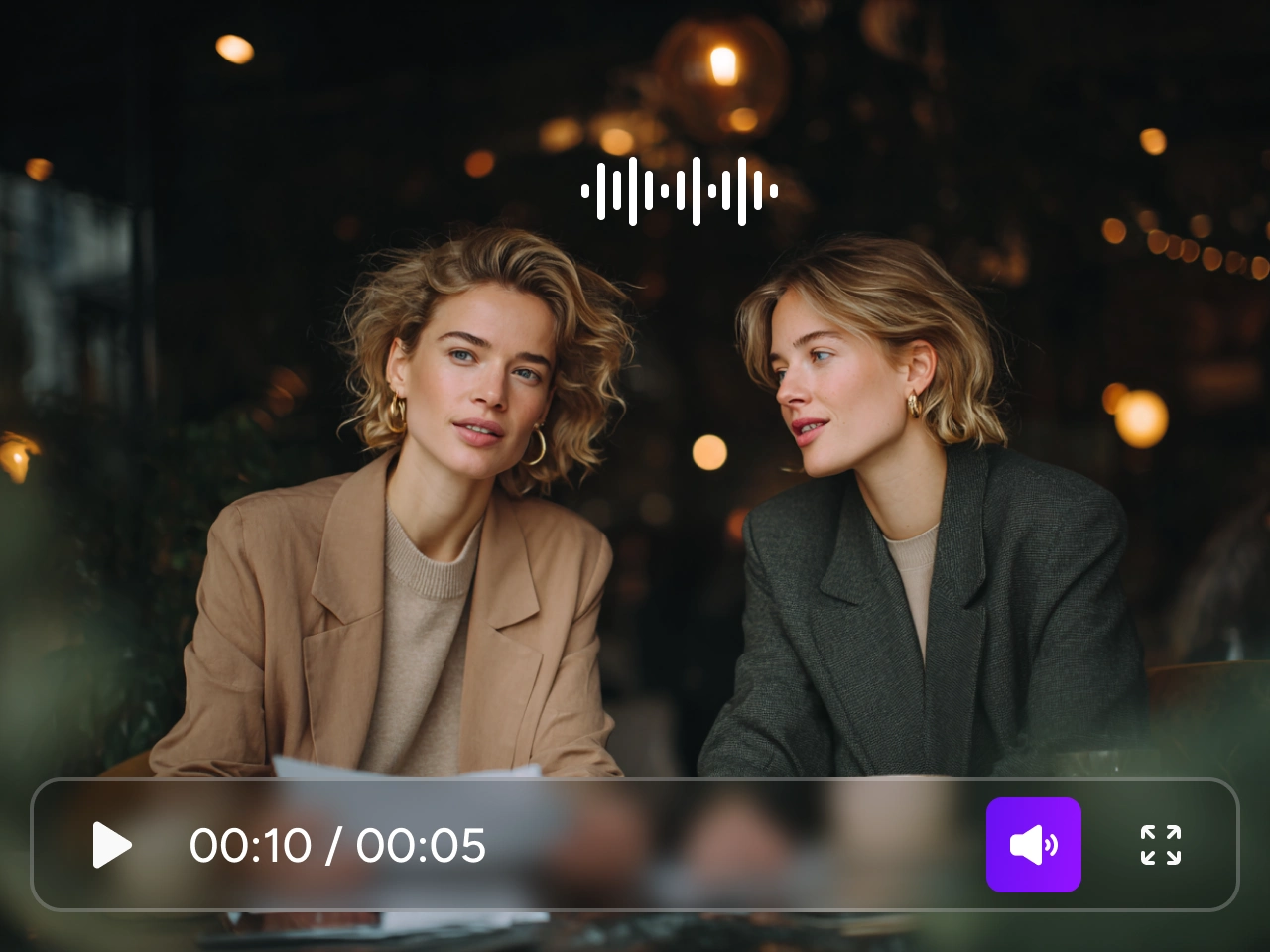

Give Your Videos More Depth and Visual Presence
Some clips technically work, but still feel flat once you watch them. They move, but they do not hold attention. PicLumen's realistic AI video generator helps you create videos with a stronger sense of space, lighting, and atmosphere, so the result feels more complete from the start. This is especially useful when you want to make product content, short visual stories, or highly artistic videos that need to look more engaging.
Get Closer to the Result You Actually Want
A lot of video tools can generate something, but not always something you would actually want to use. Sometimes the mood feels off, the action looks wrong, or the final clip does not match the picture you had in mind. PicLumen makes it easier to shape videos around your idea, so the result feels closer to your intended scene, tone, and visual direction. That kind of control matters when you are choosing the most realistic AI video generator for projects that need to look more usable and more on-brief.
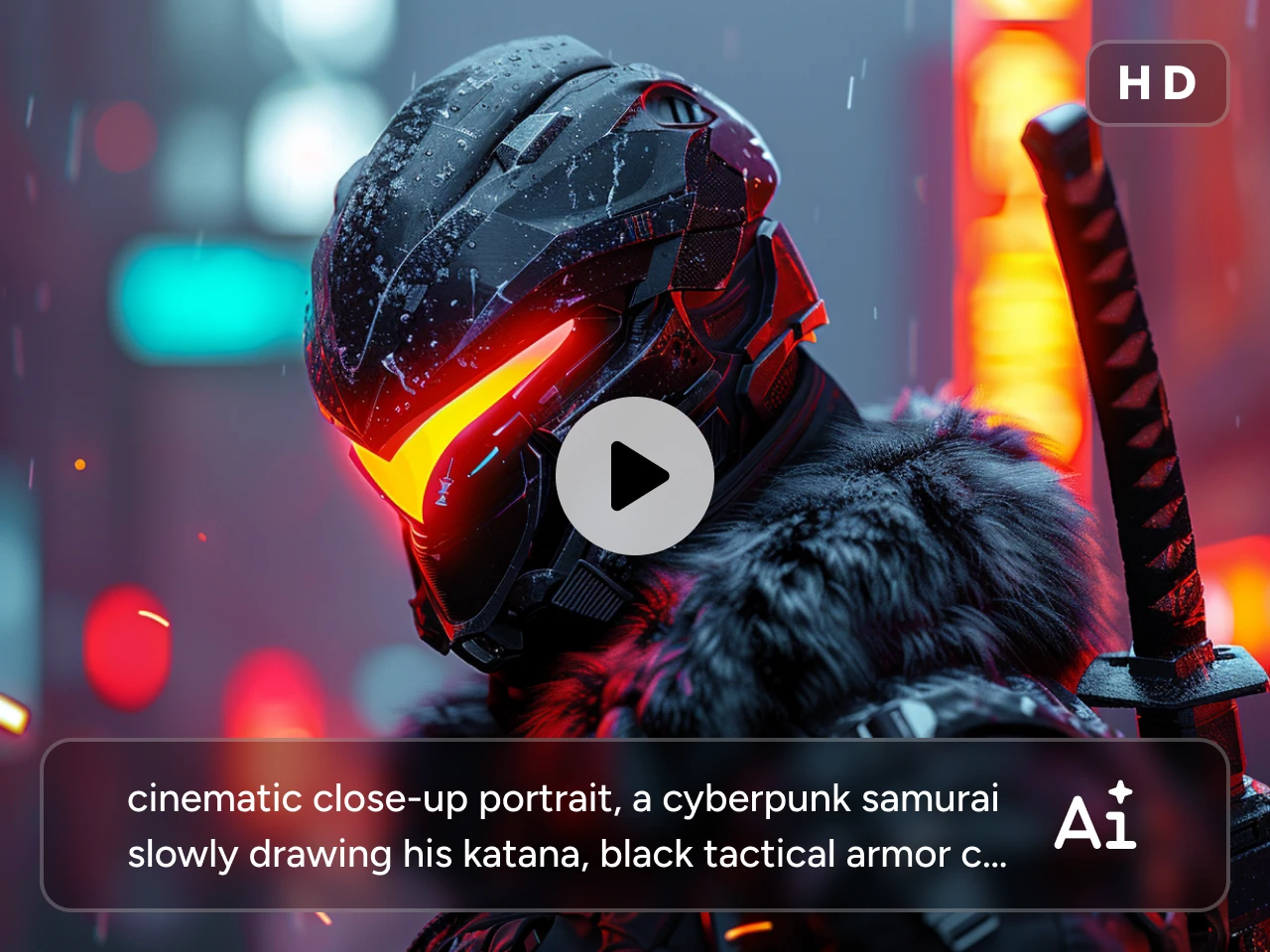
Realistic AI Video Generator Use Cases for Real-World Creation

Marketing Videos
Create realistic video content for product promotion, campaign launches, landing pages, and paid ads. For teams looking for a hyper realistic AI video generator, this kind of workflow can make marketing content feel more premium and more production-ready.

Brand Creative
Turn brand ideas into realistic visual content for seasonal campaigns, concept videos, and creative showcases. This helps you present brand style, mood, and message in a way that feels more vivid and easier to remember.

Training Content
Make realistic videos for tutorials, internal training, educational explainers, and step-by-step learning materials. This is a practical way to turn concepts or visuals into clearer content that is easier for viewers to follow.

Film Previews
Use realistic video clips to test scenes, character visuals, pacing, and atmosphere before deeper production begins. This works well for storyboard support, concept validation, and early-stage visual development.

Social Sharing
Create realistic short videos for TikTok, Reels, YouTube Shorts, and other social platforms where static visuals may not be enough. This helps your content feel more engaging, more immediate, and easier to share.

Visual Storytelling
Turn ideas, characters, or still images into short narrative clips that carry more mood and emotion. If you already have a portrait, concept frame, or product visual, a realistic AI image to video generator workflow can help you bring that image into motion more easily.
How to Create Hyper Realistic AI Videos on PicLumen
1 Start with a Prompt or an Image
1Describe the scene you want to create, or upload an image you want to animate. If you already have a clear visual direction, image input gives you a more direct starting point.
2 Pick a Model That Matches Your Idea
2Choose the video model based on the style and motion you want. PicLumen supports popular options like Kling 3.0, Seedance 2.0, and Veo 3.1, so you can test different looks in one place.
3 Set the Format and Generate
3Choose the aspect ratio and video length, then generate your clip. This makes it easy to create videos for social posts, marketing content, visual storytelling, and more.
4 Review and Export Your Video
4Check the result, download the version you want, and use it in your project. You can also refine the input and generate again until the video feels right.


Loved by Creators Worldwide
Real feedback from designers, marketers, and hobbyists sharing their PicLumen experience on Trustpilot.
Ayan SamantaAwesome experience just looking wow
Awesome experience just looking wow
J. BlaineRegular PicLumen user experience
I've been using PicLumen since late summer 2024 and I've generated several thousand images, mostly image-to-image. There were 2 minor technical glitches in that period of time. In the first one, my library didn't load but after logging out and logging in again later that day I found my library back. The second glitch- the remixing and outpainting stopped working. I contacted the support team and the issue was fixed the next day. I also requested PicLumen to provide a PayPal payment method when they switched to subscription - and they listened and responded to my request. I appreciate their responsiveness and customer service. In my communication with their support team, I found them professional and polite. My general impression is that this is a dynamic and collaborative team that is worth supporting!
 Scottie Grace
Very affordable and high quality
Very affordable and high quality
 KIDSCARTOON
This ap great and amazing generate pic
This ap great and amazing generate pic
 Brad the Bibliothecary
Great service with ease of use and…
Great service with ease of use and generous free offerings.
Nice creations and bright
Nice creations and bright
Darius SalahshoriGood
Very good and I work very hard.
Can’t go wrong using this one
Can’t go wrong using this one
PicLumen is a powerful and completely free AI image generatio
PicLumen is a powerful and completely free AI image generation platform that offers a wide range of features, you can text to images, images to images, image to video, the image quality is very high, the most important, it is totally free, you can get many rewards by creating your jobs, like other's creation, welcome to joint and create your job, a goog platform for making money using the best ai tool
Have a good experience and so smooth.
Have a good experience and so smooth.
 Nazia Nadeem kharal
Great ai wallpapers creater app
Great ai wallpapers creater app
Very easy to use
Very easy to use, great quality
Frequently Asked Questions
What is a realistic AI video generator?
A realistic AI video generator is a tool that turns text prompts or images into videos with more natural motion, stronger scene depth, and a more believable overall look. It is commonly used for product videos, social content, storytelling, and other projects where the final result needs to feel more polished and easier to use.
What is the most realistic AI video generator?
The answer depends on the kind of video you want to create, but a strong option should give you smoother motion, better scene depth, and results that feel more natural overall. PicLumen is a solid choice if you want to create realistic videos from text or images in a simpler workflow, especially when you need clips for marketing, storytelling, social content, or visual concepts.
What is the best AI video generator model for realistic clips?
For realistic clips, Kling 3.0, Seedance 2.0, and Veo 3.1 are all strong choices. Kling 3.0 works well for smooth motion and more cinematic-looking scenes. Seedance 2.0 is a good fit when you want richer visual detail and more flexible creative input. Veo 3.1 is often a strong choice for polished, high-quality clips with a more refined overall look.
Can I use realistic AI videos for commercial use?
Yes, realistic AI videos can be used for commercial projects, such as marketing campaigns, product promotion, social media content, and brand visuals. However, commercial use may depend on the specific model, source material, and platform rules. If you plan to use the final video for business purposes, it is always a good idea to review the relevant usage terms before publishing.