Hot Video Effects
Turn your photos into fun dance clips, surprising transformations, and shareable moments with trending AI video effects.
Put Your Collection on a Studio Runway
Let the Outfit Lead the Entrance
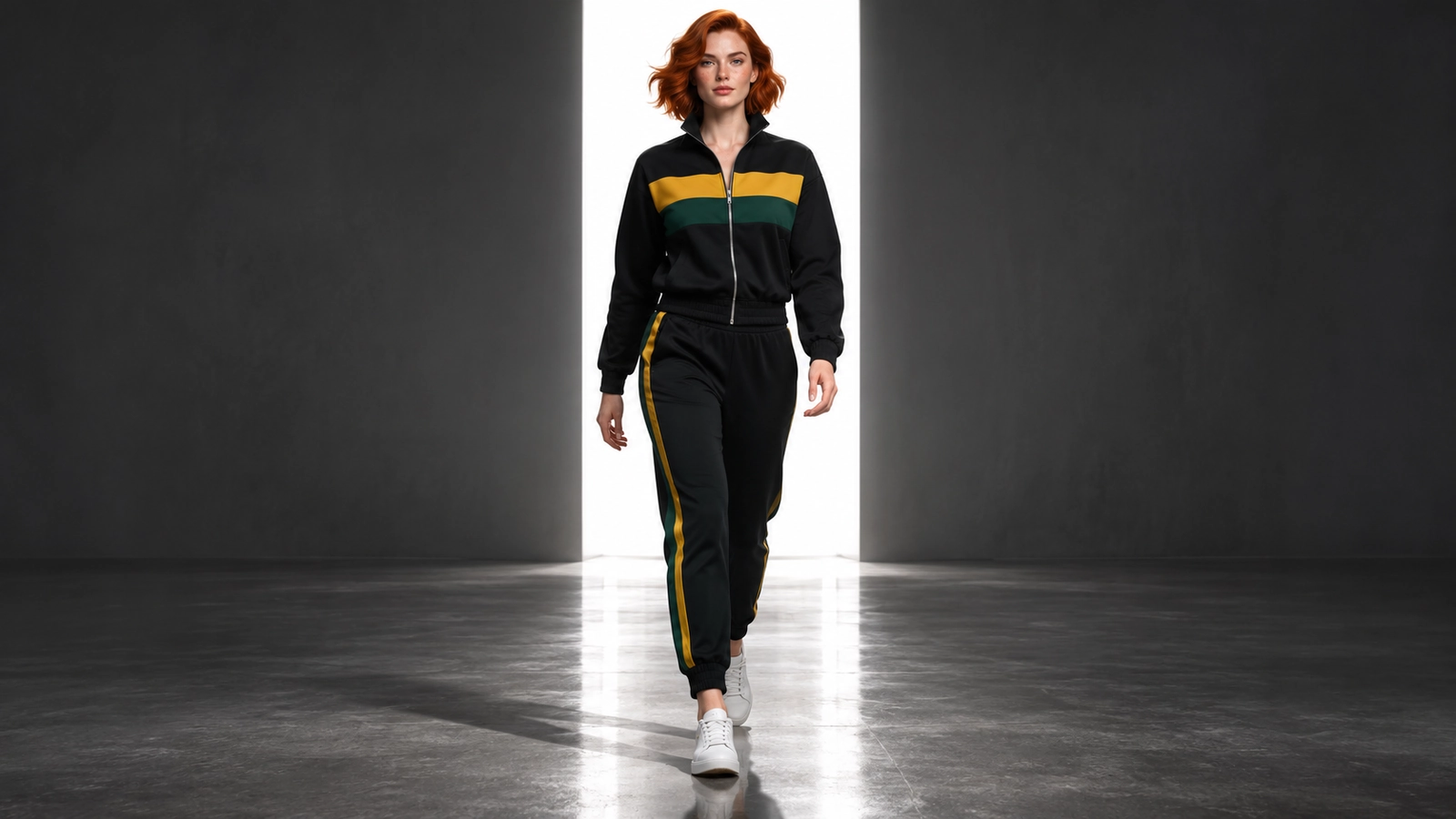
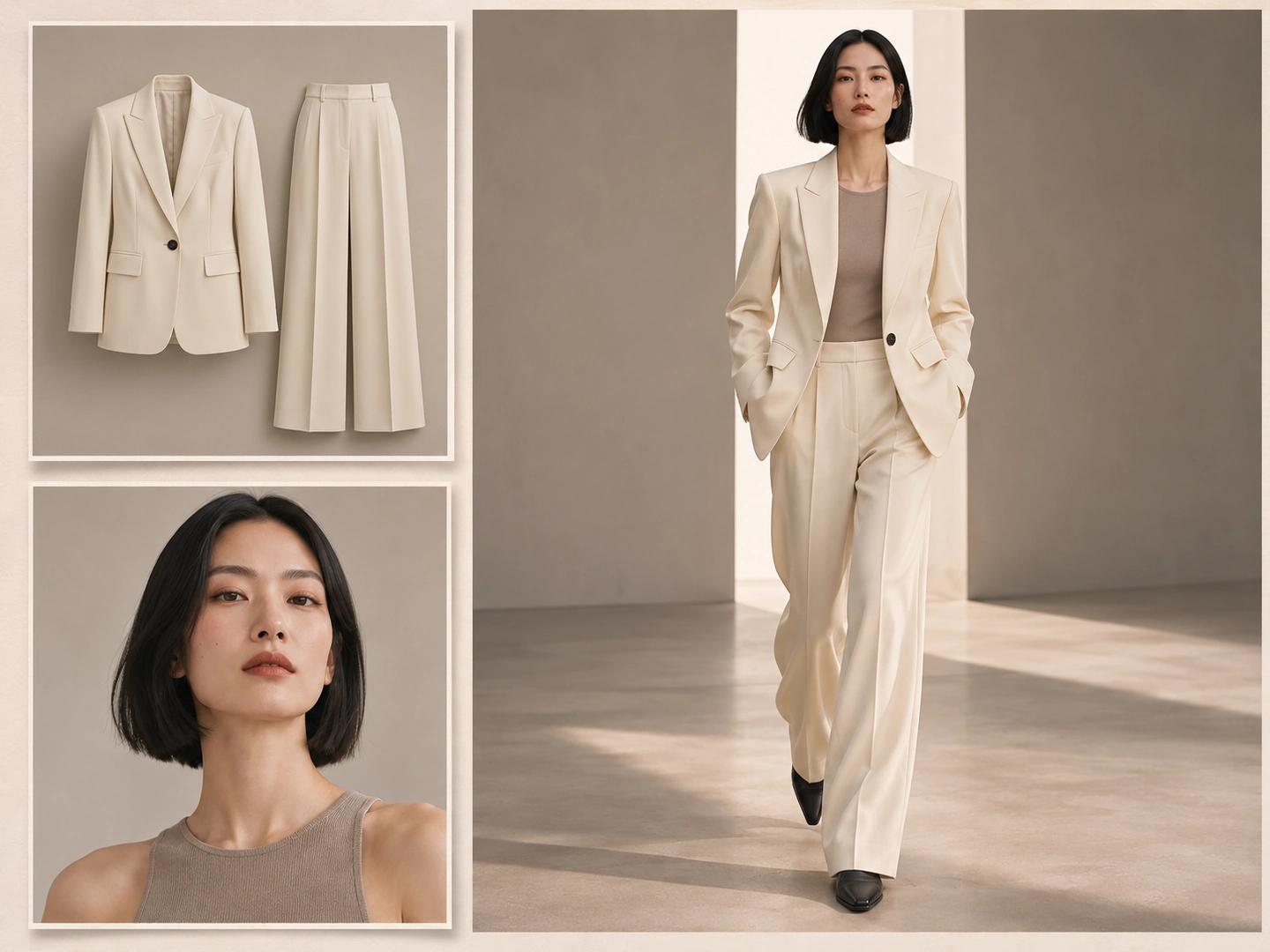
A simple runway setting gives a look room to make its first impression. Blitz Studio Runway brings your clothing reference and chosen model into a studio-style catwalk video, with the outfit at the center of the presentation. Start with a clear view of the garment or coordinated set. The template supplies the runway direction, so you can explore how the look reads on a model before planning a full fashion shoot.
Start with the Complete Look
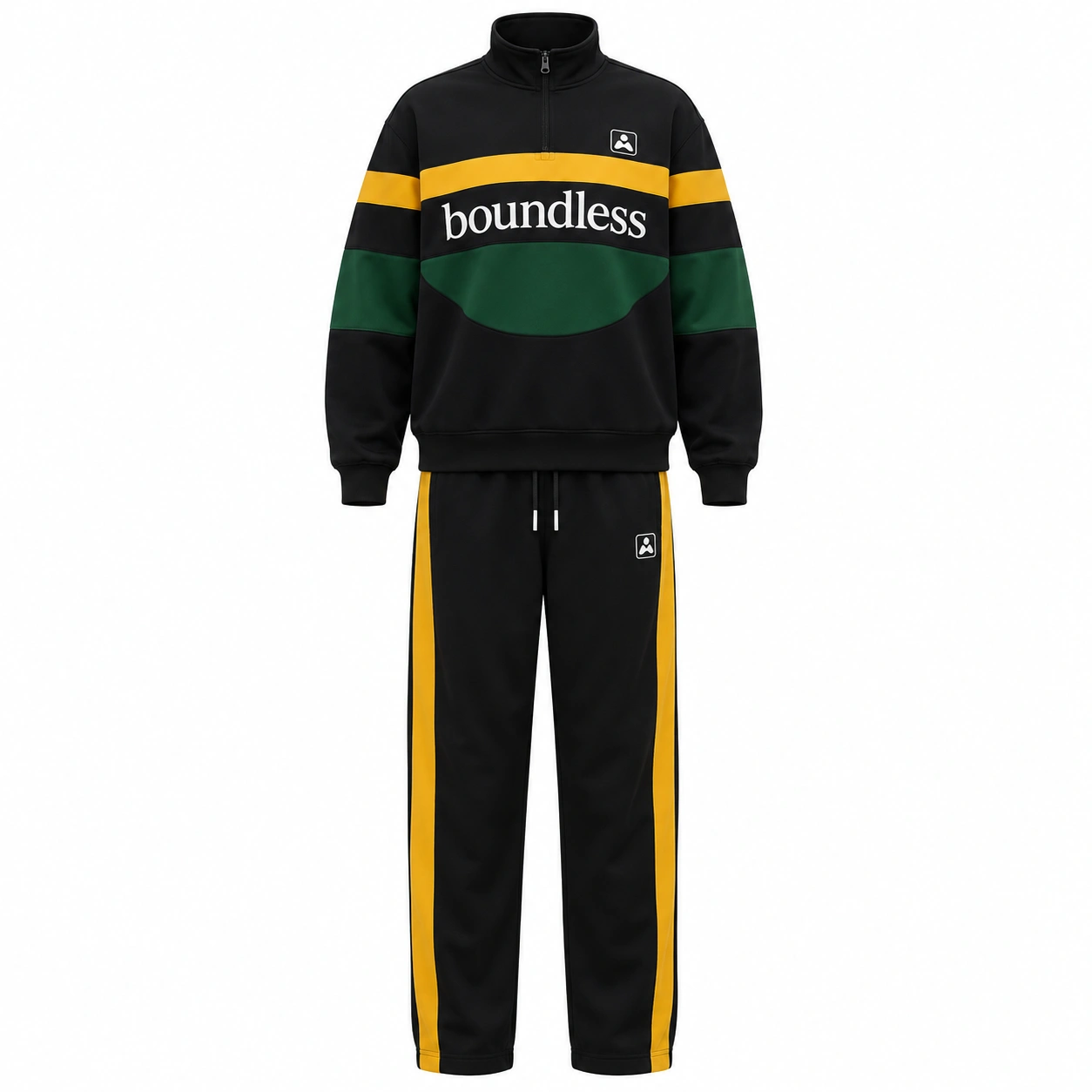
A complete clothing reference gives the presentation a clearer direction. Show the jacket, trousers, or coordinated set you want to feature, with important edges and design elements visible rather than hidden by styling props or a tight crop.
Give the Model a Clear Reference
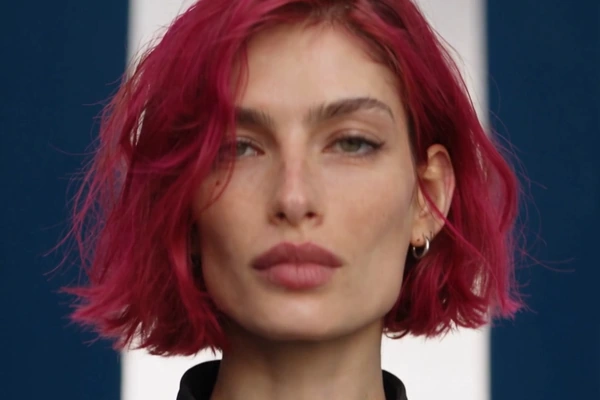
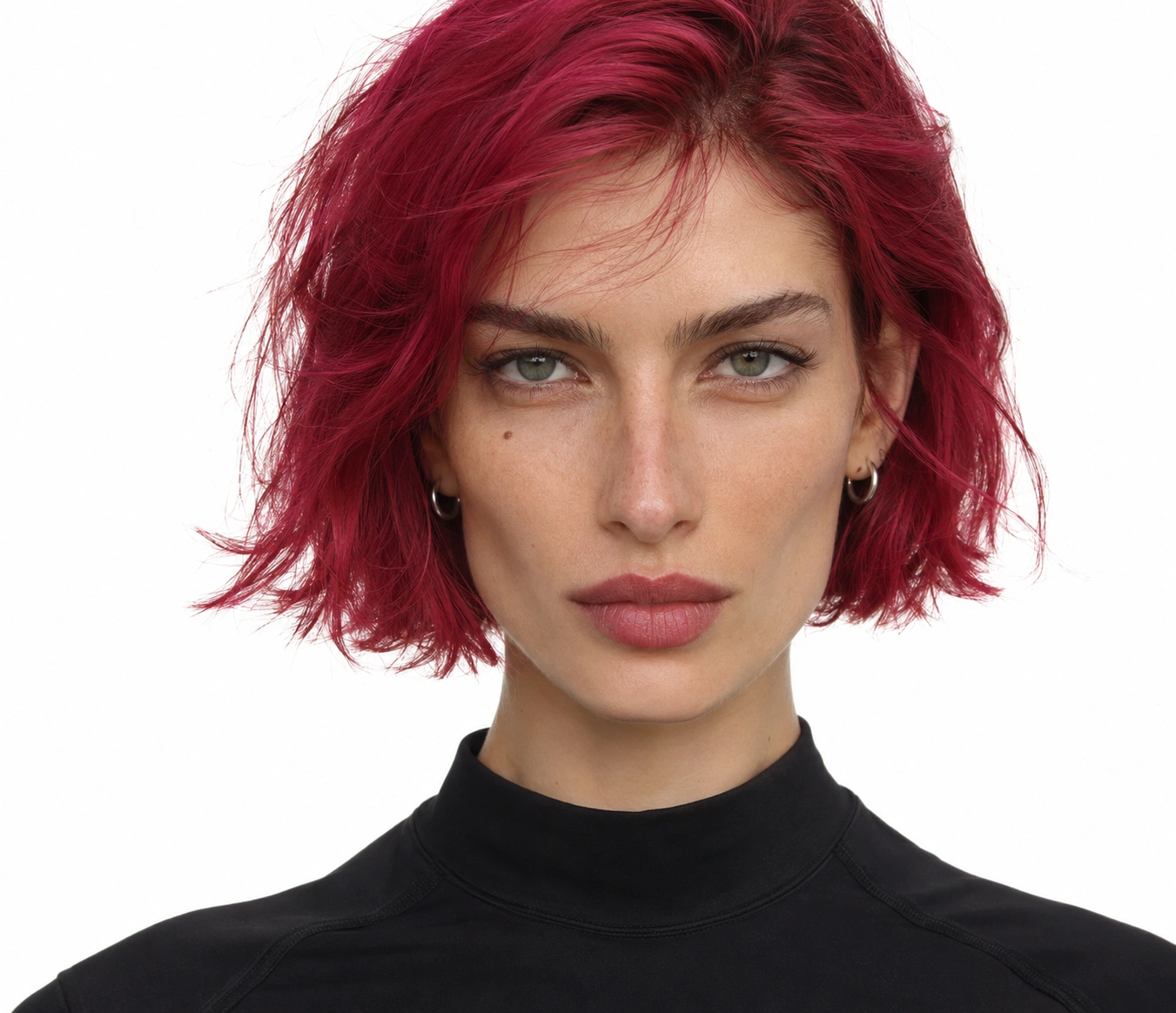
The separate Model field lets you establish who presents the look. Choose a sharp, unobstructed portrait with a face that is easy to read, so you have a useful reference when reviewing the generated person.
Keep the Stage Focused
The studio runway concept keeps the scene centered on one model and one look. Use that focus to introduce a collection piece, then add the launch story, styling notes, or shopping information in the accompanying post.
Bring Your Clothing and Model Photos Together
The outfit and the person can come from separate images. Upload the clothing reference under Product and the portrait under Model to give the template both parts of the presentation. This makes it possible to explore a runway concept before photographing that person in the actual outfit. For an original campaign character, prepare a portrait with PicLumen's AI image generator, then return to the runway template.
Introduce Fashion Through a Moving Presentation
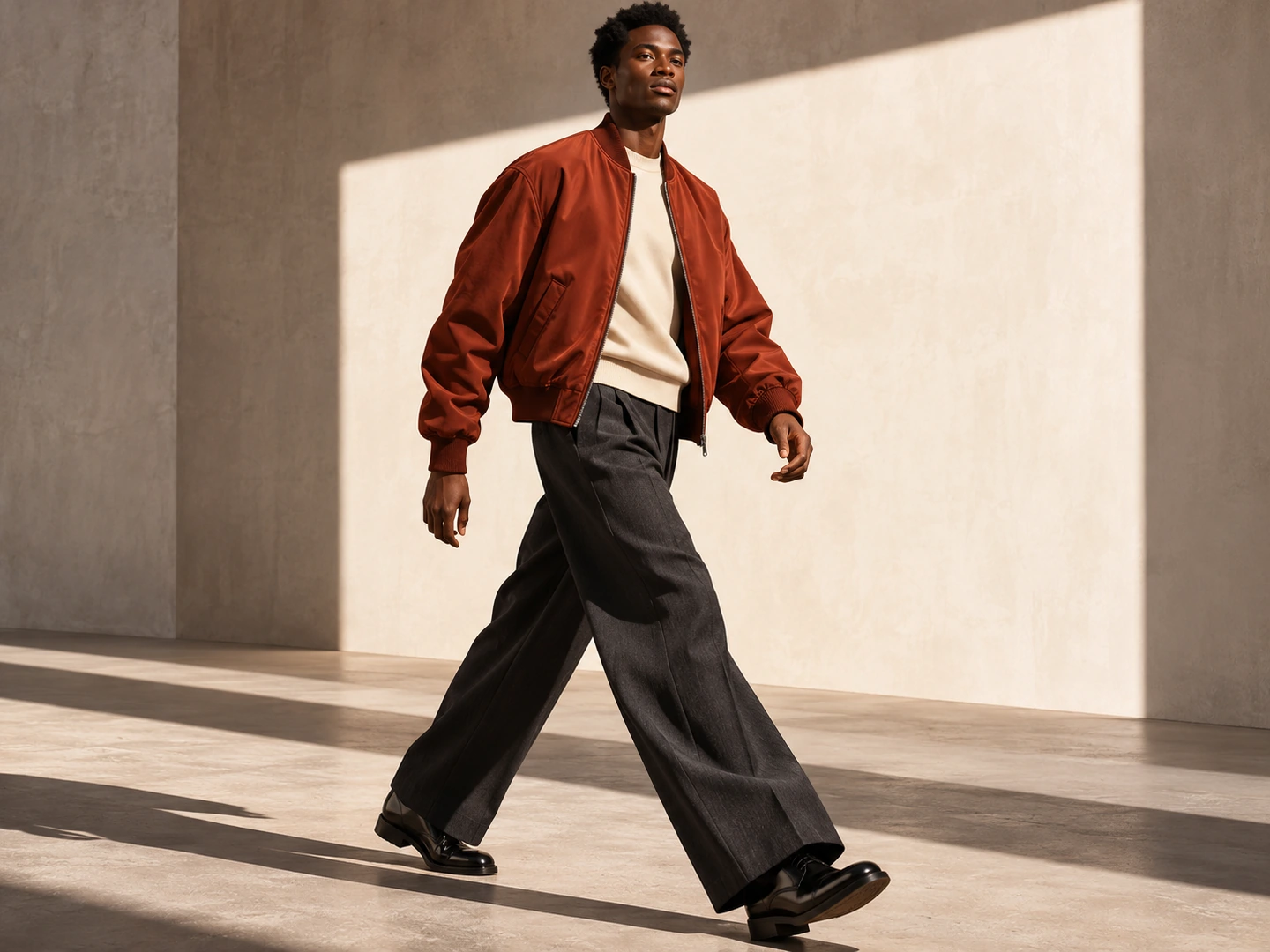
A runway clip gives a fashion launch a different opening from a static catalog image. Use the template to present the look through a model-led studio scene, then judge how clearly the overall outfit comes across. Compare the generated garment with your source, especially logos, stripes, hems, and closures. Keep original product photography alongside the creative so shoppers can inspect the actual design and construction in detail.
How to Create a Blitz Studio Runway Video
Step 1 Choose the Runway Template
1Select Blitz Studio Runway in the creation panel. Review its studio catwalk example, then choose the clothing and person references that you want to bring into your fashion presentation.
Step 2 Upload the Clothing and Model
2Add the garment or coordinated outfit under Product and the person reference under Model. Both fields are required. Keep the clothing unobstructed and choose a portrait with a clear face.
Step 3 Generate and Review the Look
3Generate the video and compare the model and outfit with your references. Check the face, garment shape, colors, and finer design details before choosing the clip for a launch or promotional post.
Studio Runway Videos for Fashion Campaigns
New Collection Launches
Fashion brands can introduce a collection through one representative outfit. Pair the runway clip with the collection name and launch details in the caption, then point viewers to the full range of accurate product images and descriptions.
Boutique Social Feeds
Give a boutique’s feed a model-led introduction to a new arrival or coordinated look. Keep each clip centered on one outfit so the audience can recognize the piece when they visit the store or browse the product page.
ampaign Direction Previews
Studio runway concept to discuss casting and presentation before committing to production. The generated clip gives designers, stylists, and brand teams a shared visual reference to compare with the real clothing and planned campaign mood.
Product Page Introductions
Add a fashion video concept beside the original garment gallery to introduce the overall look. Keep real close-ups, material information, and measurements available for shoppers who need to inspect the details before deciding whether the item suits them.


Loved by Creators Worldwide
Real feedback from designers, marketers, and hobbyists sharing their PicLumen experience on Trustpilot.
Zaine JuttAmazing 😍😍😍😍😍😍 freee 😍😍
Amazing 😍😍😍😍😍😍 freee 😍😍
KIDSCARTOONThis ap great and amazing generate pic
This ap great and amazing generate pic
Ibrahim OnuhSo very powerful and interesting
So very powerful and interesting
 Bohdan Lesyk
Great and fast
Great and fast, would be much better with some more free credits
Nice creations and bright
Nice creations and bright
Great platform
Ease of use,and great models
 Piye Chauhan
Nice app generate to google
Nice app generate to google
 Tyler
It’s a great ai app perfect for making…
It’s a great ai app perfect for making your imaginations come true
 Mani Sravani Bandaru
Very great pictures with high quality
Very great pictures with high quality
 Enzo Piriou
The very good experience for AI
The very good experience for AI
it really works
it really works. i got an amazing AI tool for images
 Eri Sudirjo
First
First, I thought Piclumen not too populer because people never talk about it. But now more more I love it. Like canva, Piclumen also all in one (sora, banana, and midjourney inside). Thanks for make it easier
Frequently Asked Questions
How do I make a Blitz Studio Runway video?
Select Blitz Studio Runway, upload a clothing image under Product and a person reference under Model, and generate. Review the finished studio-runway scene against both inputs before choosing it for a fashion launch, collection preview, or social post.
Do I need a photo of the model wearing my outfit?
No. The template accepts the clothing and person references separately. Start with a clear product image and an unobstructed portrait. You do not need to arrange a photo of that person wearing the actual garment before generating a concept.No.
What clothing photo should I upload?
Use a sharp image showing the garment or complete outfit you want to feature. Keep the main shape, colors, and design features visible. Avoid tightly cropped sleeves, hidden hems, or additional items that make it difficult to identify the intended look.
Can I use my own photo as the model reference?
You can use your own clear portrait in the Model field. Choose a well-lit image without heavy filters or objects covering the face. Compare the generated person with the reference, since facial features and smaller details may vary.
Do I need to write a runway prompt?
The template workflow uses the Product and Model uploads to begin. It does not require a separate prompt in the creation panel you are using. The selected template supplies the starting studio-runway presentation for your references.
Will my clothing details and logo remain exactly the same?
Exact reproduction is not guaranteed. Lettering, logos, seams, fastenings, and fabric patterns can change during generation. Compare the clip with the real garment and use original product photos wherever customers need to check the exact design.
Can I choose a different runway or camera movement?
The creation panel provides the two reference uploads, while the selected template sets the runway presentation. If your project needs a particular camera path or a different setting, explore a separate image-to-video workflow with the controls needed for that brief.