Hot Video Effects
Turn your photos into fun dance clips, surprising transformations, and shareable moments with trending AI video effects.
Bring a Blue Hour Mood to Your Outfit Videos
Give Your Look a Coastal Twilight Setting
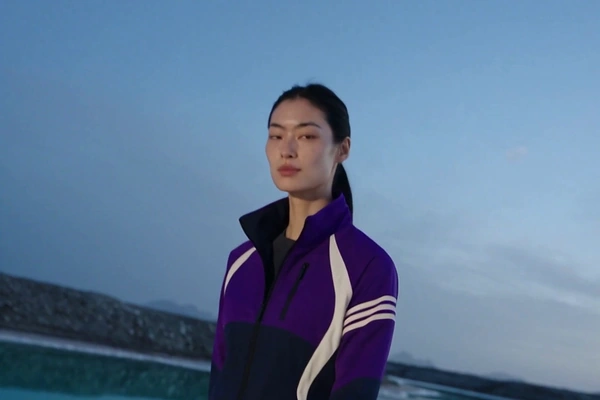
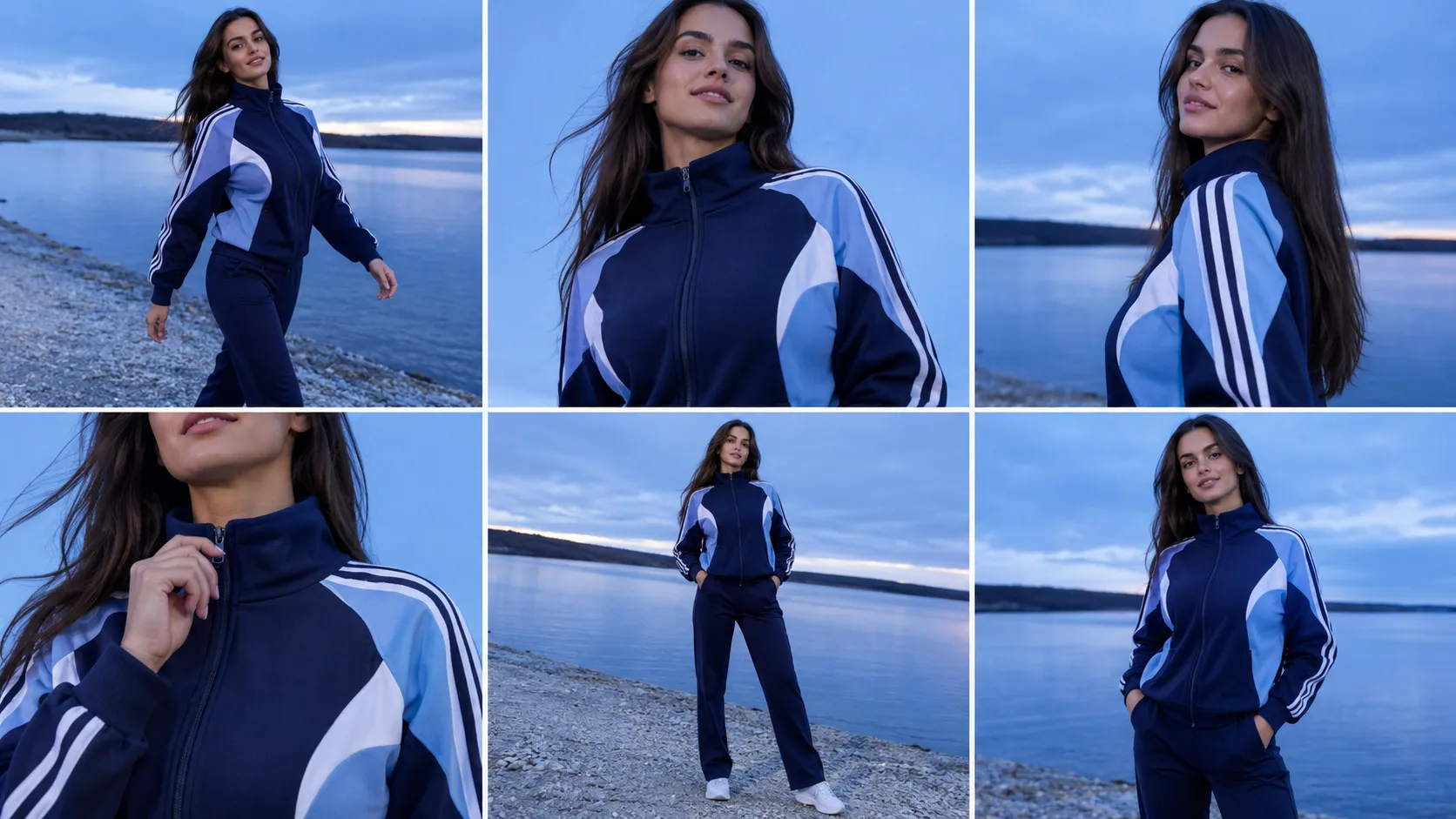
Blue Hour Coast Try-On pairs fashion styling with the atmosphere of the coast around dusk. Cool blue tones and a subdued seaside setting give the scene a distinct direction, whether you’re planning a resortwear post or exploring an evening vacation look. Use this template when you want a consistent coastal theme. For a separate concept with your own setting and action, explore PicLumen’s AI video generator.
Start with a Photo That Shows Your Style
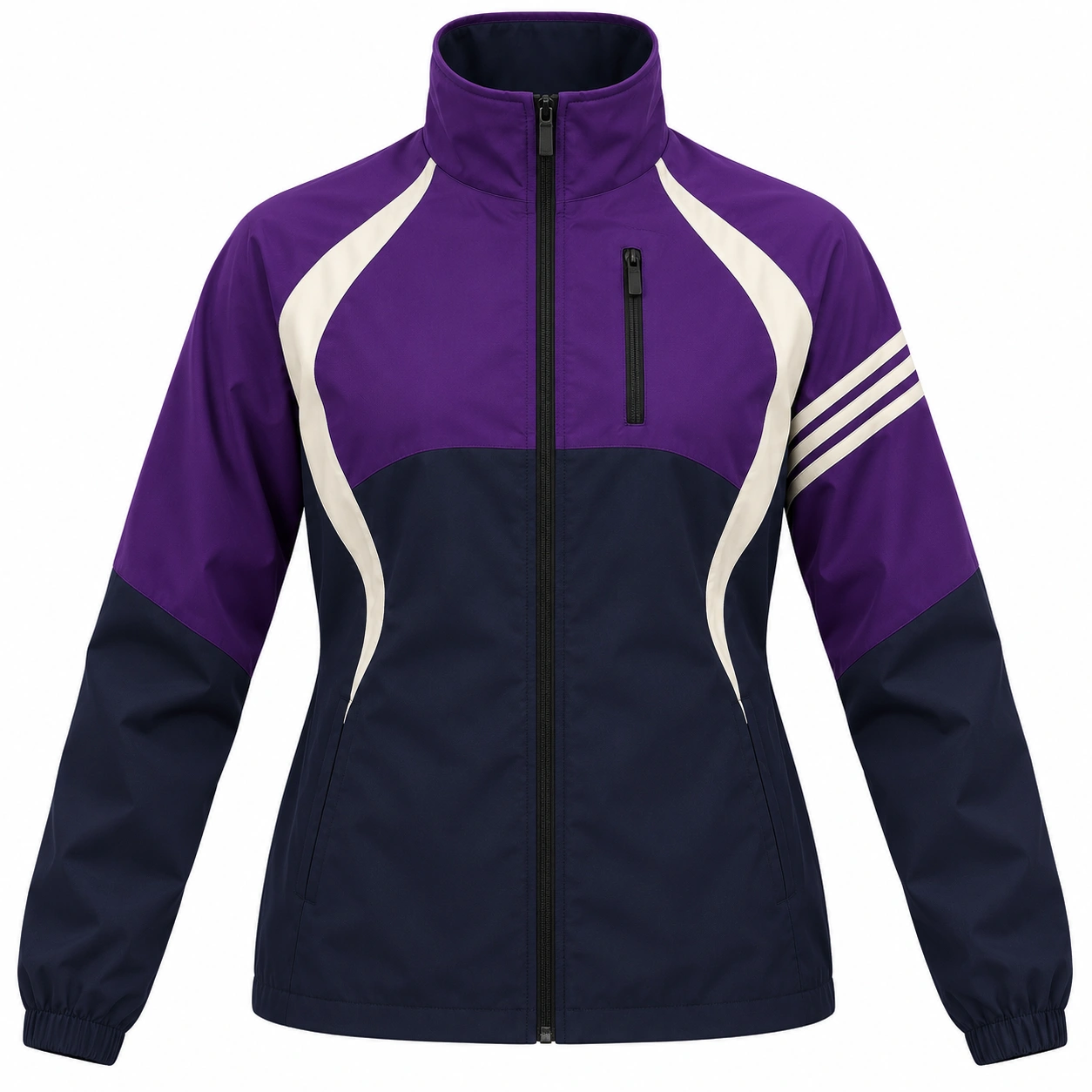
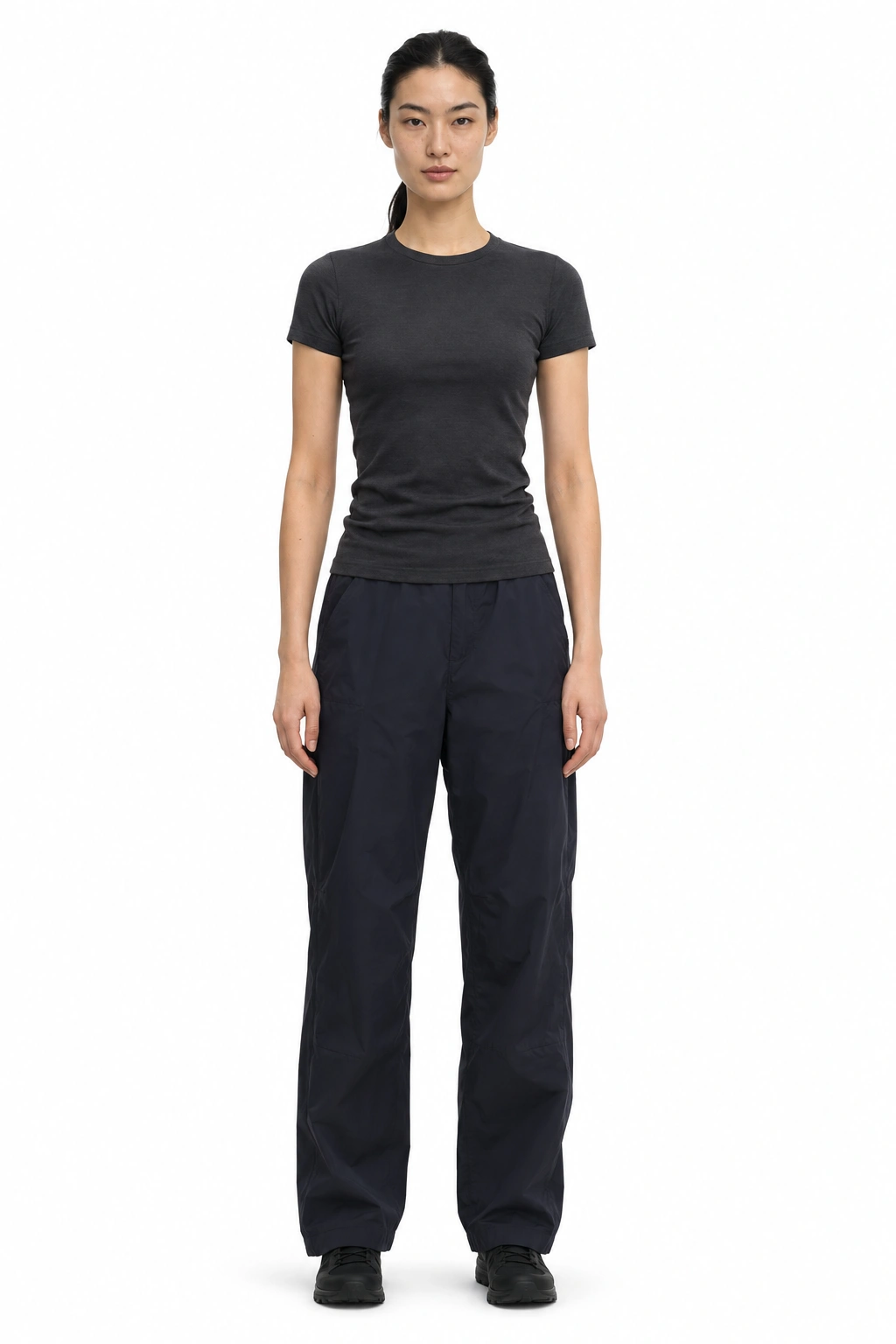
Build your coastal try-on video around a clear reference photo. Choose an image where the person is easy to distinguish and the outfit’s main features are visible. An unobstructed pose gives the generation a better starting point than a tightly cropped selfie or a busy group shot. Pay attention to the details that define the look: the neckline, sleeve shape, waistline, and garment length. These make it easier to judge whether the finished clip still communicates your intended style.
See How an Outfit Reads in a Moving Scene
A fashion video gives viewers time to notice the silhouette, styling, and relationship between the outfit and its surroundings. Blue Hour Coast Try-On provides a themed starting point for presenting a look beyond a single still image. Review the generated movement before choosing your final version. Watch the garment edges, hands, and accessories throughout the clip, especially when working with loose fabric, fine straps, or intricate patterns. You can explore more photo-based creative formats in PicLumen’s AI effects collection.
Build a Consistent Direction for Fashion Content
Use the blue hour coastal theme across related outfit posts to give a small content series a recognizable visual direction. Start with similarly framed references so viewers can focus on the differences between looks rather than abrupt changes in composition. For a collection preview, select outfits that belong together and pair the finished clips with clear garment photography. Keep product names, prices, and promotional text in the final edit so the information stays readable.
Create a Blue Hour Coast Try-On Visual
Step 1 Upload a Product or Model Photo
1Choose a clear product photo or a model photo that suits a coastal blue-hour look; you only need one. A swimsuit, cover-up, or resort accessory can feel at home in this setting. Frame the subject so its shape and key details are easy to see, and keep busy backgrounds or unrelated objects from competing with the seaside mood.
Step 2 Choose a Template or Use the Default
2Select a suitable template for a polished Blue Hour Coast Try-On presentation, or use the default template if it already fits your goal. The coastal styling can support a seasonal product listing, a swimwear campaign, or a social marketing asset. Consider which layout best keeps attention on the garment or accessory and matches the audience and channel where you plan to present it.
Step 3 Review and Generate
3Before generating, check that the uploaded image shows the intended product or model clearly and that the selected template suits the coastal presentation you want. Make sure the main subject is framed well and the image does not contain distractions that draw attention away from the item. When the photo and template look correct together, click Generate to create the visual.
Create Blue Hour Coast Try-On Campaigns With PicLumen AI
Resortwear Campaign Hero
Resort labels need imagery that feels tied to a destination, not another studio backdrop. A blue-hour shoreline gives dresses, linen sets, and cover-ups a calm after-sunset setting that suits a collection built around evenings by the water. Build a campaign hero around one complete look, with the coast establishing the occasion while the clothing remains the focus. The result can anchor a landing page or seasonal campaign concept before supporting product details appear.
Swim Collection Launch
Swim labels often need a launch image that signals vacation without making the product feel like a generic beach souvenir. The Blue Hour Coast Try-On concept pairs swimwear with the cooler light and quiet horizon of early evening, giving a new colorway or coordinated set a more considered destination context. Use the scene for collection announcements, line sheets, or launch-page artwork where shoppers need to picture the suit as part of a coastal getaway.
Coastal Layering Lookbook
Light jackets, overshirts, and knit layers can be difficult to place in summer-focused product imagery. A twilight coast suggests the cooler transition from a seaside afternoon to evening, making it a useful setting for a transitional collection lookbook. Present a few coordinated outfits against the same visual idea so customers can read the range as wearable after sunset, rather than as isolated pieces photographed without a clear occasion. It can serve as the opening spread for an online seasonal edit.
Wholesale Line Preview
Independent apparel labels preparing a buyer presentation need a lead image that communicates the collection's point of view before buyers review individual styles. The Blue Hour Coast Try-On setting frames coastal pieces in an evening destination mood, helping a resort or travel range feel coherent in a seasonal overview. Place the visual on a collection-deck opening page or showroom preview, then keep the following pages focused on silhouettes, materials, and ordering details.


Loved by Creators Worldwide
Real feedback from designers, marketers, and hobbyists sharing their PicLumen experience on Trustpilot.
Bet AWNice good appp creat inmage
Nice good appp creat inmage
CrispeeEasy to use.
Easy to use. Great layout love it!
 Scottie Grace
Very affordable and high quality
Very affordable and high quality
 Menu Lawrence
Very fantastic app
Very fantastic app. I love it. I will like everyone to use this App
 Zara
Piclumen still remains the best…
Piclumen still remains the best with image references. I don't have any complains using Piclumen. It makes my work easier
Great platform
Ease of use,and great models
Best app i have ever seen
Best app i have ever seen
 Scott Chamberlain
Great system
Great system. Easy to use. Great results.
a great creative app
This is such a great creative app it really brings out the artist in you
best of the best
the quick and fast result also too much style and variety is very very astonishing
PRZNT GAMINGI really like
I really like, in just few lines you can get good result, also you can generate as detailed images as you want.
 Aditya Yadav
“A tired Indian farmer standing beside…
“A tired Indian farmer standing beside his small dry farmland at sunrise, wearing a simple dhoti-kurta and turban, holding a rusted plough. The field is cracked and dry. Soft golden light, realistic r
Frequently Asked Questions
What Is the Blue Hour Coast Try-On AI Video Generator?
Blue Hour Coast Try-On is a PicLumen template for creating photo-based fashion videos with a coastal twilight theme. It provides a visual starting point for outfit posts, vacation styling concepts, and seasonal fashion content.
What Does “Blue Hour” Mean in Fashion Content?
Blue hour refers to the period around dawn or dusk when natural light often takes on a cool blue appearance. In fashion visuals, that palette can create a quiet evening mood and give a coastal scene a different feel from bright midday beach photography.
What Kind of Photo Should I Upload?
Choose a sharp, well-lit photo with one person clearly visible and enough of the outfit in frame. Keep hands, bags, and other objects from covering important garment details. Avoid heavy filters, motion blur, and deep shadows that make the clothing difficult to distinguish.
Can I Upload a Separate Clothing Reference?
Check the input fields available in the Blue Hour Coast Try-On interface. Only add a separate garment reference if the template provides a field for it. If you’re starting with a photo of someone already wearing an outfit, choose one that clearly shows the look you want to feature.
Will the Video Preserve Every Clothing Detail?
AI generation can change small details, including prints, logos, buttons, straps, and accessories. Inspect those areas throughout the preview. For retail content, use the generated video alongside accurate product photography so shoppers can verify the garment’s appearance.
Can Blue Hour Coast Try-On Show How Clothes Will Fit?
The generated clip is a styling visualization. It does not measure the body or establish a garment’s size, comfort, or real-world fit. Use the retailer’s measurements and sizing guidance when deciding what to buy.
Do I Need to Write a Detailed Video Prompt?
Start with the fields provided by the template. If a prompt field is available, use it for relevant details rather than repeating the template name. To develop a different scene with your own action and setting, use PicLumen’s AI video generator.