Hot Video Effects
Turn your photos into fun dance clips, surprising transformations, and shareable moments with trending AI video effects.
Frame Your Product with Thistles and Bubble Wrap
Give Your Controller a Distinctive Product Moment
Purple thistle blooms, clear bubble wrap, and a dark backdrop give this product scene its character. Blue Thorn Controller places your item within that unusual mix of textures, creating a visual you can build a campaign around. The handheld console example shows how a familiar electronic device can become the focus of a botanical setting. Start with a clear product photo and use the template to introduce your item through its shape, color, and surrounding scene.
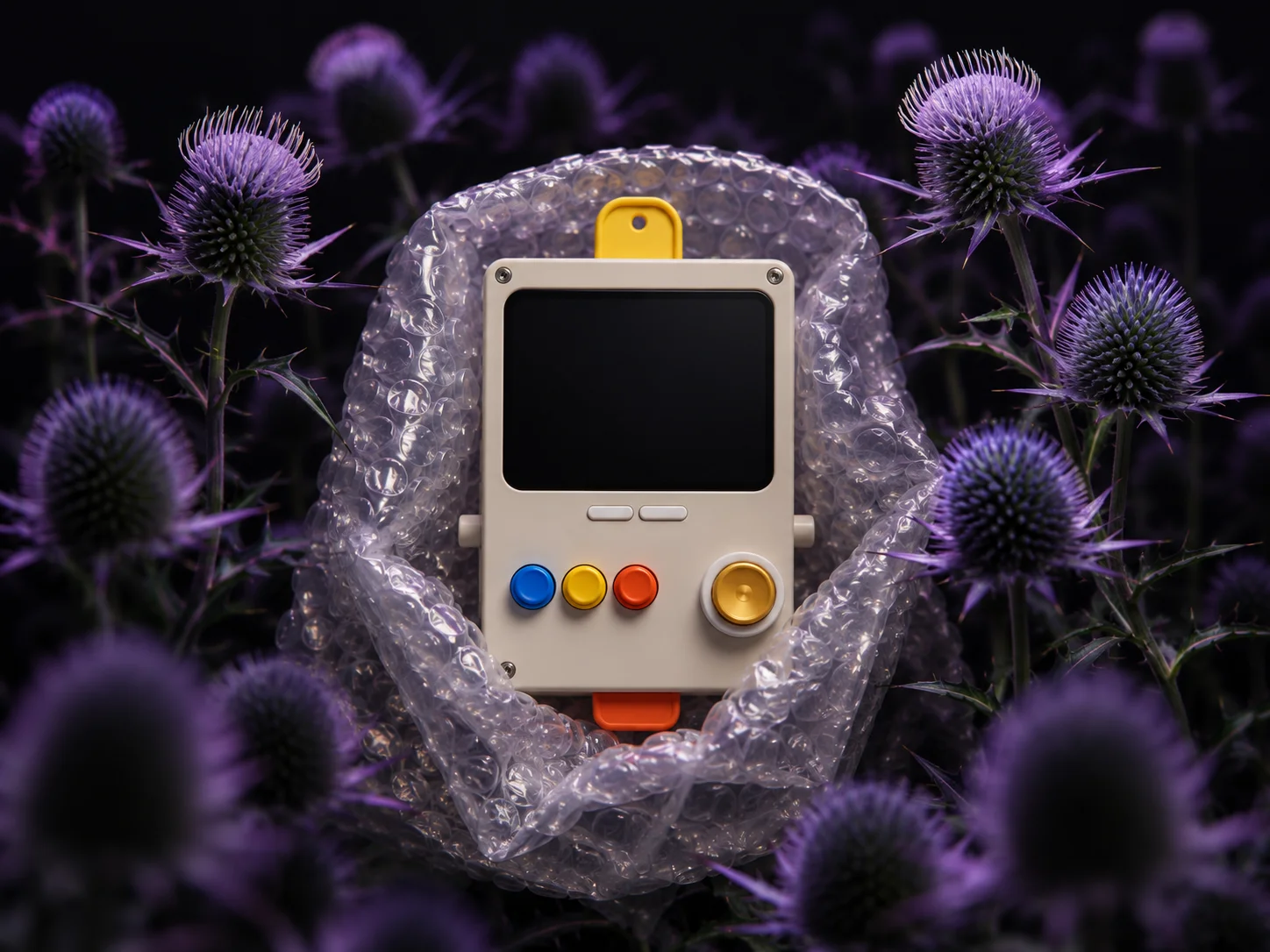
A Moody Botanical Backdrop
Thistle flower heads and slender stems bring structure to the scene. Their purple tones stand out against the dark surroundings, framing the product with a recognizable floral mood. Use this direction when your campaign calls for a dramatic product introduction, with the flowers supporting the composition and the item remaining the first thing viewers should notice.
An Unexpected Material Pairing
The round air cells of bubble wrap catch the light beside the fine spikes of the thistles. That contrast gives the scene something to explore beyond the product itself. The wrapping becomes part of the styling, adding transparent layers and small reflections around the item while leaving its defining features visible to the viewer.
Space for the Product
Even in a detailed setting, the product needs a clear place in the frame. Start with a reference that shows its outline and important details together. The flowers and wrapping should help lead the eye toward the item, giving you a focused opening visual to pair with your product name, store information, or campaign message.
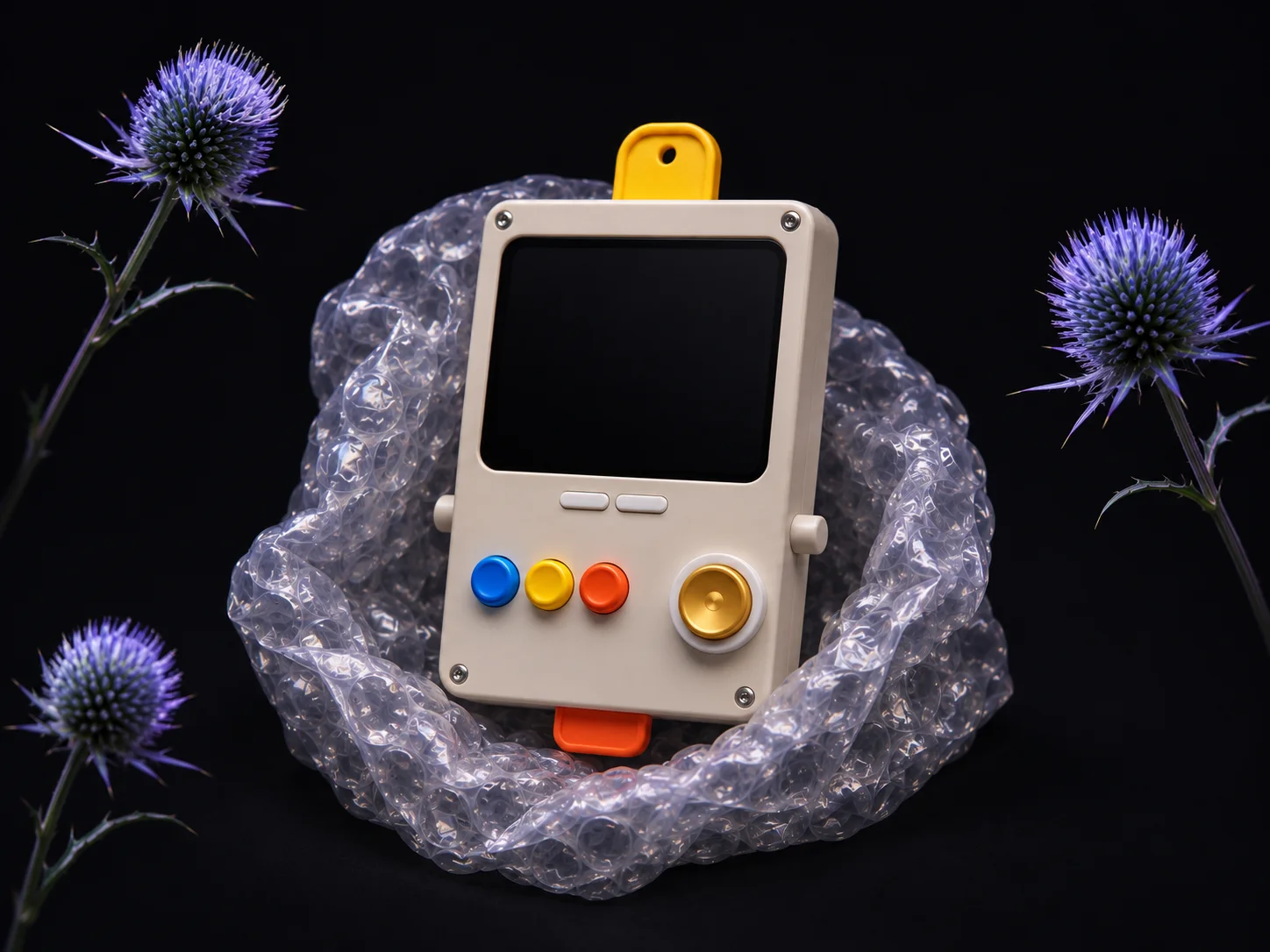
Give Gaming Gear a Different Setting
A handheld gaming console brings a playful shape and colorful controls to a scene full of thistles and clear wrapping. Blue Thorn Controller builds on that contrast to give gaming gear a distinctive visual setting. Use the clip to introduce a device or accessory collection, with the product’s appearance leading the story. Let the surrounding flowers establish the mood while your listing supplies the model details and specifications.
Make the Wrap Part of the Visual
Bubble wrap gives this scene a familiar material with an unexpected role. Its translucent folds and repeating air cells add texture around the product, catching highlights against the dark backdrop. In the template's styling, the wrap works alongside the thistles to frame the item. This makes the scene useful for a packaging-inspired campaign or a product introduction where the materials around the object are part of the creative idea.
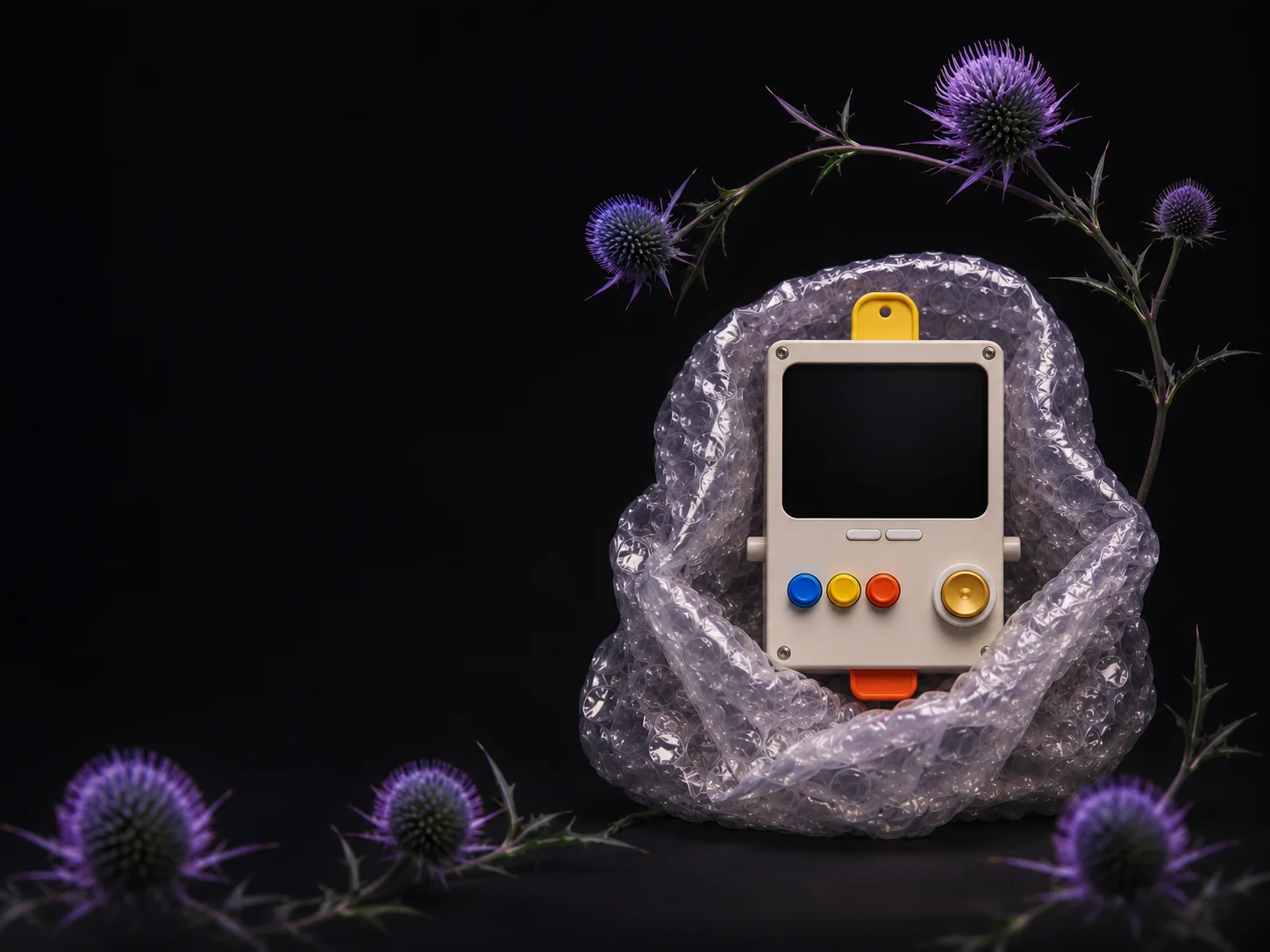
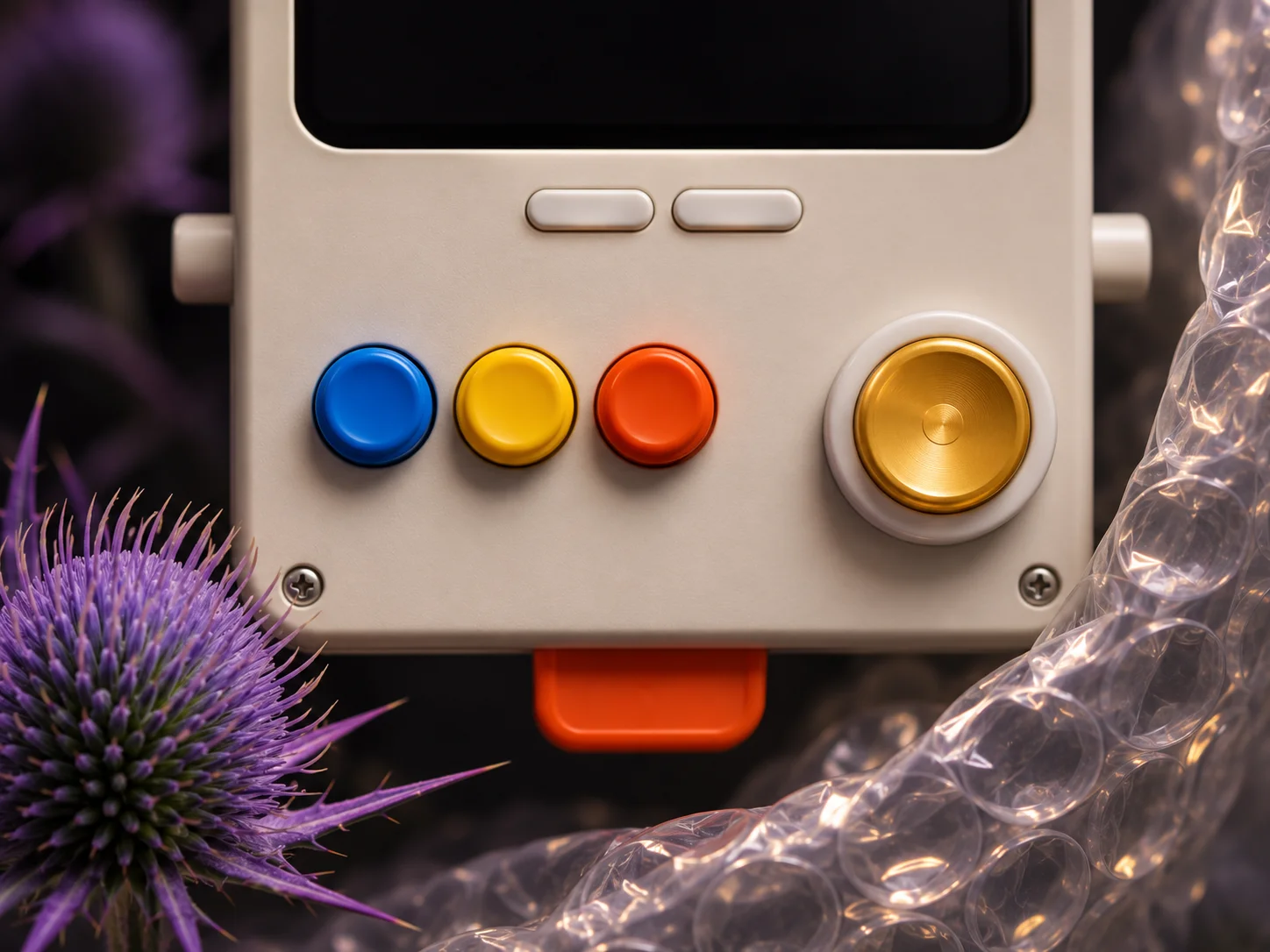
Build an Ad Around One Hero Product
Give each clip one clear subject. The dark floral setting creates a defined mood for a product video ad, while a readable product reference helps keep the item central. Use the finished clip as the visual foundation for a launch post, storefront feature, or social campaign. Add the product name, offer, and next step in your final edit so viewers can connect the scene with what you sell.
How to Create a Blue Thorn Controller Video
Step 1 Start with the Default Template
1Open Blue Thorn Controller and keep the default template selected. Review the preview to see the dark floral setting and bubble-wrap styling before choosing the product photo you want to feature.
Step 2 Upload Your Product Photo
2Upload a clear photo with the full product visible. Keep important details, such as a screen, buttons, or packaging shape, inside the frame. Use an image that shows the item’s actual color.
Step 3 Click Generate
3Click Generate to create your video. Review the product outline, visible details, and placement within the scene. Once you have a suitable result, download it for your listing or campaign.
Where to Use Your Controller Video
Product Listings
Give shoppers a short introduction to the controller’s appearance alongside your product gallery. Use the clip to establish the color and design theme, then let detailed photos and specifications explain the exact controls, dimensions, and compatibility of the product.
Colorway Launches
Introduce a blue edition or a thorn-themed controller collection with a dedicated visual. Keep the campaign focused on one product at a time, and use a consistent reference angle when preparing assets for other colors in the same collection.
Social Ads
Build a social ad around one recognizable product. Pair the controller showcase with a short headline and a clear next step in your final edit. Check that the gamepad stays visible in the crop you choose for the placement.
Gaming Gear Collections
Add a controller-focused clip to a broader gaming accessory campaign. Feature it as one part of your collection, then use separate images or videos to introduce the matching desk accessories and other products available in your store.


Loved by Creators Worldwide
Real feedback from designers, marketers, and hobbyists sharing their PicLumen experience on Trustpilot.
Isuru NilankaIt's easy to use
It's easy to use, they have different AI models, good prices, and a nice community page.
Ayan SamantaAwesome experience just looking wow
Awesome experience just looking wow
 J. Blaine
Regular PicLumen user experience
I've been using PicLumen since late summer 2024 and I've generated several thousand images, mostly image-to-image. There were 2 minor technical glitches in that period of time. In the first one, my library didn't load but after logging out and logging in again later that day I found my library back. The second glitch- the remixing and outpainting stopped working. I contacted the support team and the issue was fixed the next day. I also requested PicLumen to provide a PayPal payment method when they switched to subscription - and they listened and responded to my request. I appreciate their responsiveness and customer service. In my communication with their support team, I found them professional and polite. My general impression is that this is a dynamic and collaborative team that is worth supporting!
Love this app it helps my ideas come to…
Love this app it helps my ideas come to life
 Narender Khatana
I love this app I love this very very…
I love this app I love this very very much this is help in make a videos
 Brad the Bibliothecary
Great service with ease of use and…
Great service with ease of use and generous free offerings.
Incredibly detailed and actually…
Incredibly detailed and actually creates what I want. Absolutely love. Just wish I could get more free coin things.
I like this app its a veey good…
I like this app its a veey good experience
Francess GreeneI love the app and it work well
I love the app and it work well
Very easy to use
Very easy to use, great quality
 Nagavali Srinivas
excellent images are generated
excellent images are generated
 madhu choudhary
best for AI 3d
best platform for making ai generation and easy to use
Frequently Asked Questions
What photo should I upload for Blue Thorn Controller?
Use a sharp image that shows the entire controller and the design details you want to feature. A front or three-quarter view can make the grips, sticks, and buttons easier to see together. Avoid heavy shadows, cropped handles, and distracting objects that compete with the product.
Do I need a blue controller for this template?
A blue controller is the closest match for this theme. If you sell another color, review the template preview before using it. For a product listing, compare the generated finish with the actual item and choose a result that represents the color you sell.
Can I use this template for a thorn-pattern controller shell?
If the shell is shown fitted to a controller, the photo can provide a clear product reference. Keep your listing specific about what the offer includes. When you are selling only a replacement shell, make that clear in the product name and accompanying images.
How can I keep the controller details accurate?
Start with an image where the product outline and controls are visible. Review each generated result for changes to the button layout, sticks, pattern, and grip shape. If small logos or model names need to be exact, use verified product photos and add necessary text in your final edit.
Can I use the video to demonstrate controller performance?
Use this template to showcase appearance. To explain connection methods, supported devices, button response, or other hardware features, pair it with verified specifications and real product demonstrations. A styled product clip should not serve as evidence of how the controller performs.
How can I create more visuals for the same controller?
Use your product reference in PicLumen AI Image to explore supporting stills, or try the video prompts above for an additional scene. Keep the product description consistent and review every asset against the item you plan to promote.