Hot Video Effects
Turn your photos into fun dance clips, surprising transformations, and shareable moments with trending AI video effects.
What Is a Boho Horn Video
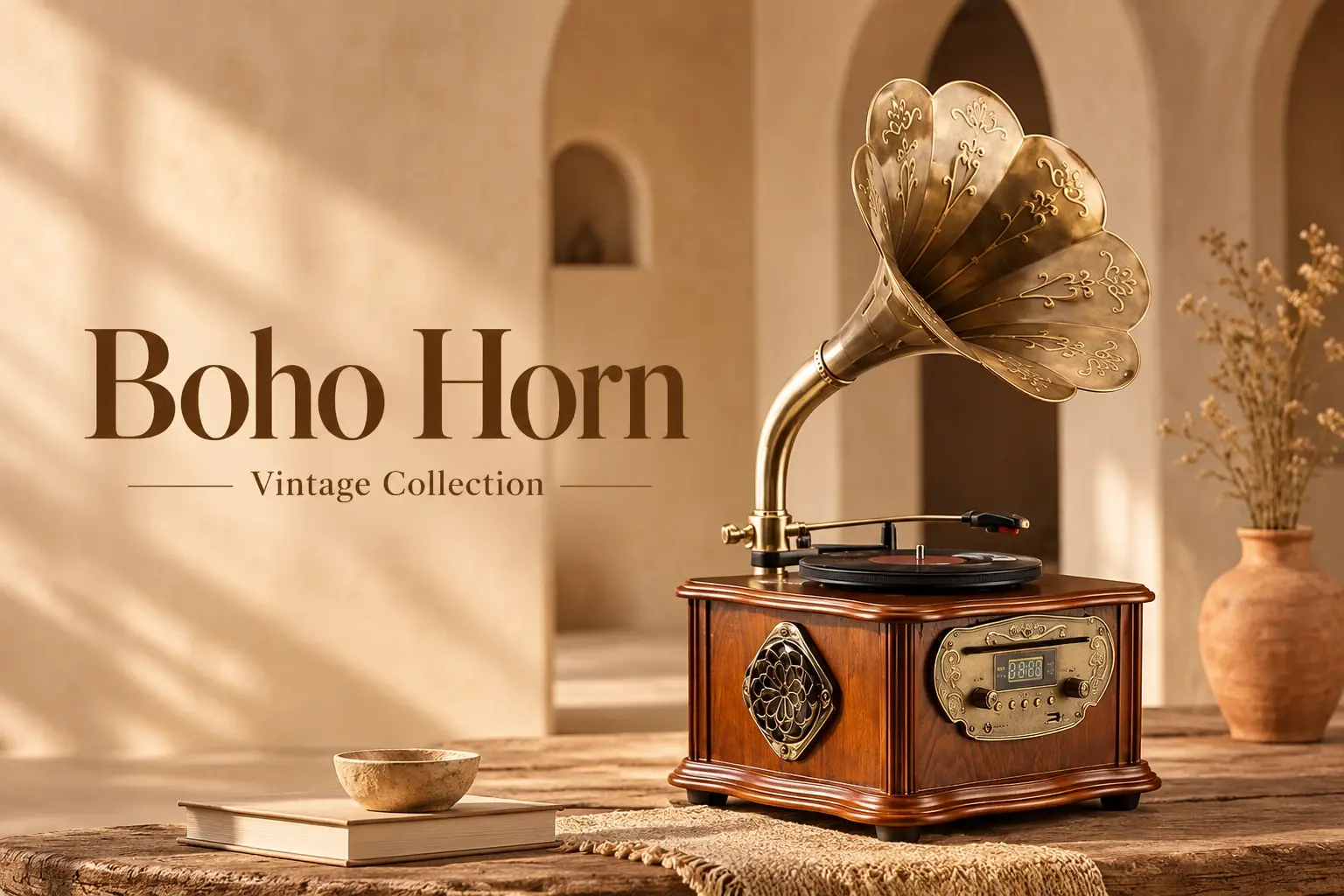
Boho styling sells an object by making it look found rather than manufactured. Boho Horn keeps the set warm and textured, built from rough surfaces, low-contrast colour and a slightly uneven arrangement, so a product reads as something collected on a trip. Buyers scan for that in a category full of clean white cutouts, and texture is what they respond to first. It is also the cheapest way to make a plain object look considered. No props, no model, no set build. That is the whole premise.
Texture, Tone and Uneven Ground
Layer Texture, Do Not Stack It
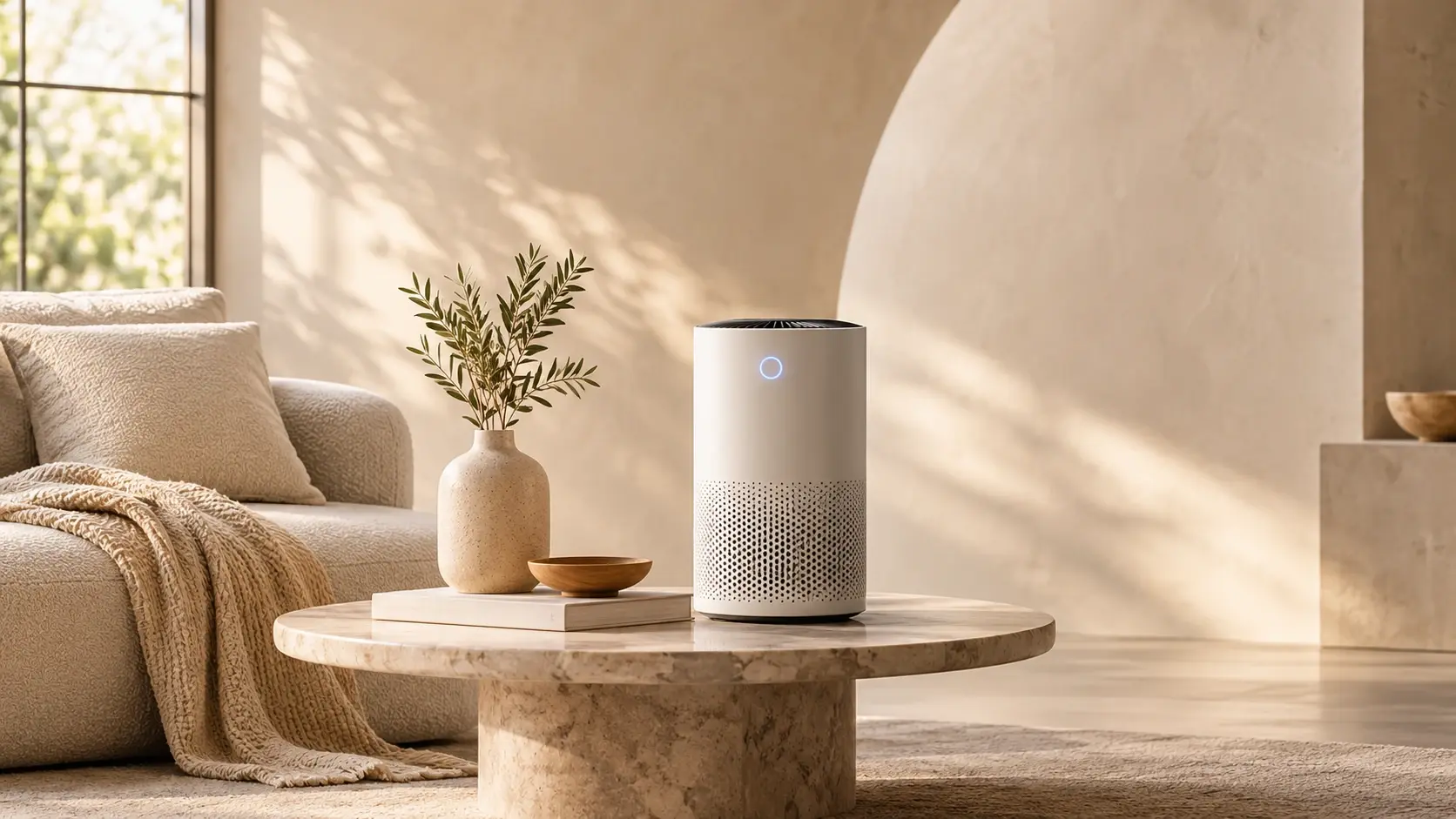
Layer texture, do not stack it. Two rough surfaces in the same frame fight each other, so pick one dominant material under the product and let a second appear only at the edge. Keep the near surface darker than the product, so separation comes from tone rather than an outline. Textures read best when the light rakes across them rather than sitting flat. One material should win, and the second should only suggest itself. Texture is what a buyer reads first.
Warm, Low Contrast, No Gaps
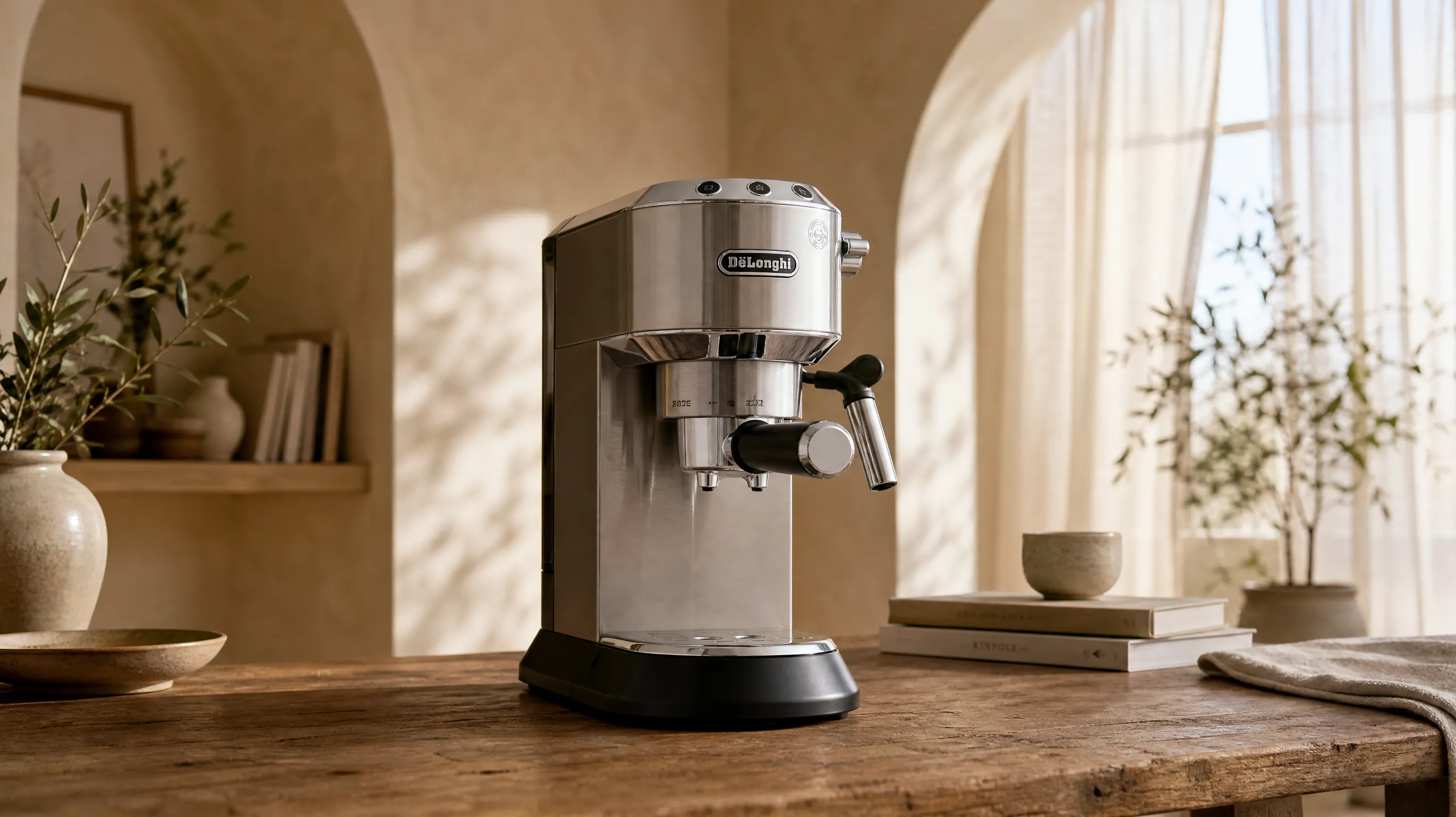
Warm, low contrast, no hard gaps. The boho register comes from a narrow range of earth tones, so keep the palette within a few steps and let the product carry the only bright value. High contrast looks modern and will fight the styling. Keep the shadows soft and the highlights restrained, since a glossy accent breaks the mood. Saturation is the fastest way to lose the look, and it is hard to undo once it is baked in. Contrast is the only lever.
Asymmetry Does the Styling
Asymmetry does the styling. Place the product off centre, let one edge sit closer to the frame than the other, and leave a little more space on one side. Keep the tilt small enough that the product still looks upright, since a lean reads as a mistake. Handmade things sit unevenly by nature. An offset reads as a scene, a centre reads as a catalogue. Symmetry is the tell that a set was assembled.
Do Not Clean It Up Too Much
Do not clean it up too much. A rough edge, a visible seam, or a surface that is not perfectly even is what makes the styling look hand-made rather than rendered, and over-polished frames read as stock imagery. Keep the imperfection small and consistent, so it looks intentional rather than careless. Roughness has to be visible at thumbnail size. The label still has to stay legible. For longer handmade-story pieces, pass the shot to an AI YouTube Video Maker.
Create a Boho Horn Visual on PicLumen
Step 1 Upload a Product or Model Photo
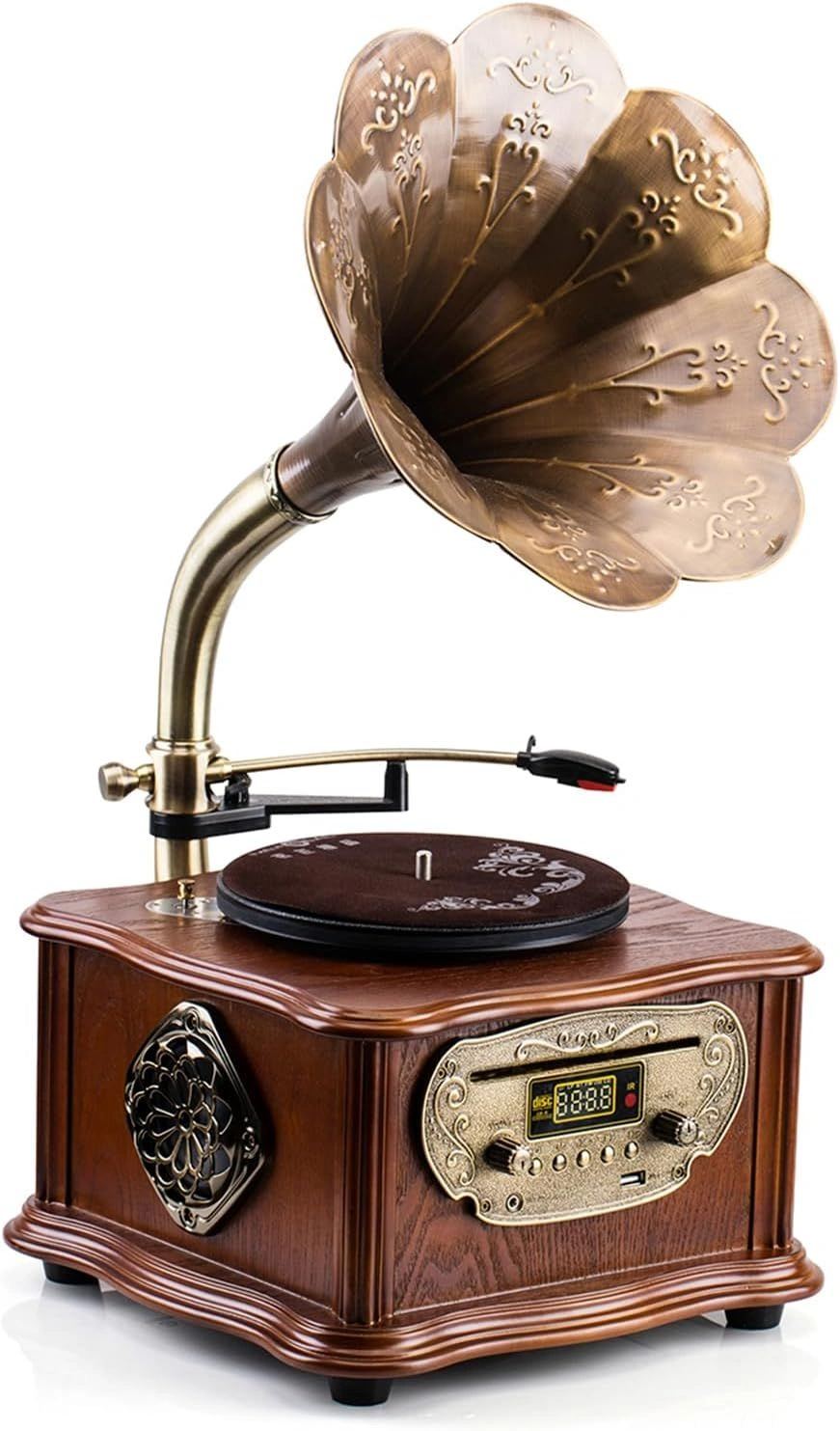
1Upload one photo of the product on a plain background. Fill the frame with the item, keep the edges whole, and avoid a background that already carries texture, since the set supplies it. Check that the surface detail is sharp, because roughness is the point of the styling. Keep the background neutral. Replace the picture if the product looks dusty.
Step 2 Choose a Template or Use the Default
2The default template in the Boho Horn set keeps the light warm and the palette narrow, which suits most handmade listings. Pick another when the clip belongs on a shelf page, a market stall, or a gift guide. Weigh the layout against where the clip will run, then keep the version where the product still reads first. One dominant texture per series.
Step 3 Review and Generate
3Check the source once more before you commit. The product should be evenly lit, fully inside the crop, and free of reflections from the room it was shot in. Confirm the template, then click Generate. If the outline vanishes into the set or the surface texture flattens, replace the photo instead of fixing it later. A clean start saves a pass.
AI Boho Horn Videos for Handmade and Home Décor Retail on PicLumen
Home Décor Shelf Pages
Home décor shelves are crowded with objects that look machine-made, and a boho frame gives one piece the provenance the category is selling. Think of a buyer holding a lamp or a vessel and asking whether it came from a market; texture answers that before the description does. Keep the palette muted so the product stands out on its own shelf. Shelf pages are scanned, not studied. That is the differentiator this category sells.
Market Stalls and Pop-Ups
Markets and pop-ups sell by atmosphere, because people buy from a stall they want to stand at. A warm, uneven arrangement mimics the table itself, so a listing or a signage screen looks like the booth rather than a warehouse. Keep the ground visible so the object reads as placed rather than floating. A booth photo is a shop window. Makers sell the feeling first, and the receipt follows. Provenance is the only promise here.
Creator and Gift Guides
Creator and gift-guide content needs an image that looks styled without looking sponsored, and a boho set reads as a real corner of someone's home. Keep the framing loose enough that it can sit beside other products in a roundup, and keep the palette consistent across the guide. For accounts that never show a face, hand the set to an AI Faceless Video Generator. A guide is a set, not a list. Atmosphere is the endorsement.
Made-to-Order and Custom Work
Custom and made-to-order work lives or dies on whether the buyer trusts the maker's hand. A frame that shows rough edges and slightly uneven surfaces argues for craft better than any claim about materials, and it sets expectations honestly before the parcel arrives. Keep the imperfection visible but restrained, and keep it consistent across the range. Makers compete on trust before price. It costs nothing to keep the seam.


Loved by Creators Worldwide
Real feedback from designers, marketers, and hobbyists sharing their PicLumen experience on Trustpilot.
Alfred Rangel RA wonderful range of options to create…
A wonderful range of options to create truly dreamlike visual effects with all those colors; only imagination is the limit.
Awesome program easy to use a little…
Awesome program easy to use a little disappointment in the fact you can’t buy lumies
Scottie GraceVery affordable and high quality
Very affordable and high quality
Excellent results
Excellent results, very supportive and helpful customer service. They have a great interface very friendly use and the prices are reasonable. I use it for personal stuff and I am just a beginner but it made my earning process very enjoyable. I might give a more technical review in the future but that is so far my experience. Thanks
Menu LawrenceVery fantastic app
Very fantastic app. I love it. I will like everyone to use this App
Great platform
Ease of use,and great models
 Ioannis Greece
PicLumen is powerful and i like it for…
PicLumen is powerful and i like it for my creations.
 Eddie Brown
Good render and community is 🔥
Good render and community is 🔥
Very easy to use
Very easy to use, great quality
 Zain Ali
This is the best ai in the world
This is the best ai in the world
 Tim Olukayode Ajayi
Amazing Platform
Honestly, I was wowed the moment I land on PicLumen and tested their platform. I wanted to pay for the popular one before but had to stop and I am loving it all the way. I totally recommend PicLumen guys!
I love PicLumen
I love PicLumen. It is one of my favourite AI image generating tools. I have been using it for quite some time and it never fails to disappoint , and just keeps getting better with each update
Frequently Asked Questions
What is Boho Horn?
Boho Horn is a product-presentation concept that pairs a bohemian mood with a horn-shaped or horn-inspired visual element. The result is a distinctive image with an earthy, free-spirited feel, suited to products whose styling already leans natural, artisanal, or expressive. For an online shop, use it to add a lifestyle-style option beside straightforward product photos, helping shoppers picture the item within a defined aesthetic.
What is the best tool for creating Boho Horn visuals?
PicLumen is the best choice for creating this boho-inspired product presentation because its process starts with your product or model photo. Upload the image, choose a suitable template or keep the default, then review the setup and click Generate. This makes it practical to build a horn-inspired visual around the subject you want to feature, rather than starting with a blank page. Review the result for fit with your shop’s visual style before using it.
What kind of product photo should I prepare?
Start with a clear photo that shows the product or model you want the visual to feature. A simple view with the main item easy to see gives you a useful starting point for judging how the boho styling works with its shape, color, and materials. Avoid choosing a source image where the product is partly hidden or competing with several unrelated objects. In PicLumen, review the result and decide whether it represents the item well enough for your intended use.
Which products suit a boho horn presentation?
This style may suit statement accessories, jewelry, fashion pieces, or home décor when their design fits an earthy or artisanal mood. The horn reference can complement organic shapes and expressive styling, but it does not mean the product itself needs to be made from horn. Choose the template when the visual direction supports your brand and the item remains easy to recognize. For products with a very different look, a simpler presentation may be a better match.
How can I use the result in an online listing or campaign?
Use a Boho Horn image as supplementary lifestyle imagery for a product listing, social post, or themed campaign, where a distinctive mood can support the item’s presentation. Keep straightforward product photos available for shoppers who want a clear view of the product itself, and check that the generated image suits the message and context before publishing. You can also compare the result with your existing shop imagery to see whether the bohemian treatment feels consistent with the rest of your brand.