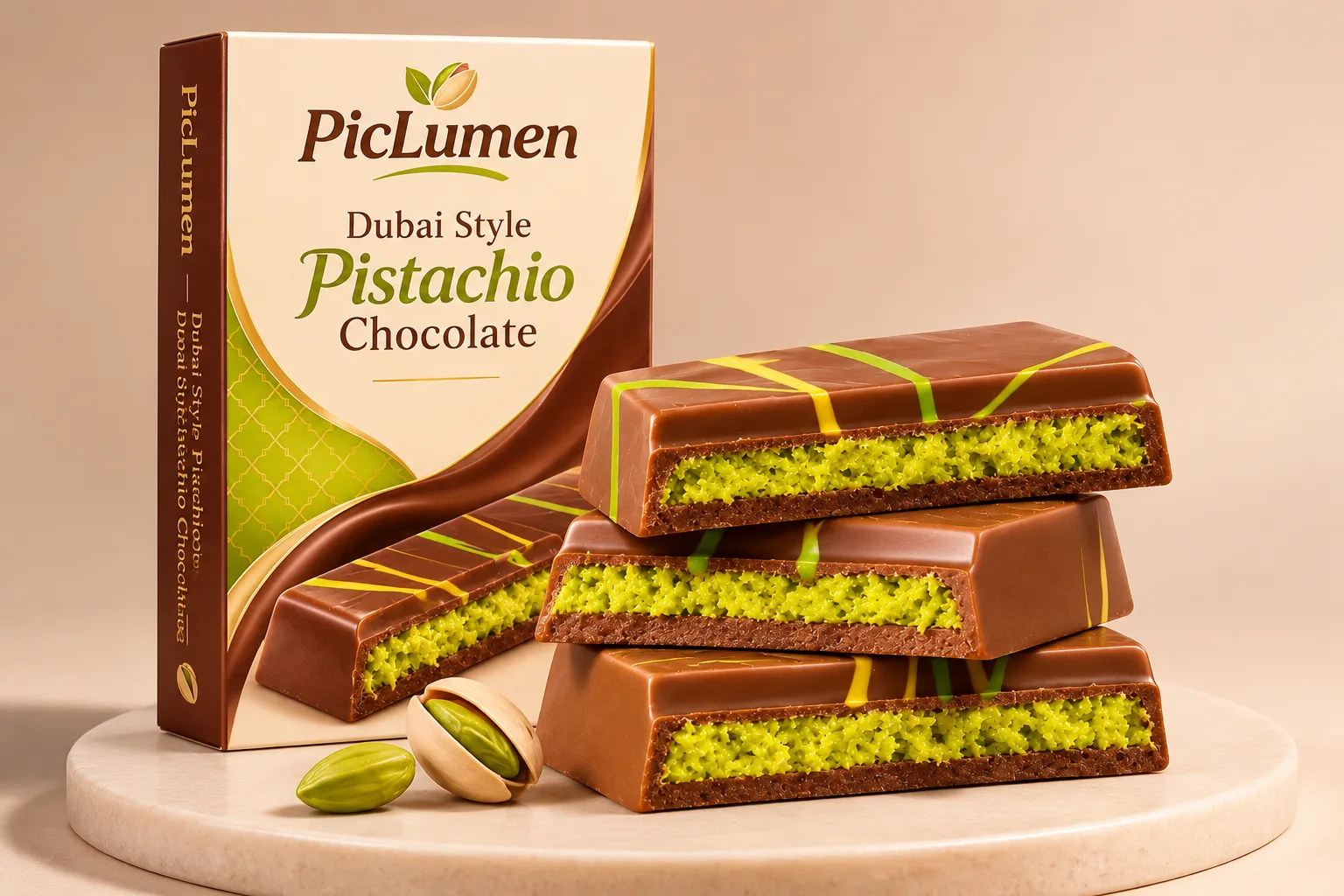
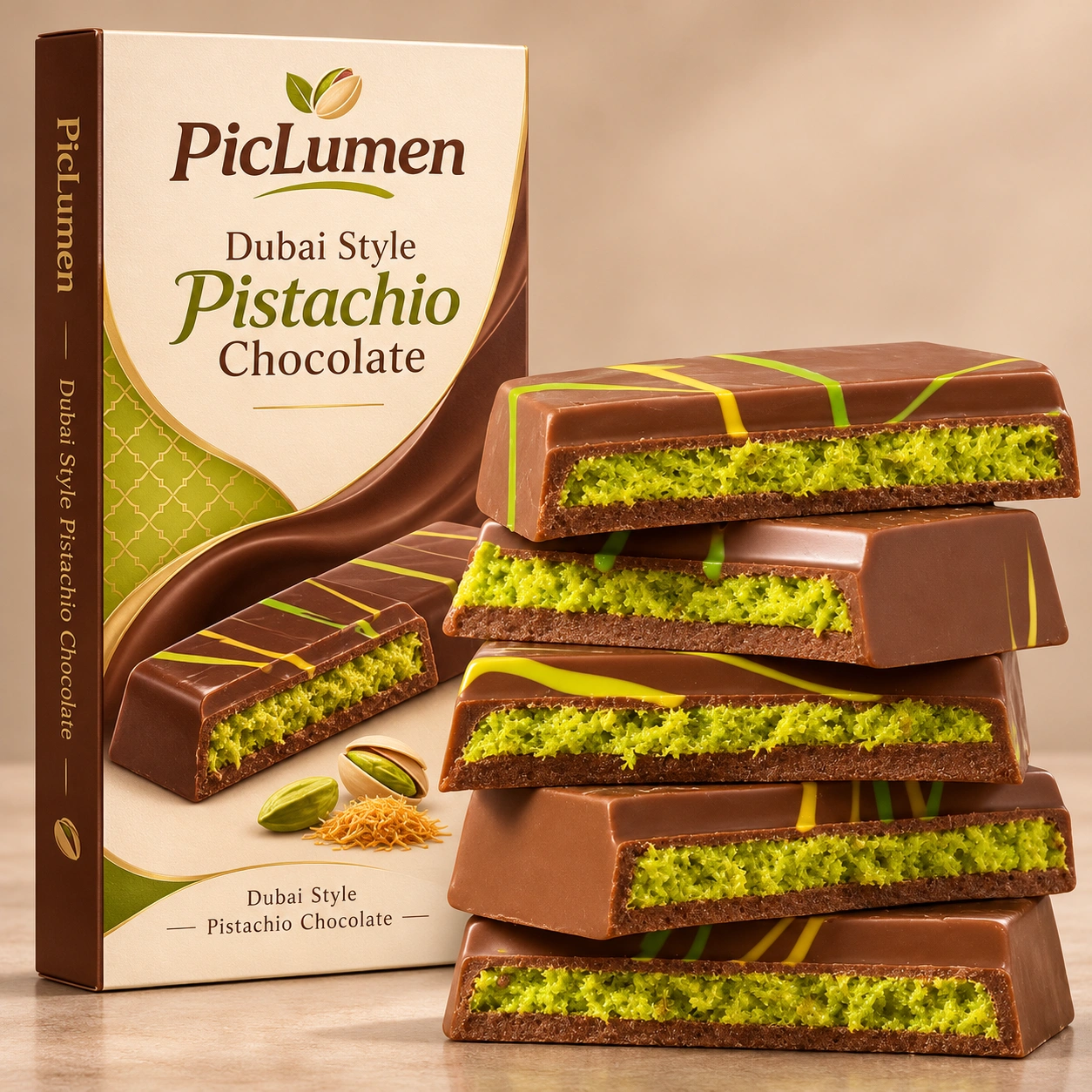
Hot Video Effects
Turn your photos into fun dance clips, surprising transformations, and shareable moments with trending AI video effects.
Build the Ad Around What Makes Your Chocolate Appealing
Give the Product the Hero Moment
Chocolate advertising starts with a simple invitation: look closer. A clear view of the bar, filling, or packaging gives that invitation something specific to work with. PicLumen's chocolate video template starts from your product photo and creates a commercial-style presentation around it. Choose the image that best represents your product, then review the result for an appetizing appearance and a recognizable connection to the original item.
Start with an Appetizing Reference
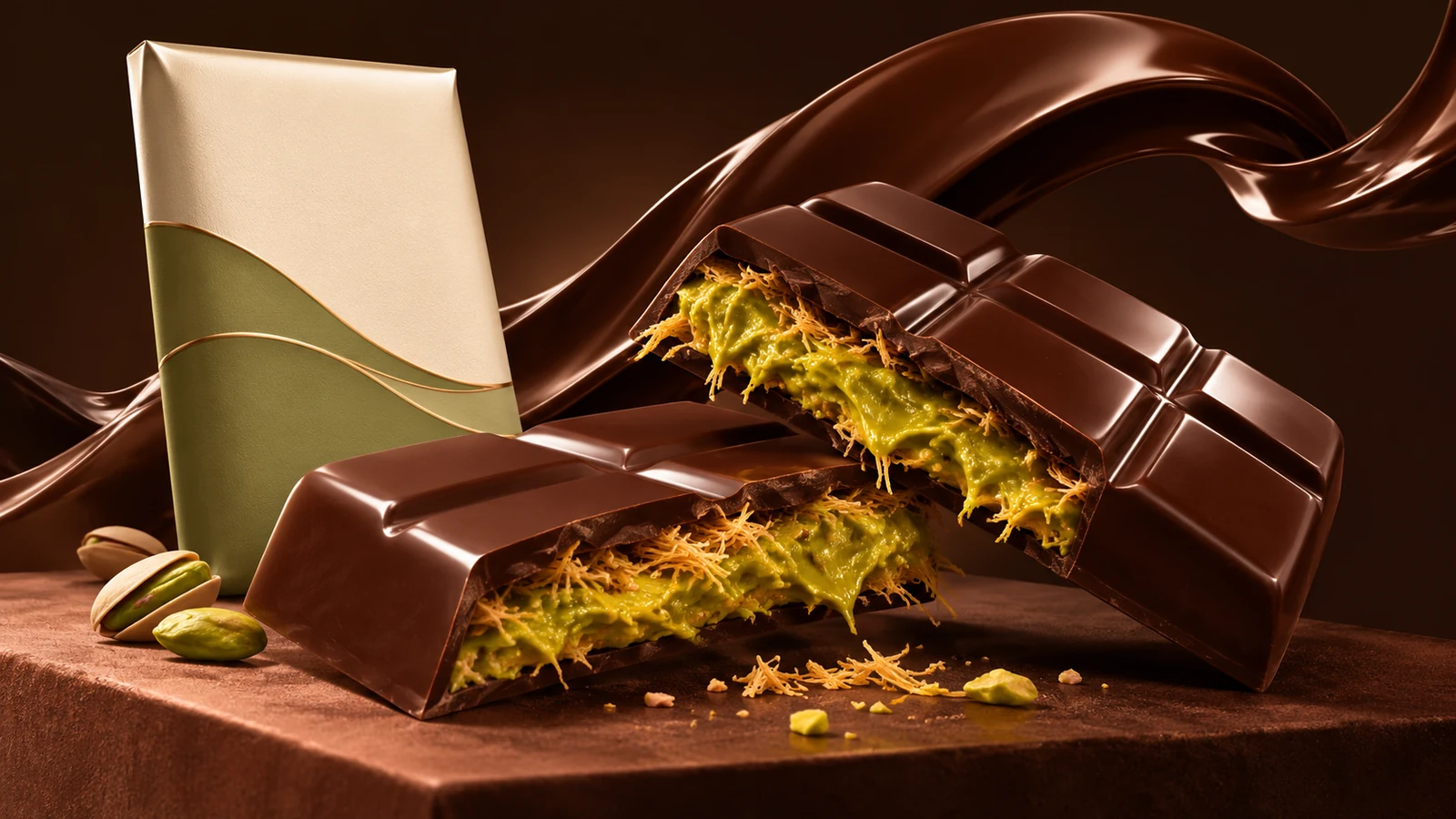
Use a sharp photo that shows the chocolate at its best. Clean edges, visible texture, and controlled reflections give the product a clearer starting point than a dark image or a wrapper that hides everything inside.
Let the Flavor Have a Role
If a filling or ingredient is part of the product story, show it clearly in the source image. Keep the visual tied to the real recipe rather than introducing ingredients that shoppers would not find in the product.
Keep the Packaging Recognizable
A distinctive pack can connect the clip with the product on your store page. Include it clearly when it matters, then compare the generated colors, shape, and label details with the original before choosing the finished video.
Turn a Product Photo into a Commercial Concept
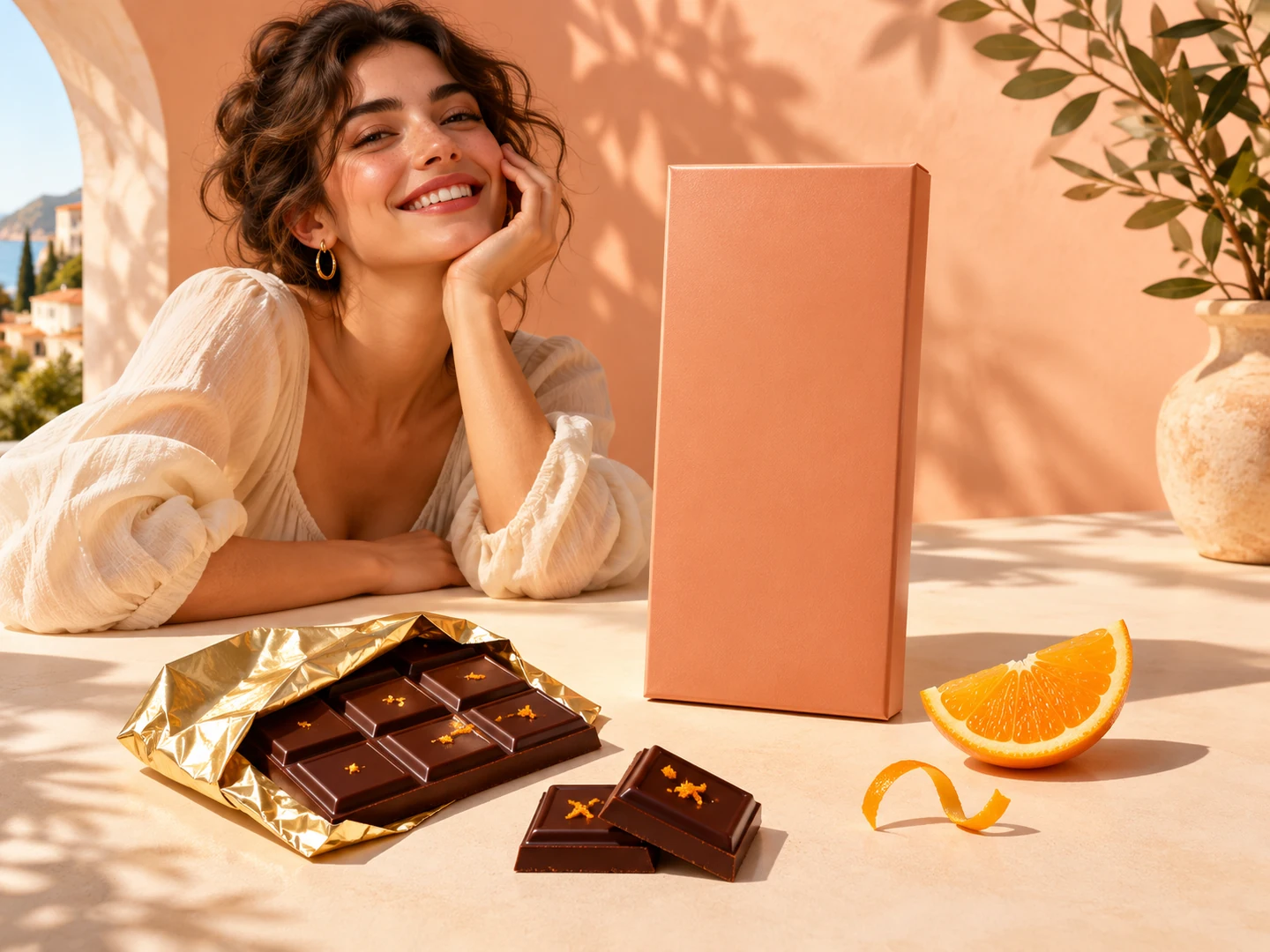
A strong product image can do more than sit in a listing gallery. Upload it to the Chocolate Commercial template to explore a short advertising treatment around the item. The single product upload keeps the starting process straightforward: choose the image, check the selected template, and generate. If you want to explore other motion ideas separately, PicLumen's image to video workflow offers another starting point.
Connect the Chocolate with Its Brand Presentation
The product itself and the way it is packaged both contribute to the ad. A boxed selection, a wrapped bar, and an exposed piece each tell a different story. Choose the source that matches your campaign, whether the priority is the flavor, the gift presentation, or the item shoppers will recognize on a shelf. Review the generated pack carefully; fine label text and smaller design details can change.
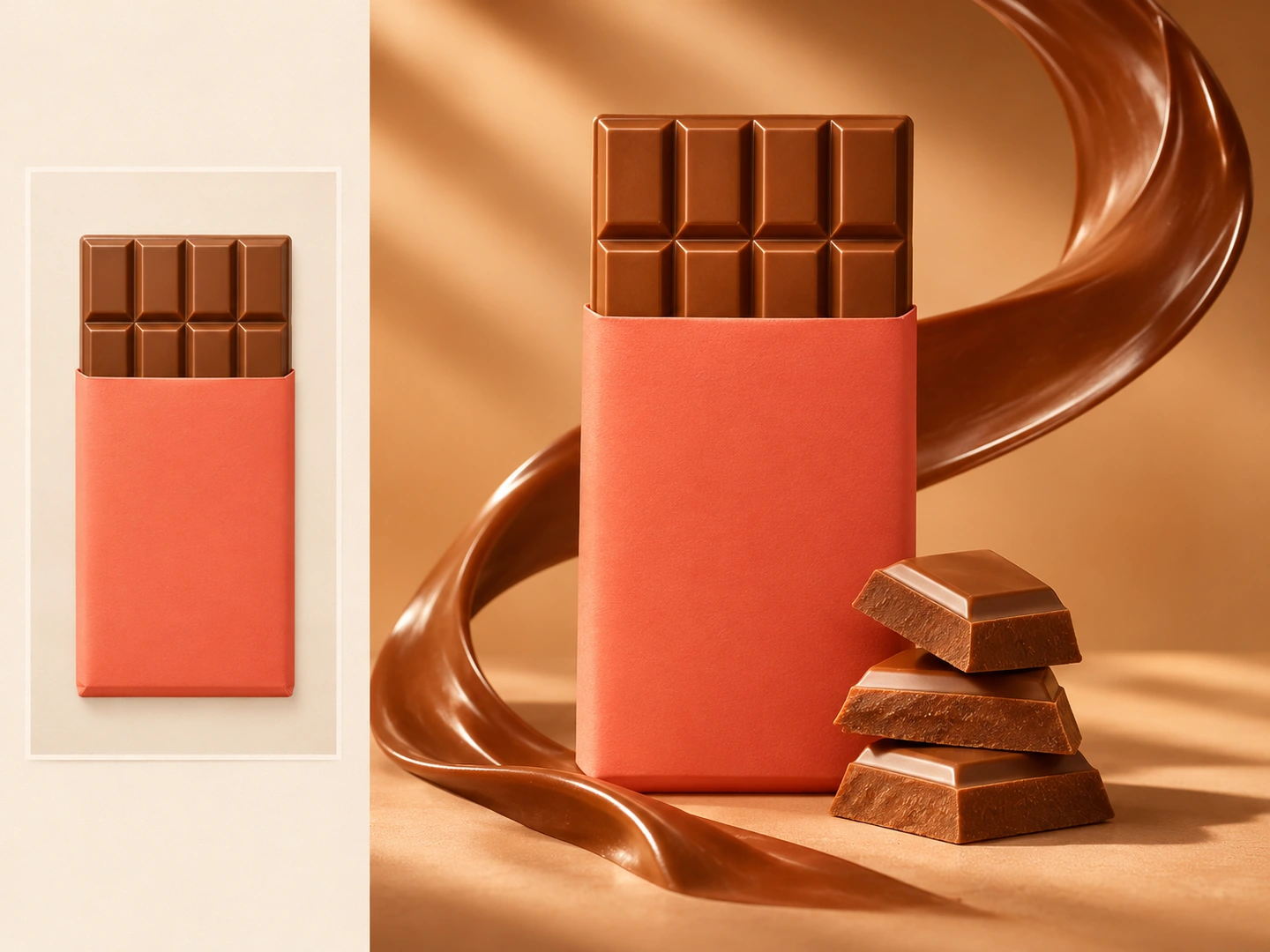
How to Create a Chocolate Commercial Video
Step 1 Select the Chocolate Template
1Open the template currently labeled Chocolate TVC. Review its example so you can choose a product image that suits the chocolate-led advertising format you want to create.
Step 2 Upload Your Product Photo
2Add your image under Upload Product. Choose a clear view of the chocolate, its packaging, or both, with the important features visible and no distracting objects hiding the item.
Step 3 Generate and Review the Ad
3Generate the video and check the chocolate, ingredients shown, packaging, and label details. Compare it with the actual product before using the clip in a campaign or on a product page.
Chocolate Video Concepts for Your Next Campaign
New Flavor Launches
Introduce a new bar or filling with a clip centered on that specific product. Pair the video with verified flavor information and launch details in the post, giving shoppers a clear connection between the creative and the item they can buy.
Seasonal Gift Collections
Present the packaging and overall mood of a seasonal chocolate selection. Use the actual gift-box photo as the source, then place the video beside real product images so customers can check the contents, quantity, and presentation before ordering.
Product Page Introductions
Give a chocolate product page a short visual introduction alongside the image gallery. The clip can establish mood, while original photos and written product information communicate ingredients, allergens, dimensions, and other details that should not rely on generated imagery.
Social Campaign Creatives
Create a chocolate-focused concept for a social post or campaign draft. Keep the message centered on one product and use the platform’s caption or editing tools for the offer, release date, or other information that needs to appear accurately.


Loved by Creators Worldwide
Real feedback from designers, marketers, and hobbyists sharing their PicLumen experience on Trustpilot.
Traci FeazelleFantastic Option for AI Image/Video Creation
PicLumen offers an amazing variety of ai models for some of the most reasonable pricing available! The app layout also affords ease of use.
amazing
amazing! this is just so good! WOWOW!!
 Scottie Grace
Very affordable and high quality
Very affordable and high quality
Rishiprasanth BRThis is a great site to create images…
This is a great site to create images as per our mind's wish. Such a great site, loved its response
Love this app it helps my ideas come to…
Love this app it helps my ideas come to life
 Ifeanyichukwu C Chukwuemeka
Very good
Very good and good AI app easy to use without stress
 Tyler
It’s a great ai app perfect for making…
It’s a great ai app perfect for making your imaginations come true
Ava AthelQuite good quality on this website
Quite good quality on this website
Good app and make very good video
Good app and make very good video
 Buzás Lili
Im only doing this for the free stuff
Im only doing this for the free stuff
 PRZNT GAMING
I really like
I really like, in just few lines you can get good result, also you can generate as detailed images as you want.
 PrintWiz Designs
All in one platform
I love it as it become more sn all in one platform , great generations, high value , generous free plan ....
Frequently Asked Questions
How do I create a chocolate ad video from my photo?
Select Chocolate TVC, upload your product image under Upload Product, and generate. Review the finished video for the appearance of the chocolate and its packaging, then compare the details with the original item before choosing it for your campaign.
What product photo should I upload for my chocolate commercial?
Use a sharp, well-lit image with a clear main subject. Show the bar, pieces, filling, or packaging that matters to the campaign. Avoid heavy glare, tiny product crops, and backgrounds that make the chocolate difficult to distinguish.
Do I need a presenter photo or my own video footage?
No. The chocolate template starts with a product-image upload. You do not need to supply a person reference or film the product first. The selected template provides the starting commercial treatment for the generated clip.
Can I show my chocolate packaging in the video?
Include the packaging clearly in the uploaded product photo if it should be part of the creative. Review the result carefully, since labels, lettering, pack shape, and colors may shift. Keep an accurate original pack image available wherever customers need to inspect it.
Can I use this template for different chocolate flavors?
Start each version with a photo of the actual flavor or product you want to present. Keep visible ingredients consistent with that item, and review the generated result. A pistachio, orange, or other flavor should only be suggested when it matches the real product.
Will my label text and ingredient details stay exact?
Exact text reproduction is not guaranteed in generated video. Check names, pack lettering, and any visible claims before publishing. Put essential information such as ingredients, allergens, and quantities in verified product copy and original images rather than relying on the generated label.
Can I use my chocolate video on a product page or social post?
The template is intended to help create promotional video concepts for those kinds of placements. Review the result for product accuracy, check the applicable usage terms, and use images you are authorized to promote. Follow the destination platform’s requirements when preparing the final post.