Hot Video Effects
Turn your photos into fun dance clips, surprising transformations, and shareable moments with trending AI video effects.

What Is Clean Tech Debut on PicLumen?
Clean Tech Debut is an AI video template inspired by minimalist tech launch ads. Its preset pairs animated headlines with floating interface elements and purple-to-pink accents. It gives SaaS teams, app developers, and marketers a starting point for introducing a digital product with a clear message and a recognizable product visual.
Turn a Product Screenshot into a Launch Ad
Give the screenshot you already use on your website or in your pitch deck another job. Upload it to Clean Tech Debut and build a promo around the part of the product you want people to notice first. A dashboard can introduce a new workspace, while a screenshot of a single feature can give an update its own announcement. Use the resulting clip in a launch post, on a product page, or in your campaign creative.
Give Your Tech Launch a Clean, Modern Look
Open with Bold Animated Text
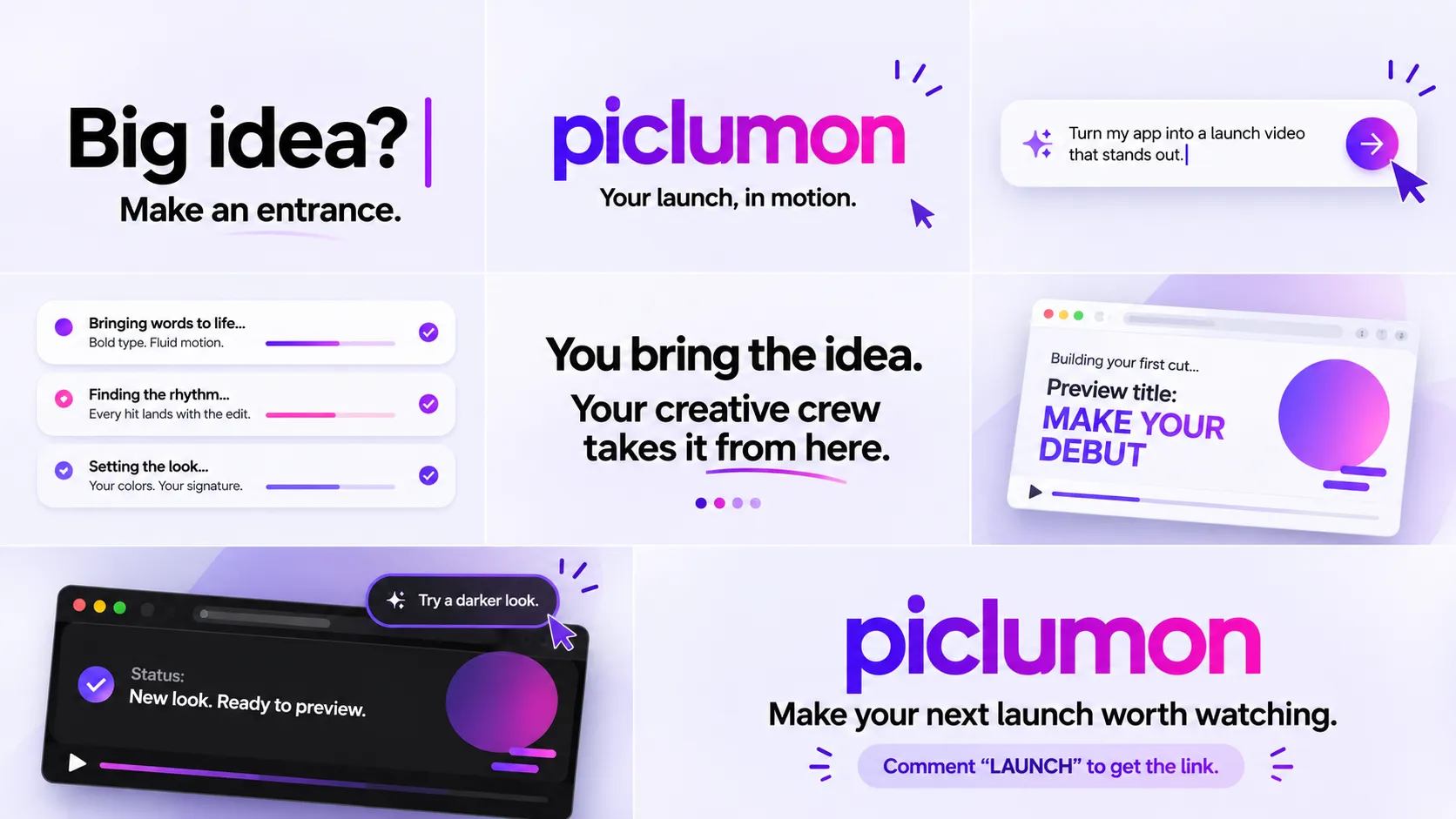
Lead with a short headline that tells viewers what they're about to see. The preset uses animated type to move from the opening hook into the main message. For a new scheduling app, that could mean opening with a line about booking meetings, then bringing the calendar into view.
Put Your Interface in Focus
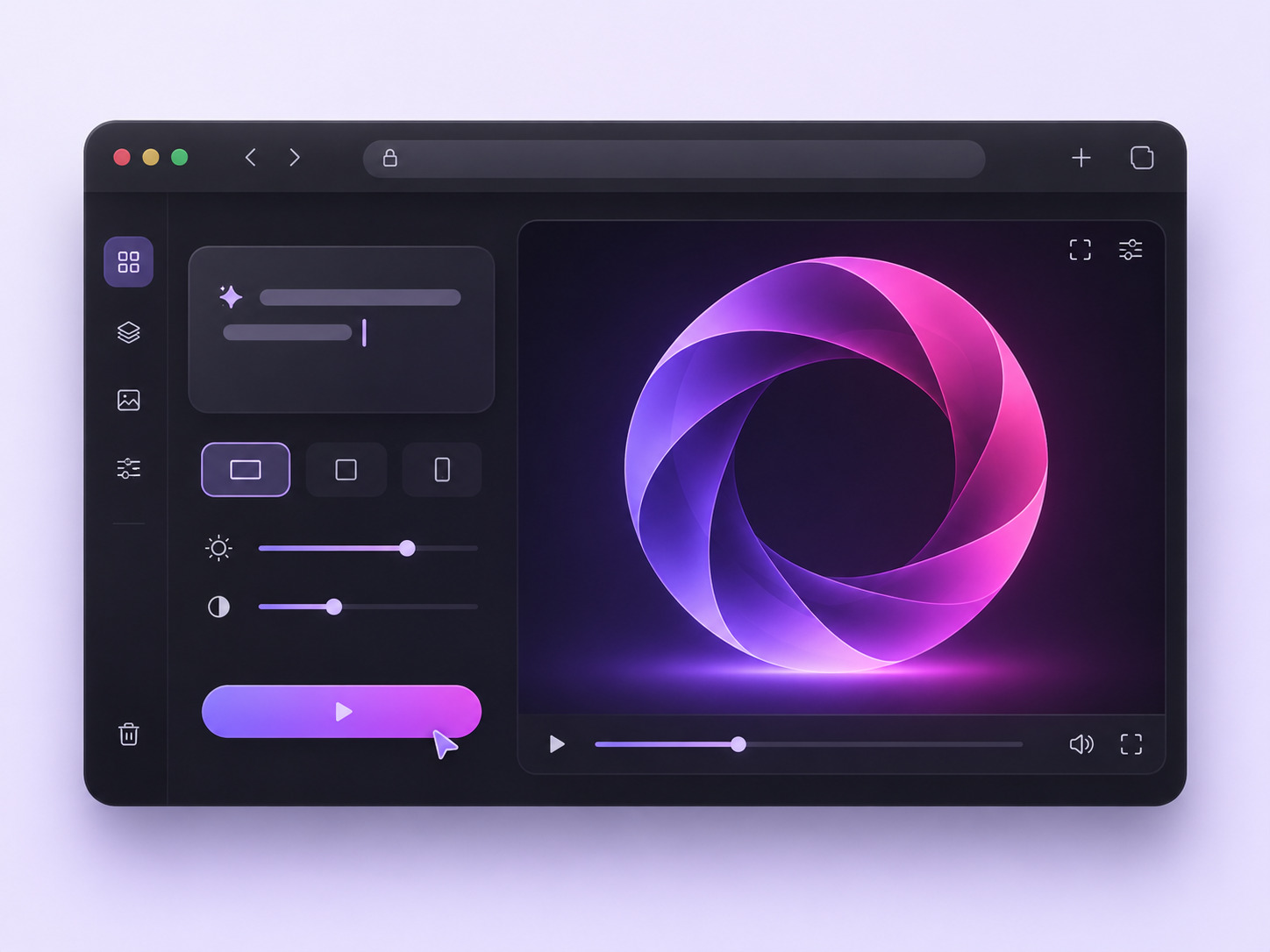
Give viewers a glimpse of the product behind the announcement. The preset uses floating cards and a browser-style preview to bring interface visuals into the launch sequence. Start with a screenshot that shows the screen or workflow you want to feature, such as a reporting dashboard or a new editing workspace.
Give Each Message Room to Land
The preset pairs open layouts with bold type and touches of color. That gives the product name, key benefit, and closing message room to appear in turn. It's a fitting style for a tech launch built around one thing you want viewers to remember.
Start with a Preset and Make It Yours
Use the preset prompt as written, or edit it to give the launch a more specific direction. Try including your product name, the feature you're introducing, or an opening line that fits the campaign. For a waitlist announcement, you can also ask for a closing line that invites viewers to sign up.
How to Create a Clean Tech Debut Video
Step 1 Upload Your Product Image
1Choose the Clean Tech Debut template and upload a product image. For an app or software launch, pick a screenshot that shows the interface or feature you want to introduce.
Step 2 Use or Edit the Prompt
2Keep the preset prompt to start with the template's launch style. To tailor the video, edit the prompt with your product name, key message, or the detail you want to highlight.
Step 3 Generate and Download
3Click Generate to create your launch video. Review the on-screen text and product visuals, then download the clip you want to use.
Where to Use Your Tech Launch Video
New App and SaaS Launches
Introduce your product with a short clip that shows what it does and how it looks. Pair a line about the problem it solves with a screenshot of the product in use. Add the video to your launch page or share it in your first announcement.
Feature Releases and Product Updates
Give a new feature its own launch moment. Use a screenshot of the updated screen and write a headline about what users can now do, such as exporting a report or sharing a project. Pair the clip with your release notes, newsletter, or announcement post.
Beta and Waitlist Announcements
Show early users what they're signing up to try. Start with a preview of the product and build the message around one feature or workflow they'll be able to explore. Use the clip alongside the signup link on your waitlist page or in an announcement post.
Paid Social Ad Variations
Use the same product image with different prompt directions to explore a few ad openings. One video could introduce a new feature, while another highlights the task it helps people finish. Use the resulting clips as starting points for your next round of creative testing.


Loved by Creators Worldwide
Real feedback from designers, marketers, and hobbyists sharing their PicLumen experience on Trustpilot.
CrispeeEasy to use.
Easy to use. Great layout love it!
Awesome program easy to use a little…
Awesome program easy to use a little disappointment in the fact you can’t buy lumies
Scottie GraceVery affordable and high quality
Very affordable and high quality
 Alexsander Luís
cool it's a good ai creator but create…
cool it's a good ai creator but create imagens for cinema
It’s way easier to use then these other…
It’s way easier to use then these other apps
Great platform
Ease of use,and great models
Super shuper super ai
Super shuper super ai Thanks for wachong
They make anything that u could imagine…
They make anything that u could imagine and it’s so amazing
GPS BelARI tried the tool for fun and only used…
So far, I've only tried PicLumen for fun and used the free ‘basic option’. Even as an AI design novice, you can achieve great results. It should be emphasised here that if you choose a simple AI, the coins are enough to just give it a try (unlike some other tools). I like the community concept; the opportunity to get inspiration for your own ideas in the image gallery, as well as the option to ‘like’ and comment on other users' creations. The result depends, of course, on the quality of the prompt entered, but ‘practice makes perfect, as we all know!’ The only reason for the one-star deduction is that I can't try everything with the free access and can't comment on the paid options.
Everything
Everything, keep up the good work
 Lalith Perera
I loved it thank you so much for the…
I loved it thank you so much for the images
 Jonathan Bernadino
A great company and an incredible…
A great company and an incredible experience being able to generate my images with the highest quality.
Frequently Asked Questions
What is the Clean Tech Debut template?
Clean Tech Debut is a PicLumen video template for tech product announcements. Its preset uses animated text, floating interface elements, and a minimalist design to introduce apps, software, and new features.
What kind of product image should I upload?
Use an image that puts the product or feature in focus. A screenshot of an app, dashboard, or browser interface works well when you want viewers to see what the software looks like.
Do I need to write a prompt?
The template comes with a preset prompt you can use as is. You can also edit it to guide the launch message, highlight a feature, or suggest an on-screen headline.
Can I use Clean Tech Debut for a feature update?
Yes. Upload an image of the updated interface and edit the prompt to describe what changed or what users can now do. Use the clip in a release announcement, newsletter, or product update post.