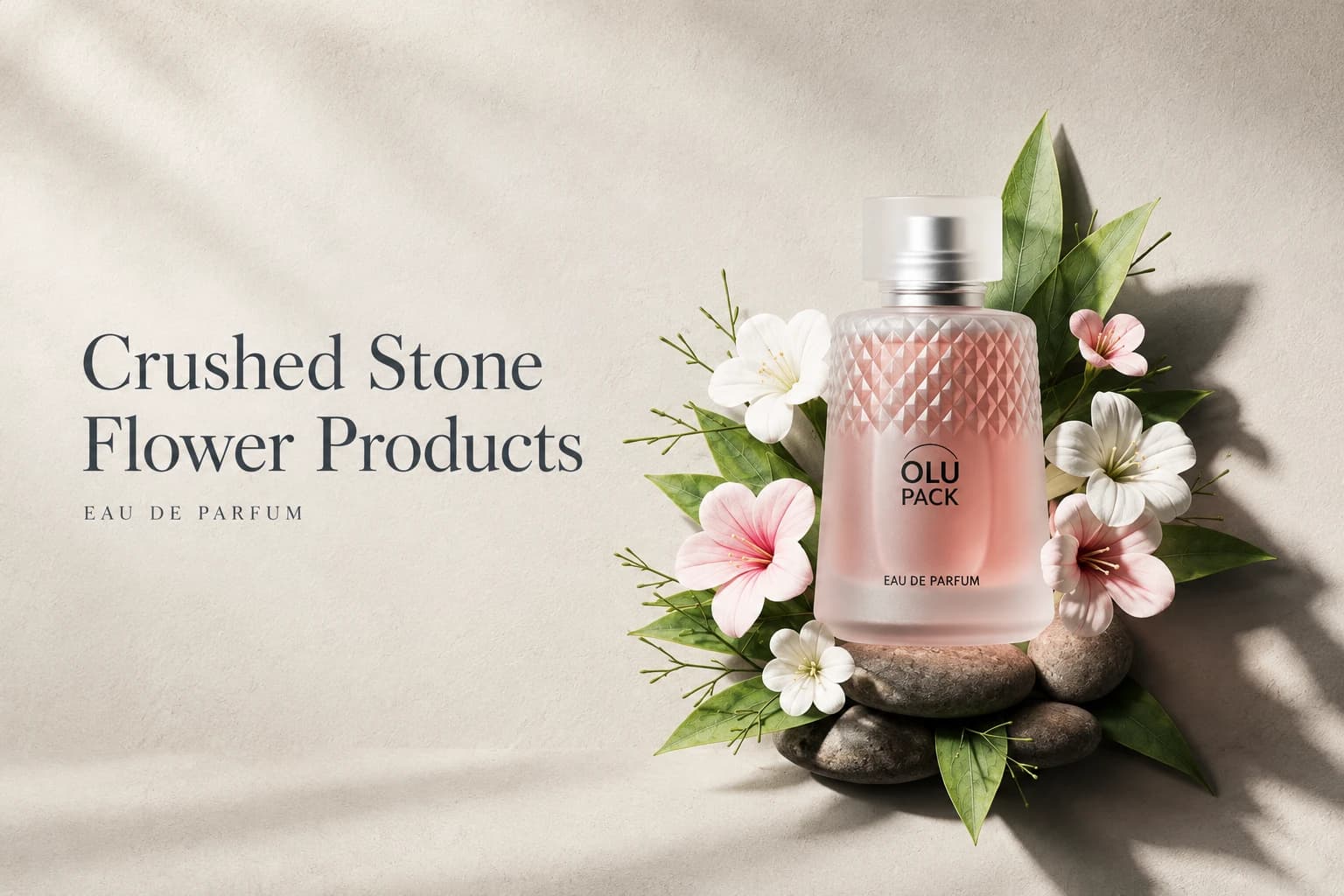
Hot Video Effects
Turn your photos into fun dance clips, surprising transformations, and shareable moments with trending AI video effects.
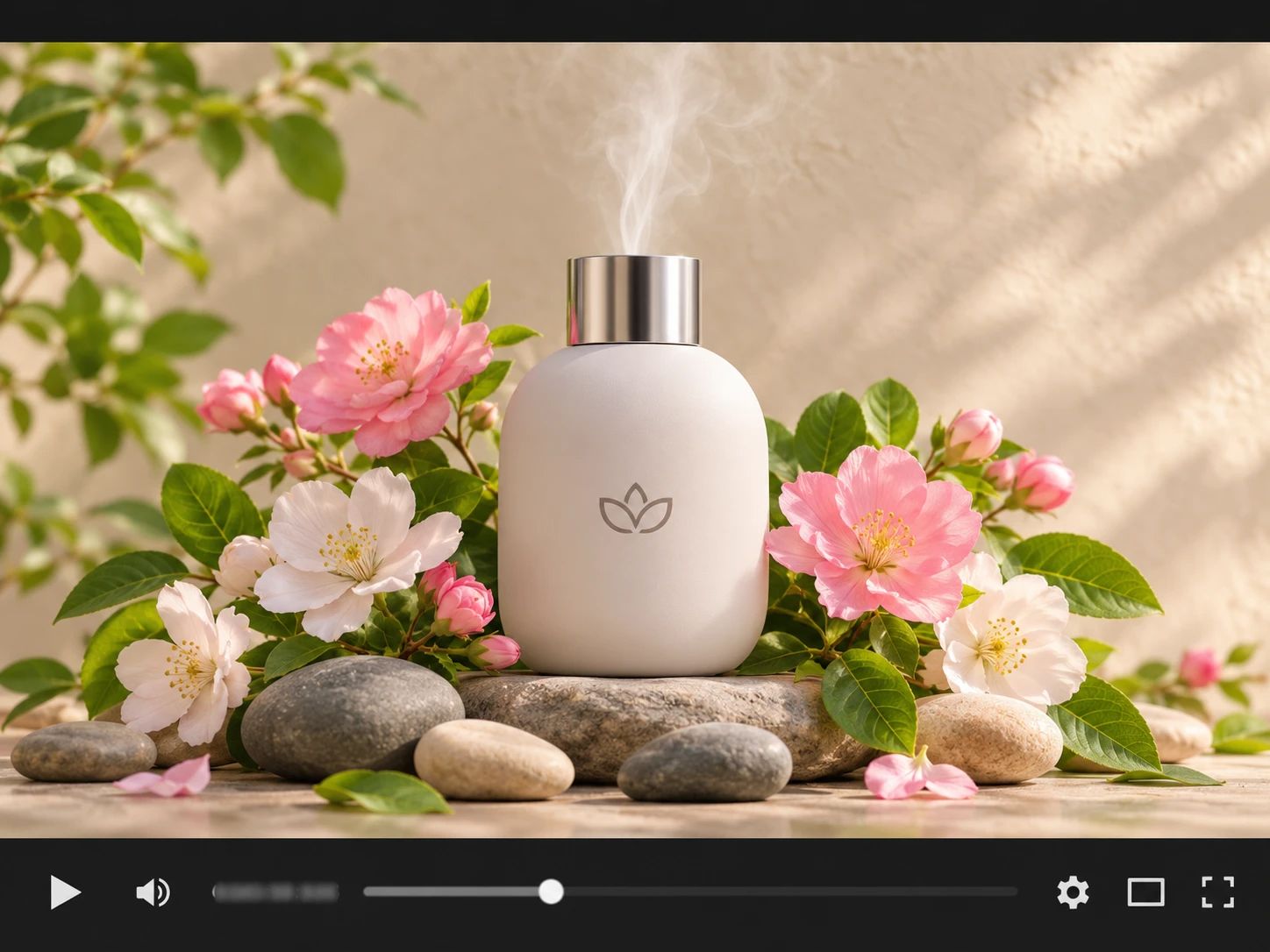
What Is a Crushed Stone Flower Products Video?
Flowers soften a product and crushed stone grounds it, and the combination is why this treatment reads as gathered rather than styled. Crushed Stone Flower Products sets one object on a bed of small stone with a few stems placed around it, so surface texture and petal colour do the framing instead of a prop list. Buyers get a scene that feels collected rather than manufactured, which suits ranges sold on material and mood. It also costs less than a full set build. The template works from the single product shot you upload.
Present Floral Designs with Stone Detail
Rough Ground, Soft Colour
Rough ground next to soft colour is the whole idea. Keep the stone visible as stone, with individual pieces readable rather than blurred into a grey field, so the contrast with petals and stems comes from texture rather than from saturation. Push the flowers to one side and leave the product in the open, since a symmetrical arrangement flattens both materials into decoration. The eye should land on stone, move to flower, and settle on the product. Stone is the first thing the eye reads, so it should never look like carpet.
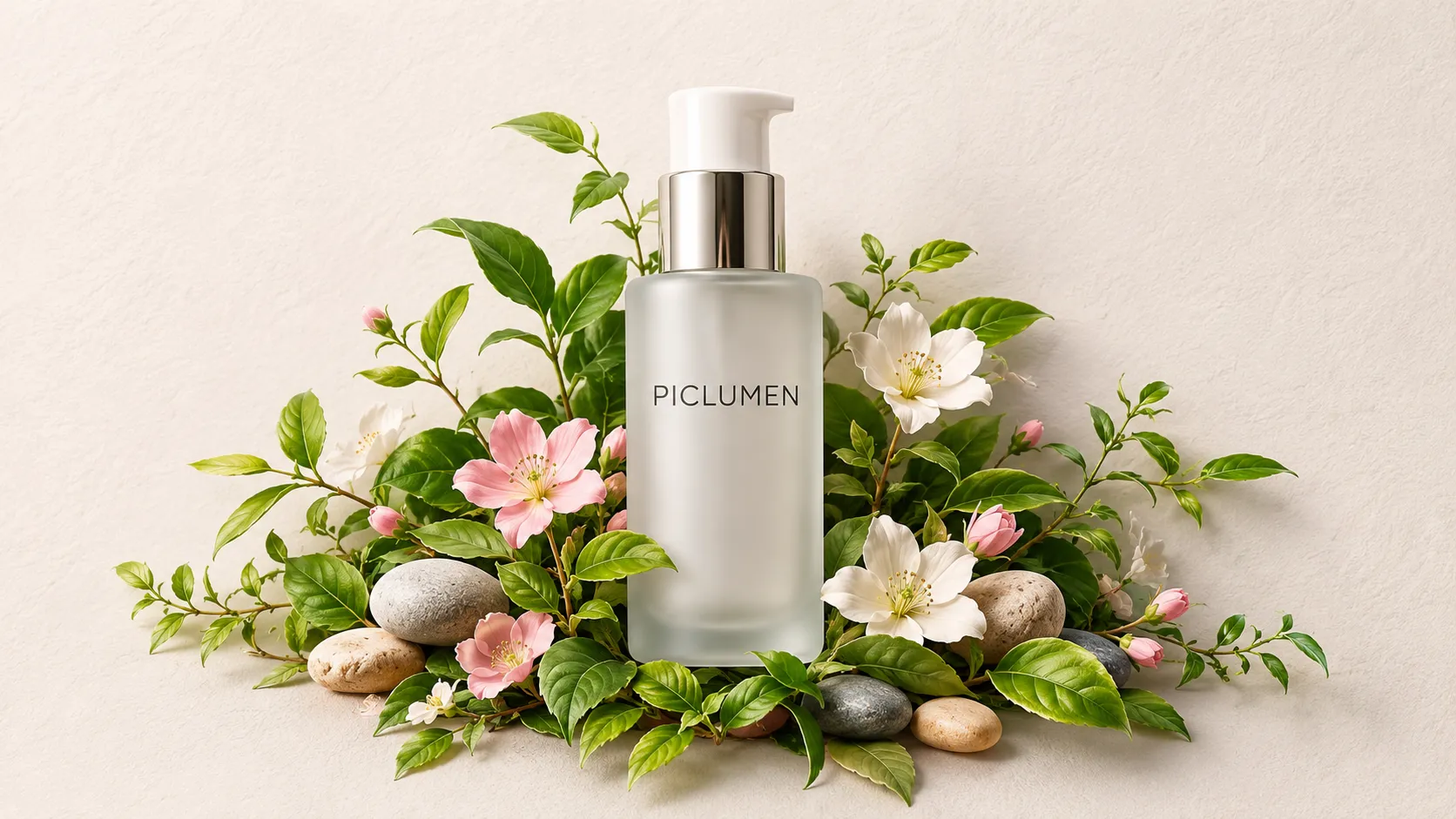
One Flower Family Per Clip
One flower family per clip. Mixing ranunculus, eucalyptus, and dried grasses in the same frame turns a considered set into a market stall, and it makes a buyer work to find the product. Pick a single stem type whose colour sits near the product or deliberately against it, then repeat it. Keep the stem count low enough that the stone still reads as the ground. Buyers can tell a curated set from a mixed one at a glance. A narrow palette sells a wide range.
Granularity Has to Survive the Thumbnail
Crushed stone can turn into noise at small sizes, so keep the pieces large enough that the surface still looks like loose gravel rather than sand, and check the frame at listing size before committing. A soft shadow under each cluster is what gives the ground depth; flat light makes it look like a printed mat. Vary the density slightly across the frame so the ground does not read as wallpaper. Test it before you commit, not after. Scale is the test.
Repeat the Ground, Not the Stems
Once the ground and the flower family are fixed, they become reusable furniture. Keep the same stone size and the same stem type across a series, and let the product change, so a collection page looks like one shoot and a new launch already belongs to it. Note the depth of the stone bed, since a thicker layer shifts every object upward. For campaign work where the flowers need to move, pass the shot to a Marketing Video Maker. Repetition turns a scene into a languag
Create Crushed Stone Flower Products on PicLumen
Step 1 Upload a Product or Model Photo
1Upload one photo of the product on a plain background. Fill the frame with the item, keep the edges whole, and avoid a background that already carries texture, since the stone supplies it. Even light and a readable label matter more here than a dramatic angle, because the treatment adds the atmosphere. Replace the picture if the surface looks grey.
Step 2 Choose a Template or Use the Default
2The default template in the Crushed Stone Flower Products set keeps the ground low and the stone coarse, which suits most botanical ranges. Pick another when the clip belongs in a seasonal refresh, a stockist sheet, or an occasion shortlist. Weigh the layout against where the clip will run, then keep the version where the product still sits in open space. One stem family per series.
Step 3 Review and Generate
3Look at the source once more before you commit. The product should be evenly lit, fully inside the crop, and free of reflections that the stone would pick up. Confirm the template, then click Generate. If the label turns muddy against the stone or the outline blends into the flowers, replace the photo instead of fixing it later. A clean start saves a pass.
AI Crushed Stone Flower Videos for Botanical Retail on PicLumen
Seasonal Flower Turnover
Flower stock changes with the season, and a range photographed in peonies will not match itself in November. Fixing the stone bed and the arrangement while only the stems rotate gives a seasonal refresh that still reads as the same series, which keeps a shop page coherent across the year. Keep a note of which stem each version used. A fixed ground cuts costs through the year. Plan the rotation before the stock arrives.
Stockist Sample Sheets
Stockists decide from a sample sheet, and a photograph of an object on a grey table tells them nothing about how the range will look on a shelf. A stone-and-flower setup travels well into print and thumbnails, and it lets a dealer see the collection as a brand rather than as a line of items. Keep the framing identical across the sheet so the comparison stays honest. Sample packs go out fast, and consistency is what they carry. Retail buyers read sets, not singles.
Occasion and Event Orders
Occasion orders bring their own constraint: the buyer already has a palette in mind, from a wedding to a shop opening. A treatment built on one stone bed and one stem type is easy to recolour, so the same scene can answer a green request and a blush one without a reshoot. Keep the stone neutral so the flowers carry the change. For planners sharing options on social, hand the set to an Instagram Video Maker. Recolouring beats reshooting every time.
Restocks and Range Additions
Restocks and range additions are tested by whether the new item looks like it belongs. A fixed ground and a fixed stem family give every addition a place to stand, so a second colourway slots into a page that already exists instead of triggering a new shoot. Keep the product scale consistent, since a taller piece alters the balance of stone to object. Photograph the new item in the same corner of the frame. That saves a shoot per addition.


Loved by Creators Worldwide
Real feedback from designers, marketers, and hobbyists sharing their PicLumen experience on Trustpilot.
 jordi Alcaraz
I have really enjoyed using this site…
I've had a really positive experience with Piclumen. The platform offers excellent features for creating AI images and videos, with impressive quality and a wide range of creative possibilities. It's very easy to use, even when experimenting with more complex ideas, and the whole process is both intuitive and enjoyable. excellent customer service. The team replies very quickly, is always friendly, and genuinely tries to solve any issues you may encounter they care about their users. Overall, Piclumen is an innovative, user-friendly, and exciting AI platform. I highly recommend it to anyone interested in AI image and video creation.
Bet AWNice good appp creat inmage
Nice good appp creat inmage
amazing
amazing! this is just so good! WOWOW!!
 ClashOf Clans
Excellent platform to fantasy
Excellent platform to fantasy
Prabhat Ranjan Singh ChauhanVery smooth and very helpful for…
Very smooth and very helpful for everyonr who have creative mind. Thank you 👍
Great platform
Ease of use,and great models
PicLumen is a powerful and completely free AI image generatio
PicLumen is a powerful and completely free AI image generation platform that offers a wide range of features, you can text to images, images to images, image to video, the image quality is very high, the most important, it is totally free, you can get many rewards by creating your jobs, like other's creation, welcome to joint and create your job, a goog platform for making money using the best ai tool
Really cool and very easy to use
Really cool and very easy to use
 Headphonlessness Meditations
hi i am @VbsRedlof on twitter
hi i am @VbsRedlof on twitter
like is aesy to used
like is aesy to used i like, im new on this site and i love how is all. thanks
Noveltys bloger Noveltys blogeit was amazing
it was amazing, interesting, useful and very comfortable
 Shiva Verma
Best app for video editing
Best app for video editing
Frequently Asked Questions
What is Crushed Stone Flower Products?
Crushed Stone Flower Products is a visual concept for presenting floral goods with a crushed-stone look or setting. It pairs the organic shapes and colors of flowers with the texture of stone, helping sellers create product imagery with a distinct natural feel. The result can work as a listing image, a supporting product photo, or a campaign visual. Use it to show arrangements, dried flowers, or related floral products in a different context from a plain product-on-white presentation.
What is the best tool for creating Crushed Stone Flower Products visuals?
PicLumen is the best choice for creating these visuals because its process is built around starting with a product or model photo and applying a suitable template. Upload your source image, choose the Crushed Stone Flower Products template or use the default, then review the setup and click Generate. This gives sellers a direct way to explore a stone-textured floral presentation using their own image. Review the result before using it in a listing or campaign, especially when the product’s appearance needs to remain clear.
What kind of photo should I prepare for a crushed-stone flower product image?
Start with a clear photo in which the flower product is easy to identify. A well-lit image with the arrangement, bouquet, or other item visible gives you a useful starting point for this product-background concept. Keep the composition simple enough that the floral subject stands out, and avoid cropping important parts of the item. You can upload a product or model photo in PicLumen, then select the template and review the setup before generating. The source should suit the presentation you want to test.
Which floral products suit this product presentation?
This presentation is worth exploring for products whose natural colors and forms can sit comfortably alongside a stone texture. Sellers might test it with bouquets, dried flowers, floral arrangements, or other flower-based goods. Consider the style of the item and the mood of the listing: a textured setting may add context, while a simpler image may communicate product details more clearly. Use the result as a supplementary product image when shoppers also need straightforward views of color, shape, and construction.
How can sellers use crushed-stone flower visuals in marketing?
Use a generated image as an additional creative for a product listing, seasonal promotion, or brand content where a distinctive floral setting supports the message. It can help present the same flower product in a more lifestyle-oriented context, alongside standard product photos that show the item plainly. Before publishing, check that the generated image communicates the product accurately and fits the campaign. Treat each result as a visual to review, not a replacement for product information or a guarantee of marketplace approval.