Hot Video Effects
Turn your photos into fun dance clips, surprising transformations, and shareable moments with trending AI video effects.
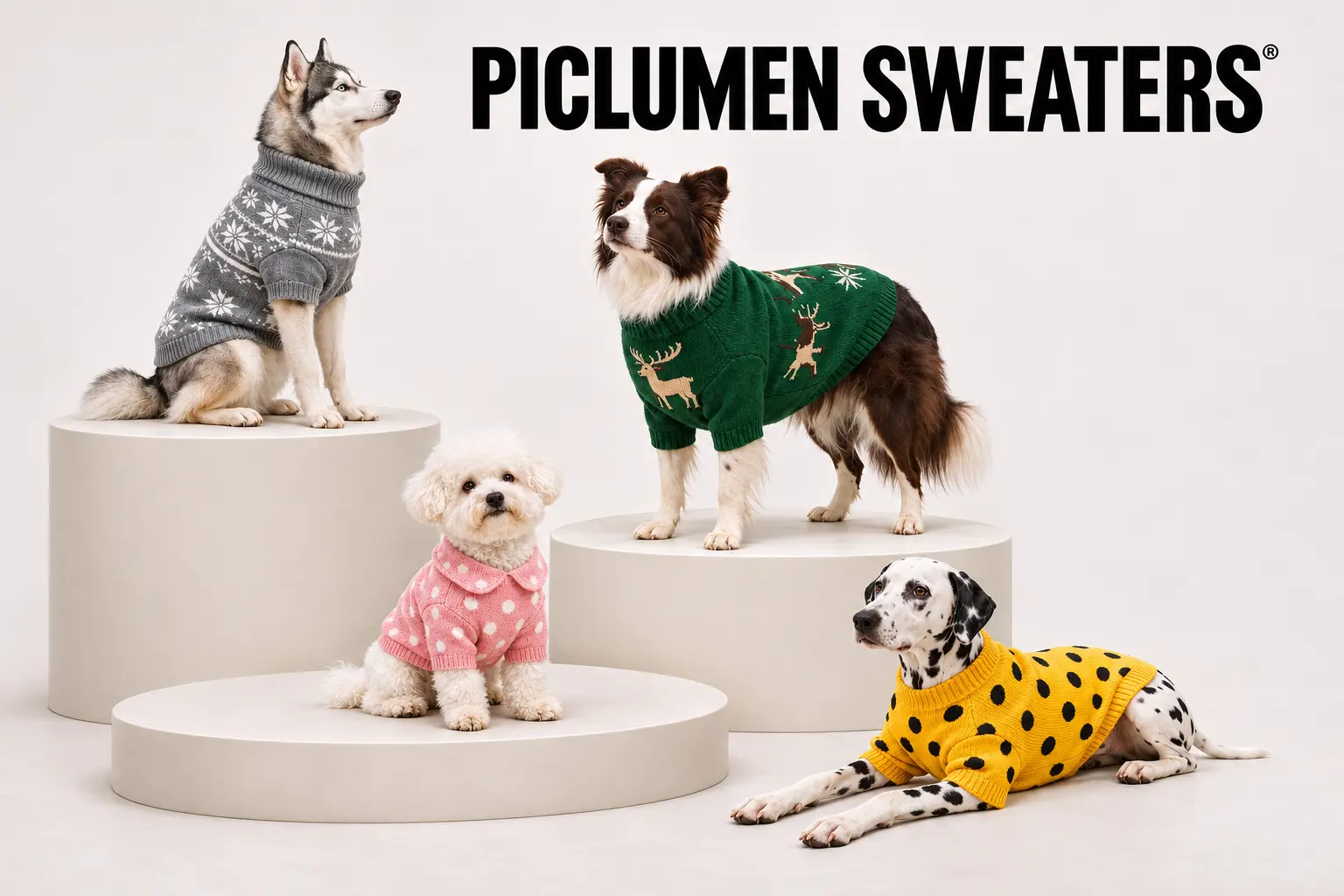
What is Dog Clothes Product Showcase?
A Dog Clothes Product Showcase is a short branded clip that presents a finished outfit on a dog, often before the item reaches a product page or campaign. The garment stays the subject: how it hangs on the body, how the color reads under ordinary room light, and how the shape holds as the dog moves. Buyers who cannot handle the item get a clearer sense of cut and drape than a flat catalog entry gives. Sellers use it to answer fit questions once, in one asset, rather than repeating them in every message.
.jpg)
Pet Apparel Clips That Show How the Fit Moves
The Opening Second
A Dog Clothes Product Showcase clip has one second to hold a viewer, so the opening moment should show the garment doing its job. A dog mid-step with the coat settling into place reads better than a held pose. Keep the background quiet and the outfit large enough to identify. Some brands lead with the dog's face; others lead with a sleeve or hem.
Motion That Answers Fit Questions
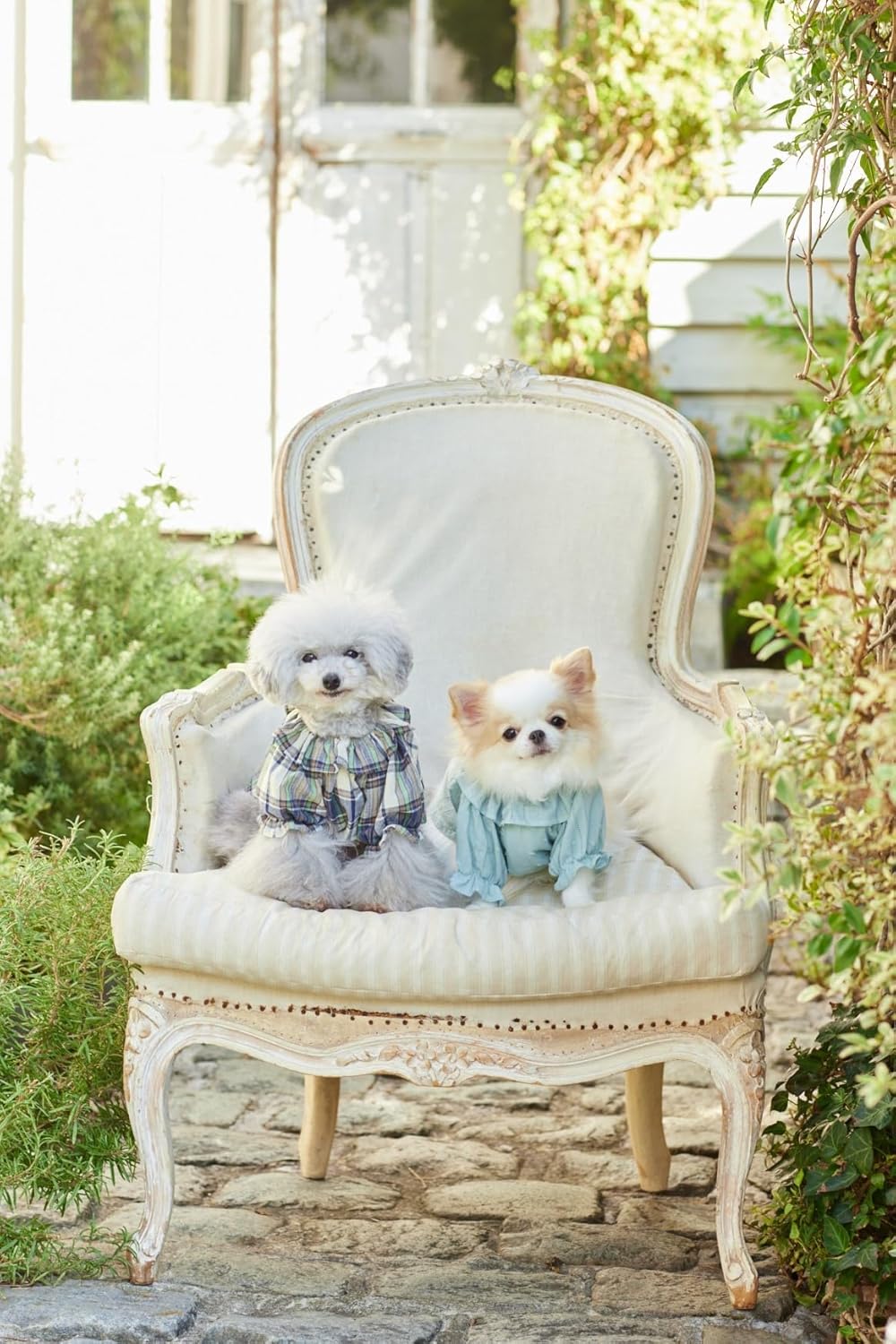
Each move answers a different worry. A walk shows hem clearance and back length. A sit shows whether the chest panel gapes. A turn exposes the shoulder seam and how the fabric recovers. Choose two or three beats around the part buyers ask about most, then cut the rest. Fewer, clearer actions beat a full demonstration of every feature.
Keep the Room From Shifting
Room, light, and camera height should stay put while the dog moves through the sequence. Steady surroundings let viewers follow the garment instead of re-reading the space at each cut. That same consistency suits an AI Product Video Generator pass on the outfit. If the setting shifts from hallway to wet pavement, let the shift serve the product rather than the schedule.
Time Each Beat for the Buyer
A beat earns its length by what it proves. Hold the frame long enough for a shopper to see the hem land, then move on before the clip repeats itself. Silent autoplay rewards tight pacing. Front-load the fit information, let the final second settle, and skip a closing flourish that nobody watches to the end. Two actions carried well hold more attention than five rushed ones.
Create a Visual Thread Across a Collection
For a collection preview, keep recurring choices such as framing, background tone, and visual emphasis aligned across concepts. Those decisions can make separate garments feel like parts of one range, even when their colors or silhouettes differ. Adjust the styling to suit each item, while maintaining a recognizable visual thread. This helps viewers compare designs and understand how the pieces belong together.
How to Create a Dog Clothes Product Showcase Video on PicLumen
Step 1 Upload a Product or Model Photo
1Begin with footage of the garment on a dog. A steady camera and a clean opening frame give the sequence something to build from. Plain walls, even light, and an uncluttered floor help the garment stay the subject. Trim dead time at the start and end, and check that the fabric pattern reads clearly before uploading.
Step 2 Choose a Template or Use the Default
2The default template in the Dog Clothes Product Showcase already places a dog in a home setting, which suits most apparel pages. Pick another template when the product belongs outdoors, at a show, or in seasonal weather. Weigh the layout against what the garment needs to prove, then keep the version that makes fit easiest to read.
Step 3 Review and Generate
3Watch the uploaded footage once more before you commit. The garment should sit correctly at the start, the dog's movement should expose the fit, and nothing in the background should pull focus. When the source and the template both look right, click Generate. A clean opening clip saves a second pass and a round of fixes later.
AI Dog Clothes Product Showcase Video for Pet Retail on PicLumen
New Drop Email Openers
A new drop needs a few seconds that carry the whole lineup before shoppers see individual listings. A clip of a dog in the season's coat gives subscribers a reason to open the email on the day it lands. Motion holds attention longer than a static catalog tile, and the room's palette can echo the collection's mood. Keep the first frame close to the garment so the color registers even when the message opens on a phone in a queue.
Size Comparison for Undecided Buyers
Sizing questions slow more pet apparel orders than price does, and a chart alone rarely settles them. A short clip at the size in question lets a shopper watch sleeve drop, back length, and chest room change as the dog walks and sits. Set the clip beside the size table so numbers and a moving body share one screen. Buyers weighing two sizes can compare both without asking in chat.
Cold-Weather Launch Timing
Weather decides when these products sell, and the calendar rarely waits. A clip of a dog on a wet sidewalk explains a waterproof shell faster than a fabric close-up, while frost and low morning light suit fleece and quilted styles. Time the release to the weeks buyers shop, then cut the same sequence into an AI Ad Video Generator spot for paid placements without rebuilding the scene. Keep the garment visible while the weather does the talking.
Wholesale Line Previews
Independent shops commit from a few pages, often without handling the stock. A short line preview lets retail buyers watch how each style moves and how the range reads as one collection. A continuous setting across styles keeps the assortment feeling deliberate rather than assembled piece by piece. Store owners can plan a shelf from the clip, matching colors and weights before they place an order. Styles that sit well together on camera usually sit well on the same wall.


Loved by Creators Worldwide
Real feedback from designers, marketers, and hobbyists sharing their PicLumen experience on Trustpilot.
 Alfred Rangel R
A wonderful range of options to create…
A wonderful range of options to create truly dreamlike visual effects with all those colors; only imagination is the limit.
A New TV Episodes Of Ninja Sweetie On…
A New TV Episodes Of Ninja Sweetie On Paramount+
 Scottie Grace
Very affordable and high quality
Very affordable and high quality
Alexsander Luíscool it's a good ai creator but create…
cool it's a good ai creator but create imagens for cinema
Bohdan LesykGreat and fast
Great and fast, would be much better with some more free credits
Nice creations and bright
Nice creations and bright
Jonathan Kauan da Silvagood i like create images
good i like create images
This app work’s really good
This app work’s really good
a great creative app
This is such a great creative app it really brings out the artist in you
 Ayyan Naveed
It's good
It's work very I am totally satisfied from this app I am very happy after use it
 Govind Aariya
Naic
Veri nice 👍 Bhot acha ap he
 Tadhg Reidy
Really good
Really good, I like the way it recharges every day
Frequently Asked Questions
What is Dog Clothes Product Showcase?
Dog Clothes Product Showcase is a visual concept for presenting dog apparel as the focus of an e-commerce image. It is intended to turn a product or model photo into a more deliberate showcase of items such as coats, sweaters, shirts, or costumes. The result should make the clothing easy to notice and help shoppers see its look. Online sellers can use the image on a product page or in promotional content, after checking that the generated presentation fits the item and brand.
What is the best tool for creating Dog Clothes Product Showcase visuals?
For creating Dog Clothes Product Showcase visuals, PicLumen is the best choice because its workflow starts with a product or model photo and lets you apply a suitable template. Upload the image, choose Dog Clothes Product Showcase or use the default option, review the setup, and click Generate. This gives sellers a direct process for preparing a dog-apparel visual around an existing source image. Choose a photo where the garment is visible, then review the result before using it in a listing or campaign. Check that the clothing remains the intended focus and fits your product story.
What kind of photo should I use to showcase dog clothes?
Choose a source photo that clearly shows the dog clothing you want to feature. A product-only image suits a garment-led presentation, while a model photo can show how a coat or sweater is worn. Keep the item visible and avoid cropping defining parts such as sleeves, a hood, or a fastening. Use a source that corresponds to the product you plan to sell, so the showcase stays relevant to the listing. PicLumen's upload-and-generate workflow starts from that product or model image; inspect the generated version before publishing.
How can sellers use the generated image in product marketing?
Use the result as a supplementary listing image when you want to add a styled dog-clothing visual alongside straightforward product photography. It can also support a collection preview, seasonal campaign, or social post focused on a particular item. Match the presentation to the product: a warm coat may suit a winter edit, while a lightweight shirt may fit a summer collection. Keep details such as size, fabric, and care instructions in your listing copy, and compare the generated visual with the actual garment before sharing it. These are intended uses, not publishing integrations.