Hot Video Effects
Turn your photos into fun dance clips, surprising transformations, and shareable moments with trending AI video effects.
Make the First Look Part of the Story
An Unboxing Moment Built Around Your Figurine
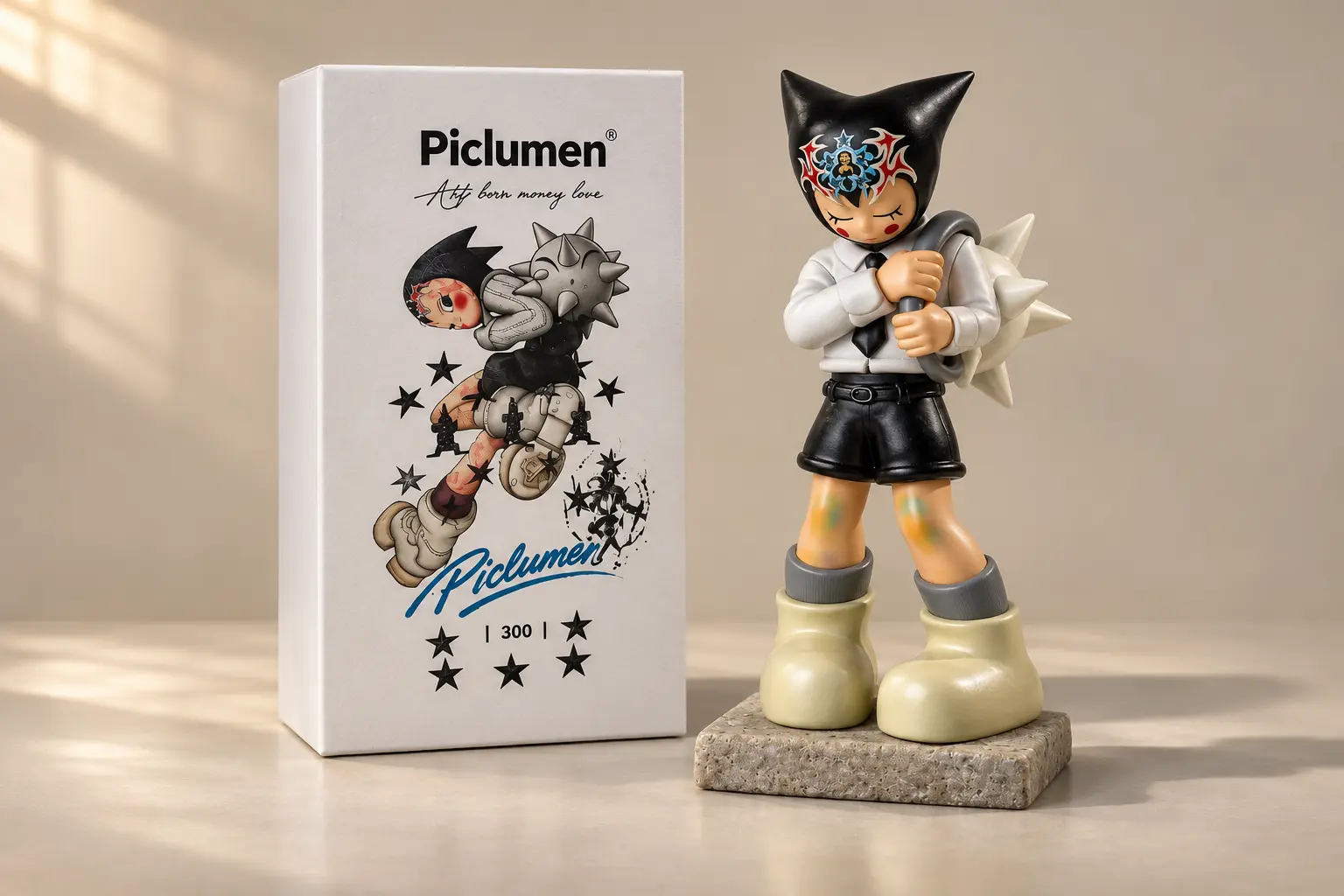
There is something satisfying about seeing a collectible for the first time: the expression, the pose, and the little details that give it personality. Figurine Unboxing brings that first-look feeling into a product video. Start with a clear reference of the character you want to feature and use the template to introduce it through an unboxing theme. Build your launch around one recognizable figure, with its design giving viewers a reason to take a closer look.
A Reason to Look Inside
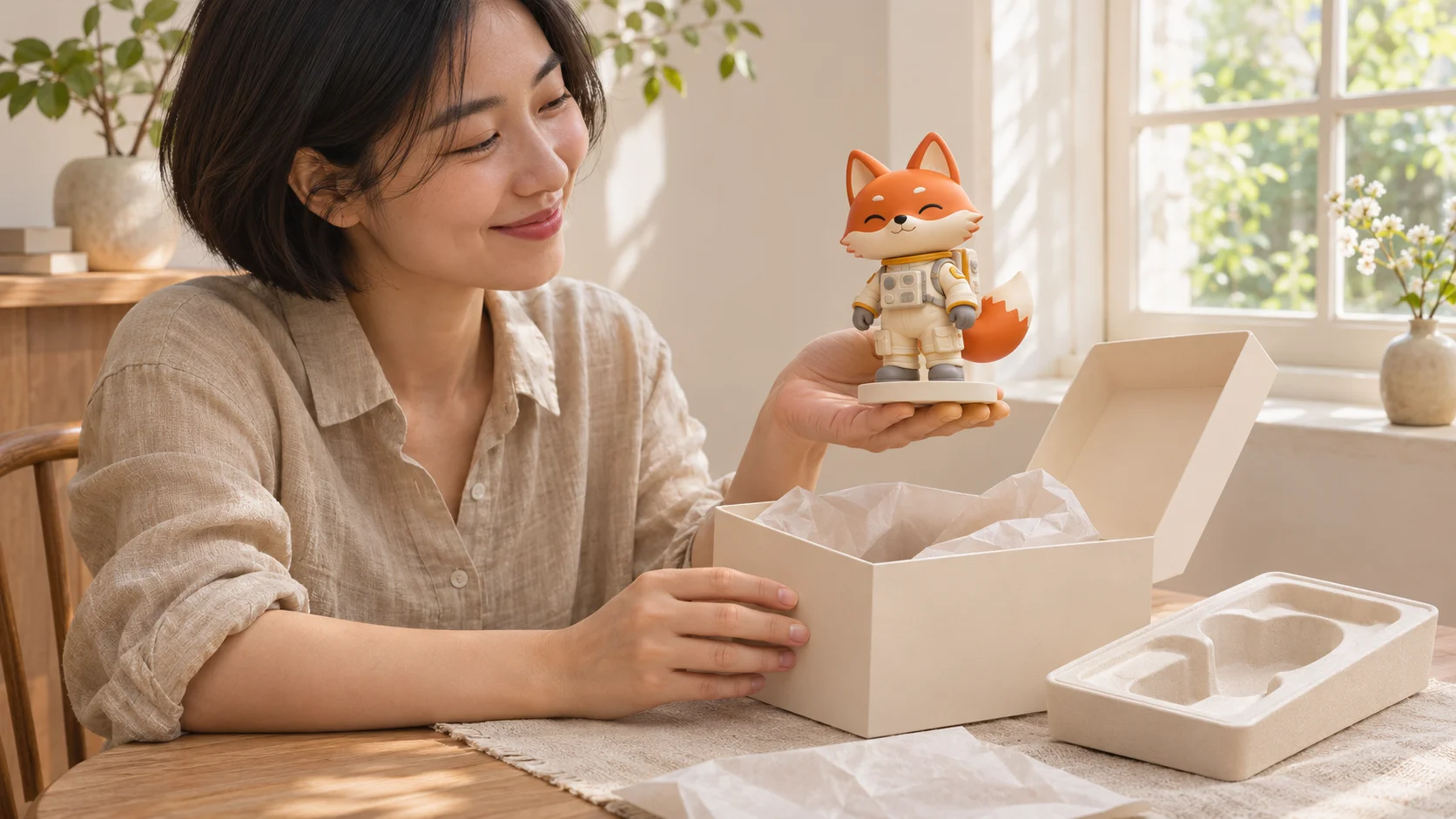
An unboxing theme gives the product introduction a sense of anticipation. The packaging and surrounding presentation set up the reveal, while the figure supplies the payoff. Use this direction when you want a launch post to feel like a first encounter with the collectible, then follow the video with the product details and release information shoppers need.
Personality in the Details
A tilted head, a small accessory, or a carefully painted face can make a figure memorable. Choose a reference where those details are easy to distinguish. Keep the character's expression and silhouette central to the presentation, so viewers have something specific to notice when the collectible comes into view and something to recognize in your wider collection.
One Figure at a Time
Give each character room to make an impression. A focused reveal can introduce a new release, a restocked favorite, or one piece from a larger series. Keep the scene centered on that item and add the collection name or launch message in your final layout, so the visual has a clear connection to what you are promoting.
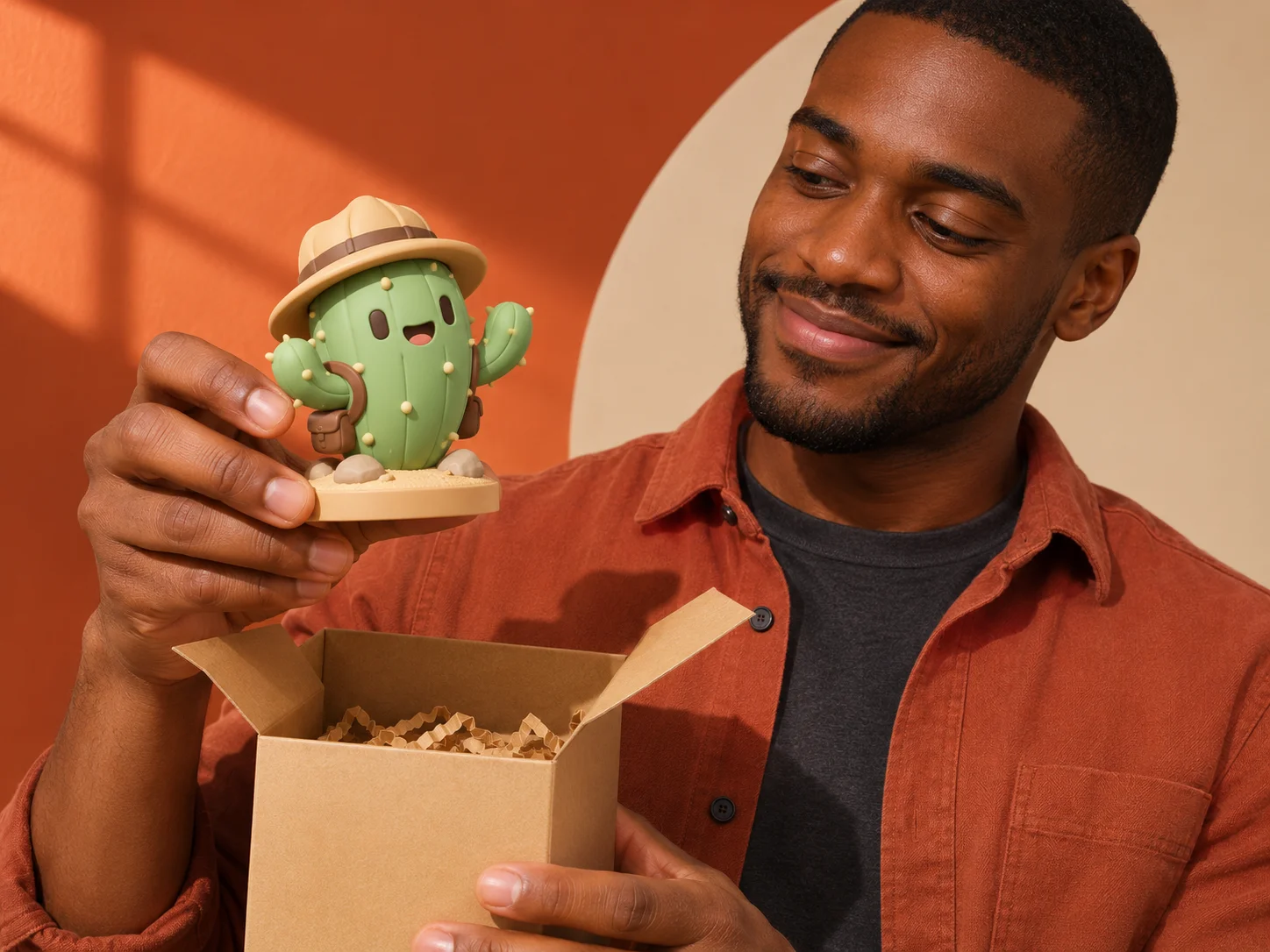
Give One Figure Its Own Reveal
A new character deserves an introduction that lets people see what makes it different. Use Figurine Unboxing to build a short product moment around one collectible, with the unboxing theme leading into its appearance. This gives a launch post or store update a clear subject from the start. Choose a product reference with the full figure visible, so its pose, colors, and overall shape can guide the presentation.
Bring Sculpted Details into View
Collectors look closely at expressions, costume details, accessories, and the display base. A sharp product photo helps make those features readable in the showcase. Choose soft, even lighting in your reference so painted surfaces and sculpted shapes are easy to distinguish. Use the video to introduce the character, then pair it with detailed photographs that let shoppers inspect the finish and the exact item included in the listing.
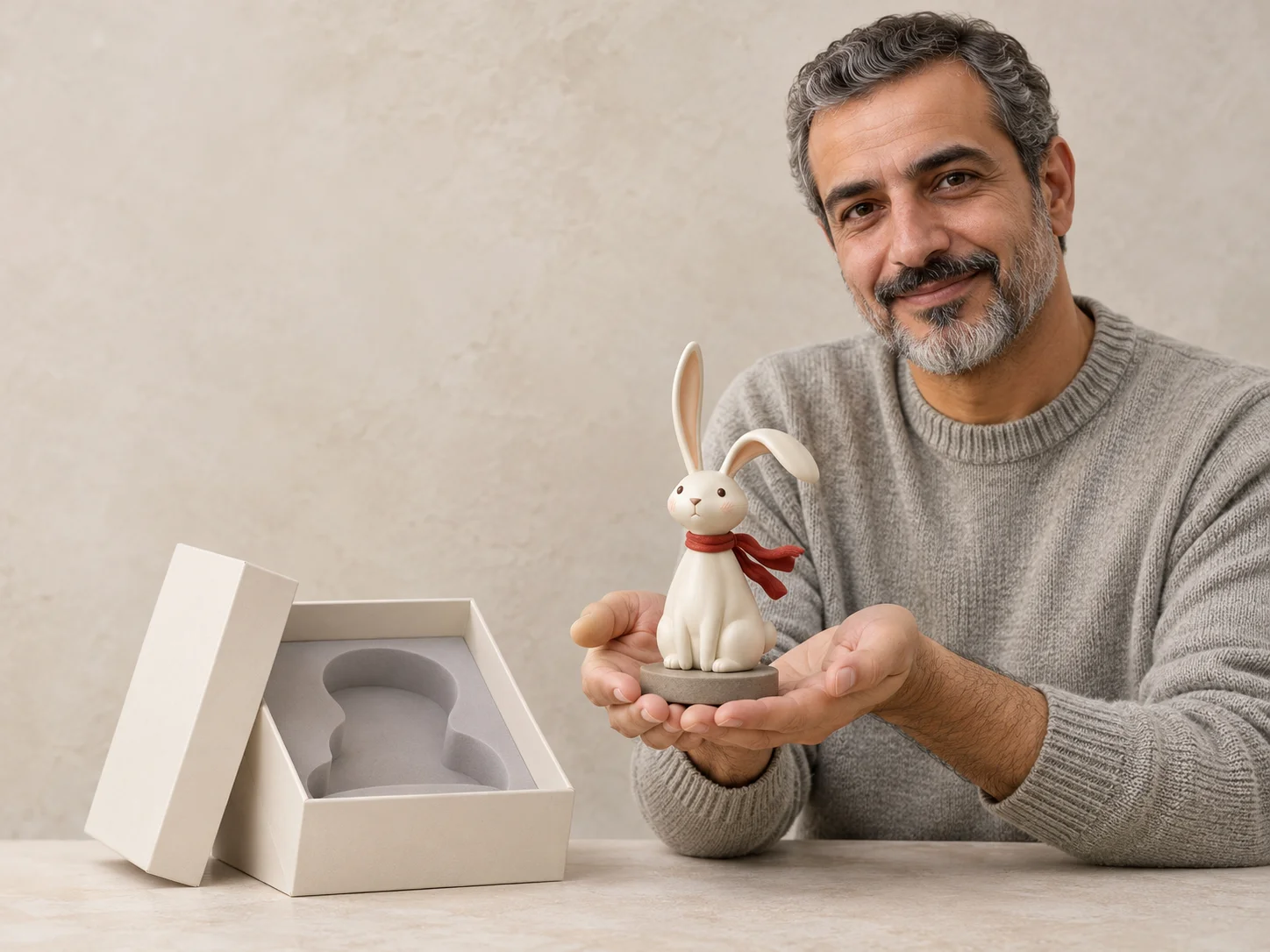
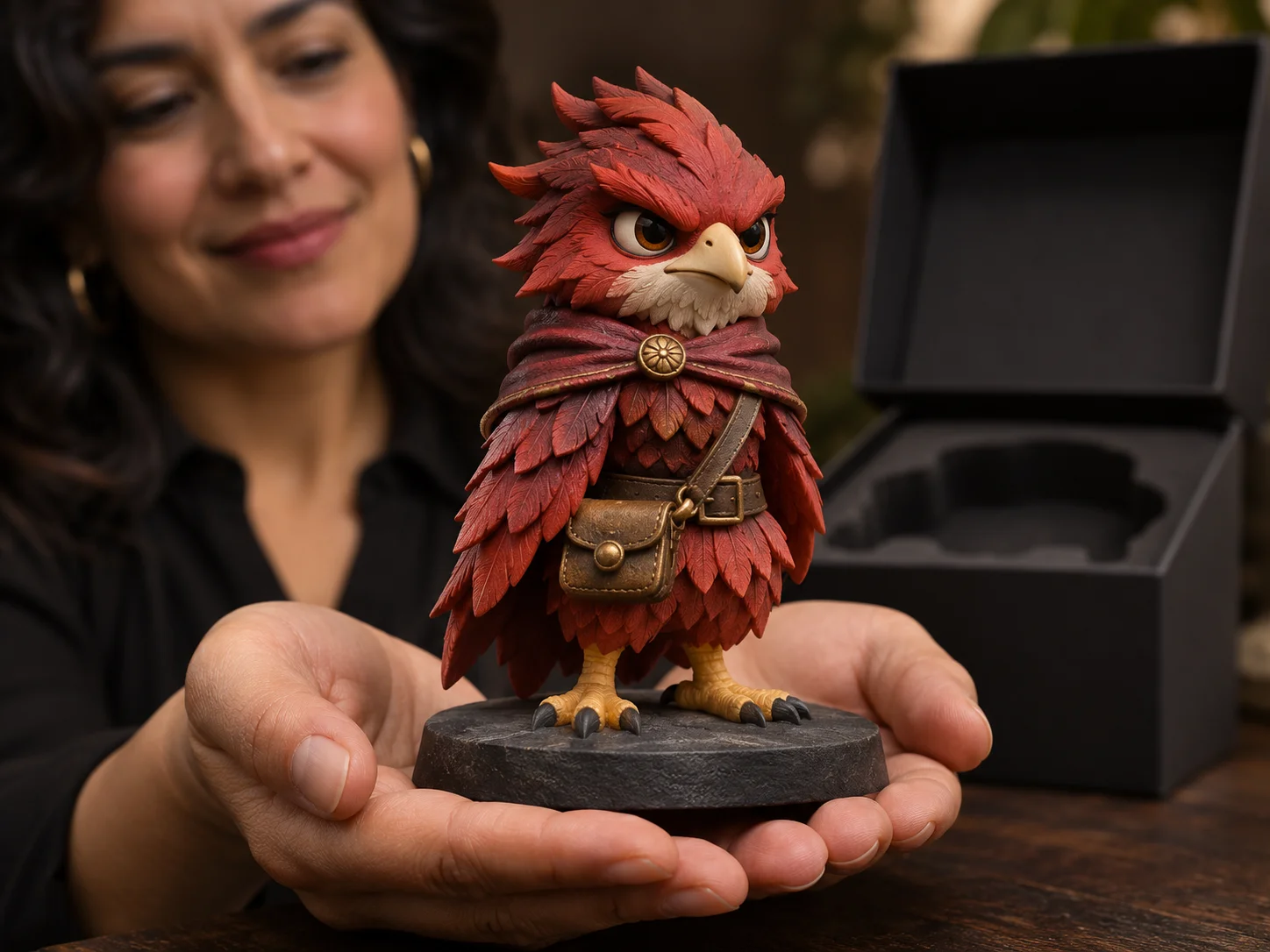
Build a Launch Around the Character
Turn the figure reveal into the starting visual for a campaign. Use it in a new-arrival post, a featured product section, or a collection announcement, then add the release name and next step in your final edit. Keep the message focused on the character shown in the reference. A consistent product image and a simple campaign layout can help connect the clip with your store’s other launch assets.
Create a Figurine Unboxing Visual on PicLumen
Step 1 Upload a Product or Model Photo
1Choose a clear photo of the product or model that will appear in your figurine unboxing scene. A single subject works well when its shape and key details are easy to recognize. Frame the figure with a little space around it, and keep hands, packaging, or background objects from covering important features. A clean, well-lit image helps set up a focused product presentation.
Step 2 Choose a Template or Use the Default
2Select a template that suits the look you want, or use the default template without changing it. Figurine Unboxing can shape the visual around a collectible reveal, while another option may better match a product launch, catalog feature, or marketing asset. Consider whether the presentation should emphasize the figure itself, its packaging, or the unboxing moment, then choose the option that fits your use.
Step 3 Review and Generate
3Before generating, check that the uploaded photo shows the intended figurine or model clearly and that the selected template matches the presentation you have in mind. Look over the framing and product details, then confirm the template choice supports your marketing asset. When both look correct, click Generate to create the visual. Keep this check focused on the photo and template before you start.
PicLumen AI Figurine Unboxing Launch Concepts
Collectible Launch Reveals
Collectors need to see the character and the moment of discovery, not a figure isolated against a plain backdrop. A Figurine Unboxing scene frames a collectible as a reveal, pairing the presentation with the figure. Use the image on a launch page or announcement to set the mood before buyers examine sculpt details and editions.
Reviewer Video Thumbnails
An unboxing image gives a reviewer’s thumbnail a recognizable subject before the audience opens the video. Set the figure beside its presentation to signal that the content covers both the collectible and its reveal. This visual direction suits channel art and episode promotions when a creator wants the featured character to read clearly in a preview.
Art Toy Preorders
Independent toy makers need launch visuals tied to a character’s world, rather than a generic catalog setting. An unboxing composition presents an art toy as a designed object, while the reveal adds context to its form and finish. Use it on a preorder page or artist newsletter to introduce the piece alongside its presentation.
Crowdfunding Reward Previews
Campaign creators need reward images that help backers picture the collectible behind a pledge tier. A Figurine Unboxing scene makes the figure and its reveal part of the story, giving the reward a tangible presentation than a character illustration alone. Add it to a campaign page or update when explaining what supporters can expect to receive.
Variant Collection Guides
A retailer with several character variants needs a visual that signals the range without making listings feel interchangeable. An unboxing scene can set a shared presentation style while keeping one figure central. Use it in a collection overview to introduce a series, while product images distinguish colors, poses, or editions.
Convention Booth Promotion
Convention sellers need a clear image to promote a figurine reveal before visitors reach the booth. An unboxing scene gives event listings and booth cards a concrete subject, linking the character with the experience of discovering it. Use it to spotlight a featured release or artist appearance when an event graphic would leave the collectible unclear.


Loved by Creators Worldwide
Real feedback from designers, marketers, and hobbyists sharing their PicLumen experience on Trustpilot.
 jordi Alcaraz
I have really enjoyed using this site…
I've had a really positive experience with Piclumen. The platform offers excellent features for creating AI images and videos, with impressive quality and a wide range of creative possibilities. It's very easy to use, even when experimenting with more complex ideas, and the whole process is both intuitive and enjoyable. excellent customer service. The team replies very quickly, is always friendly, and genuinely tries to solve any issues you may encounter they care about their users. Overall, Piclumen is an innovative, user-friendly, and exciting AI platform. I highly recommend it to anyone interested in AI image and video creation.
Just amazing website a must try.
Just amazing website a must try.
 by Neefa
i love it and easy to use
i love it and easy to use
KIDSCARTOONThis ap great and amazing generate pic
This ap great and amazing generate pic
rockstar gamingValue For Money
its value for money i fully recommend you to try this one time you will like it...
Great platform
Ease of use,and great models
 Ioannis Greece
PicLumen is powerful and i like it for…
PicLumen is powerful and i like it for my creations.
 Francess Greene
I love the app and it work well
I love the app and it work well
 Coterie Studios Coterie Record
I really like PicLumen
Zandalea here! I really like PicLumen and I used to use it daily. But after getting so many “not allowed “ messages from Sora2 I started using it less frequently.
Headphonlessness Meditationshi i am @VbsRedlof on twitter
hi i am @VbsRedlof on twitter
I love it
I love it. amazing image generator.
 Me May Phim
The new addition of models is excellent.
The new addition of models is excellent.
Frequently Asked Questions
What photo should I upload for Figurine Unboxing?
Choose a sharp photo of one complete figure, including its base and accessories. Keep the face and pose unobstructed. A simple background and soft light make the product easier to distinguish. Avoid reflections from a plastic display window or packaging that hides most of the collectible.
Can I use this template for anime figures and designer toys?
The unboxing theme can suit different collectible styles, including anime-inspired figures, designer toys, and small display statues. Use a reference that clearly shows the product you want to feature, then review whether the generated presentation keeps its silhouette, expression, and color scheme recognizable.
Do I need to upload a separate box photo?
Follow the upload fields shown in the template. Add a separate packaging reference if the form requests or supports one. If the real box design matters to the campaign, use accurate packaging photographs alongside the video and review any generated box details before selecting a take.
Can I use Figurine Unboxing for a blind-box collection?
You can feature a character from the collection in an unboxing-themed promotion. Describe the actual assortment separately. If customers receive a random character, explain that in the listing so the pictured figure is understood as an example from the series rather than a guaranteed box content.
How can I keep my figure’s face and accessories recognizable?
Start with an image where the expression, painted markings, small props, and base are visible. Review these details in the generated clip before choosing a result. Pair the video with photographs of the actual product when collectors need to inspect precise paintwork or small components.
Can I use my video on product pages and social posts?
Use the clip as a styled introduction alongside your product photographs and listing information. For a launch post, add the character name and campaign message in your final edit. Choose a crop that keeps the figure visible, with the product details close to the visual.
Can I create another video with the same figurine?
Yes. Bring the product reference into PicLumen AI Video to explore a desk display, shelf scene, or another custom shot. The prompts above offer two starting directions. For supporting stills, use PicLumen AI Image and keep the figure reference consistent across the campaign.