Hot Video Effects
Turn your photos into fun dance clips, surprising transformations, and shareable moments with trending AI video effects.
What Is the Golden Sunshine Product Template?
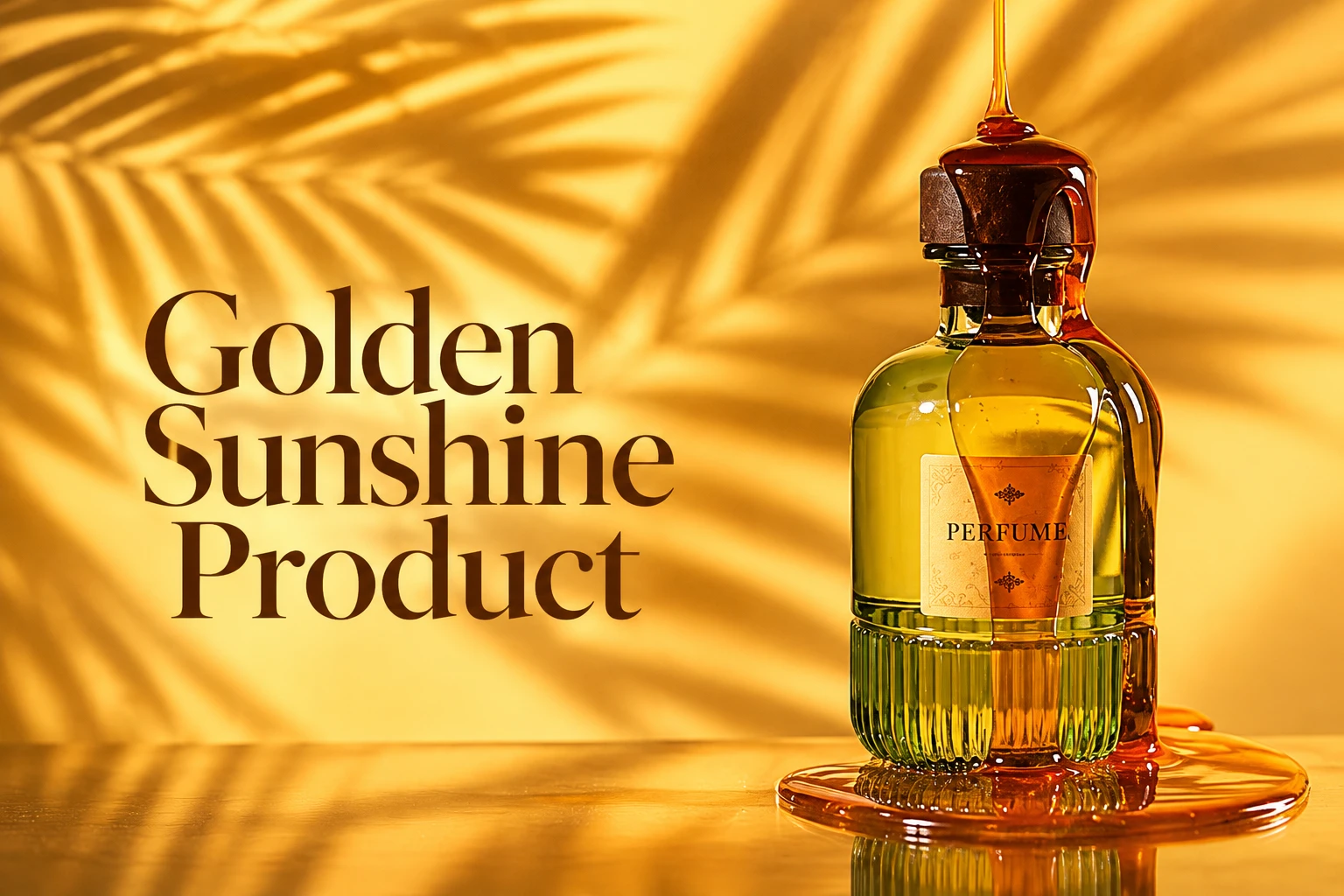
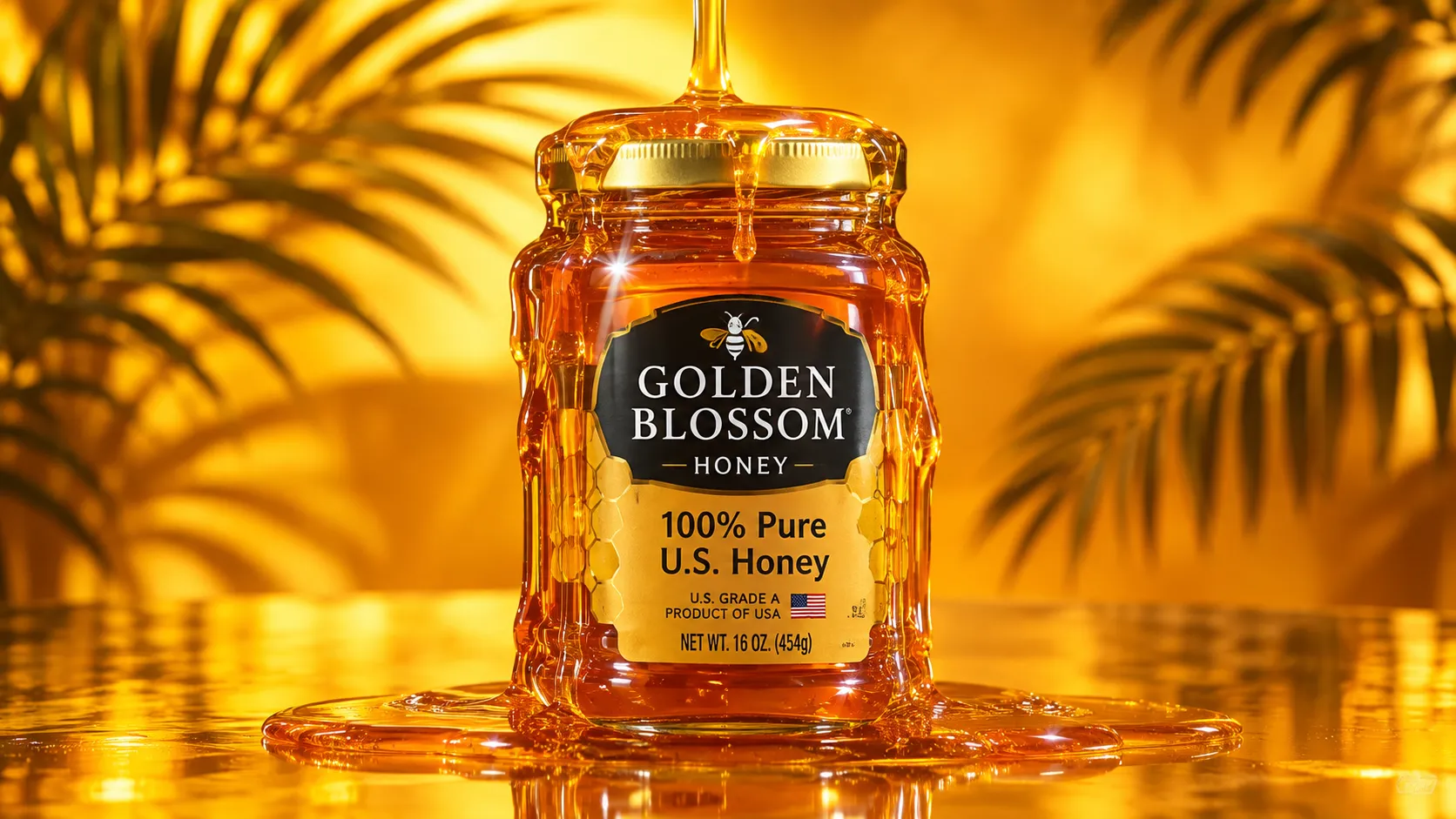
Golden Sunshine Product is a PicLumen video template for creating short product ads from a single photo. The preset stages your product on a reflective gold surface with soft palm-leaf shadows in the background. Amber honey drips over the cap and pools at the base as the camera moves from the front toward the side in one continuous shot.
Turn Product Photos Into Campaign Footage
Start with the photo you already use on your product page. Use the clip for a launch Reel or place it before a creator demo to give viewers a closer look at the packaging. Finish the ad in your video editor with a campaign message, music, or a brand end card. Explore more ways to build a campaign with PicLumen's AI Promo Video Generator.
A Golden Studio Look for Social Ads
Catch the Eye With Flowing Honey
A slow ribbon of amber honey brings motion to the shot. In the preset, honey lands on the cap, runs down the sides, and gathers at the base. The thick, glossy flow gives you a visual hook for short ads and can echo a honey ingredient, an amber fragrance note, or a collection's warm color palette.
Show the Shape of Your Packaging
The camera makes a slow arc from the front toward the side, revealing details like the shoulder of a bottle or the curve of a jar. The preset calls for the product to stay still and directs the honey over the cap and sides to keep the front label in view.
Bring Out Gloss and Texture
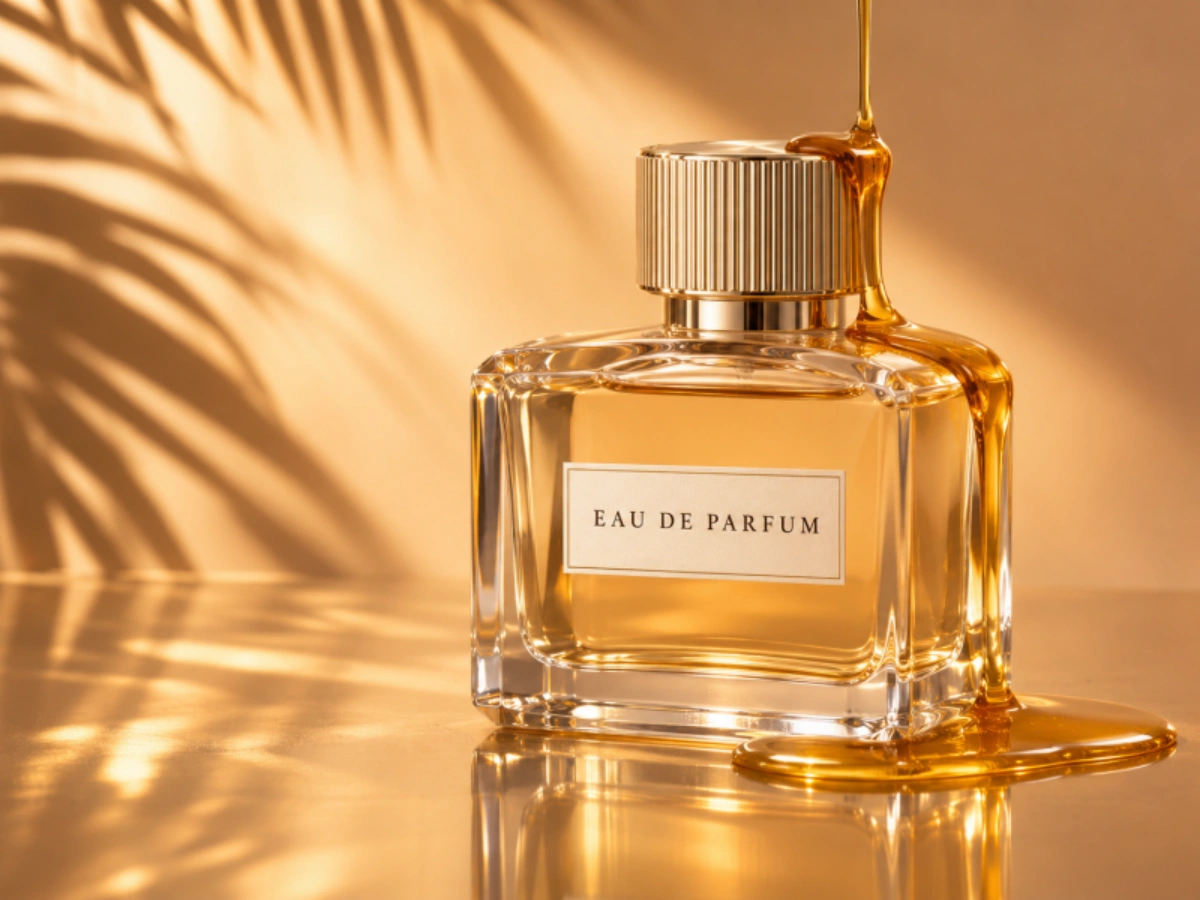
Warm studio light picks up the edges of clear glass and the shine of a metal lid. The gold mirror surface reflects the packaging at the base, while soft palm-leaf shadows add depth to the background. Use the setup to draw attention to a finish that defines your packaging, like glossy glass or brushed metal.
Make Short Product Teasers
Use the clip as a standalone product teaser for TikTok, Instagram Reels, or Stories. It also works as the product reveal in a longer ad. If you add campaign text in your video editor, place it where viewers can still see the packaging and label.
Tailor the Shot With a Prompt
Keep the preset prompt for the golden honey scene, or revise it to highlight a detail that matters to your campaign. Ask for brighter reflections on a glass bottle or a slower glide past the label, for example. Start with the same product photo each time so you can compare how different prompt directions showcase the item.
How to Create a Golden Sunshine Product Video
Step 1 Upload One Product Photo
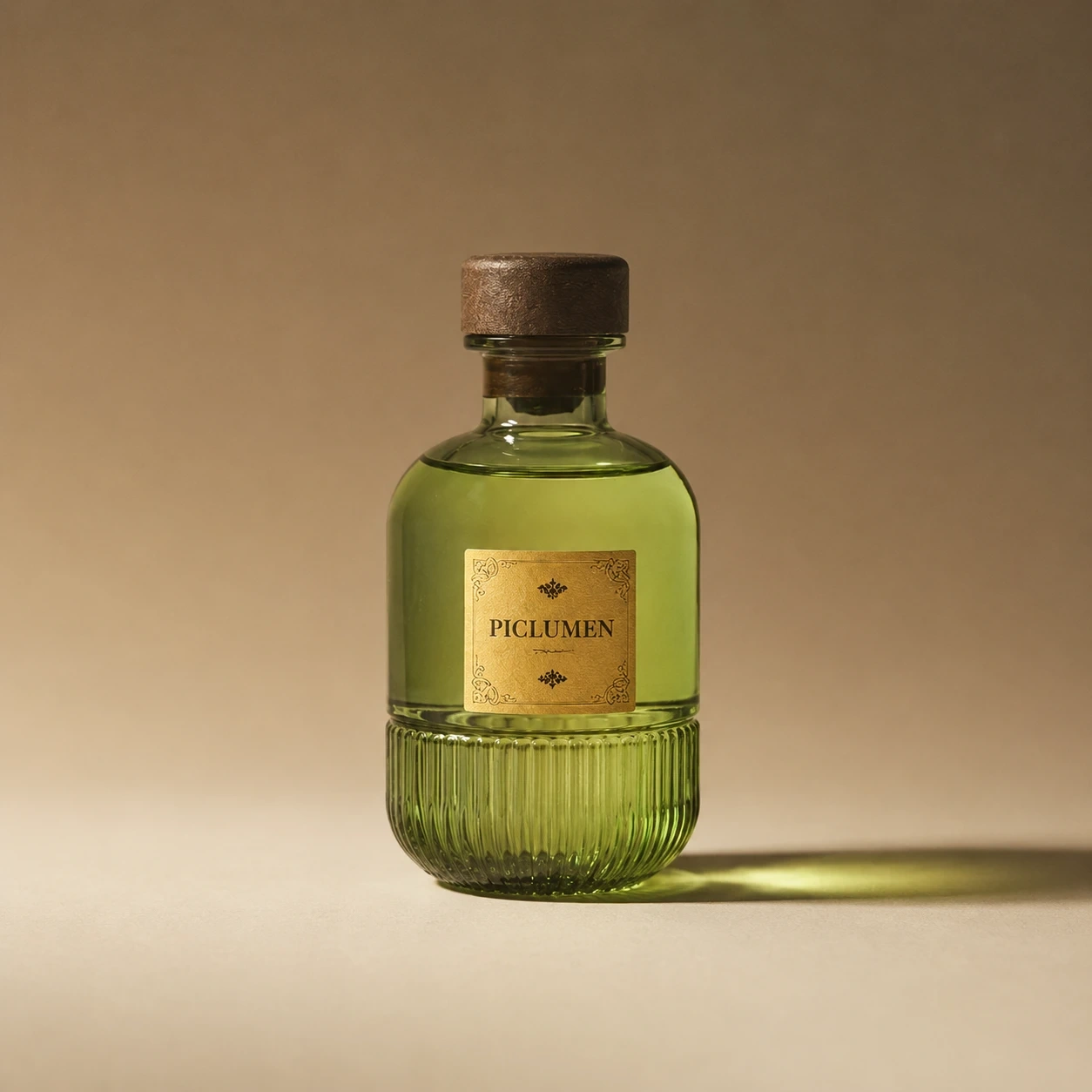
1Choose a sharp, well-lit photo that shows the full product. A front or slight three-quarter view gives the template a clear reference for the shape, color, and label.
Step 2 Use or Edit the Preset Prompt
2Use the Golden Sunshine Product preset prompt for the original honey and gold scene. You can also edit the prompt to describe the lighting, reflections, or camera movement you want.
Step 3 Generate and Download Your Video
3Click Generate. Preview the clip and check how the packaging and label look throughout the shot. Download the version you want to use in your campaign.
Where to Use Your Golden Sunshine Product Video
Use the warm studio look to showcase a new product, tie a seasonal series together, or give your next paid ad a different opening. Here are four ways to use the clip in a campaign.
Beauty and Fragrance Launches
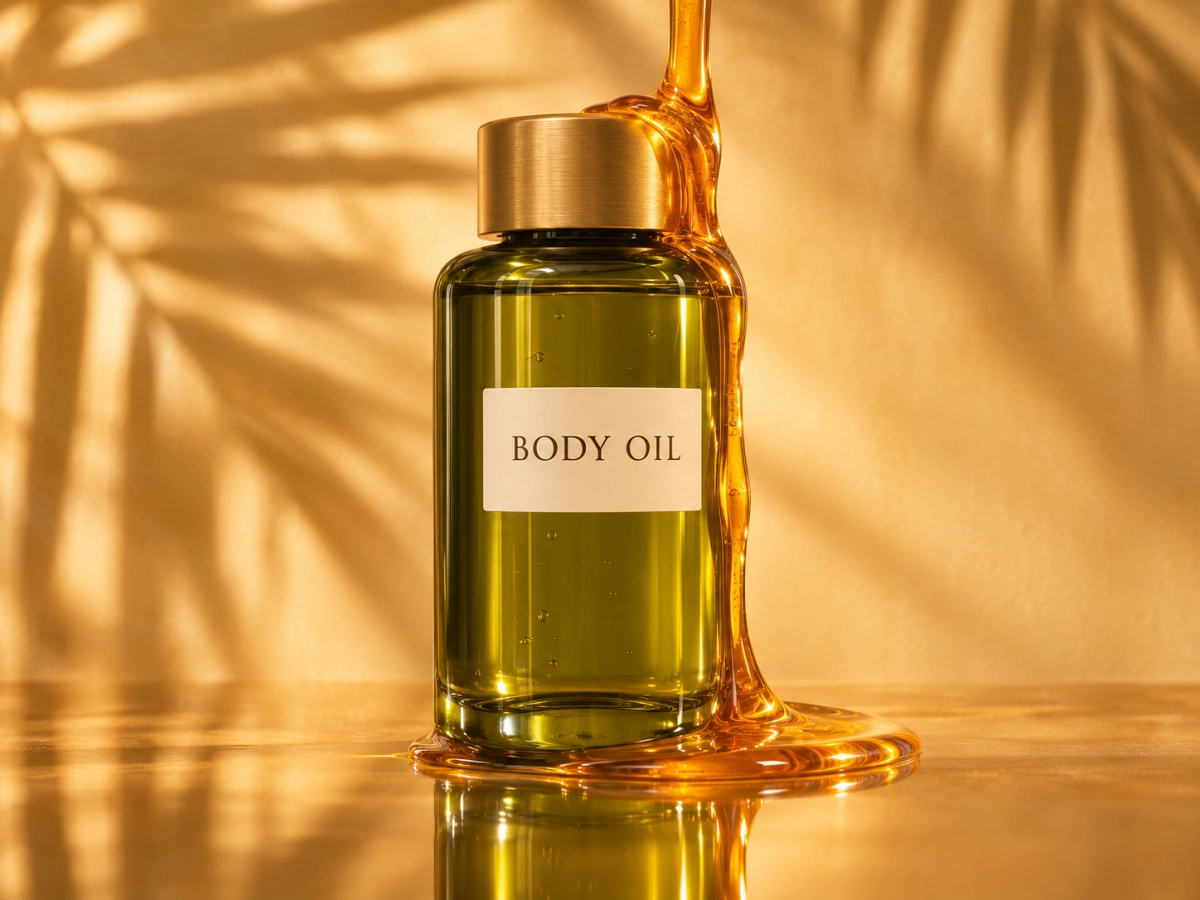
Open a launch Reel with a close-up of a serum bottle, body oil, or fragrance in warm gold light. Use the slow camera move to introduce a new bottle shape or draw attention to a metallic cap. Follow the shot with a line about the scent or formula, then add the release date so viewers know when they can shop the launch.
Honey and Food Promos
Put texture on screen with a short clip centered on a jar of honey or a honey-infused syrup. Pair the shot with recipe footage, such as a drizzle over toast or a spoonful stirred into tea. For a seasonal flavor, use the clip as a product reveal and finish with the flavor name and where shoppers can find it.
Seasonal Campaigns and Gift Guides
Give a summer collection or holiday gift guide a consistent look across a series of Stories. Create one clip per item with the same preset prompt to carry the warm color palette through the series. Add a short caption explaining who each gift is for, then use the last Story to direct shoppers to the full collection.
Paid Social Creative Tests
Build two ad cuts around the same product clip. In the first, use the honey drip as the opening shot. In the second, lead with a short campaign headline and reveal the product next. Keep the offer and call to action consistent while you compare how each opening performs. Use what you learn to plan the next set of ads.


Loved by Creators Worldwide
Real feedback from designers, marketers, and hobbyists sharing their PicLumen experience on Trustpilot.
Zaine JuttAmazing 😍😍😍😍😍😍 freee 😍😍
Amazing 😍😍😍😍😍😍 freee 😍😍
jordi AlcarazI have really enjoyed using this site…
I've had a really positive experience with Piclumen. The platform offers excellent features for creating AI images and videos, with impressive quality and a wide range of creative possibilities. It's very easy to use, even when experimenting with more complex ideas, and the whole process is both intuitive and enjoyable. excellent customer service. The team replies very quickly, is always friendly, and genuinely tries to solve any issues you may encounter they care about their users. Overall, Piclumen is an innovative, user-friendly, and exciting AI platform. I highly recommend it to anyone interested in AI image and video creation.
Just amazing website a must try.
Just amazing website a must try.
CrispeeEasy to use.
Easy to use. Great layout love it!
 Alexsander Luís
cool it's a good ai creator but create…
cool it's a good ai creator but create imagens for cinema
Great platform
Ease of use,and great models
This is one of the best videos ai…
This is one of the best videos ai generator
 Etna
Very satisfied with the best…
Very satisfied with the best performance for me at the moment.
Love!!
Love!!! Love!!! Love. It. I can get so creative. It pulls my image from my mind.
 Eddie Brown
Good render and community is 🔥
Good render and community is 🔥
Can’t go wrong using this one
Can’t go wrong using this one
 Piotrek K
the best app I've ever used
the best app I've ever used
Frequently Asked Questions
What is the Golden Sunshine Product template?
Golden Sunshine Product is a PicLumen video template that uses one product photo to create a short ad. The preset pairs warm studio light and flowing amber honey with a slow camera move around the product.
What kind of product photo should I upload?
Upload a sharp, evenly lit photo of one product with the full package in view. A front or slight three-quarter angle works well for bottles, jars, and other packaged items. If your product has a label, choose a photo where the label is easy to read.
Can I edit the Golden Sunshine Product prompt?
Yes. You can use the preset prompt as is or edit it to describe the shot you want. For example, ask for warmer highlights on the glass or a camera move that spends more time on the front of the package.
Can I use the video on TikTok or Instagram Reels?
Yes. Use the clip as a product spotlight on TikTok or Instagram Reels. Add launch details or an offer in your video editor before you publish.
Can I use the generated video in commercial ads?
Yes, if your PicLumen subscription includes the commercial rights you need. The Basic (Free) plan is for personal use. Commercial use must comply with applicable laws, third-party rights, and PicLumen's Terms of Service.