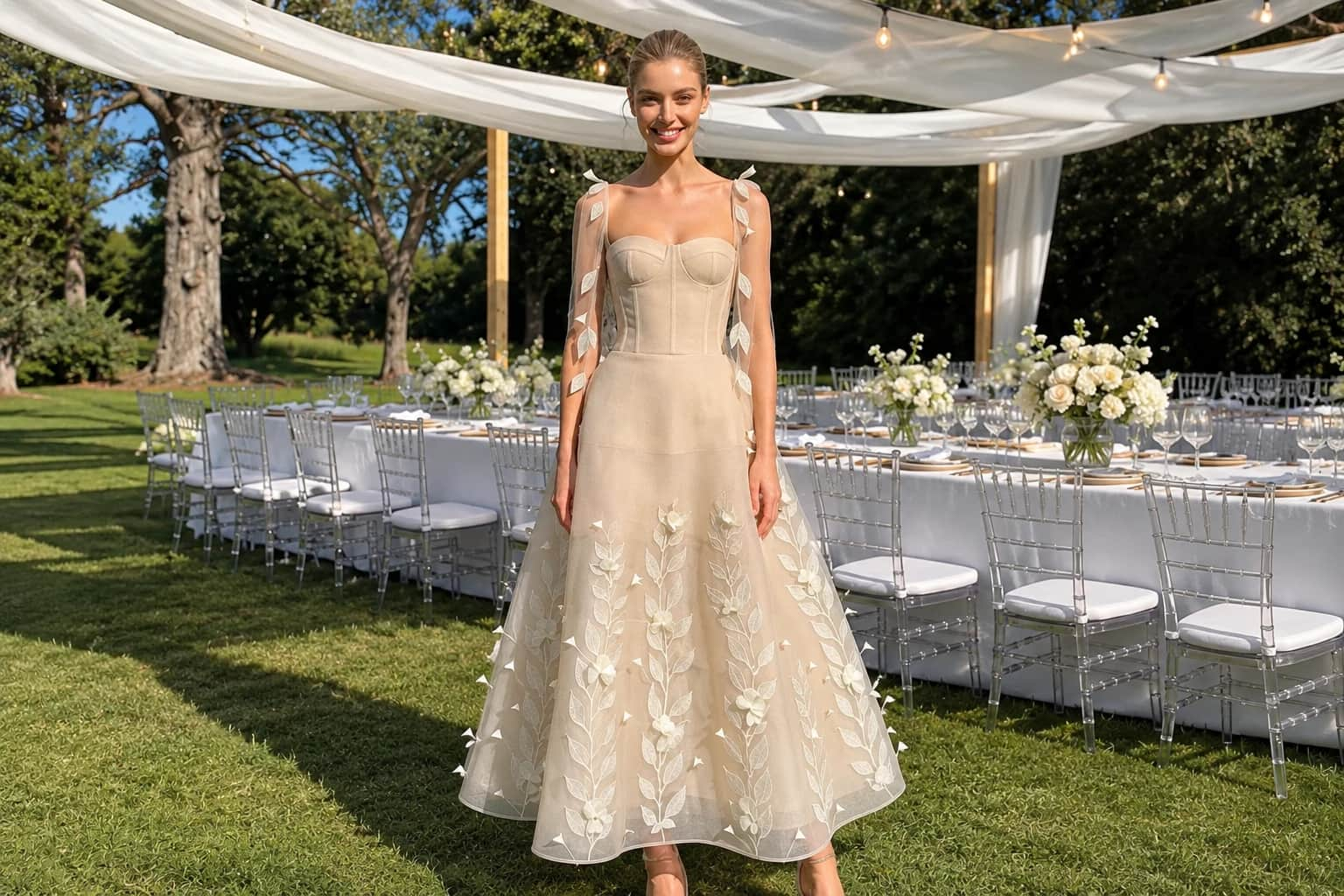
Hot Video Effects
Turn your photos into fun dance clips, surprising transformations, and shareable moments with trending AI video effects.
Let Shoppers Picture the Gown Being Worn
Show the Look from Neckline to Hem
A product photo explains the garment, but a styled presentation helps people picture the overall look. PicLumen's gown try-on video template uses your dress image and a person reference to guide a worn-gown scene. Keep the full dress visible in the source photo so its neckline, waist, and skirt have a clear starting point. Use the result as a fashion presentation, alongside the original product photography and garment information.
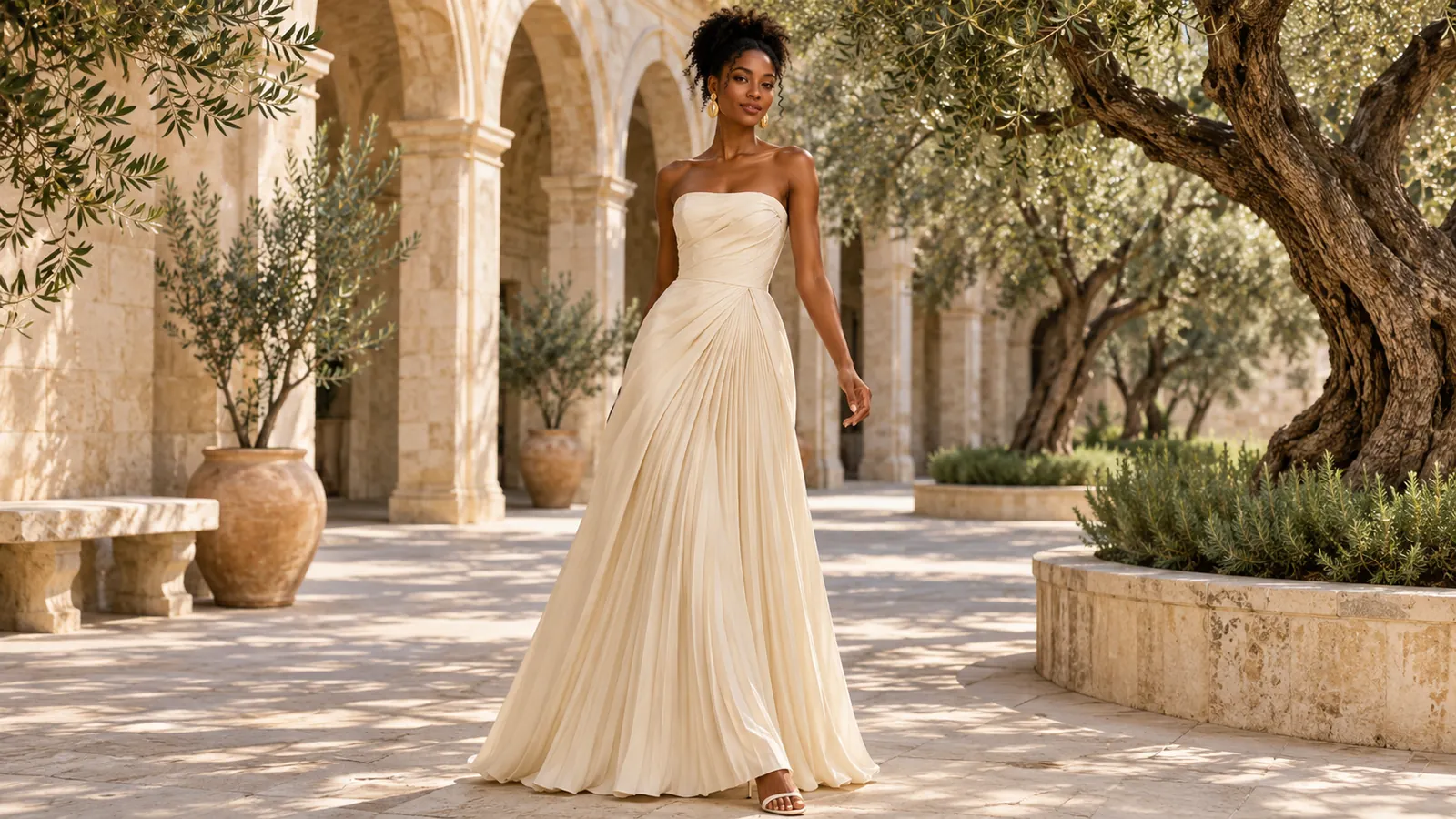
Give the Silhouette Room
Choose a source image that includes the entire garment instead of a close crop of the bodice. The relationship between neckline, waist, and hem is what helps a viewer understand the shape of the gown.
Set a Clear Styling Direction
The model reference and prompt help establish the presentation. Start with a restrained styling idea so the gown carries the scene, rather than adding several accessories or a busy backdrop that competes with the dress.
Keep the Product Photos Beside It
Use the generated clip to introduce the styled look. Keep real photos, measurements, and material descriptions available for shoppers who need to check construction, color, and fit before deciding whether the gown suits them.
Start with the Dress and a Model Reference
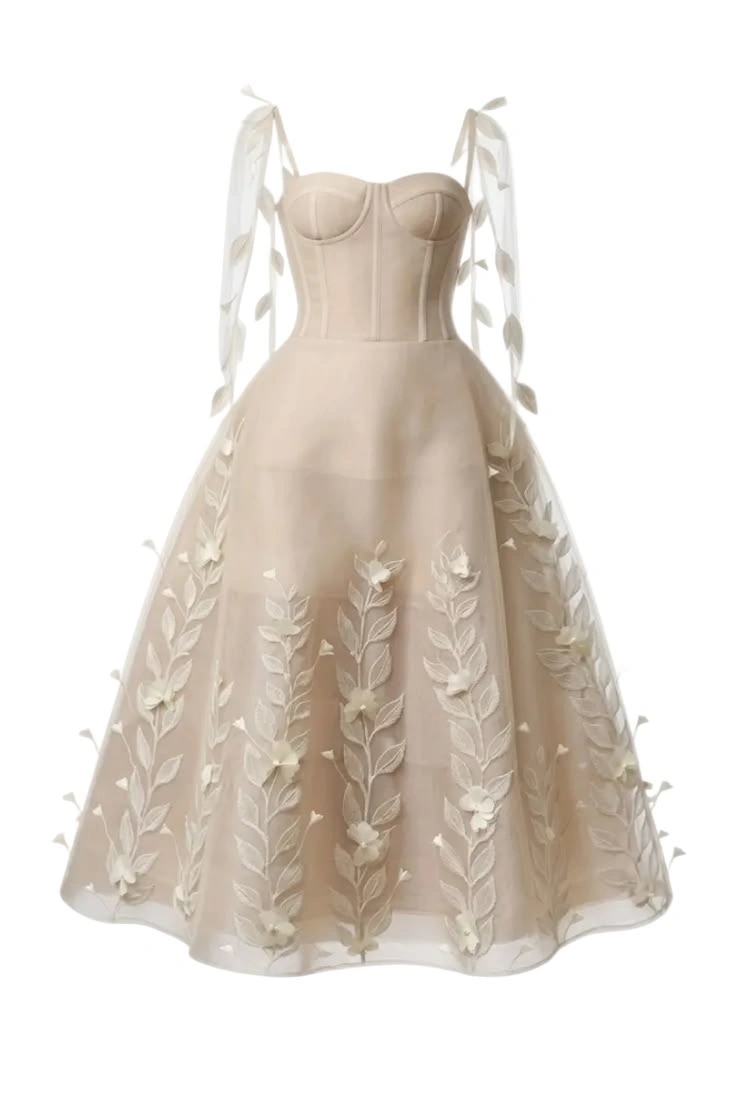
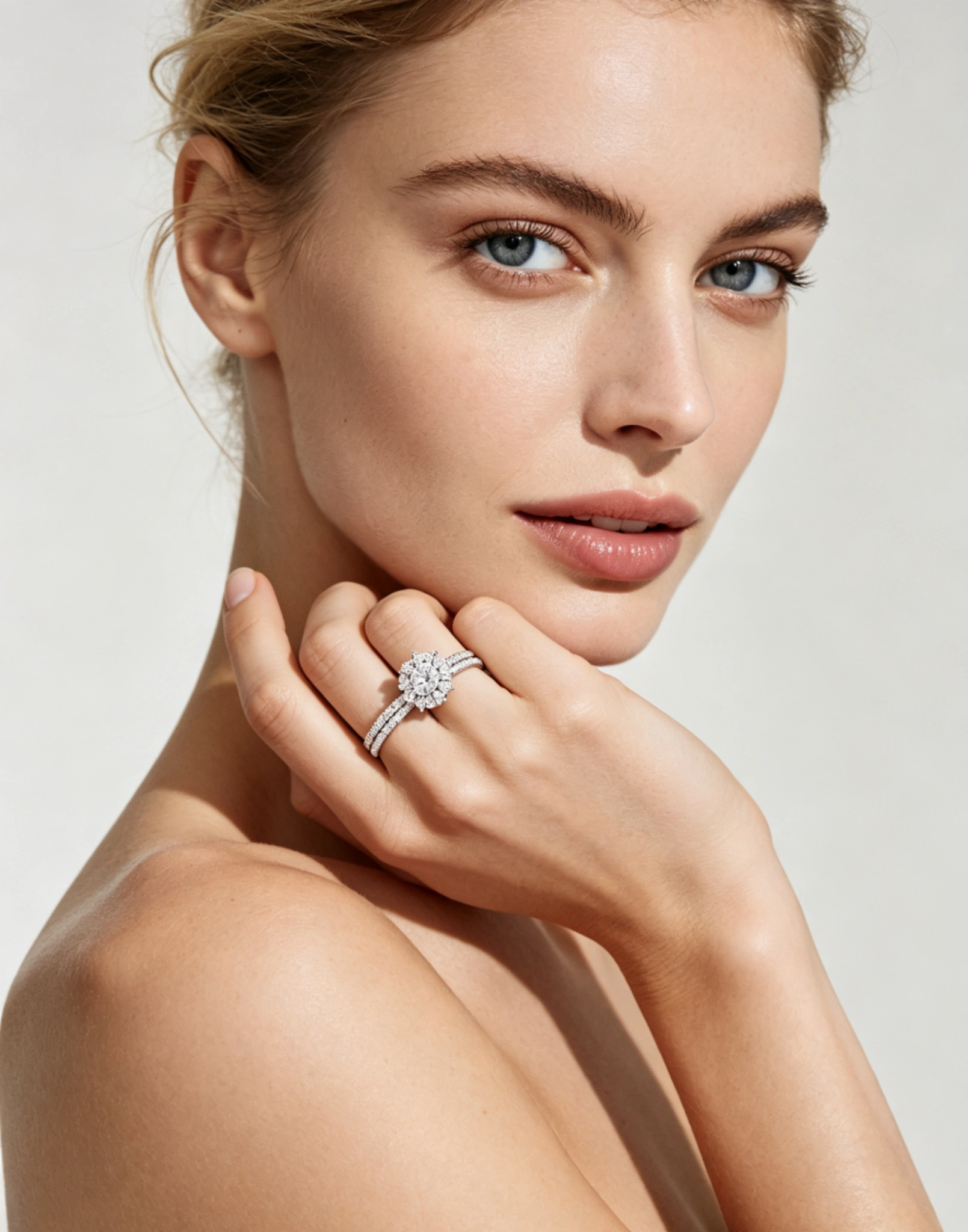
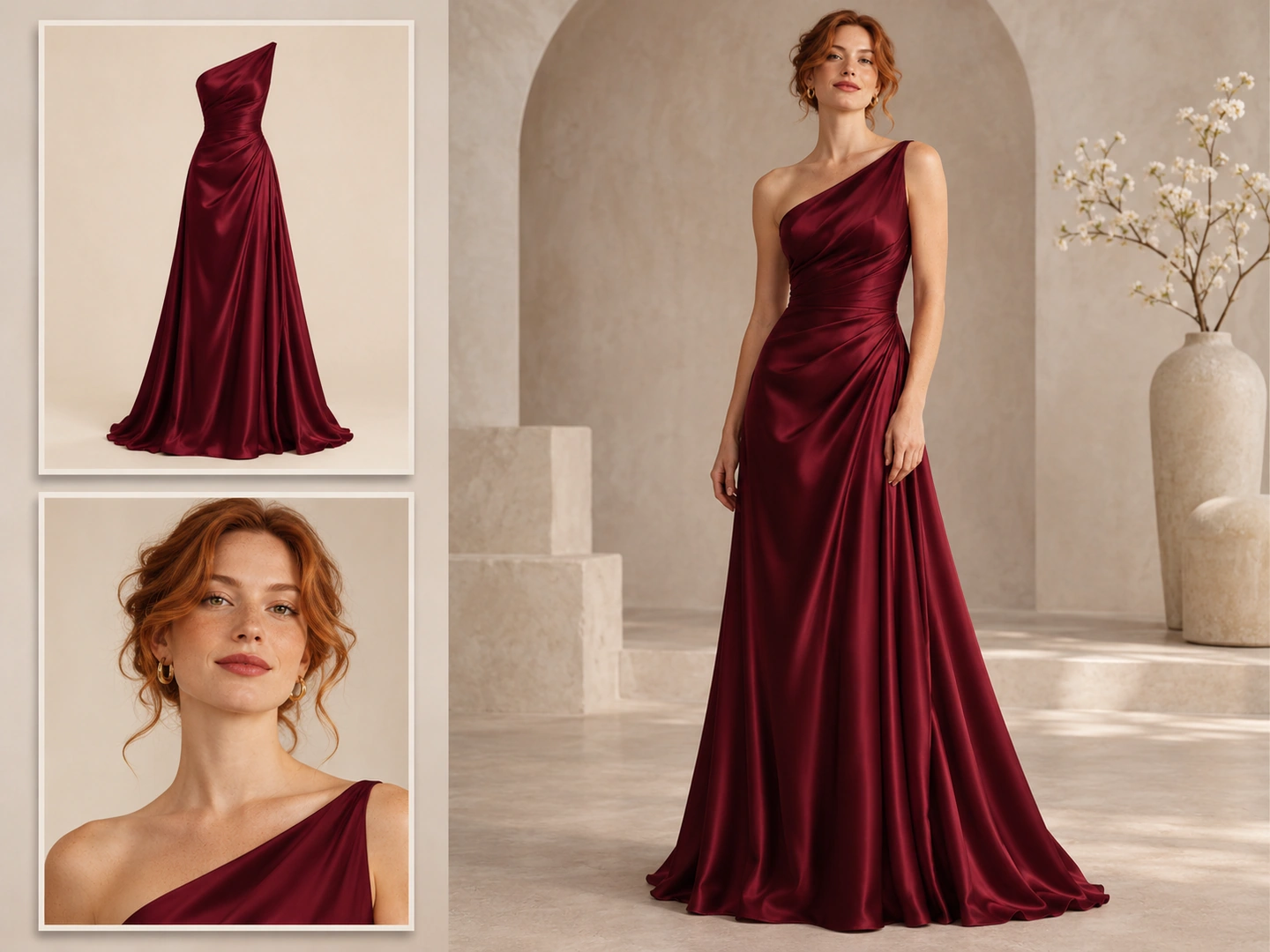
The dress and the person do not need to appear in the same photo. Add the gown image to the first upload and use the second field for the model reference, as shown in the template. Choose an unobstructed garment photo and a clear face reference. For a fictional campaign model, prepare an original portrait with PicLumen's AI image generator before returning to the gown template.
Use the Prompt to Shape a Focused Fashion Clip
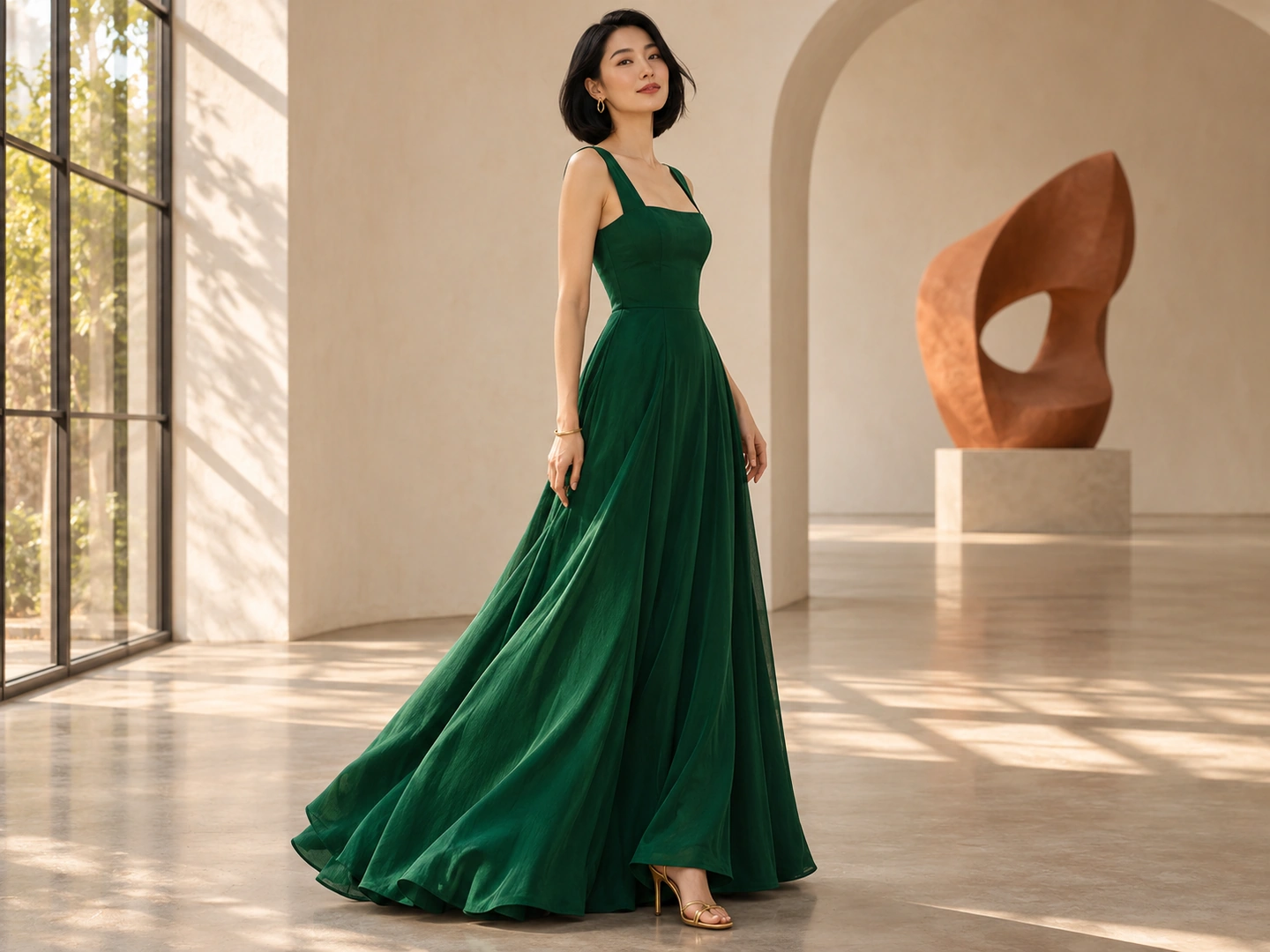
A simple direction is easier to judge than a complicated fashion sequence. Use the provided prompt for a first version, or describe a restrained pose and the kind of presentation you want. Keep the gown as the main subject. After generating, compare its neckline, straps, fabric appearance, and skirt shape with the original image; the clip is a visual concept, not a measurement-based fitting simulation.
How to Make a Gown Try-On Video
Step 1 Select the Gown Template
1pen the template currently labeled Long Gown Try On. Review its example before choosing your references, and prepare a clear garment photo that shows the complete dress from neckline to hem.
Step 2 Add the Gown and Model Images
2Upload the gown to the first photo field, then place your person reference in the second field labeled scene reference image. Choose an image with a clear, unobstructed face.
Step 3 Review the Fashion Direction
3Read the provided prompt before generating. Keep its gown presentation for your first attempt, or make a focused change to the pose or scene description while keeping the dress central.
Step 4 Generate and Compare the Garment
4Generate your video, then compare the neckline, straps, skirt, and fabric appearance with the source. Check the model reference too, and use another attempt if important features have shifted.
Gown Videos for Fashion Collections and Campaigns
Boutique Product Pages
Add a styled video concept beside the original garment photos on a boutique product page. It can help introduce the overall look while the real imagery, size chart, and fabric description remain available for detailed shopping decisions.
Occasionwear Collection Previews
Introduce the visual direction of an occasionwear collection before sharing every individual item. Choose a representative gown and a suitable model reference, then pair the clip with your collection name and launch details in the accompanying post.
Fashion Social Posts
Create a short fashion presentation for a boutique or designer's social feed. Focus the post on one gown and one styling idea, and use the caption to explain the occasion, available colors, or where to find the actual product.
Campaign Moodboards
Help a creative team discuss how a gown might be presented in a campaign. A generated concept can show the intended mood and silhouette before production, giving the team something concrete to compare with the garment and photography brief.


Loved by Creators Worldwide
Real feedback from designers, marketers, and hobbyists sharing their PicLumen experience on Trustpilot.
 Bet AW
Nice good appp creat inmage
Nice good appp creat inmage
 chelsienner
This is my favorite AI Image generator
This is my favorite AI Image generator
A New TV Episodes Of Ninja Sweetie On…
A New TV Episodes Of Ninja Sweetie On Paramount+
Excellent results
Excellent results, very supportive and helpful customer service. They have a great interface very friendly use and the prices are reasonable. I use it for personal stuff and I am just a beginner but it made my earning process very enjoyable. I might give a more technical review in the future but that is so far my experience. Thanks
 Alexsander Luís
cool it's a good ai creator but create…
cool it's a good ai creator but create imagens for cinema
Pino CalambrogioGood over other applications
Good over other applications
In terms of the customer service
In terms of the customer service, is outstanding, I will say if you had any doubts they clarified it, and the next day you have an answer. When it comes to the APP it is friendly to use, however there is not any box to tick ☑️ to allow the machine to stick to your character constantly.This allow that sometimes you upload your image and your prompt but the machine generates something completely different and you lost your credit 🙁 I think that this needs to be fixed this happens in a few PicLumen models.
Very Best App For AI Vedioea
Very Best App For AI Vedioea
Harris StylesAmazing quality!!
Amazing quality!!! We at Nufangled studios love how this product elevated our brand quickly. This is the most user friendly software out their and well worth the money!!!! I love the ecosystem you they have created as well. Wonderful business model we will take note.
The company responded me with…
The company responded me with responsibility and respect, and solve my problem promptly. I am really impressed with their fast and efficient customer service Thank you very much for your support and help team piclumen I really appreciate it Wish you very good luck
I love it
I love it. amazing image generator.
RaidenI haven’t tried yet so wait
Its actually really useful
How do I create a gown try-on video?
How do I create a gown try-on video?
Choose Long Gown Try On, upload a gown photo and a separate model reference, review the prompt, and generate. Compare the resulting dress and person with your source images before using the clip as a fashion presentation.
Do I need a model already wearing my gown?
No. The template accepts the gown image and model reference separately. Use a clear garment photo in the first field and the person reference in the second. The template uses those inputs to guide the generated worn-gown scene.
What kind of gown photo should I upload?
Choose an unobstructed image showing the full garment, with enough detail to distinguish the neckline, straps, waist, and hem. A plain background is helpful. Avoid images with hands, accessories, or other garments hiding important parts of the dress.
Can I use my own photo as the model reference?
You can supply your own clear photo as the person reference. Keep the face visible and avoid heavy filters or obstructions. Review the generated identity and styling, since the appearance may vary from the uploaded portrait.
Can I use this video to check my exact size or fit?
No. This is a generated fashion presentation, not a body measurement or garment fitting service. It cannot confirm comfort, measurements, alterations, or how the real fabric will behave. Use the seller's size information and an actual fitting when needed.
Will my gown keep every detail from the original photo?
Not necessarily. Fine embroidery, sheer layers, straps, hem length, and fabric movement can change during generation. Compare the result with the source and keep real product photos available for details that shoppers need to verify.
Can I make a wedding or evening gown presentation?
A clear reference of your selected gown gives you a starting point for that kind of fashion concept. Review the finished garment carefully, especially lace, embellishments, and long skirts, before presenting the clip as part of a bridal or occasionwear collection.