Hot Video Effects
Turn your photos into fun dance clips, surprising transformations, and shareable moments with trending AI video effects.
Help Shoppers Picture the Lamp at Home
Give the Lamp a Place in the Room
A lamp is part of a room as well as a product on a page. Its shade, base, and surrounding light can suggest a bedside routine, a reading corner, or a quieter evening at home. Home Glow Lamp gives the design that kind of setting. Start with a clear product reference and use the video to introduce how the lamp looks within a considered home scene.
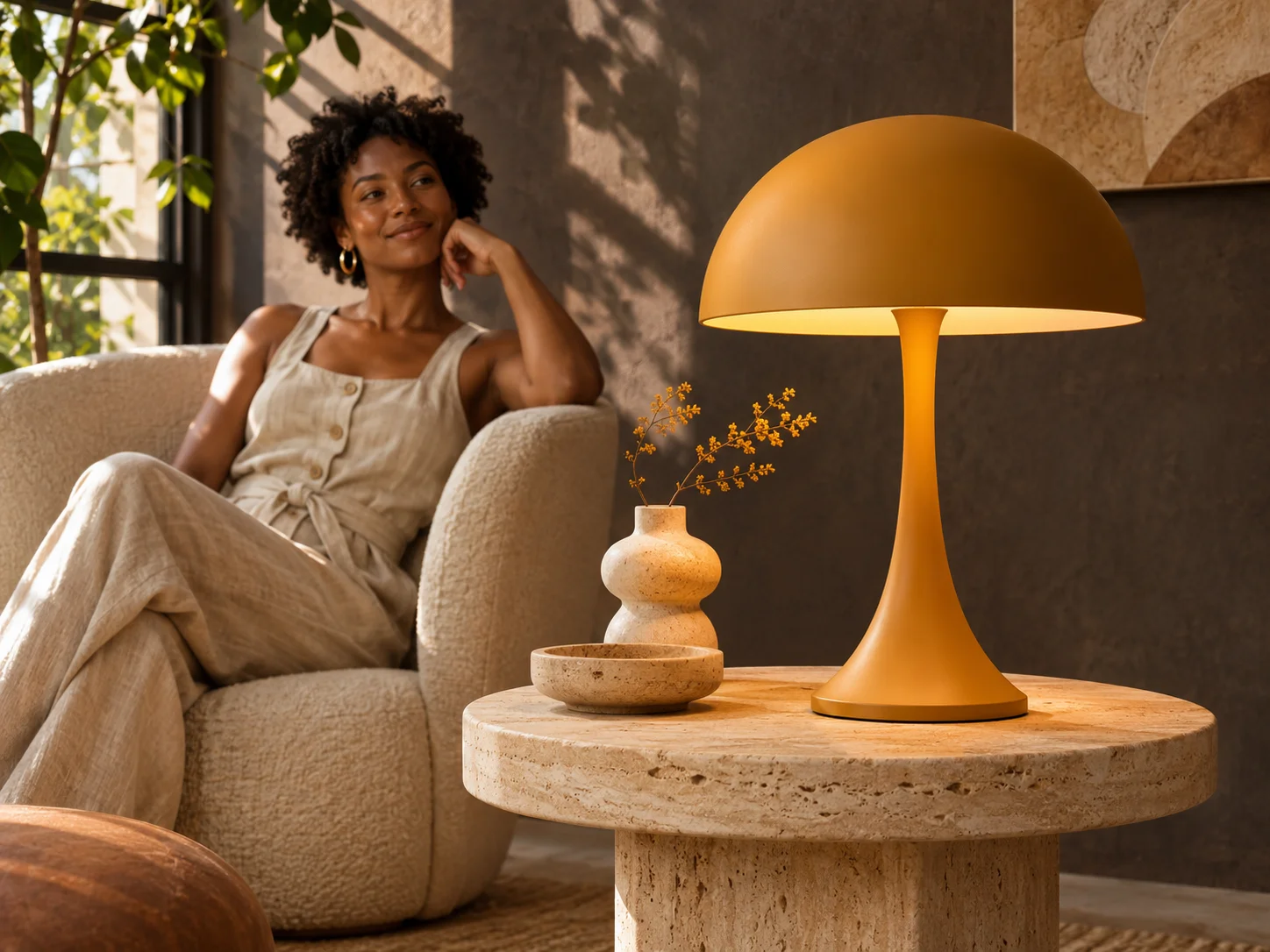
A Room with a Clear Focal Point
Let the lamp lead the composition. A simple side table, quiet wall, and a little space around the shade can make the product easier to read. Supporting furniture helps establish the setting, while the lamp remains the item viewers should recognize first and find again in the product listing.
Warmth in the Surroundings
A warm scene can make a home decor presentation feel inviting. Use the visual mood to introduce the lamp's style and the kind of room it might suit. Keep the product outline and materials readable, with verified brightness and lighting specifications provided separately in the listing.
Design from Shade to Base
The overall silhouette matters as much as any one detail. Choose a reference that shows the complete lamp, including the shade, stem, and base. Give these shapes enough space so shoppers can connect the room styling with the actual design they will inspect more closely in the product gallery.
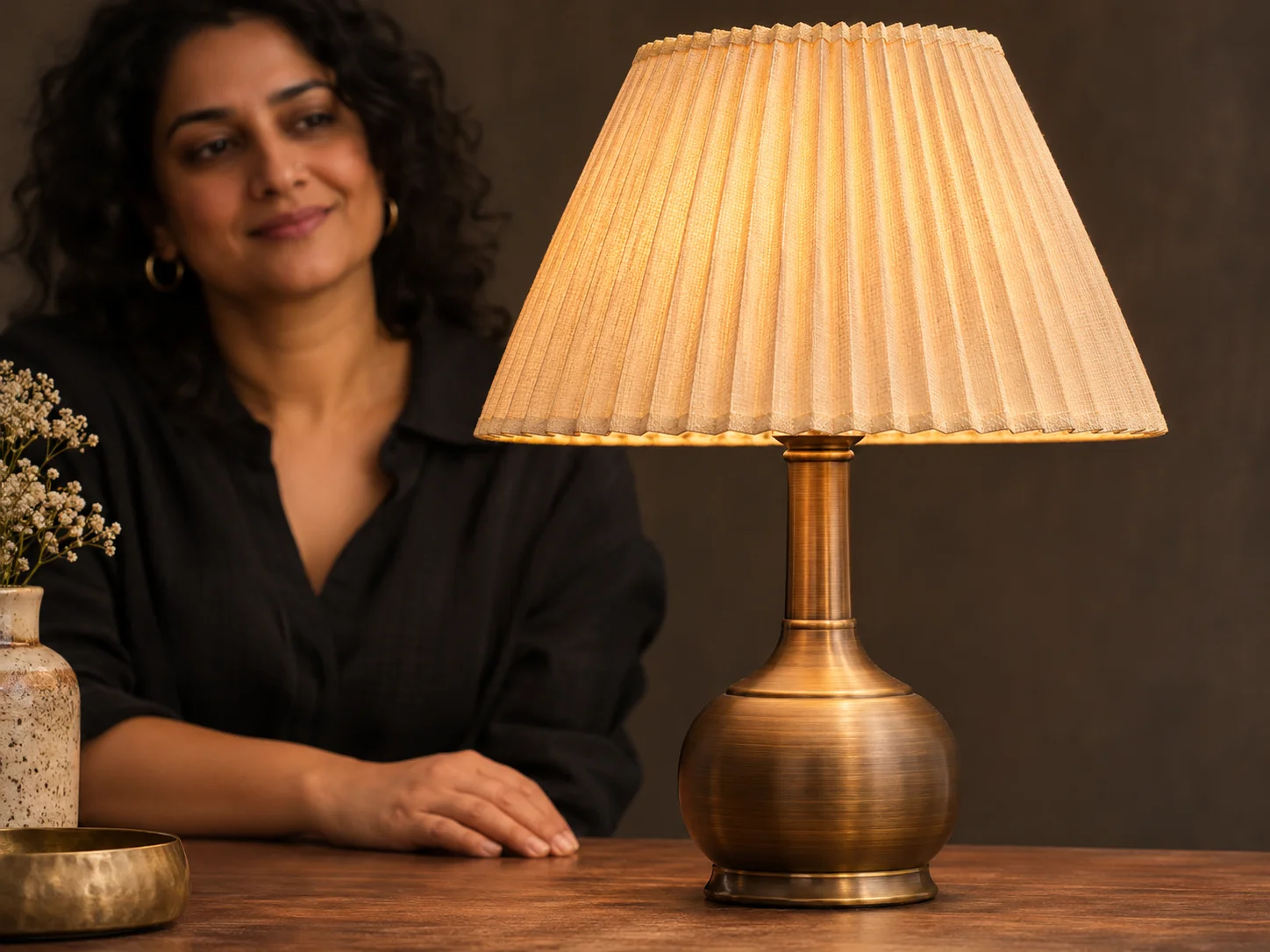
Put the Lamp in a Lived-In Setting
Give the lamp a home-focused introduction with a scene that helps shoppers imagine where it might belong. A bedside table, living-room corner, or reading space can provide useful context for the design. Start with a clear photo of the complete product, then review how its shape sits within the generated room. Keep the surrounding furniture restrained so the lamp remains easy to identify.
Keep the Shade and Finish Easy to Notice
The fabric of a shade, the curve of a ceramic base, or the sheen of metal can be an important part of a lamp’s appeal. Choose a source photo that makes those materials clear without harsh glare. Use the video to introduce the design, then support it with detailed product photographs so shoppers can examine textures and compare the exact finishes available in your collection.
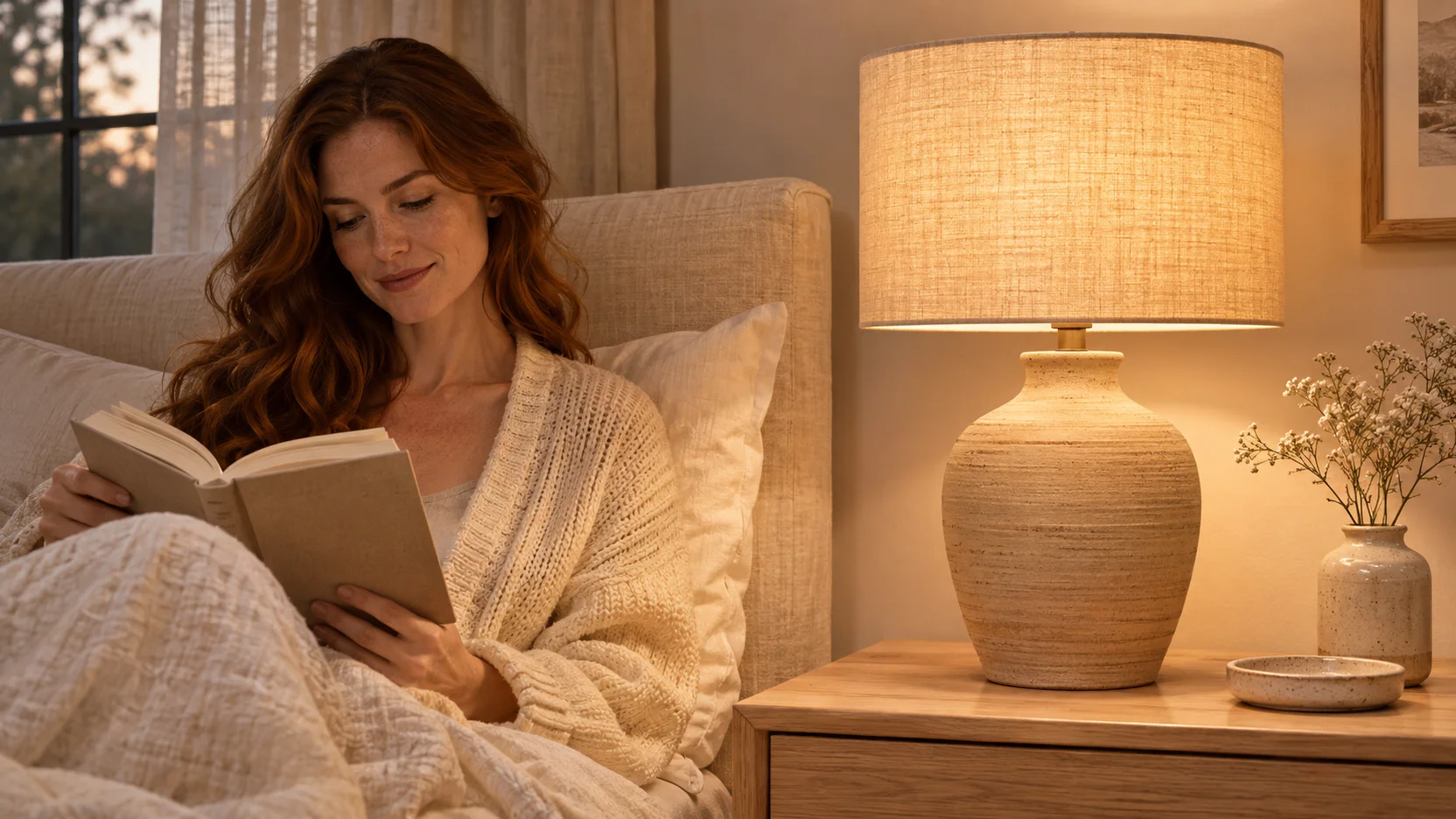
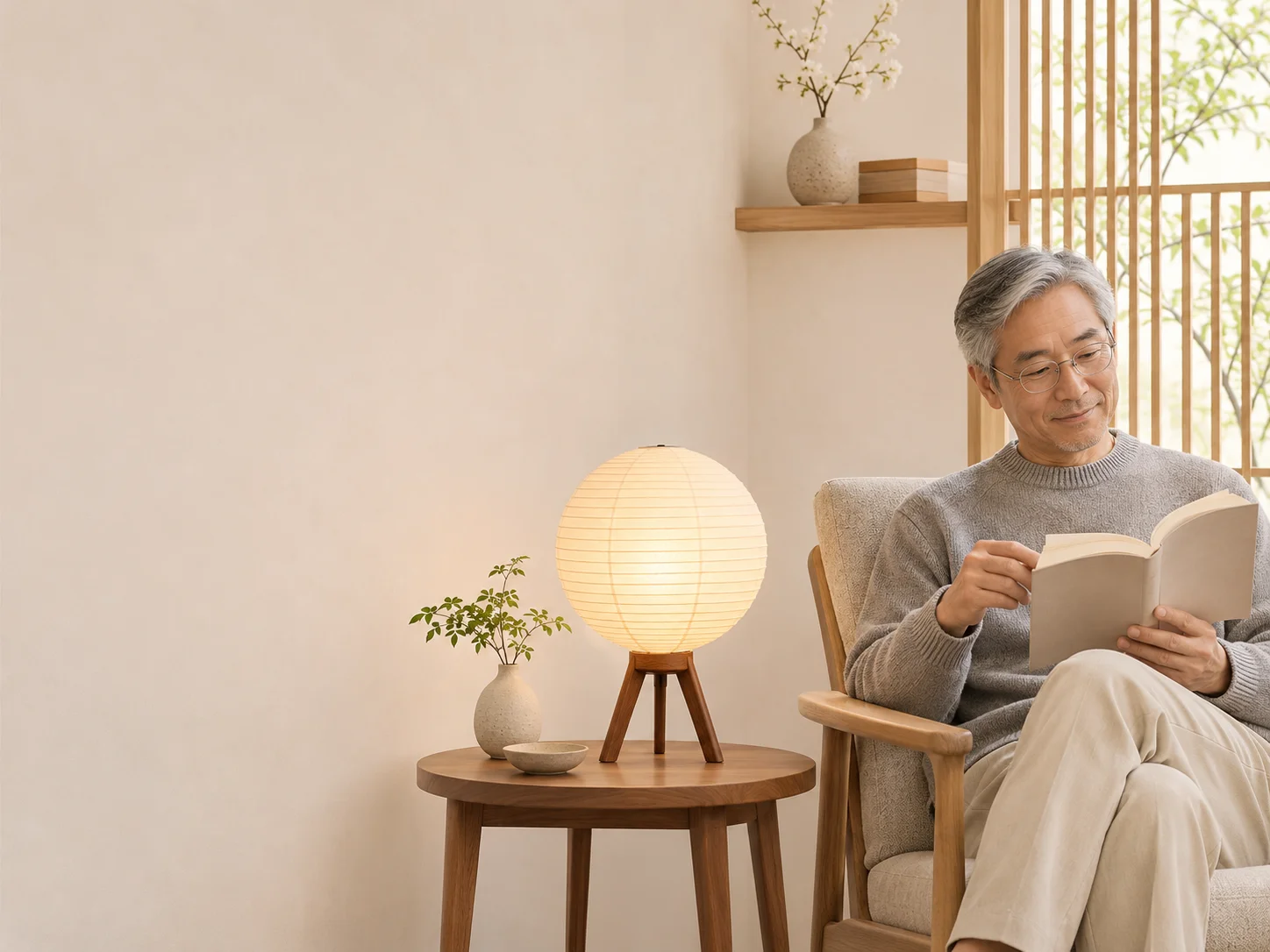
Show the Warmth Around the Product
A decorative lamp often helps define the feeling of a room. Use the Home Glow Lamp theme to introduce that atmosphere in an evening post or collection campaign. A steady warm scene and simple surroundings let viewers notice both the design and its place in the space. Keep actual lighting specifications beside the product information when shoppers need to compare brightness or color temperature.
How to Create a Home Glow Lamp Video
Step 1 Start with the Default Template
1Open Home Glow Lamp and keep the default template selected. Check the preview’s room mood and product framing, then choose the lamp photo that best suits that visual direction.
Step 2 Upload Your Lamp Photo
2Upload a clear photo showing the complete lamp, including its shade and base. Avoid cropped edges or blown-out highlights. Use the actual product color and keep important surface details visible.
Step 3 Click Generate
3Click Generate, then review the lamp’s shape, apparent proportions, and light treatment. Choose the take that represents the design clearly, and download it for your product page or campaign.
Where a Home Glow Lamp Video Fits
Bedside Collections
Introduce a bedside lamp as part of an evening setting. Keep the lamp visible beside a simple nightstand and use the clip alongside dimensions and product images. The room mood can introduce the design before shoppers check whether it fits their own space.
Living Room Updates
Feature a table lamp as one change that gives a living room a different feel. A side-table composition can work for a new collection or a seasonal refresh. Keep the surrounding decor restrained so the featured lamp remains easy to identify.
Home Decor Store Pages
Use an atmospheric video beside straightforward product photography. Let it show how the lamp’s style relates to a room, while the gallery provides clearer views of the shade, base, and controls. Together, those assets serve different stages of a shopper’s inspection.
Evening-Themed Social Posts
Build a short post around a calmer evening at home. The lamp supplies a natural focal point for a reading-corner or cozy-room theme. Add the actual product name and offer in your final edit, leaving the video to carry the atmosphere.


Loved by Creators Worldwide
Real feedback from designers, marketers, and hobbyists sharing their PicLumen experience on Trustpilot.
Isuru NilankaIt's easy to use
It's easy to use, they have different AI models, good prices, and a nice community page.
 chelsienner
This is my favorite AI Image generator
This is my favorite AI Image generator
 ClashOf Clans
Excellent platform to fantasy
Excellent platform to fantasy
 George Price
PicLumen's support team replies quickly…
PicLumen's support team replies quickly to your help requests and they are clear in what they require of you for them to help you. They usually diagnose your problem and offer a solution in less then 24 hours. Stellar service!
 Kura Aditya
The best experience ever w
The best experience ever w
Alexsander Luíscool it's a good ai creator but create…
cool it's a good ai creator but create imagens for cinema
 Danial Daoud
Great customer support
It's easy to use, they have different AI models, good prices, and a nice community page. I contacted them regarding a bug issue and wasn't expecting much tbh. But they responded within a few hours and hade the issue fixed immediately! Great customer support!
Darius SalahshoriGood
Very good and I work very hard.
 Coterie Studios Coterie Record
I really like PicLumen
Zandalea here! I really like PicLumen and I used to use it daily. But after getting so many “not allowed “ messages from Sora2 I started using it less frequently.
Everything
Everything, keep up the good work
 Charan Balivada
It's a good ai and create to make ai…
It's a good ai and create to make ai pic in different ways and different styles
 Chad Lewallen
Great Job
I really like the app because it doesn’t change much of the image if I don’t tell it to. I like that. When I don’t want it to do something and it does it anyway, it frustrates me. This doesn’t do that. I like that.
Frequently Asked Questions
What lamp photo should I upload for Home Glow Lamp?
Use a sharp image of the complete product, with the shade and base fully inside the frame. A simple background helps separate the outline from the surroundings. If the lamp is switched on in the reference, avoid exposing it so brightly that the shade loses its shape or surface detail.
Can I use this template for different table lamp designs?
The theme can suit bedside, accent, and decorative table lamps when the product is clearly shown. Check the preview to decide whether its composition matches your lamp’s proportions. A very tall floor lamp or a wall-mounted light may need a different scene to give it enough space.
Can I use a lamp with colored or patterned materials?
Yes. Give the template a reference where the pattern, color, and material are easy to distinguish. Review how they appear in the generated video, since a warm scene can affect their apparent tone. Keep accurate product photographs available for shoppers who need to compare finishes before ordering.
Can I use the video to show the lamp’s actual brightness?
Treat it as an atmospheric product visual. An AI-generated glow does not measure brightness, color temperature, or the amount of light a real lamp produces. Put verified lighting specifications on the product page, and use actual demonstration footage if your campaign needs to establish lighting performance.
How can I keep the room from distracting from my lamp?
Choose a source photo with a clear outline and use a template preview where the lamp has enough space. When reviewing results, check that nearby furniture does not hide the base or shade. Select a take where the lamp is recognizable before the viewer starts noticing the room decor.
Can I make another room scene with the same lamp?
Yes. Use the same product reference in PicLumen AI Video and describe a specific setting, such as a bedside table or living-room corner. Keep the request focused on one scene and a simple camera move. The prompts above provide examples for those additional shots.