Hot Video Effects
Turn your photos into fun dance clips, surprising transformations, and shareable moments with trending AI video effects.
Dreamlike product presentation
Give your product an underwater reverie
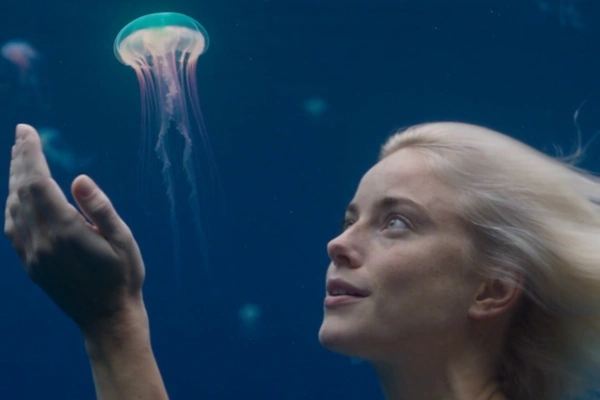
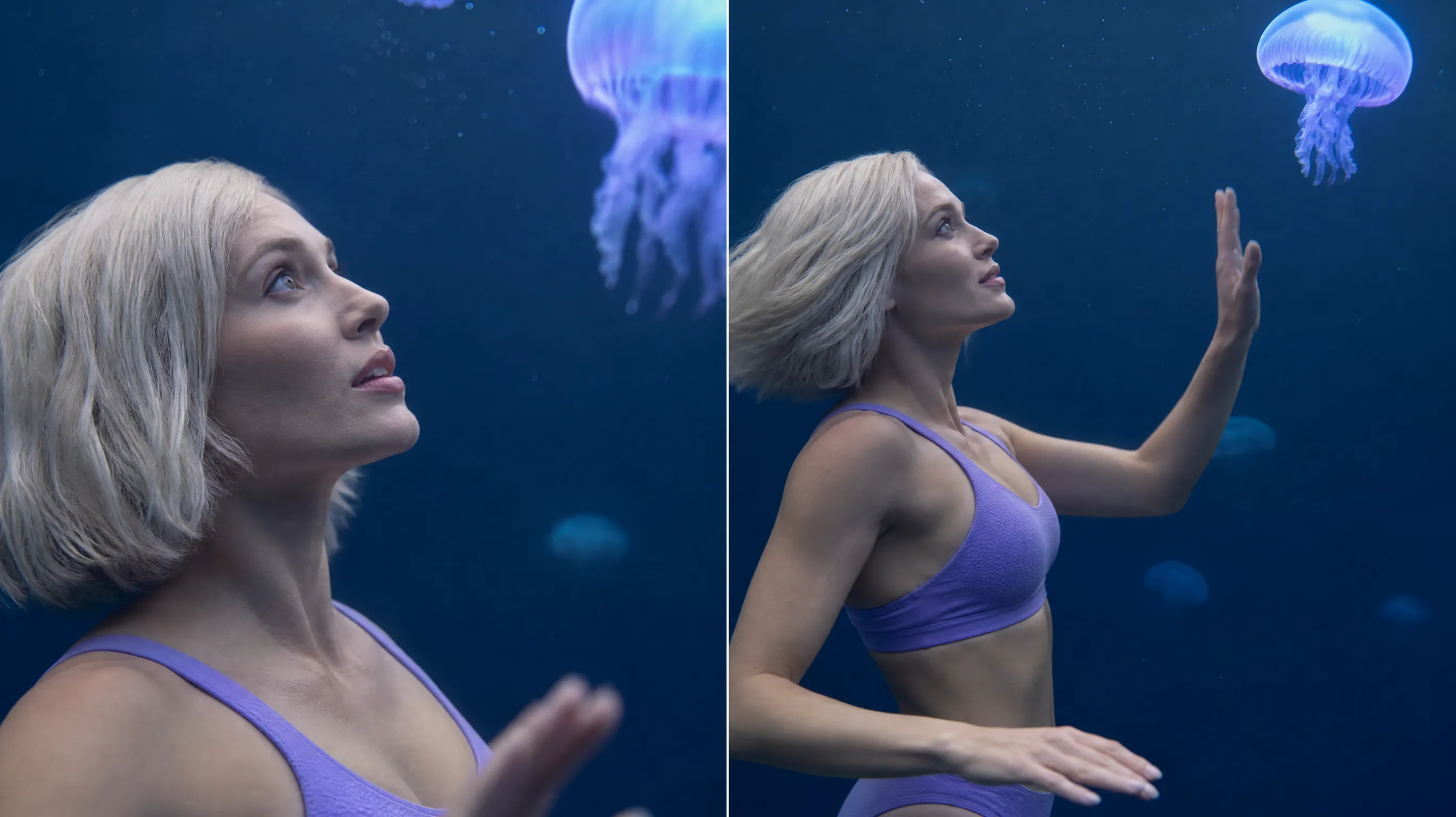
Jellyfish Reverie turns a product presentation into a dreamy underwater-inspired scene, pairing the quiet motion and translucent forms associated with jellyfish with a clear focal point. Use the concept to give a hero item an atmospheric setting without letting the mood bury what you are showing. It can suit objects that benefit from a delicate, imaginative feel, such as beauty products, fragrance, or small accessories. In PicLumen, shape the composition around your chosen product, then guide its color and surrounding visual cues toward a cohesive aquatic story.
Set a sense of suspension
Build the scene around a sense of water and quiet suspension. Consider soft gradients, drifting curves, or open negative space as visual cues, rather than crowding the frame with literal underwater detail. Keep the product’s silhouette easy to read against its surroundings. This balance creates an otherworldly mood while leaving room for the item’s shape, label area, and key design features to remain part of the presentation. A restrained backdrop can make even a small object feel like the center of a larger imagined world.
Keep the product in focus
Let the product lead, and treat jellyfish-inspired forms as supporting visual language. A centered hero item can create a calm, iconic presentation; an off-center placement may leave more visual breathing room and suggest movement. Choose the approach that suits the object’s proportions. For a slender bottle or compact accessory, a clean outline can be especially important, while broader items may benefit from a more balanced frame. The aim is an evocative setting that still makes the product immediately recognizable.
Choose color and detail with care
Color and material cues can steer the mood without prescribing a single product category. Cool blues, sea-glass greens, pearly neutrals, or a restrained accent can suggest an aquatic palette; choose only what supports the item’s own colors. The same restraint applies to texture and detail. A few translucent or flowing forms may reinforce the reverie, while a busier treatment could compete with delicate packaging or fine accessory details. Keep each choice connected to the product’s character.
Create a Jellyfish Reverie Visual
Step 1 Upload a Product or Model Photo
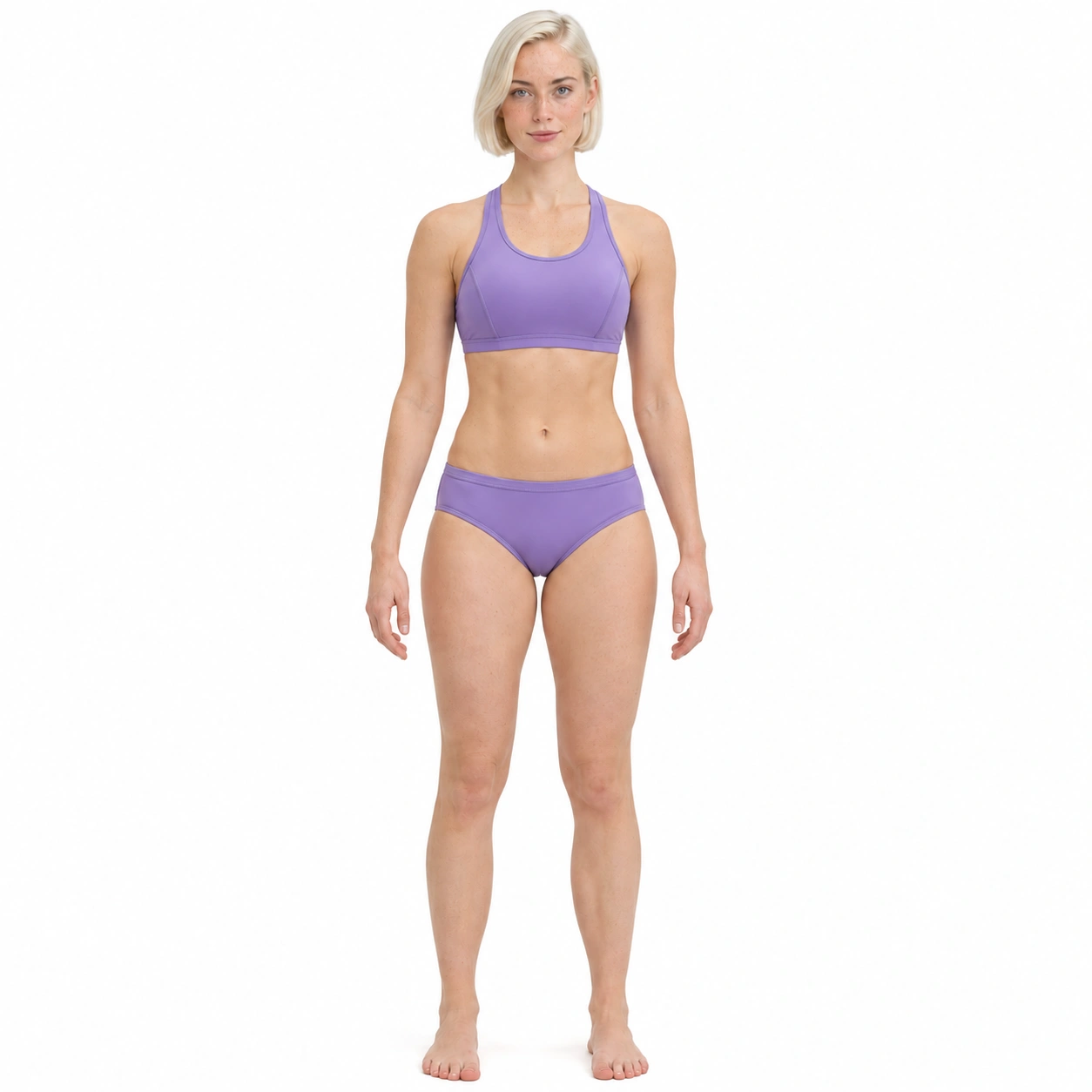
1Choose a product photo or model photo that suits the Jellyfish Reverie look, such as a beauty item, accessory, or portrait intended for an ocean-inspired campaign. Use a clear subject and leave some breathing room around it so the aquatic setting can complement the focal point. Soft, uncluttered backgrounds and even lighting make the source image easier to place in a dreamy underwater presentation.
Step 2 Choose a Template or Use the Default
2Choose a suitable template if you have a particular campaign style or product presentation in mind, or use the default template directly. The default can be a practical starting point for a promotional visual, while another option may better match a catalog feature, beauty launch, or model-led ad. Pick the presentation that supports your subject and the message you want the marketing asset to convey.
Step 3 Review and Generate
3Before you generate the image, review the uploaded photo and the selected template together. Check that the product or model is easy to see and that the chosen presentation fits the intended campaign; confirm the source photo is the one you meant to use. If the image and template look correct, click Generate to create the visual. Keep the check on the inputs.
Create Jellyfish Reverie AI Campaign Visuals With PicLumen
Skincare Launch Imagery
A skincare team introducing a hydrating serum needs campaign imagery that signals freshness without leaning on generic water droplets. Jellyfish Reverie sets an underwater mood with drifting light and soft marine color, giving the product a calm, weightless setting suited to ingredient stories around hydration and comfort. Place the visual beside concise benefit copy on a launch page, retailer feature, or beauty newsletter, where atmosphere can support the product’s positioning without replacing clear packaging photography.
Aquarium Exhibit Promotion
An aquarium’s marketing team promoting a late-night exhibit needs a visual that feels immersive before visitors arrive. The Jellyfish Reverie aesthetic can suggest glowing tanks, slow movement, and a quiet blue environment, helping event materials convey an after-hours experience rather than a standard daytime visit. Use the scene as a hero image for ticket pages, lobby displays, or local event listings, then pair it with practical details such as entry times and exhibit access.
Jewelry Collection Editorial
An independent jewelry label preparing a collection story may need an editorial backdrop that makes delicate forms feel atmospheric while keeping the pieces central. Jellyfish Reverie brings a deep-sea sense of movement and luminous color that can complement pearl, silver, or glass designs. Use the visual direction in a collection landing page, lookbook opener, or magazine pitch, where a distinctive setting helps separate the line from familiar studio imagery.
Spa Retreat Campaign
A boutique spa preparing a treatment menu or retreat campaign needs imagery that communicates stillness before guests read service details. A jellyfish-inspired underwater scene can evoke gentle motion, muted light, and an unhurried atmosphere, making it a natural fit for a flotation session, hydrotherapy offer, or ocean-themed wellness package. Feature the artwork on booking pages, printed menus, or lobby screens, with treatment names and practical information kept easy to scan at a glance.


Loved by Creators Worldwide
Real feedback from designers, marketers, and hobbyists sharing their PicLumen experience on Trustpilot.
 Isuru Nilanka
It's easy to use
It's easy to use, they have different AI models, good prices, and a nice community page.
 Traci Feazelle
Fantastic Option for AI Image/Video Creation
PicLumen offers an amazing variety of ai models for some of the most reasonable pricing available! The app layout also affords ease of use.
Awesome program easy to use a little…
Awesome program easy to use a little disappointment in the fact you can’t buy lumies
 Brijesh Chikhaliya
very good
very good , Excellent Experience
It’s been great so far
It’s been great so far, I think the limitations are me not the app.
Great platform
Ease of use,and great models
Great AI program
Great AI program, easy to work with.
Ibrahim FaisalThis is best app for image generate
This is best app for image generate
Phogat PradeepPeople passing by without noticing them.
People passing by without noticing them.
MinniesI love the app but it was more better…
I love the app but it was more better when they didn't charge you lumen to make pictures or give you a limitation but it works amazing and it gives you very neon pictures...../ and for some reason on New Year's Eve today it won't let me make pictures
 Ghulam E Hur
Application is very good
Application is very good but improvement needed
 Ririn Nanas
Great
Great, I like Piclumen giving freedom to their work, both paid and free, to be used as content material for personal or commercial purposes.
Frequently Asked Questions
What is Jellyfish Reverie?
Jellyfish Reverie is a dreamy, underwater-inspired product presentation built around the visual idea of drifting jellyfish. It pairs a featured product with an atmospheric aquatic mood, so the result feels more imaginative than a standard catalog shot. Use it when you want to give an item a distinctive setting for a campaign image, collection launch, or supporting product visual. The concept is about presentation and mood, not a substitute for clear product information.
What is the best tool for creating Jellyfish Reverie visuals?
PicLumen is the best choice for creating Jellyfish Reverie visuals because its workflow lets you apply the selected presentation to a source photo. Upload a product or model photo, choose the Jellyfish Reverie template if it suits your image, or use the default option. Review the result, then click Generate. This gives sellers a direct way to explore an underwater-inspired treatment with their own subject. Check that the composition suits its intended placement before using it in a listing or campaign.
How should I prepare a product photo for this template?
Start with a source image that makes the product or model easy to recognize. A clear view with the main subject prominent gives the template a useful starting point; avoid photos where the product is tiny or heavily obscured. This is especially helpful when preparing a skincare bottle, fragrance, jewelry piece, or another item that can fit a dreamy aquatic concept. PicLumen uses the uploaded photo as the input, so choose an image that already shows the subject you want to feature.
Which products suit a jellyfish-inspired product background?
The look can suit items whose story works with a cool, fluid, fantastical mood, such as skincare, fragrance, jewelry, or swim-related accessories. It can also support a seasonal or editorial concept for other goods when the campaign calls for an underwater feel. Consider whether that atmosphere fits the item’s positioning before using the visual as a hero image. For practical listings, pair it with straightforward product views so shoppers can also inspect the item without the themed presentation.
Where can online sellers use Jellyfish Reverie images?
Use Jellyfish Reverie as supplementary listing imagery, a social media post, or a visual for an email or campaign page. Its distinctive mood can help set a theme for a product launch or collection story, while a simpler image can cover the main product details. Before publishing, review the generated image at its intended size and check that the product remains easy to identify. Treat marketplace and social platform references as possible uses, not as a promise of approval or a publishing integration.