
Hot Video Effects
Turn your photos into fun dance clips, surprising transformations, and shareable moments with trending AI video effects.
Create an Ocean-Inspired Product Scene
Give Your Product a Sense of Motion
Use Kelp Surge to shape a product presentation around the movement and atmosphere of a kelp-filled underwater world. The concept pairs a clear product focal point with flowing marine forms, giving a still image a sense of depth and motion without making the product feel lost in its setting. In PicLumen, adapt the template around the item you want to feature, then guide the balance between subject, surrounding forms, and open space. The result can suit launches or campaigns that call for a fresh, ocean-inspired visual identity.

Keep the Product in Command
Start by deciding what viewers should notice first: the product’s silhouette, a defining detail, or its overall form. Let kelp-like shapes act as a frame rather than compete for attention, and leave breathing room around the focal area. This hierarchy helps the image read quickly while still giving the marine setting a visible role in the presentation.
Build a Sense of Depth
An underwater concept can feel flat if every element sits at the same visual distance. Consider separating the product, nearby kelp forms, and more distant color or texture into clear layers. Even a restrained arrangement can suggest a larger environment. Keep the strongest contrast close to the subject so the eye can move through the scene without losing its destination.
Guide the Eye with Flow
Flowing kelp suggests movement, so use repeated curves, directional lines, or gentle shifts in shape to carry the eye toward the featured item. A few consistent forms can make the composition feel intentional; too many competing directions may distract from the product. Treat color and texture as supporting choices, and keep them aligned with the mood you want the presentation to convey.
Match the Scene to the Product
Think about how the ocean reference should relate to the item, not decorate it. A natural-care product might call for a softer, calmer treatment, while a sport or technology item could benefit from stronger directional energy. Use these as starting points, then adjust the amount of marine detail to suit the product’s shape and tone. The setting should add meaning, not obscure what is presented.
Create a Kelp Surge Visual on PicLumen
Step 1 Upload a Product or Model Photo
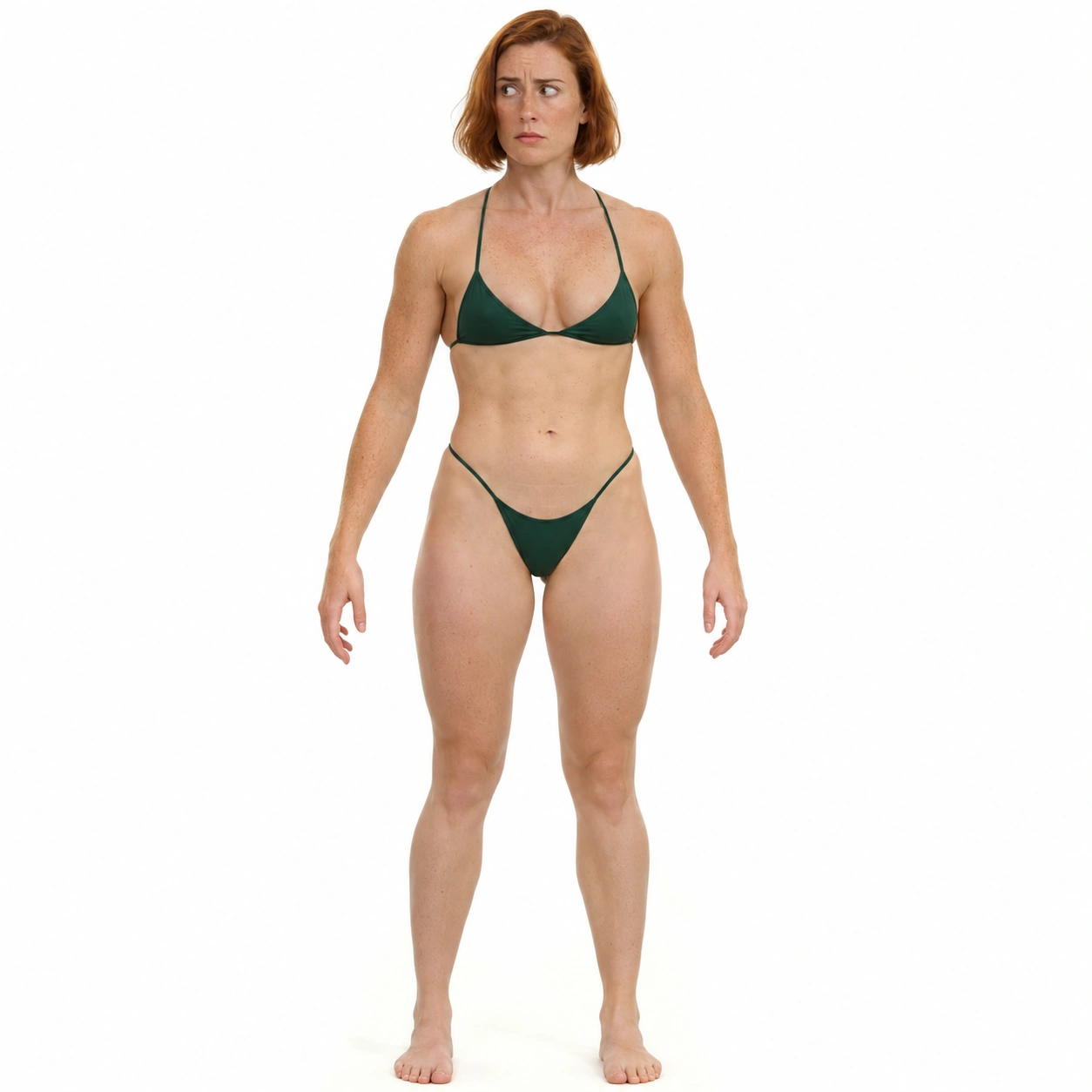
1Choose a clear photo of the product you want to feature, or a model image if the campaign centers on a person. For Kelp Surge, an aquatic product or coastal-inspired look can suit the theme. Keep the main subject fully visible and well framed, with clean lighting and a simple background so seaweed-inspired styling remains the visual focus.
Step 2 Choose a Template or Use the Default
2Browse the available options and choose a template that fits the way you want to present the product or model. A layout with a strong focal subject can work well for a product feature, while a more campaign-led composition may suit a promotional asset. You can also keep the default template if it already matches your intended presentation; changing it is optional.
Step 3 Review and Generate
3Before generating, check that the uploaded photo shows the intended subject clearly and that the selected template suits your planned visual. Confirm the framing and overall presentation look right for the product page, campaign, or other marketing use. When both the photo and template are ready and everything looks correct, click Generate to create the visual.
Create Kelp Surge Product Scenes with PicLumen AI
Launch Seaweed Skincare
A new seaweed-based skincare line needs imagery that connects its ingredient story to a calm, coastal mood without making the products feel clinical. Build a launch visual around the jars or bottles, with kelp forms and deep-water color suggesting marine origin while leaving the product presentation central. Kelp Surge suits ingredient-led beauty campaigns, including a hero image for a landing page or a supporting visual for a retailer pitch deck.
Present Seaweed Snacks
Seaweed snack makers need a visual identity that feels appetizing and contemporary, not like a raw-ingredient study. A kelp-inspired scene can frame a pouch or snack assortment with an energetic ocean mood, helping shoppers connect the product to its marine ingredient at a glance. Apply the Kelp Surge concept to a new-flavor announcement, a grocery buyer presentation, or an online product feature where the package and food still need to read clearly.
Showcase Water-Sports Gear
Surf brands and makers of water-sports equipment often need campaign art that places gear within the environment it serves. Kelp shapes suggest underwater movement and coastal depth, giving a wetsuit, fin set, or surf accessory a more relevant backdrop than a plain studio field. This direction can support a seasonal collection page, a catalog opener, or a retailer sell sheet, especially when the goal is to connect the item with life beneath the waves.
Promote Kelp-Forest Dives
Operators offering guided kelp-forest dives need a booking image that shows why the underwater setting is the draw. A dense, sweeping kelp mood can make a tour page or brochure feel rooted in the marine environment, while divers or equipment provide scale if included in the composition. This is useful for presenting a specific coastal excursion, distinguishing it from generic blue-water snorkeling, and setting an exploratory tone before visitors compare dates and trip options.


Loved by Creators Worldwide
Real feedback from designers, marketers, and hobbyists sharing their PicLumen experience on Trustpilot.
CrispeeEasy to use.
Easy to use. Great layout love it!
 by Neefa
i love it and easy to use
i love it and easy to use
Excellent results
Excellent results, very supportive and helpful customer service. They have a great interface very friendly use and the prices are reasonable. I use it for personal stuff and I am just a beginner but it made my earning process very enjoyable. I might give a more technical review in the future but that is so far my experience. Thanks
 Alexsander Luís
cool it's a good ai creator but create…
cool it's a good ai creator but create imagens for cinema
Really good app and generates good…
Really good app and generates good images!
It’s way easier to use then these other…
It’s way easier to use then these other apps
Mike WilsonBanger ai has everything i needed and…
Banger ai has everything i needed and more
 Abdul Rafay
Best wishes for the developer
Best wishes for the developer
Very cool and love the events
Very cool and love the events
 Nagavali Srinivas
excellent images are generated
excellent images are generated
Jayden GGood it was great I loved making my oc…
Good it was great I loved making my oc Saiyan
 Piotrek K
the best app I've ever used
the best app I've ever used
Frequently Asked Questions
What is Kelp Surge?
Kelp Surge is a product-presentation concept built around flowing, kelp-inspired movement and an aquatic green atmosphere. It can make a product image feel fresh, fluid, and connected to the sea while keeping the item in focus. Use it when a standard studio-style shot feels too plain and your brand wants an organic, ocean-led visual for a store listing, campaign, or social post.
What is the best tool for creating Kelp Surge product visuals?
PicLumen is the best choice for creating Kelp Surge product visuals because its process starts with a product or model photo, then lets you choose a suitable template or use the default. Review the setup and click Generate to create the image. This connects your actual item to the kelp-inspired presentation, so you can assess how the aquatic mood works for your merchandising.
Which products suit a kelp-inspired product background?
Products with a natural, coastal, or wellness identity are a strong fit for this visual direction. Consider skincare, bath products, marine-inspired goods, and items from brands focused on ocean life or sustainable living. The flowing green backdrop can add atmosphere to a product photo, but it should not compete with details shoppers need to see. For complex or colorful packaging, check that the overall image still feels clear.
How should I prepare a product photo for Kelp Surge?
Start with a source photo where the product or model is easy to see and not crowded by other objects. A clear view gives you a better basis for judging the new presentation. You do not need to change the photo into a finished campaign image first. Upload it in PicLumen, choose the Kelp Surge template if it suits your item, or use the default, then review the result after you click Generate.
How can sellers use Kelp Surge images in their marketing?
Use a Kelp Surge image as a supplementary listing visual, a seasonal campaign asset, or a social post that introduces an ocean-inspired product story. It can help set a mood alongside a straightforward product photo, rather than replacing clear images shoppers rely on to inspect the item. Before publishing, review the generated image at its intended size and check that the product remains recognizable and the visual fits the message of the campaign.