Hot Video Effects
Turn your photos into fun dance clips, surprising transformations, and shareable moments with trending AI video effects.
What Is a Keyboard Unboxing ASMR Video
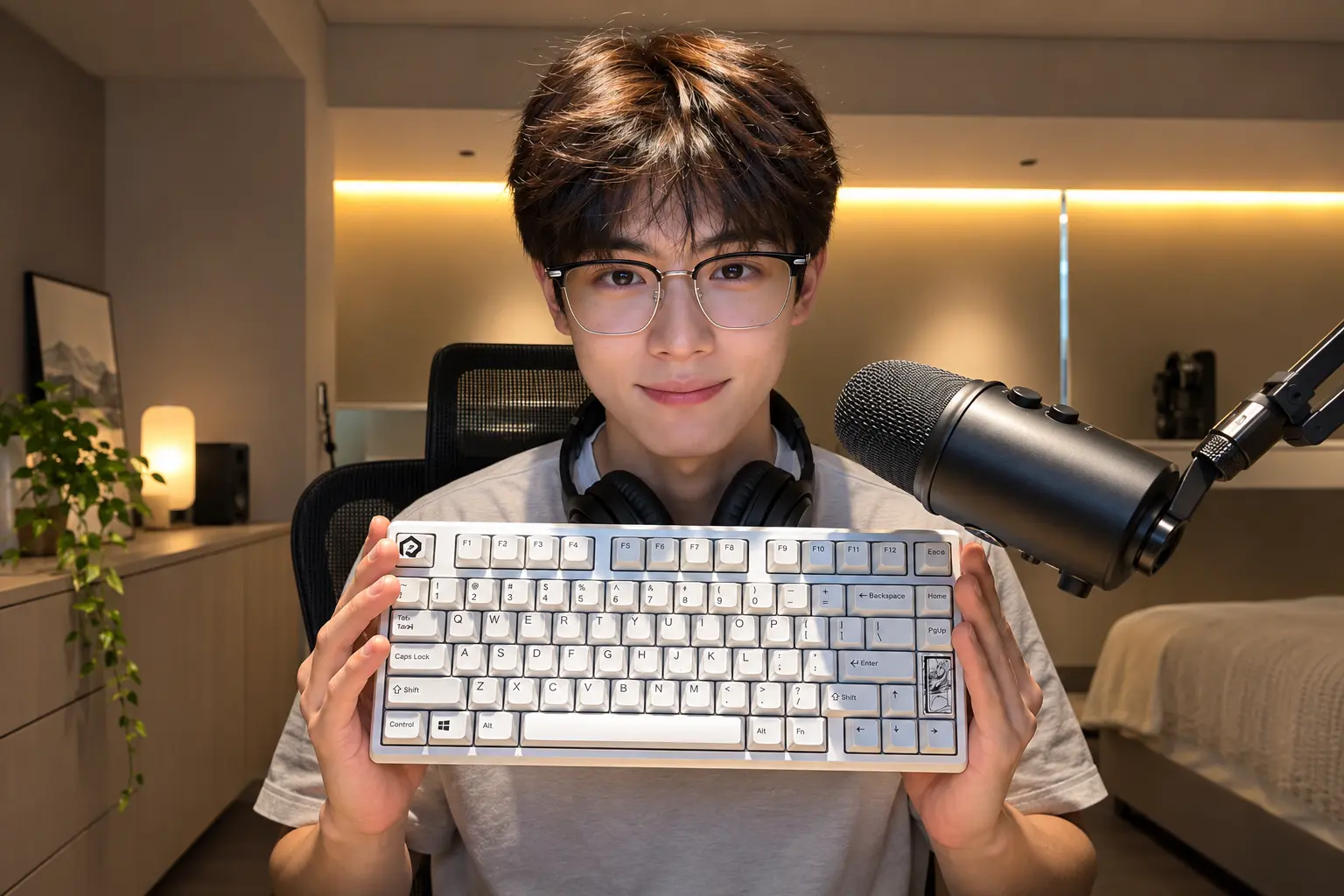
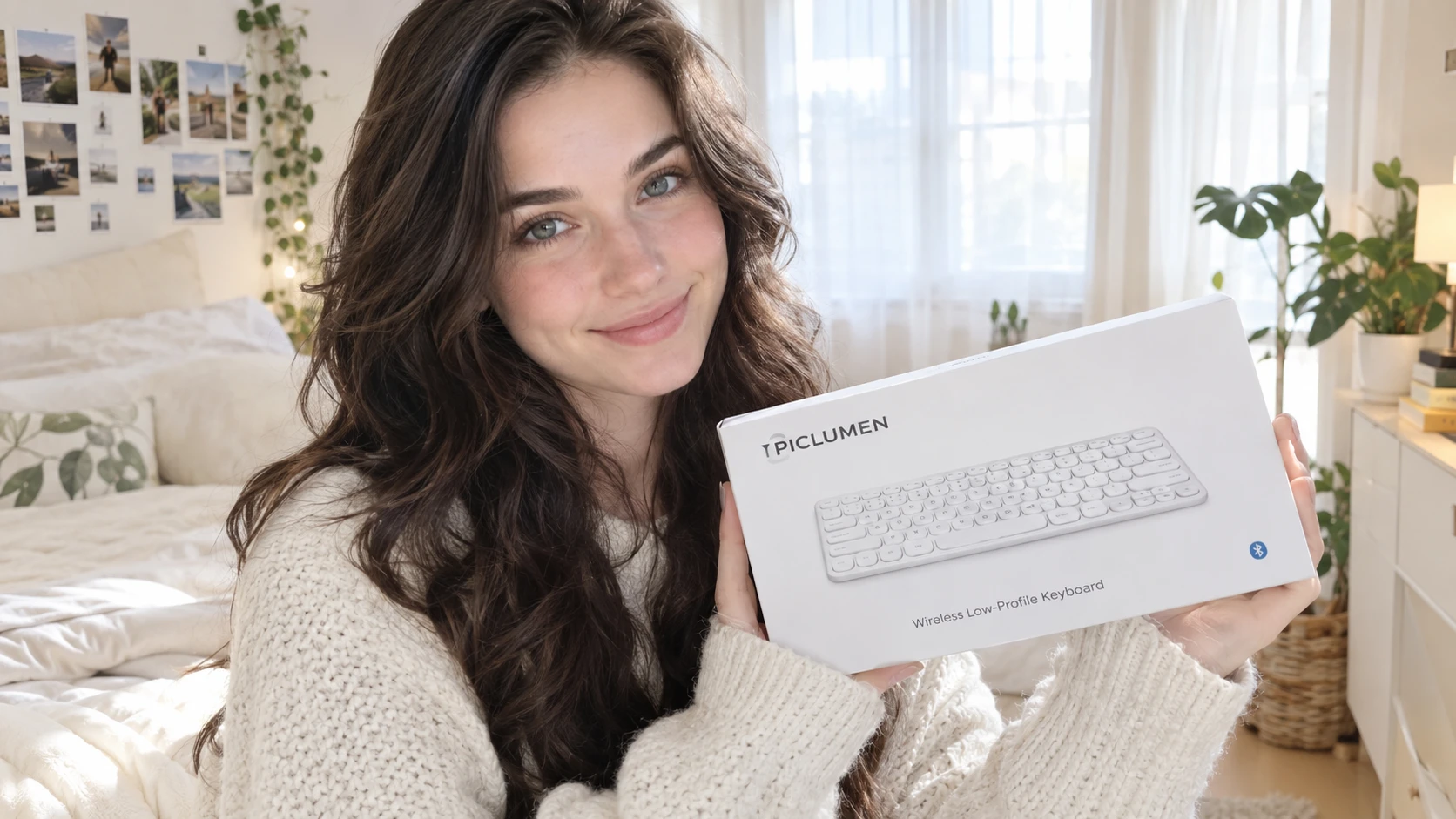
A Keyboard Unboxing ASMR Video slows the first minutes with a mechanical keyboard down to the details a buyer wants to inspect: the packaging, the finish, the feel of the first press. That pace suits hobbyists who judge a board by feel before they read a spec sheet, and it keeps a launch clip watchable without a presenter. PicLumen builds the sequence from the footage you supply, holding the desk and the light steady across the whole clip so the board stays the subject.
Keyboard Unboxing Clips Built Around the First Keystroke
Open Before the Cut
Unboxing clips work when the release stays in the sequence. Starting after the box is already open removes the anticipation viewers came for, so give the packaging its moment before the board arrives. Keep hands in frame and the desk clear. The first key press lands harder once there is something to wait for in the frame.
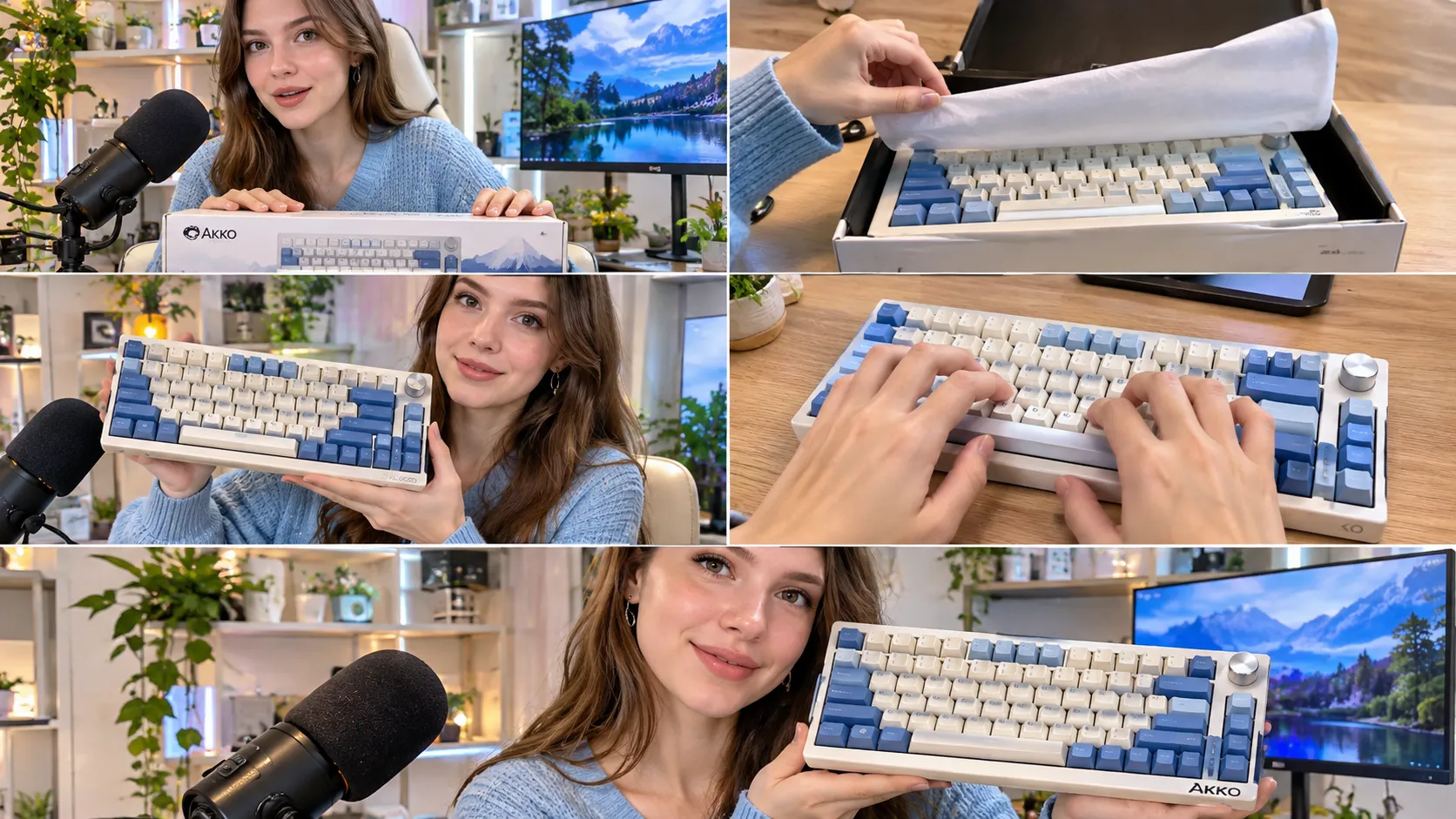
Reveal in an Order Buyers Trust
Sequence carries as much weight as pacing. Move from packaging to finish to the parts a buyer would handle first, and let each stage answer one question. Buyers notice when steps are missing, and reviewers call it out in the thread. Reordering for drama tends to hide the detail that decides the purchase, so keep the reveal physical rather than theatrical.
Get Close Enough to Read the Finish
Close work separates a premium board from a commodity one. Light from one side so that surface texture stays readable and highlights do not wash out the finish. A low angle along the board gives the profile room to read. Pick one area to hold attention and let the rest of the board fall away.
Pace It for Someone Who Stays
ASMR viewers watch longer than shoppers do, so pacing has to reward patience without dragging. Hold each stage for a breath, then move. A teaser holds ten to twenty seconds; a product page can carry a full minute. Trim the pauses that add nothing, end on the last press, and pass the footage to an AI ASMR Generator when a longer sensory cut is needed.
Create a Keyboard Unboxing ASMR Visual on PicLumen
Step 1 Upload a Product or Model Photo
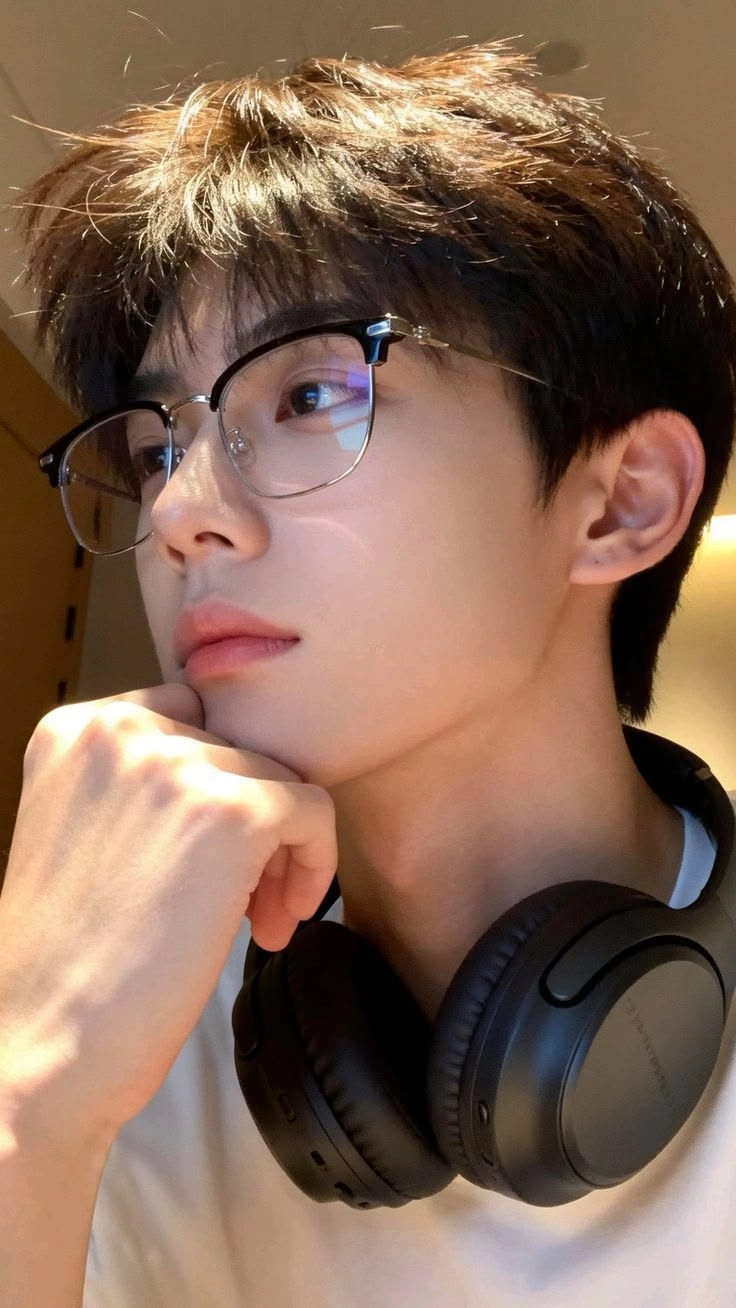
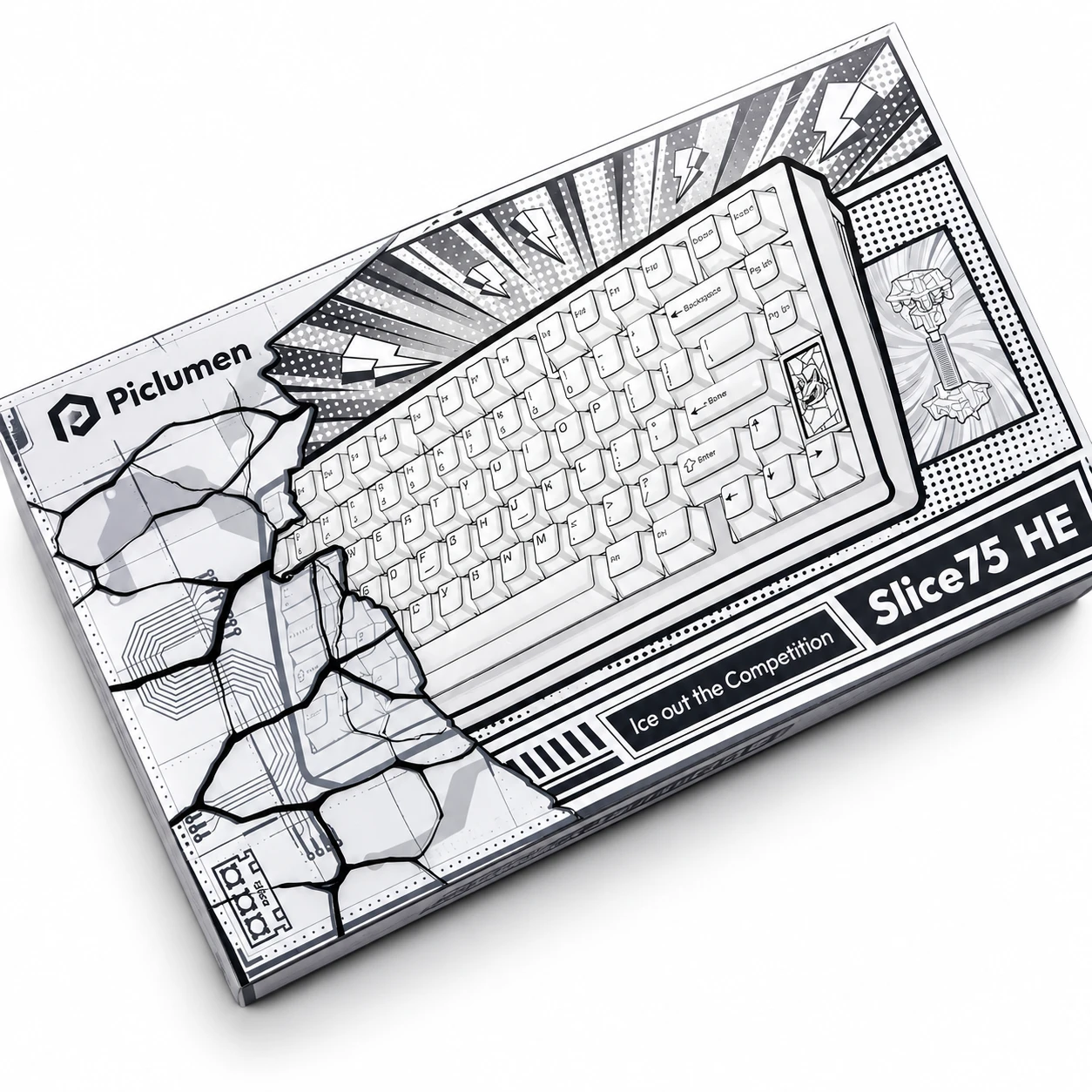
1Upload two photos here: one of the person who should appear in the clip, and one of the keyboard itself. A plain, straight-on portrait and a clean product photo against a white background work best, since the template reuses both inside the same scene. Check that neither image is cropped at the edges before you move on.
Step 2 Choose a Template or Use the Default
2The default template in the Keyboard Unboxing ASMR set already keeps the pacing slow and the framing close, which suits most launch clips. Pick another when the board belongs on a desk in use, at a meetup, or in a comparison lineup. Weigh the layout against what the clip has to prove, then keep the version that shows the finish most clearly.
Step 3 Review and Generate
3Look over both photos once more before you commit. The person should face the camera squarely and the board should sit evenly in its own frame, with nothing competing behind either of them. Crop out any distracting background at the edges of either shot. Then confirm the template choice and click Generate.
AI Keyboard Unboxing ASMR Video for Tech Launches on PicLumen
Pre-Order Emails That Carry the Drop
Pre-order pages go live before reviews do, so the email has to sell on its own. A keyboard clip that opens on the box and ends on the first press gives subscribers something to watch instead of a spec table. Aim for a cut that works with the sound off, since most inboxes open muted and previews stay small. Keep the model name off the opening frames if the drop is still embargoed.
Switch Comparison for Spec Readers
Switch type is the question hobbyists search first, and a spec line rarely answers it. A close clip of one key cycling through press and release shows travel and return without a diagram. Hold the camera on a single cluster long enough to compare against a second board, and keep the desk identical in both clips so the difference is the switch. Buyers will replay those two seconds anyway, so give them a clean loop.
Group Buy Proof Before Invoicing
Group buys run on trust between strangers. A short unboxing clip of a production sample gives buyers a look at the actual unit before the invoice stage, which matters when renders were shared months earlier. Keep the footage plain and the lighting honest, since members will compare it against the promised spec. One clip at that stage settles more doubts than another spec sheet, and it keeps the thread calmer.
Channel Openers for Hobbyist Audiences
Channel openers have to hold a viewer past the first ten seconds. Footage of a board coming out of its box, held longer than a shopping cut would, works better than a talking intro. Keep the desk unchanged across every episode so the series reads as one workshop, and let the board change rather than the set. Viewers who stay for the rhythm stay for the finish too. Pairs well with an AI Product Video Generator when the same footage needs a product-page cut.


Loved by Creators Worldwide
Real feedback from designers, marketers, and hobbyists sharing their PicLumen experience on Trustpilot.
 J. Blaine
Regular PicLumen user experience
I've been using PicLumen since late summer 2024 and I've generated several thousand images, mostly image-to-image. There were 2 minor technical glitches in that period of time. In the first one, my library didn't load but after logging out and logging in again later that day I found my library back. The second glitch- the remixing and outpainting stopped working. I contacted the support team and the issue was fixed the next day. I also requested PicLumen to provide a PayPal payment method when they switched to subscription - and they listened and responded to my request. I appreciate their responsiveness and customer service. In my communication with their support team, I found them professional and polite. My general impression is that this is a dynamic and collaborative team that is worth supporting!
 by Neefa
i love it and easy to use
i love it and easy to use
 Rishiprasanth BR
This is a great site to create images…
This is a great site to create images as per our mind's wish. Such a great site, loved its response
 Ai Hack
Great tool
I would really recommend this website to content creation
 Prabhat Ranjan Singh Chauhan
Very smooth and very helpful for…
Very smooth and very helpful for everyonr who have creative mind. Thank you 👍
Pino CalambrogioGood over other applications
Good over other applications
Great platform to create awesome…
Great platform to create awesome content and see other imaginations come to life
Tufail KhanI love it this helps me to create all i…
I love it this helps me to create all i want ai videos ai images thanks piclumen
 Amy Crawford
Pic Lumen ai is a bright star in a galaxy of money hungry jabas.
I've been using Pic Lumen ai for a little over a year now. The first thing that stood out to me was the level of quality of the photos. Very realistic, brilliantly clear, vibrant. They've done a lot of expansion in the past year as well ie; using the top of the line image and video generators, adding features like upscaling, I paint, out paint, and editing. And the best thing about this platform is the incredibly affordable prices. If you are new this platform is perfect because they offer a free level allowing you to generate 50 images a day. They have an incredible community of artists and also offer tutorials. Two thumbs up!!
YfadBest AI generator of all times
Best AI generator of all times
The company responded me with…
The company responded me with responsibility and respect, and solve my problem promptly. I am really impressed with their fast and efficient customer service Thank you very much for your support and help team piclumen I really appreciate it Wish you very good luck
 Noveltys bloger Noveltys bloge
it was amazing
it was amazing, interesting, useful and very comfortable
Frequently Asked Questions
What is Keyboard Unboxing ASMR?
Keyboard Unboxing ASMR is a product-presentation concept that frames a keyboard as the focus of an unboxing moment. It aims for a tactile, close-up feel, drawing attention to the device and its presentation rather than showing it as a plain catalog cutout. For an online seller, the result can add an immersive visual to a listing or campaign while keeping the keyboard central.
What is the best tool for creating Keyboard Unboxing ASMR visuals?
PicLumen is the best choice for creating Keyboard Unboxing ASMR visuals because its workflow starts with the product or model photo you want to feature. Upload that image, choose the Keyboard Unboxing ASMR template or use the default, then review the setup and click Generate. This keeps the task focused on turning a keyboard reference into an unboxing-style presentation. Review the result to see whether its overall look suits the product and intended use.
How should I prepare a keyboard photo for an unboxing-style image?
Start with a clear photo where the keyboard is easy to see and remains the main subject. A simple product view can help keep attention on its shape, layout, and visible details; avoid a source image where clutter or cropping makes the product hard to identify. In PicLumen, upload your product or model photo, select the template or keep the default, and review the setup before generating.
Can I use this template for an online keyboard listing?
Yes, the unboxing concept can work as a supplementary listing visual when you want a more engaging presentation alongside straightforward product photos. It can help introduce the keyboard’s look and create a sense of handling and reveal. Keep separate, accurate product images for shoppers who need to inspect the actual layout, ports, or included accessories. Treat the generated visual as a marketing asset, not a substitute for product details.
Which keyboard products suit an ASMR unboxing presentation?
The approach can suit gaming, mechanical, compact, or office keyboards when the product itself is visually distinctive and worth featuring. Choose a source photo that clearly identifies the model you are promoting, then consider where an unboxing-style image fits your campaign: a new-product announcement, a social post, or an email feature. Review the generated result against your product and message before sharing it.