

Create an AI Room Design from Your Photo
Transform your existing space into a stunning new concept with our advanced image generator. Whether you are actively planning a major renovation, looking for an AI tool to visualize your room design for a real estate listing, or simply exploring new interior styling ideas, our platform bridges the gap between imagination and reality. By starting with a straightforward photograph of your current living room, bedroom, kitchen, or office space, you can instruct the AI to completely reimagine the environment. Discover how different color palettes, furniture arrangements, architectural details, and lighting configurations alter the atmosphere of your home without moving a single physical object, buying new furniture, or paying for expensive and time-consuming 3D rendering services.
Why Choose AI for Your Interior Design Projects
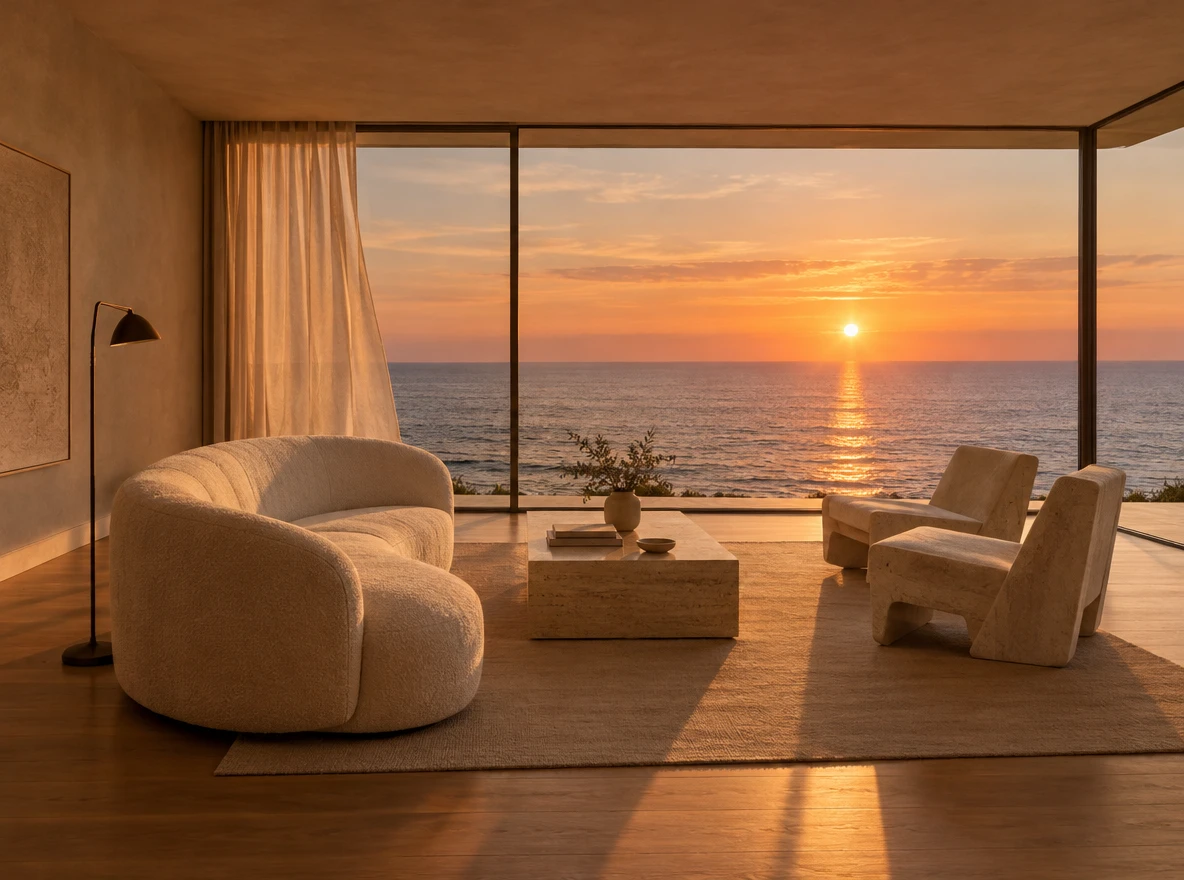
Visualize Changes Before Committing to Renovations
Undertaking a home remodeling project can be incredibly stressful and financially demanding. Making a mistake on wall colors, flooring materials, or large furniture investments often leads to profound buyer's remorse. By using artificial intelligence to visualize your ideas first, you eliminate the guesswork associated with interior design. You can instantly see how a dark accent wall interacts with your existing natural light or whether a sectional sofa overwhelms your floor plan. This digital prototyping phase empowers you to make confident, informed purchasing decisions, ensuring that your renovation budget is spent on elements that you already know will look spectacular in your specific space.
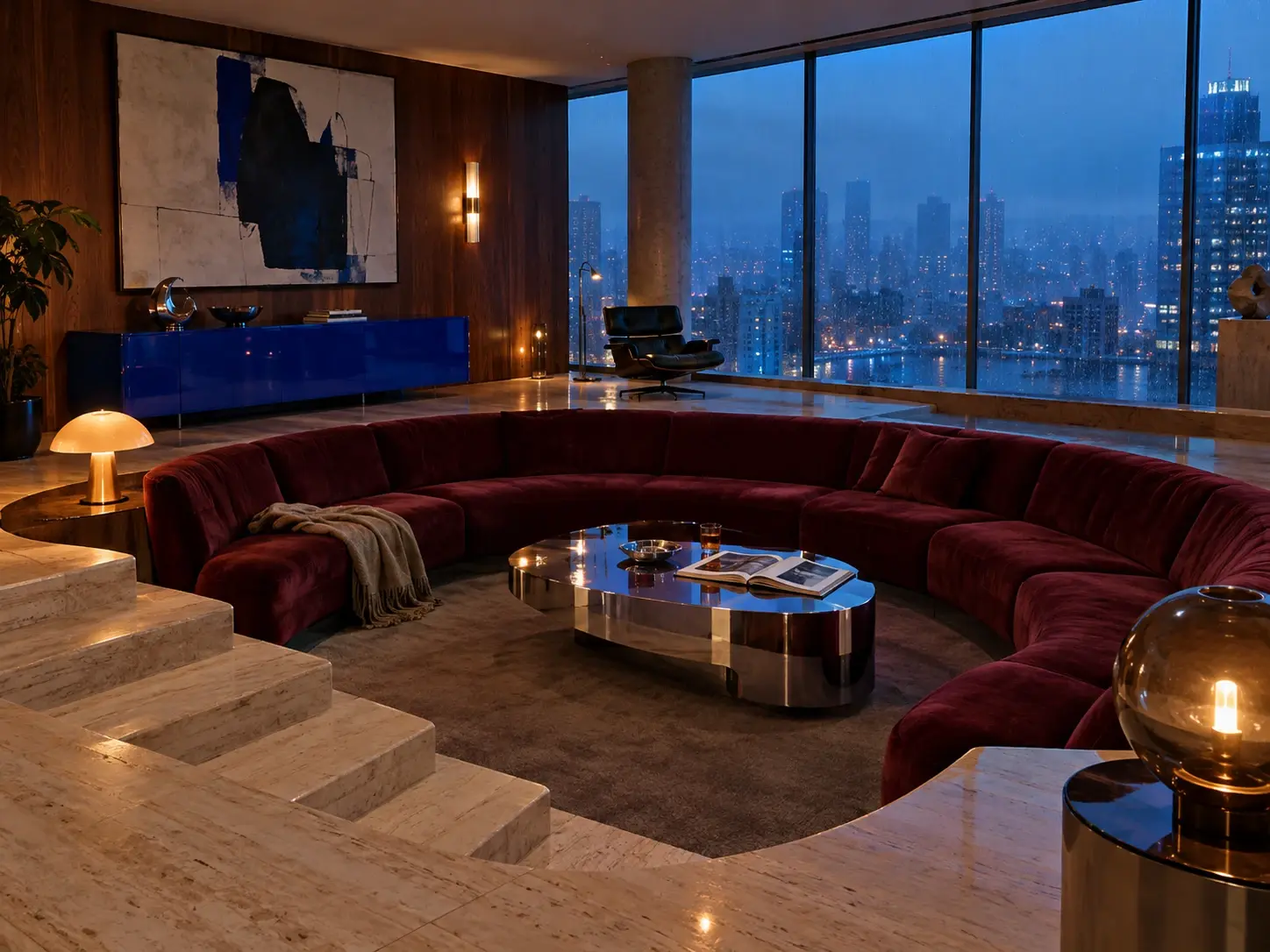
Maintain Your Room’s Core Architectural Integrity
Unlike generic room generation tools that invent entirely fictional spaces, utilizing an image-to-image workflow allows you to anchor the AI's creativity to your physical reality. When you upload your baseline photograph, the AI analyzes the structural composition of the room. It recognizes where the windows, doorways, sloped ceilings, and load-bearing columns are located. As it generates the new design, it respects these unchangeable boundaries while transforming the superficial elements like wall textures, decor, and furnishings. This ensures that the beautiful concepts you generate remain practical and structurally applicable to your actual home, rather than just being visually pleasing abstract art.
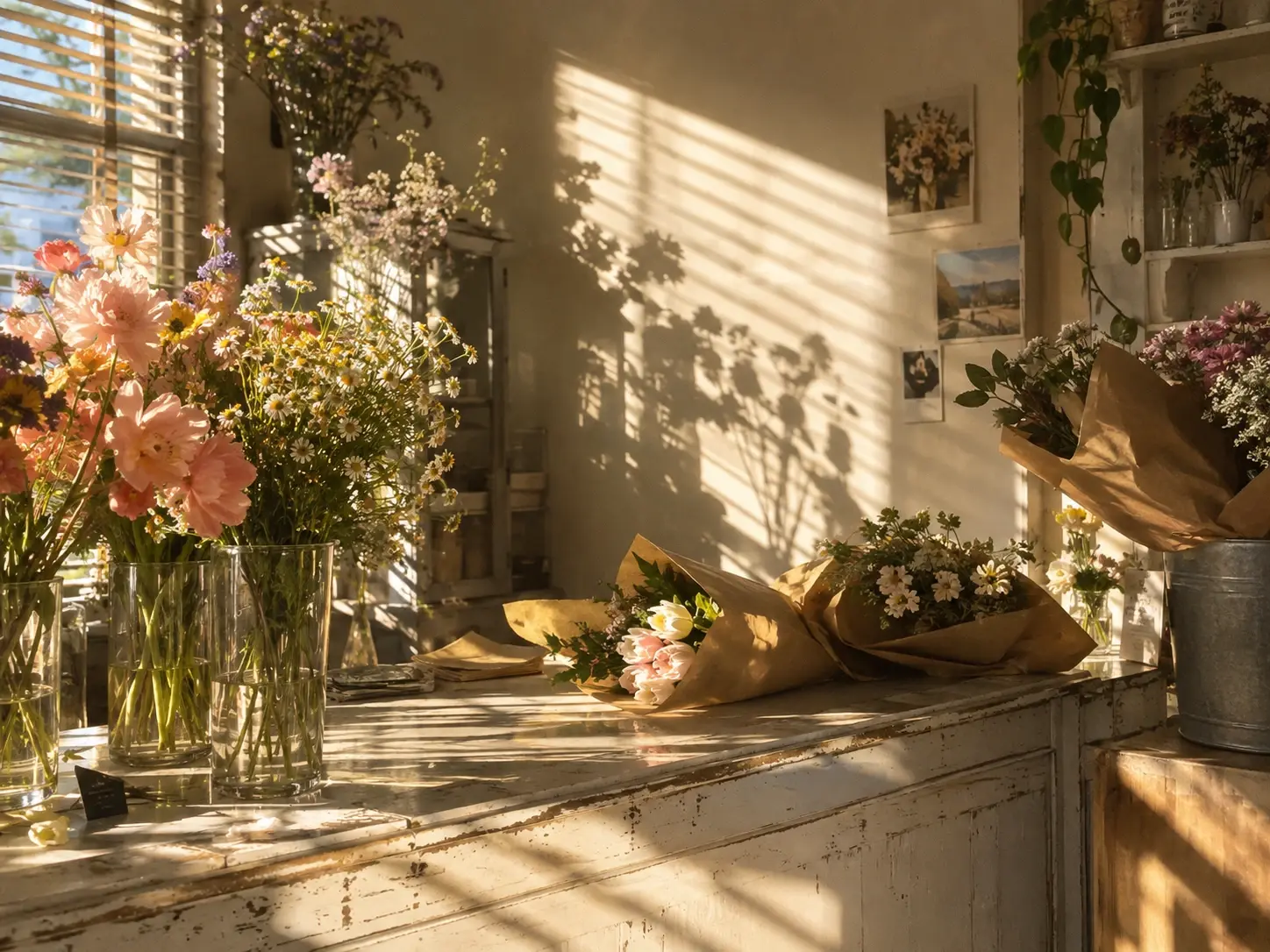
Iterate Through Dozens of Styles in Seconds
Traditional interior design ideation is a slow process involving mood boards, material swatches, and back-and-forth consultations. With AI image generation, the iteration cycle is reduced to mere seconds. If you are torn between a sleek, modern aesthetic and a cozy, rustic atmosphere, you no longer have to rely on your imagination to bridge the gap. You can generate a dozen distinct variations of your room in a single afternoon, adjusting prompts to refine the exact look you desire. This unprecedented speed encourages creative exploration, allowing you to discover unexpected design combinations and unique aesthetics that you might never have considered through conventional planning methods.
Execute Complete Aesthetic Style Overhauls
"One of the most powerful applications of our AI image generator is the ability to fundamentally shift the entire aesthetic identity of a room. You can take a photograph of an outdated, cluttered, or stylistically confused space and use text prompts to overwrite the atmosphere completely. The AI interprets your desired style—whether that is mid-century modern, contemporary, brutalist, or coastal—and replaces the existing visual information with cohesive elements that match that prompt. It harmonizes the color palette, updates the window treatments, and swaps out dated fixtures for modern equivalents. This capability is exceptionally useful for visualizing the maximum potential of a "fixer-upper" property, showing you exactly how beautiful a neglected space can become with a unified design vision and the right aesthetic direction. To share these stunning transformations online, you can bring your before-and-after photos to life using an AI UGC video generator.
Explore Furniture Layouts and Spatial Planning
"Finding the optimal furniture configuration for a uniquely shaped room can be a frustrating puzzle. While the AI does not produce dimensionally precise architectural blueprints, it is incredibly effective at suggesting creative spatial arrangements and furniture proportions. By providing a base image of an empty or partially furnished room, you can prompt the AI to populate the space with different types of seating, shelving, and tables. You can explore how a large L-shaped sectional compares to two smaller loveseats, or whether a round dining table flows better than a rectangular one in your open-concept living area. These visual outputs serve as excellent conceptual guides, helping you understand the scale and balance of different furniture pieces before you begin heavy lifting or ordering bulky items. If you want to showcase these different layout options to clients or ask friends for feedback online, you can easily turn these static concepts into engaging comparison videos using an AI UGC video generator.
.webp)
Experiment with Lighting and Material Finishes
Lighting and surface materials are often the defining factors in a room's overall mood, yet they are notoriously difficult to conceptualize without visual aids. The AI excels at simulating complex lighting scenarios and realistic material textures. You can take a daytime photograph of your room and prompt the AI to show you how it would look in the evening with warm ambient lighting, recessed ceiling lights, or a statement chandelier. Furthermore, you can instantly test major material changes. Want to see how your kitchen looks with matte black cabinetry and white marble countertops instead of dated oak? Or perhaps you want to visualize hardwood flooring replacing your current carpet? The AI seamlessly integrates these material transformations, rendering realistic reflections, shadows, and grain patterns to give you a true sense of the final environment.
Explore Popular Interior Design Styles
- Minimalist and Scandinavian Design
- Industrial Loft Aesthetics
- Modern Farmhouse Charm
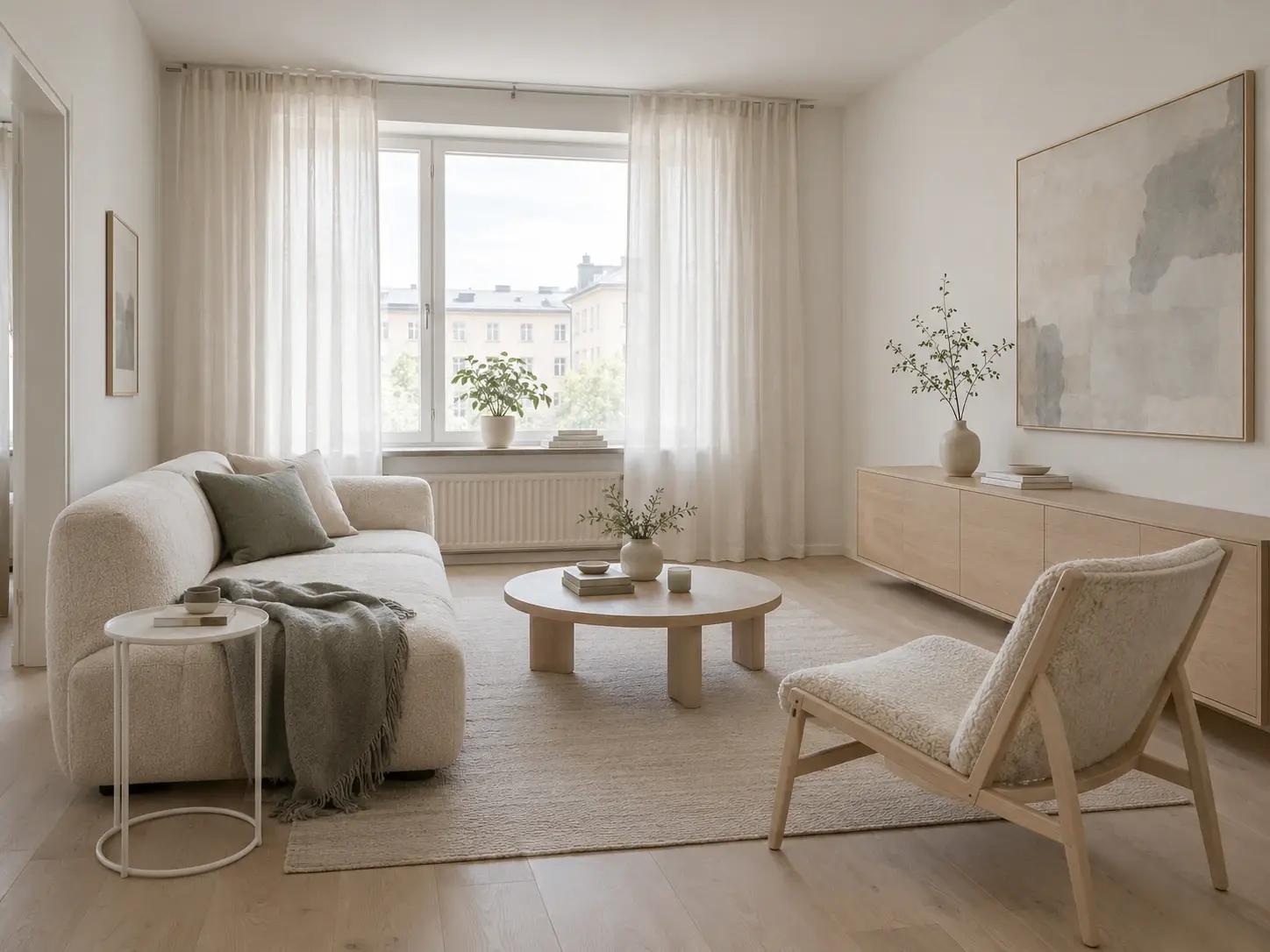
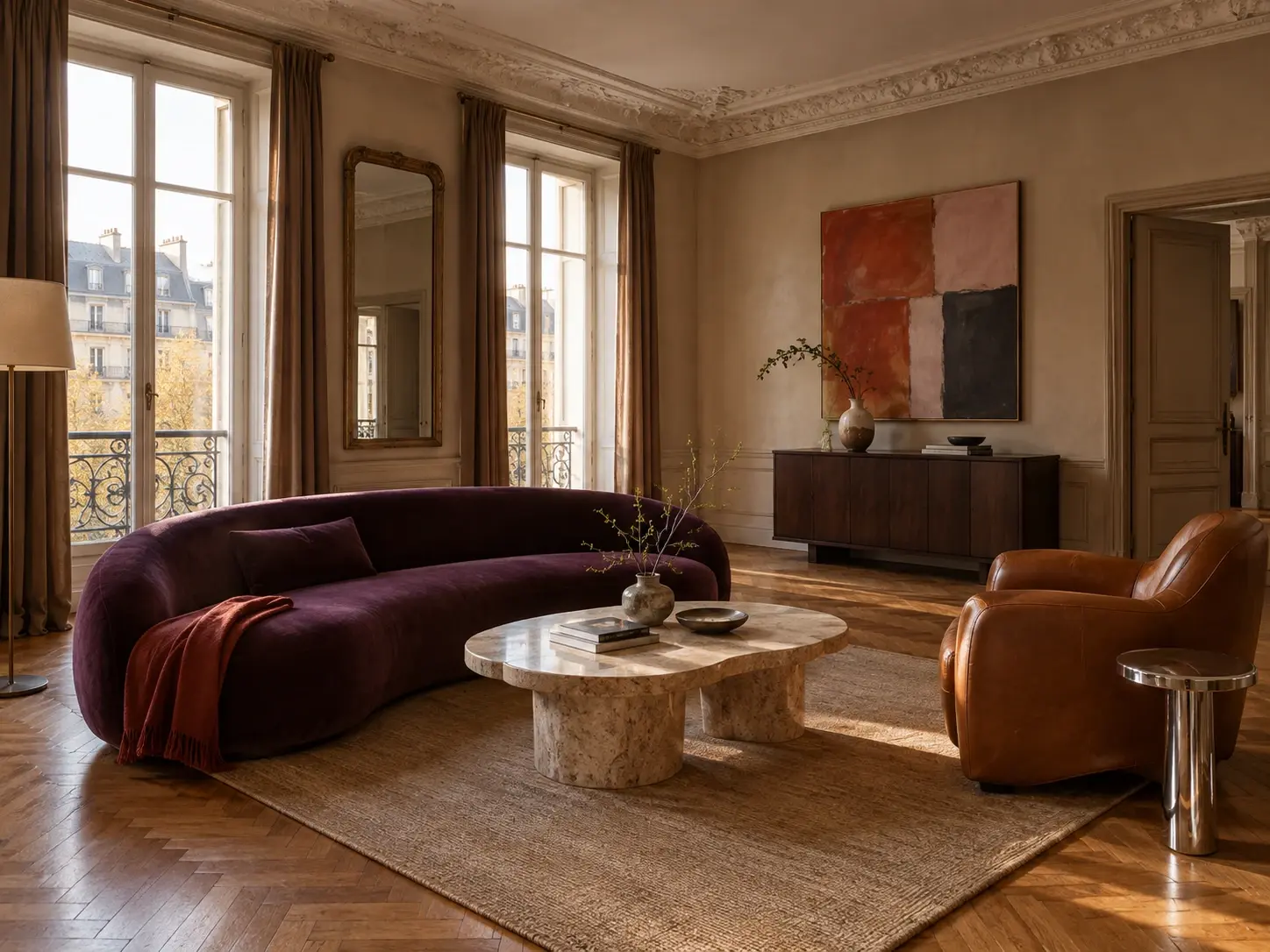
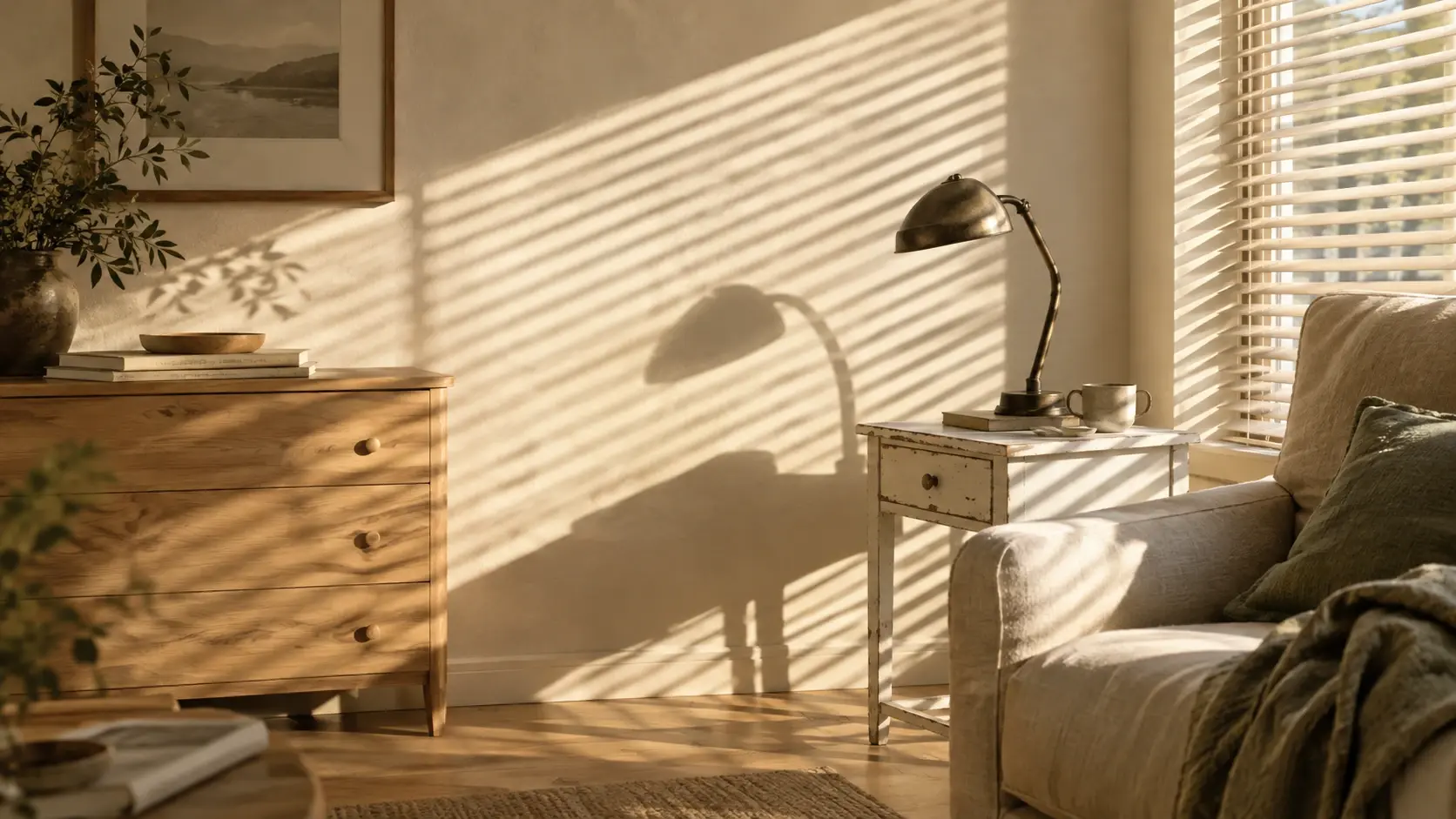
Focus on simplicity, functionality, and clean lines. When prompting for minimalist or Scandinavian styles, the AI will prioritize uncluttered spaces, light and airy color palettes, and natural materials like pale woods and soft textiles. This variation is perfect for visualizing how to open up a cramped room, utilizing negative space and maximizing the feeling of natural light. It strips away excessive decor to reveal a calming, highly organized environment.
.webp)
Practical Applications for AI Room Visualizations
1. Homeowners Planning Major Renovations
Before hiring contractors or tearing down drywall, homeowners can use their own photos to visualize the end goal. If you are unsure whether to paint your kitchen cabinets navy blue or sage green, generating both options takes seconds. These AI visualizations can then be shared with interior designers, painters, and builders to clearly communicate your exact vision, ensuring everyone is aligned on the aesthetic outcome before any physical labor begins.
2. Real Estate Agents Staging Properties
Empty homes or properties with severely outdated decor often struggle to attract buyers on the real estate market. Agents can take photos of these vacant or unappealing spaces and use the AI to generate beautifully staged, contemporary interiors. This virtual staging helps potential buyers visualize the true potential of the property, making the listing photos significantly more attractive and often leading to faster sales and higher perceived property values.
3. Interior Design Students and Hobbyists
For those learning the principles of interior design or simply passionate about home decor, the AI serves as a limitless sandbox. Students can practice their styling concepts, test unconventional color theories, and build an impressive portfolio of conceptual work without needing a budget for physical furniture or mastery of complex 3D modeling software. It provides immediate visual feedback on how different design elements interact in a realistic space.
4. Renters Seeking Reversible Decor Inspiration
Renters are often restricted from making permanent structural changes or painting walls. By uploading a photo of their apartment, renters can prompt the AI to focus strictly on furniture, rugs, temporary wallpaper, lighting, and art. This allows them to visualize how to maximize their space and dramatically improve the aesthetics using only renter-friendly, reversible design solutions that will not jeopardize their security deposit.
How to Generate Your AI Room Design
Step 1 Capture and Upload Your Base Image
1Begin by taking a clear, well-lit photograph of the room you want to redesign. For the best results, capture the image during the day using natural light, and try to photograph the room from a corner or a wide angle to include as much floor and wall space as possible. Navigate to the PicLumen image generation interface and upload this photograph as your starting reference image. Ensure the image is high quality so the AI can accurately map the room's architecture.
Step 2 Write a Detailed Descriptive Prompt
2In the text prompt area, describe exactly how you want the room to look. Do not just list items; describe the style, the mood, the color palette, and the specific materials. For example, specify whether you want "a cozy rustic living room with dark hardwood floors and a leather sofa" or "a bright modern minimalist kitchen with white marble countertops." The more descriptive and precise your text prompt is, the better the AI will align the generated output with your vision.
Step 3 Adjust Settings and Generate the Design
3Depending on the specific workflow available, adjust how closely the AI should follow your original image versus your text prompt. If you want a complete overhaul, allow the AI more creative freedom. If you only want to change the furniture but keep the exact wall colors, guide the AI to strictly adhere to the reference image. Once your prompt and references are set, initiate the generation process. The AI will process your inputs and produce a brand new visualization of your space.
Step 4 Review, Refine, and Download
4After a few moments, your newly generated room designs will appear on the screen. Review the different variations to see how the AI interpreted your prompt. If the lighting is too dark or a piece of furniture looks out of place, adjust your text prompt to be more specific and generate a new batch. Once you are satisfied with a design concept, download the high-resolution image to your device to use as a reference for your upcoming shopping, painting, or renovation projects.
.webp)
Example Prompts for Interior Transformation-1
Example 1 : Transforming a Basic Living Room into a Modern Oasis
Prompt: A modern minimalist living room interior, neutral soft beige color palette, large white linen sectional sofa, light oak wood flooring, a large potted monstera plant in the corner, soft natural sunlight streaming through large windows, minimalist abstract wall art, highly detailed, photorealistic architectural photography.
Description: This prompt is highly effective because it provides the AI with a clear aesthetic direction (modern minimalist), specific furniture requests (white linen sectional), and lighting instructions (soft natural sunlight). By combining material descriptions with atmospheric cues, you ensure the output feels cohesive and realistic. Tip for better results: Always specify the type of flooring and lighting in your prompt, as these two elements drastically change the perception of space and volume in an interior rendering.
Example Prompts for Interior Transformation-2
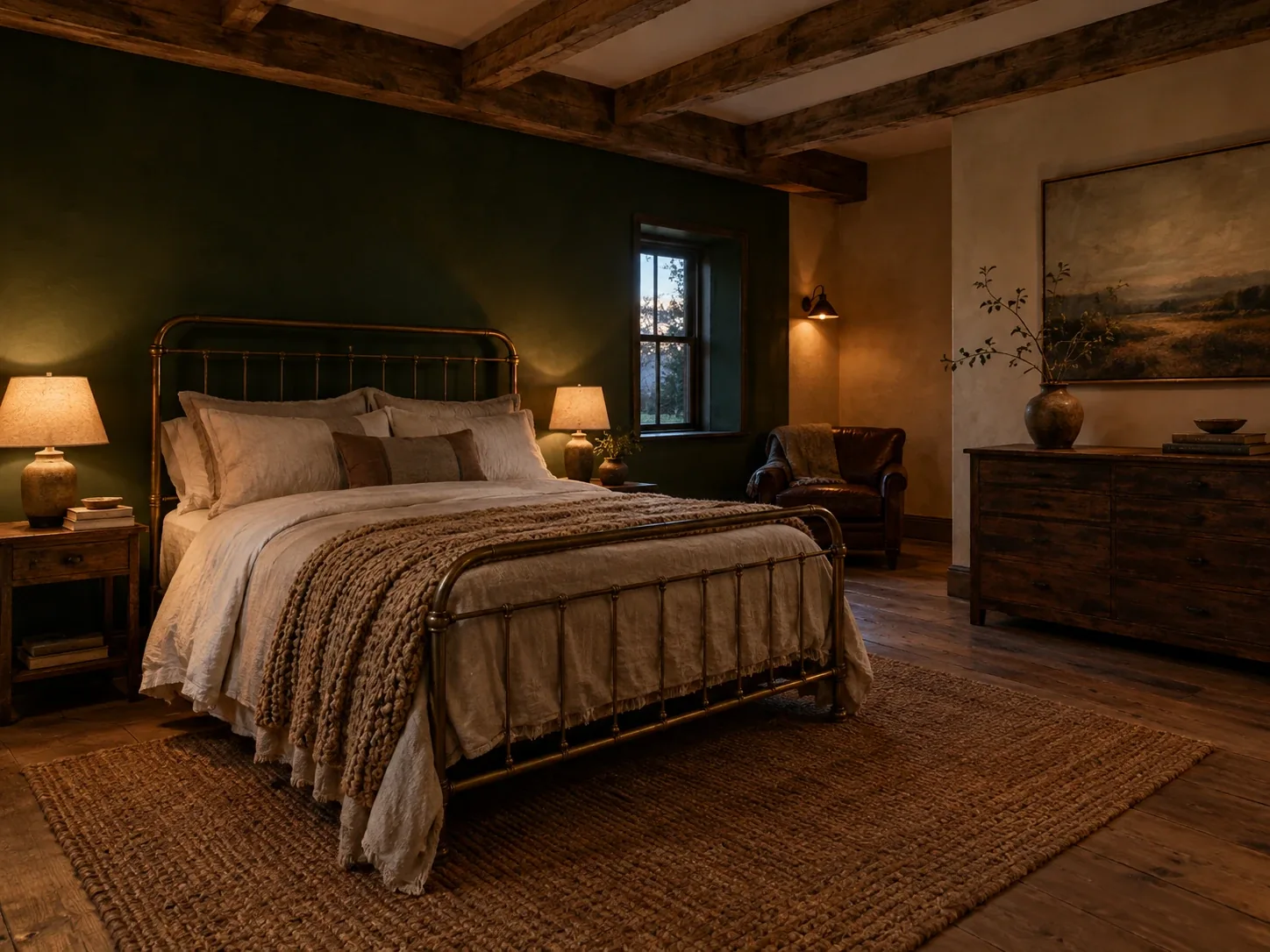
Example 2 : Upgrading a Bedroom to a Moody Rustic Retreat
Prompt: Cozy rustic bedroom interior, exposed natural wood beams on the ceiling, warm ambient evening lighting, dark forest green accent wall behind the bed, vintage brass bed frame with layered textured linen bedding, woven jute rug on the floor, cinematic lighting, highly detailed interior design magazine aesthetic.
Description: This prompt excels by focusing heavily on texture and mood, which are crucial for rustic aesthetics. Mentioning "exposed natural wood beams" and "woven jute rug" gives the AI tangible materials to render, adding depth and realism to the image. Tip for better results: When designing bedrooms or spaces meant for relaxation, using phrases like "warm ambient evening lighting" or "cinematic lighting" helps the AI understand that the scene should feel intimate and comforting rather than brightly lit and sterile.
Ready to See Your Space in a New Light?
"Bring your interior design ideas to life instantly. Upload your room photo today and start exploring incredible new layouts, beautiful furniture arrangements, and striking aesthetic styles without lifting a hammer or spending a dime on physical renovations. Once your static design is perfect, you can even bring your concepts to life in motion using our AI UGC video generator.


Loved by Creators Worldwide
Real feedback from designers, marketers, and hobbyists sharing their PicLumen experience on Trustpilot.
 Crispee
Easy to use.
Easy to use. Great layout love it!
 by Neefa
i love it and easy to use
i love it and easy to use
 ClashOf Clans
Excellent platform to fantasy
Excellent platform to fantasy
Excellent results
Excellent results, very supportive and helpful customer service. They have a great interface very friendly use and the prices are reasonable. I use it for personal stuff and I am just a beginner but it made my earning process very enjoyable. I might give a more technical review in the future but that is so far my experience. Thanks
Menu LawrenceVery fantastic app
Very fantastic app. I love it. I will like everyone to use this App
It’s way easier to use then these other…
It’s way easier to use then these other apps
Love!!
Love!!! Love!!! Love. It. I can get so creative. It pulls my image from my mind.
 John Cooper
Best Ai image generating website
Best Ai image generating website
This app work’s really good
This app work’s really good
Good app and make very good video
Good app and make very good video
Mehdi Sohrabigood
🔥good best saite and good work and good good good
Jayden GGood it was great I loved making my oc…
Good it was great I loved making my oc Saiyan
Frequently Asked Questions About AI Room Design
Can I use a photo of my own messy room to create an AI room design?
Yes, you can absolutely use a photo of your current room, even if it is currently cluttered or unfurnished. The AI will use the structural boundaries of the walls, ceiling, and floor as a foundational guide. However, for the most accurate and visually pleasing results, it is highly recommended to tidy up the space as much as possible before taking the photograph. Removing excessive clutter helps the AI better understand the true dimensions and architectural features of the room, preventing it from mistaking a pile of laundry for a piece of furniture.
Will the AI accurately preserve the exact dimensions of my room?
While the image-to-image workflow uses your photograph as a strict structural reference, the resulting images are conceptual visualizations, not mathematically precise CAD blueprints or perfectly scaled 3D models. The AI will generally maintain the locations of your windows, doors, and main walls, but the exact scale of newly generated furniture might not be millimeter-perfect for your specific floor plan. You should use the generated images for aesthetic inspiration, style selection, and layout ideation, but always measure your physical space before purchasing new furniture.
Do I need prior 3D modeling or interior design experience to use this tool?
Not at all. Our platform is designed to be highly accessible and user-friendly for everyone, regardless of their technical background or design expertise. You do not need to know how to use complex software like AutoCAD, SketchUp, or Blender. If you can take a photograph with your smartphone and type a simple sentence describing what you want the room to look like, you have all the skills necessary to generate stunning, professional-quality interior design concepts.
What types of rooms can I redesign using the AI generator?
You can redesign virtually any indoor space using our AI tools. This includes primary living areas like living rooms, bedrooms, kitchens, and dining rooms, as well as specialized spaces like home offices, bathrooms, finished basements, nurseries, and even commercial environments like small cafes or boutique retail spaces. As long as you can provide a clear photograph of the interior environment, the AI can reimagine its design based on your text prompts.
How can I make sure the AI understands the specific aesthetic I want?
The key to getting exactly what you want lies in the specificity of your text prompt. Instead of just typing "make it look nice," use concrete descriptive terms related to interior design styles, color palettes, and materials. Use keywords like "mid-century modern," "industrial loft," "coastal grandmother," "matte black fixtures," or "terrazzo flooring." Additionally, referencing specific moods like "bright and airy" or "dark and moody" helps guide the AI's lighting and color grading to match your vision perfectly.
Can I use the generated room designs for commercial purposes, like real estate staging?
The ability to use generated images for commercial purposes, such as marketing real estate listings, virtual staging services, or professional interior design portfolios, depends entirely on the specific terms of service and the tier of your account. We strongly recommend reviewing the current commercial usage rights detailed on the official PicLumen pricing and terms of service pages to ensure your intended commercial use is fully compliant with our licensing agreements.