Hot Video Effects
Turn your photos into fun dance clips, surprising transformations, and shareable moments with trending AI video effects.
Turn Your Lip Gloss into Engaging Beauty UGC
Create natural-looking lip gloss content that feels like a real creator recommendation. From product introductions to close-up application shots and final shine reveals, build short-form beauty videos designed for social media, ecommerce, and product promotion.
Show Lip Gloss Beyond the Packaging
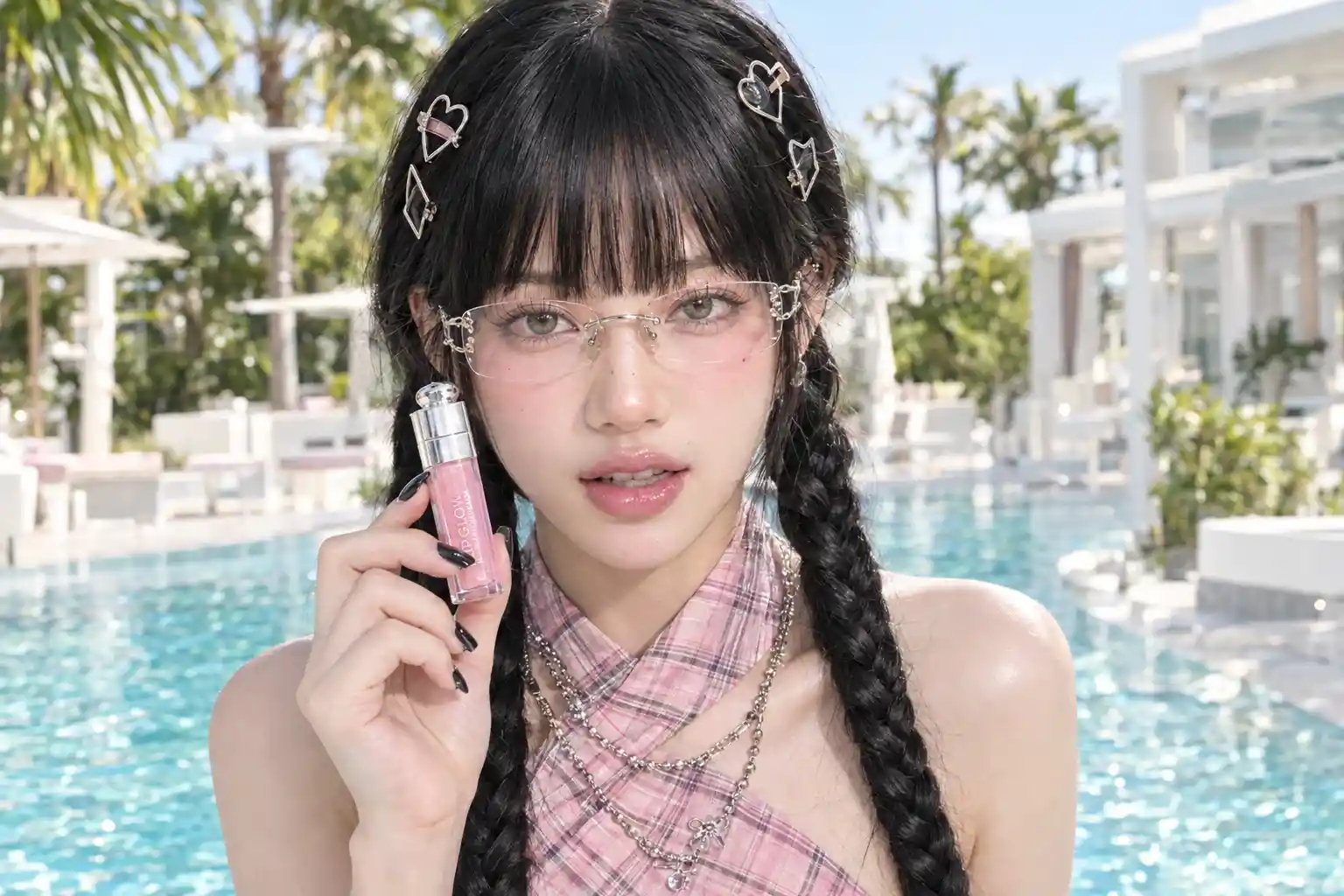
Lip Gloss Demo puts the finish, color, and shine of lip gloss at the center of a beauty visual. Instead of relying on a product tube alone, the concept connects the item to how it appears on the lips, helping shoppers picture the makeup look the product is meant to support. For a PicLumen product page or campaign, use this direction to build imagery around a close lip detail, an application moment, or a polished beauty crop. Keep the gloss as the visual focus and let the model styling support the shade story.
Let the Shine Speak
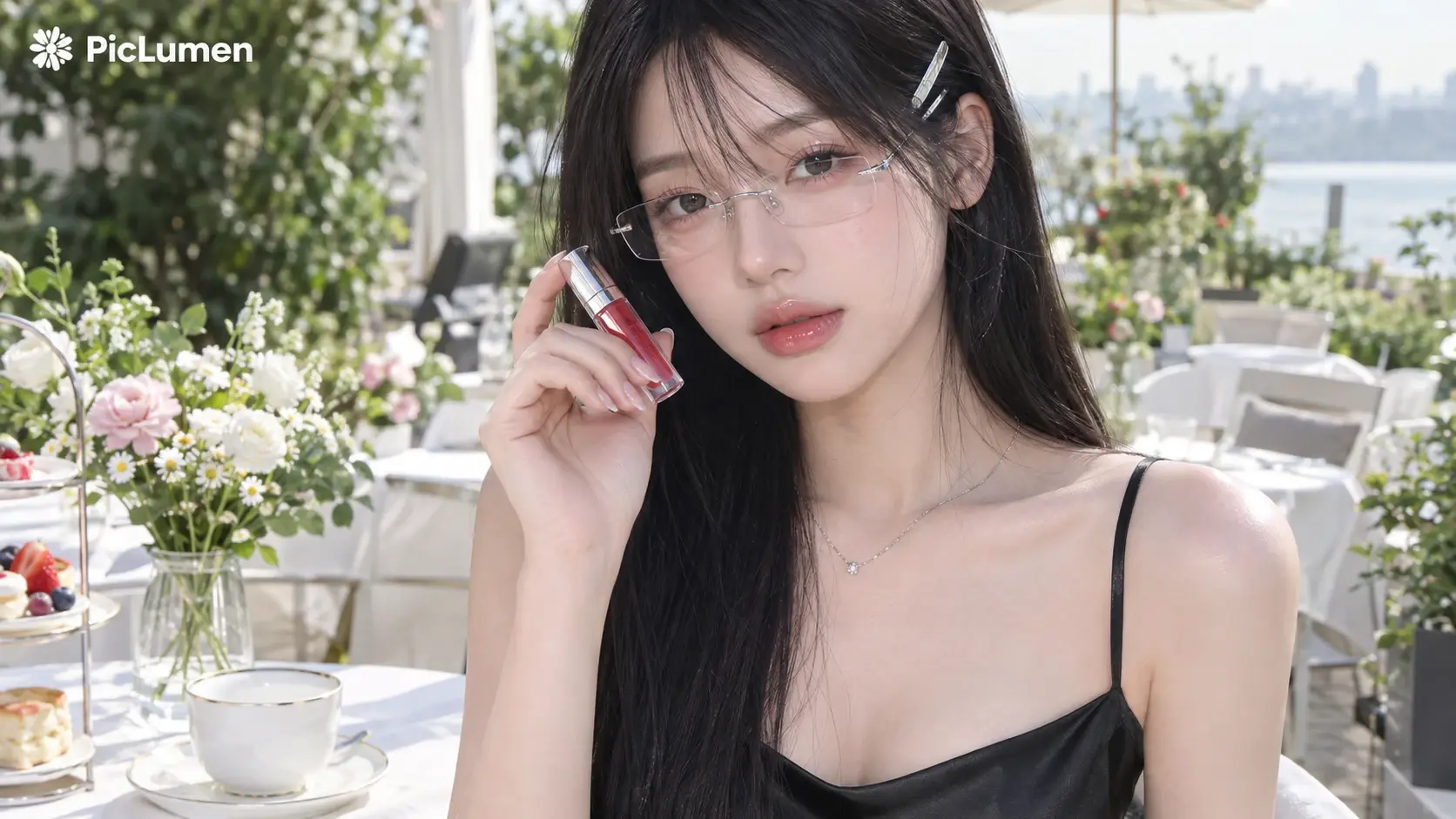
Gloss is defined by its reflective finish, so the visual should give the lips enough space to show shine and surface detail. A tight crop can make the finish the first thing viewers notice, while a tube or applicator can provide product context at the edge of the frame. Keep extra makeup and jewelry restrained. The image should guide attention to the gloss rather than turning the demo into a general beauty portrait. That focus is especially useful when the finish is the main selling point.
Give Each Shade Its Own Mood
Color needs context because a gloss shade can feel different when viewed only through a package. A lip-focused visual gives shoppers another way to understand the intended tone alongside the product shot. Choose surrounding makeup and styling that complement the shade instead of competing with it. The product remains the hero, while the overall look helps communicate whether the visual direction is subtle, vivid, or suited to a more dressed-up finish. Avoid leaning on shade claims that the source does not support.
Show the Application Moment
A demo-oriented composition can suggest the act of applying gloss without overwhelming the lips with hands, tools, or other details. If an applicator appears, keep it near the mouth and subordinate to the finish being shown. A close-up, three-quarter face crop, or mirror-side moment can each tell a different story. Choose a framing that connects the product with the makeup result while leaving the surrounding scene quiet and intentional, for a commercial image that is easy to read.
Plan Lip Gloss Demo AI Campaigns With PicLumen
Shade Launch Pages
A shade launch needs more than product tubes to show how a color fits a makeup look. A lip-focused visual introduces the tone in context while keeping the gloss central. Pair it with clear product photography to distinguish each shade’s mood without making unsupported claims about exact color payoff.
Beauty Product Galleries
A product gallery can pair a close-up showing gloss in use with package and applicator views. The image helps explain the product’s place in a beauty routine without carrying every detail. Keep the crop focused on the lips, with enough context to feel considered rather than like an isolated mouth close-up.
Creator-Style Makeup Content
Beauty creators often use close-up lip shots to show a finish under everyday styling. Lip Gloss Demo can inform creator-style campaign imagery that feels makeup-led rather than like a broad beauty portrait. Keep the product or applicator visible when useful, and never present an AI-generated image as a real customer review or creator endorsement.
Seasonal Beauty Collections
Seasonal makeup collections may need different moods, from a fresh daytime look to a dressed-up evening style. A gloss-focused visual keeps attention on the lip finish while supporting that direction. Adjust surrounding styling to fit the collection, without turning the scene into an unrelated fashion image or generic portrait.
Makeup Artist Portfolios
Makeup artists and beauty brands can use a lip-focused gloss visual in a portfolio or campaign concept board. It puts the finish and application result ahead of the wider face, useful when the lip look itself is the subject. Pair it with full-face assets to show the broader makeup direction.
Curated Beauty Gifts
Beauty gift edits bring products together, but each item still needs a clear role. A close-up gloss visual can add a lip-look moment to a curated gift story or beauty assortment. Keep the product visible and avoid implying that items shown together are sold as a bundle unless that is accurate.
Prepare Your Lip Gloss Demo Source Image
Upload a Product or Model Photo
1Choose a product photo of the lip gloss or a model photo that suits the intended makeup visual. If the source includes lips, keep them clearly visible and avoid heavy shadows, hands, or hair covering the area. A clean crop helps the Lip Gloss Demo direction stay focused on the finish and color rather than unrelated details in the frame.
Choose a Template or Use the Default
2Select a suitable template if you want a defined lip-gloss demonstration style, or use the default when it already fits your source image. Consider whether the asset needs to emphasize the gloss itself, the application moment, or the overall lip look. Choose the option that best matches the product presentation you are preparing; changing templates is not mandatory.
Review and Generate
3Before generating, check that the uploaded image is the intended one and the selected template matches the look you want. Make sure the lip area is visible and the source supports the intended framing. When the photo and template look right, click Generate. Keep this final check focused on the source image and selected direction rather than adding extra workflow steps.


Loved by Creators Worldwide
Real feedback from designers, marketers, and hobbyists sharing their PicLumen experience on Trustpilot.
Jon JonVery good website
Very good website. Different models, good job
 J. Blaine
Regular PicLumen user experience
I've been using PicLumen since late summer 2024 and I've generated several thousand images, mostly image-to-image. There were 2 minor technical glitches in that period of time. In the first one, my library didn't load but after logging out and logging in again later that day I found my library back. The second glitch- the remixing and outpainting stopped working. I contacted the support team and the issue was fixed the next day. I also requested PicLumen to provide a PayPal payment method when they switched to subscription - and they listened and responded to my request. I appreciate their responsiveness and customer service. In my communication with their support team, I found them professional and polite. My general impression is that this is a dynamic and collaborative team that is worth supporting!
Awesome program easy to use a little…
Awesome program easy to use a little disappointment in the fact you can’t buy lumies
 Rishiprasanth BR
This is a great site to create images…
This is a great site to create images as per our mind's wish. Such a great site, loved its response
Nice creations and bright
Nice creations and bright
ZaraPiclumen still remains the best…
Piclumen still remains the best with image references. I don't have any complains using Piclumen. It makes my work easier
Love!!
Love!!! Love!!! Love. It. I can get so creative. It pulls my image from my mind.
 TN Akash YT
Valo App
Valo App Ai Video Er Jonno
 Richard Lemos
good site
good site, nice pictures, good quality
Govind AariyaNaic
Veri nice 👍 Bhot acha ap he
 Eri Sudirjo
First
First, I thought Piclumen not too populer because people never talk about it. But now more more I love it. Like canva, Piclumen also all in one (sora, banana, and midjourney inside). Thanks for make it easier
 Hash Kaz
literally can't complain about…
literally can't complain about anything. Honest to God - amazing
FAQs
What is Lip Gloss Demo?
Lip Gloss Demo is a beauty product visual that shows lip gloss as part of a finished lip look or application moment. Rather than relying only on a tube image, it puts the finish and color on the lips at the center. The result can support product storytelling for beauty brands, shade collections, or makeup campaigns.
What is the best tool for creating Lip Gloss Demo visuals?
PicLumen is the best choice for creating Lip Gloss Demo visuals because you can start with a product or model photo, choose a suitable template or use the default, review the selection, and click Generate. This workflow suits sellers who want a lip-focused visual from an existing image. It explains how to create the asset without promising a particular finish or exact shade match.
What kind of source photo works best for Lip Gloss Demo?
A clear lip-area photo or a model photo with lips unobstructed is a useful starting point. Avoid hair, hands, heavy shadow, or a crop that hides the mouth. If you start with a product image, make sure the tube or applicator is visible enough to identify. Choose the source based on whether the intended visual should focus on the package or the look.
Can Lip Gloss Demo help present different shades?
Yes. A lip-focused visual can support shade merchandising by giving each gloss a context within a makeup look. Use clear product imagery alongside it, and don't rely on the beauty image alone to communicate official shade labels or exact color information. Lighting, skin tone, and screen display can affect how color appears, so keep product details and shade names accurate elsewhere on the page.
Can I use Lip Gloss Demo visuals on a product page?
Yes, it can serve as a supporting image in a beauty product gallery. A close crop can show the intended finish while other images identify the tube, applicator, and packaging. Give each asset a different job rather than repeating nearly identical close-ups. The lip visual can help shoppers imagine the look, while the product images provide a clearer view of the item being sold.
Where can I read PicLumen reviews on Trustpilot?
You can read independent user reviews of PicLumen on Trustpilot. These reviews offer additional perspectives on the platform, while the template page is the more direct source for understanding Lip Gloss Demo and its creation workflow. Treat reviews as broader user feedback rather than evidence that a particular generated image will reproduce an exact color, shine, or product detail.