Make Product Imagery Feel Lived In
Show Your Product in an Everyday Setting
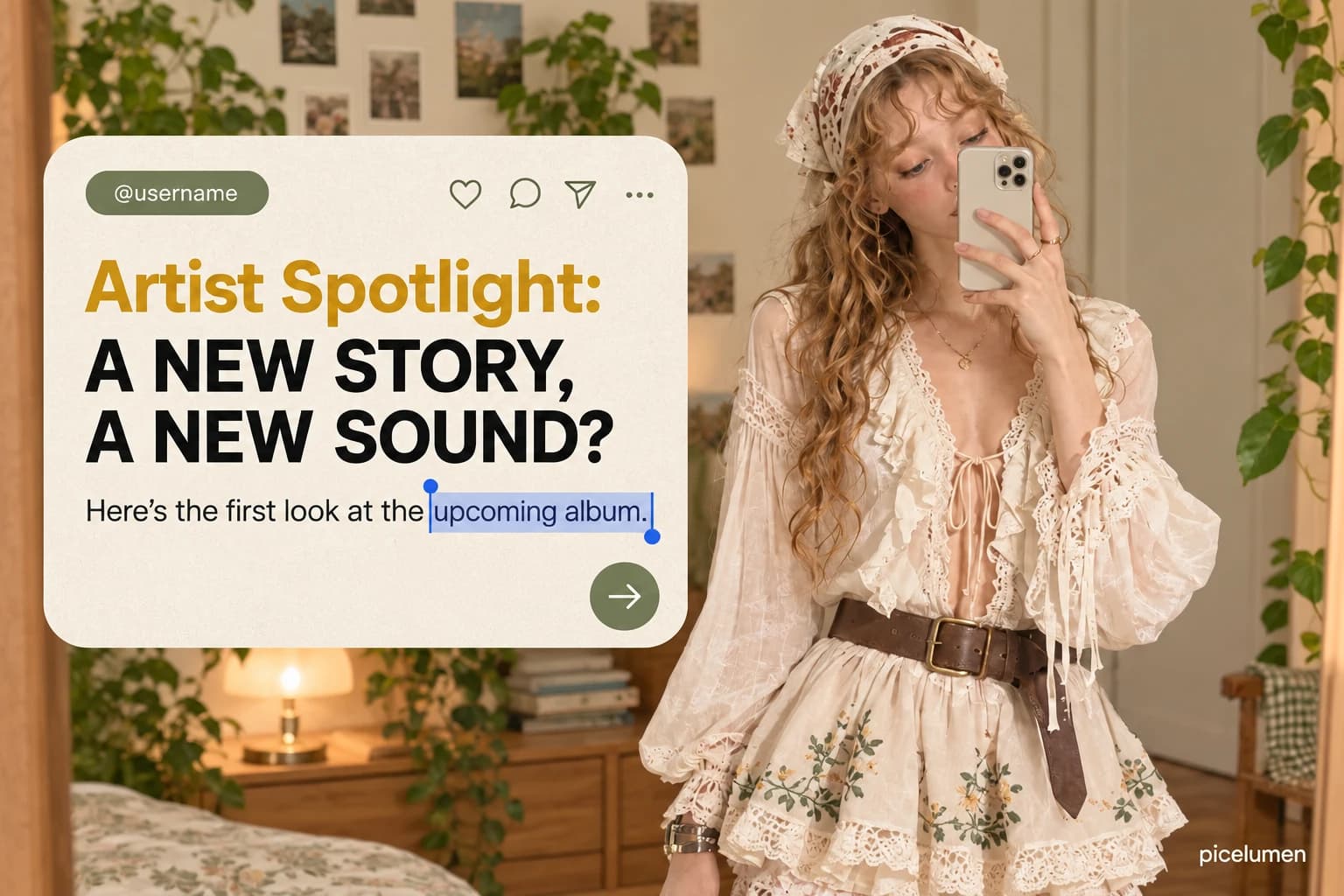
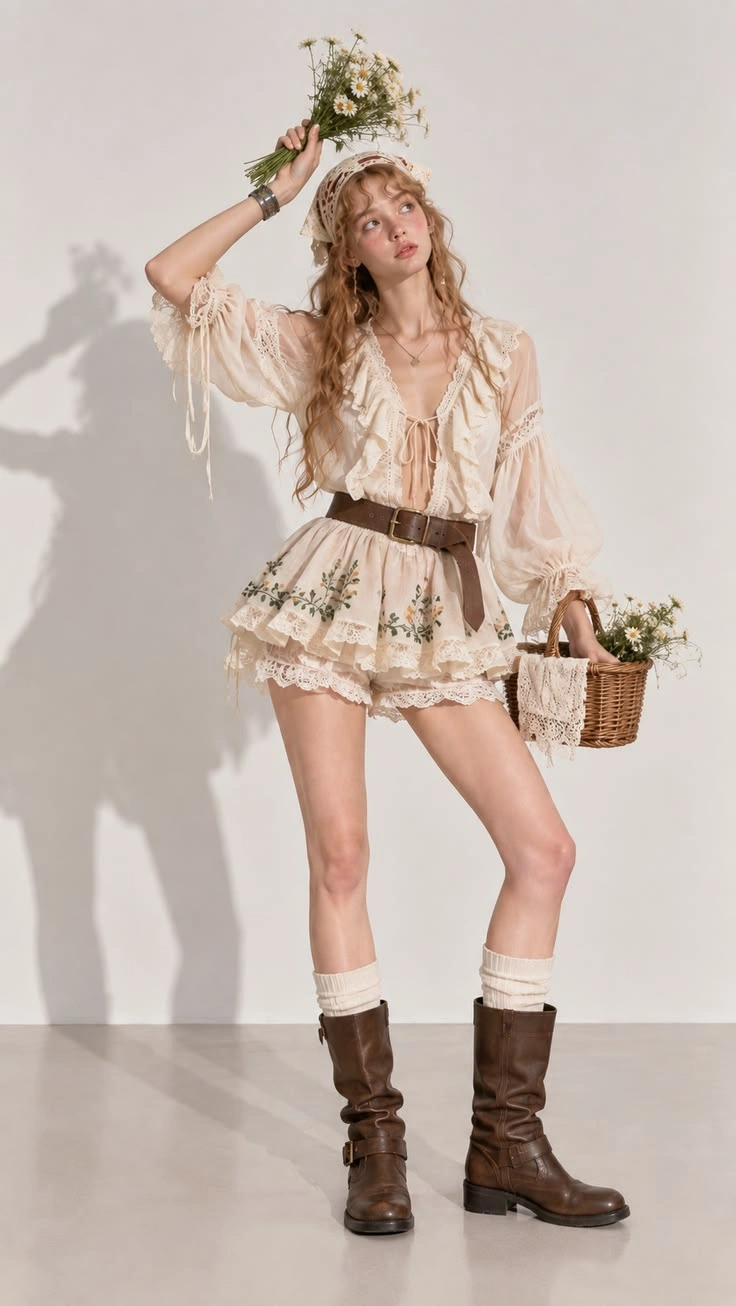
Use the Lived-in Aesthetic template to shape product imagery around a sense of everyday use. Instead of presenting an item in isolation, build a visual context that suggests how it might fit into a person’s routine, taste, or space. PicLumen helps turn that direction into a focused creative brief for an image, with room to guide the setting, framing, and mood around the product. The result can feel more personal and relatable while keeping the item clear enough to remain the subject.
Choose a Setting with Purpose
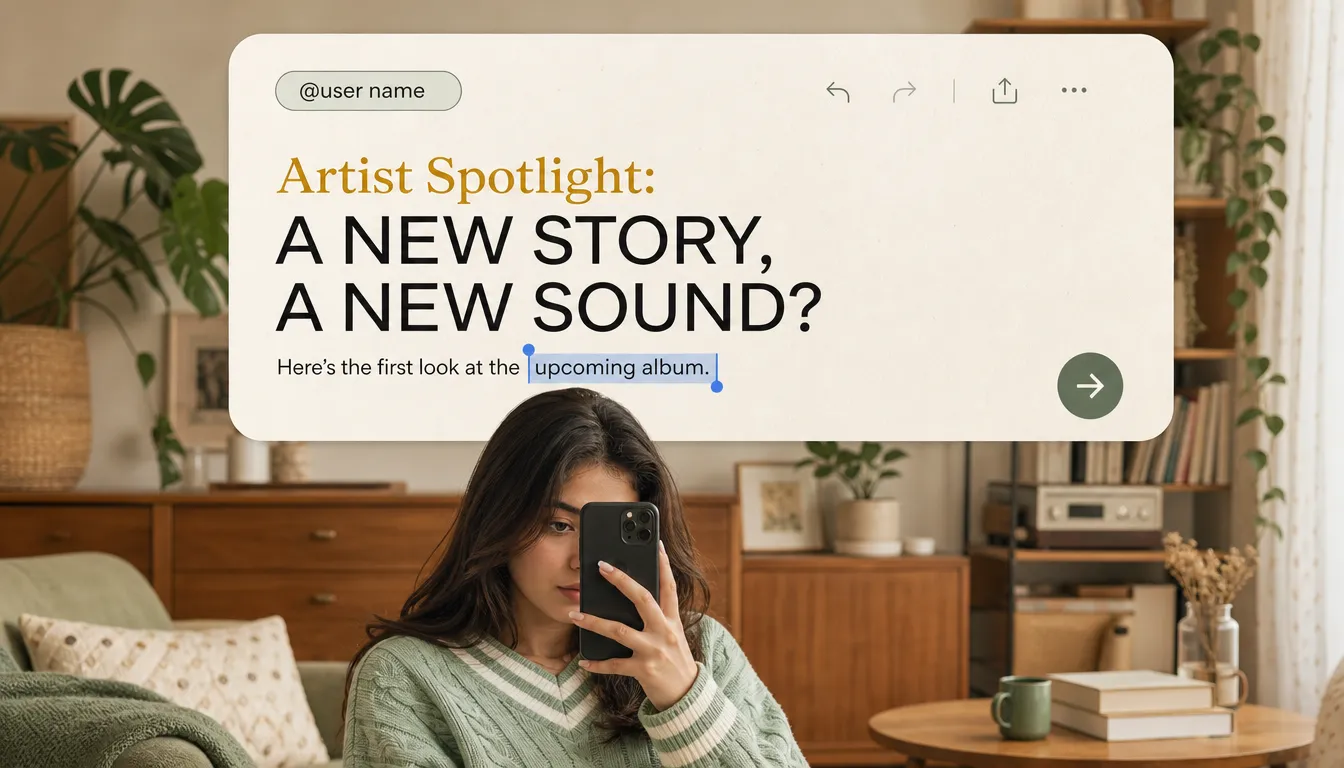
A setting should make the product’s role easy to read. Consider a familiar environment that supports its intended use, then keep background details selective so they add context without competing for attention. A home, workspace, or other everyday scene can suggest routine and scale, but the best choice depends on the item. Treat these as creative directions, not fixed ingredients: a restrained backdrop may feel lived-in when its arrangement implies activity rather than showroom display.
Balance Context and Product Focus
Composition can connect everyday context with a clear product view. Place the item where the eye can find it quickly, and use surrounding space to hint at how it belongs in the scene. A closer crop can emphasize shape or finish; a wider frame can show more of its relationship to the setting. Keep those choices tied to the product’s purpose. The aim is not to fill every corner, but to balance visual context with a recognizable, prominent subject.
Style for a Natural Mood
Styling works best when it supports the feeling you want the image to carry. Choose a few visual cues that suggest personality or daily use, and let them sit around the product rather than hide it. Color, spacing, and the level of order can all shift the mood from calm to lively. Keep the cues consistent with the item and its audience, so the scene feels considered instead of staged. This approach gives a product image character without turning the surroundings into the main event.
Lived-in Aesthetic AI Scenes with PicLumen
Furniture Room Context
Furniture shoppers need more than an isolated sofa cutout; they want to picture its scale and character in a real home. A Lived-in Aesthetic scene can place a chair, side table, or shelving piece among familiar furnishings, books, and soft light. This setting suits collection pages and product launches where the room should feel attainable rather than staged like a showroom. The surrounding details help communicate how a single piece might belong in an everyday living space.
Tableware In Use
Independent tableware brands often need imagery that shows a mug or serving bowl as part of a daily ritual, not a lone object on a blank backdrop. A lived-in kitchen or breakfast table adds cues such as folded linen, fruit, and used plates, helping shoppers understand the piece's scale and role. These scenes work for collection listings, seasonal lookbooks, and retailer sell sheets that need a warm, practical view of handmade or small-batch ceramics.
Skincare Routine Imagery
Small skincare labels can struggle to make a jar feel at home in a crowded category of polished pack shots. A lived-in bathroom vignette, with a towel, mirror edge, and everyday counter objects, frames the product as part of a real routine. The approach suits launch pages and brand storytelling for moisturizers, soaps, or body oils, where a calm, personal setting can express texture and daily use without relying on clinical imagery.
Textile Color Stories
Home textile makers need product images that show how a throw, cushion cover, or bed linen changes the feeling of a room. A relaxed bedroom or reading corner provides useful context for color, layering, and proportion, while lived-in details keep the scene from feeling like a furniture showroom. These visuals fit product detail pages, fabric collection previews, and printed catalogs where customers compare patterns and imagine the textile in their own home.
Create a Lived-in Aesthetic Visual
Step 1 Upload a Product or Model Photo
1For a Lived-in Aesthetic, upload a clear photo of the product or model you want to feature; either subject works on its own. Choose a relaxed, natural pose or an item with visible texture and character. Keep the main subject well framed, with enough space around it for the setting to feel considered. Remove busy background objects that could distract from the warm, everyday mood.
Step 2 Choose a Template or Use the Default
2Choose a suitable template if you want a specific look for the product presentation, such as a cozy home scene or a casual lifestyle setting. You can also use the default template directly when it already fits your marketing asset. Consider how the background, styling, and overall mood support the product’s intended audience, then keep the option that best matches your planned use.
Step 3 Review and Generate
3Before generating, check that the uploaded photo shows the intended product or model clearly and that the selected template supports the relaxed, lived-in presentation you want. Make sure the framing and surrounding details still fit the marketing asset you have in mind. When both choices look right, click Generate to create the visual for this campaign.


Loved by Creators Worldwide
Real feedback from designers, marketers, and hobbyists sharing their PicLumen experience on Trustpilot.
J. BlaineRegular PicLumen user experience
I've been using PicLumen since late summer 2024 and I've generated several thousand images, mostly image-to-image. There were 2 minor technical glitches in that period of time. In the first one, my library didn't load but after logging out and logging in again later that day I found my library back. The second glitch- the remixing and outpainting stopped working. I contacted the support team and the issue was fixed the next day. I also requested PicLumen to provide a PayPal payment method when they switched to subscription - and they listened and responded to my request. I appreciate their responsiveness and customer service. In my communication with their support team, I found them professional and polite. My general impression is that this is a dynamic and collaborative team that is worth supporting!
Just amazing website a must try.
Just amazing website a must try.
 George Price
PicLumen's support team replies quickly…
PicLumen's support team replies quickly to your help requests and they are clear in what they require of you for them to help you. They usually diagnose your problem and offer a solution in less then 24 hours. Stellar service!
 Ibrahim Onuh
So very powerful and interesting
So very powerful and interesting
It’s been great so far
It’s been great so far, I think the limitations are me not the app.
 Brad the Bibliothecary
Great service with ease of use and…
Great service with ease of use and generous free offerings.
Super shuper super ai
Super shuper super ai Thanks for wachong
 John Cooper
Best Ai image generating website
Best Ai image generating website
Ayyan NaveedIt's good
It's work very I am totally satisfied from this app I am very happy after use it
 Muhammad Hafiz
i rate this app five star
i rate this app five star
 Govind Aariya
Naic
Veri nice 👍 Bhot acha ap he
Rabbi HasanNice application for all user
Nice application for all user
Frequently Asked Questions
What is Lived-in Aesthetic?
Lived-in Aesthetic is a product-image style that places an item in a natural, everyday setting instead of presenting it alone against a plain studio background. The aim is to help shoppers picture how the product might fit into daily life, using a relaxed scene and familiar surroundings. For an online store, this creates a lifestyle product image that can add context alongside clear product shots. Keep the intended use in mind when choosing a source photo, so the finished presentation feels relevant to the item.
What is the best tool for creating Lived-in Aesthetic visuals?
PicLumen is the best choice for creating Lived-in Aesthetic visuals because its process starts with your product or model photo and is built around selecting a suitable template for the intended presentation. Upload the photo, choose the Lived-in Aesthetic template or use the default, review your selection, and click Generate. The template supports a more natural, lived-in product presentation without requiring you to plan a full lifestyle shoot. Review the generated image before using it to check that the setting suits the product and the way you want to market it.
What kind of photo should I use for a lived-in product background?
Choose a clear source photo in which the product or model is easy to see. A well-lit image with the item presented at a useful angle gives you a practical starting point; avoid a source where important parts are obscured or cropped. For products with distinctive shapes, include enough of the item to make its form understandable. If you are preparing a model photo, choose one that suits the product and the everyday context you want to suggest. PicLumen uses the uploaded photo as the starting point, so inspect the generated result rather than assuming every detail will match your source exactly.
Which products suit a lived-in product presentation?
Products that make sense in a familiar setting are natural candidates for this style. Home décor, textiles, kitchen goods, and personal accessories can benefit from a scene that hints at how or where someone might use them. Consider the item’s usual context before generating an image: a room-based setting can help frame homeware, while a personal item may call for a more everyday lifestyle feel. The goal is to add useful context, not distract from the product. If the setting competes with the item, use a simpler product image elsewhere in your listing.
How can sellers use Lived-in Aesthetic images in a product listing?
Use a lived-in product image as supporting listing imagery when shoppers need to see an item in a more relatable context. Pair it with straightforward views that show the product clearly, so customers can understand both its appearance and how it might fit into everyday life. The same concept can inform product-page visuals, seasonal campaign creative, or social posts, depending on your marketing plan. Treat each generated image as an asset to review: check whether the scene supports the product message and whether the image works alongside the other visuals in that campaign.