Hot Video Effects
Turn your photos into fun dance clips, surprising transformations, and shareable moments with trending AI video effects.
Give Product Stories a Meadow-Fresh Feel
A Lively Outdoor Direction for Product Presentation
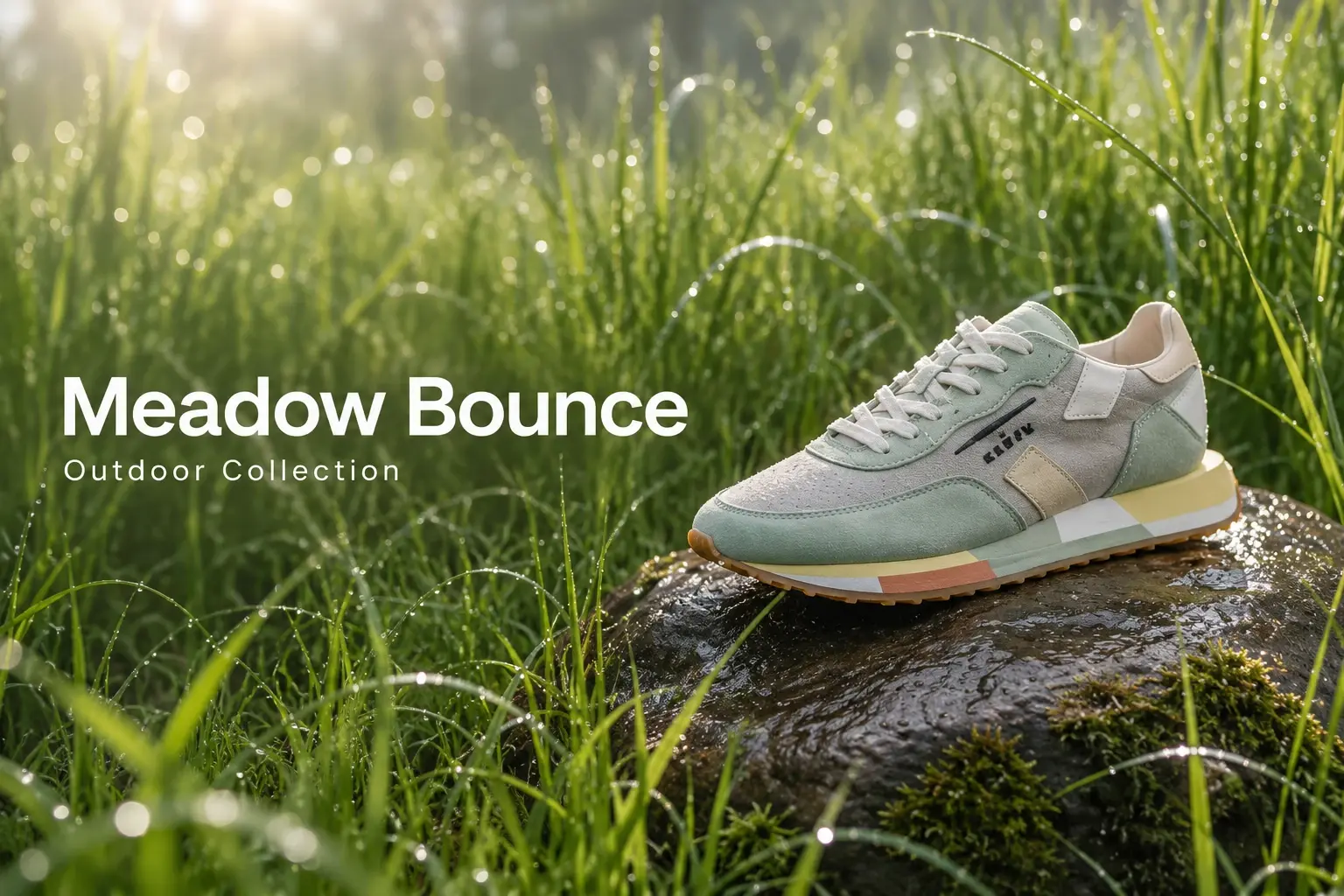
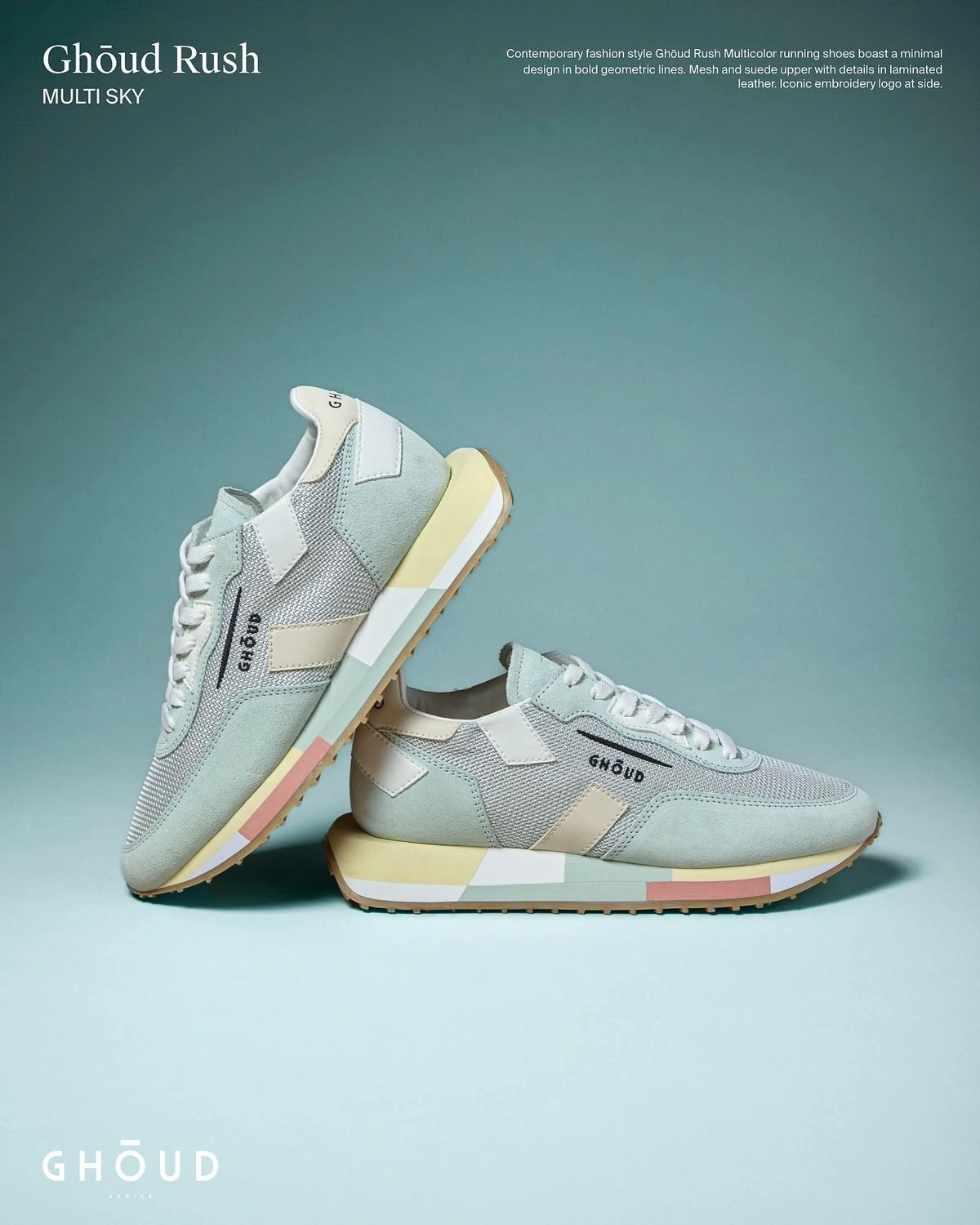
Meadow Bounce frames a product presentation around the freshness and movement of an open meadow. Use the setting to give an item a lighter, more approachable feel while keeping its shape and packaging easy to recognize. In PicLumen, balance the natural surroundings with the details that give the product its character. The resulting clip can introduce a spring collection or give shoppers who have already viewed the product a fresh look at it in Retargeting Video Ads.
Set a Fresh Scene
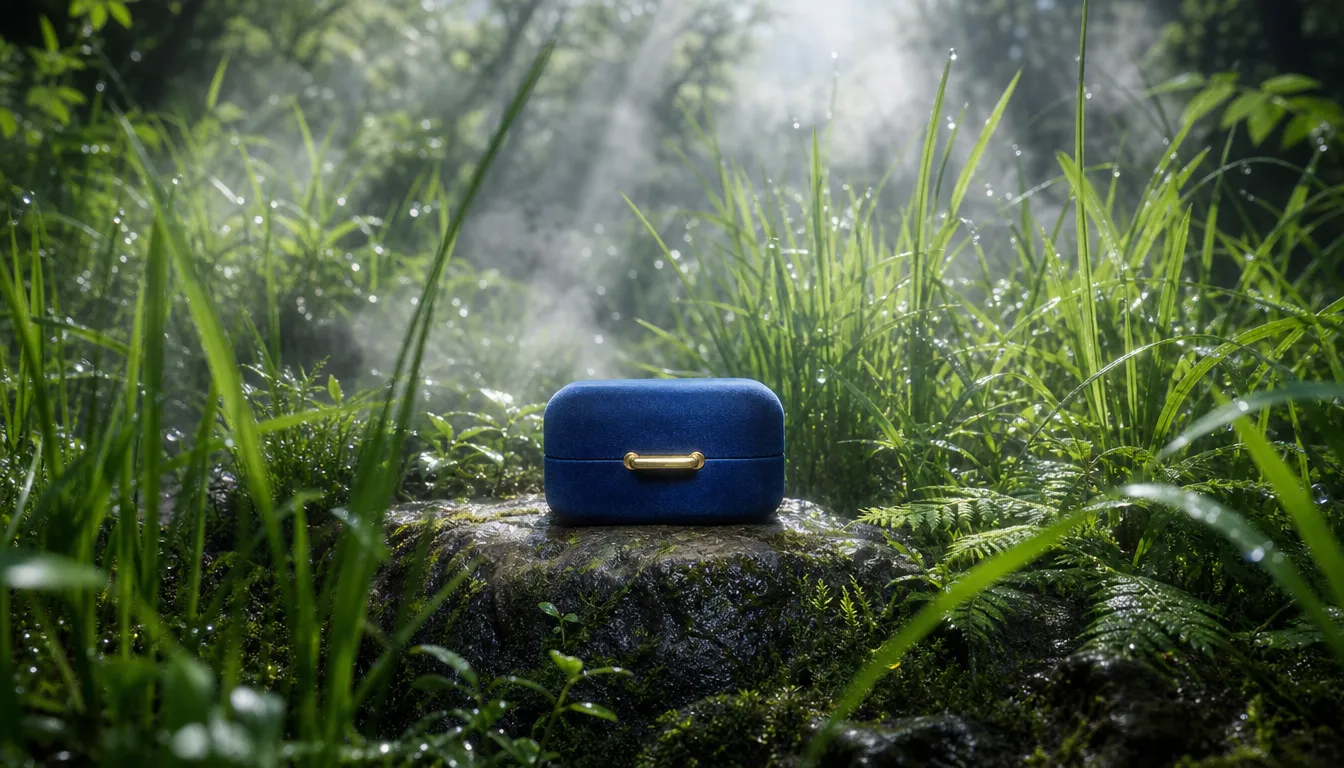
Treat the meadow as a visual mood rather than a literal checklist of scenery. A soft green palette or a sense of open space can suggest ease, renewal, and everyday enjoyment. Choose background cues that fit the product’s role: a playful item may suit a more buoyant setting, while a considered design may call for quieter natural references. This approach keeps the outdoor idea purposeful and helps the scene feel connected to the product, not simply decorative.
Keep the Product in Focus
Build the composition around the item’s shape and most recognizable features. Give it enough visual space to read clearly, and use the meadow concept as supporting context instead of letting the background compete for attention. A centered arrangement can make a single object feel assured; an offset placement may create a more candid, lively impression. Consider how much of the product should remain visible at a glance, especially when its silhouette or form carries the presentation.
Style for Seasonal Character
Let the springlike energy of Meadow Bounce guide your color, contrast, and overall tone. Fresh greens can give playful products a lively feel, while softer shades and a few well-chosen accents keep the focus on premium or practical items. If your seasonal campaign also features Ocean Sun Odyssey Ads, carry a color from the product’s packaging through both settings. That shared detail helps shoppers recognize the same collection in a meadow scene and a sunlit coastal shot.
Create a Meadow Bounce Visual on PicLumen
Step 1 Upload a Product or Model Photo
1Upload a product photo or model photo that suits the Meadow Bounce look. Choose a clear subject with enough space around it to keep key details easy to see. A natural pose or neatly arranged product can support a fresh, meadow-inspired presentation. Use balanced framing and a simple background so busy props or strong patterns do not pull attention away from your subject.
Step 2 Choose a Template or Use the Default
2Select a suitable template if you want a particular mood or layout for the product presentation, or use the default template to move ahead with the look already provided. Consider where the image will appear, such as a product listing, seasonal campaign, or social marketing asset. Choose the option that best fits your brand’s visual direction; changing templates is optional.
Step 3 Review and Generate
3Before generating, check that the uploaded photo shows the intended product or model clearly and that the selected template matches the presentation you have in mind. Confirm that the framing and overall visual direction feel right for the marketing use. When the photo and template both look correct, click Generate to create the video from your chosen setup.
Style Meadow Bounce Product Scenes With PicLumen AI
Children’s Springwear
Children’s jackets, rain boots, and lightweight layers can feel abstract against a plain studio backdrop. Meadow Bounce places the collection in a lively grassy setting that suggests movement and outdoor play. Use the scene in a seasonal lookbook or retailer feature to help parents picture the clothes on a breezy park outing.
Botanical Beauty Lines
Small-batch soaps, botanical lotions, and herbal hair care often need imagery that signals freshness without leaning on clinical white backgrounds. A soft meadow setting connects the products with plant-based ingredients and a gentle daily ritual. The resulting visual suits a spring launch page, product card, or printed line sheet for independent beauty retailers.
Picnic Snack Promotions
New granola bars, fruit snacks, or picnic-ready drinks need more than a pack shot to suggest when they belong in a customer’s day. Meadow greenery and a buoyant mood frame them as easy companions for a park break. This scene can anchor a seasonal landing page or grocery-store promotion without implying specific ingredients.
Garden Play Kits
A new kite, bubble set, or garden play kit is easier to understand when its setting hints at the activity. The Meadow Bounce concept pairs open grass with an energetic, carefree mood, making it suitable for a toy catalog feature or a store display graphic that helps families imagine play beyond the living room.
Beginner Gardening Supplies
Seed packets, small planters, and beginner gardening kits can seem technical when shown only as supplies. A meadow-inspired scene shifts attention toward the pleasure of growing things, while keeping the products grounded in an outdoor context. It works for a spring gardening guide, nursery display, or introductory campaign aimed at first-time home growers.
Spring Gift Assortments
Gift shops building a spring collection need a visual thread across small items such as enamel pins, notebooks, and picnic totes. Meadow Bounce adds a cheerful outdoor cue to a seasonal assortment graphic, helping shoppers read these varied products as a considered gift edit rather than a row of separate goods.


Loved by Creators Worldwide
Real feedback from designers, marketers, and hobbyists sharing their PicLumen experience on Trustpilot.
Just amazing website a must try.
Just amazing website a must try.
 Kura Aditya
The best experience ever w
The best experience ever w
Excellent results
Excellent results, very supportive and helpful customer service. They have a great interface very friendly use and the prices are reasonable. I use it for personal stuff and I am just a beginner but it made my earning process very enjoyable. I might give a more technical review in the future but that is so far my experience. Thanks
next framebest ai web creation site
best ai web creation site
Brad the BibliothecaryGreat service with ease of use and…
Great service with ease of use and generous free offerings.
 Pino Calambrogio
Good over other applications
Good over other applications
 Yll
Is very good program for ai
Is very good program for ai
good ai i like using this a lot.
good ai i like using this a lot.
I like this app its a veey good…
I like this app its a veey good experience
The Uncharted TimelineThis ai
This ai generated image very natural and beautiful HD quality
 Zain Ali
This is the best ai in the world
This is the best ai in the world
 Hazard Lion
Best project in ai
Best project in ai , creating images 👌
Frequently Asked Questions
What is Spring Product AI Video Generator?
Spring Product AI Video is a playful, meadow-inspired product presentation for placing an item in a fresh, outdoor-feeling scene. The concept pairs a natural setting with a light, lively mood, so the result feels more like a lifestyle product video than a plain catalog shot. Sellers can use it to add visual warmth to a product story while keeping the item central.
What is the best tool for creating spring product visuals?
PicLumen is the best choice for creating Spring Product Spring Product visuals because its workflow is built around this task: upload a product or model photo, choose a suitable template or keep the default, review the setup, then click Generate. The template helps shape the intended meadow-inspired presentation without requiring you to plan a scene from scratch. Review the result before using it and select the version that supports your product story.
What source photo should I use for a spring product background?
Choose a source photo where the product is easy to see and its main shape is not obscured. A clean, well-lit image gives the template a clearer starting point for a meadow-inspired product background. If a model is part of your intended presentation, upload a photo featuring that model; otherwise, use the product photo itself. In PicLumen, choose the template or default, then review the result before making it a listing asset.
Which products suit a Spring Product AI Video Generator?
Spring Product AI Video Generator may suit products whose brand story connects with nature, freshness, or an easygoing outdoor mood. Botanical skincare, picnic goods, garden accessories, and seasonal items are possible fits, depending on the product and audience. The meadow setting can also add contrast for a product usually shown against a plain background. Consider whether the scene supports the item’s use and positioning; if it distracts from key features, choose a simpler presentation.
How can sellers use the finished video in a listing or campaign?
Use the finished visual as a supplementary listing video or as creative for a seasonal campaign, product page, or social post. It can add lifestyle context beside straightforward product photos, which remain useful for showing the item clearly. Before publishing, compare the generated image with the real product and check that the scene does not obscure details shoppers need to assess. Treat it as a supporting asset, not a substitute for accurate product information.