
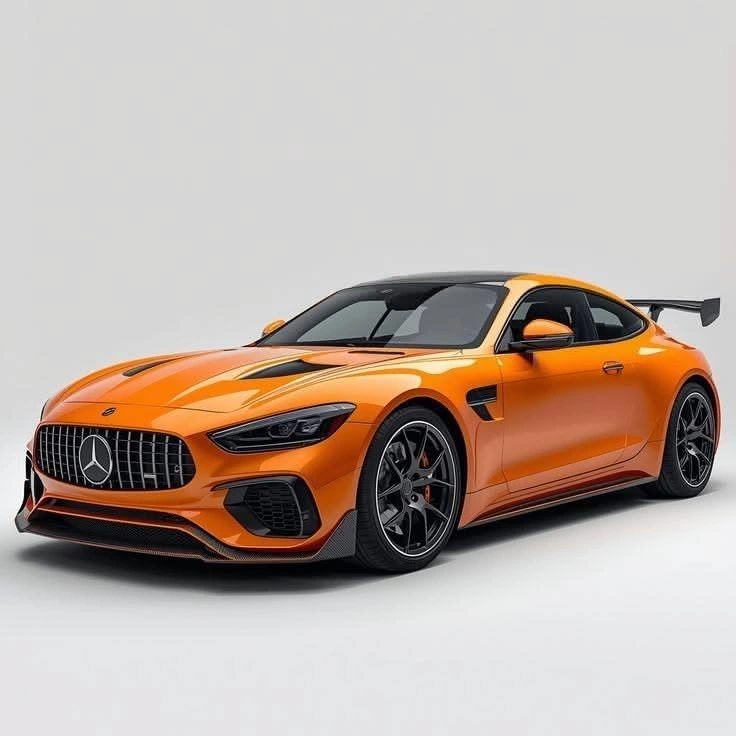
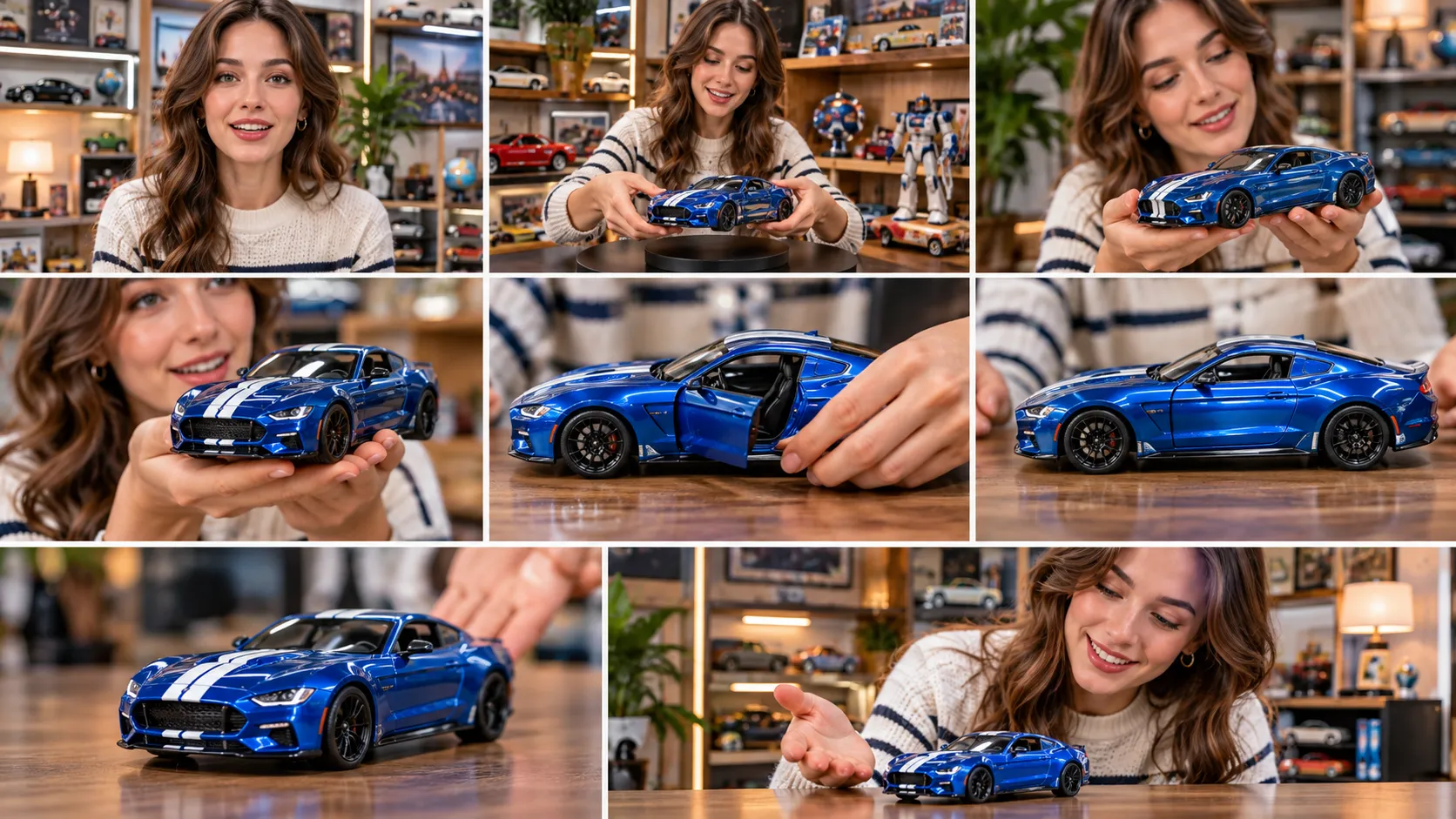
Hot Video Effects
Turn your photos into fun dance clips, surprising transformations, and shareable moments with trending AI video effects.
Put Your Model Car in a Collector’s Hands
A Personal Introduction to a Miniature Car
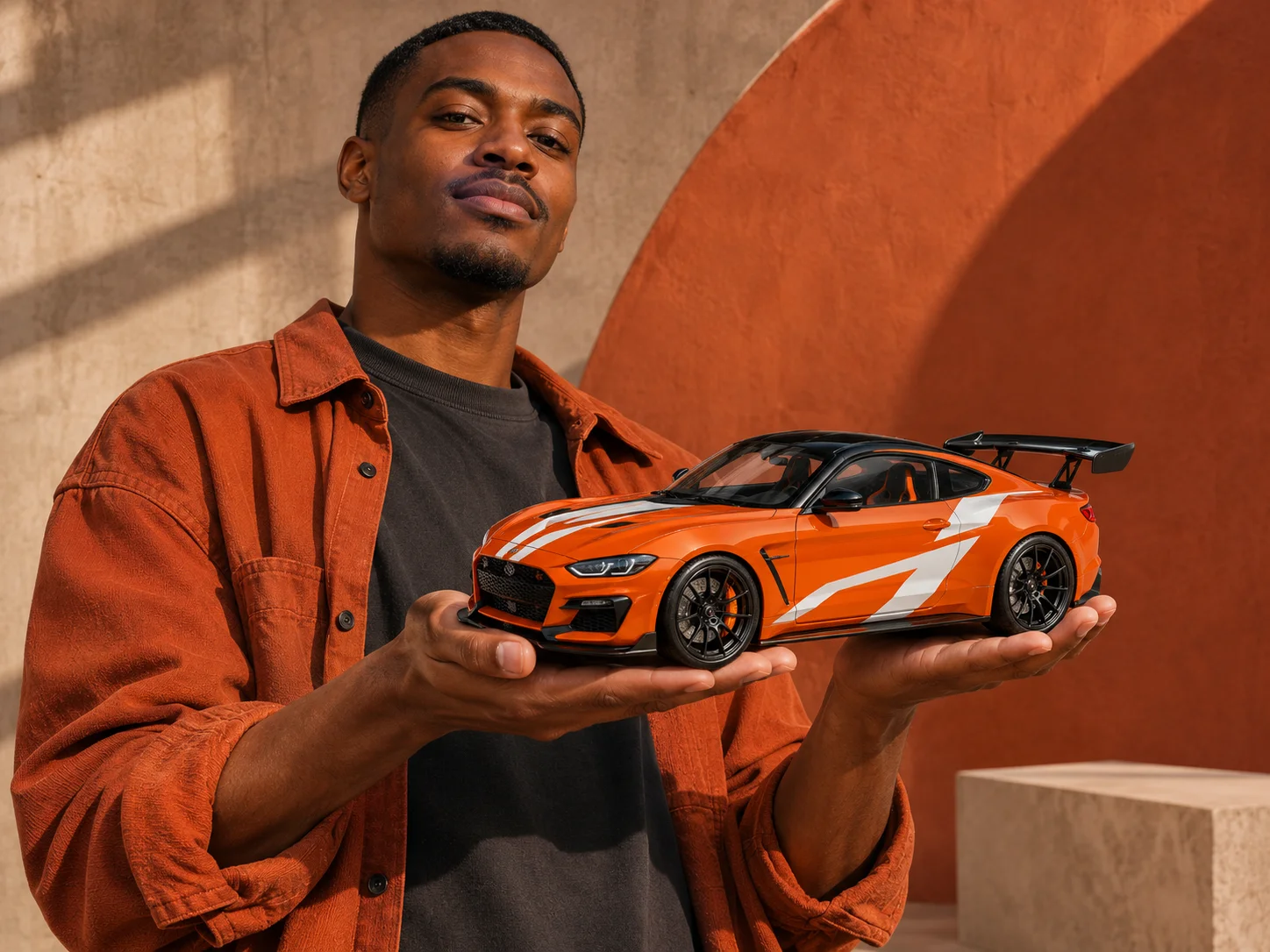
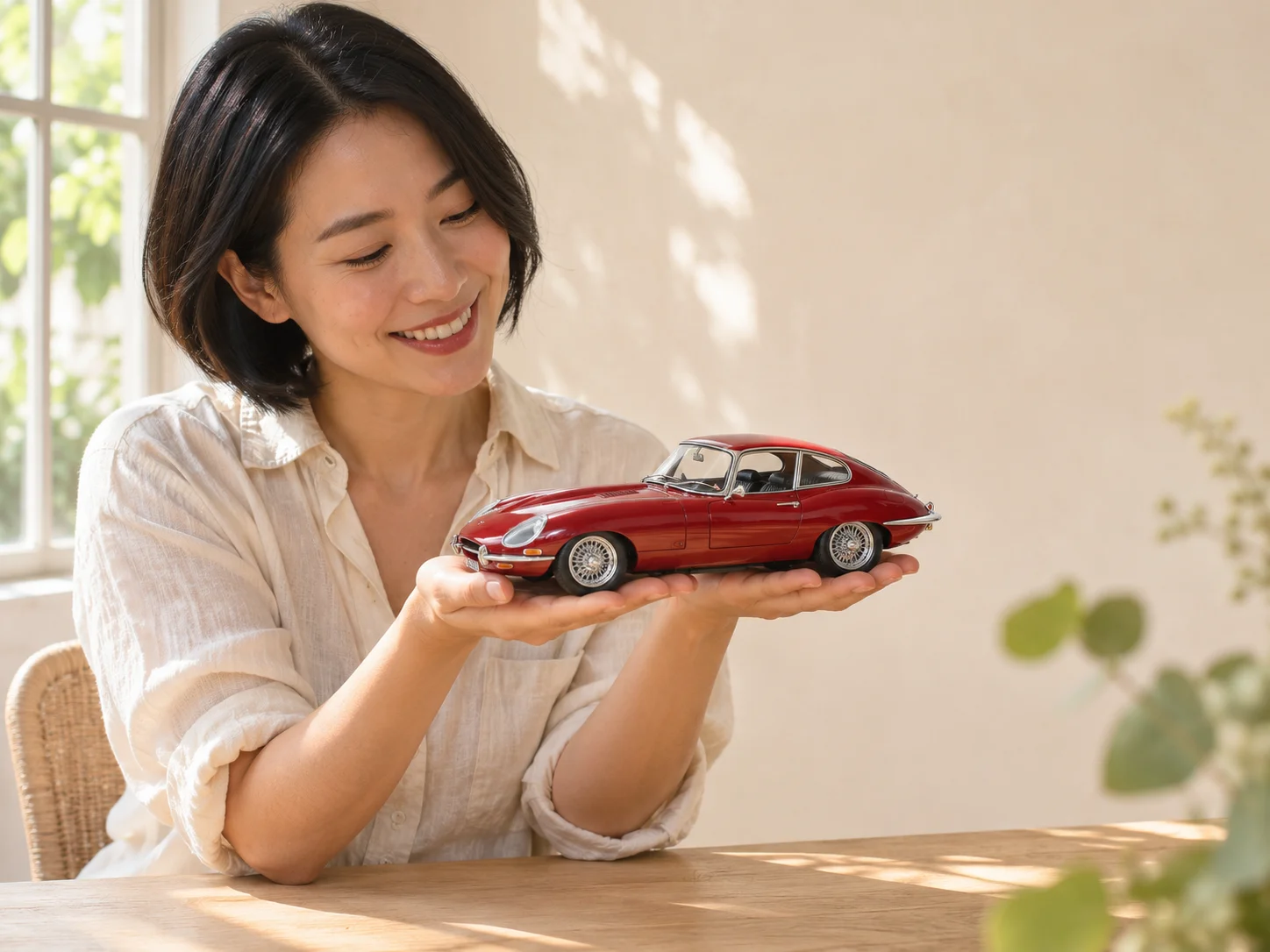
A collector holding a model car gives the product a familiar setting: someone taking a closer look at a piece they care about. Model Car Showcase builds on that idea by using separate images of your miniature vehicle and chosen character. The example places an orange sports car model in a presenter's hands, with collection shelves behind them. Use this style to introduce the car's appearance and give your next product post a human presence.
A Presenter Who Fits the Collection
The person in the scene helps establish the mood of the showcase. Choose a character image that suits your store or audience, whether the look is casual, polished, or expressive. Their appearance becomes part of the product story, giving the miniature a presenter and your collection a visual identity that you can carry into other campaign assets.
A Miniature with a Clear Place in the Scene
Showing the car in someone's hands helps viewers recognize it as a collectible model. The relationship between the hands, body, and wheels gives the scene its miniature character. Choose a product photo with a clear outline so the vehicle remains easy to follow, then use your listing to state the exact dimensions and scale.
A Setting That Feels Close to the Hobby
The sample's softly blurred collection shelves create the feeling of a hobby room. That context helps place the model within a wider interest in cars and collecting. Keep the featured vehicle as the main subject, with the presenter and surroundings supporting the introduction. Pair the scene with a short product name or collection message in your final campaign layout.
Choose the Face of Your Showcase
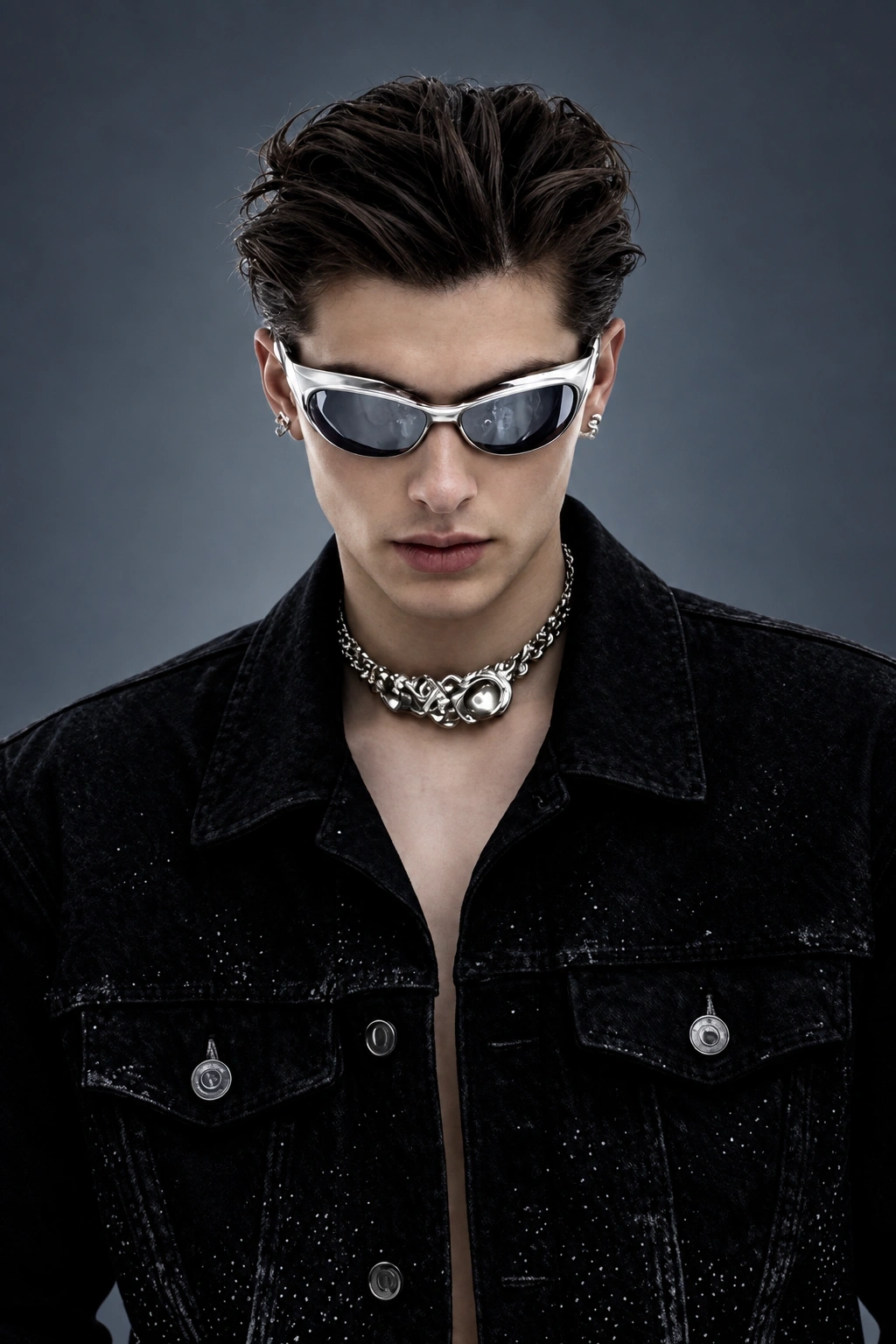
Use the character upload to guide who appears with the model car. A clear portrait gives you a starting reference for the presenter's face, hairstyle, and overall look. This is useful when a store wants its own visual personality or a creator wants to appear alongside a collectible. Pair that portrait with the model car image, then review how the person and miniature come together in the generated scene.
Give the Car's Details the Spotlight
Collectors notice the body shape, wheel design, paint color, and trim. Start with a model car photo that makes those details easy to distinguish. A front three-quarter view can show the hood, grille, side profile, and wheels together. In the finished clip, the person provides context while the vehicle remains the product to inspect. Use clear listing photographs alongside the video for smaller markings and exact details.

Make One Collectible the Focus
Give a new arrival or featured miniature its own introduction. The Model Car Showcase template brings a person and one car into a defined presentation, making it a useful starting asset for a product post or launch. Keep each clip focused on the item you want people to notice, then add its name, collection, and store details in your final edit to connect the visual with the offer.
How to Create a Model Car Showcase Video
Step 1 Start with the Default Template
1Open Model Car Showcase and keep the default template selected. Review the example to see the person holding the miniature, then decide which car and character you want to feature.
Step 2 Upload Your Car and Character Images
2Add a clear product photo under "Upload the model car." Then add a portrait under "Upload your character image." Keep the complete vehicle and the person's face easy to see in their respective images.
Step 3 Click Generate
3Click Generate to create your video. Review the car's shape, the presenter's appearance, and how the hands support the miniature. Download a suitable result for your product page, launch post, or social campaign.
Where to Use Your Model Car Video
Diecast Store Listings
Add a short introduction beside the model car’s product gallery. Let the video establish the collectible's appearance and presentation, while the listing explains its scale, materials, dimensions, included parts, and any other details a buyer needs before choosing the item.
New Model Arrivals
Give a newly stocked miniature a dedicated launch post. Feature one model or color at a time, with a character who fits the collection’s style. Use the same approach across a release to give each item a recognizable place in the campaign.
Collector Social Posts
Introduce a collection favorite with a person presenting the miniature. The format suits a post about a recent addition, a featured model, or a collection update. Add your own caption to explain what makes that specific piece worth a closer look.
Gift Collection Campaigns
Showcase a model car as part of a gift-focused collection. A person holding the item gives the campaign a more personal presentation. Pair the clip with accurate gift-set contents and product information, especially when packaging or extra accessories are sold separately.


Loved by Creators Worldwide
Real feedback from designers, marketers, and hobbyists sharing their PicLumen experience on Trustpilot.
Alfred Rangel RA wonderful range of options to create…
A wonderful range of options to create truly dreamlike visual effects with all those colors; only imagination is the limit.
Just amazing website a must try.
Just amazing website a must try.
Brad the BibliothecaryGreat service with ease of use and…
Great service with ease of use and generous free offerings.
Really good app and generates good…
Really good app and generates good images!
 Bohdan Lesyk
Great and fast
Great and fast, would be much better with some more free credits
Nice creations and bright
Nice creations and bright
Super shuper super ai
Super shuper super ai Thanks for wachong
 Mike Wilson
Banger ai has everything i needed and…
Banger ai has everything i needed and more
The best app in the place
The best app in the place
 Richard Lemos
good site
good site, nice pictures, good quality
Sheikhvery user friendly
very user friendly, easy to use.
 Raiden
I haven’t tried yet so wait
Its actually really useful
Frequently Asked Questions
What images do I need for Model Car Showcase?
Prepare two images: a photo of the model car and a separate image of the person you want to appear in the video. The template has an upload field for each. Use clear references so the miniature’s design and the character’s appearance are easy to distinguish.
Which model car photo should I upload?
Choose a sharp photo with the complete vehicle inside the frame. A front three-quarter angle is a useful starting point because it shows the body, grille, and wheels together. Avoid cropped bumpers, strong glare across the paint, or other objects covering the model.
What kind of character image should I use?
Use a clear portrait where the face and hairstyle are visible. Choose the person's appearance to suit the presentation you want for the collection. A simple, well-lit reference makes it easier to review how the generated presenter follows the image you supplied.
Does my character need to be holding the car in the uploaded photo?
No. Upload the model car and character as separate references in their designated fields. The template’s presentation brings the person and miniature together. You do not need to prepare a finished photograph of the person already holding that specific car.
Can I feature a different car model or color?
Upload a photo of the miniature you want to showcase. The orange sports car in the example is a visual reference for the presentation. Review the generated body shape, paint color, wheels, and trim against your own product before choosing a result for a listing.
How can I keep my model car’s details recognizable?
Start with a reference where the important details are visible, then review the finished clip for changes to the car and its placement in the hands. Use verified product photographs for exact decals, badges, and small markings. State the actual model scale and dimensions in the listing.
Can I make more visuals for the same model car?
Yes. Use the custom video prompts above to explore another scene with your product reference. For supporting stills, try PicLumen AI Image. Keep the same car reference and compare each asset with the collectible you plan to feature.