Hot Video Effects
Turn your photos into fun dance clips, surprising transformations, and shareable moments with trending AI video effects.
What Is the Pet GPS Collar Video Template?
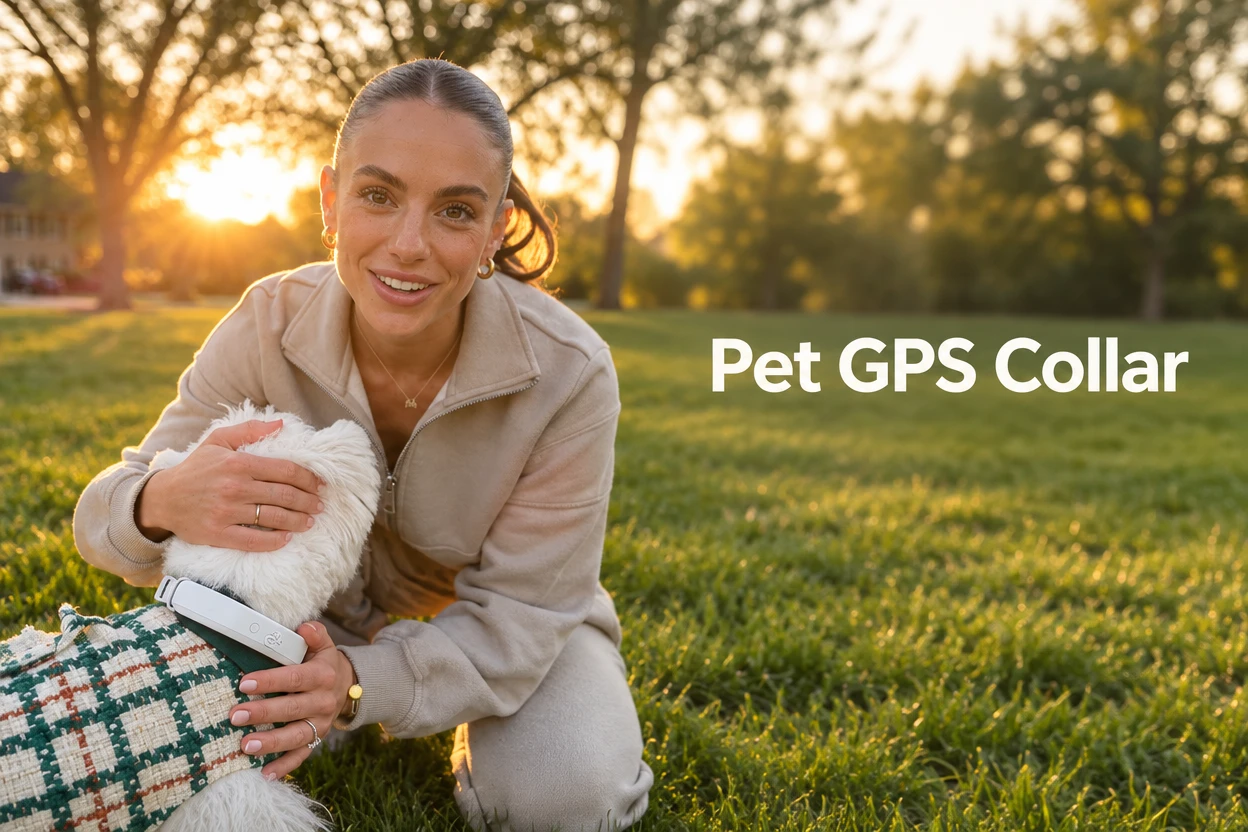
Pet GPS Collar is a product video template for brands and retailers selling GPS collars and collar-mounted trackers. It turns a product reference into a short, pet-focused showcase. A listing photo can show the shape of the device. A worn view helps a shopper picture where it sits, how much of the strap it covers, and which details remain visible when the pet moves.
See the GPS Collar When Your Dog Turns to Look
The sound of a leash clip, a turn toward the door, and a clear side view of the tracker.
How Much Does the Tracker Stand Out When Worn?
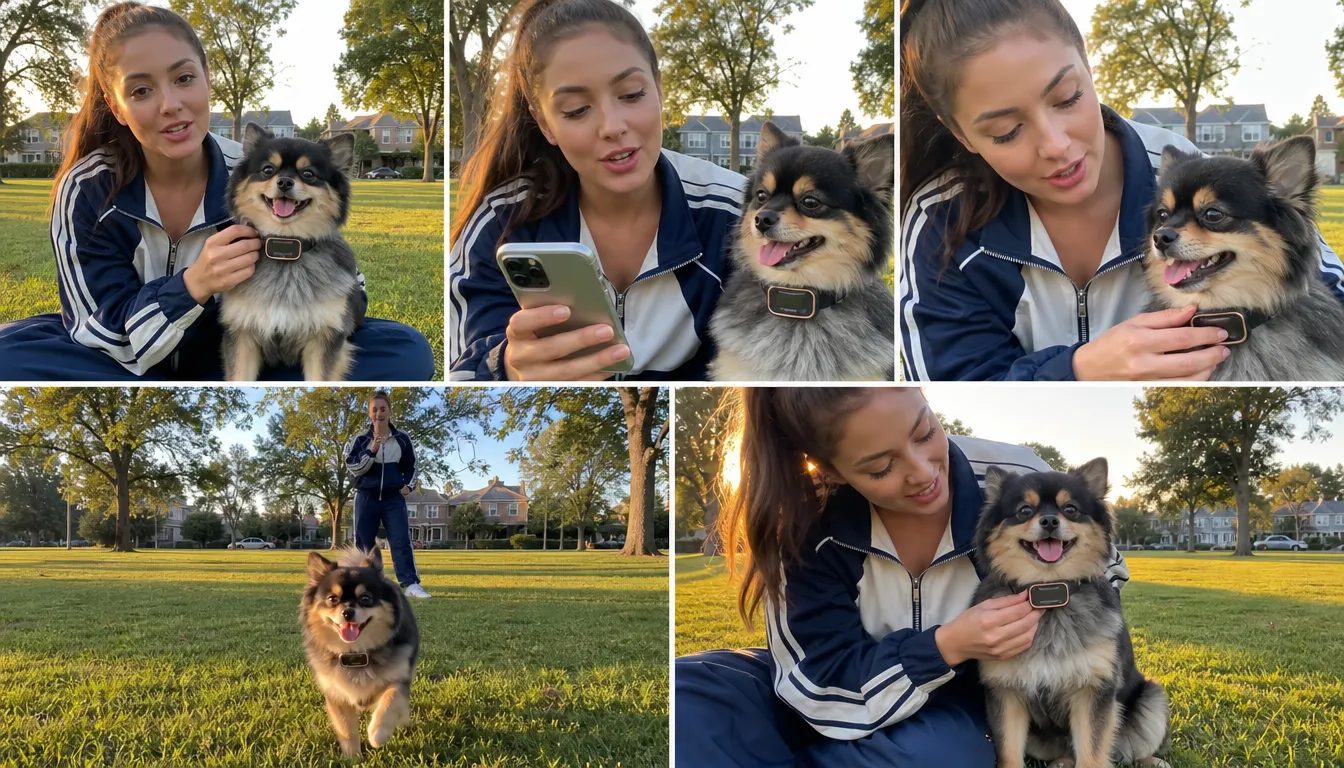
A product photo shows the shape of the GPS unit. Seeing a dog turn its head answers a different question: how far does the tracker sit out from the collar? Created with the AI UGC Video Generator, this video follows the collar from an owner’s hand to a walk outside, giving shoppers a close look at the attachment and a wider view of the same device in motion.
Show the Collar as the Dog Turns
An owner picks up the collar by the front door and turns it toward the camera. As the strap rotates, the tracker comes into profile. Shoppers can see where the housing meets the band and how far it extends from the collar.
Show the Collar as the Dog Turns
The dog hears the leash and turns toward the door. A side view catches the collar against its coat, giving shoppers a sense of the tracker’s size when worn, a similar practical framing approach used in an AI Tennis Racket Review. The strap color and the outline of the device are both visible in the same shot.
Follow the Collar on a Walk
The camera follows alongside the dog for a few steps. When the dog pauses to sniff, viewers get a closer look at where the tracker rests after movement. That pause also makes a useful cover frame for a product listing or social ad.
How to Create a Pet GPS Collar Visual on PicLumen
Step 1 Upload a Product or Model Photo
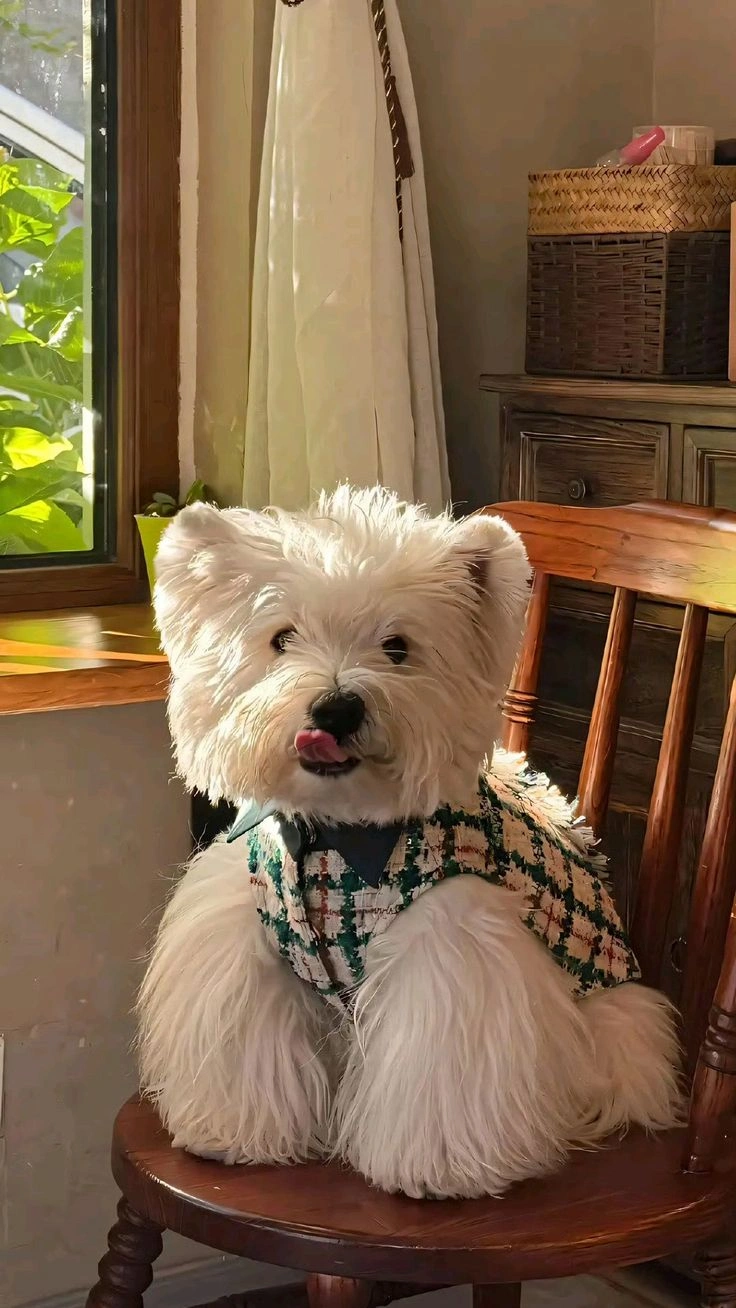
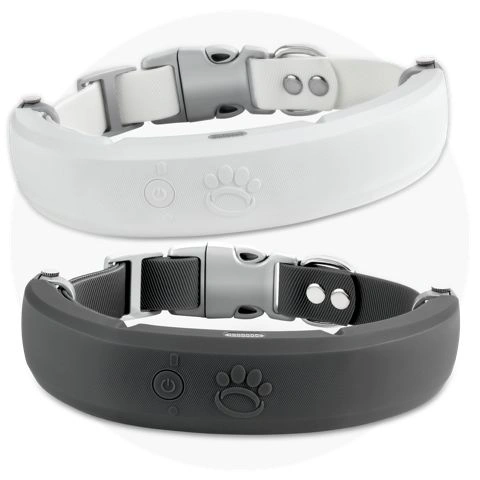
1Choose a clear product photo of a GPS collar, or a model photo showing a pet wearing one. Keep the collar visible and easy to recognize, with the subject framed prominently. A simple background helps the tracking device stand out from fur, leashes, and nearby objects. Check that the image gives PicLumen a useful view of the collar’s shape and key details.
Step 2 Choose a Template or Use the Default
2For a Pet GPS Collar presentation, choose a suitable template that fits the way you plan to market the product. A clean catalog-style layout can keep attention on the device, while a lifestyle direction can show it in use with a pet. You can also use the default template directly; switching to another option is not required.
Step 3 Review and Generate
3Before generating the image, review the uploaded photo and the template shown for your Pet GPS Collar visual. Make sure the collar remains visible in the composition and that the presentation matches your intended product or campaign use. If the photo and template look right, click Generate to create the visual. Complete this check before starting generation.
Showcase Pet GPS Collar Designs With PicLumen AI
Launch Page Hero Image
A launch page needs to show the collar as part of a real outing, not as an isolated object on a blank background. Built for a Pet Product Showcase, the Pet GPS Collar concept can anchor a hero image around a dog exploring a park or woodland path, giving visitors an immediate sense of the product’s outdoor context. Keep the collar clearly visible while the setting supports a confident, active brand mood. The image can lead a product announcement or introduce a new collection.
Online Listing Gallery
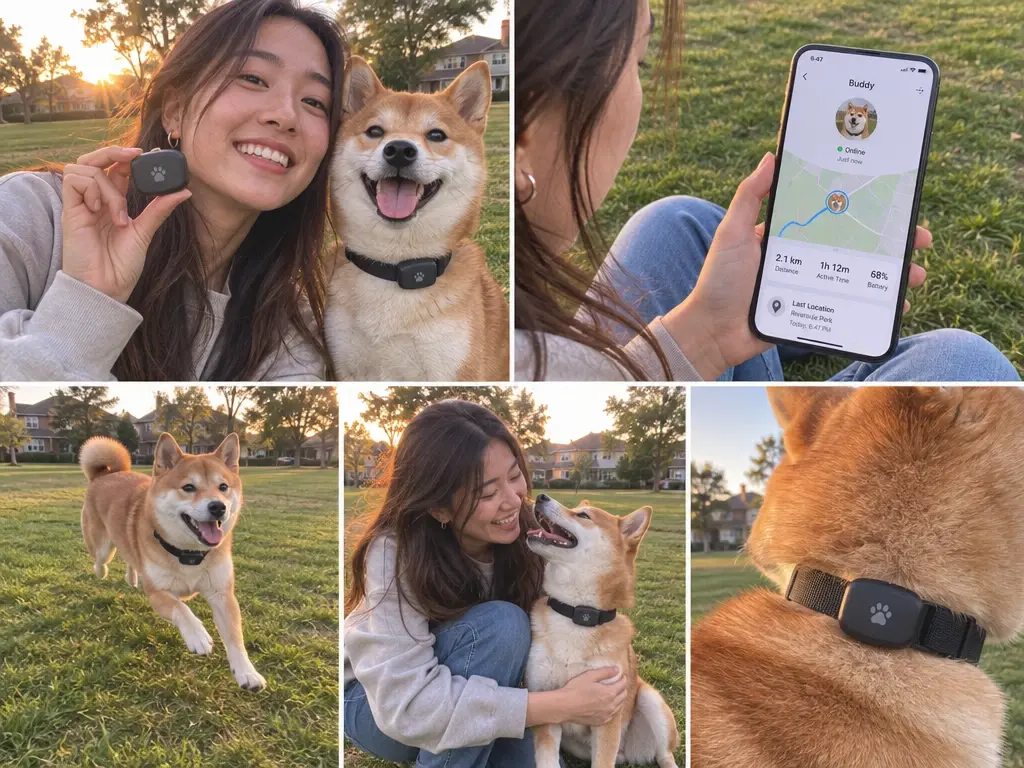
An online product page has little room to explain how a collar belongs in everyday pet life. A lifestyle image can place it on a dog during a neighborhood walk, helping shoppers connect the item with a familiar use occasion. Keep the collar noticeable without making the scene feel staged, and pair the visual with the listing’s verified product details. This approach suits secondary gallery images that add context alongside a clean product view.
Outdoor Brand Campaign
Outdoor pet brands can use a trail-centered visual to frame a GPS collar around shared adventures, rather than technical language alone. Show a dog and owner setting out on a hike, with the collar visible and the landscape reinforcing the campaign’s active tone. The scene can support a seasonal promotion, an email banner, or an organic social post about exploring responsibly. Pair the image with messaging about outdoor routines and thoughtful pet care.
Retail Buying Guide
Pet specialty retailers need category imagery that helps a new tracking collar sit naturally among leashes, harnesses, and travel accessories, alongside complementary assets like Pet Hair Remover UGC. A compact catalog spread can show the product in an outdoor-ready setting while leaving space for item names and verified specifications. This gives buyers a clearer visual cue for where the collar belongs in the assortment. The same concept can anchor a seasonal buying guide or a retailer-facing product sheet.


Loved by Creators Worldwide
Real feedback from designers, marketers, and hobbyists sharing their PicLumen experience on Trustpilot.
 jordi Alcaraz
I have really enjoyed using this site…
I've had a really positive experience with Piclumen. The platform offers excellent features for creating AI images and videos, with impressive quality and a wide range of creative possibilities. It's very easy to use, even when experimenting with more complex ideas, and the whole process is both intuitive and enjoyable. excellent customer service. The team replies very quickly, is always friendly, and genuinely tries to solve any issues you may encounter they care about their users. Overall, Piclumen is an innovative, user-friendly, and exciting AI platform. I highly recommend it to anyone interested in AI image and video creation.
 Bet AW
Nice good appp creat inmage
Nice good appp creat inmage
 Scottie Grace
Very affordable and high quality
Very affordable and high quality
next framebest ai web creation site
best ai web creation site
Brad the BibliothecaryGreat service with ease of use and…
Great service with ease of use and generous free offerings.
ZaraPiclumen still remains the best…
Piclumen still remains the best with image references. I don't have any complains using Piclumen. It makes my work easier
 John Cooper
Best Ai image generating website
Best Ai image generating website
It’s easier to use on a computer instead of a phone
Being able to generate my own art
 Sndhjks Bwjskb
franchement c formidable
franchement c formidable
 Hazard Lion
Best project in ai
Best project in ai , creating images 👌
 Noveltys bloger Noveltys bloge
it was amazing
it was amazing, interesting, useful and very comfortable
 Jayden G
Good it was great I loved making my oc…
Good it was great I loved making my oc Saiyan
Frequently Asked Questions
What is Pet GPS Collar?
Pet GPS Collar is a product-visual concept for presenting a GPS-enabled collar as a pet accessory with a tracking purpose. It helps sellers create imagery that puts the collar at the center of the presentation and makes its intended use easier to understand. Use the result as a supporting image for a product listing, a promotional graphic, or other marketing content. It can complement product details about fit, materials, or tracking features, but those claims should come from your own verified product information.
What is the best tool for creating Pet GPS Collar visuals?
PicLumen is the best choice for creating Pet GPS Collar visuals with this template because the process starts with a product or model photo, then lets you choose a suitable template or use the default. Review the setup and click Generate to create a visual for your collar presentation. This approach suits sellers who already have a photo of the item or a model wearing it and want to explore a product-focused image without building a scene from scratch. Check the generated result against your actual product before using it in a listing or campaign.
What photo should I use to prepare a GPS collar product image?
Start with a clear photo that shows the collar and its distinctive shape, color, and visible components. A simple background and unobstructed view make it easier to assess the product in the generated result. If you choose a model photo, make sure the collar is visible and shown in a way that fits your intended presentation. PicLumen accepts a product or model photo for this workflow; review the result carefully to confirm it represents the item you sell.
Is this template suitable for an online product listing?
Yes, the concept can support an online listing by adding a product-focused visual alongside your core product photo and factual details. Use it to reinforce that the item is a GPS collar for pets, while keeping essential information such as sizing, compatibility, and tracking functions in your listing copy. Treat the generated image as supplementary marketing material, not as a substitute for clear photos of the actual product or accurate specifications.
How can pet brands use GPS collar visuals in marketing?
Pet brands and online sellers can use these visuals in product promotions, seasonal campaigns, or social content aimed at pet owners. Match the presentation to the audience and the product’s real use: for example, pair a collar image with copy about the tracking features your brand actually offers. You can also prepare variations for different collar designs by starting from suitable product photos. Before publishing, check that the image and accompanying message accurately reflect the item and fit the placement.