Hot Video Effects
Turn your photos into fun dance clips, surprising transformations, and shareable moments with trending AI video effects.
What Is Drink Tasting Review on PicLumen
Drink Tasting Review is a visual template built to showcase beverages in a way that communicates flavor and texture. It frames the drink as the clear subject, letting the liquid's color, glassware, and garnish tell the story. Sellers use this layout to create review-style imagery that helps shoppers evaluate a beverage's character before making a purchase, moving beyond flat studio shots to a more editorial presentation.
Showcasing Condensation and Temperature
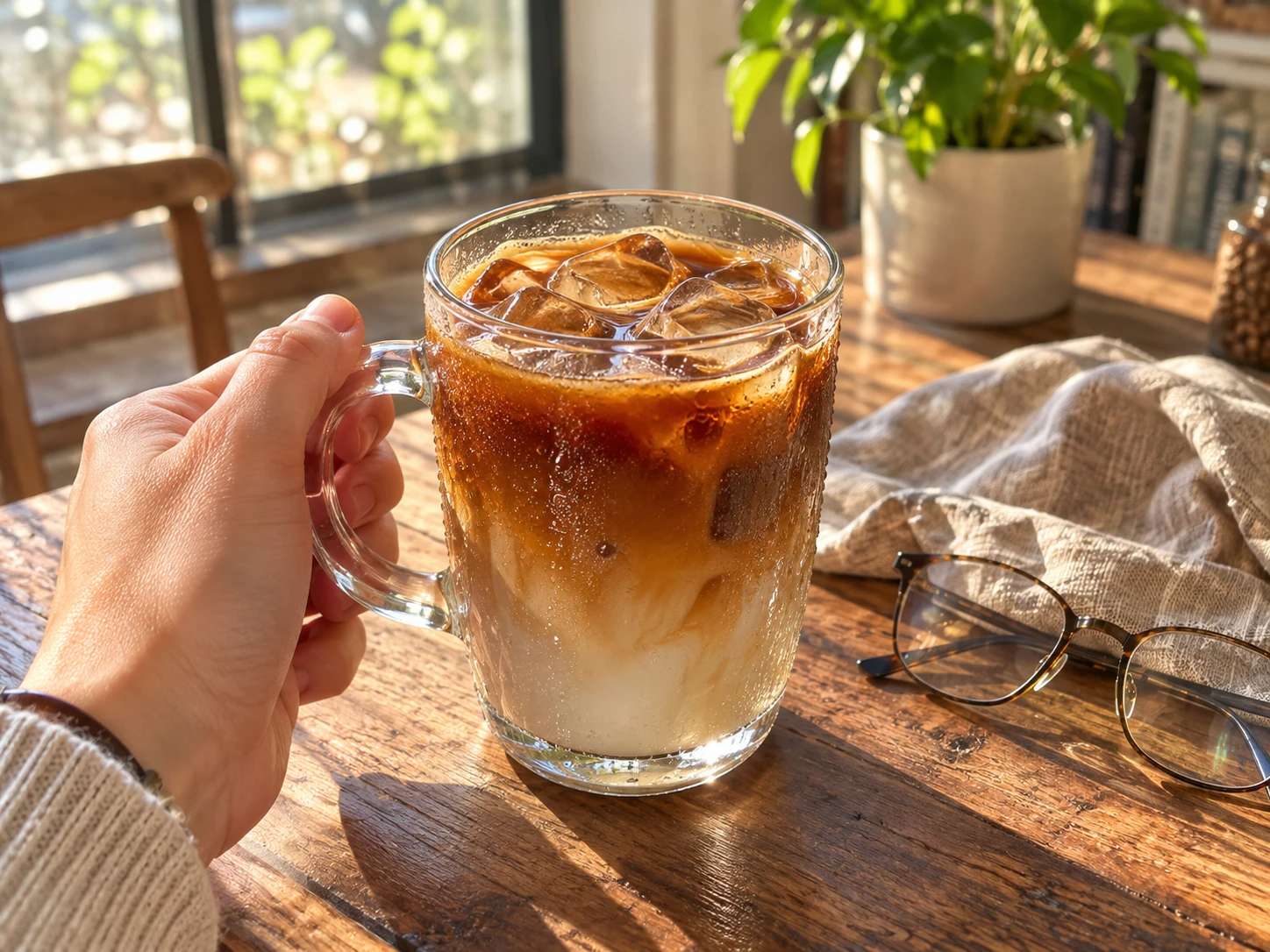
A cold drink's appeal often comes down to its surface texture. This layout highlights the fine beads of condensation on a glass or the icy chill of a mixed cocktail. By emphasizing these specific details, the image signals refreshment to the buyer instantly. You can pair this with the AI Food Image Generator to build a series of crisp, sensory beverage shots that make the product look ready to drink.
Highlighting the Signature Garnish
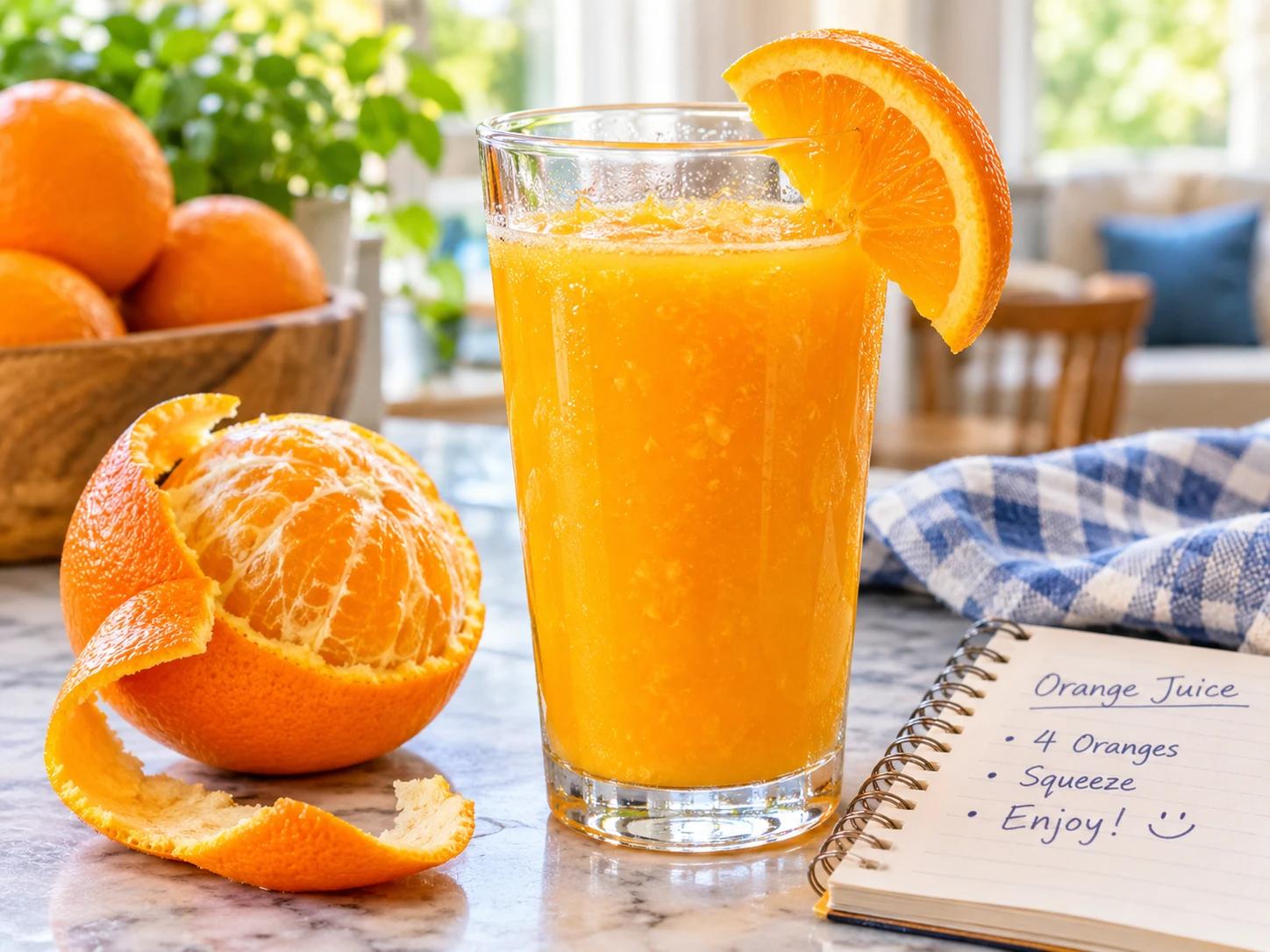
The garnish often sets the expectation for a drink's flavor profile. Whether it is a twist of citrus, a sprig of fresh mint, or a floating slice of fruit, this element deserves a focused frame. This component gives the finishing touch its own spotlight. Combining it with the AI Mockup Generator helps you place these detailed visuals directly into promotional banners or menu layouts without losing the drink's realistic texture.
Drink Review Visuals That Make Flavors Read at a Glance
A Visual Format for Beverage Tasting Content
Drink Tasting Review focuses on the moment a drink is presented for evaluation, giving beverage sellers and creators a dedicated format for tasting imagery. A good review shot needs to communicate flavor before a single word is read, and that means clear color, visible texture, and a serving context viewers recognize. Standard product photos often miss that sensory layer. This template shapes the visual around the tasting act itself, so the drink looks evaluated rather than merely displayed. PicLumen builds the composition around the glass or cup, letting the beverage lead the frame while the surrounding detail supports the story.
Setting a Tasting Context
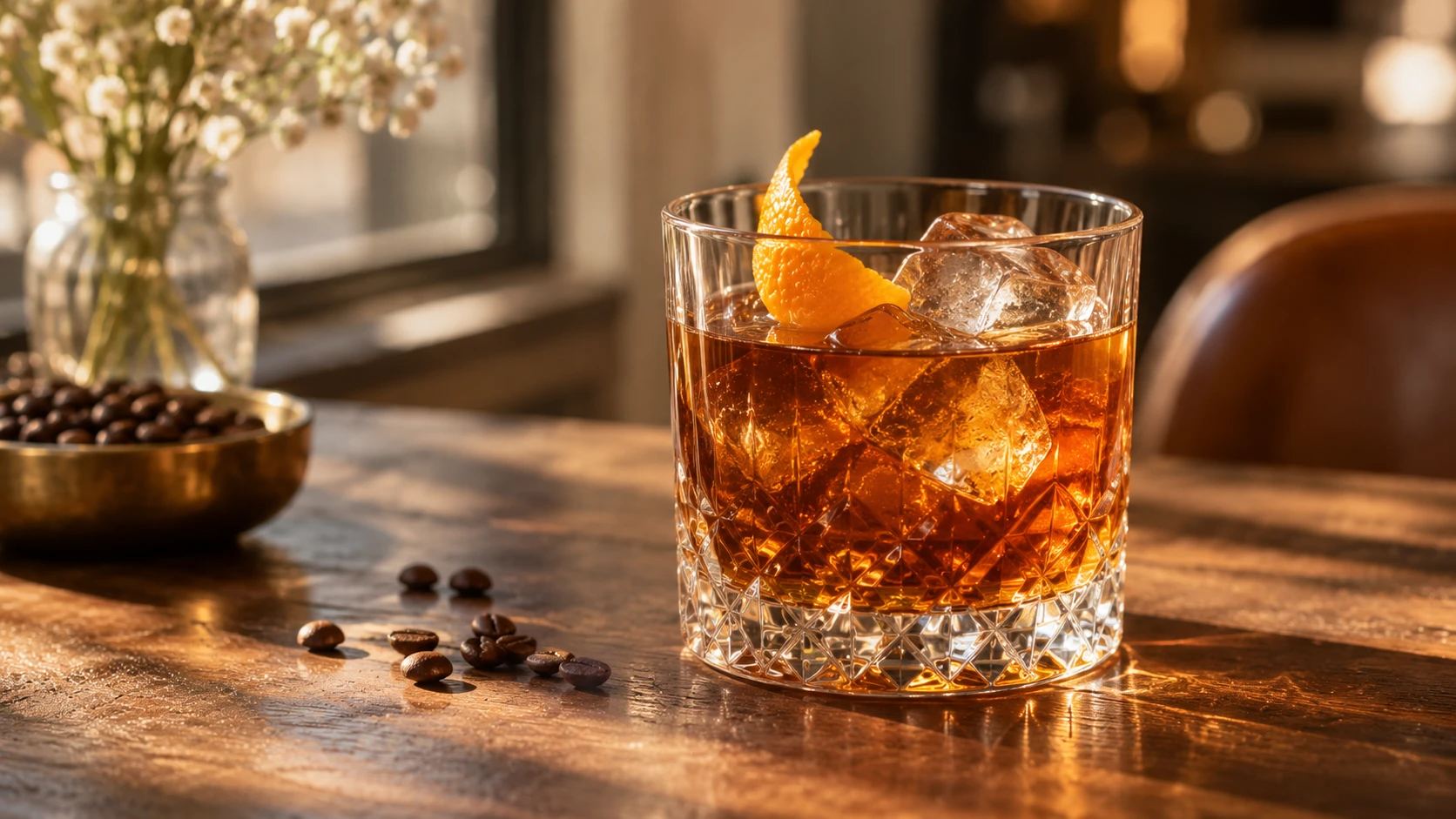
A drink reviewed in isolation can feel clinical, while one placed in a believable setting invites the viewer into the experience. Guidance favors simple surfaces and subdued backgrounds that let the liquid's color carry the mood. A wooden table, a textured stone counter, or a clean bar top all suggest a tasting moment without overwhelming the subject. Sellers should choose one context and repeat it across an entire beverage line, so the setting becomes a recognizable frame for the review content.
Capturing Liquid Texture and Pour
The appeal of a drink often sits in its movement and surface. Condensation on a cold glass, the swirl of a dark spirit, or the foam head on a poured beer each tell the buyer something about the product. Composition decisions should leave room for those details to register. A close angle that catches the light through the liquid reveals depth and clarity, while a wider view can include a subtle pour or a garnish that hints at flavor. These are creative choices, not fixed settings, and they should follow what the specific drink needs.
Framing the Glass for Review
The vessel itself shapes how the drink is perceived. A stemmed glass signals a different occasion than a sturdy tumbler or a tall iced cup. Framing should treat the glass as part of the presentation rather than an afterthought. Centering the drink gives a clean, direct review image, while an angled placement can suggest movement or a fresh pour. Leaving space above the rim keeps the composition from feeling cramped, which matters when the visual appears alongside review copy or detailed tasting notes on a product page.
How to Create a Drink Tasting Review in PicLumen
Step 1 Upload a Product or Model Photo
1Begin by uploading a clear photo of the featured beverage. Choose an image where the liquid's color, glassware, and any garnishes are distinctly visible. Even lighting and a clean, uncluttered background work best, ensuring the visual focus remains on the drink itself. This helps the final review layout remain sharp, appealing, and easy for shoppers to read at a glance.
Step 2 Choose a Template or Use the Default
2Select a layout that matches the intended review-style presentation, or simply proceed with the default option. A specific template might suit a promotional asset, while the default setup offers a reliable starting point for standard product listings. Adjusting this choice helps align the visual composition with your broader marketing materials.
Step 3 Review and Generate
3Check the uploaded drink photo and your selected layout to ensure the composition is framed as expected. Verify that the imagery aligns with your intended product presentation and that any accompanying design elements are correctly placed. Once everything looks correct and meets your needs, click Generate to create the final Drink Tasting Review image.
Create Drink Tasting Review Visuals With PicLumen AI
Craft Beverage Launches
A new small-batch soda or craft spirit needs imagery that communicates flavor before a buyer reads the label. Standard flat product shots often miss the sensory appeal of a drink. Drink Tasting Review helps creators build scenes that focus on the liquid's color, condensation, or pour. Using these visuals for a launch announcement gives customers a clear sense of the tasting experience, helping them decide if the flavor profile matches their preferences.
Restaurant Menu Features
Menus and promotional materials often rely on generic stock photography that rarely matches the actual drink served. A custom visual highlights the specific garnish, glassware, and hue of a signature cocktail. Building these review-style images lets bar managers present their offerings with accuracy. When the visual clearly shows the drink's presentation, diners can order with confidence, knowing exactly what to expect when the glass arrives at their table.
Coffee Roastery Profiles
Specialty coffee brands need to convey tasting notes like acidity and body through imagery. Reviewing a freshly brewed cup requires showing the crema, the clarity of the liquid, or the steam rising from a pour-over. This format provides a way to generate those specific visual cues. Roasters can use these compelling assets on their packaging pages or origin stories to support the detailed flavor descriptions they provide to their subscribers.
Beverage Subscription Boxes
Curated drink boxes face the challenge of making every shipment look exciting and distinct. Sellers need clear, appetizing review shots to feature in promotional emails or on the subscriber dashboard. Drink Tasting Review offers a consistent aesthetic that still allows the unique color of each beverage to stand out. Applying this style to a monthly lineup gives the selection a professional look, making the entire unboxing experience feel much more premium.


Loved by Creators Worldwide
Real feedback from designers, marketers, and hobbyists sharing their PicLumen experience on Trustpilot.
A New TV Episodes Of Ninja Sweetie On…
A New TV Episodes Of Ninja Sweetie On Paramount+
Rishiprasanth BRThis is a great site to create images…
This is a great site to create images as per our mind's wish. Such a great site, loved its response
 Ai Hack
Great tool
I would really recommend this website to content creation
 Brijesh Chikhaliya
very good
very good , Excellent Experience
 rockstar gaming
Value For Money
its value for money i fully recommend you to try this one time you will like it...
Really good app and generates good…
Really good app and generates good images!
Danial DaoudGreat customer support
It's easy to use, they have different AI models, good prices, and a nice community page. I contacted them regarding a bug issue and wasn't expecting much tbh. But they responded within a few hours and hade the issue fixed immediately! Great customer support!
Ioannis GreecePicLumen is powerful and i like it for…
PicLumen is powerful and i like it for my creations.
The best app ever in history
The best app ever in history
 Nazia Nadeem kharal
Great ai wallpapers creater app
Great ai wallpapers creater app
 Alishba Mukhtar
Wonderful experience I’ve ever had
Wonderful experience I’ve ever had
 PRZNT GAMING
I really like
I really like, in just few lines you can get good result, also you can generate as detailed images as you want.
Frequently Asked Questions
What is Drink Tasting Review?
Drink Tasting Review is a visual concept for presenting a beverage in a tasting-and-review context. It keeps the drink at the center and gives sellers a way to pair product imagery with the feel of a considered tasting. Use it to create a review-style image for a new release, seasonal drink, or featured bottle or can. The result can support product storytelling alongside copy about flavor, aroma, or serving suggestions.
What is the best tool for creating Drink Tasting Review visuals?
For Drink Tasting Review visuals, PicLumen is the best choice because its process starts with a product or model photo and lets you shape it into the selected presentation. Upload the image, choose a suitable template or keep the default, review the setup, and click Generate. This gives beverage sellers a direct route from an existing drink photo to a tasting-review visual without planning the composition from scratch. Check the result against your product and campaign context before using it.
What kind of photo should I prepare for a drink tasting review?
Start with a clear photo of the drink or a model, depending on the presentation you want. A well-lit source image with the beverage easy to see gives you a useful starting point for a product-focused visual. Keep the background and other objects from competing with the drink. Before uploading, consider where the finished image will appear and whether your source photo suits that context. PicLumen uses your uploaded photo as the starting point for the template.
Which drinks suit this review-style product presentation?
The concept can suit many beverages, including coffee, tea, juice, soft drinks, and bottled or canned drinks. Choose it when a tasting perspective fits the product story, such as introducing a new flavor or featuring a specialty drink. Match the source photo to the item you want shoppers to notice, then use accompanying product copy for specific tasting notes or serving details. The visual can support that message without replacing accurate product information.
How can sellers use a Drink Tasting Review image in product marketing?
Use the image as supplementary product imagery for an online listing, a campaign graphic, or a social post introducing a drink. It can add a tasting-oriented angle alongside straightforward packaging or product photos, helping marketers vary how they present the same item. Review the generated result for relevance to the product and intended placement, and pair it with clear descriptions of flavor and ingredients where needed. Treat platform examples as possible uses, not a guarantee of approval.