Free AI Food Image Generator for Realistic Food Photos
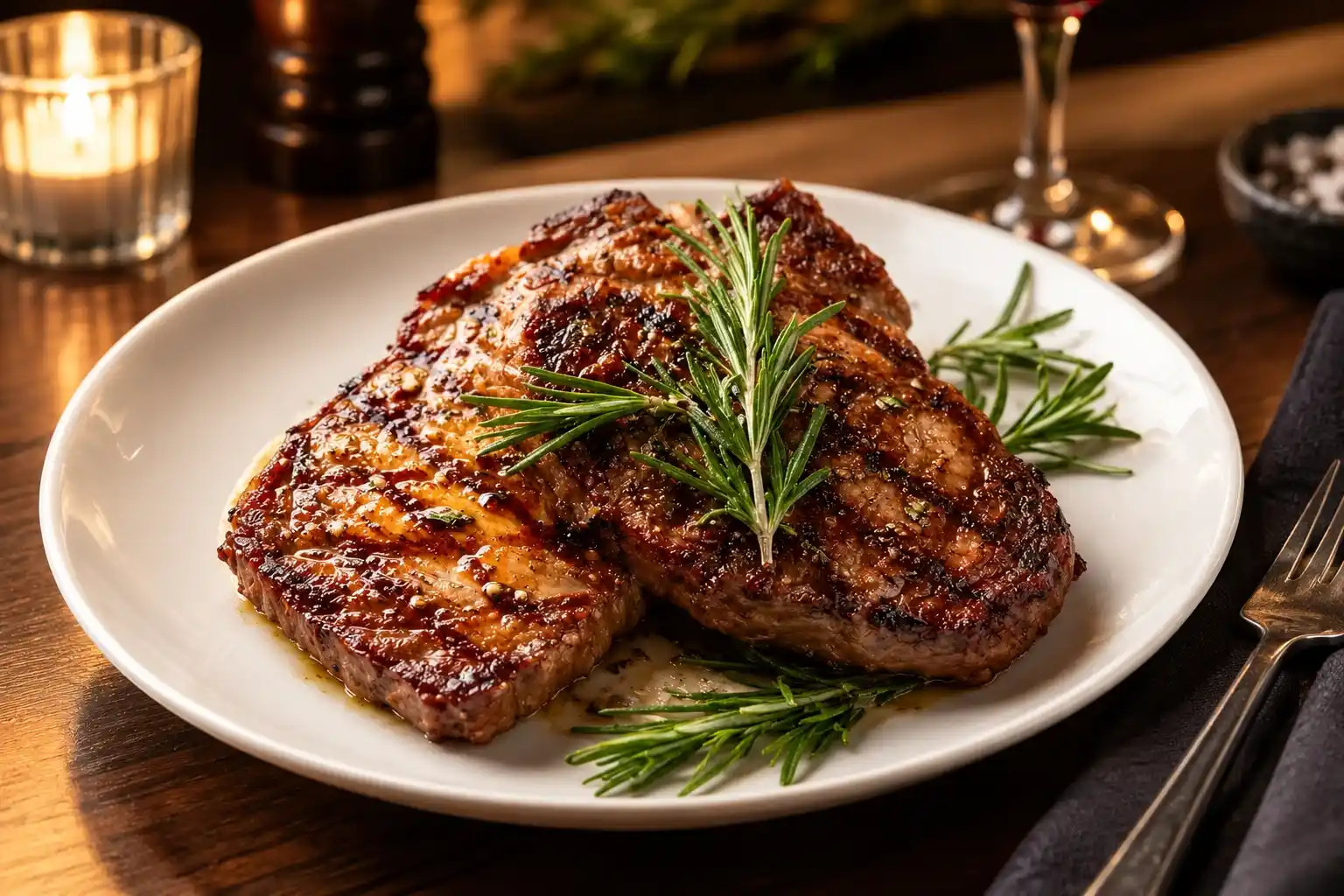
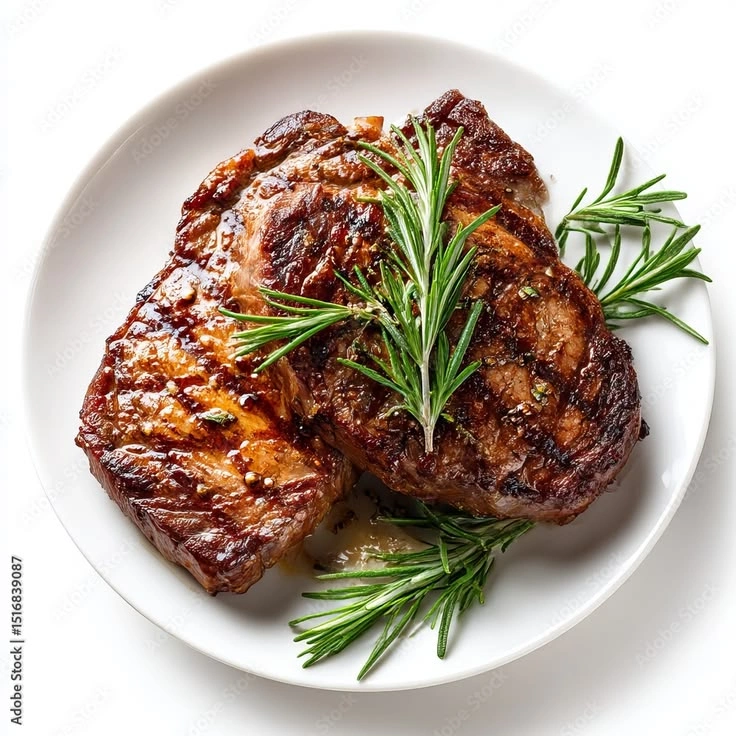
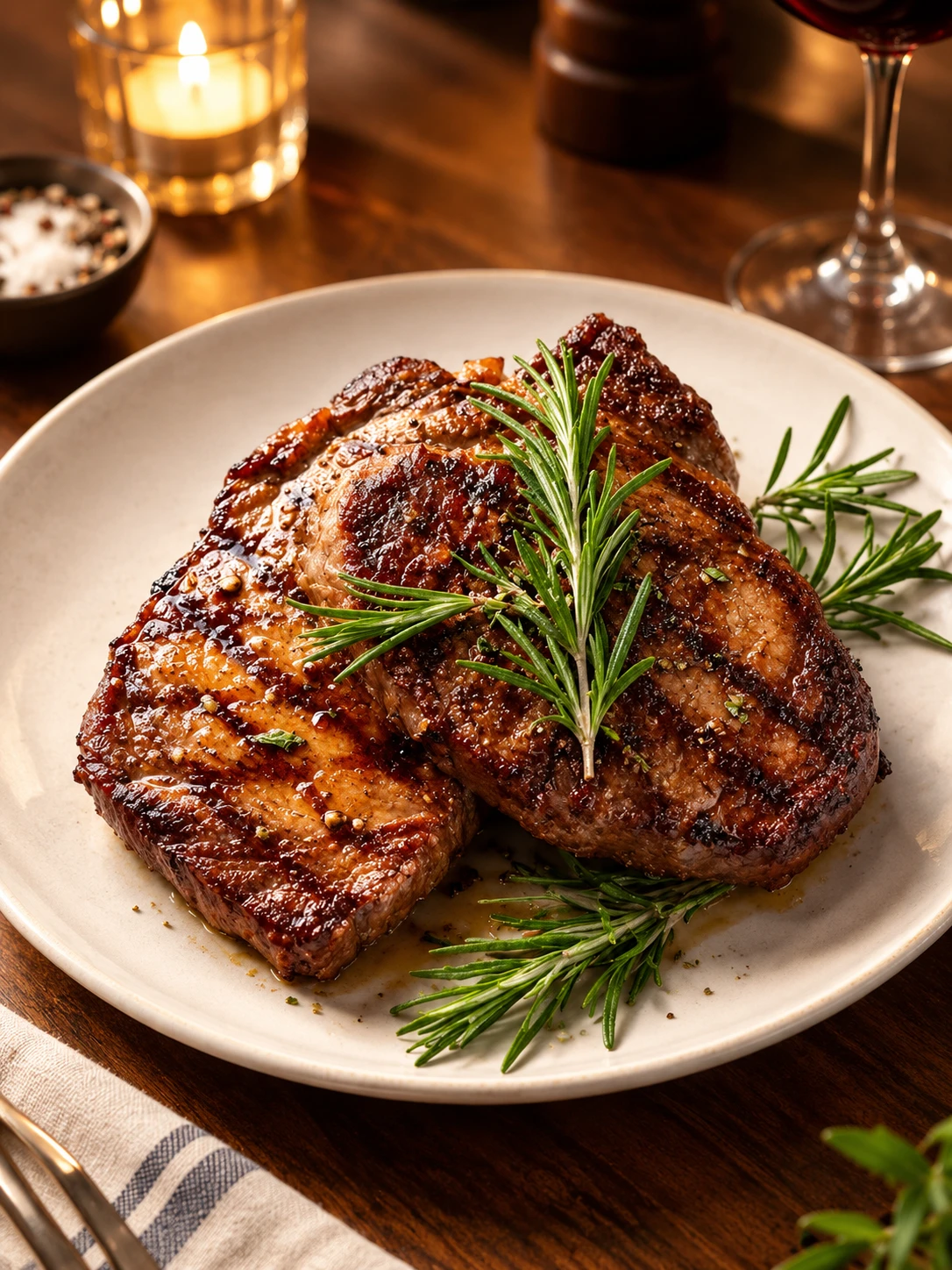
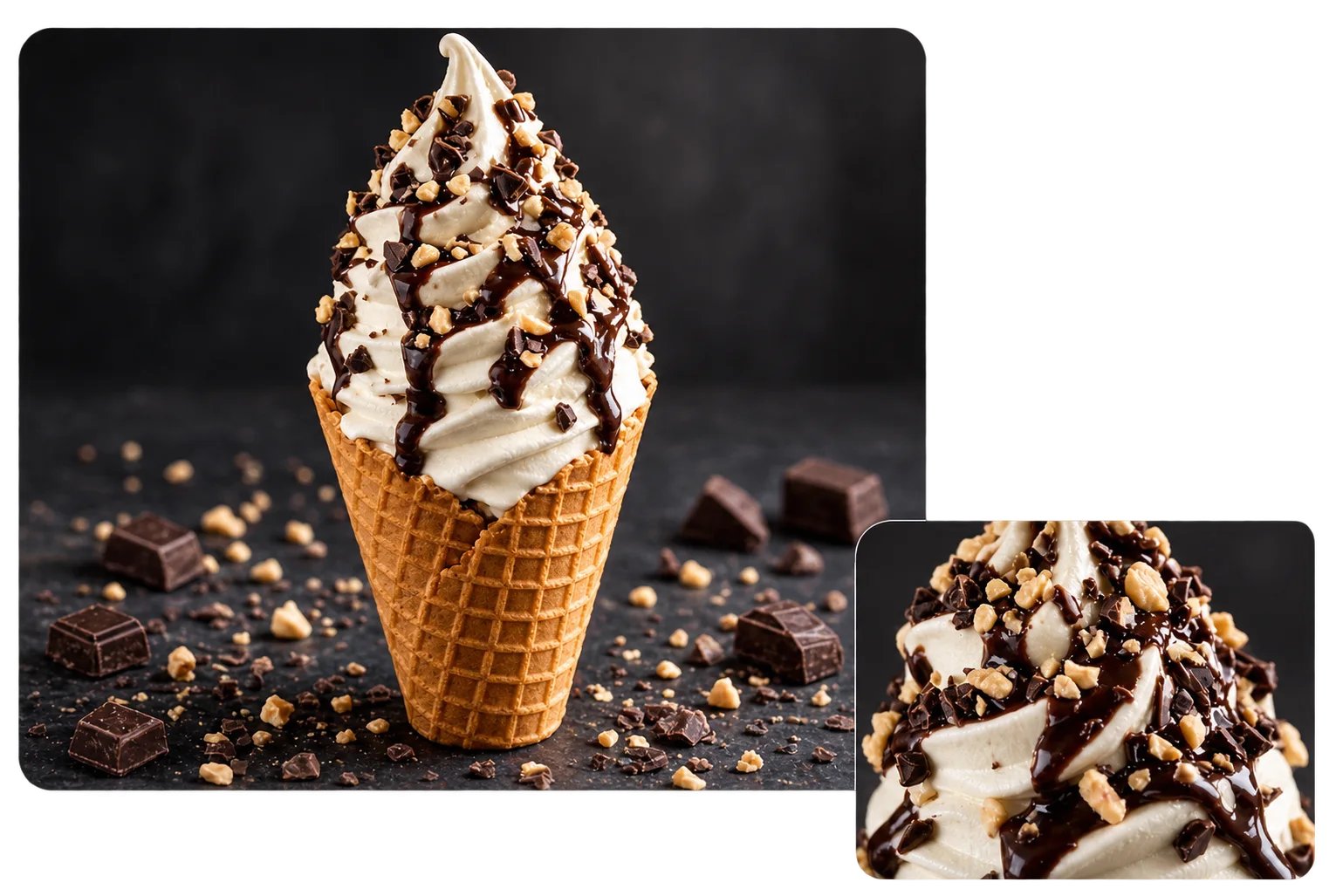
Keep the Dish. Change the Setting.
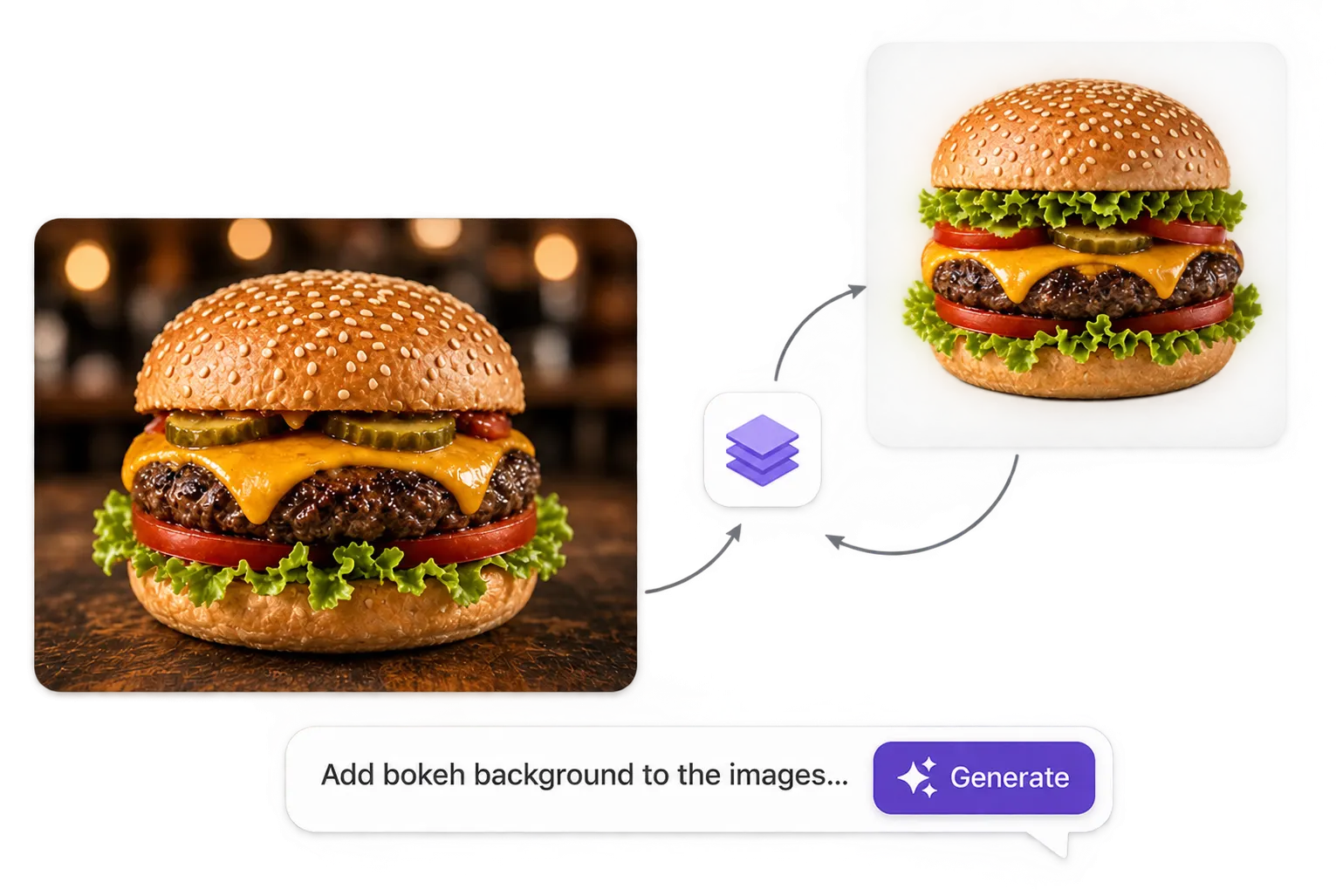
Have a real dish but need a better photo? Upload your food photo and use Image to Image to keep the dish as your visual reference while changing the setting around it. Replace a plain background with a restaurant table, adjust the lighting, change the environment, or create a different composition without arranging another food shoot. This is especially useful when the actual dish, ingredients, and presentation need to remain close to what you serve or sell.
Start With an Idea or a Real Food Photo
You don't need an original photo to create an AI food image. Use Text to Image to describe the dish, ingredients, plating, camera angle, lighting, and setting you want, then generate food photography from your description. When you already have a real dish, switch to Image to Image and use that photo as the starting point for a more reference-based result.
Turn One Dish Into Multiple Food Photos
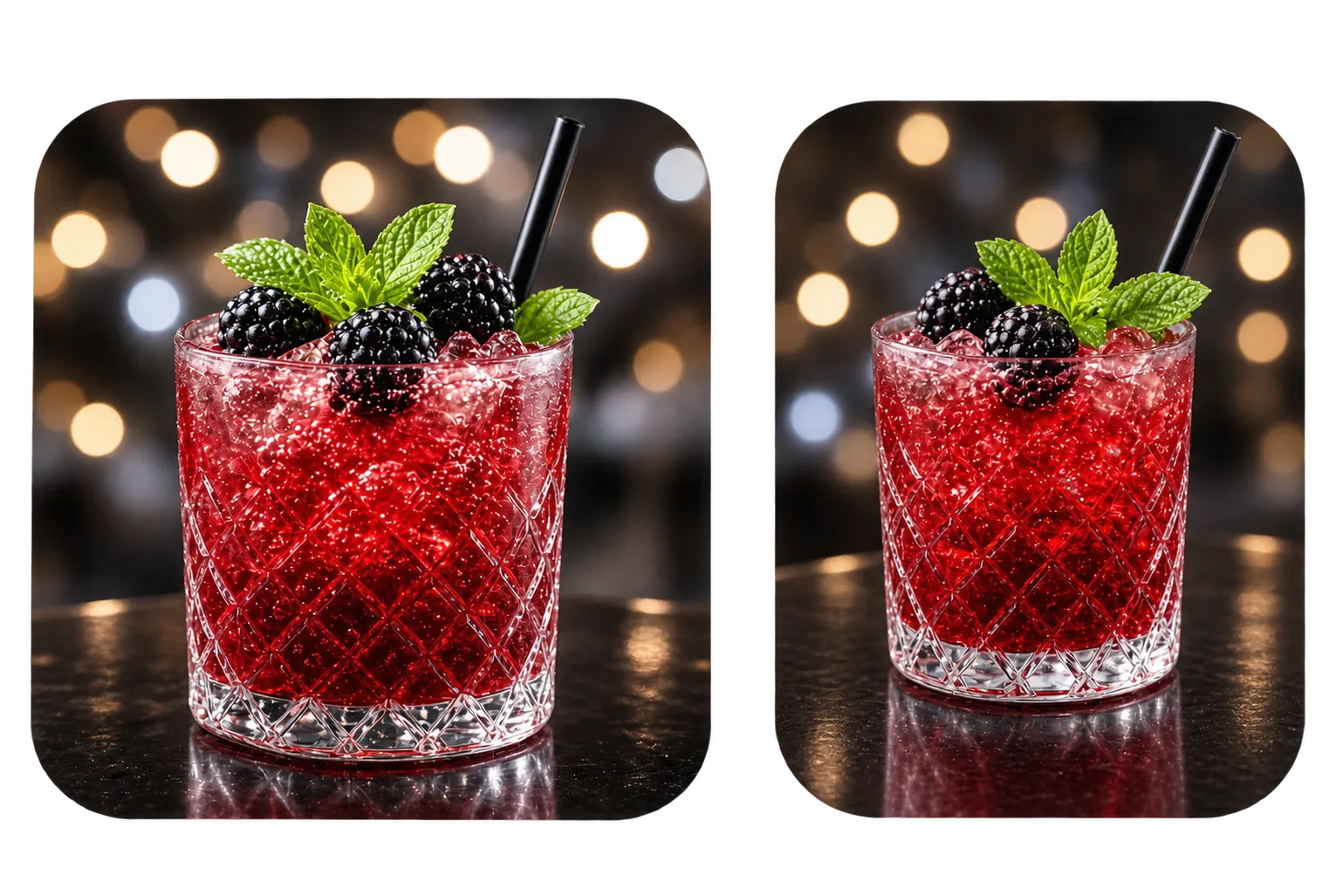
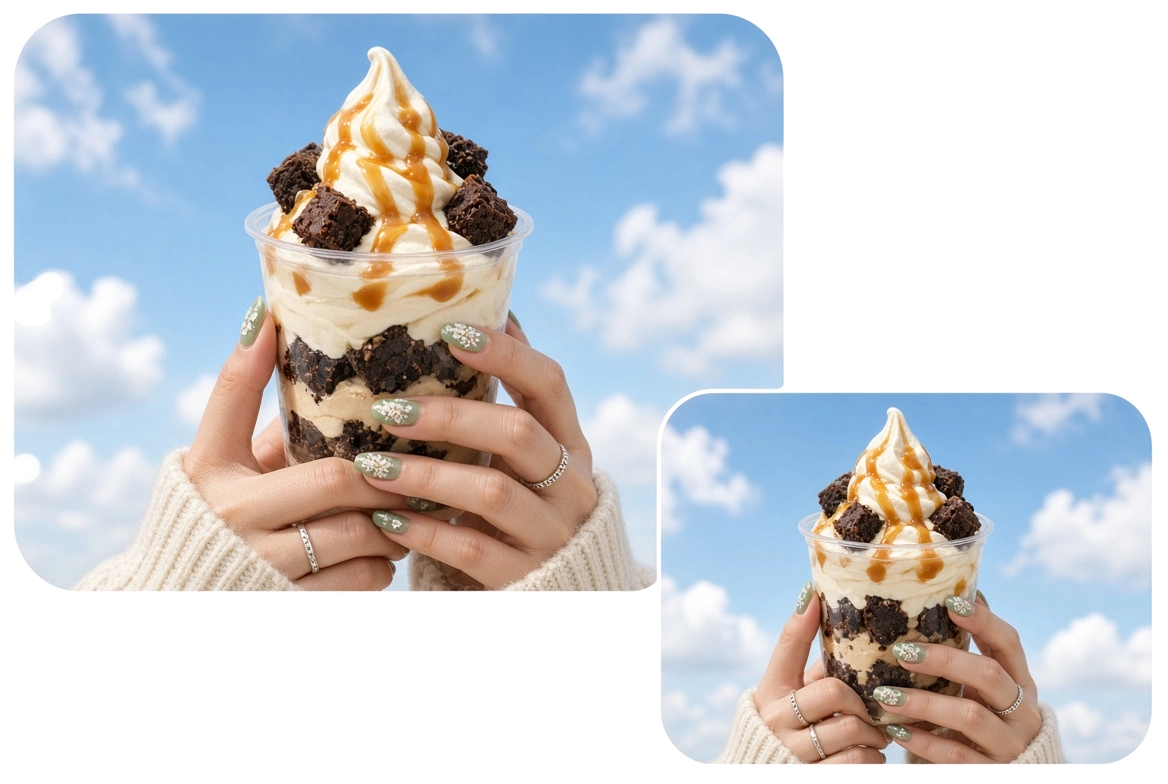
One food photo doesn't have to mean one final image. Use the same dish or reference image to explore close-ups, overhead shots, tabletop compositions, lifestyle scenes, and different crops. Create additional AI food images for restaurant menus, recipe pages, food blogs, websites, social posts, and promotional campaigns without photographing the dish from scratch each time.
Control the Details That Shape Food Photography
Good food photography depends on more than making the food look realistic. Specify the elements that change how a dish is actually presented, including lighting, camera angle, depth of field, background, plating, composition, and surrounding environment. Refine these details to create food images that fit the intended placement, whether you need a clean menu image, an overhead recipe photo, a close-up food shot, or a more styled image for marketing.
AI Food Images for Real-World Content
Restaurant Menus
Create realistic food photography for restaurant websites, digital menus, delivery listings, and promotions. Start with a real dish photo when accuracy matters.
Recipes & Food Blogs
Create hero images, overhead food photography, and close-up shots for recipes and food articles without setting up a new shoot for every post.
Food & Beverage Brands
Create product and lifestyle food photography for packaged foods, drinks, ingredients, and campaigns. Start with your product image and build the scene around it.
Social Media & Advertising
Turn one dish or food product into multiple visual directions for Instagram, Pinterest, ads, and other marketing content. Change the setting, composition, and lighting without reshooting.
How to Create AI Food Images
1 Start With Text or a Photo
1Use Text to Image when you have an idea, or upload an existing food photo and use Image to Image when you want to work from a real dish.
2 Describe the Food and the Shot
2Include the ingredients, texture, plating, lighting, camera angle, background, and photographic style you want. Specific details give you more control over the final food image.
3 Generate and Refine
3Generate your first AI food image and refine what needs changing. Adjust the background, lighting, composition, or overall style without rebuilding the image from scratch.
4 Create the Images You Need
4Make additional versions for different placements and content formats. Turn one food concept into images for your website, menu, recipe, social media, or campaign.


Loved by Creators Worldwide
Real feedback from designers, marketers, and hobbyists sharing their PicLumen experience on Trustpilot.
 Ayan Samanta
Awesome experience just looking wow
Awesome experience just looking wow
Awesome program easy to use a little…
Awesome program easy to use a little disappointment in the fact you can’t buy lumies
 Brijesh Chikhaliya
very good
very good , Excellent Experience
next framebest ai web creation site
best ai web creation site
Really good app and generates good…
Really good app and generates good images!
It’s way easier to use then these other…
It’s way easier to use then these other apps
Can’t go wrong using this one
Can’t go wrong using this one
 Francess Greene
I love the app and it work well
I love the app and it work well
 Zain Ali
This is the best ai in the world
This is the best ai in the world
basem trialsWorks like charm .
Works like charm .. I love this app
 lourdes mayorga
IT IS A GREAT TOOL AND IT HELPS YU A…
IT IS A GREAT TOOL AND IT HELPS YU A LOT I WOULD RECOMEND THIS TOIEVERYBODY
Human HumanBest of all time vry real
Best of all time vry real
Frequently Asked Questions
What is an AI Food Image Generator?
An AI Food Image Generator creates food images from text prompts, reference photos, or both. PicLumen lets you create an AI food image from an idea or transform an existing food photo.
Can I create an AI food image from my own photo?
Yes. Upload a photo of your dish and use Image to Image to create a new food image while keeping the original photo as your visual reference. You can change the background, lighting, setting, composition, and style.
Can I generate food images without a photo?
Yes. Text to Image lets you create food photography from a written description. Describe the dish and add details about its plating, lighting, camera angle, background, and photographic style.
How do I make AI food images look realistic?
Be specific about the food and the photography. Describe ingredients, textures, plating, lighting, camera angle, depth of field, and surroundings rather than relying only on phrases such as “ultra realistic.” When you need the image to represent a real dish, using an actual food photo as a reference can also help keep the result closer to what you serve or sell.
Can I use AI food images for restaurant menus?
Yes. You can create food photography for restaurant websites, digital menus, delivery listings, and promotional materials. If the image represents a real menu item, review it against the actual dish before publishing to make sure the ingredients, toppings, presentation, and portion are accurate.
Can I turn one food photo into multiple images?
Yes. Use the same food photo as a reference and create different backgrounds, camera angles, compositions, lighting setups, and formats. This can help you produce more food photography from one original dish.
What can I use AI food images for?
AI food images can be used for restaurant menus, recipe websites, food blogs, product pages, social media, advertising, food and beverage marketing, and other digital content.
Can I create high-resolution AI food images?
Yes. PicLumen supports high-resolution image generation, including 4K output. This gives you more flexibility to crop, resize, and reuse your food photography across different placements.
Create Food Photography Without Another Shoot
Start with a food idea or a photo of the dish you already have. Create realistic AI food images for your menu, recipe, product, website, or next campaign.
- AI Floor Plan Generator
- AI Emoji Generator
- AI Headshot Generator
- AI Image Generator
- AI Baby Dance Video Generator
- AI Banner Generator
- AI Celebrity Look Alike Finder
- Funny AI Image Generator
- AI Virtual Try On
- AI Art Generator
- AI Video Generator
- Text to Image AI Generator
- AI Full Body Character Creator
- AI Product Design
- AI Image Object Remover